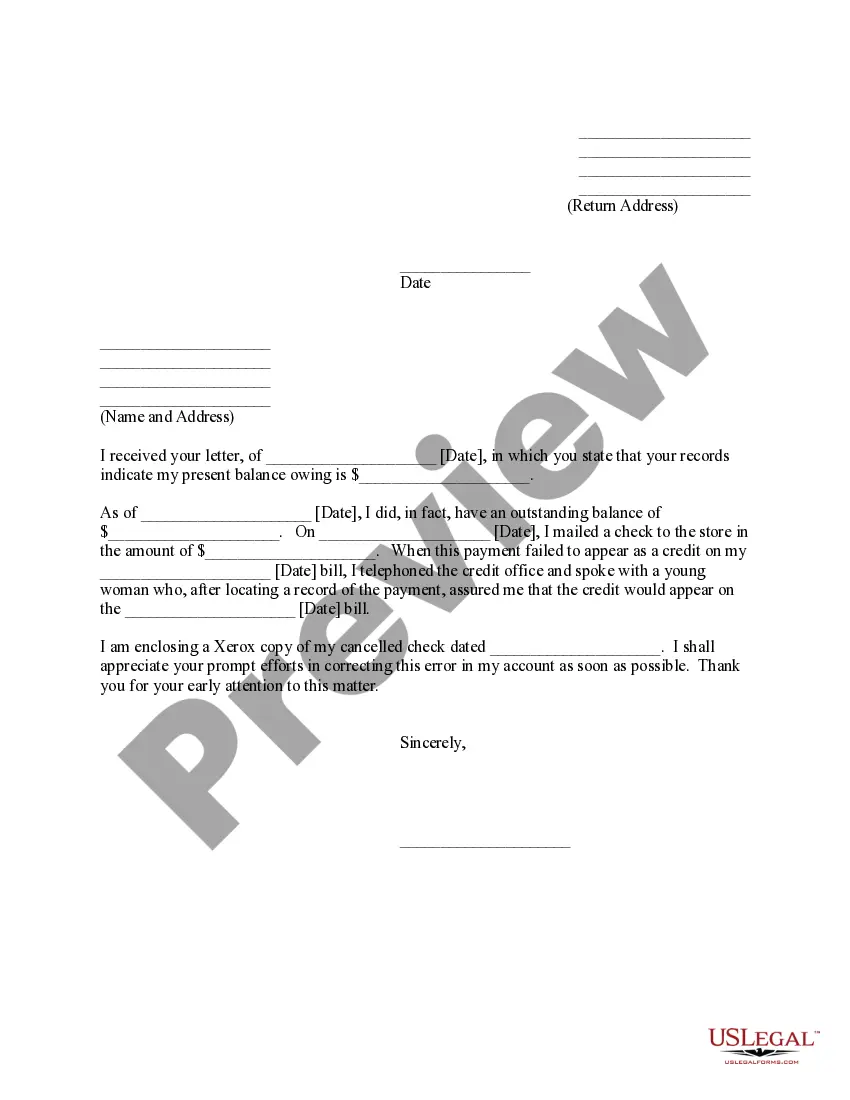
This is a generic Affidavit to accompany a Motion to amend or strike alimony provisions of a divorce decree because of cohabitation by dependent spouse. This form is a generic example that may be referred to when preparing such a form for your particular state. It is for illustrative purposes only. Local laws should be consulted to determine any specific requirements for such a form in a particular jurisdiction.
Colorado Affidavit of Defendant Spouse in Support of Motion to Amend or Strike Alimony Provisions of Divorce Decree Because of Cohabitation By Dependent Spouse
Category:
State:
Multi-State
Control #:
US-00003BG-I
Format:
Word;
PDF;
Rich Text
Instant download
Description
Free preview






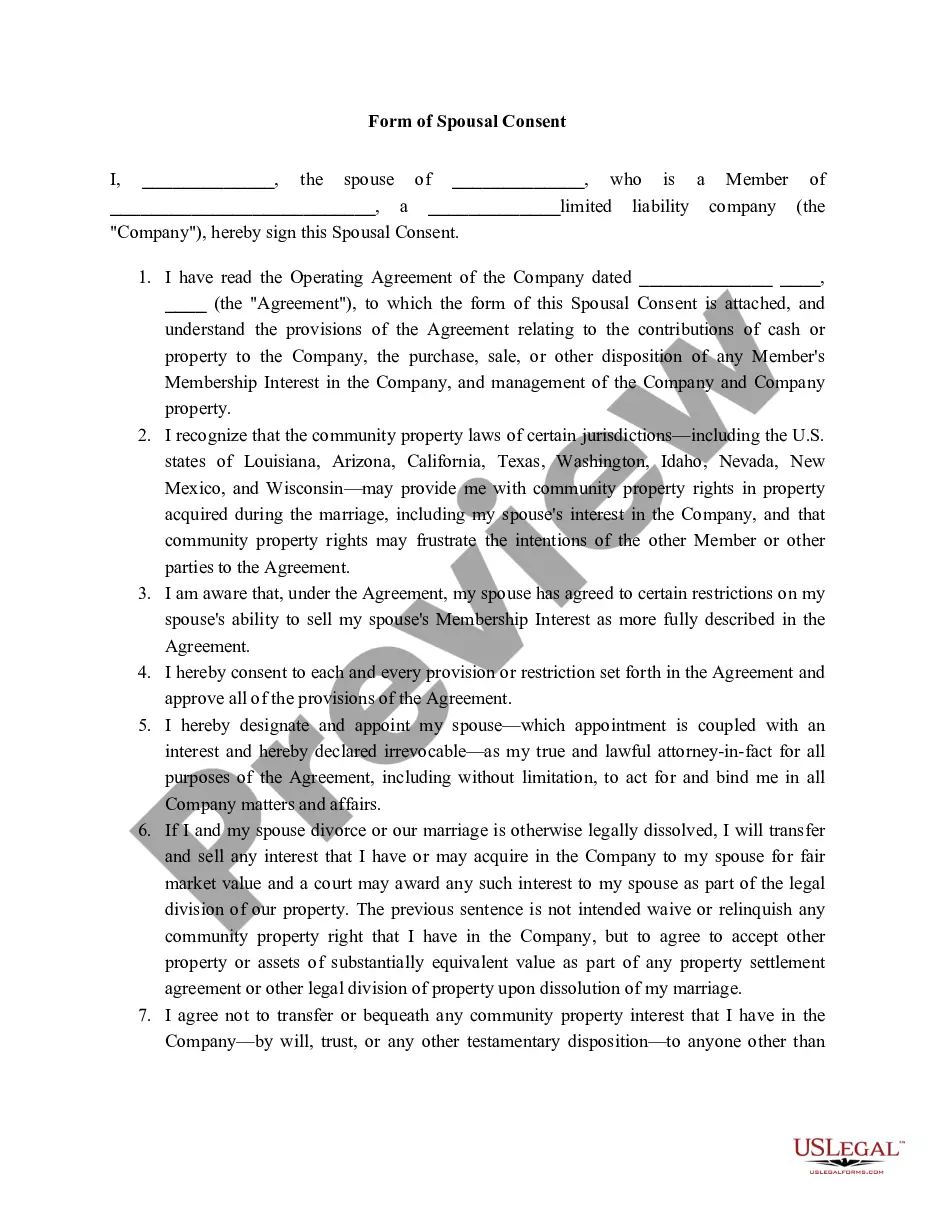
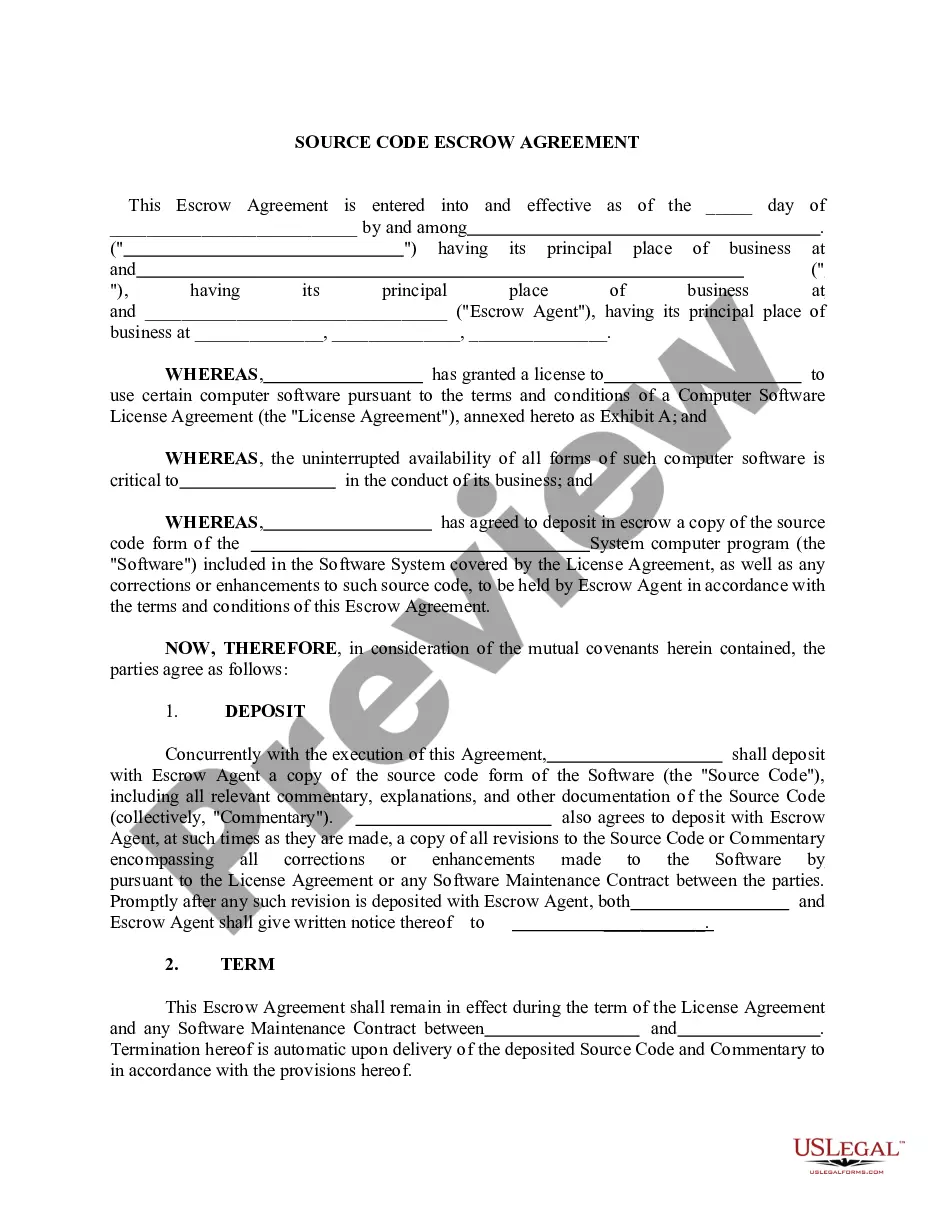
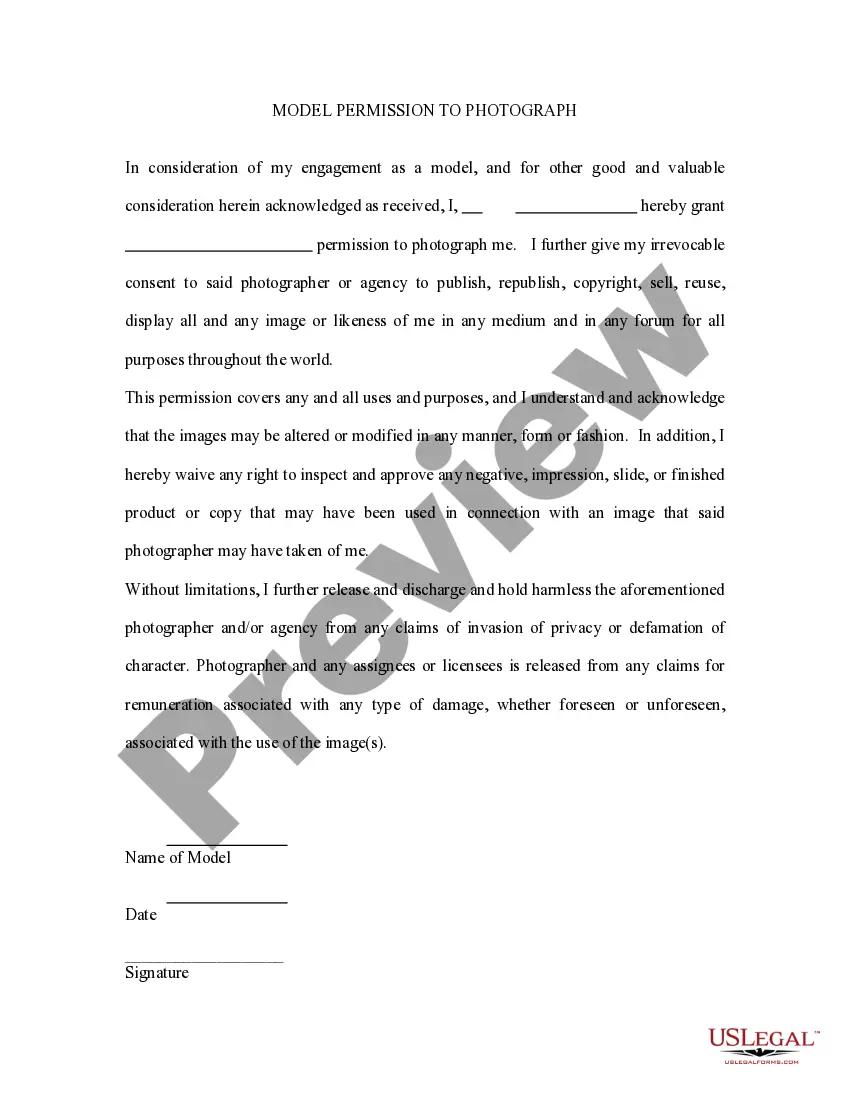
How to fill out Affidavit Of Defendant Spouse In Support Of Motion To Amend Or Strike Alimony Provisions Of Divorce Decree Because Of Cohabitation By Dependent Spouse?
If you need to comprehensive, obtain, or print approved document templates, utilize US Legal Forms, the largest selection of legal documents that are accessible online.
Take advantage of the site's straightforward and convenient search tool to find the documents you require. Various templates for business and personal purposes are categorized by types and claims, or keywords.
Utilize US Legal Forms to acquire the Colorado Affidavit of Defendant Spouse in Support of Motion to Amend or Strike Alimony Provisions of Divorce Decree Because of Cohabitation By Dependent Spouse in just a few clicks.
Step 4. Once you have located the form you need, click the Buy now button. Choose the pricing plan you prefer and provide your credentials to register for an account.
Step 5. Complete the transaction. You can use your credit card or PayPal account to finalize the payment. Step 6. Select the format of the legal form and download it to your device. Step 7. Complete, revise, and print or sign the Colorado Affidavit of Defendant Spouse in Support of Motion to Amend or Strike Alimony Provisions of Divorce Decree Because of Cohabitation By Dependent Spouse. Every legal document template you purchase is your property indefinitely. You will have access to every form you downloaded in your account. Click on the My documents section and select a form to print or download again. Stay competitive and acquire, and print the Colorado Affidavit of Defendant Spouse in Support of Motion to Amend or Strike Alimony Provisions of Divorce Decree Because of Cohabitation By Dependent Spouse with US Legal Forms. There are millions of professional and state-specific forms available for your business or personal requirements.
- If you are already a US Legal Forms user, Log In to your account and click the Download button to access the Colorado Affidavit of Defendant Spouse in Support of Motion to Amend or Strike Alimony Provisions of Divorce Decree Because of Cohabitation By Dependent Spouse.
- You can also access documents you previously downloaded in the My documents section of your account.
- If you are using US Legal Forms for the first time, follow the instructions below.
- Step 1. Ensure you have selected the form for the correct state/region.
- Step 2. Use the Review option to examine the form's details. Remember to read the description.
- Step 3. If you are dissatisfied with the form, use the Search area at the top of the screen to find other versions in the legal form design.
Form popularity
FAQ
Filling out JDF 76, which is essential for modifying alimony in Colorado, requires careful attention to detail. Start by providing your personal information and details of the existing divorce decree, including the terms related to alimony. Ensure you clearly explain the reasons for your motion, especially if it relates to the Colorado Affidavit of Defendant Spouse in Support of Motion to Amend or Strike Alimony Provisions of Divorce Decree Because of Cohabitation By Dependent Spouse. If you need assistance, platforms like uslegalforms can guide you step by step through the process.
The 1-3 rule for alimony suggests that for every year of marriage, a dependent spouse may receive alimony for one year, up to a maximum of three years. This guideline helps courts determine a fair duration for alimony payments based on the length of the marriage. However, circumstances can vary, especially in cases involving the Colorado Affidavit of Defendant Spouse in Support of Motion to Amend or Strike Alimony Provisions of Divorce Decree Because of Cohabitation By Dependent Spouse. Consulting with a legal expert can provide clarity on how the rule applies to your situation.
Yes, spousal support can be modified in Colorado under specific circumstances. If there is a significant change in circumstances, such as cohabitation by a dependent spouse, you may file a motion to alter the existing alimony provisions. Utilizing a Colorado Affidavit of Defendant Spouse in Support of Motion to Amend or Strike Alimony Provisions of Divorce Decree Because of Cohabitation By Dependent Spouse can streamline this process. US Legal Forms provides the necessary resources to assist you in filing and managing these legal documents.
A Rule 59 motion in Colorado allows a party to request the court to reconsider or amend its decision. This motion can address errors in the judgment or the need for additional evidence. In cases involving spousal support, such as the Colorado Affidavit of Defendant Spouse in Support of Motion to Amend or Strike Alimony Provisions of Divorce Decree Because of Cohabitation By Dependent Spouse, this motion may be crucial for modifying existing orders. Working with a knowledgeable legal platform like US Legal Forms can help you navigate this process effectively.
Colorado Spousal Maintenance Calculation Colorado courts take 40 percent of the divorcing couple's combined monthly adjusted gross income (AGI) and subtract from that the lower-earning spouse's monthly AGI.
There are three major criteria that can qualify you for an alimony modification: Sudden increase/decrease in income. Change in child-rearing expenses. Sudden loss of assets or property.
Factors that go into alimony determination include each spouse's income and financial resources, the future earning capacities of the spouses, the length of the marriage, age and physical and emotional conditions of the spouses, and whether the spouse seeking alimony payments will obtain child support or property from ...
You will generally not be required to pay maintenance for more than half the time you were married. Once you've been married for 12 and a half years, the maintenance term becomes 50 percent of the length of the marriage. If you were married for 20 years, you could receive alimony for 10 years.
Unless an ex-spouse remarries or dies, the supporting party can only terminate payments through a court order.
Bottom Line. In order to avoid paying spousal maintenance, you must show the court that your former spouse does not need it. Spousal maintenance is not mandatory in Colorado. In fact, you may not have to pay it if you can show the court that your spouse can support themselves following the divorce.