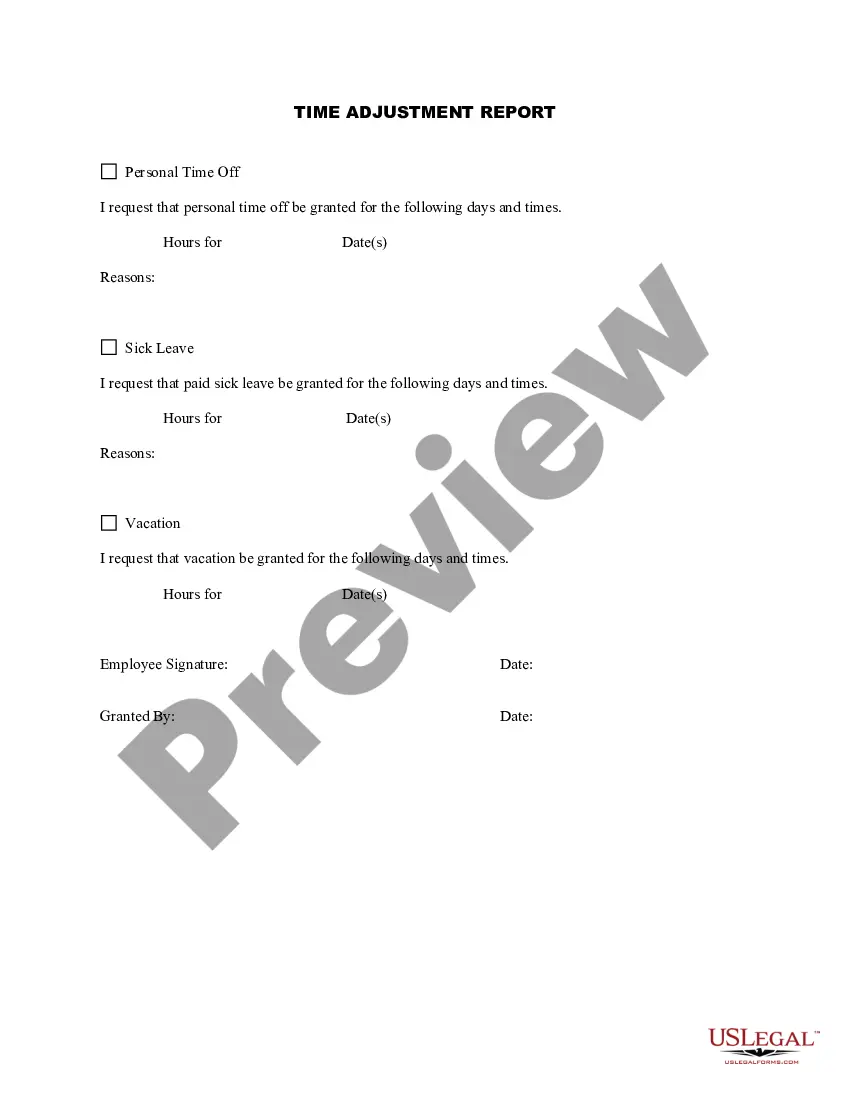
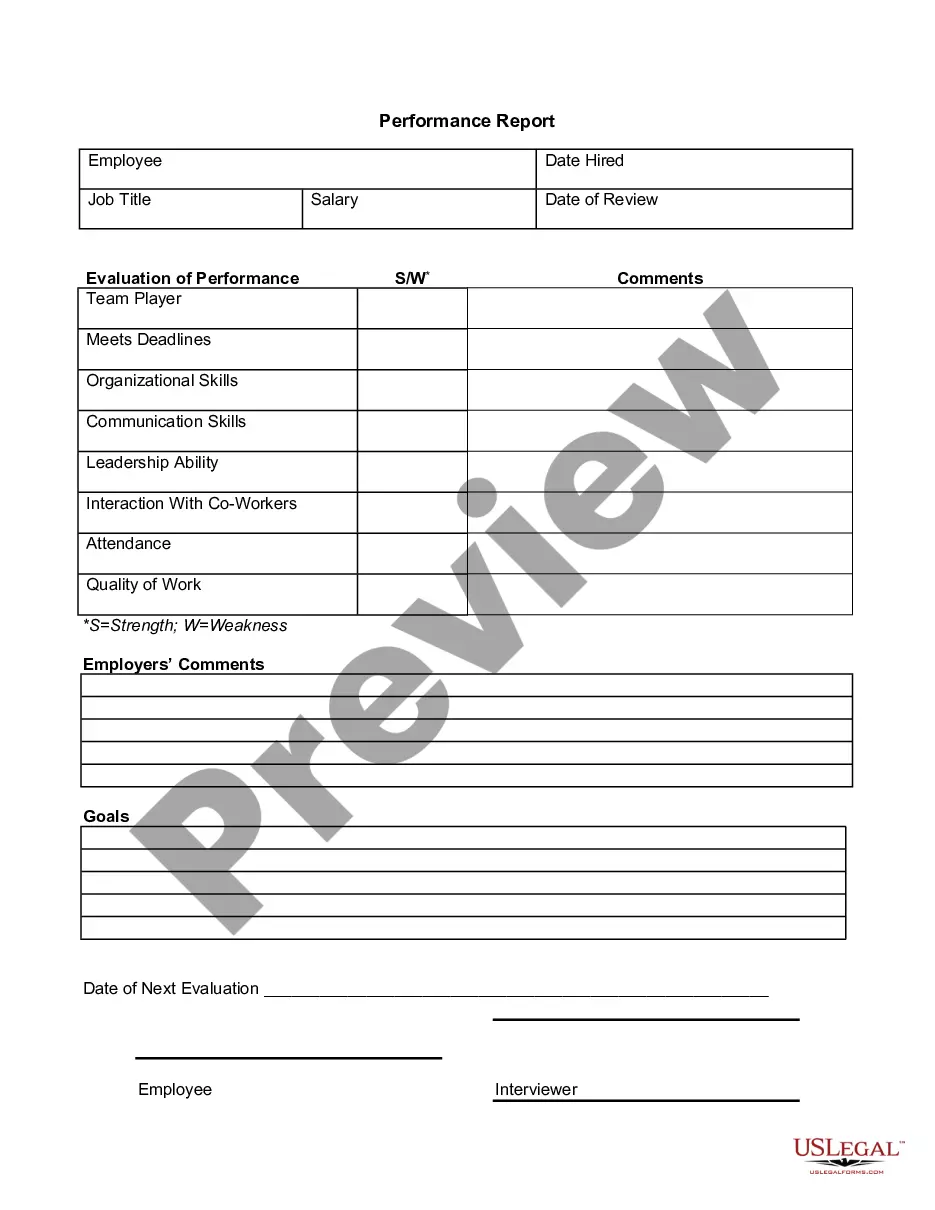
California Time Adjustment Report
Description
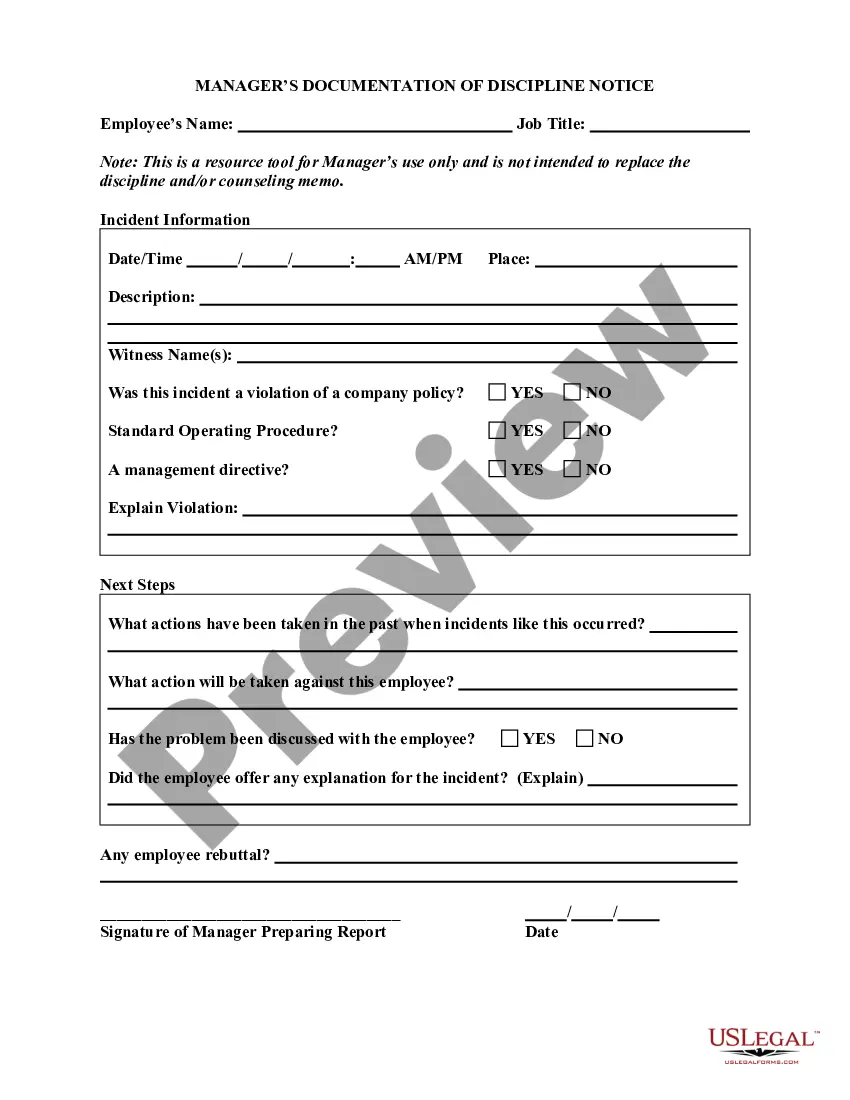
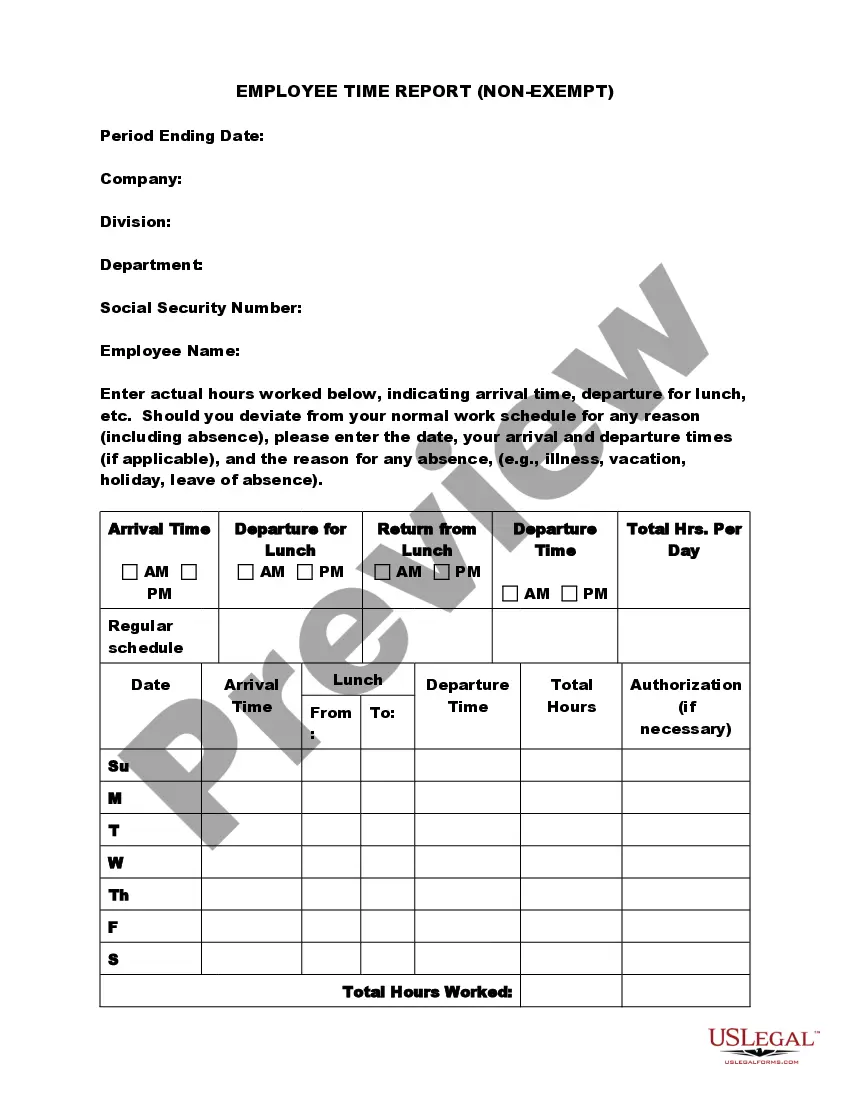
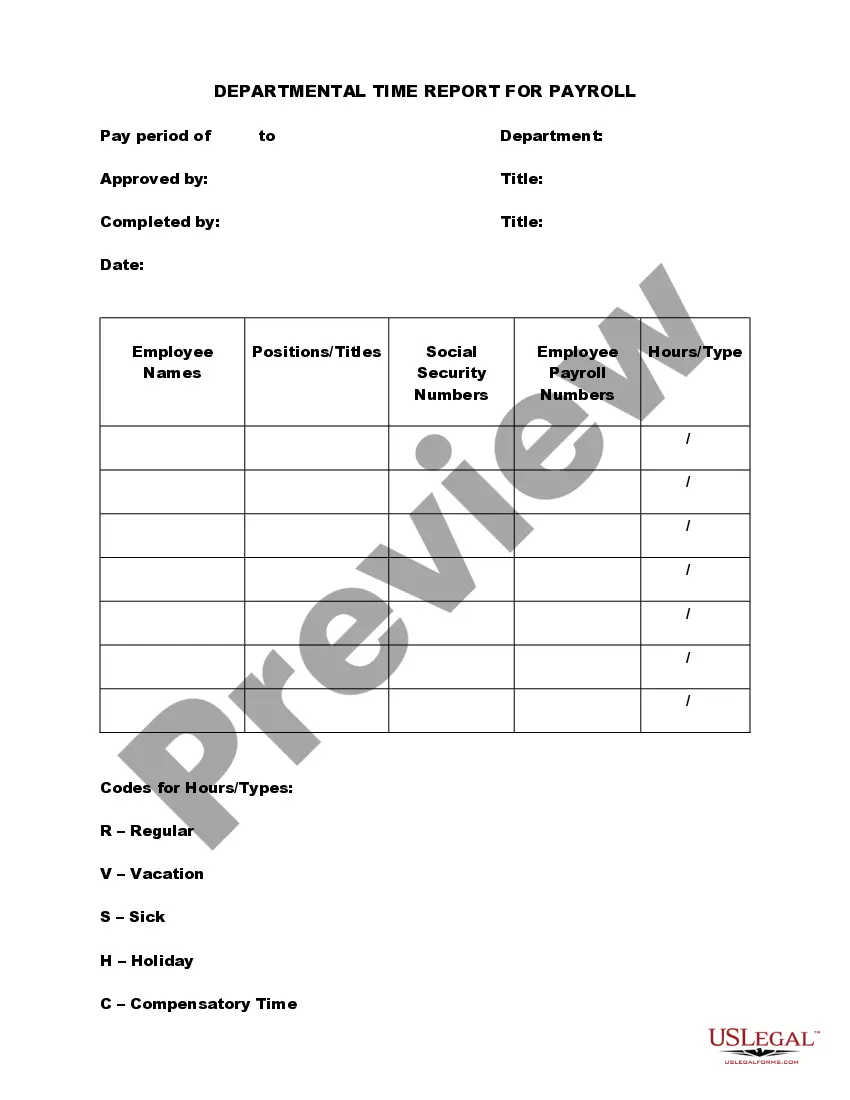
Get your form ready online
Our built-in tools help you complete, sign, share, and store your documents in one place.
Make edits, fill in missing information, and update formatting in US Legal Forms—just like you would in MS Word.
Download a copy, print it, send it by email, or mail it via USPS—whatever works best for your next step.
Sign and collect signatures with our SignNow integration. Send to multiple recipients, set reminders, and more. Go Premium to unlock E-Sign.
If this form requires notarization, complete it online through a secure video call—no need to meet a notary in person or wait for an appointment.
We protect your documents and personal data by following strict security and privacy standards.

Make edits, fill in missing information, and update formatting in US Legal Forms—just like you would in MS Word.

Download a copy, print it, send it by email, or mail it via USPS—whatever works best for your next step.

Sign and collect signatures with our SignNow integration. Send to multiple recipients, set reminders, and more. Go Premium to unlock E-Sign.

If this form requires notarization, complete it online through a secure video call—no need to meet a notary in person or wait for an appointment.

We protect your documents and personal data by following strict security and privacy standards.
Looking for another form?

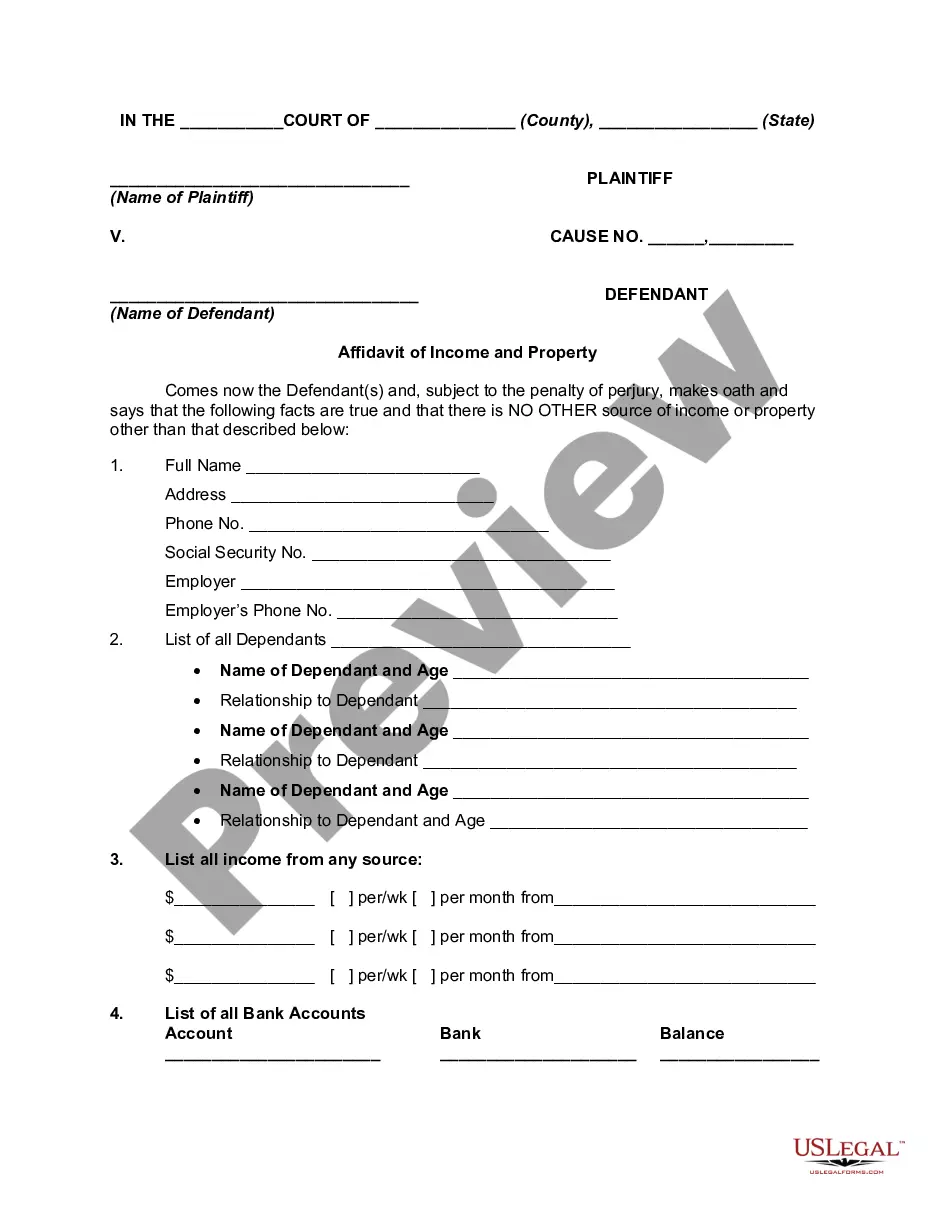


How to fill out Time Adjustment Report?
Are you in a situation where you need documentation for either business or personal purposes nearly every day.
There are numerous legal document templates accessible online, but finding reliable options is not easy.
US Legal Forms offers a vast array of form templates, such as the California Time Adjustment Report, that are designed to comply with both state and federal requirements.
Access all the document templates you have purchased in the My documents menu. You can download another copy of the California Time Adjustment Report anytime, if needed. Just select the required form to download or print the document template.
Utilize US Legal Forms, the most extensive collection of legal forms, to save time and prevent mistakes. The service offers professionally designed legal document templates for various purposes. Create an account on US Legal Forms and start making your life easier.
- If you are already familiar with the US Legal Forms website and possess an account, simply Log In.
- After logging in, you can download the California Time Adjustment Report template.
- If you do not have an account and want to use US Legal Forms, follow these instructions.
- Find the form you need and ensure it is appropriate for your city/state.
- Use the Preview button to review the form.
- Check the details to ensure you've selected the correct form.
- If the form is not what you need, utilize the Lookup field to find a form that meets your requirements.
- Once you locate the correct form, click on Get now.
- Choose the pricing plan you prefer, fill out the necessary information to create your account, and pay for your order using PayPal or your Visa or Mastercard.
- Select a suitable file format and download your copy.
Form popularity
FAQ
Daylight Saving Time Ends Sunday, November 6, 2022, :00 am local standard time instead. Sunrise and sunset will be about 1 hour earlier on than the day before. There will be more light in the morning.
Sunset in Pacific Grove Calif., . In 2018, California voters passed a ballot measure that could have led to the end of daylight saving time in the state. Spring forward four years, and residents will still be changing their clocks this weekend, and may be voting on the issue again in November.
All states but Hawaii and Arizona (except the Navajo Nation) observe DST. The territories of American Samoa, Guam, the Northern Mariana Islands, Puerto Rico and the U.S. Virgin Islands also do not observe DST.
Daylight savings time permanent: Senate advances bill to end 'falling back' forever, nix time change in 2022 - ABC7 Los Angeles.
Hawaii and Arizona are the only two states in the U.S. that do not observe daylight savings time. However, several overseas territories do not observe daylight savings time. Those territories include American Samoa, Guam, Northern Mariana Islands, Puerto Rico, and the U.S. Virgin Islands.
The US Senate voted unanimously on March 15 to pass legislation that would make daylight saving time permanent, ending the cycle of changing clocks by an hour twice a year that most of the US have been observing since the 1960s.
Hawaii and Arizona are the only two states in the U.S. that do not observe daylight savings time. However, several overseas territories do not observe daylight savings time. Those territories include American Samoa, Guam, Northern Mariana Islands, Puerto Rico, and the U.S. Virgin Islands.
Daylight Saving Time Ends Sunday, November 6, 2022, :00 am local standard time instead. Sunrise and sunset will be about 1 hour earlier on than the day before. There will be more light in the morning.
Sunset in Pacific Grove Calif., . In 2018, California voters passed a ballot measure that could have led to the end of daylight saving time in the state. Spring forward four years, and residents will still be changing their clocks this weekend, and may be voting on the issue again in November.