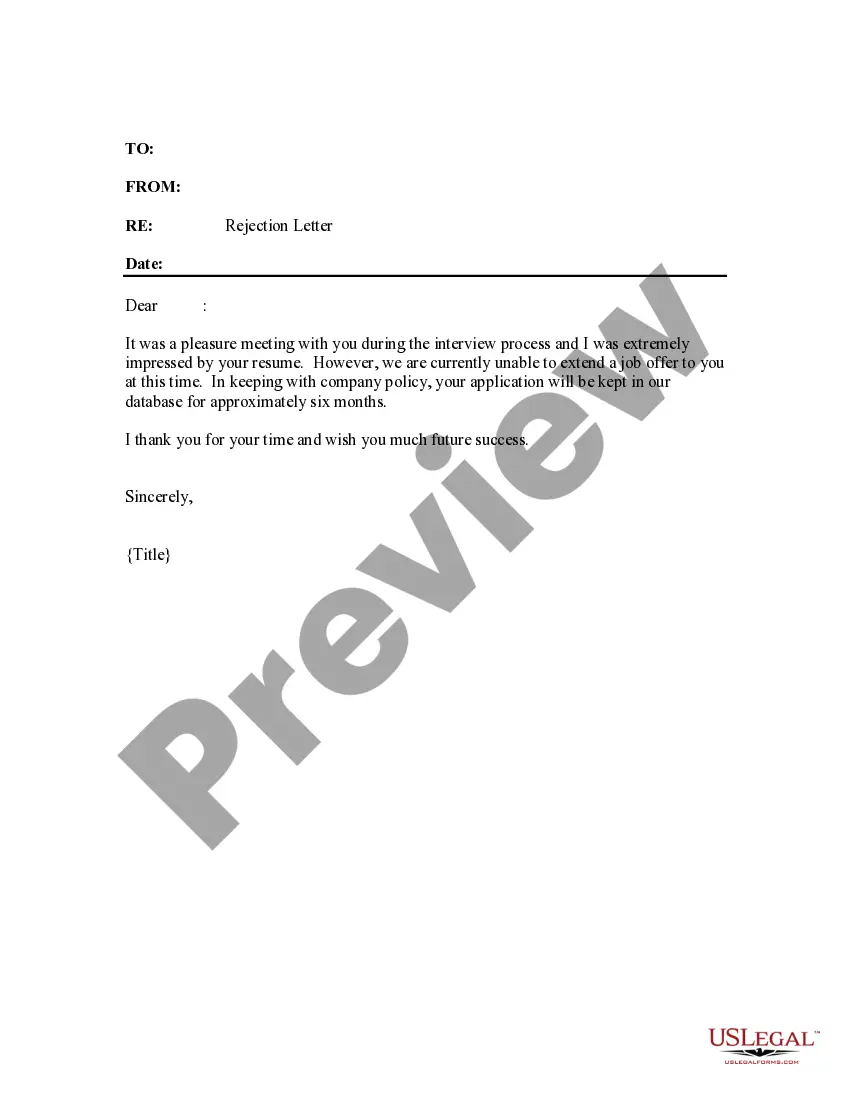
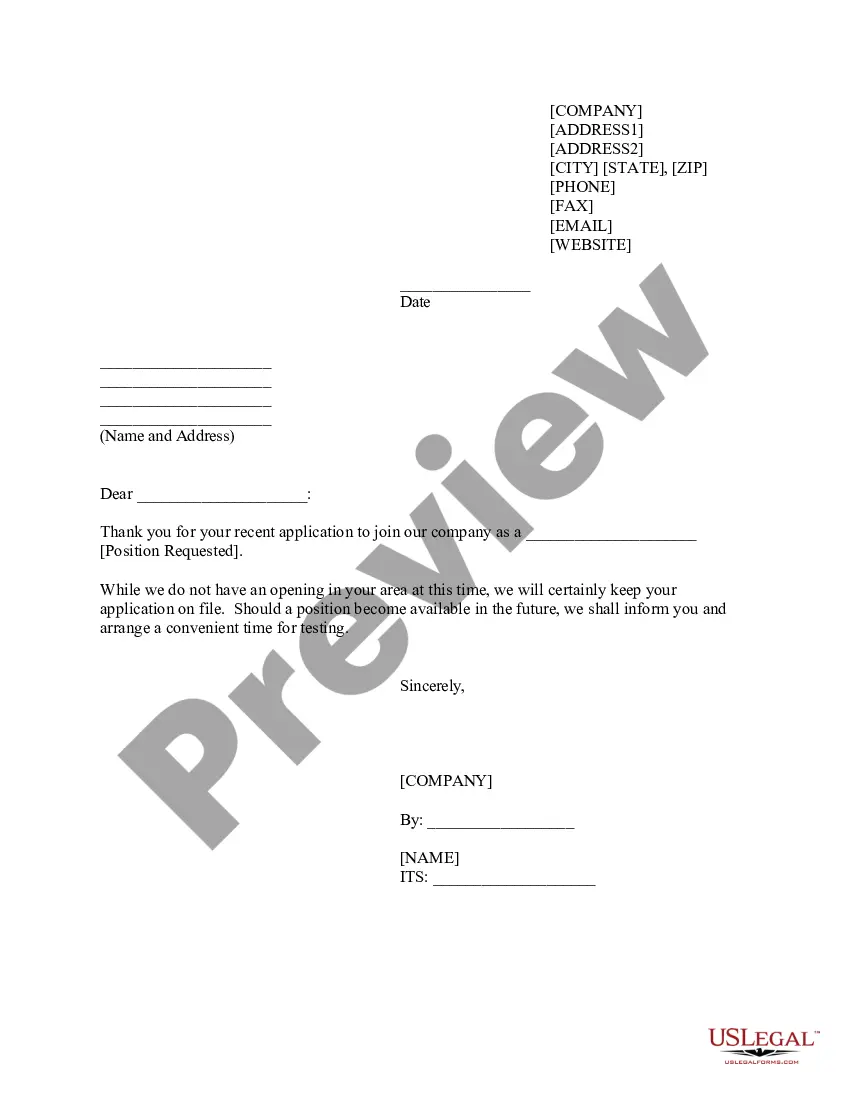
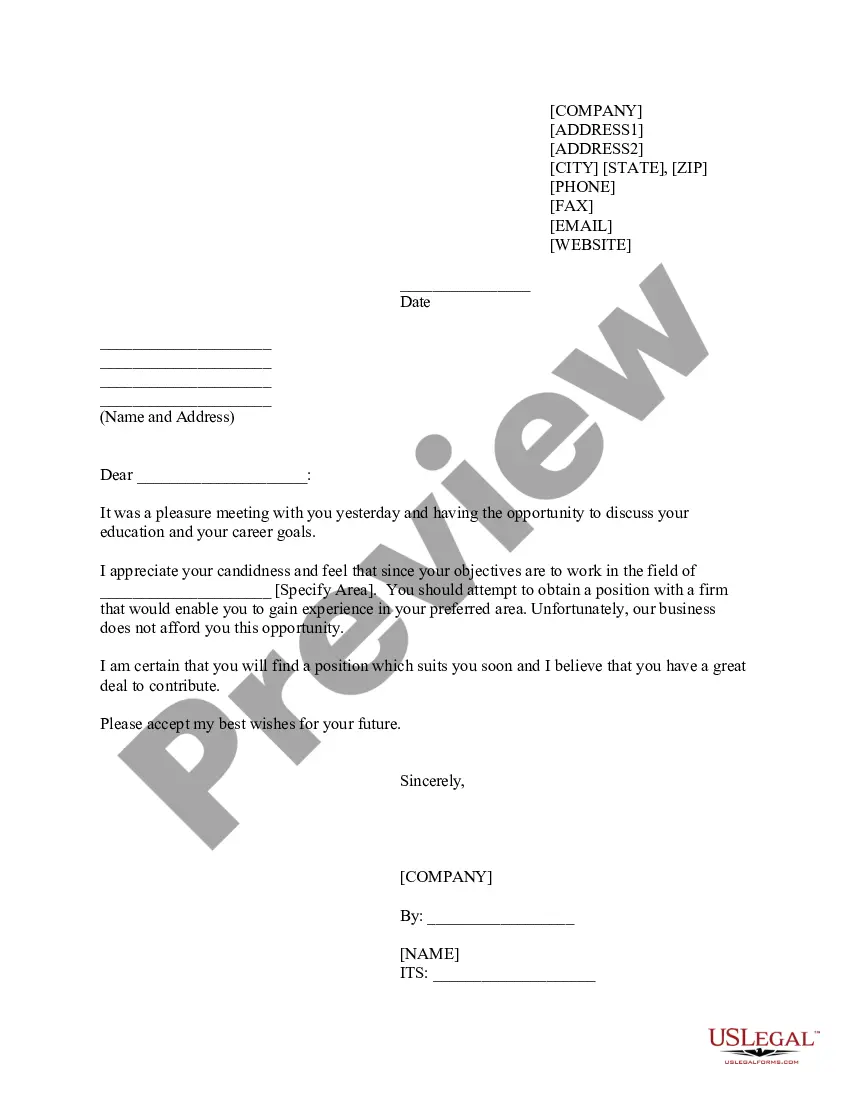
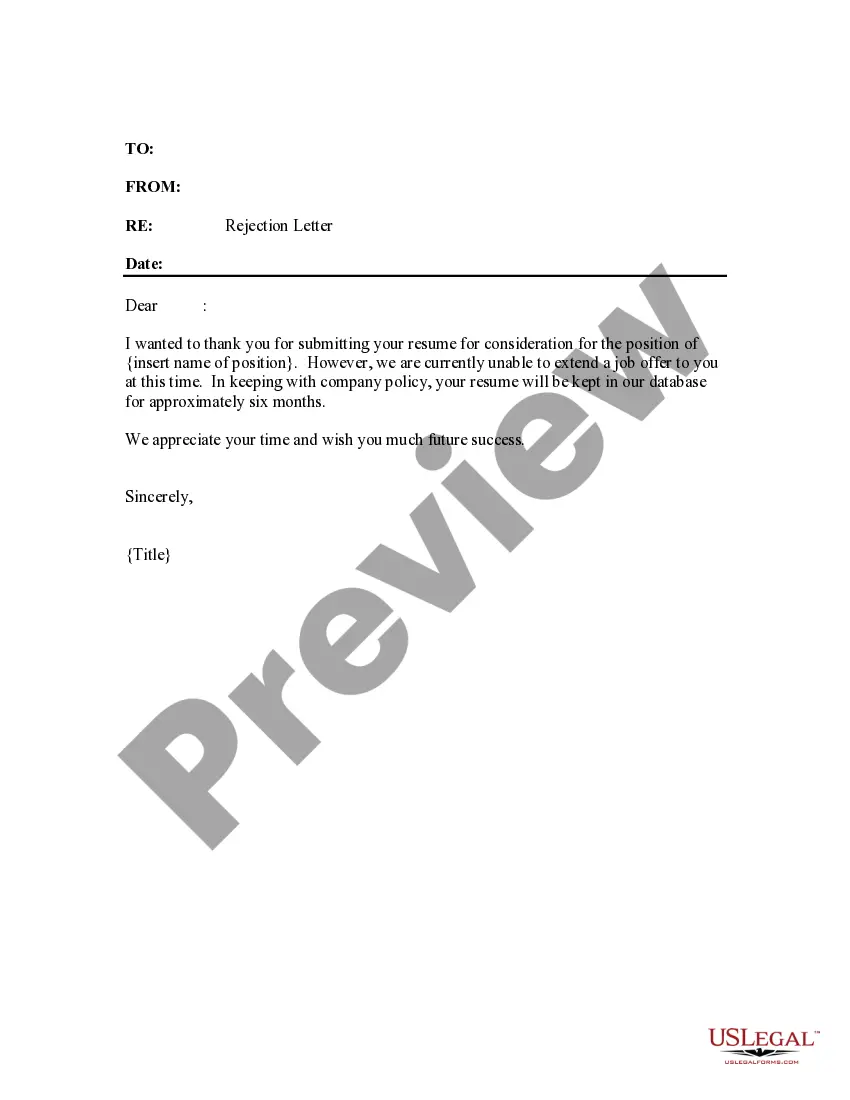
California Rejection Letter - Interviewed Applicants
Description
Get your form ready online
Our built-in tools help you complete, sign, share, and store your documents in one place.
Make edits, fill in missing information, and update formatting in US Legal Forms—just like you would in MS Word.
Download a copy, print it, send it by email, or mail it via USPS—whatever works best for your next step.
Sign and collect signatures with our SignNow integration. Send to multiple recipients, set reminders, and more. Go Premium to unlock E-Sign.
If this form requires notarization, complete it online through a secure video call—no need to meet a notary in person or wait for an appointment.
We protect your documents and personal data by following strict security and privacy standards.

Make edits, fill in missing information, and update formatting in US Legal Forms—just like you would in MS Word.

Download a copy, print it, send it by email, or mail it via USPS—whatever works best for your next step.

Sign and collect signatures with our SignNow integration. Send to multiple recipients, set reminders, and more. Go Premium to unlock E-Sign.

If this form requires notarization, complete it online through a secure video call—no need to meet a notary in person or wait for an appointment.

We protect your documents and personal data by following strict security and privacy standards.
Looking for another form?





How to fill out Rejection Letter - Interviewed Applicants?
If you need to finalize, obtain, or print legal document templates, make use of US Legal Forms, the largest collection of legal forms available online.
Take advantage of the site's simple and user-friendly search feature to find the documents you require.
Numerous templates for business and personal purposes are organized by categories and states, or keywords.
Step 4. Once you have identified the form you want, click the Get now button. Choose the payment plan you prefer and provide your details to register for an account.
Step 5. Complete the transaction. You can use your Мisa or Ьastercard or PayPal account to finish the purchase. Step 6. Select the format of the legal form and download it to your device. Step 7. Fill out, modify, and print or sign the California Rejection Letter - Interviewed Applicants. Every legal document template you obtain is yours for an extended period. You have access to all forms you acquired with your account. Click the My documents section and select a form to print or download again. Stay competitive and obtain and print the California Rejection Letter - Interviewed Applicants with US Legal Forms. There are thousands of professional and state-specific forms you can utilize for your business or personal needs.
- Use US Legal Forms to acquire the California Rejection Letter - Interviewed Applicants with just a few clicks.
- If you are already a client of US Legal Forms, Log In to your account and click the Download button to retrieve the California Rejection Letter - Interviewed Applicants.
- You can also access forms you previously obtained in the My documents tab of your account.
- If you are using US Legal Forms for the first time, follow the instructions below.
- Step 1. Ensure you have selected the form for the correct city/state.
- Step 2. Use the Review option to examine the form's content. Don't forget to check the summary.
- Step 3. If you are not satisfied with the form, use the Search field at the top of the screen to find other versions of the legal form template.
Form popularity
FAQ
Use these steps:Thank them.Explain that you're pursuing other applicants.Mention the strengths of the other candidate.Let them know that many qualified applicants applied.Encourage strong candidates to apply again.Phone.Email.Phone.More items...?16-Mar-2021
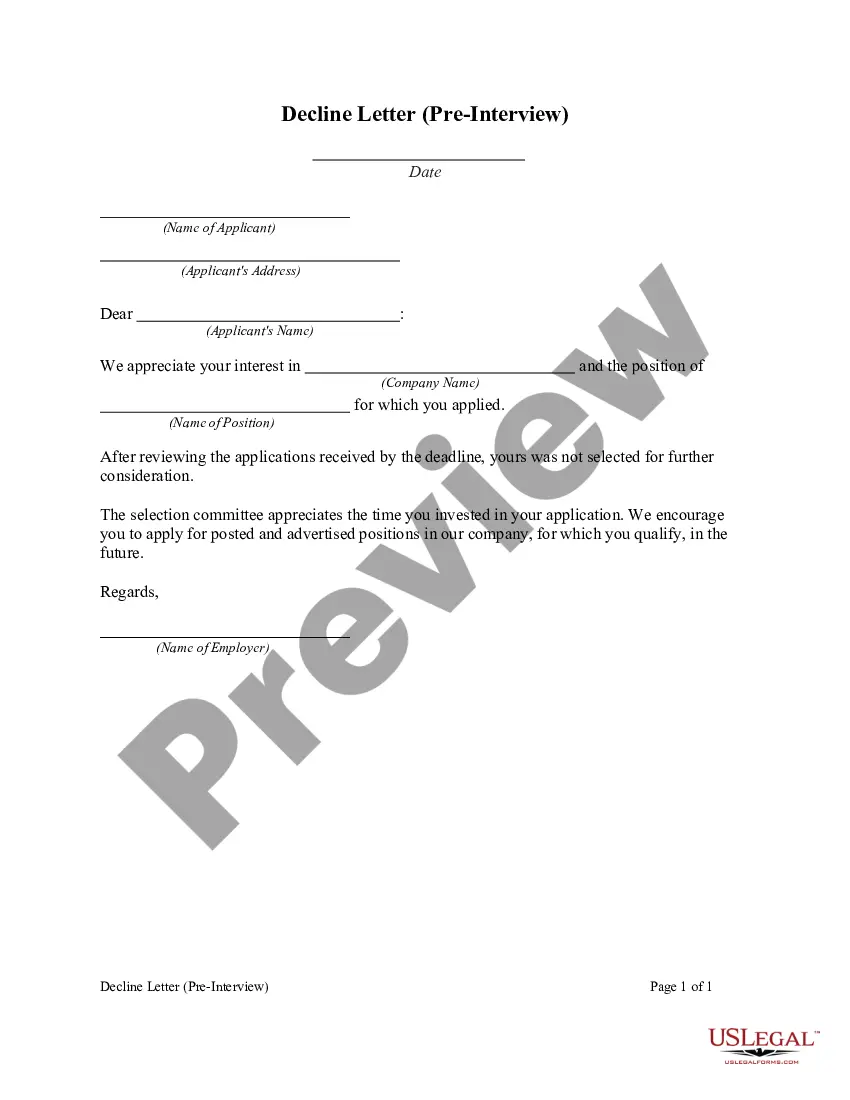
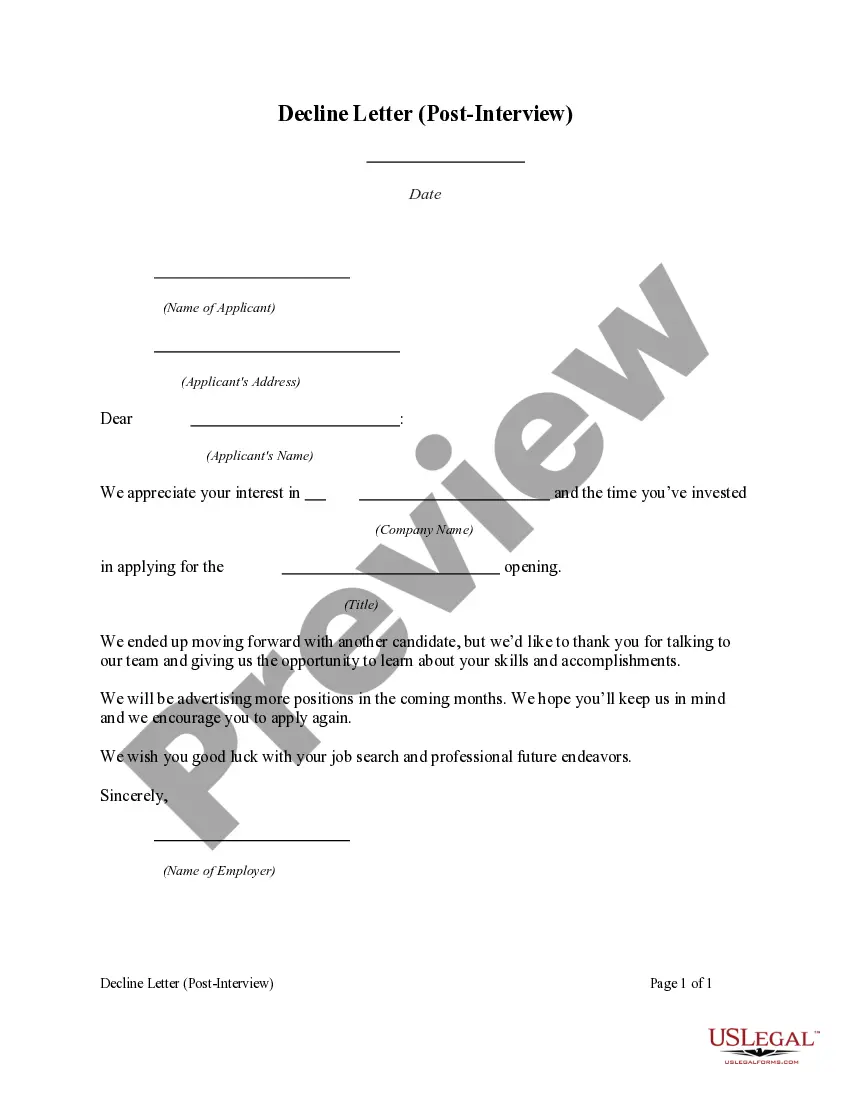
Hi first name, We appreciate your interest in company name and the time you've invested in applying for the role title opening. We ended up moving forward with another candidate, but we'd like to thank you for talking to our team and giving us the opportunity to learn about your skills and accomplishments.
Use these steps:Thank them.Explain that you're pursuing other applicants.Mention the strengths of the other candidate.Let them know that many qualified applicants applied.Encourage strong candidates to apply again.Phone.Email.Phone.More items...?16-Mar-2021
You can follow these steps to write a rejection letter:Create an informative subject line.Thank the candidate for their time.Tell them you're no longer considering them for the position.Explain why you aren't considering them.Offer some positive aspects about their qualifications or interview.More items...?22-Feb-2021
Hi first name, Thank you for your interest in joining the company name team. We wanted to let you know that although your resume and cover letter were very competitive, our hiring team reviewed your application and did not select it for further consideration.
Dear (Applicant Name): This letter is to inform you that you were not selected to undergo a phone screen or an onsite interview for the position for which you applied. We appreciate your interest in our open position and that you took the time to send us your credentials and an application.
Hi Name, Thank you so much for taking the time to review my application and inviting me to interview for the position role at Organization. However, I regretfully need to withdraw my application from this process at the moment. Thank you again for your time and consideration and I hope we can stay connected.
I am writing to let you know that we have selected the candidate whom we believe most closely matches the job requirements of the position. We do appreciate you taking the time to interview with us and encourage you to apply for other openings at the company in the future. Again, thank you for your time.
How to reject a candidate via emailUse the person's name.Thank them for applying.Start with the bad news (and don't apologize for picking the best candidate)Be personal.If you offer to provide feedback, make sure you really mean it.Encourage them to apply again.End professionally.Proofread all emails.23-Mar-2021