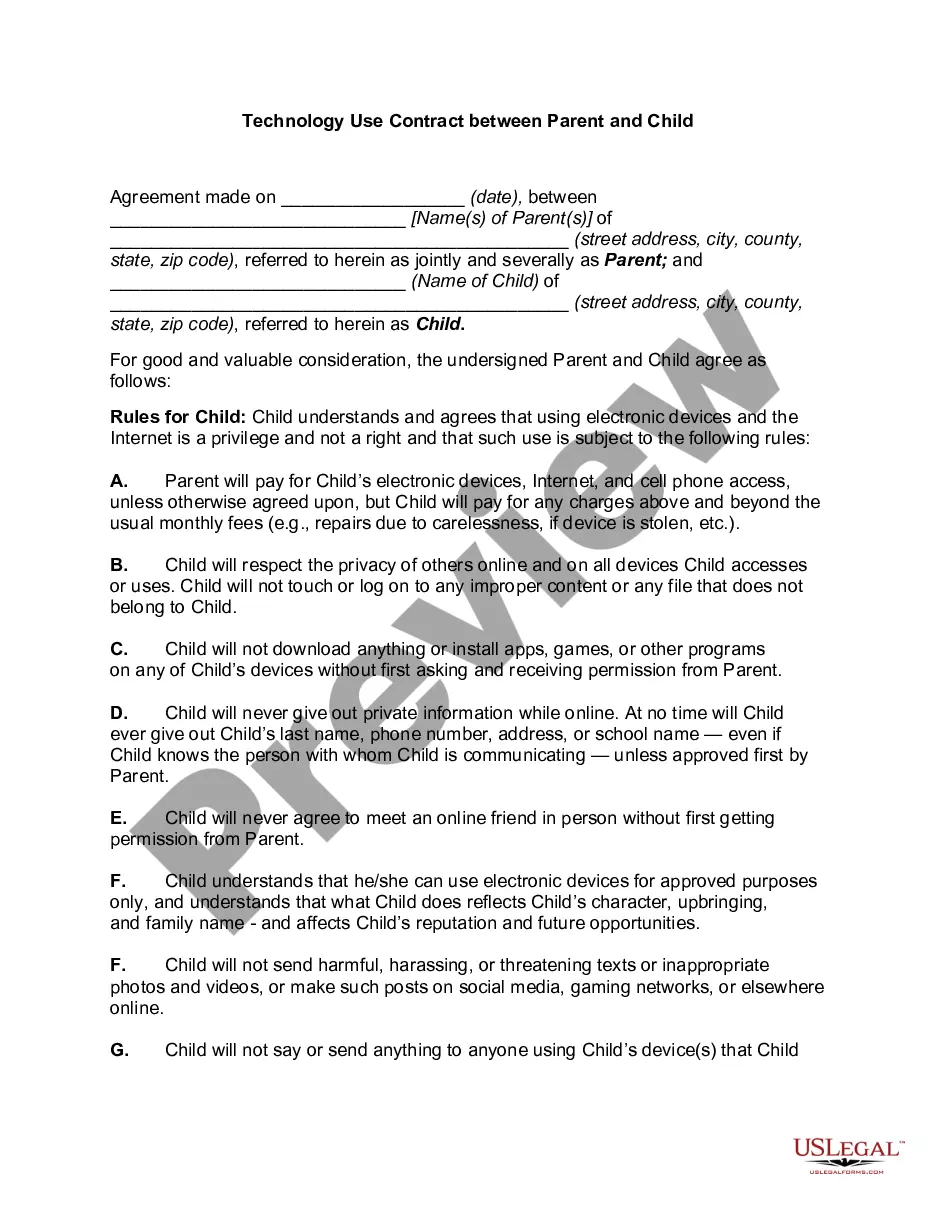
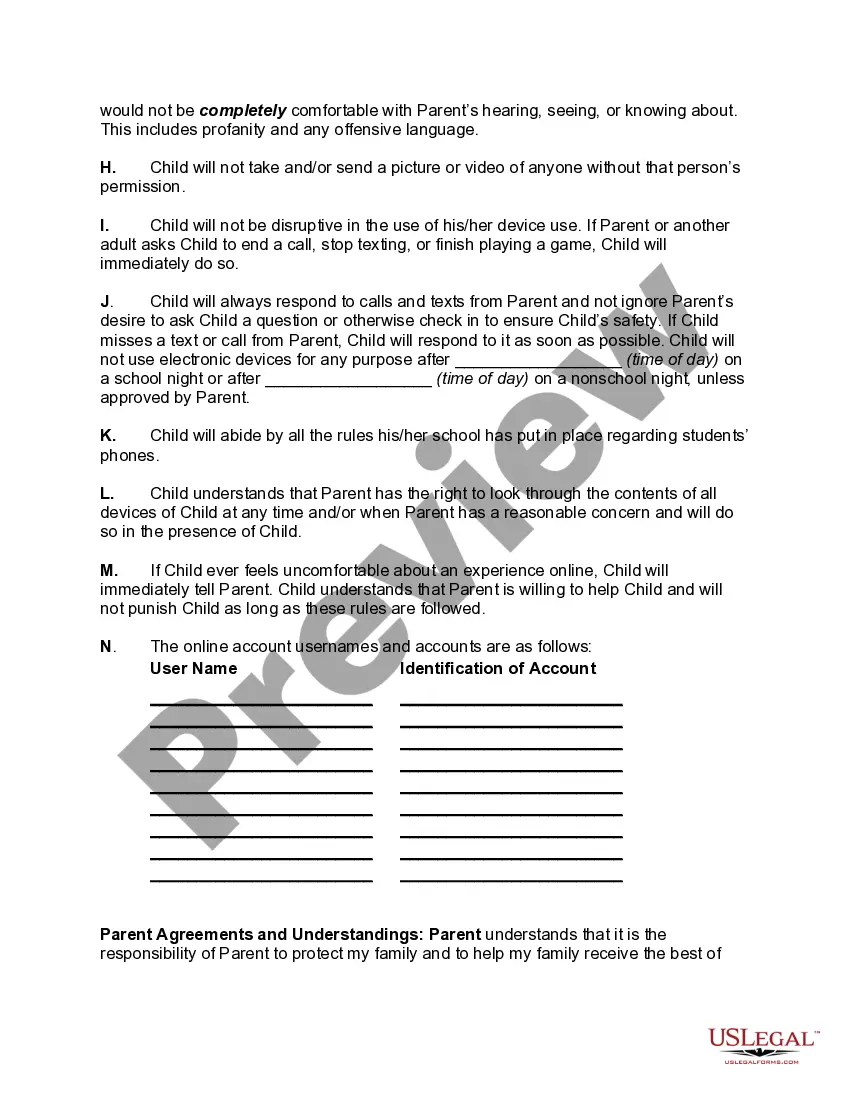
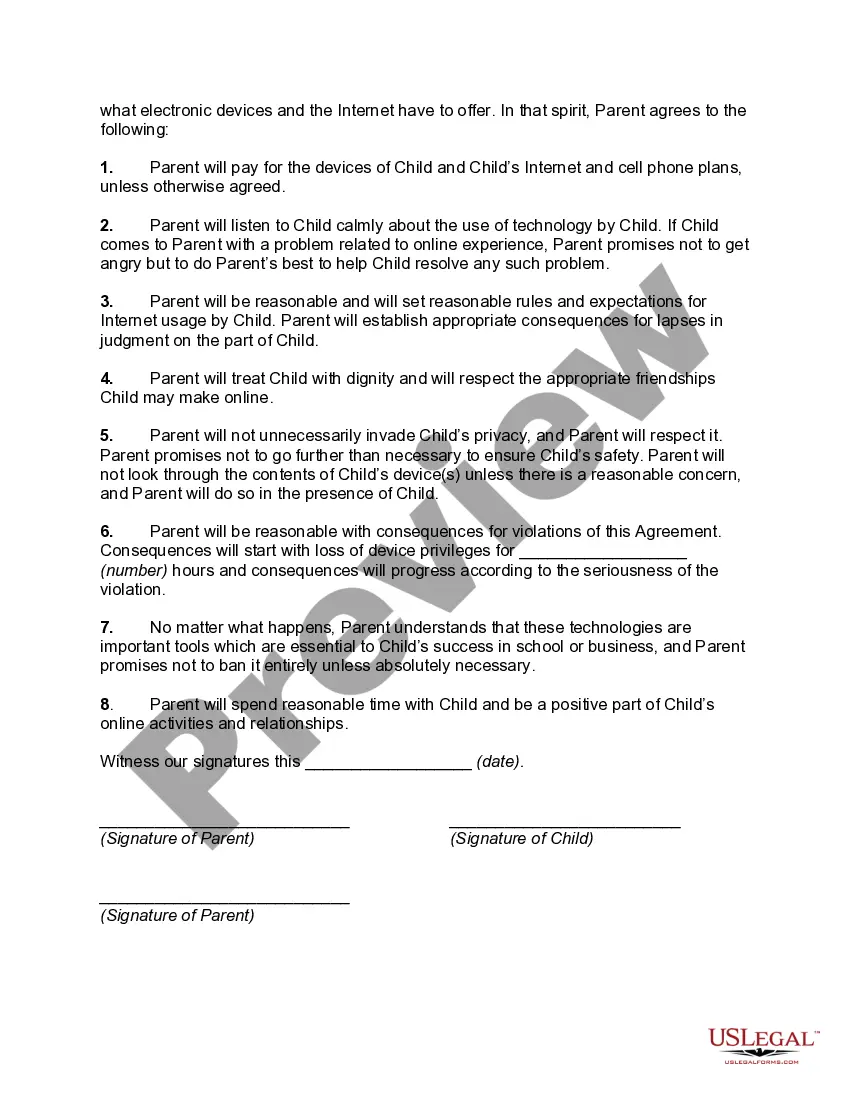
California Technology Use Contract between Parent and Child
Description
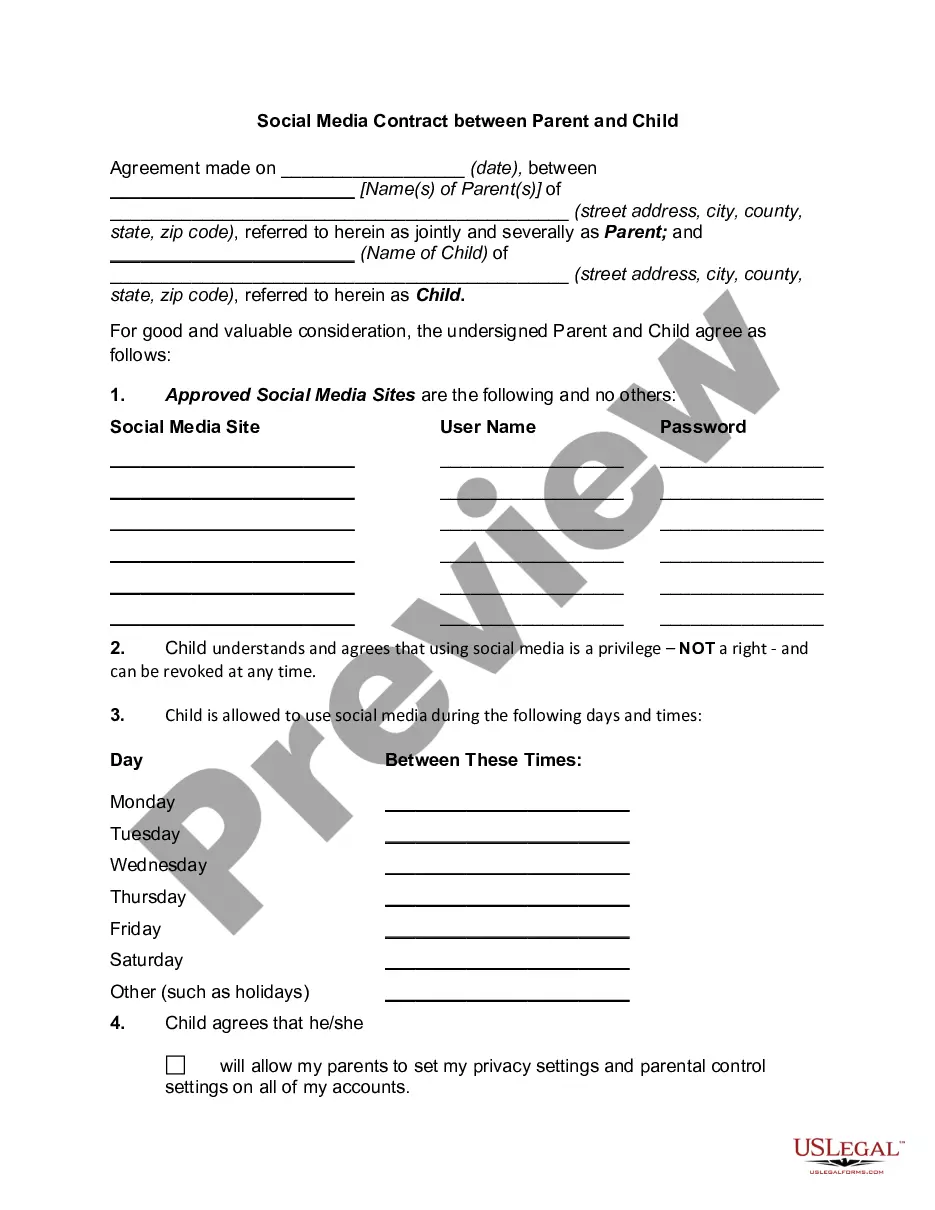
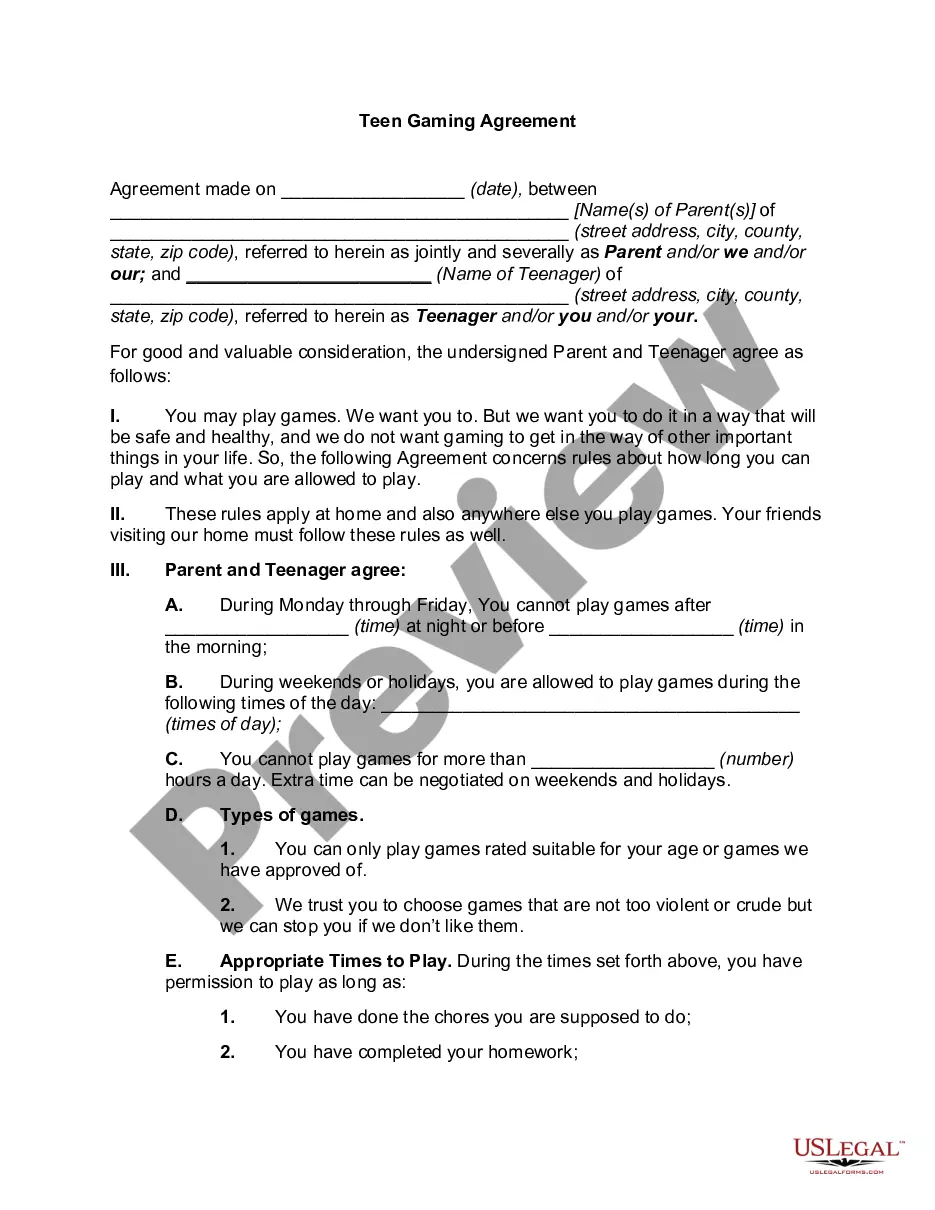
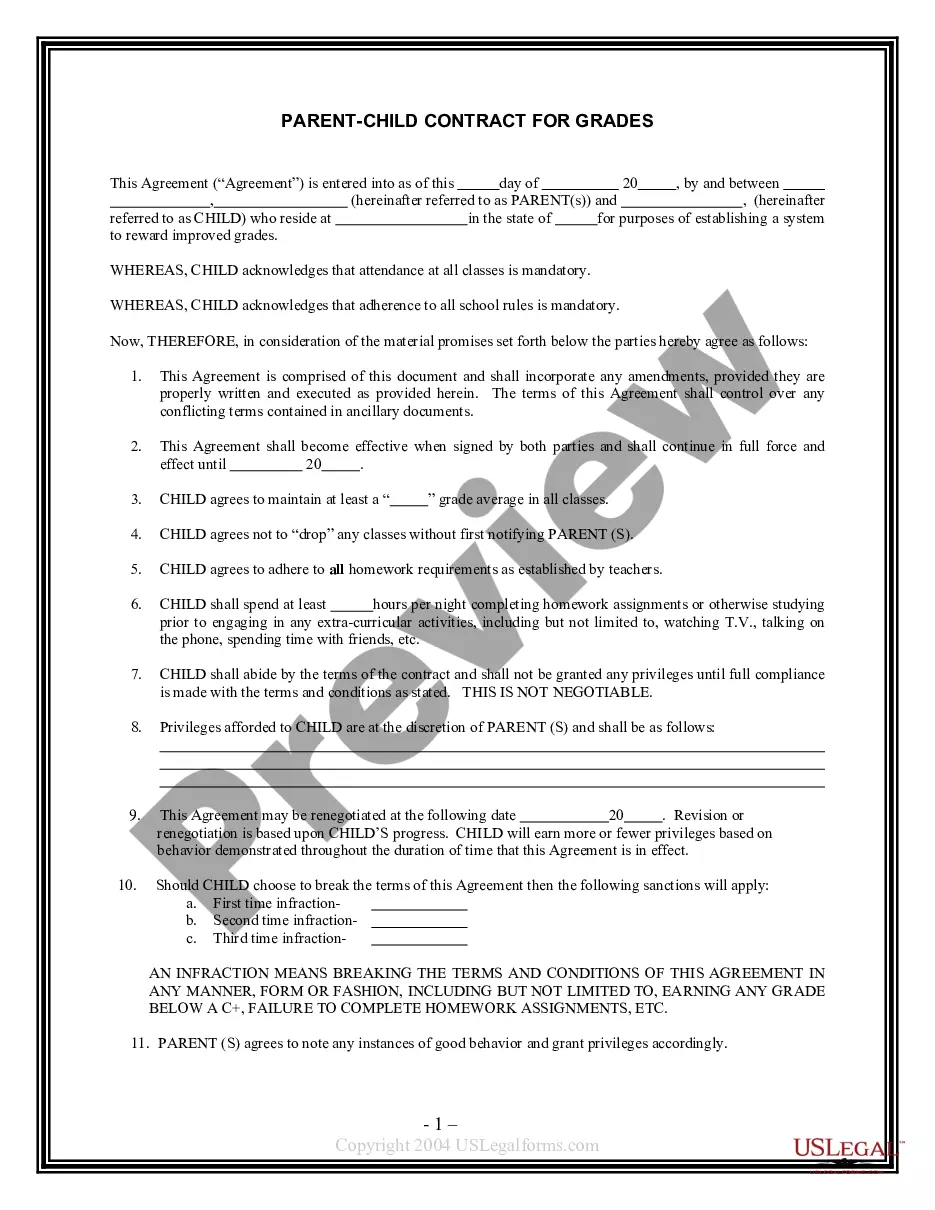
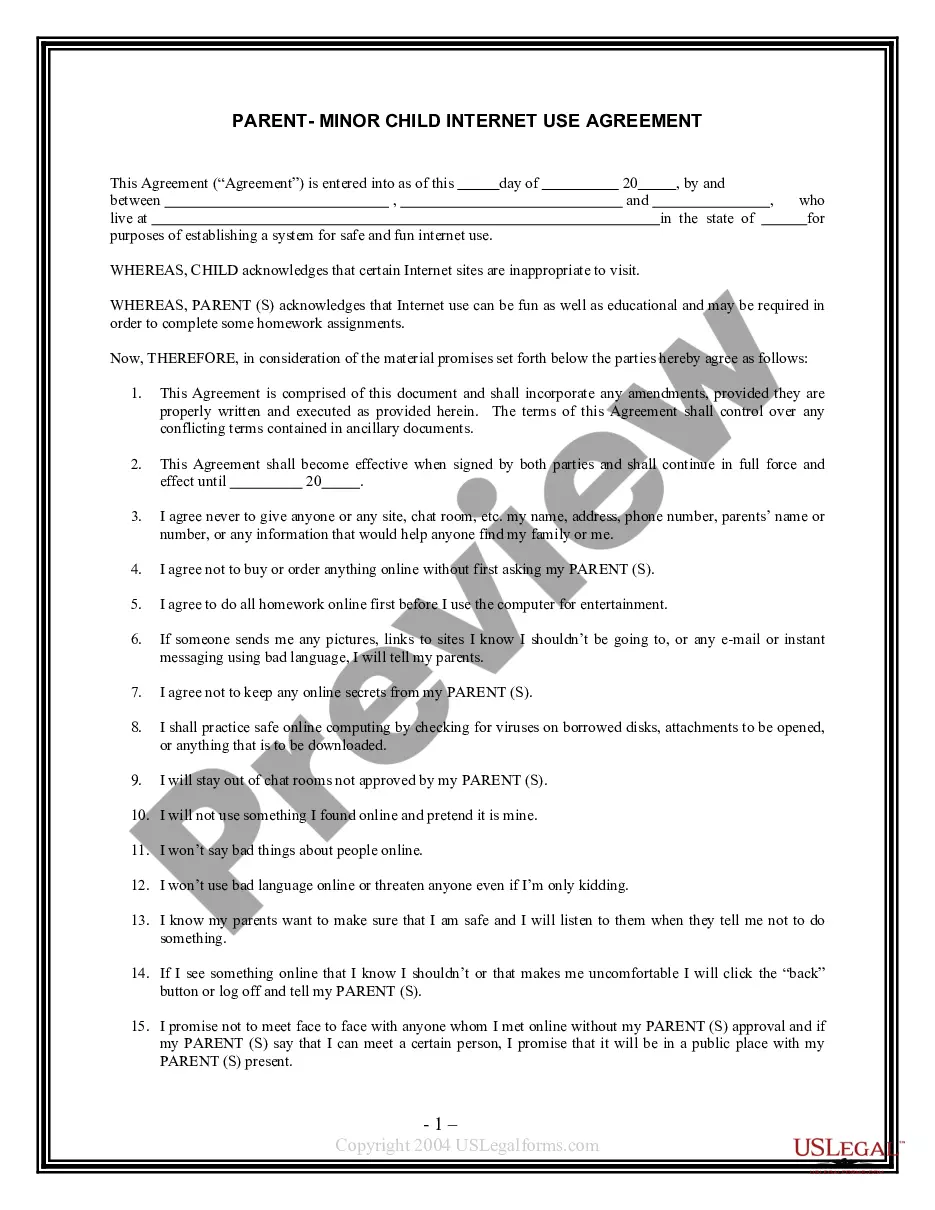
Get your form ready online
Our built-in tools help you complete, sign, share, and store your documents in one place.
Make edits, fill in missing information, and update formatting in US Legal Forms—just like you would in MS Word.
Download a copy, print it, send it by email, or mail it via USPS—whatever works best for your next step.
Sign and collect signatures with our SignNow integration. Send to multiple recipients, set reminders, and more. Go Premium to unlock E-Sign.
If this form requires notarization, complete it online through a secure video call—no need to meet a notary in person or wait for an appointment.
We protect your documents and personal data by following strict security and privacy standards.

Make edits, fill in missing information, and update formatting in US Legal Forms—just like you would in MS Word.

Download a copy, print it, send it by email, or mail it via USPS—whatever works best for your next step.

Sign and collect signatures with our SignNow integration. Send to multiple recipients, set reminders, and more. Go Premium to unlock E-Sign.

If this form requires notarization, complete it online through a secure video call—no need to meet a notary in person or wait for an appointment.

We protect your documents and personal data by following strict security and privacy standards.
Looking for another form?



How to fill out Technology Use Contract Between Parent And Child?
It is feasible to spend hours online searching for the legal document template that meets the state and federal requirements you need.
US Legal Forms offers a vast collection of legal forms that can be reviewed by professionals.
You can easily download or print the California Technology Use Agreement between Parent and Child from the platform.
If available, use the Preview button to review the document template as well. If you wish to find another version of the form, use the Search area to locate the template that meets your needs and specifications.
- If you already possess a US Legal Forms account, you can Log In and click on the Download button.
- Afterward, you can complete, modify, print, or sign the California Technology Use Agreement between Parent and Child.
- Every legal document template you acquire is yours indefinitely.
- To obtain another copy of the purchased form, navigate to the My documents section and click on the corresponding button.
- If you are visiting the US Legal Forms website for the first time, follow the straightforward instructions below.
- First, ensure that you have chosen the correct document format for the region/city of your choice. Check the form description to confirm you have selected the right template.
Form popularity
FAQ
Here are seven strategies to help you use technology in healthy ways.Don't use phones behind the wheel. Thousands of Americans are killed each year by distracted driving.Defend your sleep.Turn off notifications.Manage expectations.Use social media wisely.Be present.Take time to recharge.
How to Limit Your Child's Screen TimeModel Healthy Electronic Use.Educate Yourself on Electronics.Create Technology-Free ZonesSet Aside Times to Unplug.Use Parental Controls.Explain Why You're Limiting Screen Time.Ask for Your Child's Passwords.Encourage Other Activities.More items...?17-Sept-2020
A contract that is mutually developed and agreed on by parents and their children provides a way of outlining expectations as well as consequences or rewards.
9 tips to help your child unplug from screensSet the example. It may not always seem like it, but kids pay attention.Spend quiet time outside.Read.Play sports 2026 and just play.Plan and go on road trips.Have assigned chores.Keep screens out of the bedroom.Schedule screen time.More items...
Parents' use of mobile technology around young children may be causing internal tension, conflicts and negative interactions with their kids, suggests a qualitative study in the Journal of Developmental & Behavioral Pediatrics.
9 signs of screen addiction in kidsYour child can't control their screen use.Loss of interest in other activities.It preoccupies their thoughts.It interferes with socializing.Screen use causes serious family problems.Your kid shows signs of withdrawal.Their tolerance is increasing.They're deceptive about it.More items...?
Pay attention. Monitor how much time your child spends online, what they do and how frequently they log on. Monitor your own usage as well and try to cut down if you notice overuse or constant urge to check social media feeds, texts and emails. Work with your child to set guidelines for technology use.
Digital Detox: 4 Tips to Help Kids UnplugSet a good example.Limit the hours allowed for the use of electronic devices.Divert their attention to other fun activities.Don't allow technology in certain areas in the home.
Draw a line between screen time and bedtime So it's important to turn off all screensTVs, phones, tablets, etc. at least an hour before bedtime. By turning screens off before bed, kids will have more time to wind down with activities like reading, listening to music or journaling.
12 steps to taming and living with the addiction:Determine how much screen time you will allow.Be clear and consistent.Never let them on electronics if they haven't finished homework or chores, or if they've misbehaved.Lock computers and check phones at the door.Be vigilant.Explain the dangers.Allow for boredom.More items...?