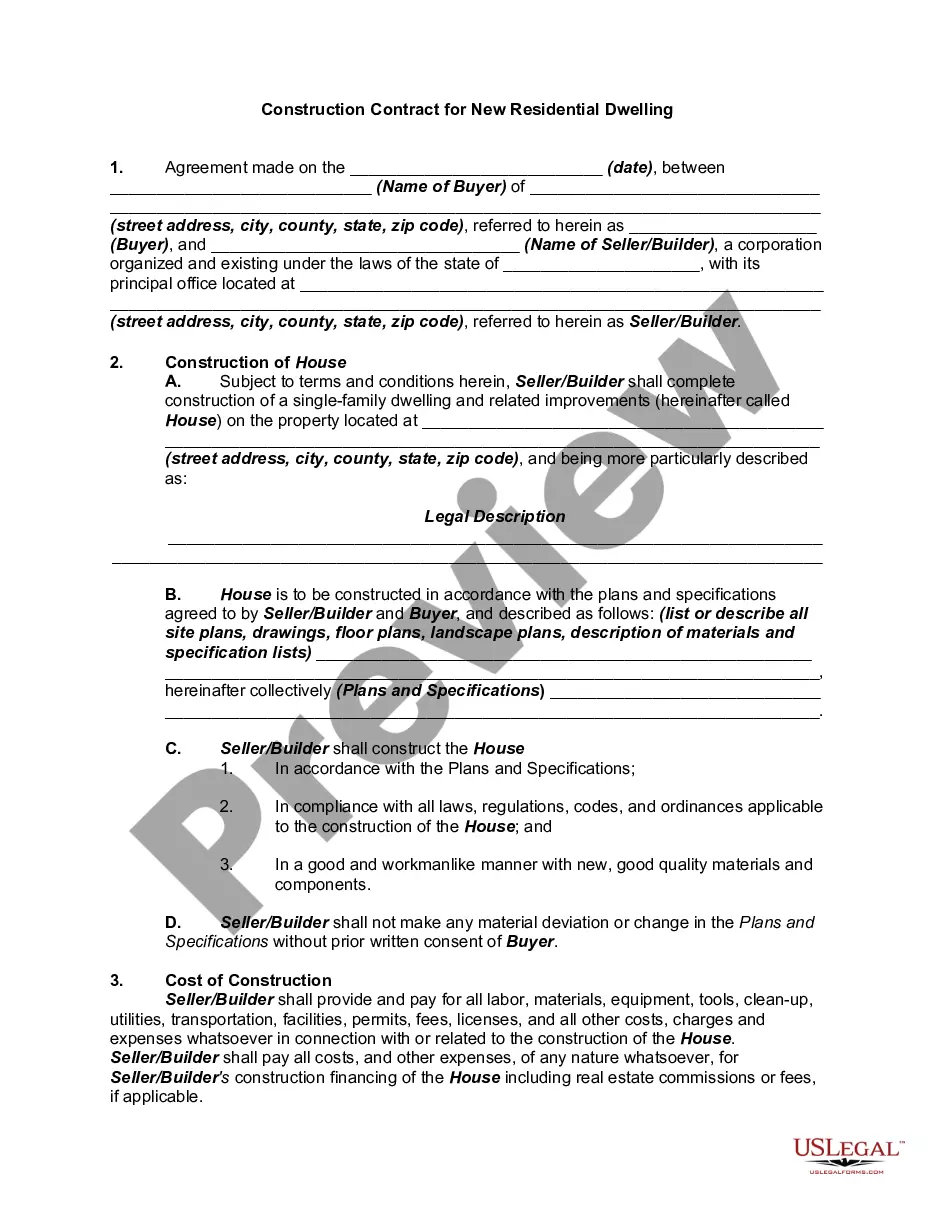
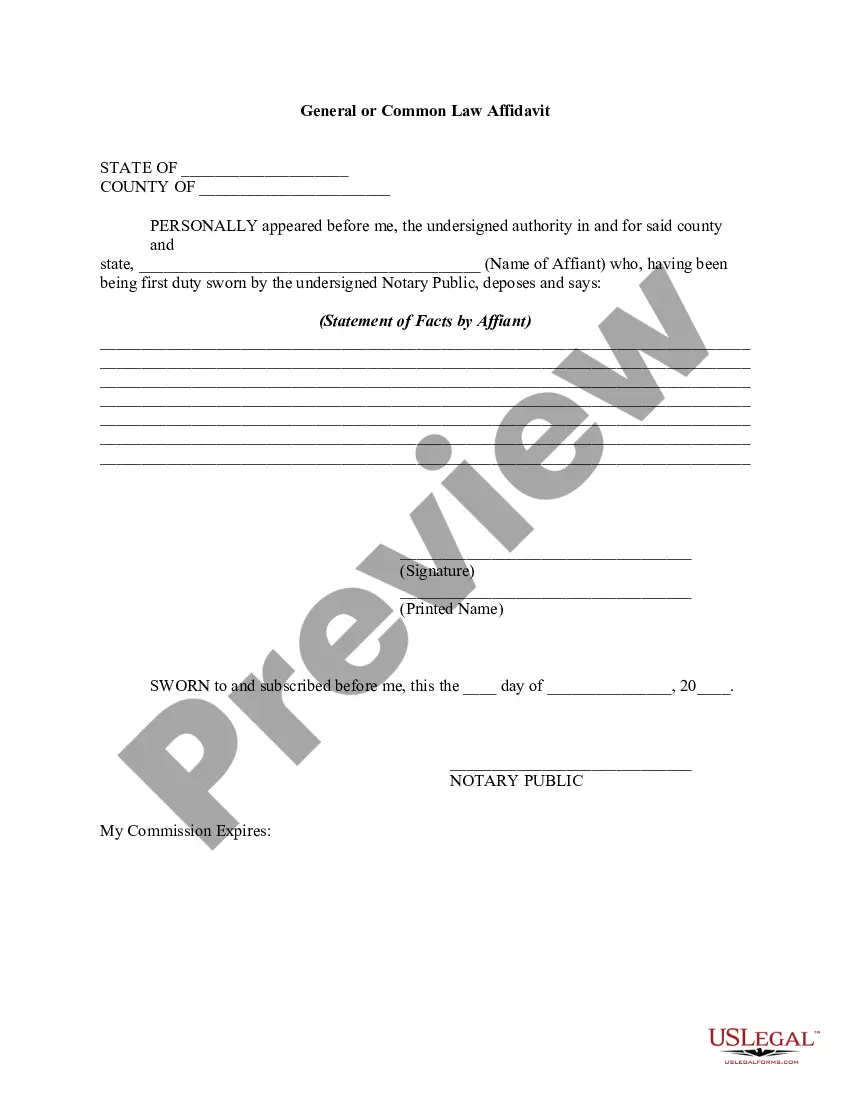
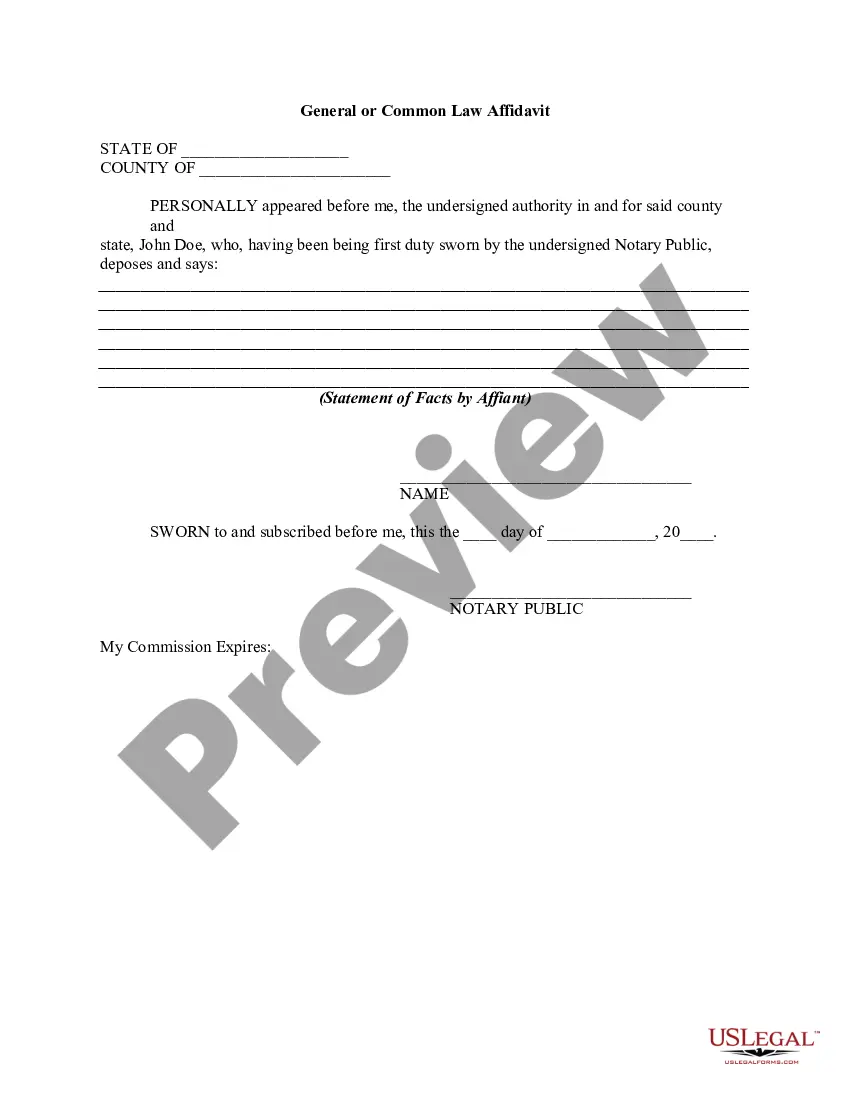
This form is a general affidavit. Affiant maintains that his/her statements are made upon affirmation of belief and personal knowledge that certain facts and matters set forth in the document are correct and true.
California Affidavit - General
2,304 downloads
Description
Get your form ready online
Our built-in tools help you complete, sign, share, and store your documents in one place.
Built-in online Word editor
Make edits, fill in missing information, and update formatting in US Legal Forms—just like you would in MS Word.
Export easily
Download a copy, print it, send it by email, or mail it via USPS—whatever works best for your next step.
E-sign your document
Sign and collect signatures with our SignNow integration. Send to multiple recipients, set reminders, and more. Go Premium to unlock E-Sign.
Notarize online 24/7
If this form requires notarization, complete it online through a secure video call—no need to meet a notary in person or wait for an appointment.
Store your document securely
We protect your documents and personal data by following strict security and privacy standards.

Make edits, fill in missing information, and update formatting in US Legal Forms—just like you would in MS Word.

Download a copy, print it, send it by email, or mail it via USPS—whatever works best for your next step.

Sign and collect signatures with our SignNow integration. Send to multiple recipients, set reminders, and more. Go Premium to unlock E-Sign.

If this form requires notarization, complete it online through a secure video call—no need to meet a notary in person or wait for an appointment.

We protect your documents and personal data by following strict security and privacy standards.
Looking for another form?
How to fill out Affidavit - General?
You are capable of dedicating time online searching for the legal document template that meets the state and federal requirements you desire.
US Legal Forms offers thousands of legal templates that are reviewed by professionals.
It is easy to download or print the California Affidavit - General from our platform.
To find another version of the template, use the Search field to locate the form that suits your needs and requirements.
- If you already have a US Legal Forms account, you can Log In and select the Download option.
- After this, you can fill out, modify, print, or sign the California Affidavit - General.
- Each legal document template you purchase is yours forever.
- To obtain another copy of the purchased form, visit the My documents tab and click the appropriate option.
- If you are using the US Legal Forms website for the first time, follow the simple instructions below.
- First, ensure you have selected the correct document template for your chosen area/city.
- Refer to the template description to confirm you have chosen the correct document.
Form popularity
FAQ
How To Notarize A Document In CaliforniaStep 1: Personal appearance is required.Step 2: Check over the document before notarizing.Step 3: Carefully identify the signer.Step 4: Complete your journal entry.Step 5: Fill in the notarial certificate.
No, an Affidavit given on the requisite value of the stamp papers is not a valid document. Affidavits shall be sworn before the officers referred to in section 139 of the Code of Civil Procedure, 1908.
If yes, how is it done? Yes. You can indeed attach documents to affidavits as they often refer to other documents for support. The documents that you attach to an affidavit is often called as exhibits to the affidavits or annexures.
If the document to be notarized is a deed, quitclaim deed, deed of trust, or other document affecting real property or a power of attorney document, the notary public shall require the party signing the document to place his or her right thumbprint in the journal.
A general affidavit is a sworn statement of fact, written by an affiant who has personal or special knowledge of a specific matter. An affidavit is always signed under oath, in the presence of a notary public, in order to confirm the veracity of the statement.
How to write an affidavit.Title. This is either your name (Affidavit of Jane Doe) or the specific case information.Statement of identity. The next paragraph tells the court about yourself.Statement of truth.Statement of facts.Closing statement of truth.Sign and notarize.
In the sentence, the person writing the statement must state that he or she is stating that the information is accurate. (Example: I, Jane Doe, solemnly swear that the contents of this document are true and correct, and that I agree to abide by the terms in this affidavit.)
Below is the basic six-step process you'll need to take to complete your affidavit.Title the affidavit. First, you'll need to title your affidavit.Craft a statement of identity.Write a statement of truth.State the facts.Reiterate your statement of truth.Sign and notarize.
All affidavits must be sworn to be true under oath and, according to California law, this means you must have a notary publicor other agent certified by the state to administer oaths, such as a judgeexecute the affidavit.