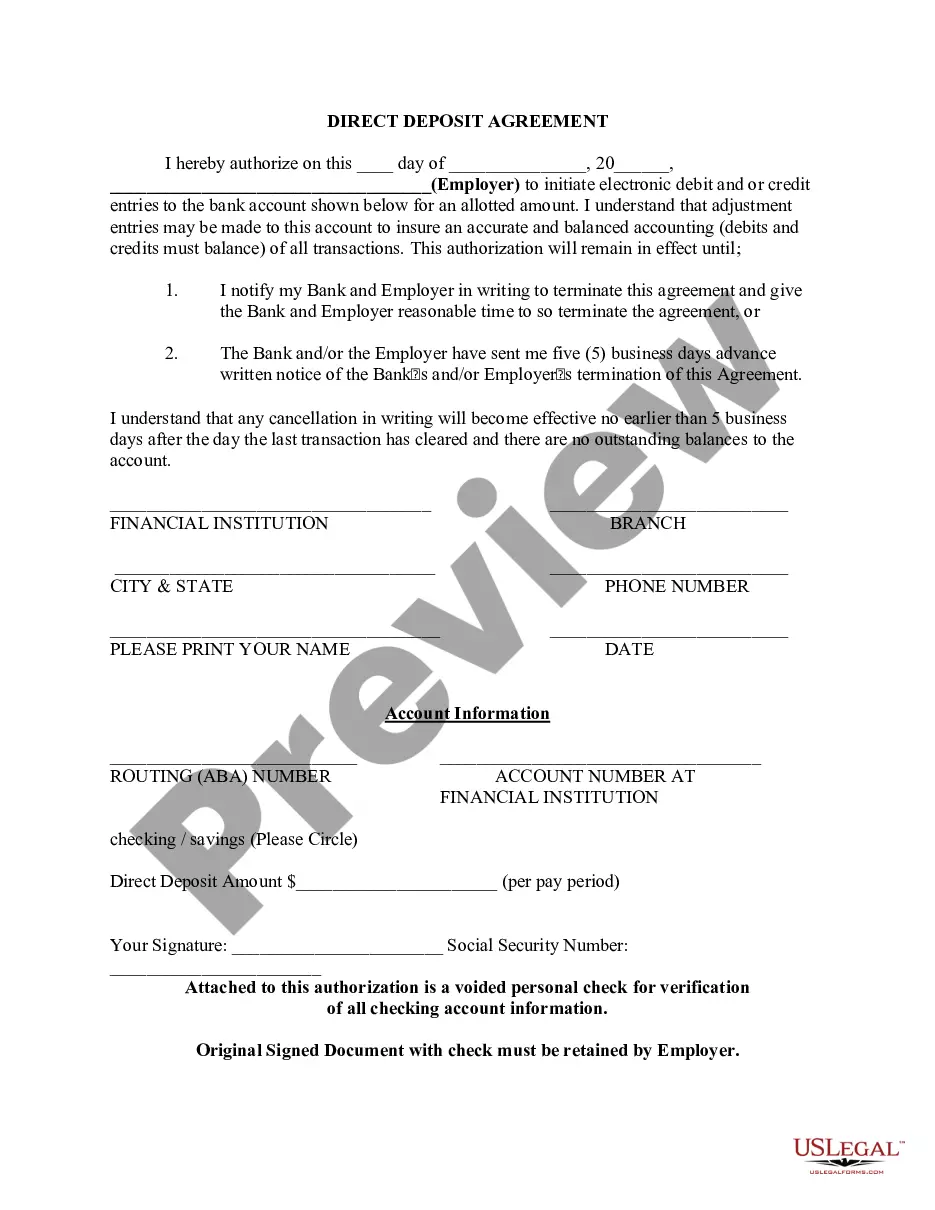
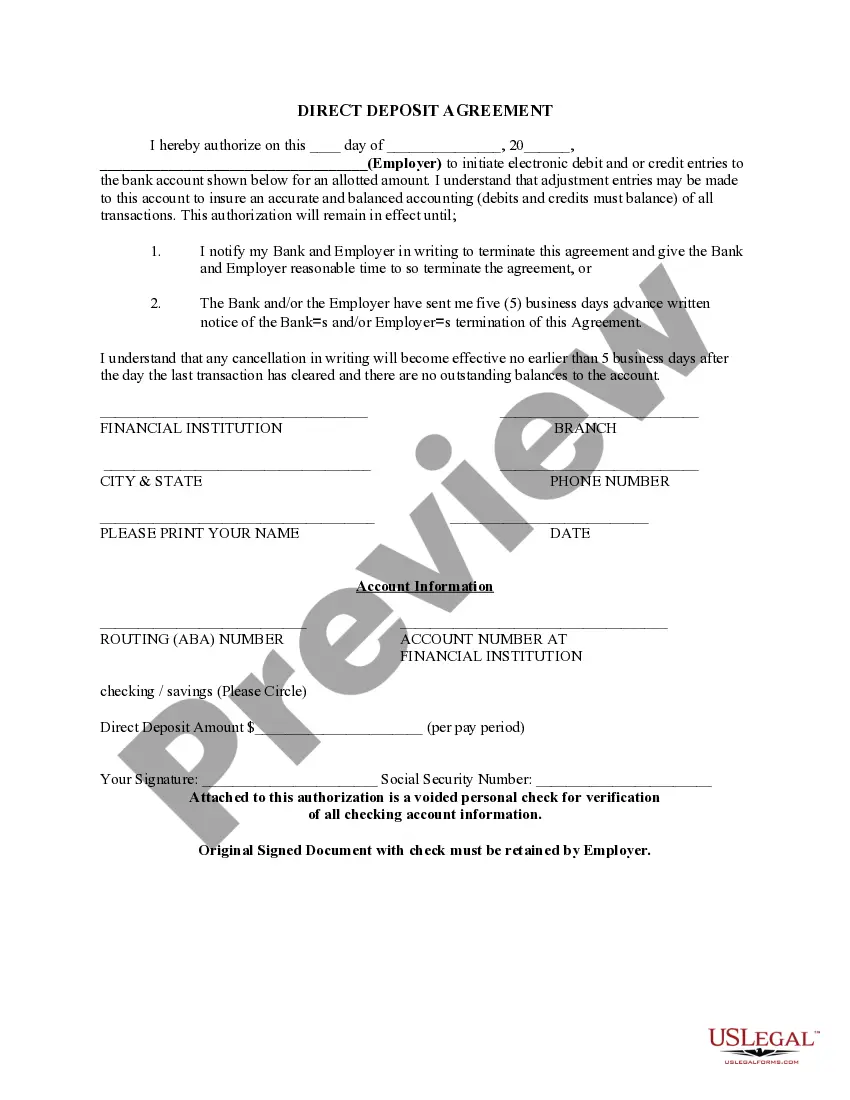
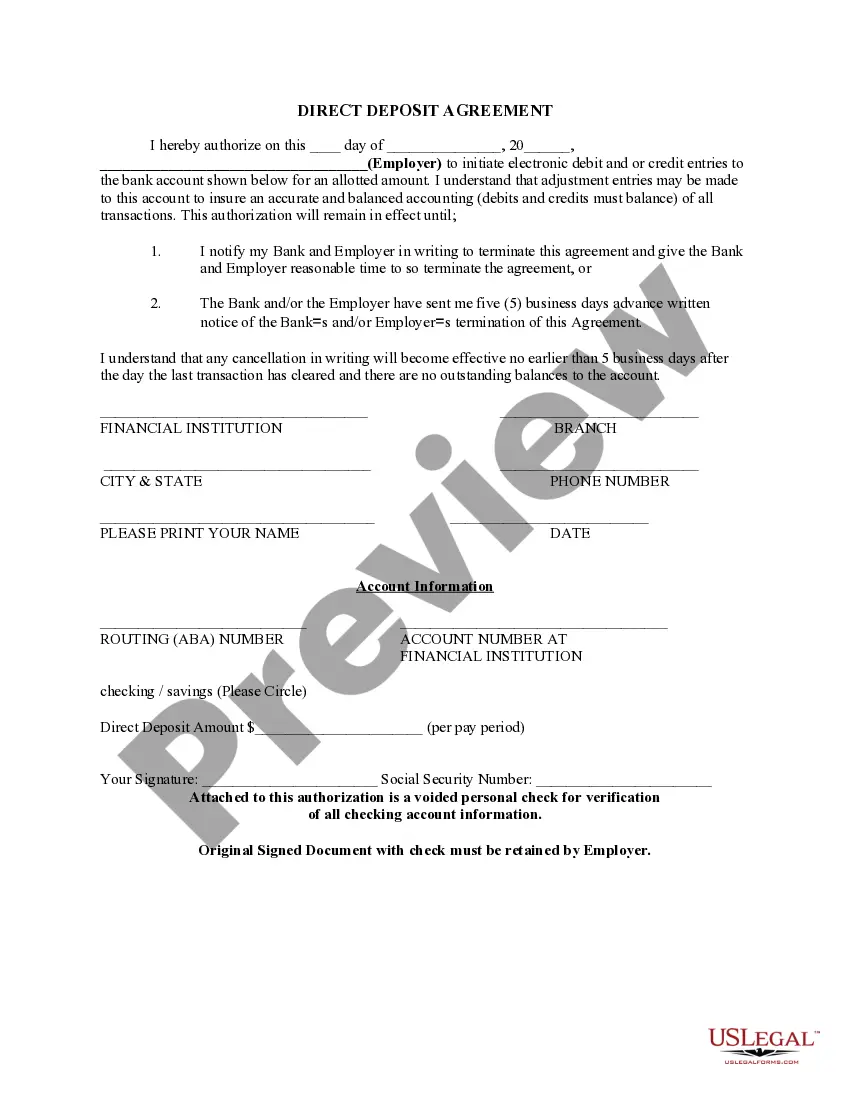
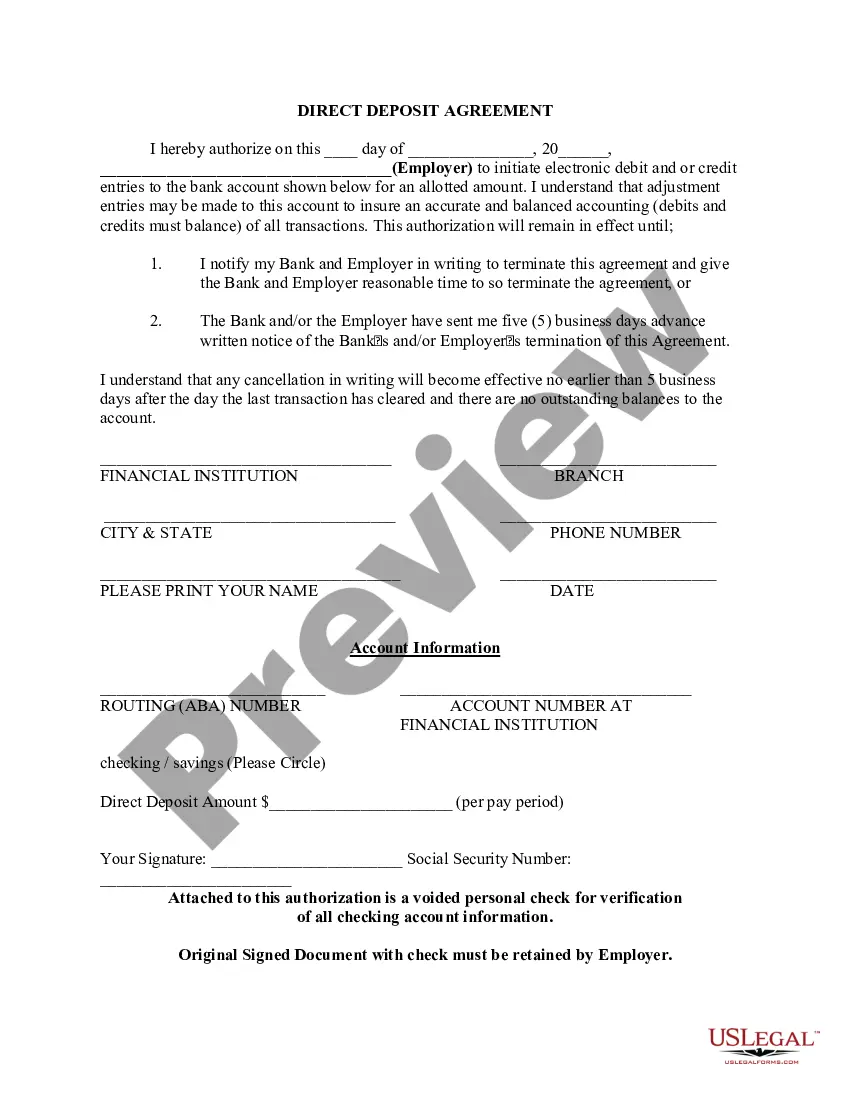
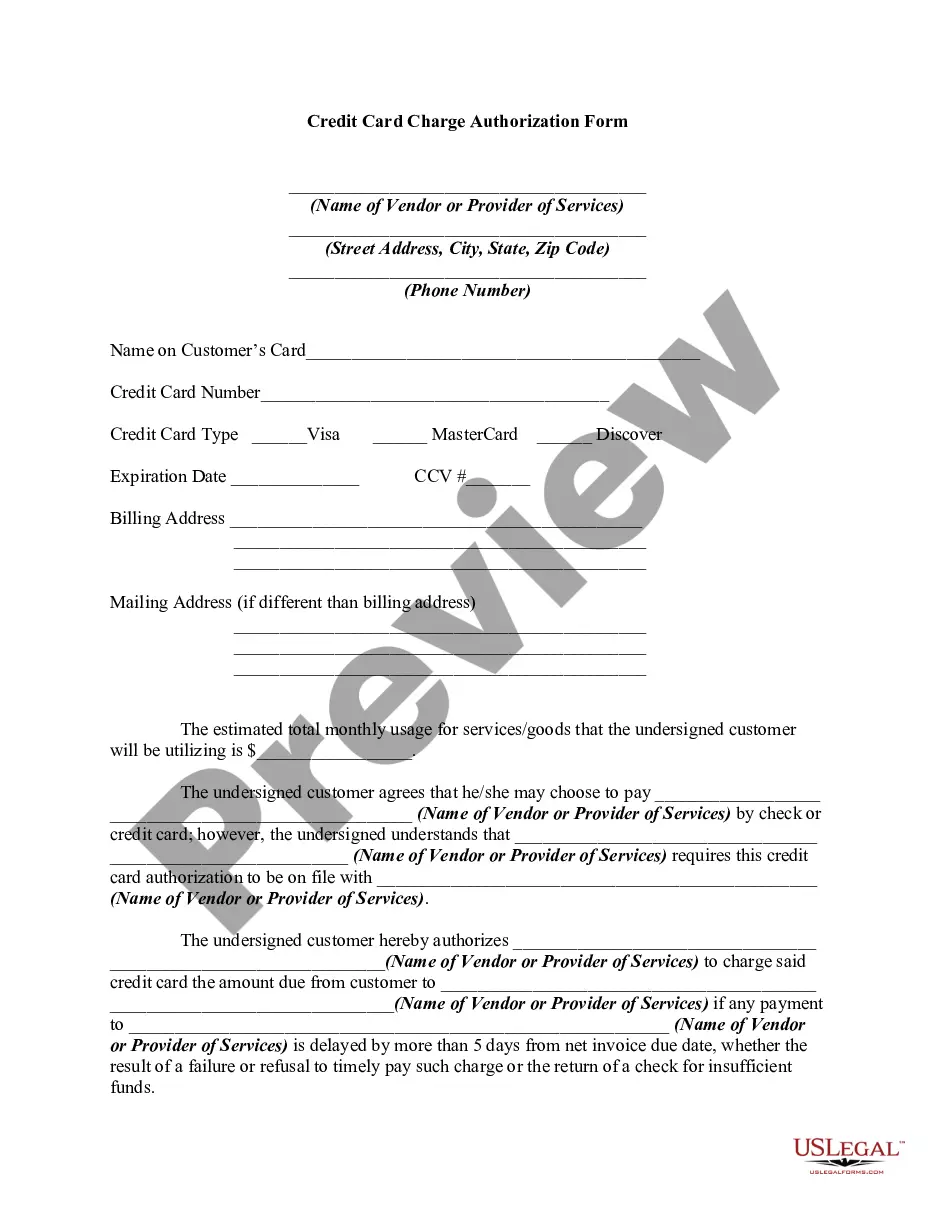
Arizona Direct Deposit Form for Chase
Description


Get your form ready online
Our built-in tools help you complete, sign, share, and store your documents in one place.
Make edits, fill in missing information, and update formatting in US Legal Forms—just like you would in MS Word.
Download a copy, print it, send it by email, or mail it via USPS—whatever works best for your next step.
Sign and collect signatures with our SignNow integration. Send to multiple recipients, set reminders, and more. Go Premium to unlock E-Sign.
If this form requires notarization, complete it online through a secure video call—no need to meet a notary in person or wait for an appointment.
We protect your documents and personal data by following strict security and privacy standards.

Make edits, fill in missing information, and update formatting in US Legal Forms—just like you would in MS Word.

Download a copy, print it, send it by email, or mail it via USPS—whatever works best for your next step.

Sign and collect signatures with our SignNow integration. Send to multiple recipients, set reminders, and more. Go Premium to unlock E-Sign.

If this form requires notarization, complete it online through a secure video call—no need to meet a notary in person or wait for an appointment.

We protect your documents and personal data by following strict security and privacy standards.
Looking for another form?

How to fill out Direct Deposit Form For Chase?
Locating the correct sanctioned document format can be quite challenging. Naturally, there are numerous templates available online, but how will you find the sanctioned form you need? Use the US Legal Forms website. The service offers thousands of templates, including the Arizona Direct Deposit Form for Chase, which can be utilized for both business and personal purposes. All of the forms are reviewed by experts and comply with federal and state regulations.
If you are already authorized, Log In to your account and click the Download button to obtain the Arizona Direct Deposit Form for Chase. Use your account to browse through the sanctioned forms you have obtained previously. Visit the My documents section of your account and retrieve another copy of the document you need.
If you are a new user of US Legal Forms, here are simple instructions for you to follow: First, ensure you have selected the correct form for the city/region. You can review the form using the Preview button and check the form description to confirm this is indeed the right one for you. If the form does not meet your requirements, utilize the Search field to locate the appropriate form. Once you are confident the form is suitable, proceed through the Get now button to obtain the form. Select the pricing plan you need and enter the necessary information. Create your account and process your order with your PayPal account or credit card. Choose the file format and download the authorized document format for your device. Complete, modify, print, and sign the acquired Arizona Direct Deposit Form for Chase. US Legal Forms is the largest collection of authorized forms where you can find a variety of document templates. Take advantage of the service to download professionally crafted papers that adhere to state regulations.
Form popularity
FAQ
Get your personalized pre-filled direct deposit form Sign in to chase.com or the Chase Mobile® app. Choose the checking account you want to receive your direct deposit. Navigate to 'Account services' by scrolling up in the mobile app or in the drop down menu on chase.com. Click or tap on 'Set up direct deposit form'
After signing in, tap the account where you want to receive your direct deposit. Swipe up and tap "Set up direct deposit form" Check that the info is correct or make updates, then tap "Create form" Download, print or email the form.
Enter your bank's full name in the field labeled ?bank name?. Do NOT use any numbers or symbols. Instead, if your bank includes either a number or a symbol in their name, type out the full word. For example, if you use BB & T, write ?BB and T?, or if you use Golden 1 Credit Union, write ?Golden One Credit Union?.
JPMorgan Chase Bank, National Association 4,907 domestic locations: 49 states and 0 territories.
Direct deposit is often associated with paychecks from your job, but it's not limited to that. You can also set up direct deposit for other payments such as tax refunds, government benefits and more. This way, you don't have to spend time in line at a bank or waiting by your mailbox for an important check.
J.P. Morgan is a leader in investment banking, commercial banking, financial transaction processing and asset management. We serve millions of customers, predominantly in the U.S., and many of the world's most prominent corporate, institutional and government clients globally.
Chase Bank SWIFT code in the United States. The SWIFT/BIC code for Chase Bank is CHASUS33.