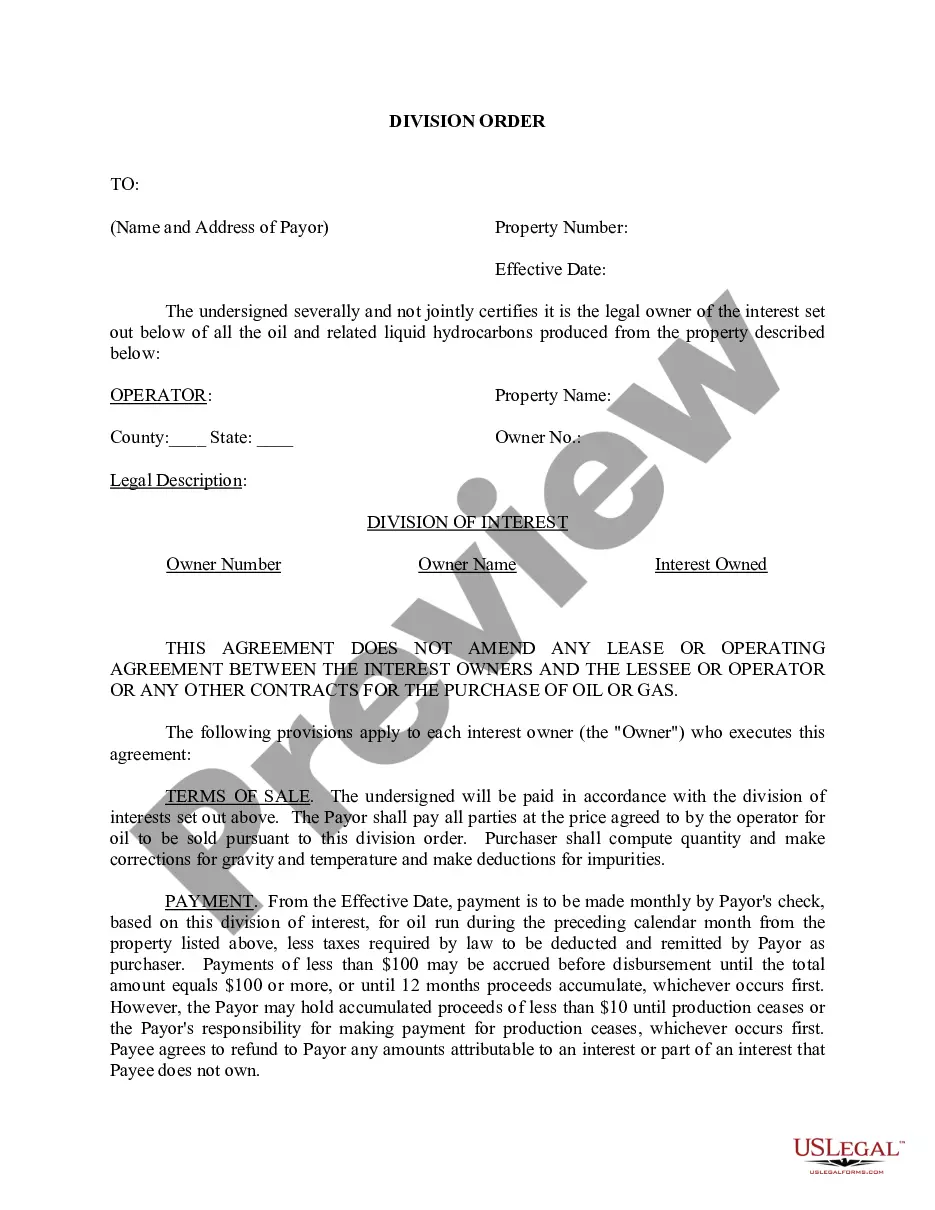
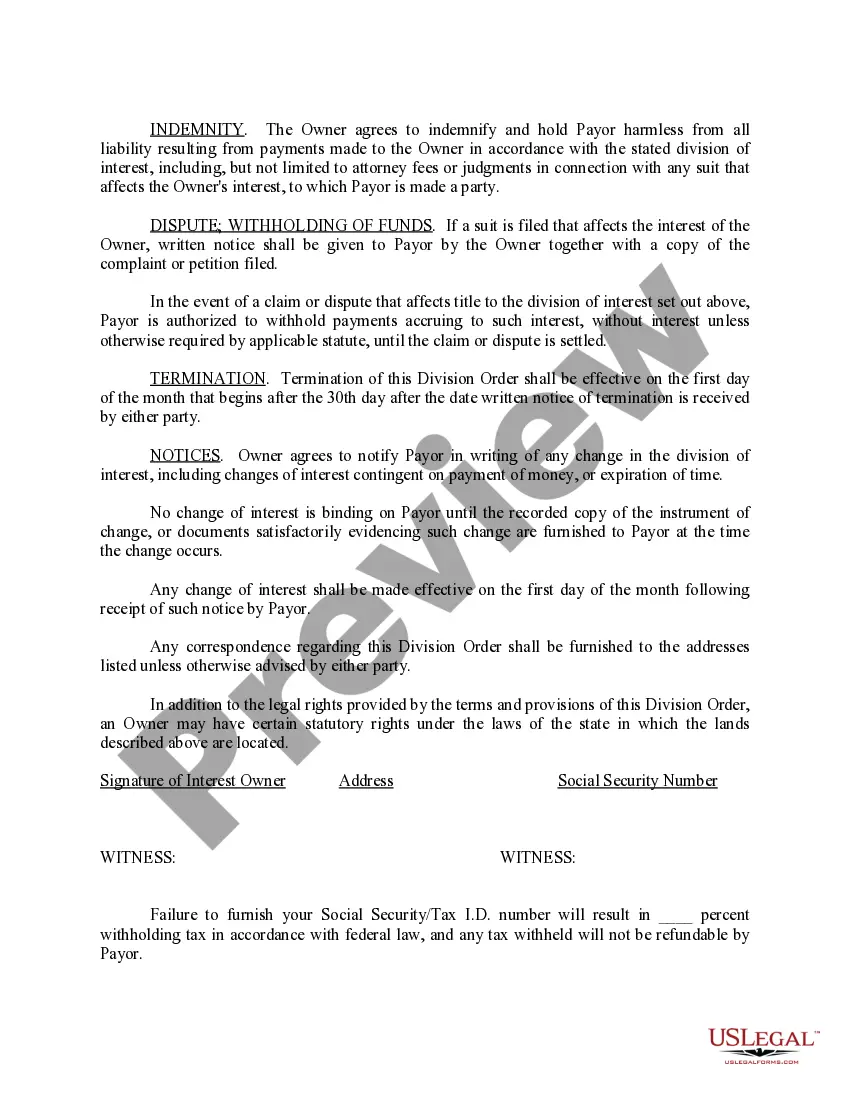
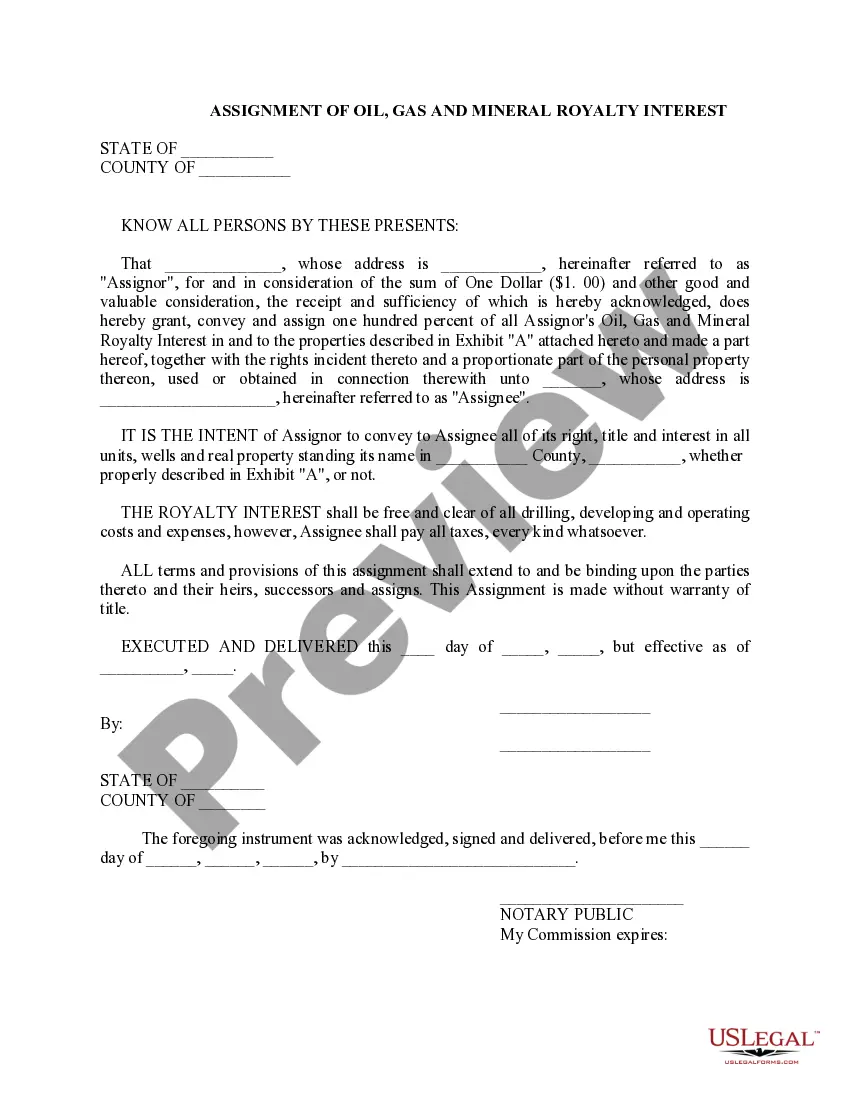
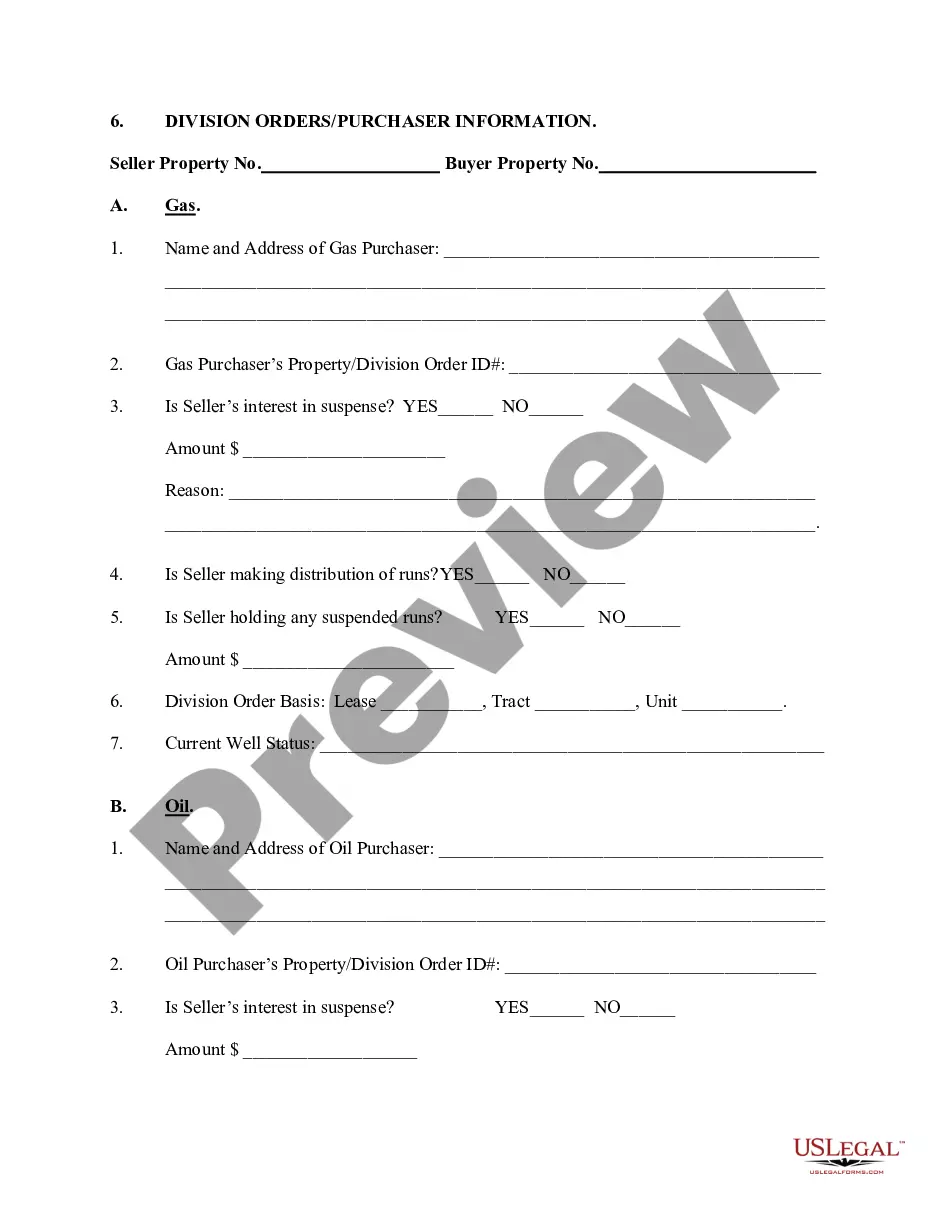
Alabama Division Order
Description
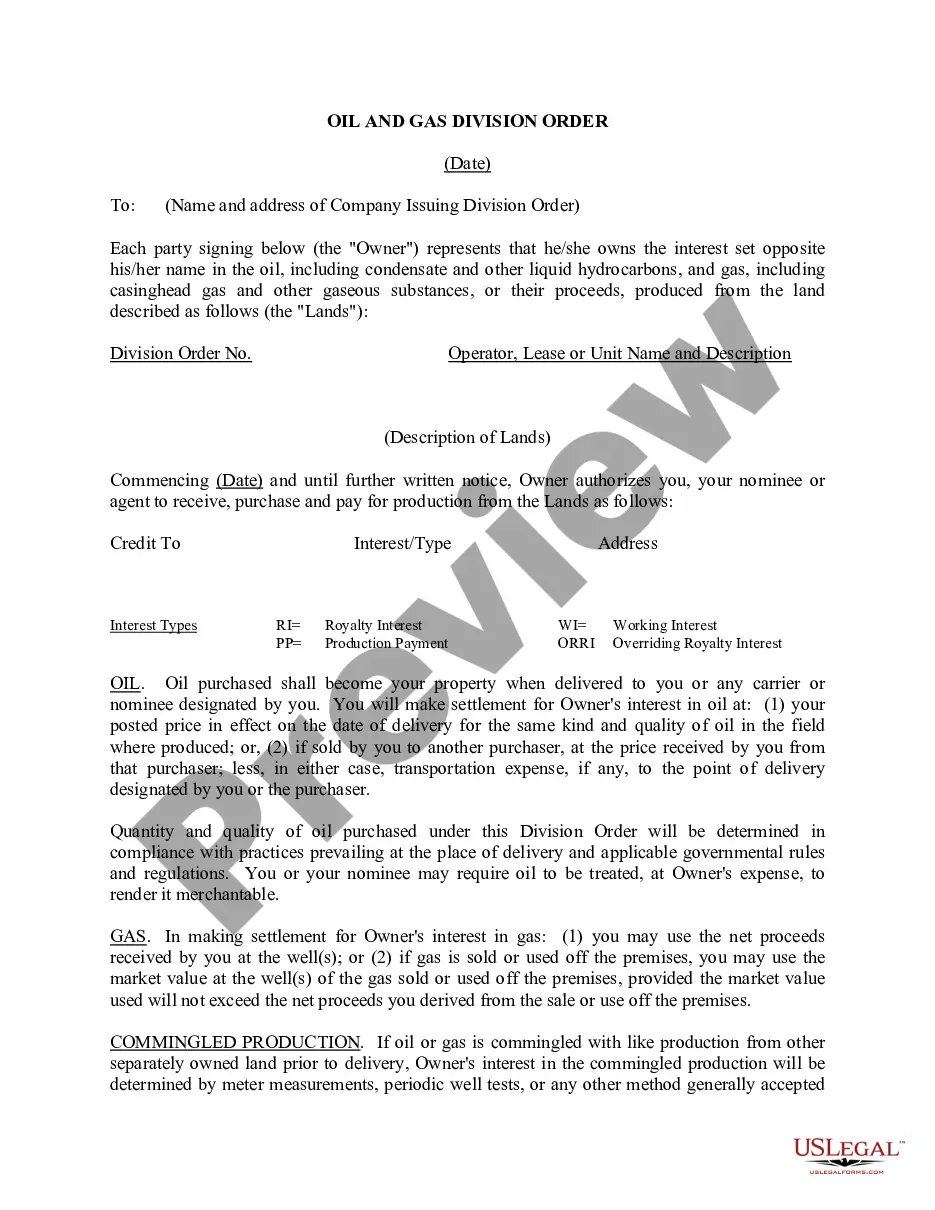
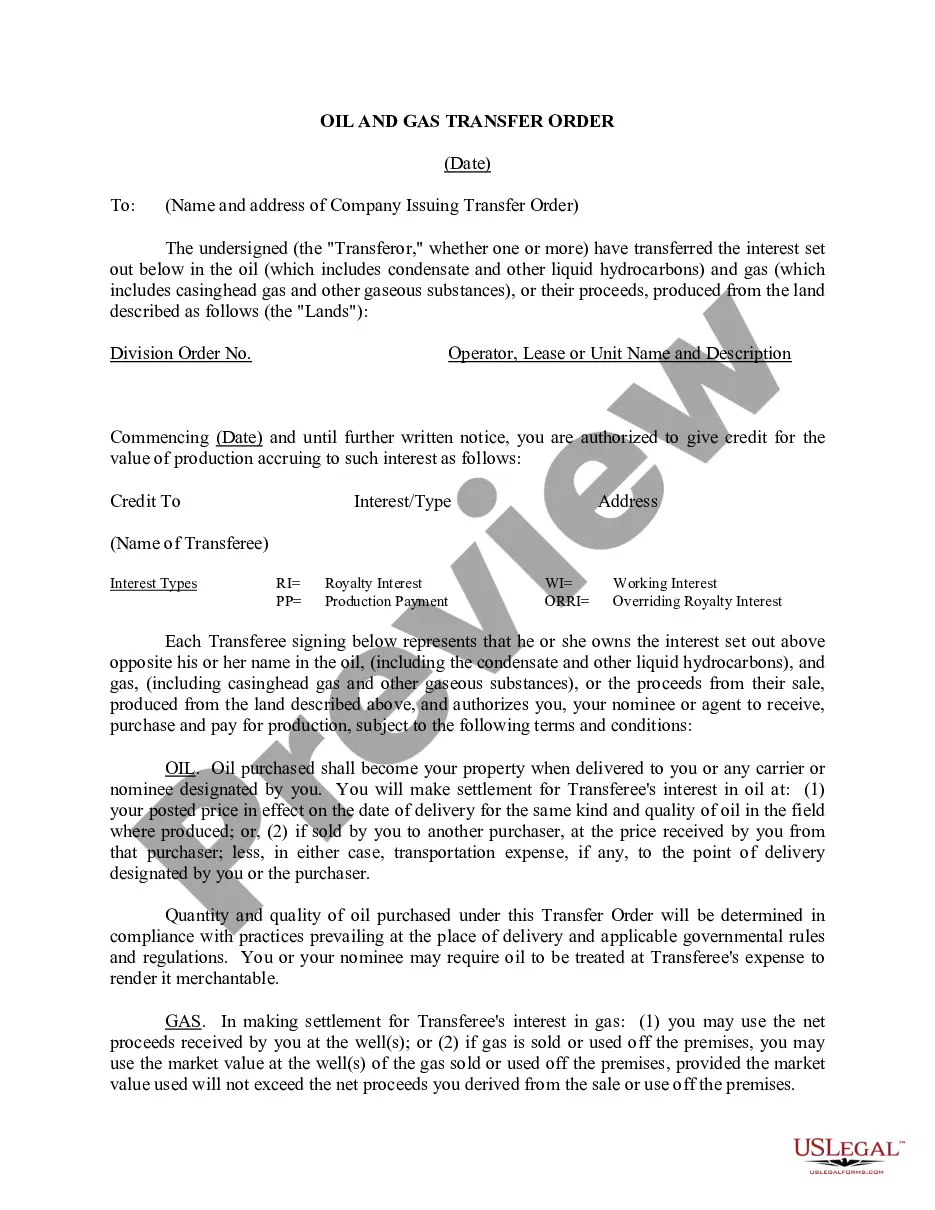
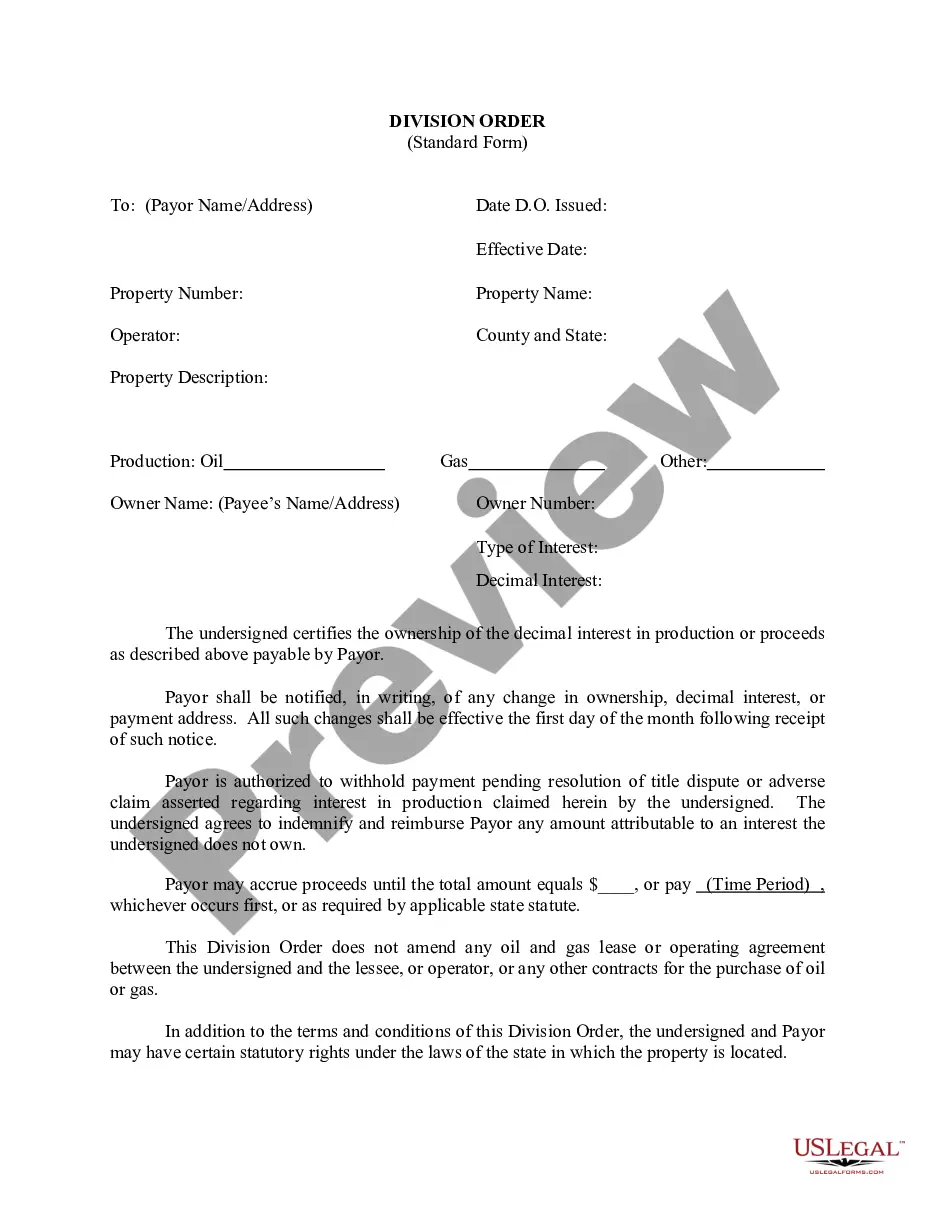
Get your form ready online
Our built-in tools help you complete, sign, share, and store your documents in one place.
Make edits, fill in missing information, and update formatting in US Legal Forms—just like you would in MS Word.
Download a copy, print it, send it by email, or mail it via USPS—whatever works best for your next step.
Sign and collect signatures with our SignNow integration. Send to multiple recipients, set reminders, and more. Go Premium to unlock E-Sign.
If this form requires notarization, complete it online through a secure video call—no need to meet a notary in person or wait for an appointment.
We protect your documents and personal data by following strict security and privacy standards.

Make edits, fill in missing information, and update formatting in US Legal Forms—just like you would in MS Word.

Download a copy, print it, send it by email, or mail it via USPS—whatever works best for your next step.

Sign and collect signatures with our SignNow integration. Send to multiple recipients, set reminders, and more. Go Premium to unlock E-Sign.

If this form requires notarization, complete it online through a secure video call—no need to meet a notary in person or wait for an appointment.

We protect your documents and personal data by following strict security and privacy standards.
Looking for another form?
How to fill out Division Order?
It is possible to invest time on the Internet looking for the lawful record web template that suits the state and federal demands you need. US Legal Forms offers thousands of lawful varieties which are analyzed by pros. It is simple to download or printing the Alabama Division Order from our service.
If you have a US Legal Forms bank account, you may log in and click the Obtain option. After that, you may complete, edit, printing, or sign the Alabama Division Order. Each and every lawful record web template you get is the one you have eternally. To acquire yet another copy of the bought type, check out the My Forms tab and click the corresponding option.
Should you use the US Legal Forms web site for the first time, follow the basic directions below:
- Initially, make sure that you have chosen the proper record web template for the region/area that you pick. See the type information to make sure you have picked out the proper type. If offered, make use of the Preview option to appear with the record web template also.
- In order to discover yet another edition from the type, make use of the Search field to get the web template that meets your needs and demands.
- Upon having identified the web template you desire, click on Acquire now to carry on.
- Find the pricing strategy you desire, enter your accreditations, and sign up for a free account on US Legal Forms.
- Comprehensive the purchase. You should use your charge card or PayPal bank account to fund the lawful type.
- Find the format from the record and download it in your system.
- Make alterations in your record if necessary. It is possible to complete, edit and sign and printing Alabama Division Order.
Obtain and printing thousands of record web templates making use of the US Legal Forms Internet site, that provides the biggest variety of lawful varieties. Use specialist and express-specific web templates to handle your business or individual needs.
Form popularity
FAQ
The Alabama Form 65 is similar to the federal Form 1065 in many ways. And, the Form 65 requires that an Alabama Schedule K-1 be completed for any entity that was a partner or owner during the taxable year.
Individual Income FormMaking a PaymentCurrent Form 40 ? Individual Income Tax ReturnAlabama Department of Revenue P. O. Box 2401 Montgomery, AL 36140 -0001Current Form E40- Individual Income Tax Return (Payments)Alabama Department of Revenue P. O. Box 327467 Montgomery, AL 36132-74676 more rows
Alaska, Arizona, California, Colorado, Hawaii, Idaho, New Mexico, Nevada, Oregon, Utah, Washington, Wyoming: Internal Revenue Service, P.O. Box 7704, San Francisco, CA 94120-7704.
You may also place an order online for forms to be mailed to you by going to . All forms are available for download on this website. For the most used current year forms go to Individual Income Tax ? Alabama Department of Revenue.
You can also electronically file for free through My Alabama Taxes (MAT). For more information on MAT filing go to . Yes, almost any return that can be filed electronically for the IRS can also be filed electronically for Alabama.
You MUST Use Both Form 40 and Form 40NR If: The part year resident return should include only income and deductions during the period of residency, and the nonresident return should include only income and deductions during the period of nonresidency.
Form 40 No Payment: Alabama Department of Revenue, P O Box 154, Montgomery, AL 36135-0001.
To obtain a withholding tax account number, employers must complete the Application available online at MyAlabamaTaxes.alabama.gov. (MAT) Please go to ?I Want To? then ?Obtain a new Tax Account?.