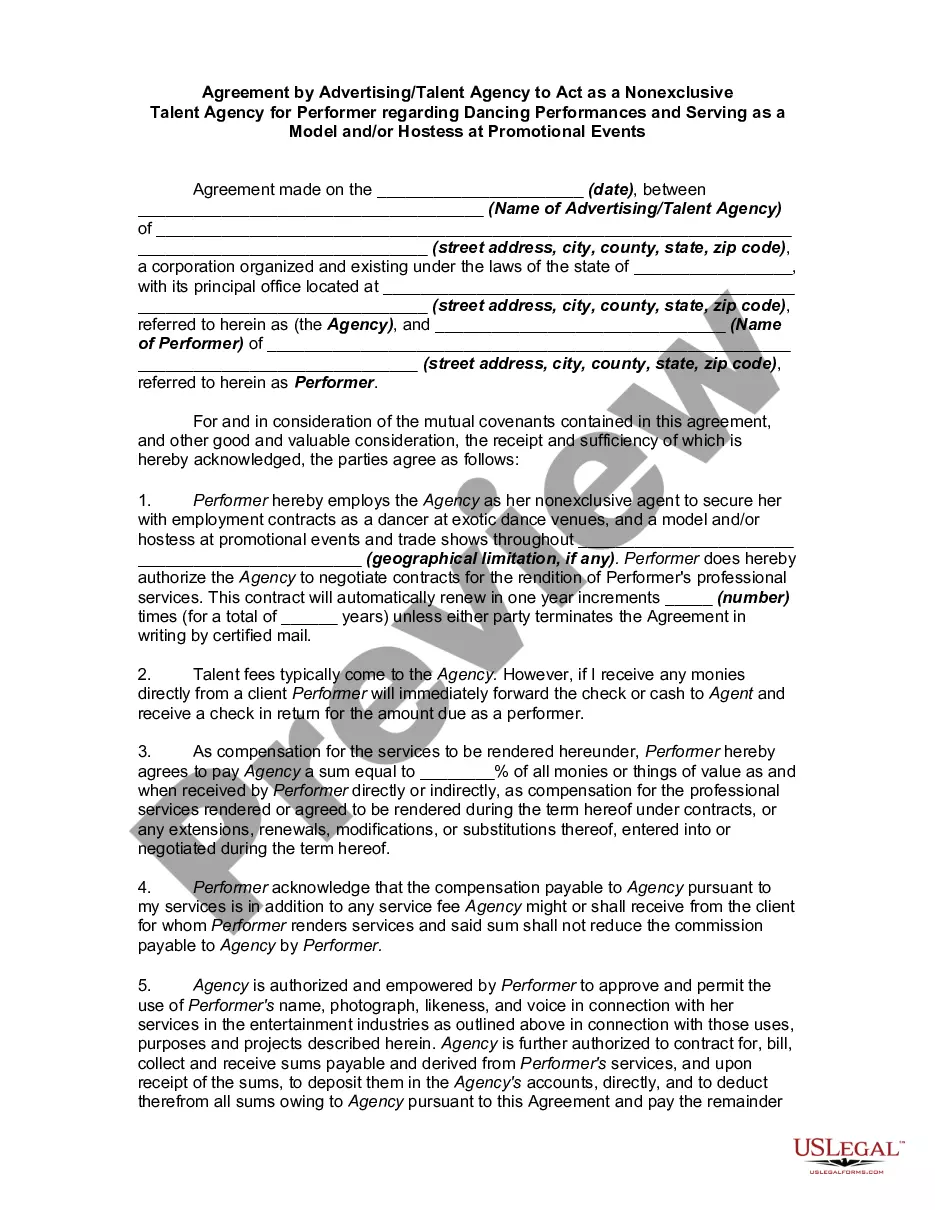
Form with which a corporation may resolve to enter in to any type of lease.
Alabama Issue Shares - Resolution Form - Corporate Resolutions
State:
Multi-State
Control #:
US-0041-CR
Format:
Word;
Rich Text
Instant download
Description
Free preview






Get your form ready online
Our built-in tools help you complete, sign, share, and store your documents in one place.
Built-in online Word editor
Make edits, fill in missing information, and update formatting in US Legal Forms—just like you would in MS Word.
Export easily
Download a copy, print it, send it by email, or mail it via USPS—whatever works best for your next step.
E-sign your document
Sign and collect signatures with our SignNow integration. Send to multiple recipients, set reminders, and more. Go Premium to unlock E-Sign.
Notarize online 24/7
If this form requires notarization, complete it online through a secure video call—no need to meet a notary in person or wait for an appointment.
Store your document securely
We protect your documents and personal data by following strict security and privacy standards.

Make edits, fill in missing information, and update formatting in US Legal Forms—just like you would in MS Word.

Download a copy, print it, send it by email, or mail it via USPS—whatever works best for your next step.

Sign and collect signatures with our SignNow integration. Send to multiple recipients, set reminders, and more. Go Premium to unlock E-Sign.

If this form requires notarization, complete it online through a secure video call—no need to meet a notary in person or wait for an appointment.

We protect your documents and personal data by following strict security and privacy standards.
Looking for another form?

How to fill out Issue Shares - Resolution Form - Corporate Resolutions?
Selecting the appropriate legal document template can be rather challenging. Naturally, there are numerous templates accessible online, but how can you procure the legal document you require.
Utilize the US Legal Forms website. The platform provides thousands of templates, including the Alabama Issue Shares - Resolution Form - Corporate Resolutions, which can be employed for commercial and personal needs. All documents are verified by experts and comply with state and federal regulations.
If you are already registered, Log In to your account and click the Download button to access the Alabama Issue Shares - Resolution Form - Corporate Resolutions. Use your account to review the legal documents you have previously ordered. Navigate to the My documents section of your account and download another copy of the document you require.
Complete, edit, print, and sign the obtained Alabama Issue Shares - Resolution Form - Corporate Resolutions. US Legal Forms is the largest repository of legal documents from which you can find numerous document templates. Take advantage of this service to download professionally crafted documents that comply with state requirements.
- If you are a new user of US Legal Forms, here are simple instructions for you to follow.
- First, ensure you have selected the correct document for your location/region. You can browse the document using the Review button and read the document description to confirm it is suitable for your needs.
- If the document does not align with your requirements, utilize the Search function to find the appropriate document.
- Once you are certain that the document is fitting, click on the Order Now button to acquire the document.
- Select the pricing plan you desire and enter the necessary information. Create your account and complete your order using your PayPal account or Visa or Mastercard.
- Choose the download format and retrieve the legal document template for your records.
Form popularity
FAQ
What should shareholder resolutions include?Your corporation's name.Date, time and location of meeting.Statement that all shareholders agree to the resolution.Confirmation of the necessary quorum for business to be conducted.Names of shareholders present or voting by proxy.Number of shares for each voting shareholder.More items...
It is usual for the written resolution document sent to each shareholder to be signed and returned to the company to signify agreement.
Elements of a Certified Board ResolutionExplanation of the action being taken by the board of directors and the reason for doing so. Name of the secretary. Legal name of the corporation and state of incorporation. Names of the board of directors voting for approval of the resolution.
Types of Corporate Resolutions A resolution might outline the officers that are authorized to act (trade, assign, transfer or hedge securities and other assets) on behalf of the corporation. The resolution would outline who is authorized to open a bank account, withdraw money, and write checks.
Therefore, any shareholder who has held at least one share of company stock for at least two months or more may vote on resolutions, either in person at the company's annual meeting, or via a proxy ballot, which can be done online using special voting websites like , or by return mail.
How To Write a Corporate Resolution Step by StepStep 1: Write the Company's Name.Step 2: Include Further Legal Identification.Step 3: Include Location, Date and Time.Step 4: List the Board Resolutions.Step 5: Sign and Date the Document.
How To Write a Corporate Resolution Step by StepStep 1: Write the Company's Name.Step 2: Include Further Legal Identification.Step 3: Include Location, Date and Time.Step 4: List the Board Resolutions.Step 5: Sign and Date the Document.
The title of the resolution must appropriately reflect the intent. Resolutions begin with "Whereas" statements, which provides the basic facts and reasons for the resolution, and conclude with "Resolved" statements which, identifies the specific proposal for the requestor's course of action.
How To Write a Corporate Resolution Step by StepStep 1: Write the Company's Name.Step 2: Include Further Legal Identification.Step 3: Include Location, Date and Time.Step 4: List the Board Resolutions.Step 5: Sign and Date the Document.
Board resolutions should be written on the organization's letterhead. The wording simply describes the action that the board agreed to take. It also shows the date of the action and it names the parties to the resolution.