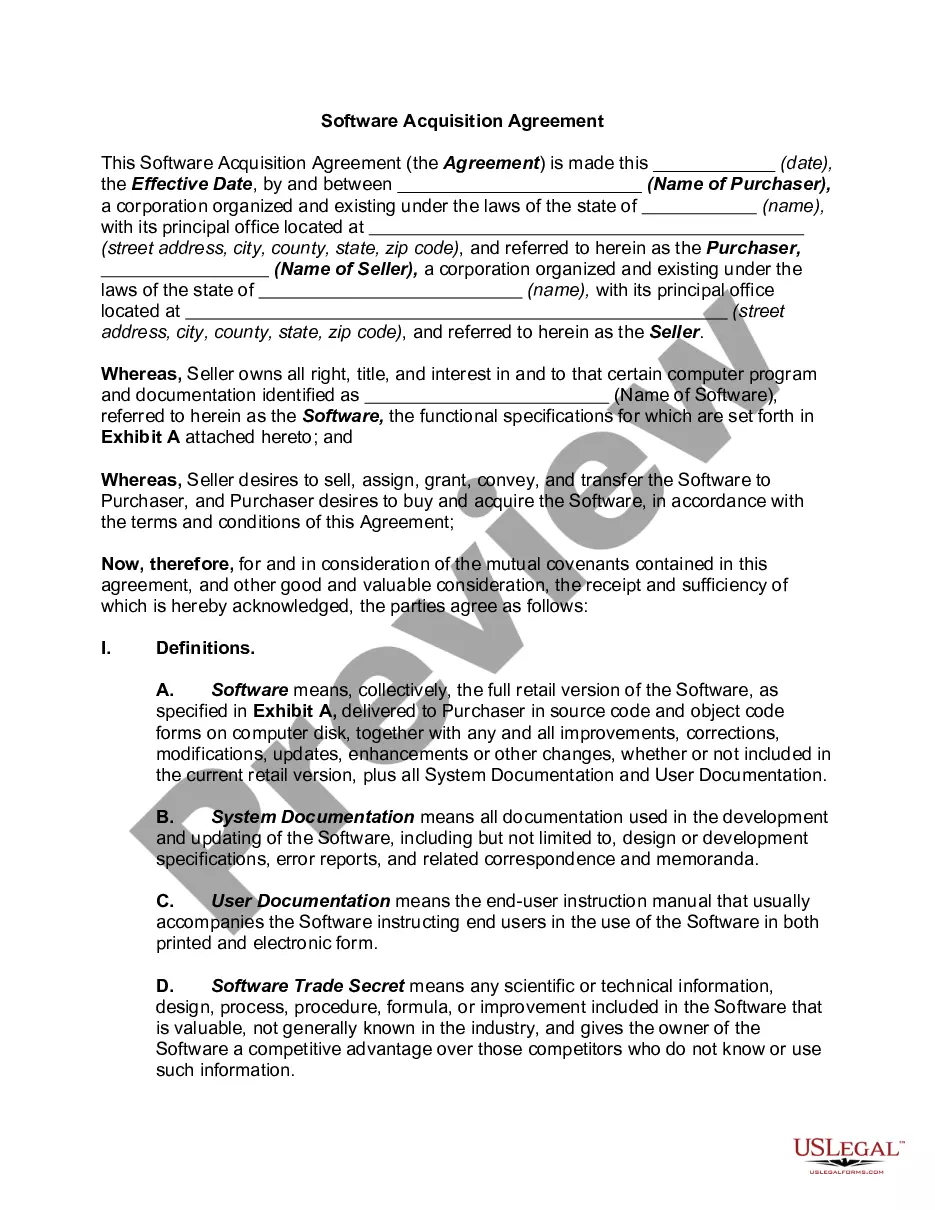
Computer software consists of instructions or data. Anything that can be stored electronically is software. The storage devices and display devices are hardware.
Software is often divided into two categories: Systems Software includes the operating system and all the utilities that enable the computer to function; and Applications Software includes programs that do real work for users (e.g., word processors, spreadsheets, and database management systems).
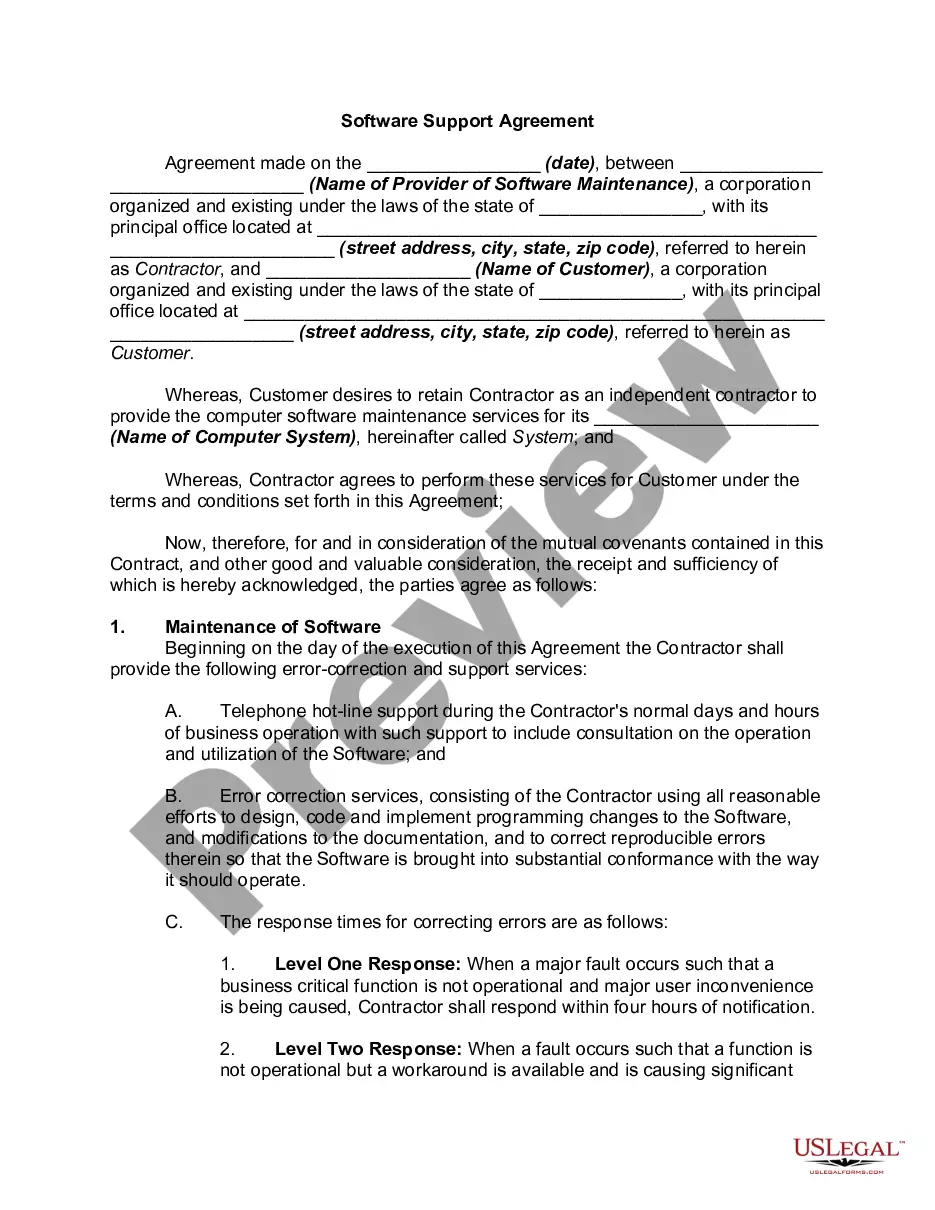
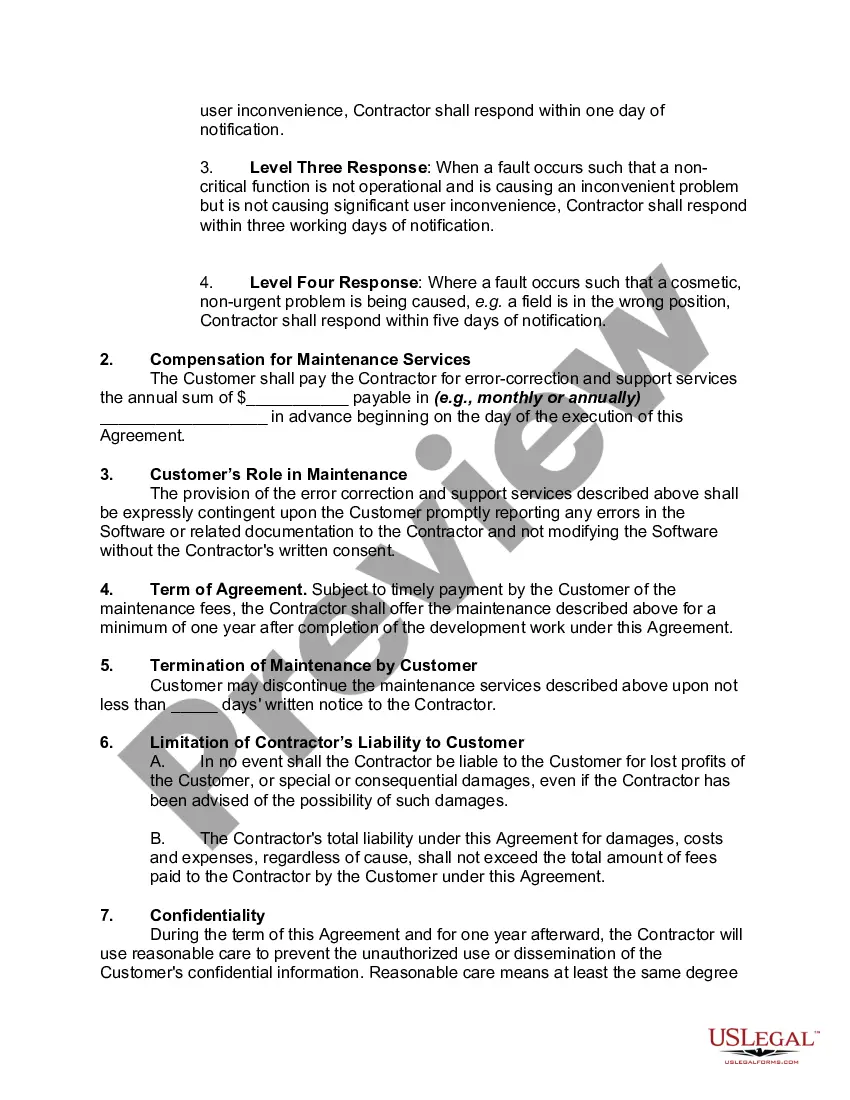
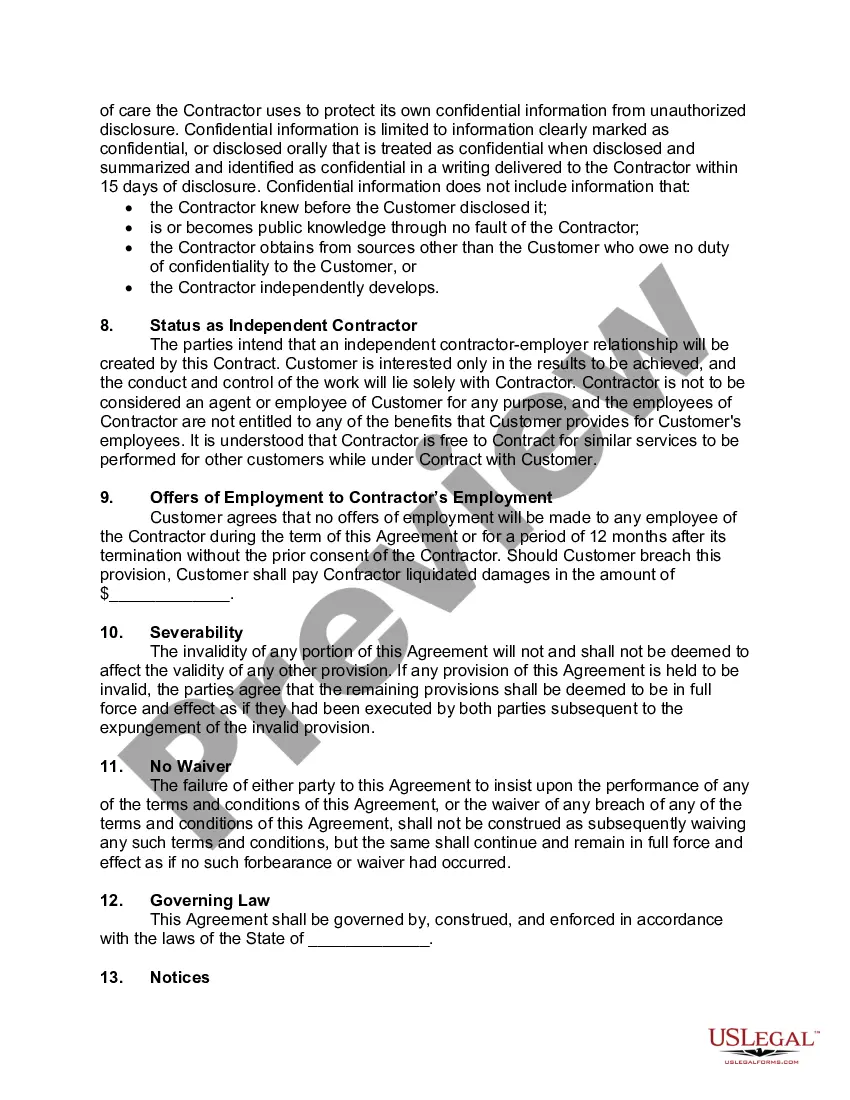
Alaska Software Support Agreement
Category:
State:
Multi-State
Control #:
US-02489BG
Format:
Word;
PDF;
Rich Text
Instant download
Description
Free preview
Get your form ready online
Our built-in tools help you complete, sign, share, and store your documents in one place.
Built-in online Word editor
Make edits, fill in missing information, and update formatting in US Legal Forms—just like you would in MS Word.
Export easily
Download a copy, print it, send it by email, or mail it via USPS—whatever works best for your next step.
E-sign your document
Sign and collect signatures with our SignNow integration. Send to multiple recipients, set reminders, and more. Go Premium to unlock E-Sign.
Notarize online 24/7
If this form requires notarization, complete it online through a secure video call—no need to meet a notary in person or wait for an appointment.
Store your document securely
We protect your documents and personal data by following strict security and privacy standards.

Make edits, fill in missing information, and update formatting in US Legal Forms—just like you would in MS Word.

Download a copy, print it, send it by email, or mail it via USPS—whatever works best for your next step.

Sign and collect signatures with our SignNow integration. Send to multiple recipients, set reminders, and more. Go Premium to unlock E-Sign.

If this form requires notarization, complete it online through a secure video call—no need to meet a notary in person or wait for an appointment.

We protect your documents and personal data by following strict security and privacy standards.
Looking for another form?

How to fill out Software Support Agreement?
Selecting the ideal legal document template can be quite challenging. Indeed, there are numerous designs available online, but how do you find the legal form you need? Visit the US Legal Forms website. The service offers a vast array of templates, such as the Alaska Software Support Agreement, which can be utilized for both business and personal purposes.
All forms are reviewed by professionals and comply with state and federal regulations. If you are already registered, Log In to your account and click the Download button to obtain the Alaska Software Support Agreement. Use your account to search for the legal documents you have previously acquired. Go to the My documents section of your account to retrieve another copy of the document you need.
If you are a new user of US Legal Forms, here are simple steps you should follow: First, ensure you have selected the correct form for your city/region. You can preview the form using the Review button and read the form description to confirm it is suitable for your needs. If the form does not meet your requirements, utilize the Search field to find the right form.
- Once you are confident that the form is accurate, click the Get now button to obtain the form.
- Select the payment plan you wish to use and enter the required information.
- Create your account and complete the purchase using your PayPal account or credit card.
- Choose the file format and download the legal document template to your device.
- Complete, modify, print, and sign the downloaded Alaska Software Support Agreement.
- US Legal Forms is the largest collection of legal forms where you can find numerous document templates. Utilize the service to download professionally crafted documents that comply with state requirements.
Form popularity
FAQ
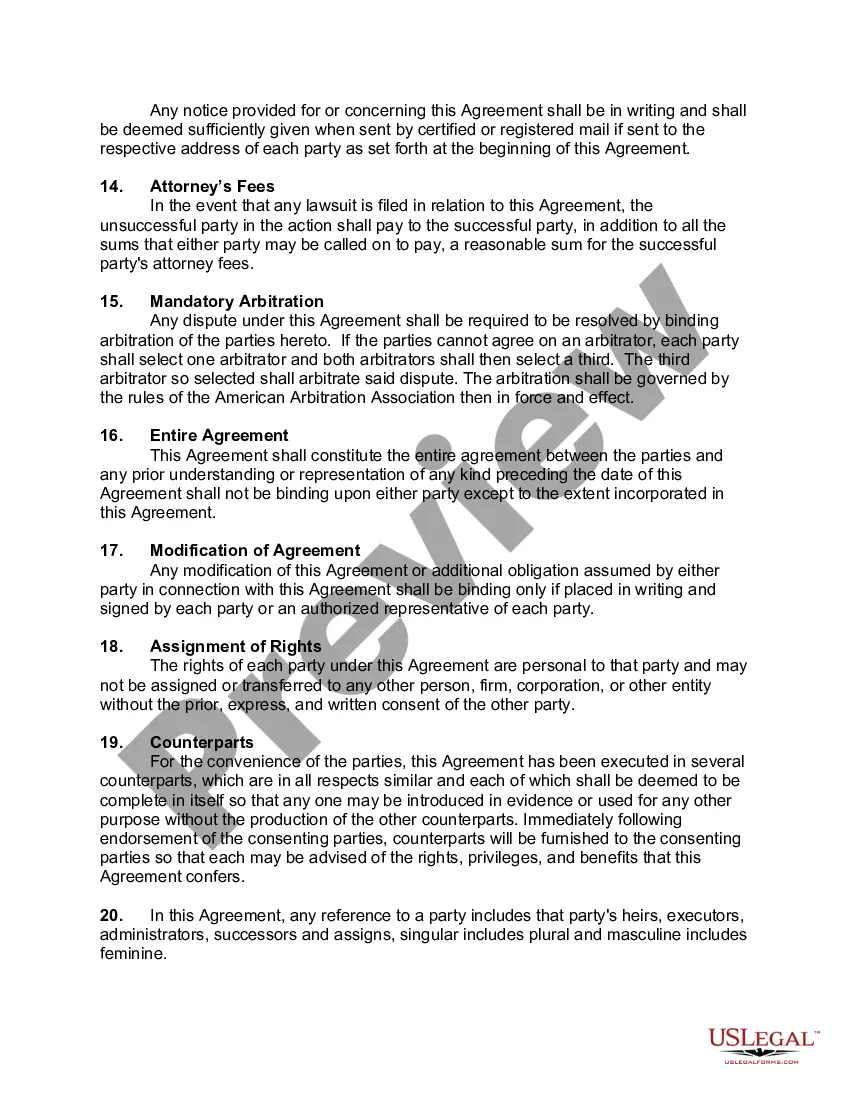
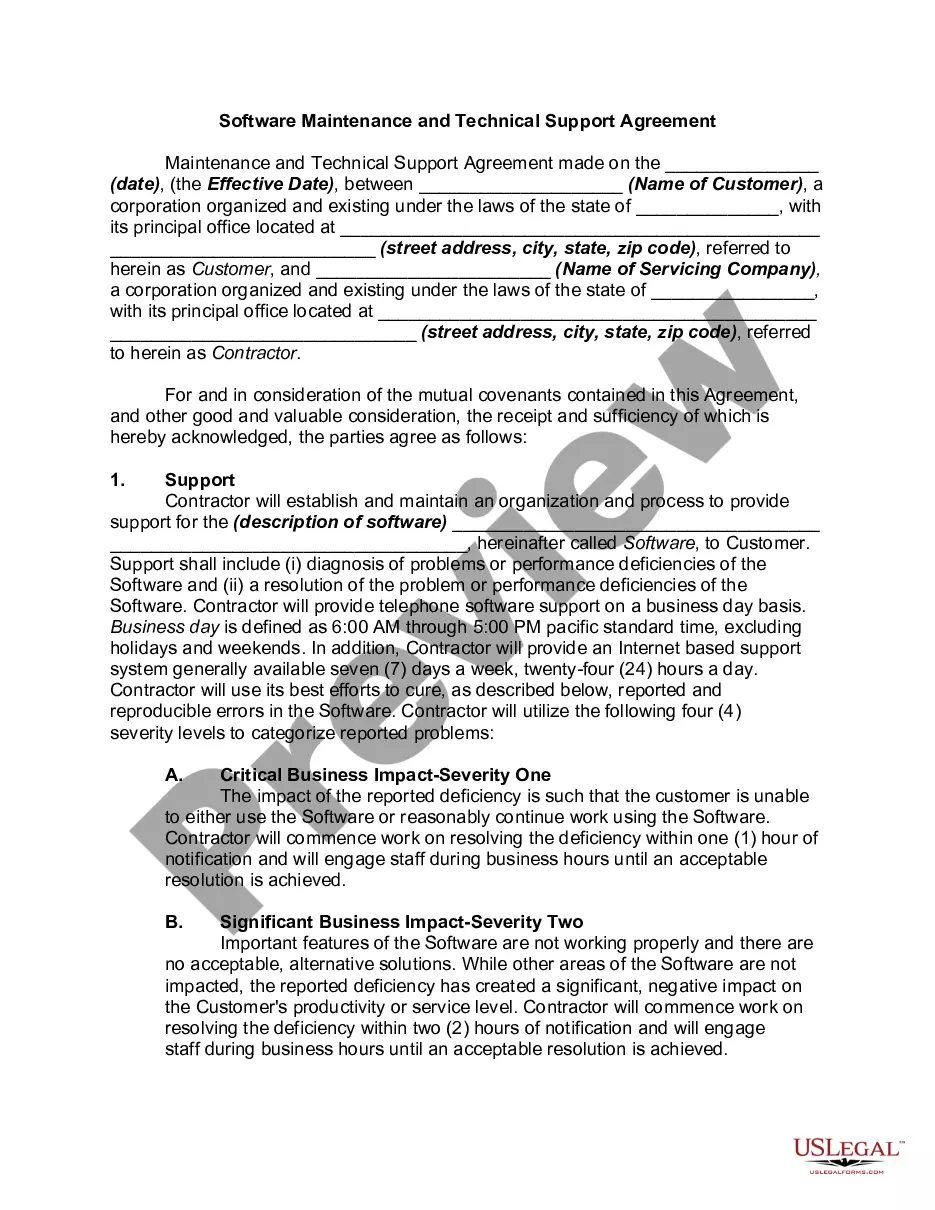
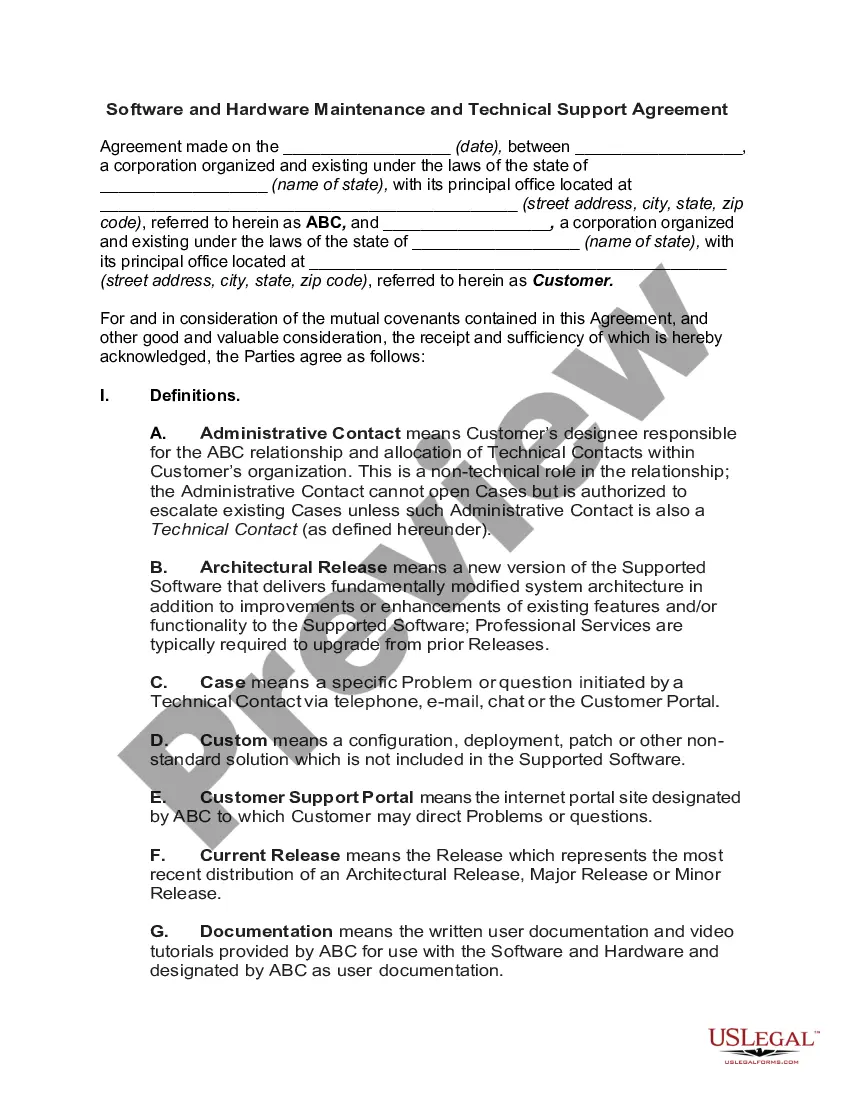
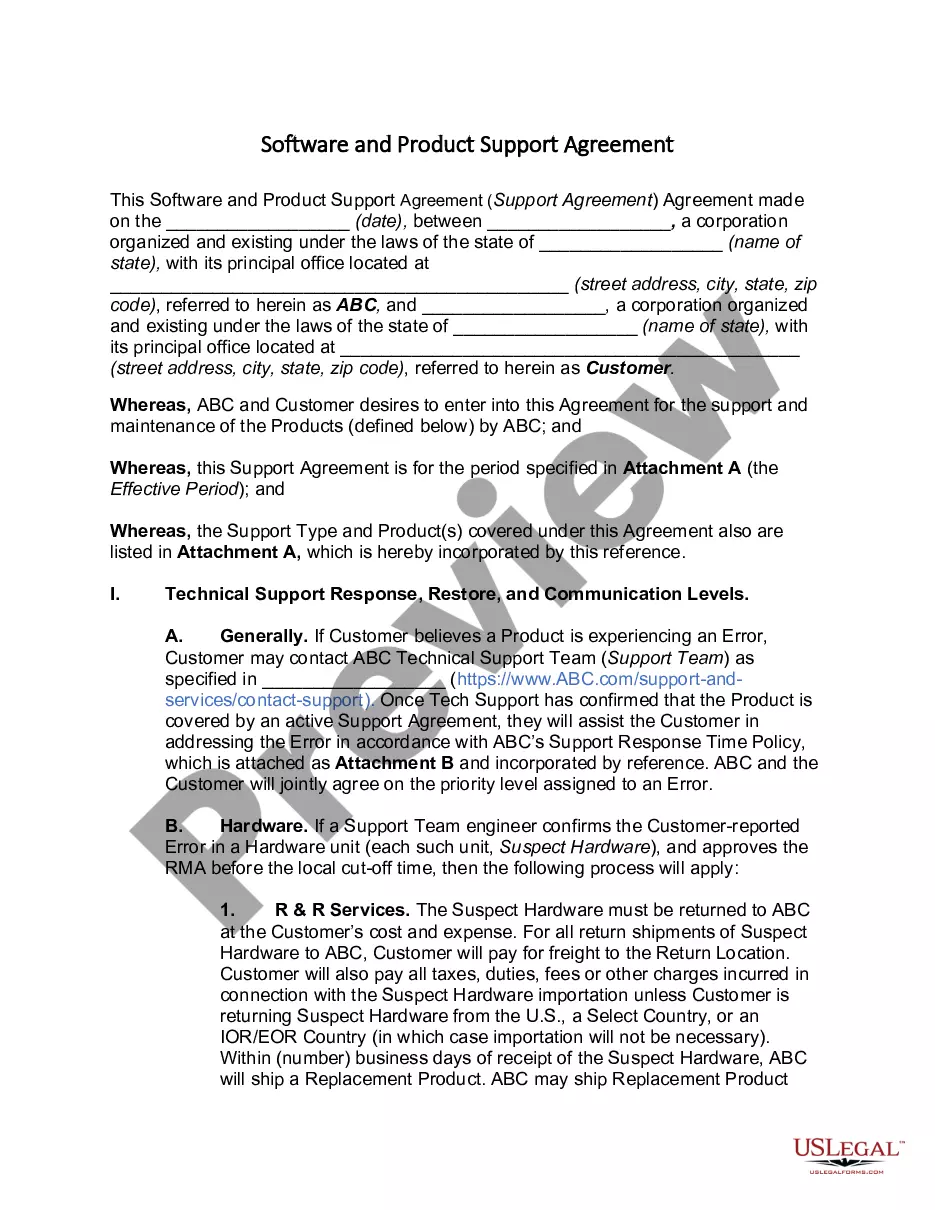
A support agreement aims to define the level and type of assistance a provider will deliver for software products. It helps in setting expectations and responsibilities. By utilizing an Alaska Software Support Agreement, businesses can protect their operations and ensure they have timely help whenever software challenges arise.
Software support refers to the services that assist users in effectively utilizing software applications. This support can include troubleshooting, updates, and training. An Alaska Software Support Agreement ensures that users have consistent access to these essential services, helping maximize the value of their software investments.
A software service agreement details the terms between a service provider and a client regarding software services. This document may include development, maintenance, and support provisions. An Alaska Software Support Agreement can be a type of software service agreement focused specifically on ongoing software support needs.
A software support agreement outlines the services provided to maintain and support software applications. It typically covers issues like updates, troubleshooting, and user assistance. Having an Alaska Software Support Agreement helps businesses ensure they receive the necessary help and resources for their software issues.
In Alaska, verbal contracts can be binding, but they often rely on the context and specifics of the agreement. It's important to document key terms to avoid misunderstandings. Using a written agreement, like an Alaska Software Support Agreement, can provide clarity and security for both parties.