Alaska Acknowledgment for Copy Certification by Document Custodian
Understanding this form
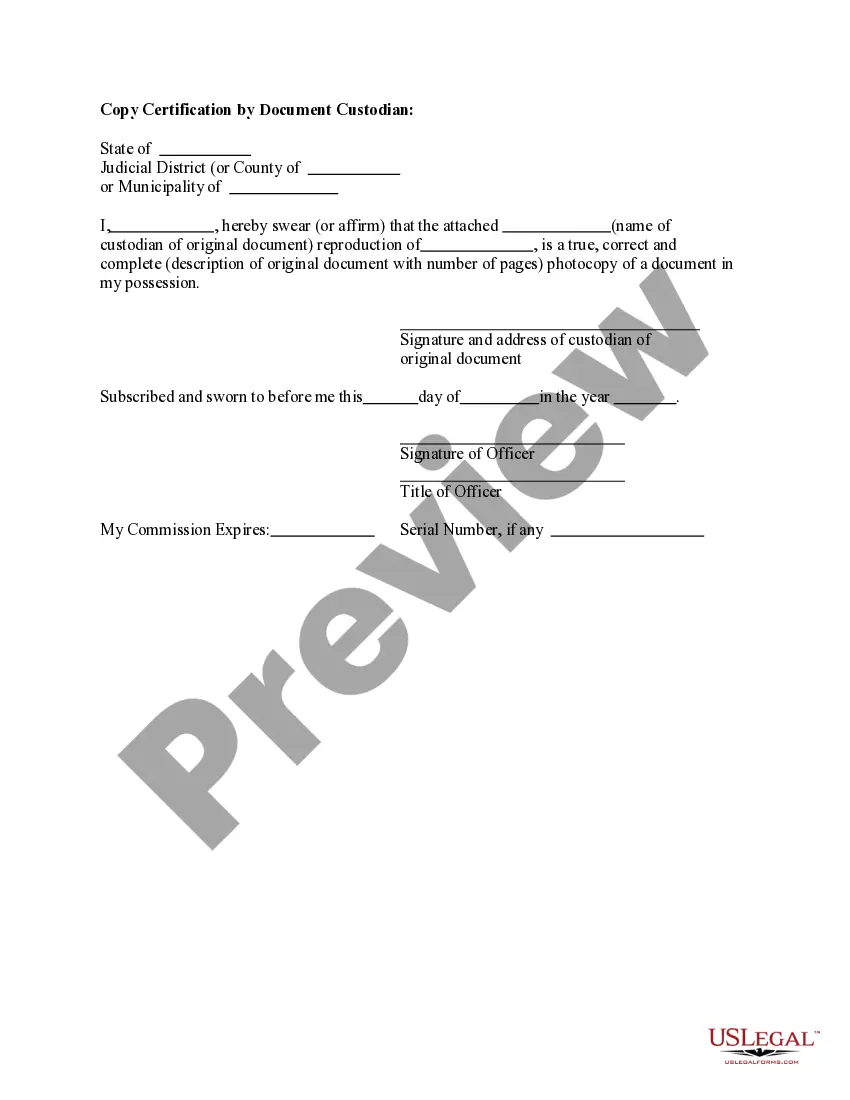
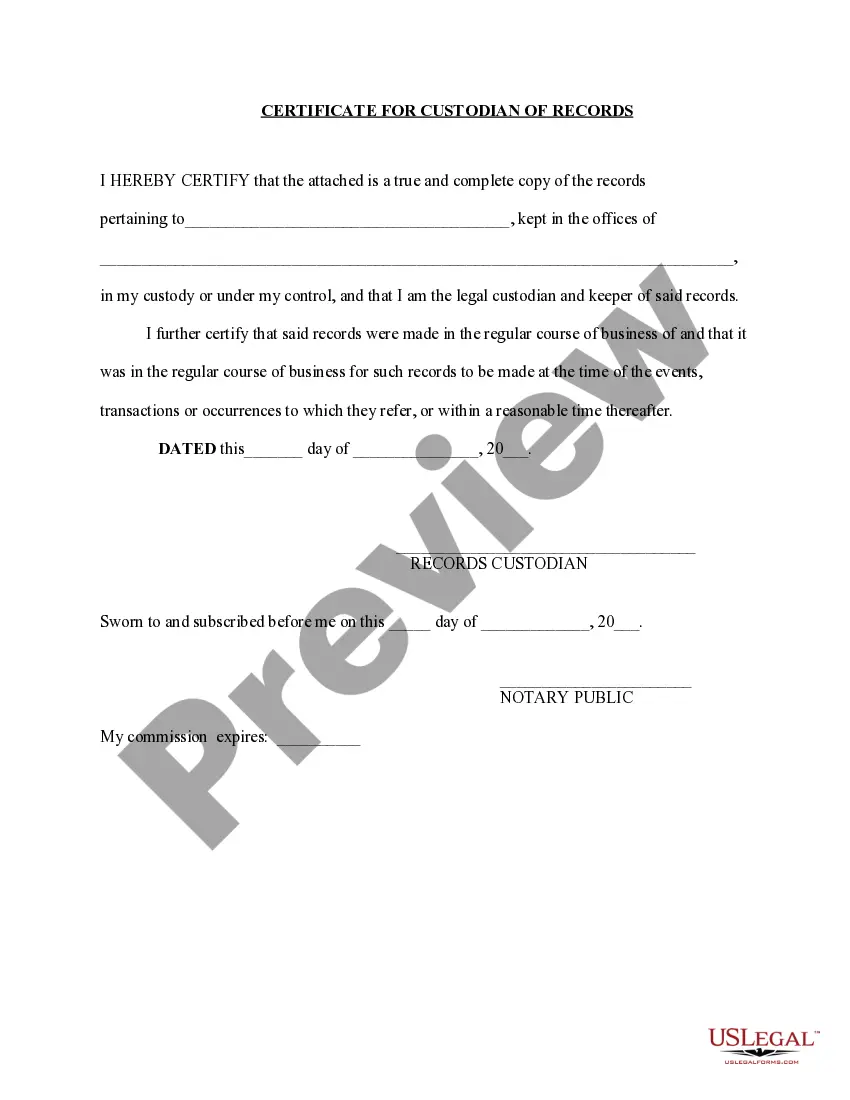
The Acknowledgment for Copy Certification by Document Custodian is a legal document used to validate that a copied document is a true and accurate reproduction of the original. This form differs from standard photocopies as it requires a custodian to officially affirm the authenticity of the copy. It acts as a safeguard ensuring that the reproduced material can be trusted for legal or administrative purposes.
Main sections of this form
- Identification of the custodian of the original document.
- Statement affirming the copied document's accuracy and completeness.
- Details including the name of the original document and the number of pages.
- Signatures of the custodian and a witness or notary public, if required.
- Date when the acknowledgment was sworn to be true.

When to use this document
This form is used when a custodian of original documents needs to certify that a photocopy is an exact replica. Common situations include legal proceedings, submission of corporate records, or any case where the authenticity of the documentation is questioned. It adds a level of assurance that the copied materials are reliable.
Who this form is for
- Document custodians who manage original copies.
- Individuals needing to present certified copies in legal settings.
- Businesses or organizations that require documentation for compliance or verification.
How to complete this form
- Identify the custodian of the original document and provide their name.
- Clearly describe the original document, including its title and page count.
- State that the photocopy is a true and correct reproduction.
- Have the custodian sign the acknowledgment, including date and address.
- If required, have a notary public witness the signing for additional validation.
Notarization requirements for this form
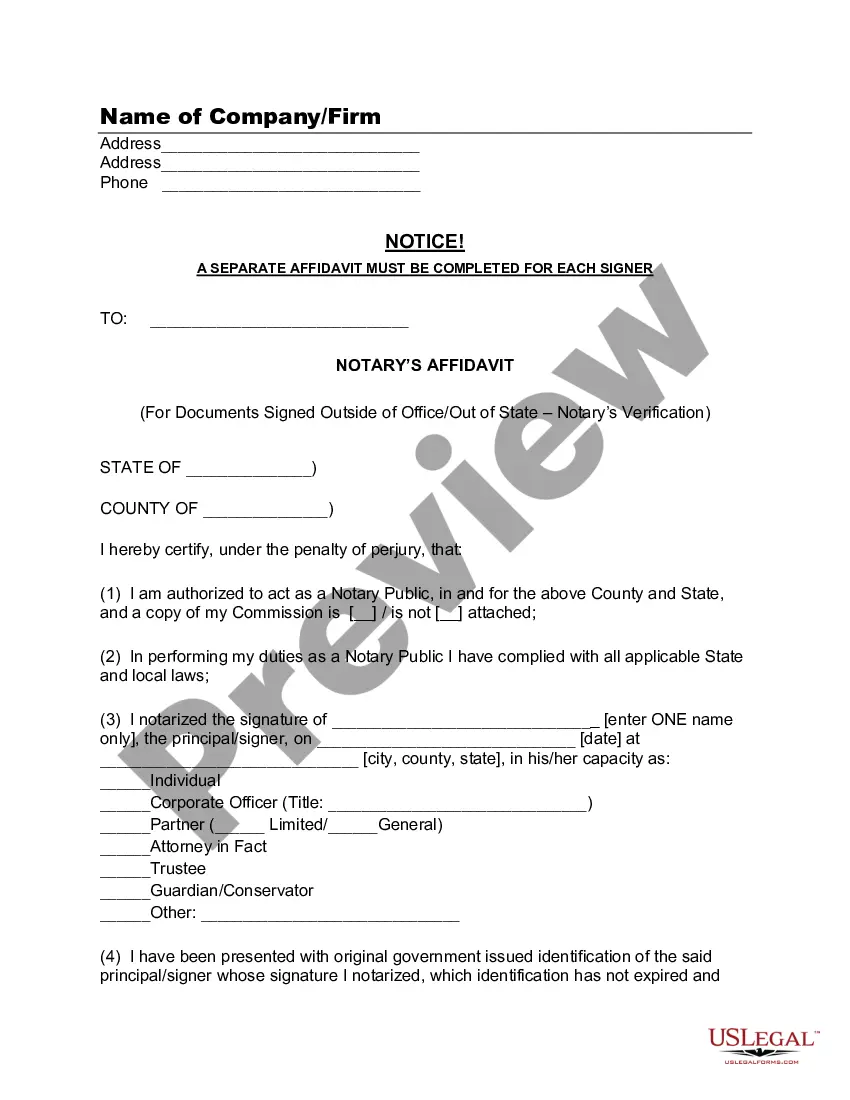
Notarization is required for this form to take effect. Our online notarization service, powered by Notarize, lets you verify and sign documents remotely through an encrypted video session, available 24/7.
Get your form ready online
Our built-in tools help you complete, sign, share, and store your documents in one place.
Make edits, fill in missing information, and update formatting in US Legal Forms—just like you would in MS Word.
Download a copy, print it, send it by email, or mail it via USPS—whatever works best for your next step.
Sign and collect signatures with our SignNow integration. Send to multiple recipients, set reminders, and more. Go Premium to unlock E-Sign.
If this form requires notarization, complete it online through a secure video call—no need to meet a notary in person or wait for an appointment.
We protect your documents and personal data by following strict security and privacy standards.

Make edits, fill in missing information, and update formatting in US Legal Forms—just like you would in MS Word.

Download a copy, print it, send it by email, or mail it via USPS—whatever works best for your next step.

Sign and collect signatures with our SignNow integration. Send to multiple recipients, set reminders, and more. Go Premium to unlock E-Sign.

If this form requires notarization, complete it online through a secure video call—no need to meet a notary in person or wait for an appointment.

We protect your documents and personal data by following strict security and privacy standards.
Typical mistakes to avoid
- Failing to include the full name and address of the custodian.
- Not correctly describing the original document or including page numbers.
- Skipping the signature of the custodian or notary public when required.
- Using the form without confirming state-specific requirements or differences.
Why use this form online
- Convenient access to legal forms anytime without needing to visit an office.
- Editable templates that allow users to fill in the required information easily.
- Reliability of forms drafted by licensed attorneys, ensuring compliance with legal standards.