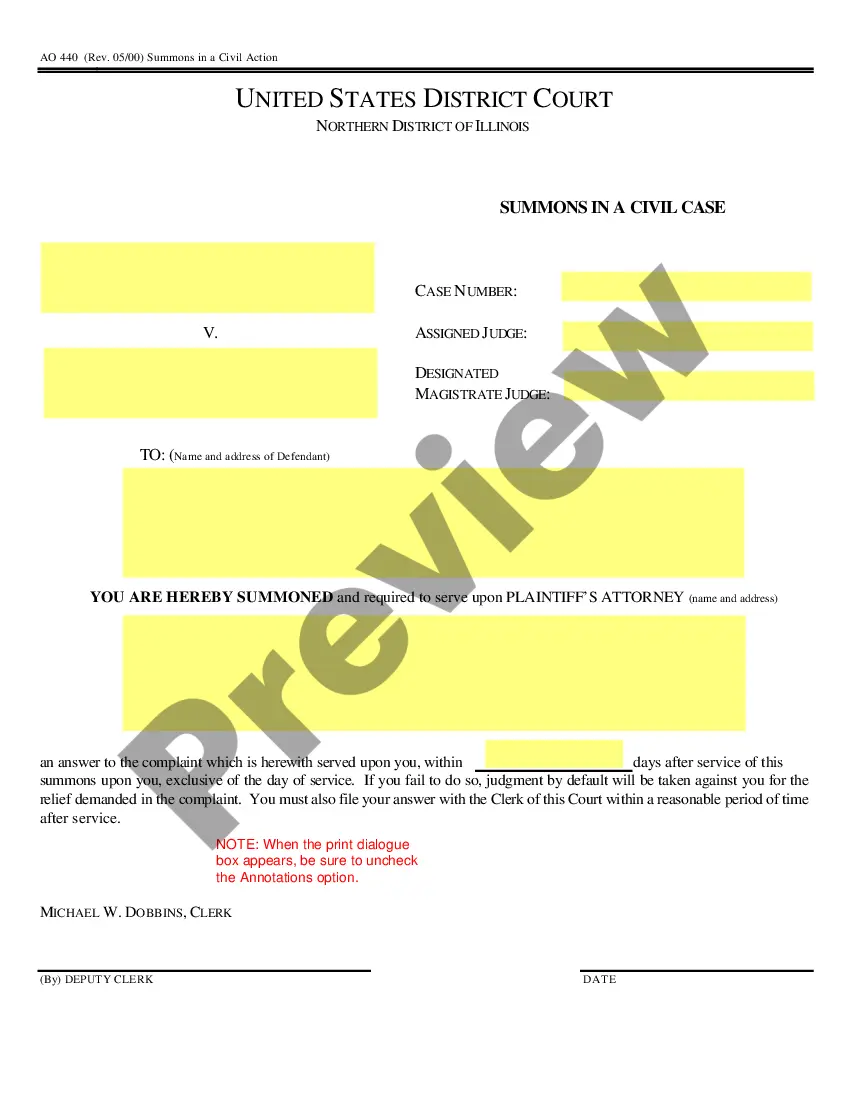
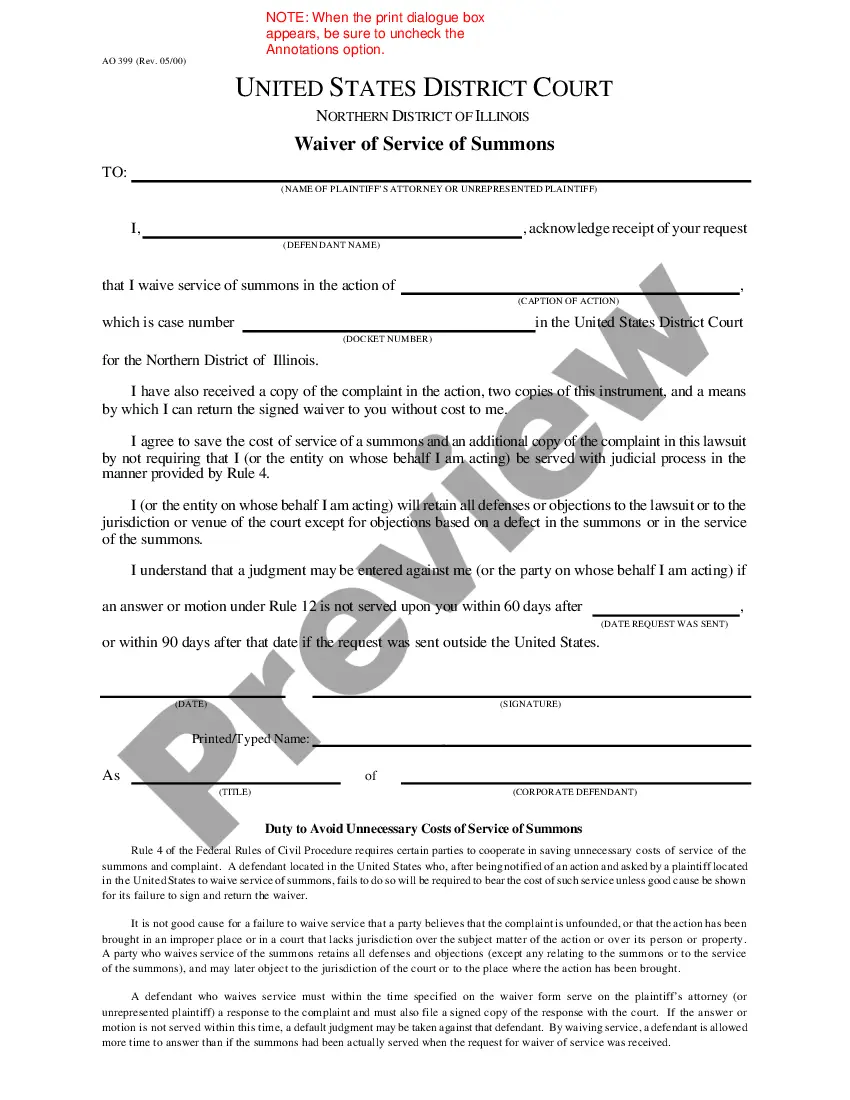
West Virginia Divorce Worksheet and Law Summary for Contested or Uncontested Case of over 25 pages - Ideal Client Interview Form
Overview of this form
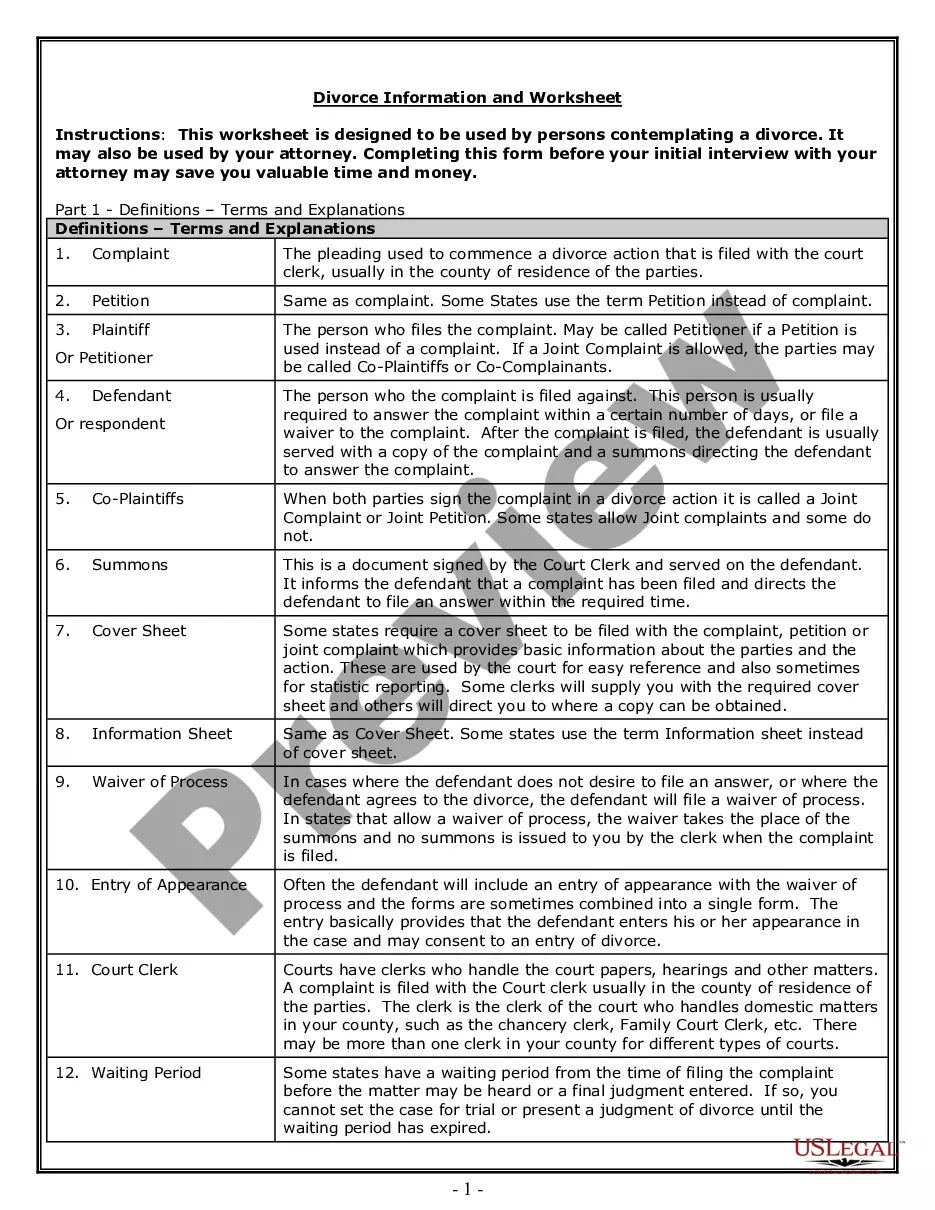
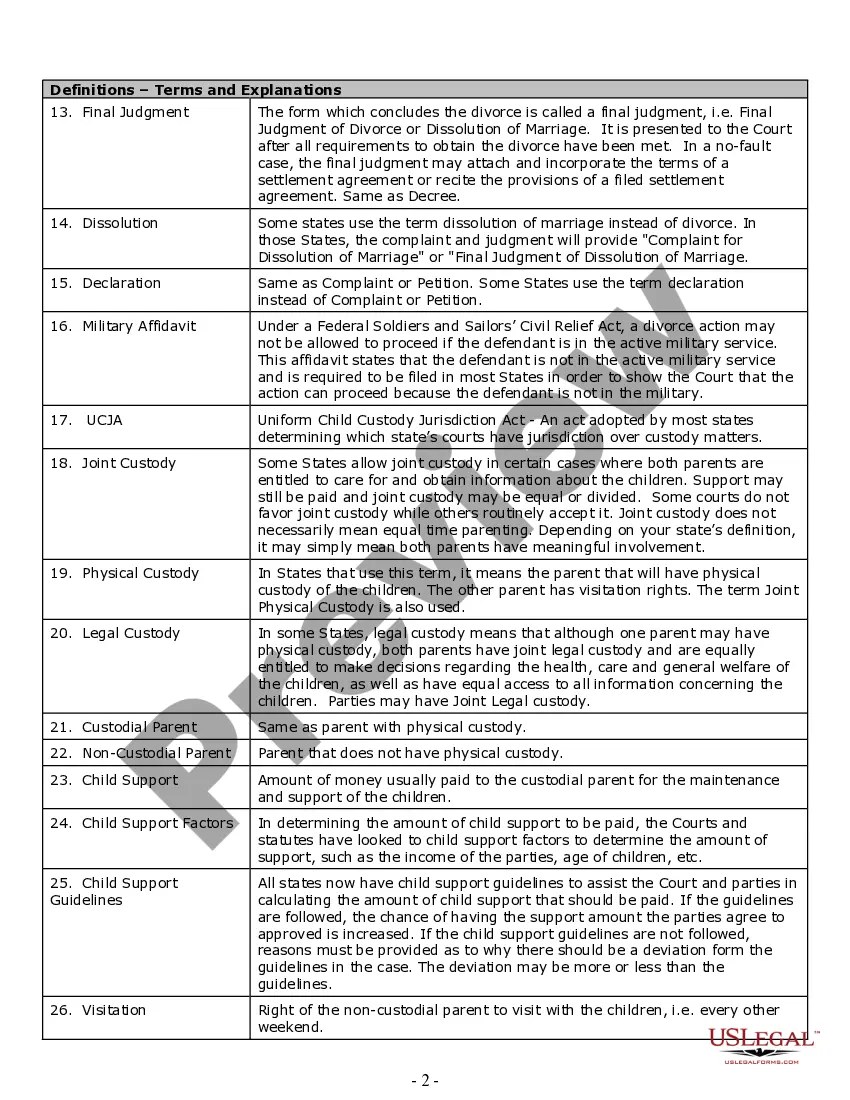
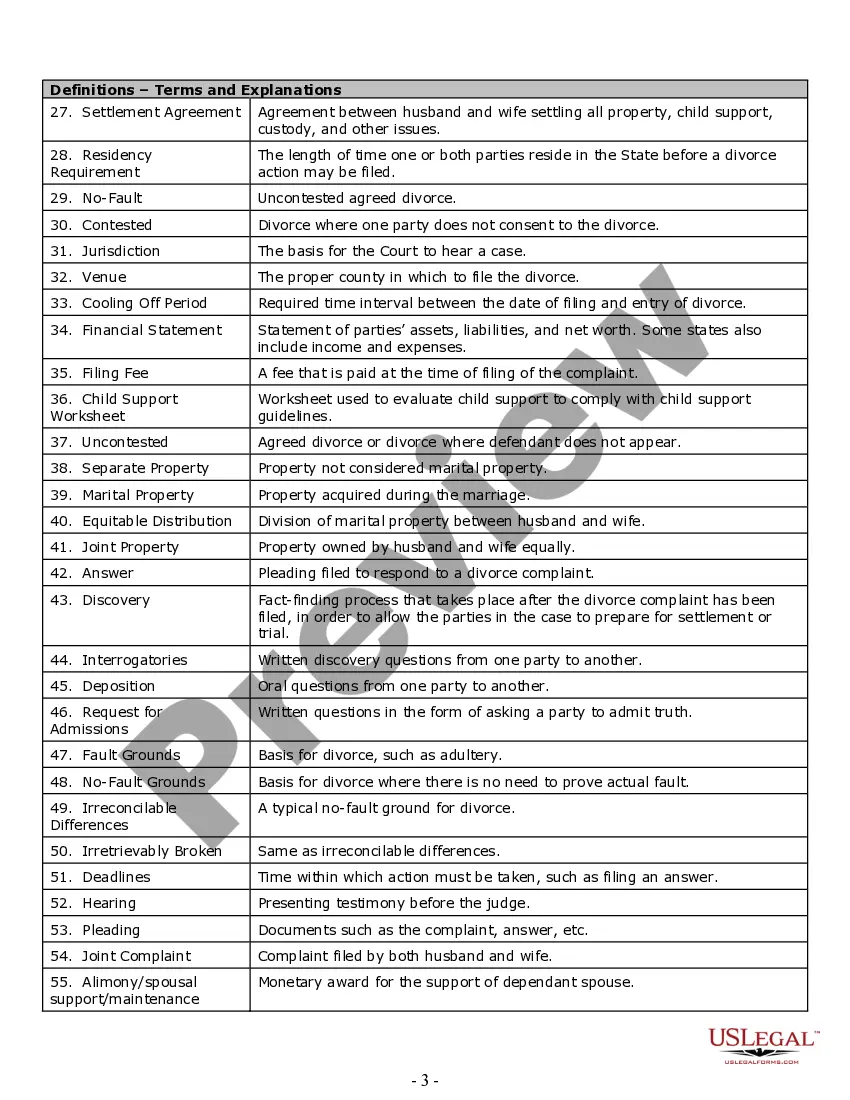
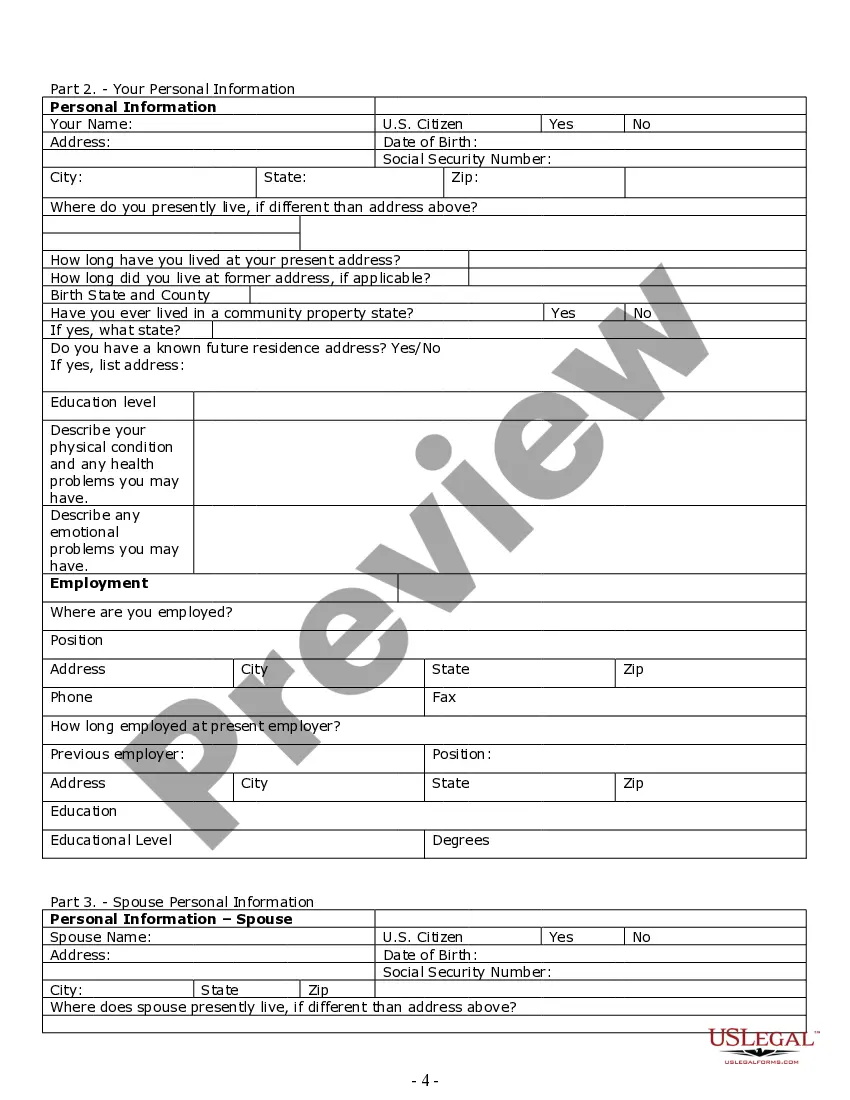
The Divorce Worksheet and Law Summary for Contested or Uncontested Cases is designed to assist individuals preparing for divorce by providing essential information and worksheets. This comprehensive package covers definitions related to divorce, custody, visitation, and financial matters, making it an essential tool for anyone considering or pursuing a divorce. Unlike standard divorce forms, this worksheet serves as an interview guide that helps individuals gather necessary details before meeting with an attorney, saving time and costs in the legal process.
Key components of this form
- Definitions of legal terms relevant to divorce and custody.
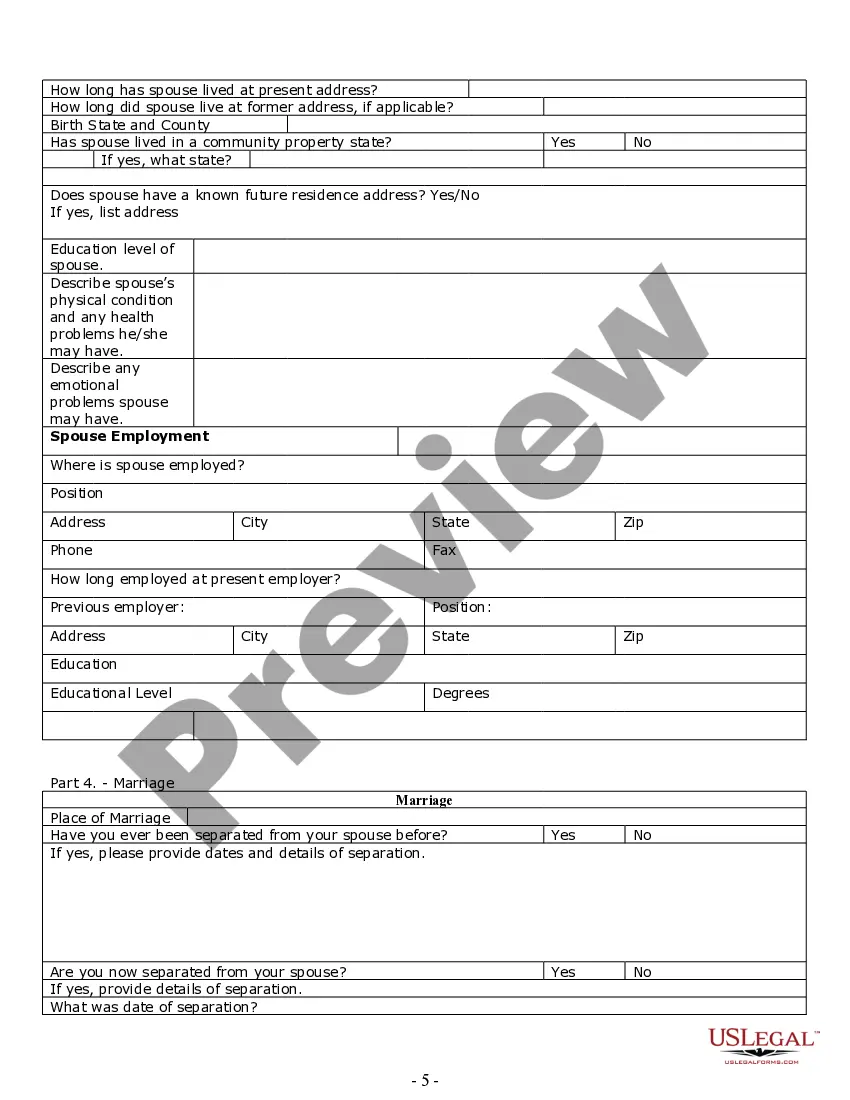
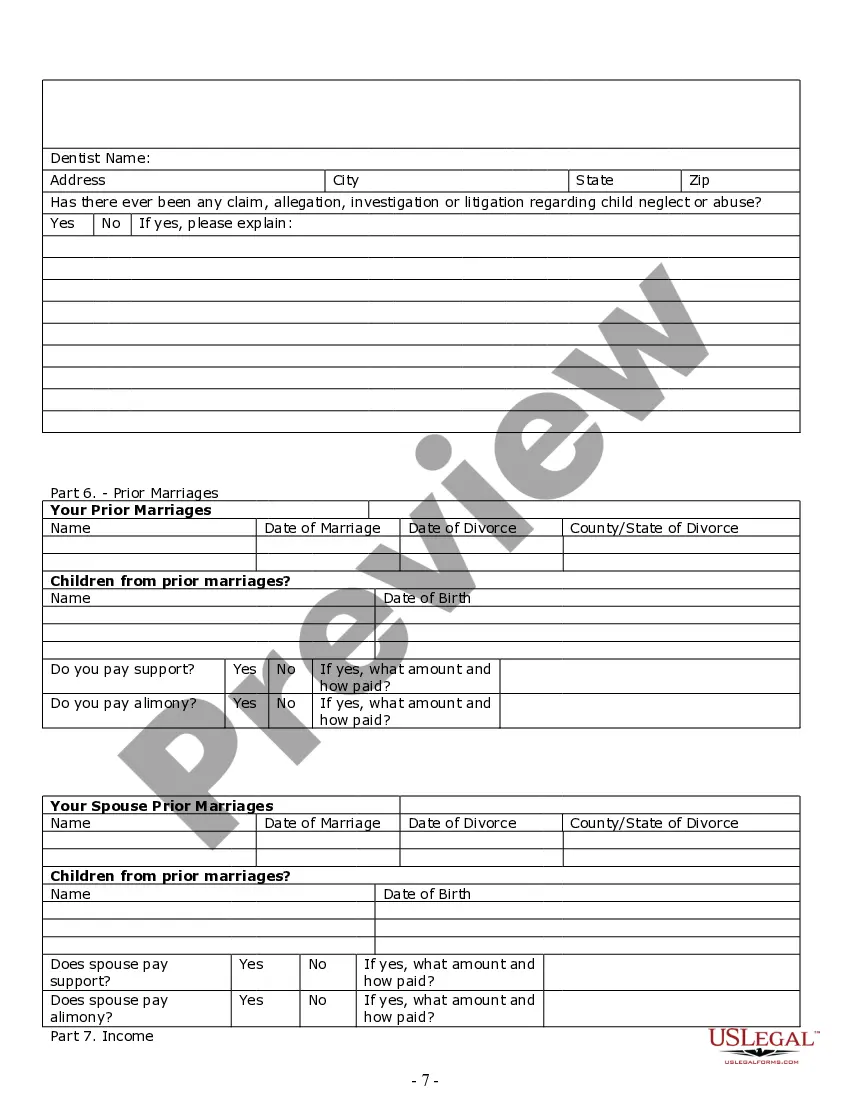
- Personal information sections for both spouses, including health and employment details.
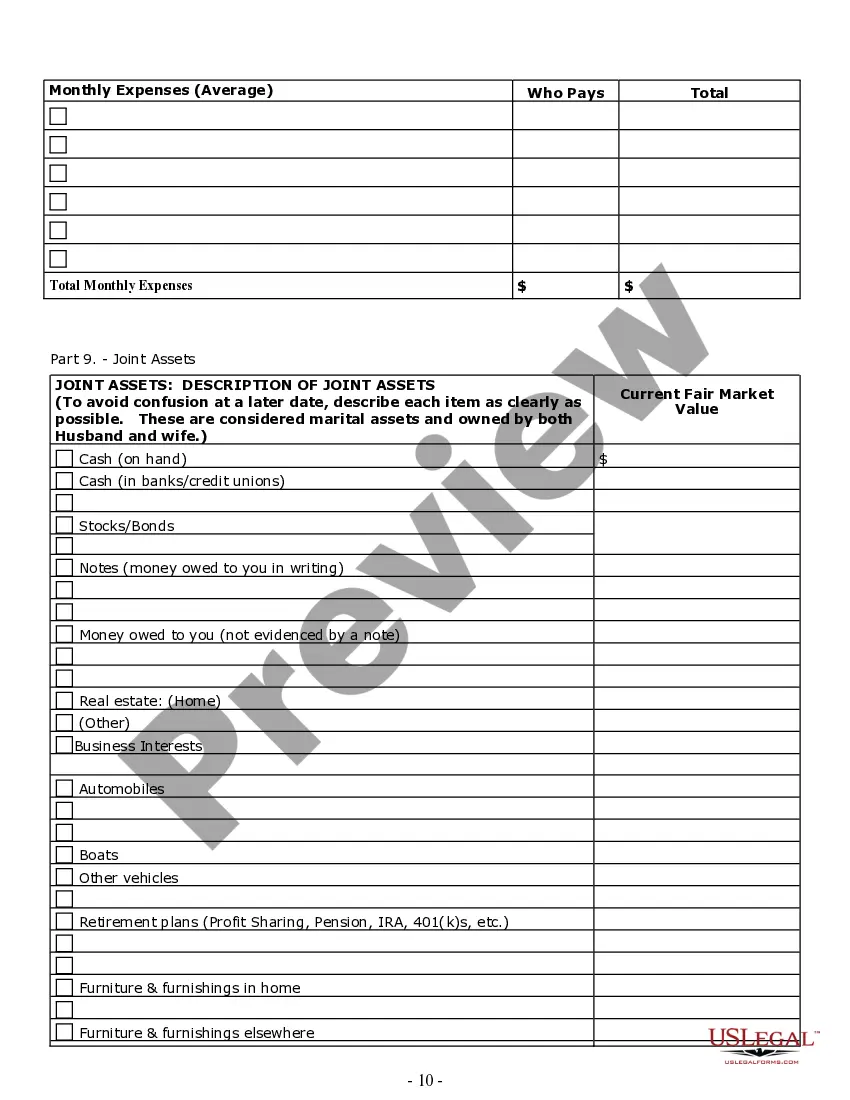
- A thorough outline of marital and separate assets.
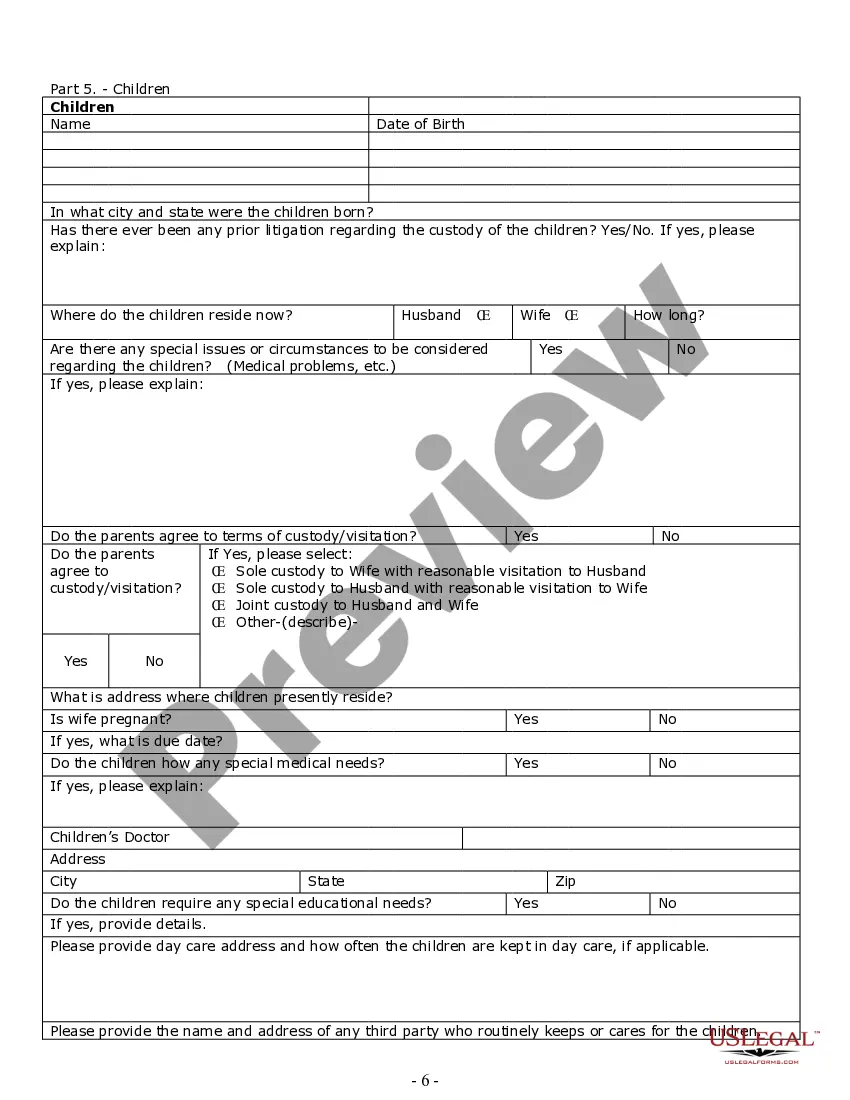
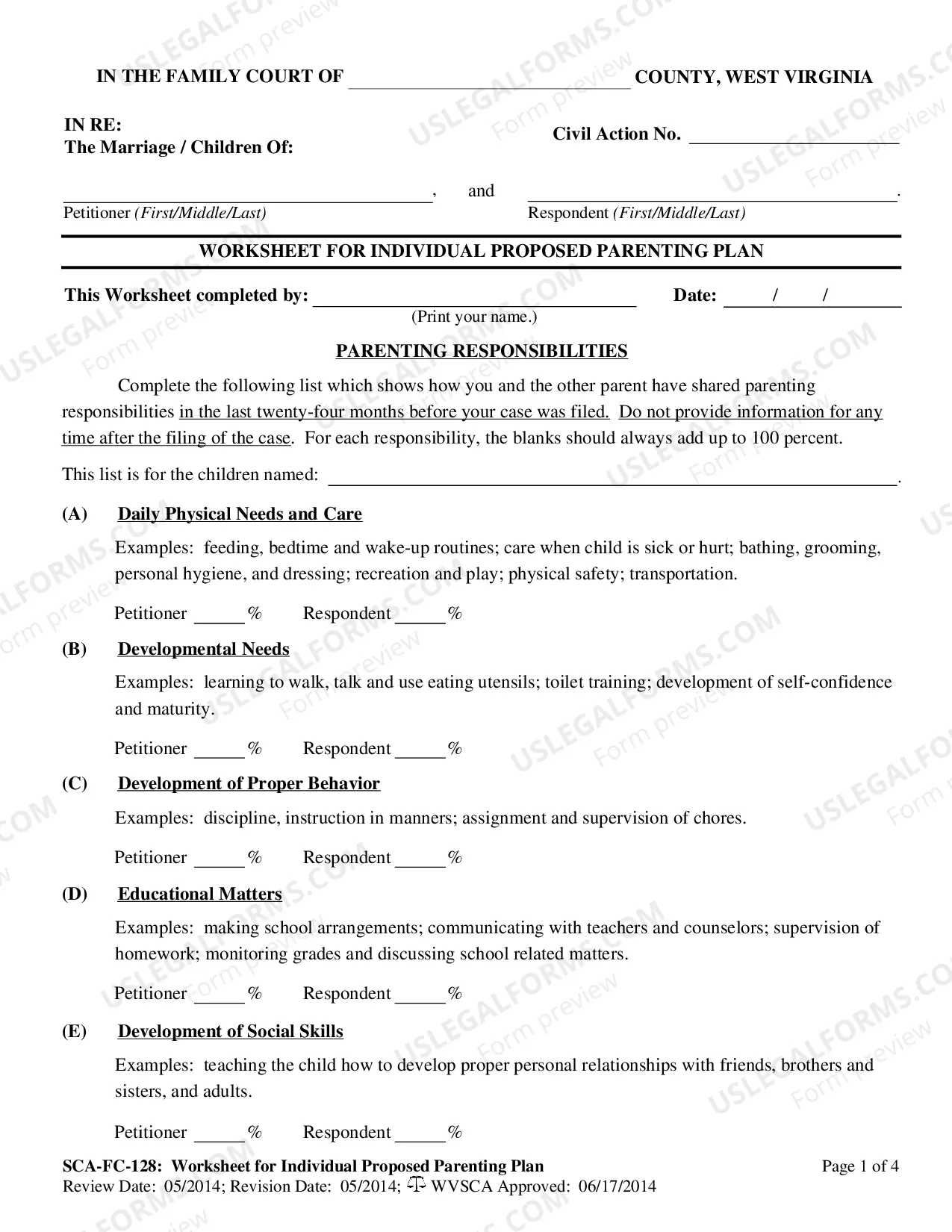
- Worksheets for child custody, visitation arrangements, and child support calculations.
- Instructions on typical procedures for no-fault and contested divorce processes.

Situations where this form applies
This form is ideal for individuals contemplating divorce, whether contested or uncontested. It is useful in scenarios such as gathering information for your attorney, understanding custody arrangements for children, and completing necessary financial disclosures. Using this worksheet allows for structured preparation prior to legal consultation, facilitating a clearer discussion during the initial meeting with legal counsel.
Intended users of this form
- Individuals contemplating divorce seeking to understand the legal process.
- Spouses involved in contested or uncontested divorce proceedings.
- Parents looking to define child custody and support arrangements.
- Anyone preparing for an interview with a divorce attorney.
Completing this form step by step
- Fill in personal information for both spouses, including contact details, dates of birth, and employment status.
- Identify and describe marital and separate assets using the provided worksheets.
- Detail any child-related information including custody agreements and needs for child support.
- Review and complete sections on past marriages and associated children, if applicable.
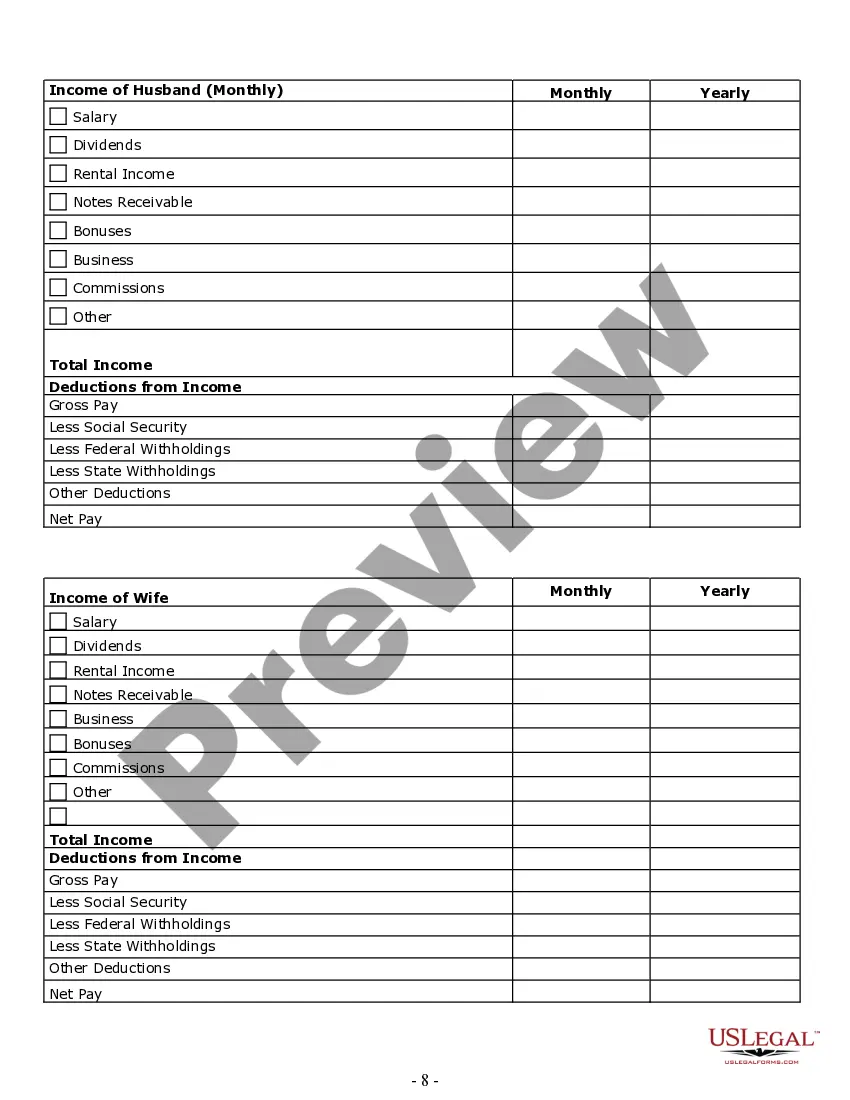
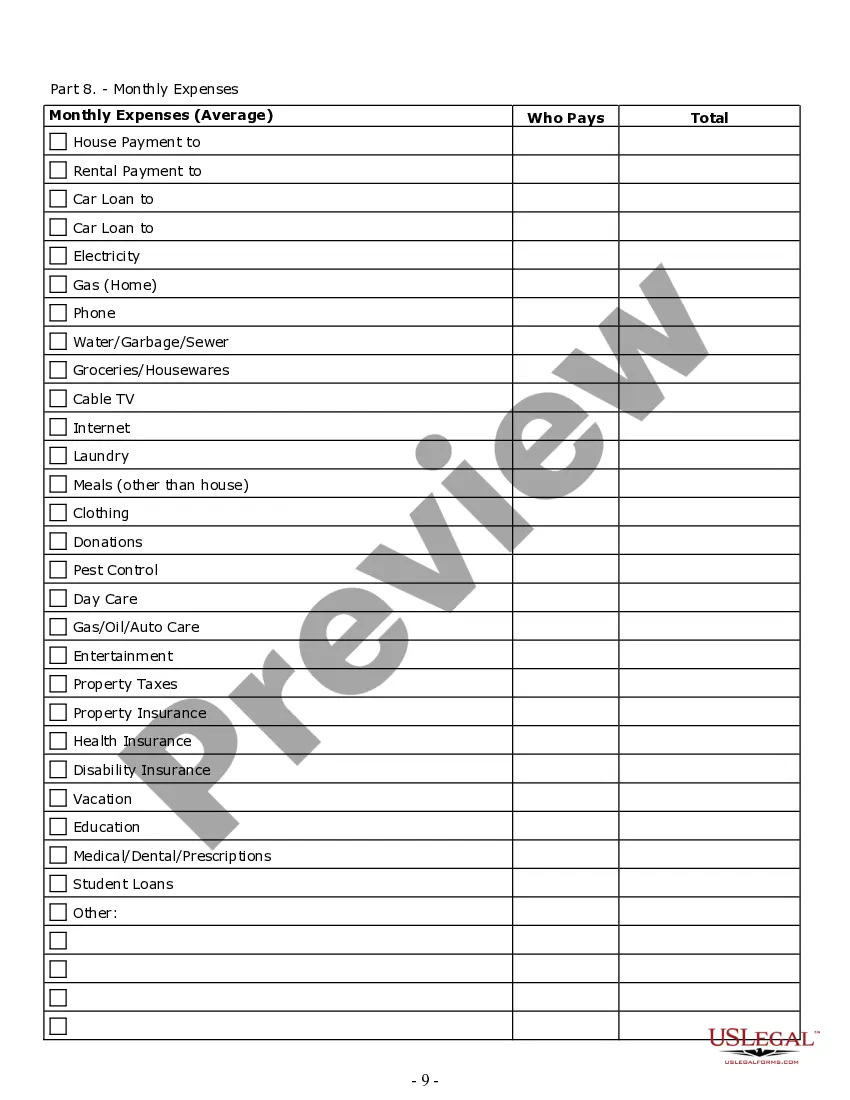
- Complete the financial statement section, outlining income, expenses, and debts.
Does this document require notarization?
In most cases, this form does not require notarization. However, some jurisdictions or signing circumstances might. US Legal Forms offers online notarization powered by Notarize, accessible 24/7 for a quick, remote process.
Get your form ready online
Our built-in tools help you complete, sign, share, and store your documents in one place.
Make edits, fill in missing information, and update formatting in US Legal Forms—just like you would in MS Word.
Download a copy, print it, send it by email, or mail it via USPS—whatever works best for your next step.
Sign and collect signatures with our SignNow integration. Send to multiple recipients, set reminders, and more. Go Premium to unlock E-Sign.
If this form requires notarization, complete it online through a secure video call—no need to meet a notary in person or wait for an appointment.
We protect your documents and personal data by following strict security and privacy standards.
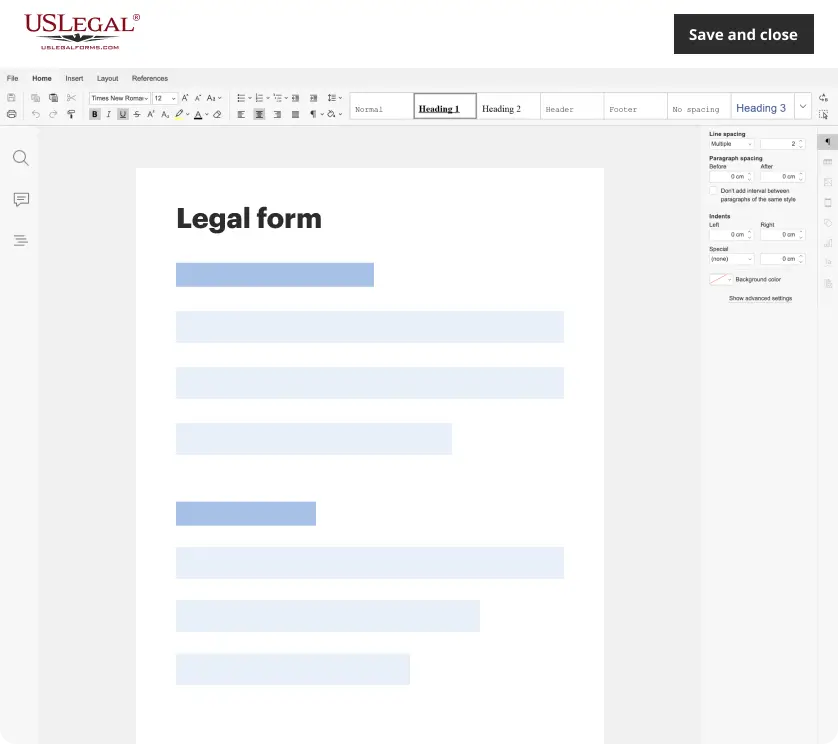
Make edits, fill in missing information, and update formatting in US Legal Forms—just like you would in MS Word.
Download a copy, print it, send it by email, or mail it via USPS—whatever works best for your next step.
Sign and collect signatures with our SignNow integration. Send to multiple recipients, set reminders, and more. Go Premium to unlock E-Sign.

If this form requires notarization, complete it online through a secure video call—no need to meet a notary in person or wait for an appointment.
We protect your documents and personal data by following strict security and privacy standards.
Common mistakes
- Failing to complete all personal and financial information sections accurately.
- Not including prior marital information that may affect custody or support issues.
- Overlooking state-specific requirements and deadlines for filing.
- Neglecting to discuss custody and financial details with your spouse before filing.
Why use this form online
- Convenience of completing the form from home at your own pace.
- Editability allows users to make changes and updates easily as necessary.
- Access to reliable legal templates drafted by licensed attorneys enhances its accuracy.
Legal use & context
Using this Divorce Worksheet and Law Summary is essential for ensuring all relevant information is organized and accurately presented, which aids in the legal review process by your attorney. It is designed to make your divorce proceedings smoother and more comprehensible.
Main things to remember
- The Divorce Worksheet and Law Summary is vital for preparing divorce information comprehensively.
- Users should ensure all sections are accurately completed to facilitate smooth legal procedures.
- The form is suitable for individuals facing contested or uncontested divorces and can aid in discussions with legal representatives.
Looking for another form?

Form popularity
FAQ
On your Android phone or tablet, open the Chrome app . Go to a page you want to save. To the right of the address bar, tap More Download .
Pages is a powerful word processor that lets you create stunning documents, and comes included with most Apple devices. And with real-time collaboration, your team can work together from anywhere, whether they're on Mac, iPad, iPhone, or using a PC.
If you want to open a Pages document in another app, such as Microsoft Word, use Pages to convert the document to an appropriate format. Open the Pages document you want to convert. Choose File > Export To, then select the format.Enter a name for your file, then choose a location for the file.
Open the document that you want to convert, then tap the More button . Tap Export. Choose a format for your document. If you chose EPUB, set any additional options.
If you are using a Mac computer, you know that Pages files are word processing documents created by Apple's "Pages" application. The Windows operating system displays the . pages extension but does not include applications that can open such files. Therefore, the Pages document cannot be read on the Windows PC.
That said, if you are looking at self publishing, Pages does have it's own macOS app built for publishing into Apple Books. Winner: Microsoft Word. It is simply the most feature-rich of all the word processors, and it is also the writing standard for many publishers. Plus, collaboration is at its best in Word.
Save the Pages document to Google Drive. Right click on the document in your Drive, then choose "Open With." Under "Suggested Apps," choose CloudConvert, then sign in with your Gmail account. Review the terms of service if you want to, then click "Allow." Create an account if you don't already have one.
Apple Pages is compatible with Microsoft Word. If you're creating documents in collaboration with Word users, or if you're sending your Pages file to a Microsoft Word user, you can save the Pages files as a Word document or export the Pages file as a Word document to ensure no issues arise.
Open the Pages doc you'd like to convert. Click File in the top left corner. Select Export To 2192 Word2026 Click Next2026 in the bottom right corner. Create a name for your exported doc, and where to save it, click Export.