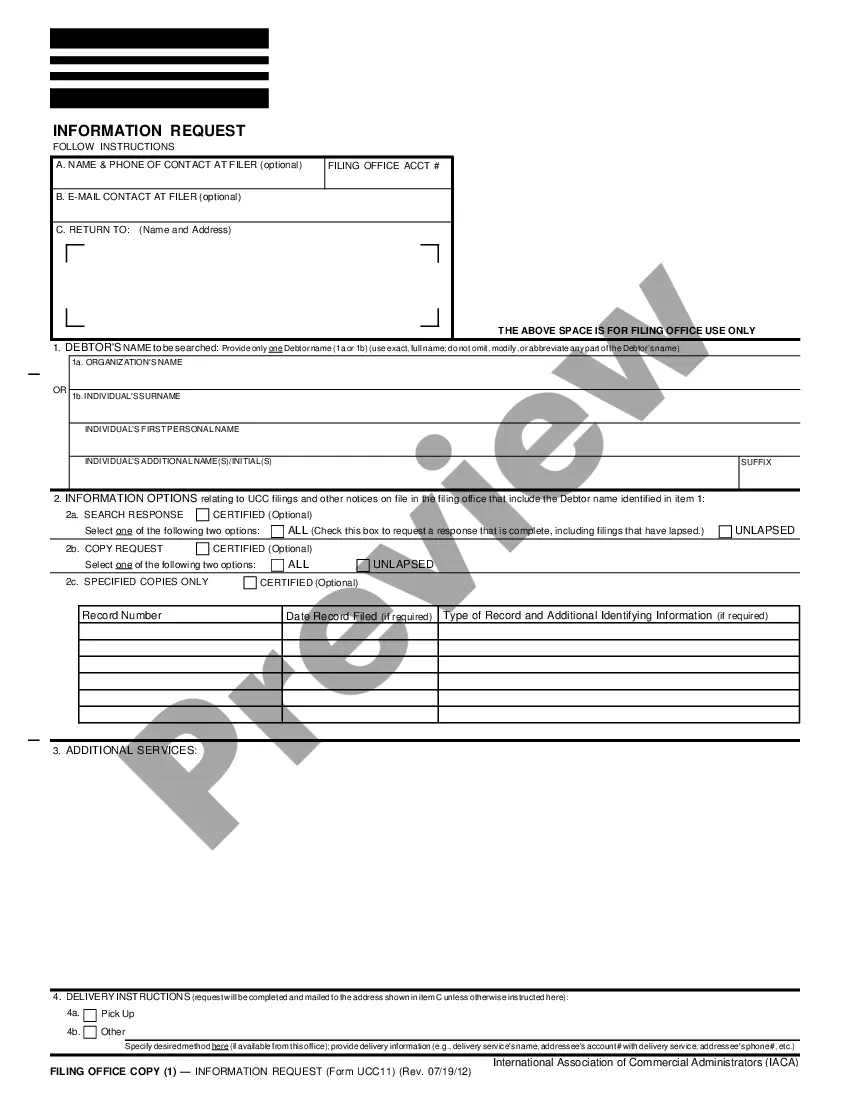
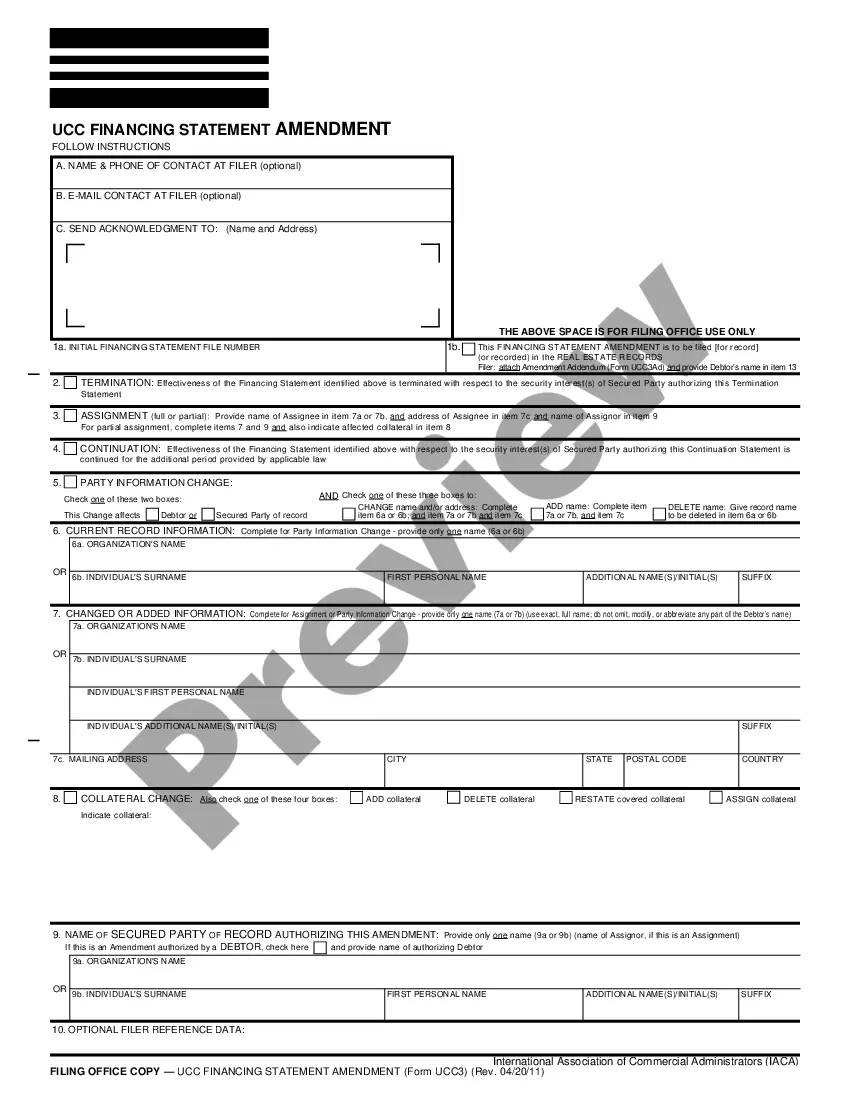
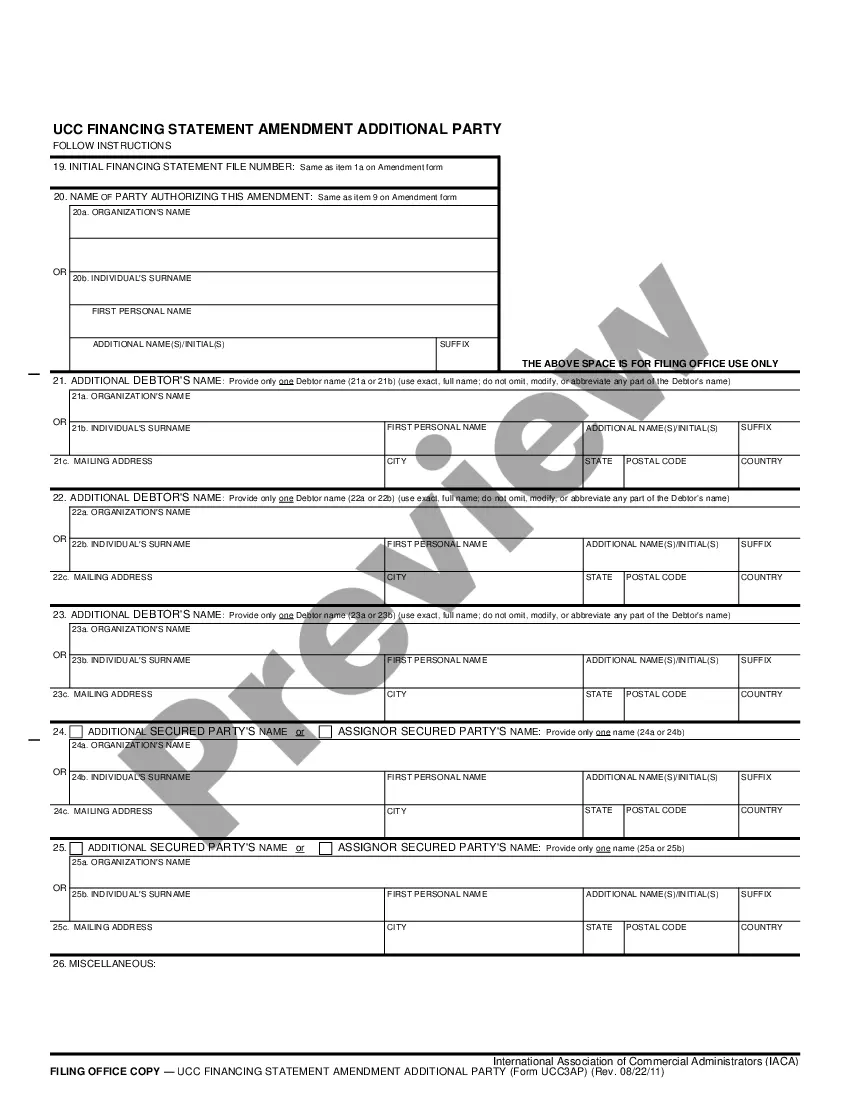
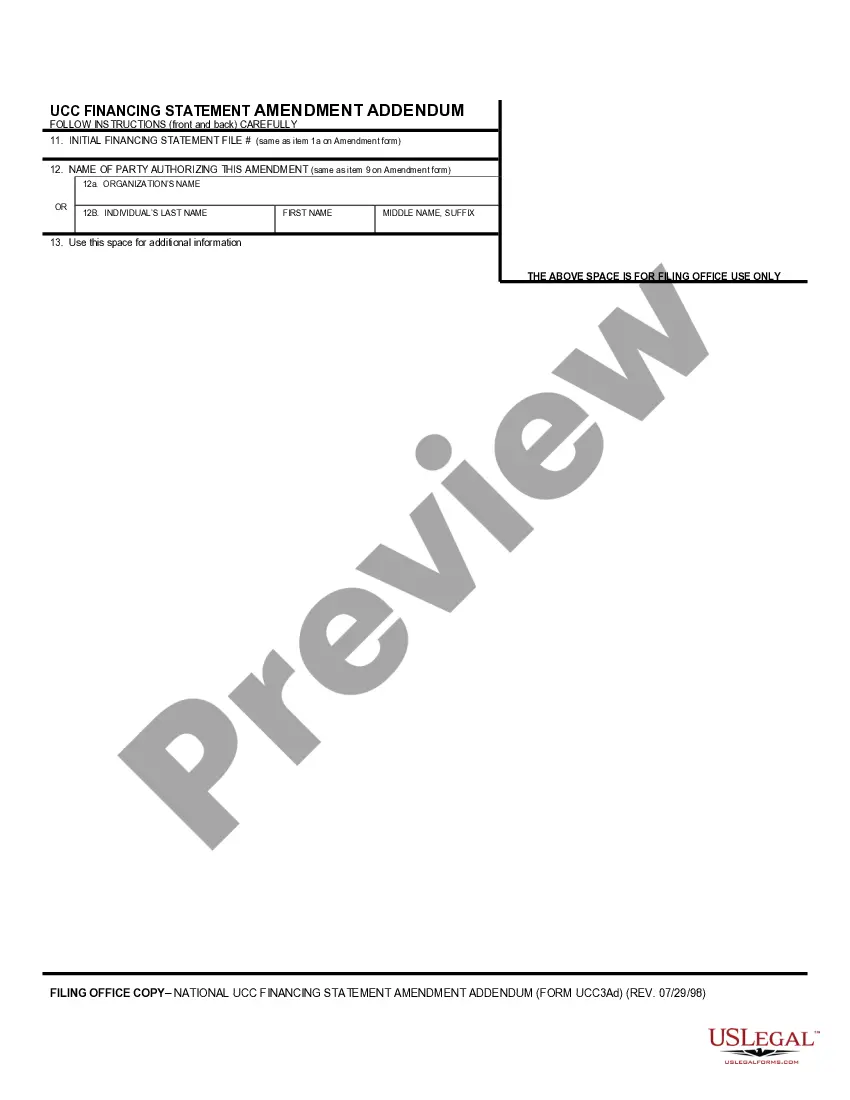
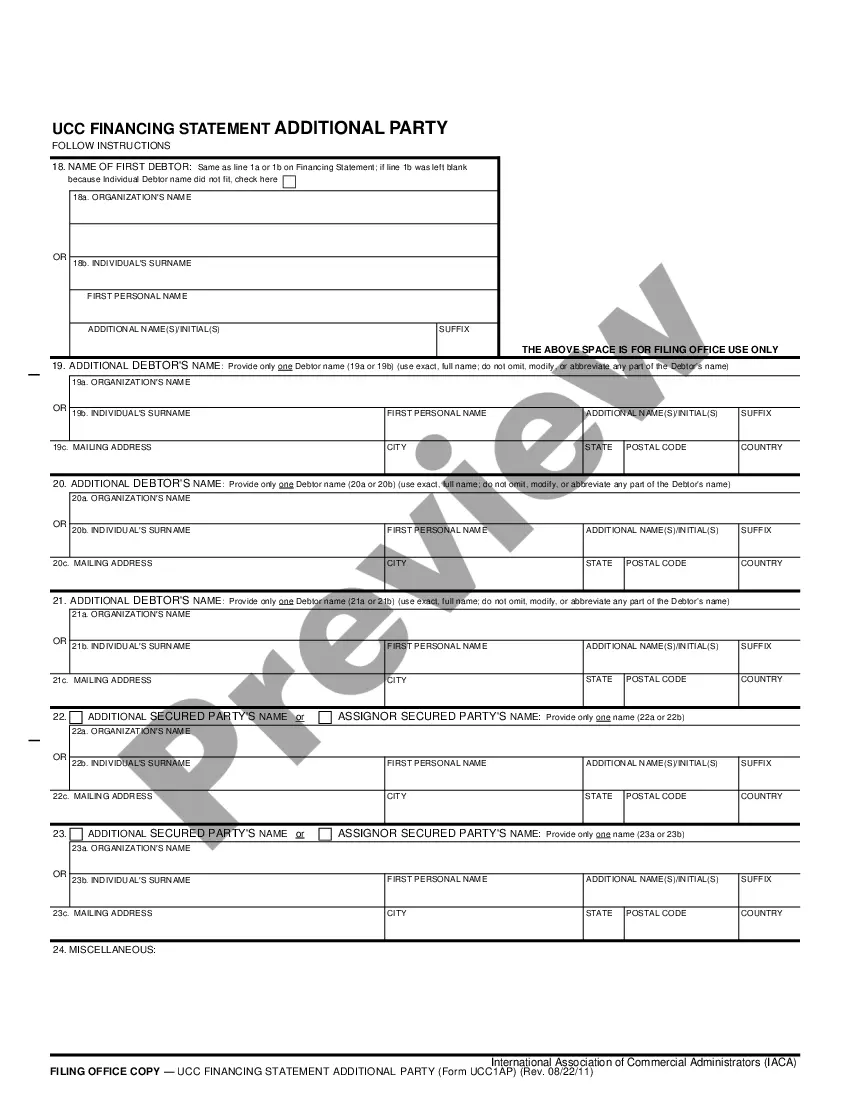
In all actions for divorce the complaint shall be verified in accordance with the provisions of Rule 11 of the Rules of Civil Procedure and G.S. 1-148. This form must be signed before a notary public.
North Carolina Verification
Category:
State:
North Carolina
Control #:
NC-814D
Format:
Word;
PDF;
Rich Text
Instant download
Description
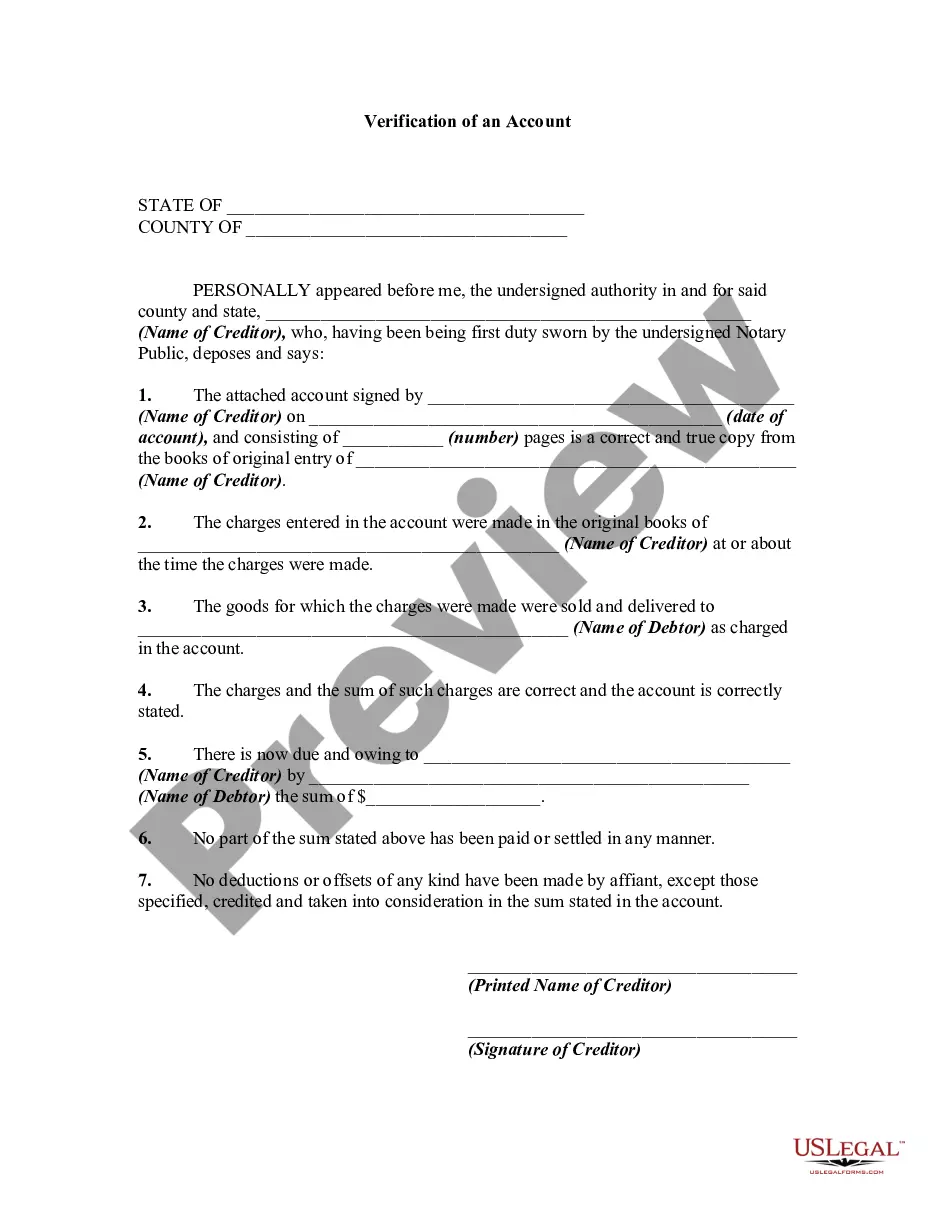
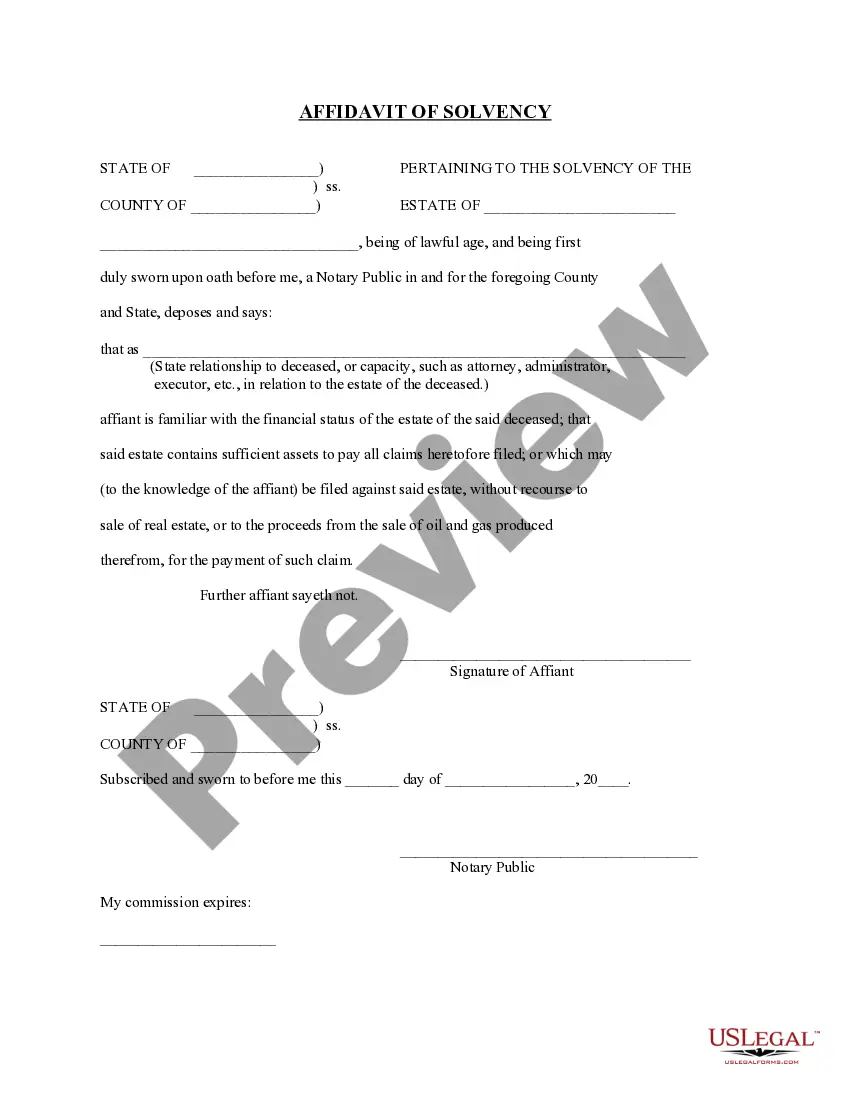

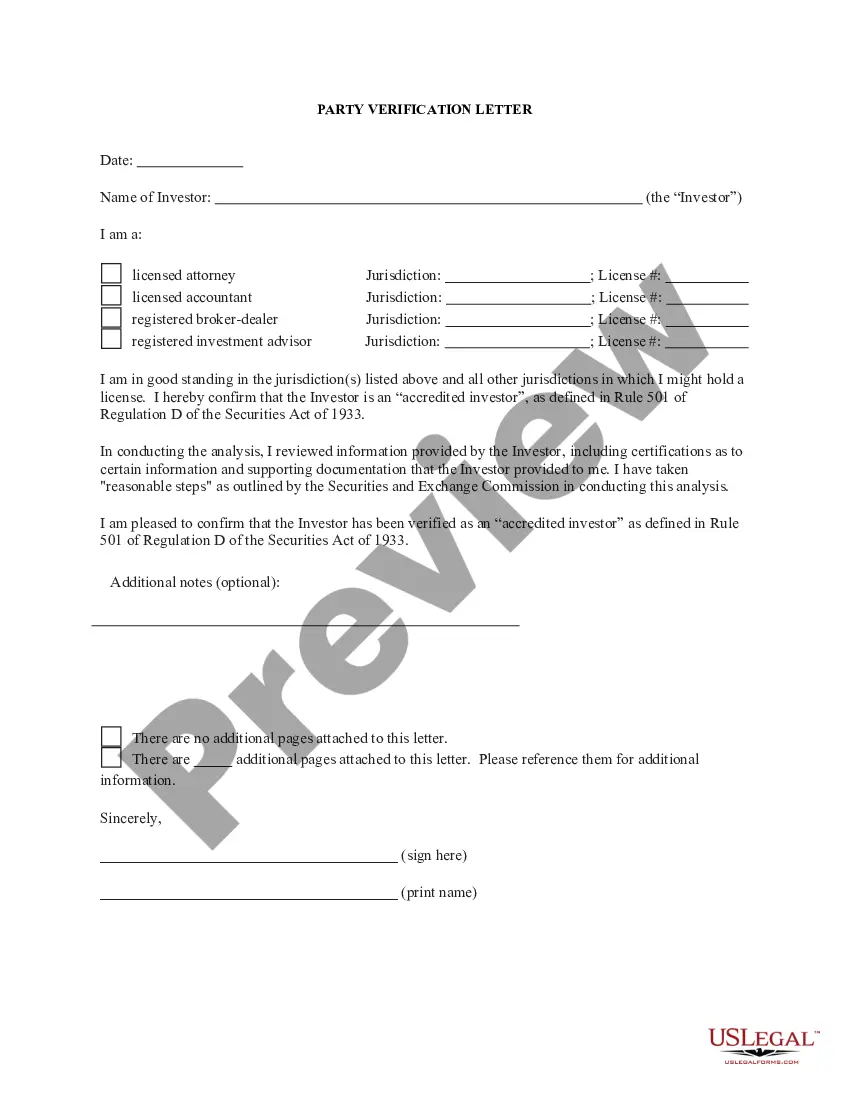
How to fill out North Carolina Verification?
Steer clear of expensive lawyers and discover the North Carolina Verification you require at an economical rate on the US Legal Forms site.
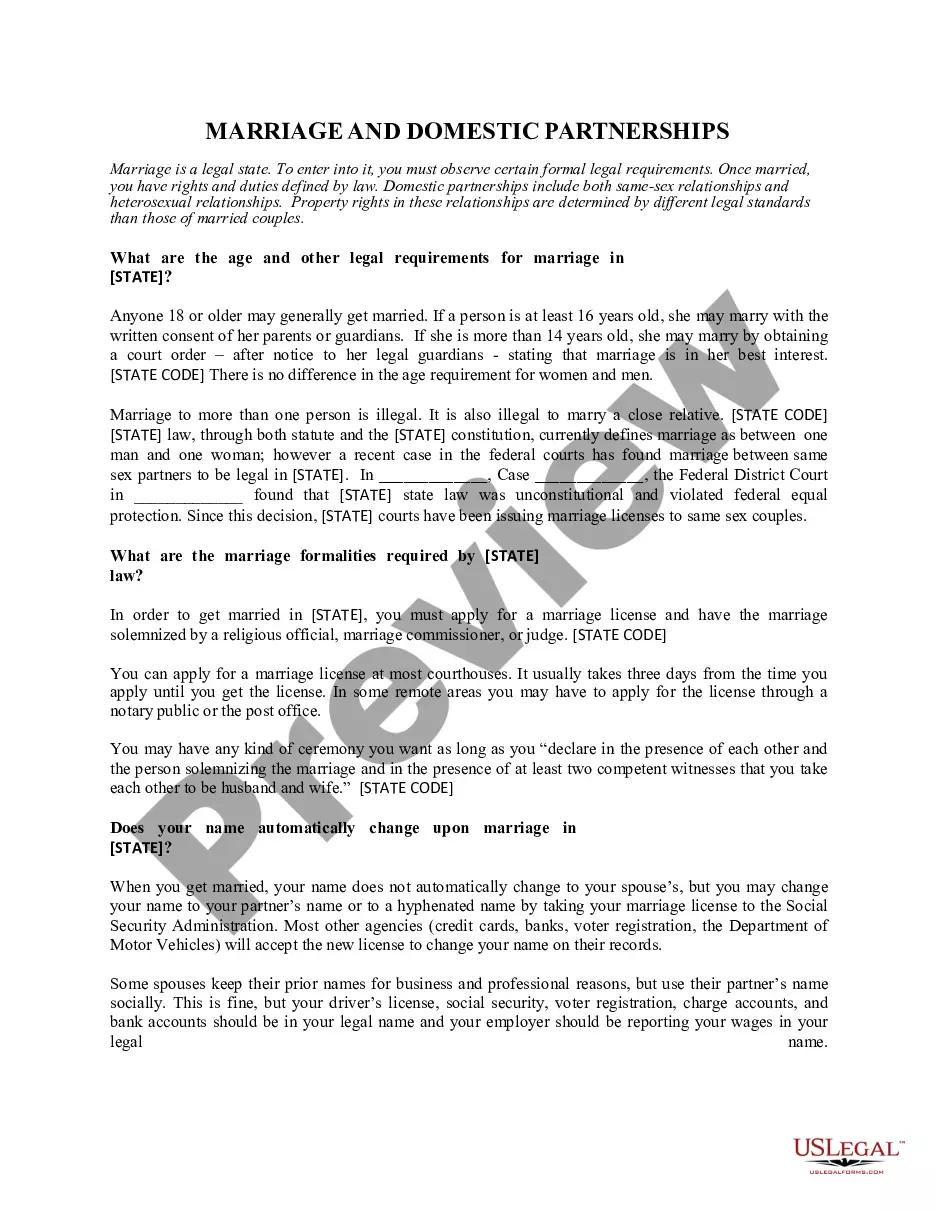
Utilize our straightforward groups feature to search for and acquire legal and tax documents. Review their descriptions and preview them before downloading.
Choose to receive the form in PDF or DOCX format. Click on Download and locate your form in the My documents section. You can save the template to your device or print it out. After downloading, you can complete the North Carolina Verification either manually or with the assistance of editing software. Print it out and reuse the template multiple times. Achieve more for less with US Legal Forms!
- Furthermore, US Legal Forms offers clients detailed instructions on how to download and complete each template.
- US Legal Forms users simply need to Log In and retrieve the specific document they require to their My documents section.
- Those who have not purchased a subscription yet should follow the steps outlined below.
- Ensure that the North Carolina Verification is permissible for use in your location.
- If applicable, browse the description and utilize the Preview feature before acquiring the templates.
- If you are confident the template suits your requirements, click Buy Now.
- If the form is inaccurate, utilize the search bar to locate the correct one.
- Then, establish your account and select a subscription option.
- Make payment via credit card or PayPal.
Form popularity
FAQ
Visit ID.me and sign in to your account using your Email address and Password. Click the Sign In & Security tab. When prompted, select and complete your preferred multi-factor authentication method. In the left navigation area, click Privacy.
Visit ID.me and sign to your account using your Email address and Password. Look for the My IDs section pictured below and make sure you see a Verified Identity card.
When you complete identity verification, your next step is to return to the state's website, and continue your claim. To continue the verification process: You will be redirected to the state's website.This action shares your identity information with the state and enables the claim process to continue.
Visit ID.me and click My Account in the top right corner, then Create an ID.me Account. Complete the form below, or select one of the social media options. Check the box to accept the terms of use and privacy policy, then click Sign Up. If prompted, enter and confirm your email address.
E-Verify Is Now Mandatory For Some North Carolina Employers When Hiring New Employees. North Carolina law now requires certain private employers with 25 or more employees to use the federal E-Verify system when hiring new employees.
Visit ID.me and click My Account in the top right corner, then Create an ID.me Account. Complete the form below, or select one of the social media options. Check the box to accept the terms of use and privacy policy, then click Sign Up. If prompted, enter and confirm your email address.
Sometimes, you will be verified in just a few minutes; if a manual review review of your document is needed, it may take longer. Once we have reviewed your documentation, you will receive an email indicating whether or not your status was verified, and guidance for next steps if verification was unsuccessful.
Unsuccessful verification attempts may be due to many reasons: You may have recently moved. You may have answered security questions incorrectly. Your credit report may be locked or frozen.
Hall said EDD told his company that it takes up to 10 days for them to process an ID.me verified identity.