Mississippi Correction Statement and Agreement
What is this form?
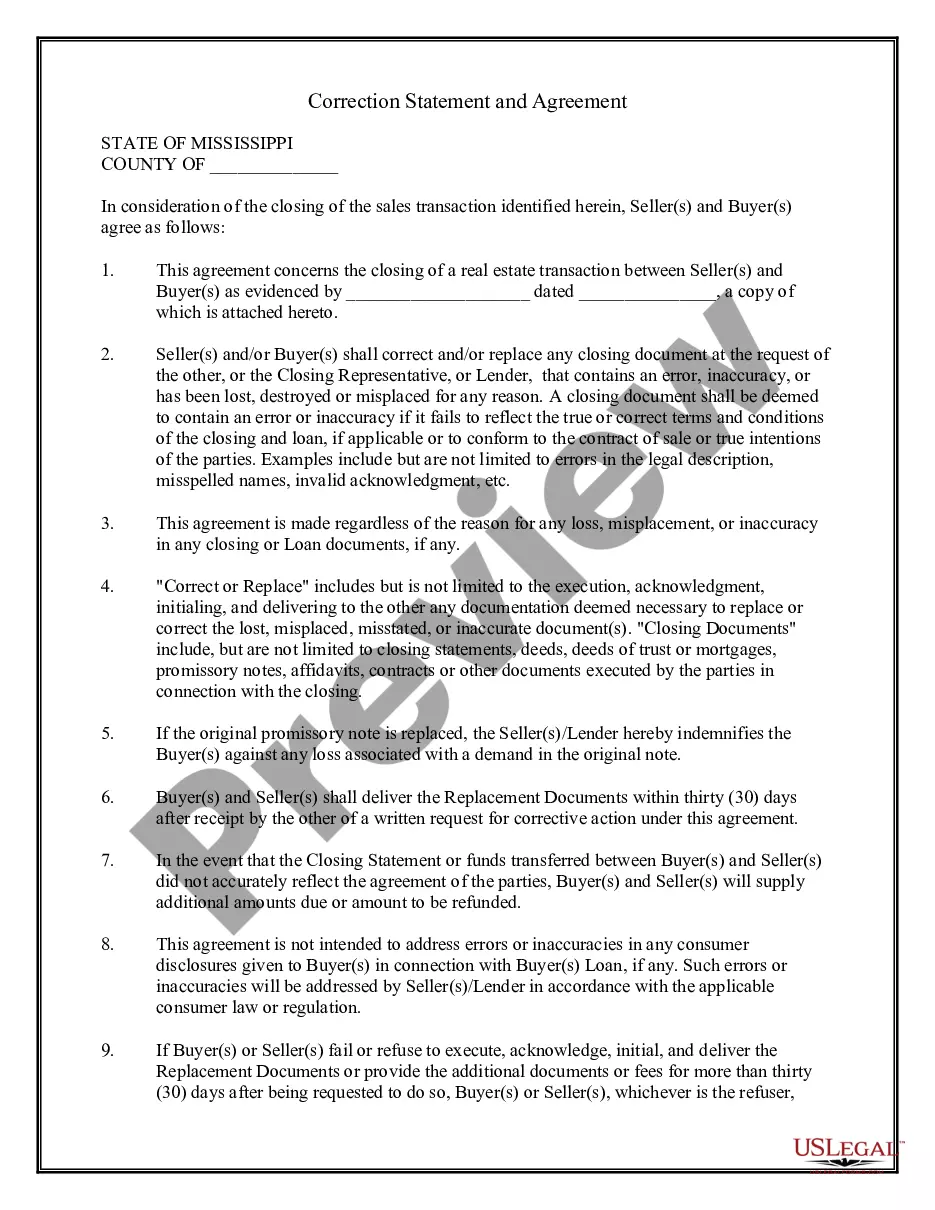
The Correction Statement and Agreement is a legal document used by buyers and sellers during the closing of a real estate transaction. This form serves to address any errors found in closing documents, ensuring that all parties are in agreement to execute corrected documents. Unlike other closing forms, this agreement specifically outlines the steps to correct inaccuracies or replace lost documents after the transaction has closed.
Form components explained
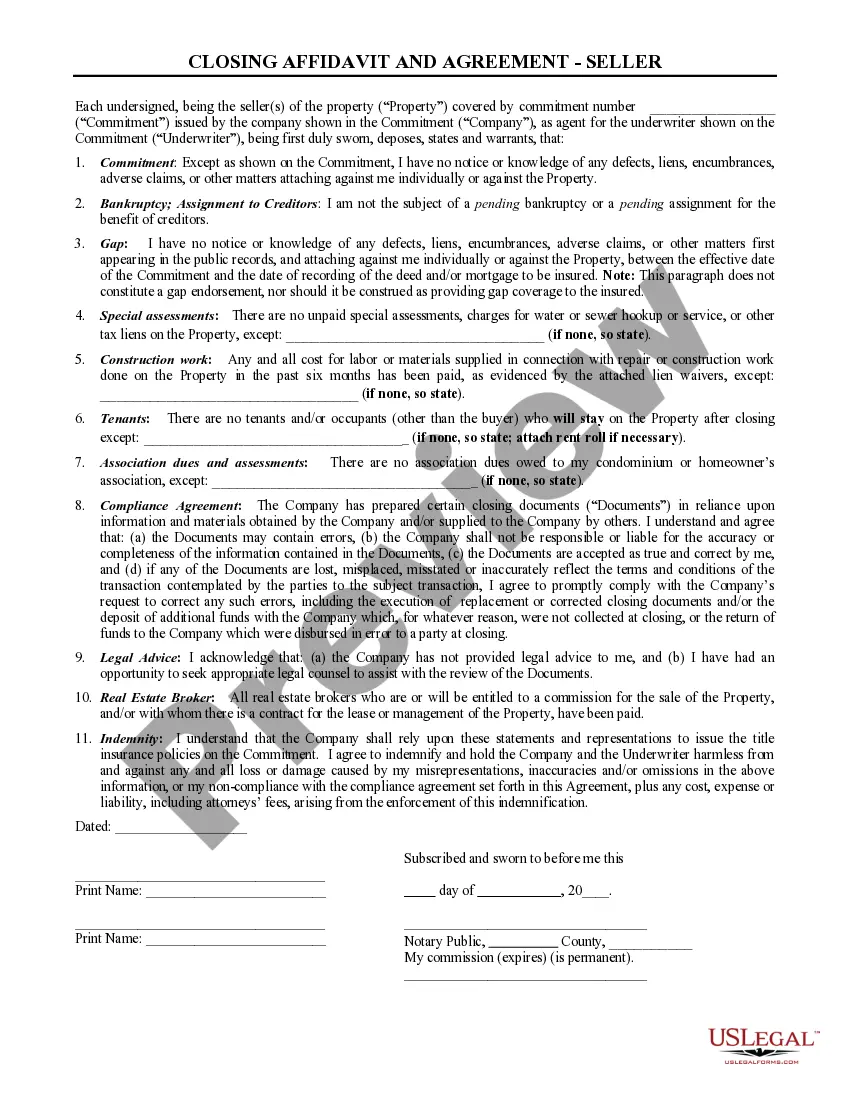
- Parties involved: Identifies the buyer(s) and seller(s).
- Transaction details: References the specific sales transaction and includes an attachment of the contract.
- Error correction clause: Describes the responsibilities of parties to address errors, inaccuracies, or lost documents.
- Indemnification provision: Offers protection to buyers against losses related to the replacement of documents.
- Document delivery timeline: Specifies the timeline for providing replacement documents.
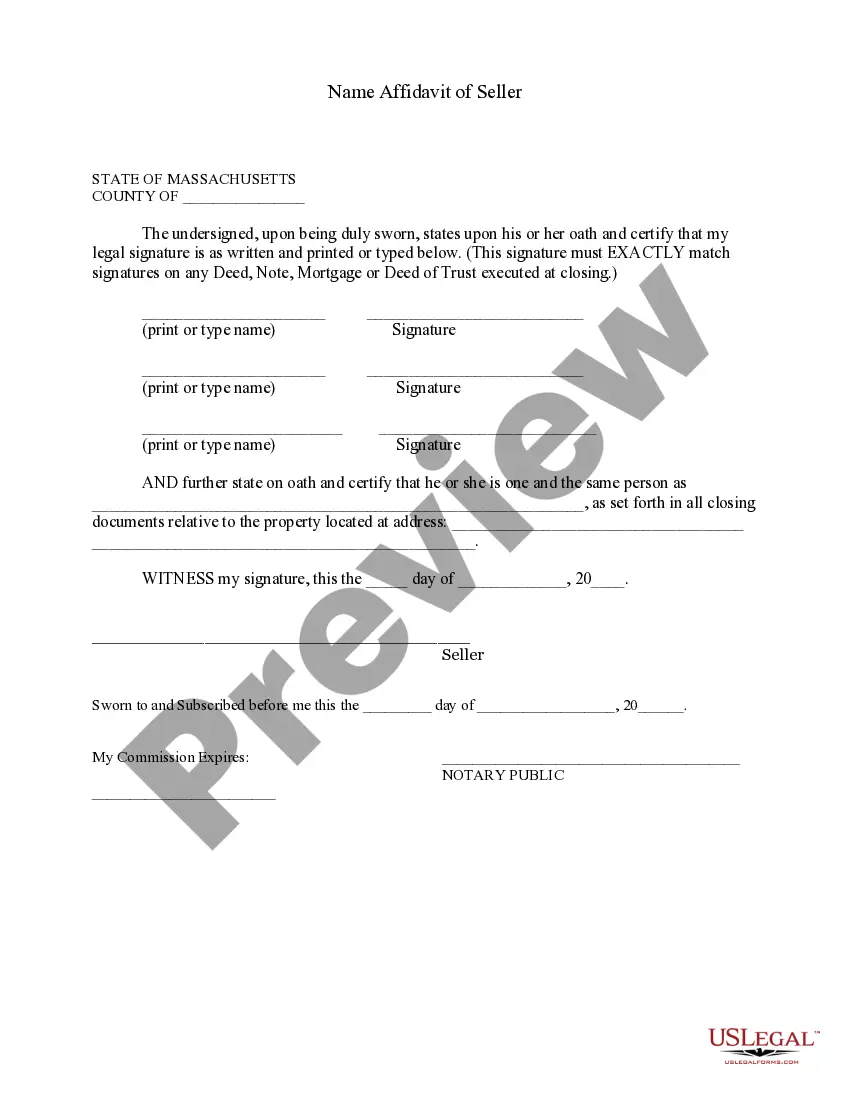
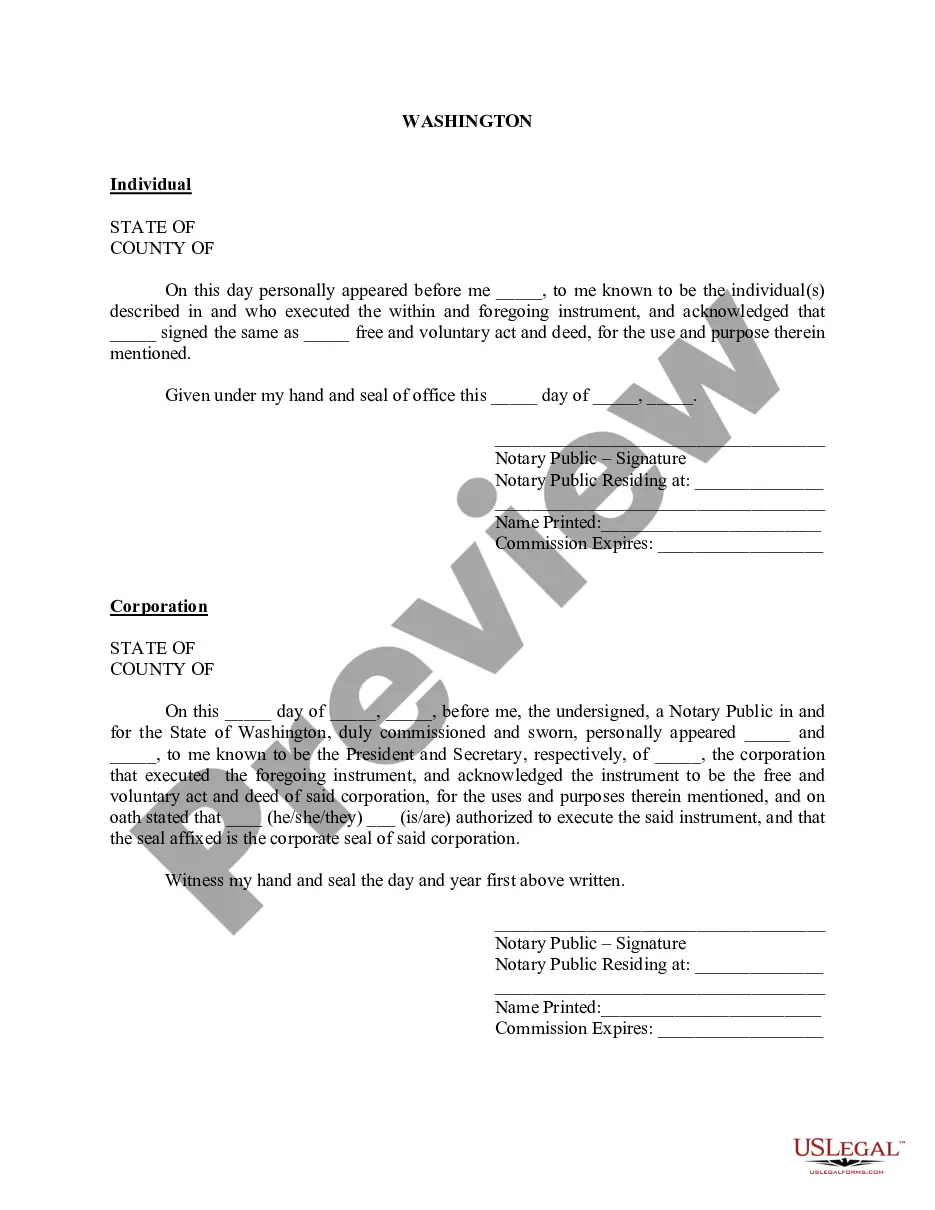
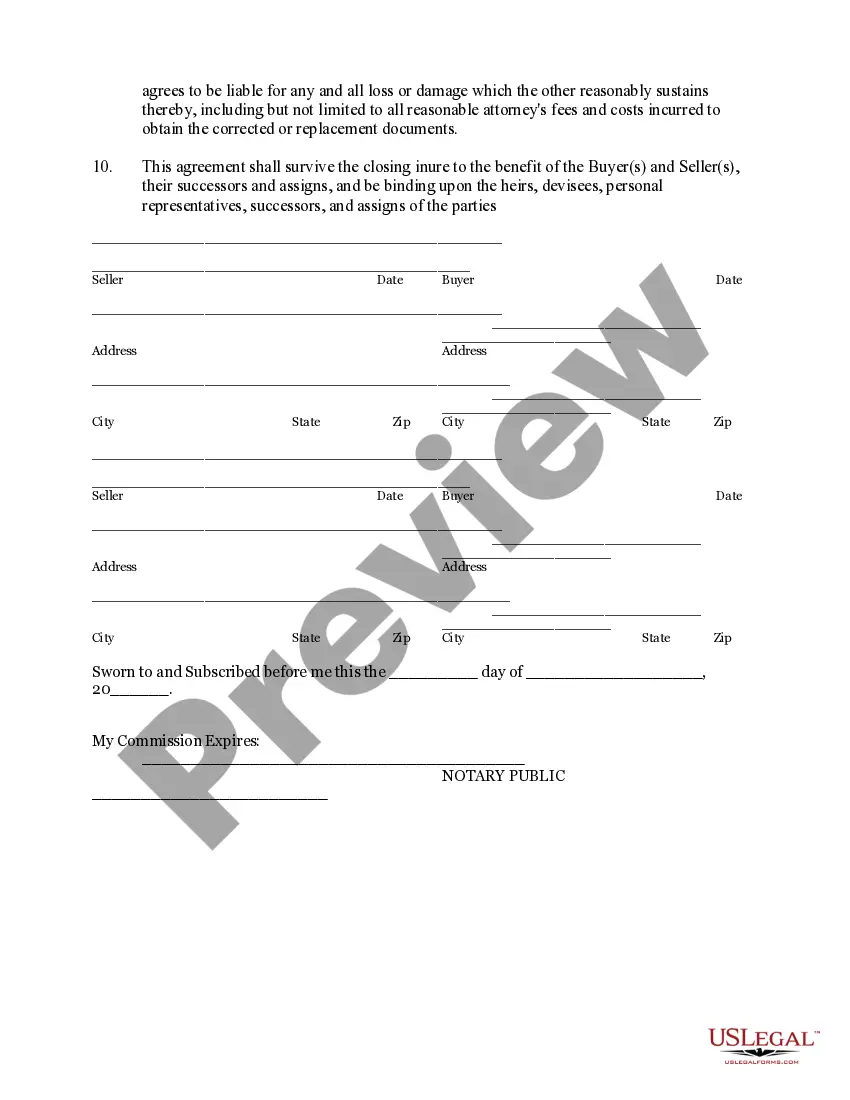
- Notarization section: Contains space for notarization to validate the agreement.

When to use this document
This form should be used at the closing of a real estate transaction when one or more documents contain errors or when documents have been lost or misplaced. If a party realizes that a closing document, such as a deed or promissory note, does not accurately reflect the agreed terms, this form can ensure that corrective actions are taken swiftly and agreed upon by both the buyer and the seller.
Who this form is for
This form is intended for:
- Real estate buyers and sellers involved in a closing transaction.
- Closing representatives or agents facilitating the real estate sale.
- Lenders requiring agreements for correcting loan documents.
Instructions for completing this form
- Identify the parties: Clearly fill in the names and addresses of the buyer(s) and seller(s).
- Specify the transaction: Include the date and details of the transaction referenced.
- Review for errors: Evaluate closing documents for any inaccuracies or omissions.
- Sign the document: Ensure all parties sign and date the agreement.
- Notarization: If required, have the form notarized at the time of signing.
Is notarization required?
Notarization is required for this form to take effect. Our online notarization service, powered by Notarize, lets you verify and sign documents remotely through an encrypted video session, available 24/7.
Get your form ready online
Our built-in tools help you complete, sign, share, and store your documents in one place.
Make edits, fill in missing information, and update formatting in US Legal Forms—just like you would in MS Word.
Download a copy, print it, send it by email, or mail it via USPS—whatever works best for your next step.
Sign and collect signatures with our SignNow integration. Send to multiple recipients, set reminders, and more. Go Premium to unlock E-Sign.
If this form requires notarization, complete it online through a secure video call—no need to meet a notary in person or wait for an appointment.
We protect your documents and personal data by following strict security and privacy standards.

Make edits, fill in missing information, and update formatting in US Legal Forms—just like you would in MS Word.

Download a copy, print it, send it by email, or mail it via USPS—whatever works best for your next step.

Sign and collect signatures with our SignNow integration. Send to multiple recipients, set reminders, and more. Go Premium to unlock E-Sign.

If this form requires notarization, complete it online through a secure video call—no need to meet a notary in person or wait for an appointment.

We protect your documents and personal data by following strict security and privacy standards.
Mistakes to watch out for
- Failing to identify all parties involved can lead to unenforceable agreements.
- Not providing clear details about the transaction may result in confusion or disputes.
- Omitting required signatures or notarization could void the document's legality.
Advantages of online completion
- Convenience of downloading and completing the form at your own pace.
- Editability allows for easy adjustments to meet specific needs.
- Reliability of attorney-drafted templates ensures compliance with legal standards.