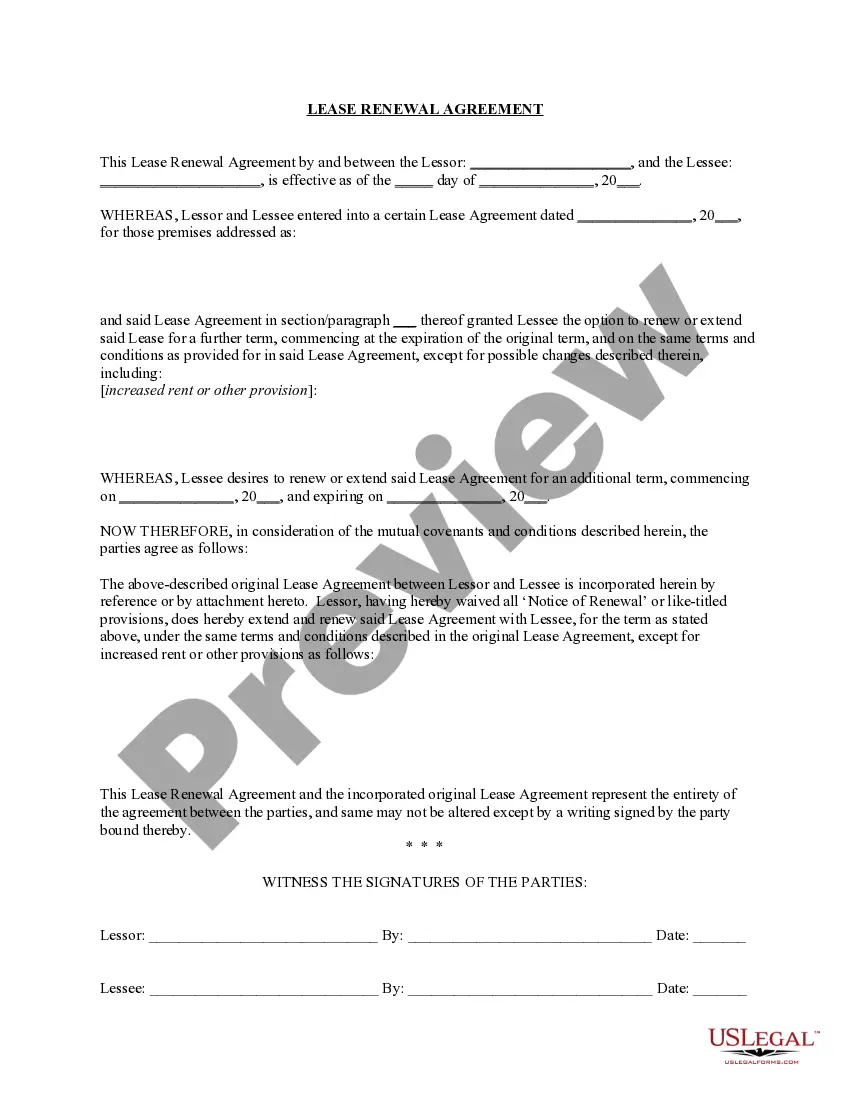
Connecticut Name Change Notification Form
What this document covers
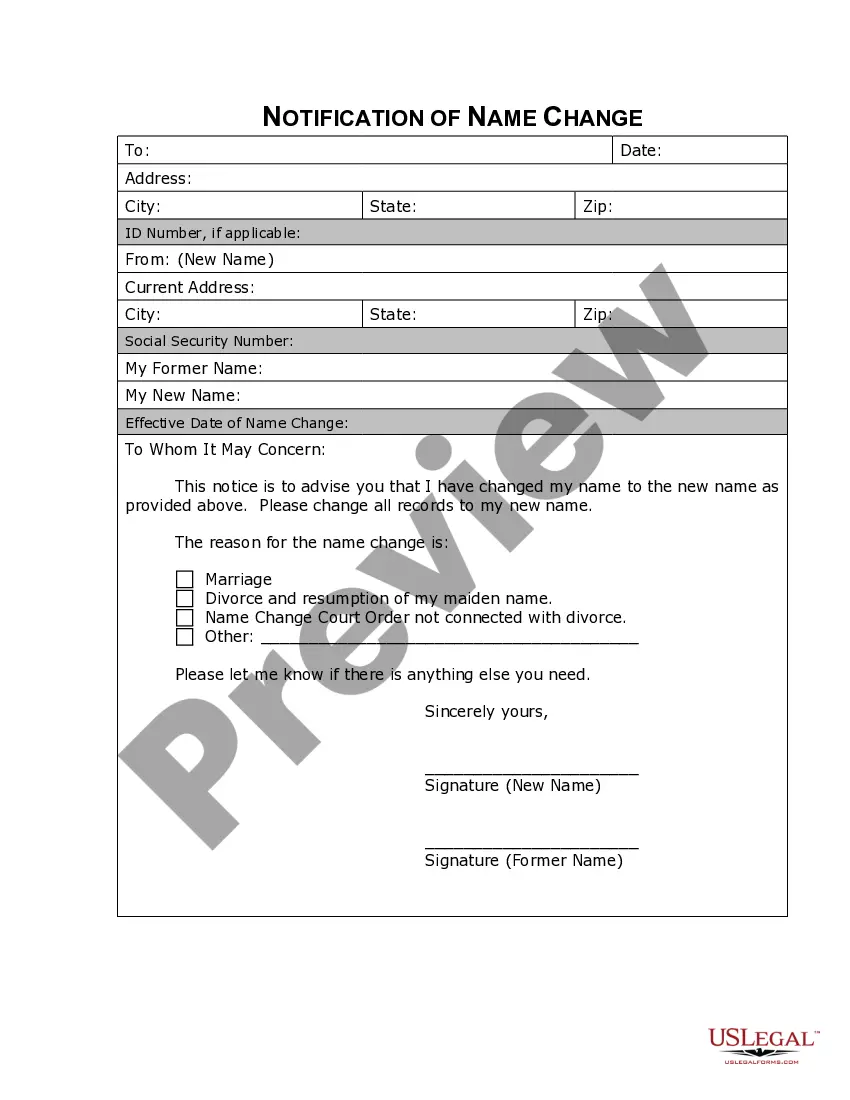
The Name Change Notification Form allows individuals to formally notify various entities of their legal name change. This form is essential for informing businesses, government agencies, and other organizations to ensure that records are updated and personal information is accurate. Unlike other forms related to name changes, this document specifically focuses on the notification aspect rather than the legal change itself.
Key parts of this document
- Your current legal name.
- Your new legal name.
- Date of the name change.
- Contact information for the notifying party.
- Signature for verification.




When this form is needed
This form should be used after you have legally changed your name through a court process or marriage. It is necessary when you need to update your name with various organizations, such as banks, credit agencies, insurance companies, and government entities, to avoid any discrepancies in your records.
Who can use this document
This form is applicable for:
- Individuals who have undergone a legal name change.
- Persons wishing to update their name with businesses and governmental bodies.
- Those seeking to ensure that all records reflect their new legal name.
Completing this form step by step
- Enter your current legal name in the designated field.
- Fill in your new legal name as per court documentation.
- Specify the date when your name change became official.
- Provide your contact information, including address and phone number.
- Sign and date the form to finalize the notification.
Notarization guidance
Notarization is generally not required for this form. However, certain states or situations might demand it. You can complete notarization online through US Legal Forms, powered by Notarize, using a verified video call available anytime.
Get your form ready online
Our built-in tools help you complete, sign, share, and store your documents in one place.
Make edits, fill in missing information, and update formatting in US Legal Forms—just like you would in MS Word.
Download a copy, print it, send it by email, or mail it via USPS—whatever works best for your next step.
Sign and collect signatures with our SignNow integration. Send to multiple recipients, set reminders, and more. Go Premium to unlock E-Sign.
If this form requires notarization, complete it online through a secure video call—no need to meet a notary in person or wait for an appointment.
We protect your documents and personal data by following strict security and privacy standards.
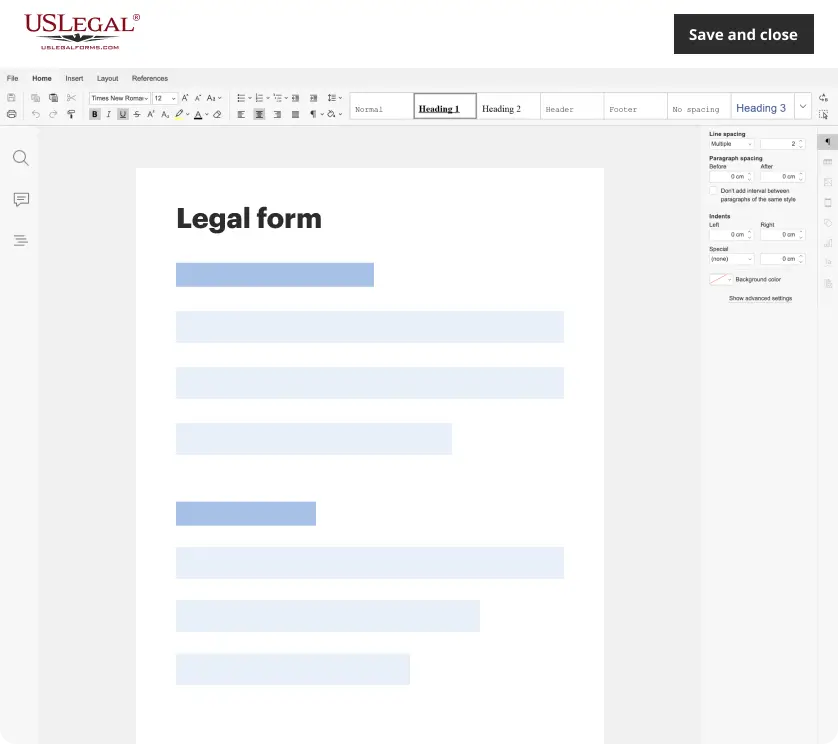
Make edits, fill in missing information, and update formatting in US Legal Forms—just like you would in MS Word.
Download a copy, print it, send it by email, or mail it via USPS—whatever works best for your next step.
Sign and collect signatures with our SignNow integration. Send to multiple recipients, set reminders, and more. Go Premium to unlock E-Sign.

If this form requires notarization, complete it online through a secure video call—no need to meet a notary in person or wait for an appointment.
We protect your documents and personal data by following strict security and privacy standards.
Typical mistakes to avoid
- Failing to include the date of the name change.
- Not signing the form, which can render it invalid.
- Providing incorrect or outdated contact information.
Benefits of completing this form online
- Convenient access for immediate download and completion.
- Editable fields allow for personal customization.
- Reliable templates drafted by licensed attorneys to ensure compliance.
Looking for another form?
Form popularity
FAQ
Changing your name at the DMV in Connecticut involves a few steps. Start by filling out the Connecticut Name Change Notification Form, which you can easily access on the US Legal Forms platform. Once you have the completed form and your supporting documents ready, visit your nearest DMV office to finalize your name change. This ensures that your identification reflects your new name without unnecessary delays.
To change your name at the DMV in Connecticut, you will need to gather necessary documentation like your marriage certificate or court order. After that, complete the Connecticut Name Change Notification Form, which streamlines the process. Finally, submit your form and documents at your local DMV office, where staff can assist you in finalizing the change.
Yes, you can visit the Connecticut DMV without an appointment, but it's important to plan ahead. Walk-in services are available, but wait times may vary. To make the process smoother, consider completing the Connecticut Name Change Notification Form online beforehand. This form allows you to efficiently update your name associated with your DMV records.
Without the title, you cannot sell or trade in your car, and you can't register it if you move out of Connecticut. If you're moving to Connecticut, you'll need the title to register your vehicle in the state. The title does one thing it proves ownership.
Show the required documents. You will need proof of your identity. Fill out and print an Application for a Social Security Card; and. Mail your application and documents to your local Social Security office.
Who needs CT Form Q1? This Form is sent to both the purchaser and the ex-owner of the vehicle after the motor vehicle was sold on the auction for inappropriate personal property taxes payments either to the Connecticut municipality or taxing district. CT Form Q1 is filled out by the commissioners of courts.
A completed Change of Name Request (form E-78). Current driver's license or Non-Driver ID Card. Certified documentation that shows the change of name (i.e. marriage license, civil union certificate, divorce decree probate court documents).
A completed Change of Name Request (form E-78). Current driver's license or Non-Driver ID Card. Certified documentation that shows the change of name (i.e. marriage license, civil union certificate, divorce decree probate court documents).
Marriage document; Divorce decree; Certificate of Naturalization showing the new name; or. Court order approving the name change.
You will need to bring your current driver's license or ID card, an original or certified copy of a document proving your name change (marriage certificate, divorce decree, or court order), your updated SSA card, and payment for the $1.15 fee.