Terminate Month To Month Formula
Description


Get your form ready online
Our built-in tools help you complete, sign, share, and store your documents in one place.
Make edits, fill in missing information, and update formatting in US Legal Forms—just like you would in MS Word.
Download a copy, print it, send it by email, or mail it via USPS—whatever works best for your next step.
Sign and collect signatures with our SignNow integration. Send to multiple recipients, set reminders, and more. Go Premium to unlock E-Sign.
If this form requires notarization, complete it online through a secure video call—no need to meet a notary in person or wait for an appointment.
We protect your documents and personal data by following strict security and privacy standards.

Make edits, fill in missing information, and update formatting in US Legal Forms—just like you would in MS Word.

Download a copy, print it, send it by email, or mail it via USPS—whatever works best for your next step.

Sign and collect signatures with our SignNow integration. Send to multiple recipients, set reminders, and more. Go Premium to unlock E-Sign.

If this form requires notarization, complete it online through a secure video call—no need to meet a notary in person or wait for an appointment.

We protect your documents and personal data by following strict security and privacy standards.
Looking for another form?







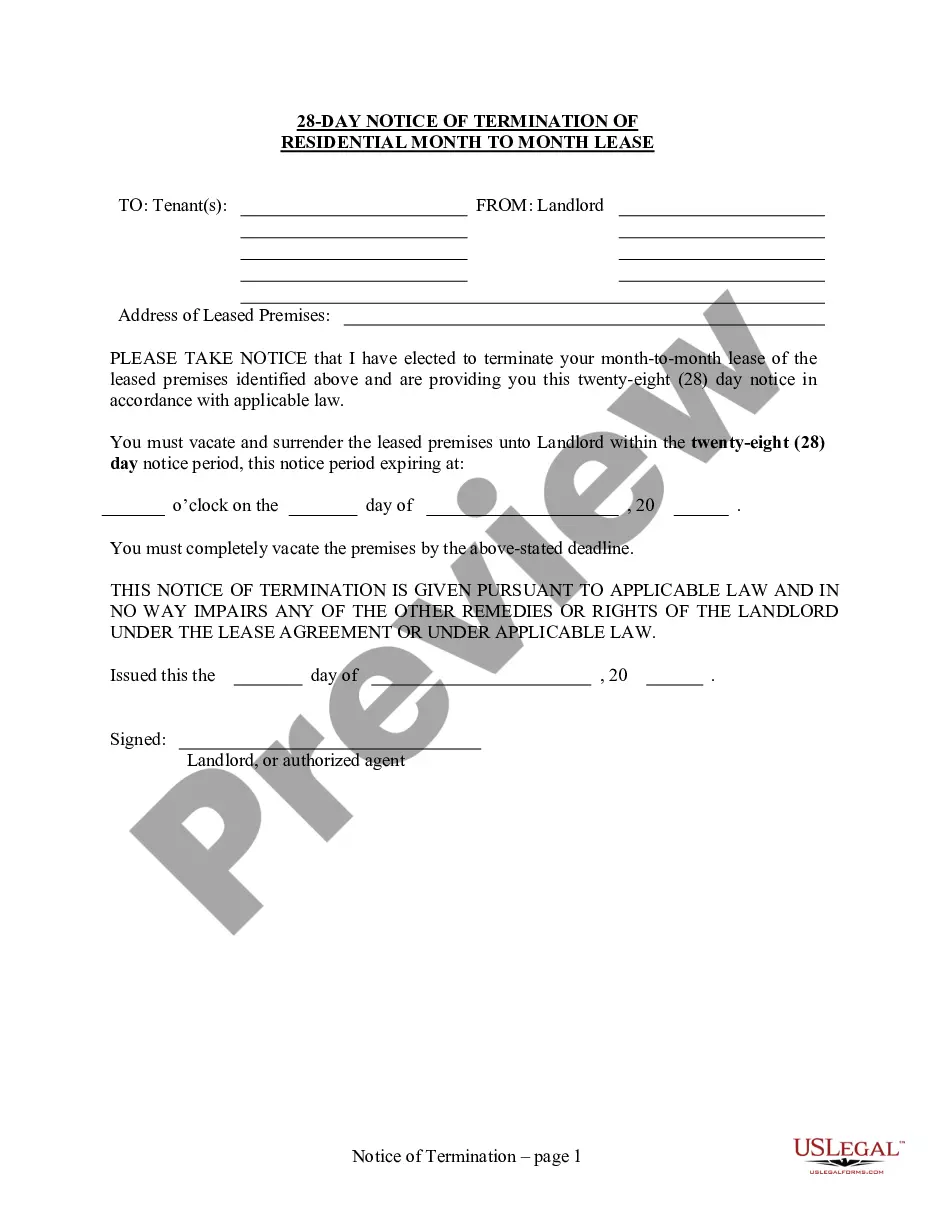
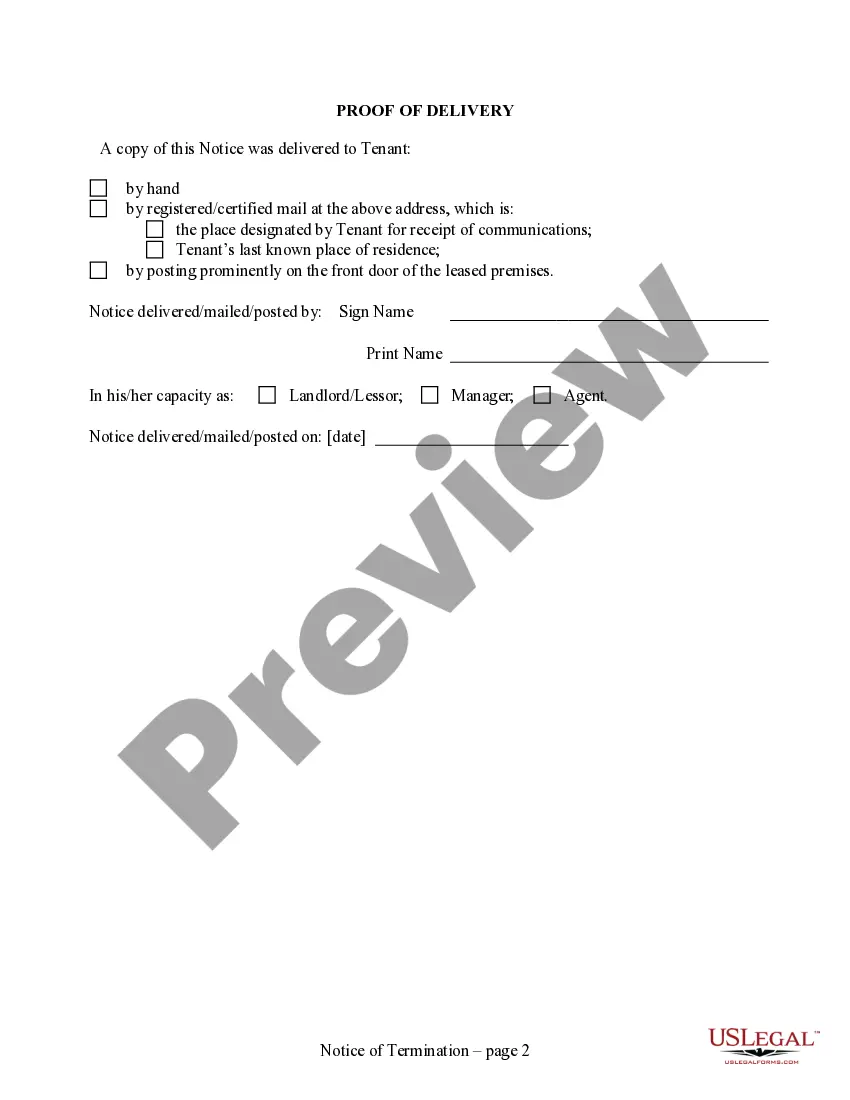
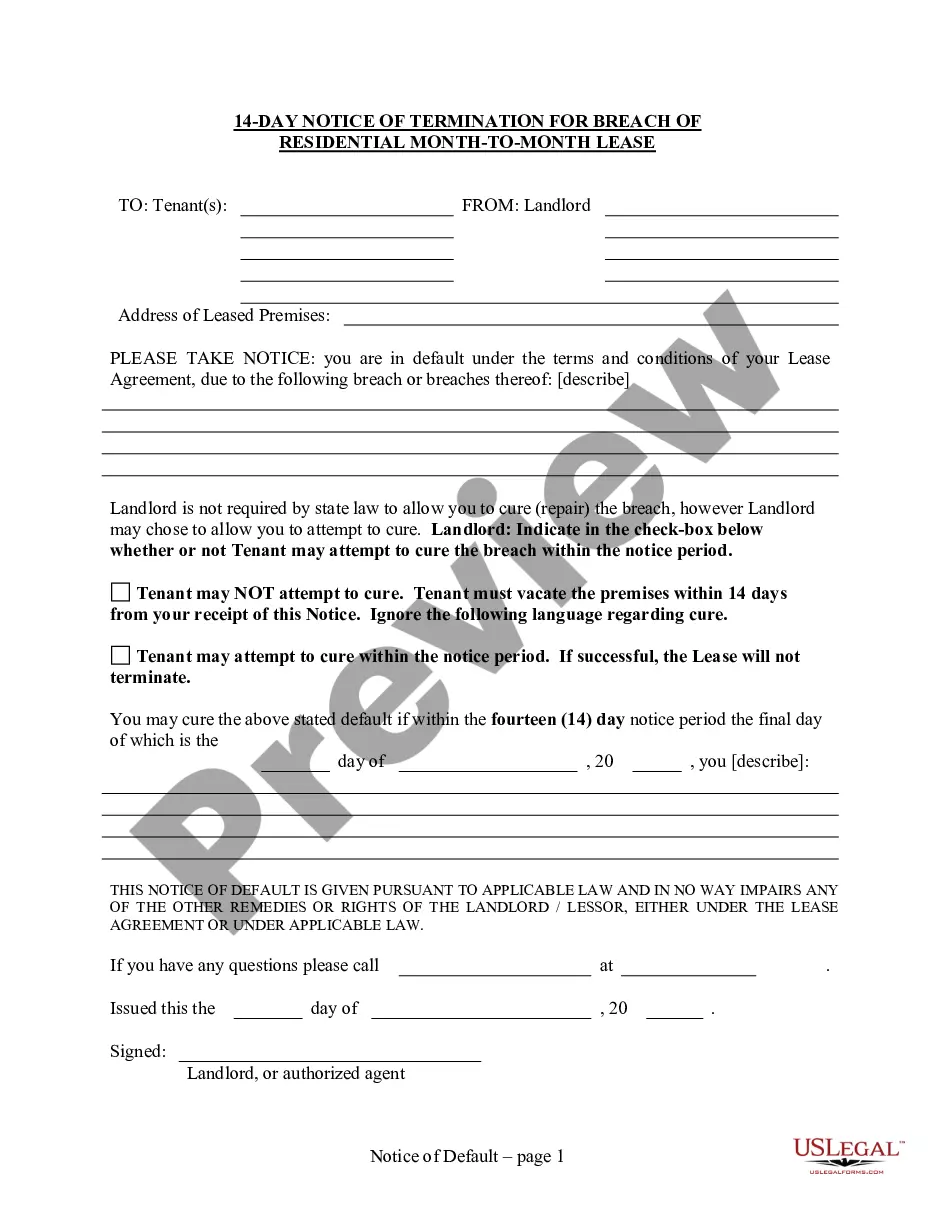
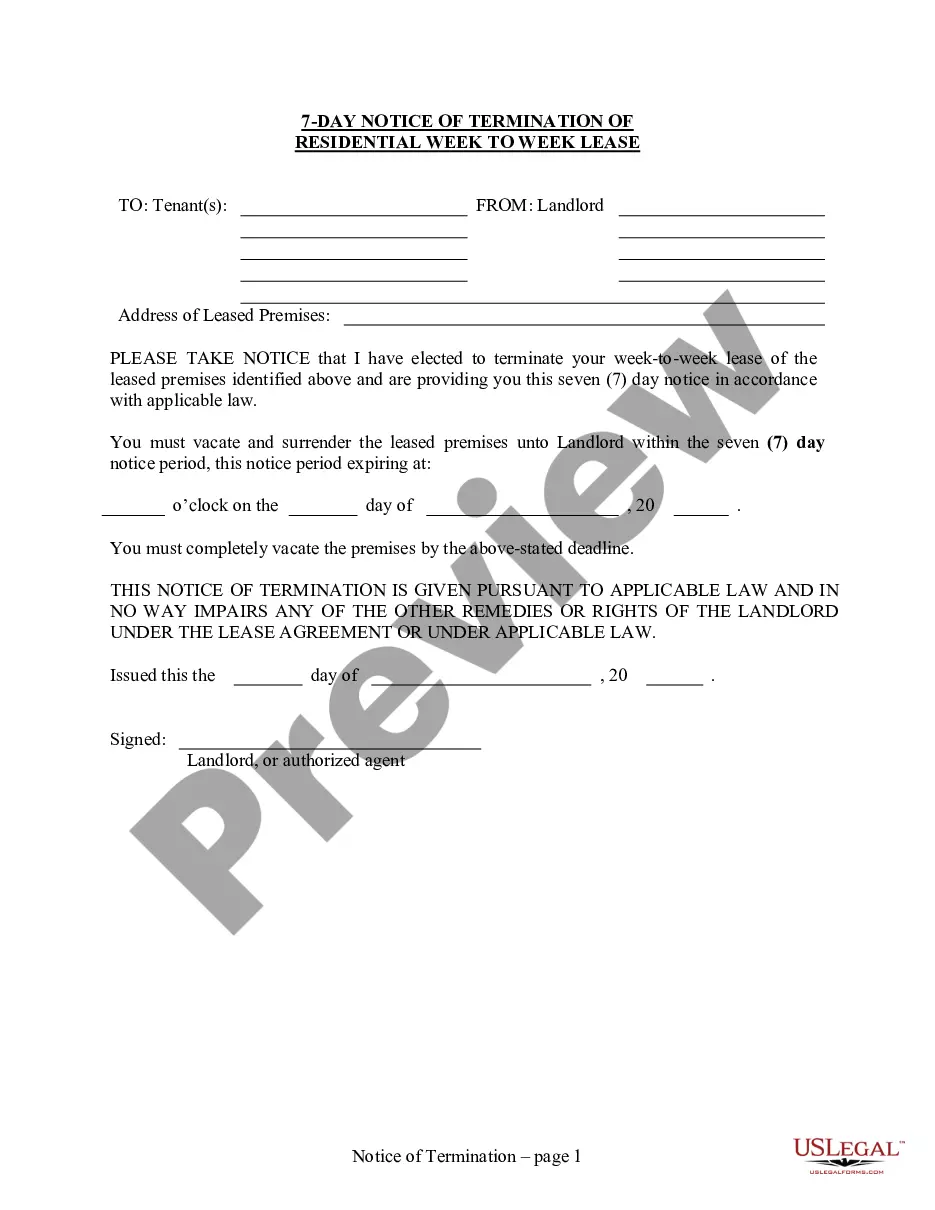
How to fill out Wisconsin 28 Day Notice To Terminate Month To Month Lease - No Right To Cure - Residential?
Getting a go-to place to take the most recent and appropriate legal templates is half the struggle of handling bureaucracy. Choosing the right legal documents requirements accuracy and attention to detail, which is the reason it is important to take samples of Terminate Month To Month Formula only from reliable sources, like US Legal Forms. An improper template will waste your time and hold off the situation you are in. With US Legal Forms, you have very little to be concerned about. You can access and check all the details regarding the document’s use and relevance for the situation and in your state or county.
Take the listed steps to complete your Terminate Month To Month Formula:
- Make use of the catalog navigation or search field to find your sample.
- Open the form’s description to check if it suits the requirements of your state and area.
- Open the form preview, if available, to ensure the template is definitely the one you are interested in.
- Return to the search and look for the appropriate document if the Terminate Month To Month Formula does not fit your needs.
- When you are positive regarding the form’s relevance, download it.
- If you are a registered customer, click Log in to authenticate and gain access to your picked forms in My Forms.
- If you do not have a profile yet, click Buy now to get the template.
- Pick the pricing plan that fits your preferences.
- Proceed to the registration to complete your purchase.
- Finalize your purchase by picking a transaction method (bank card or PayPal).
- Pick the file format for downloading Terminate Month To Month Formula.
- Once you have the form on your device, you may alter it using the editor or print it and finish it manually.
Remove the inconvenience that accompanies your legal paperwork. Discover the comprehensive US Legal Forms collection to find legal templates, examine their relevance to your situation, and download them immediately.
Form popularity
FAQ
How To Fill Numbers In Excel Quickly And Easily! - YouTube YouTube Start of suggested clip End of suggested clip And I'm going to hover my mouse over the bottom right corner. Until I see that plus symbol. That'sMoreAnd I'm going to hover my mouse over the bottom right corner. Until I see that plus symbol. That's called the fill handle. And you can left click and hold the fill handle.
For month-to-month tenancies, the landlord or tenant must deliver a notice at least fifteen (15) days before the next time the rent is due informing the other party that the lease will be terminated. Any time period shorter is ineffective.
If you need to terminate your month to month lease, you must give 15 days notice prior to the end of any month. If you give less than 15 days, the notice will not be valid. As a result, the lease will not be terminated. If you are a Landlord and give 15 days or more notice and they refuse to leave, you can evict them.
tomonth tenancy may be terminated by either party giving 30 days' notice in writing, prior to the next rent due date, of his intention to terminate the same, unless the rental agreement provides for a different notice period.
Fill a column with weekdays, months or years Fill a column with sequential dates as described above. After that, click the AutoFill Optionsbutton and pick the desired option, say Fill Months: Or you can enter your first date, right-click the fill handle, hold and drag through as many cells as needed.