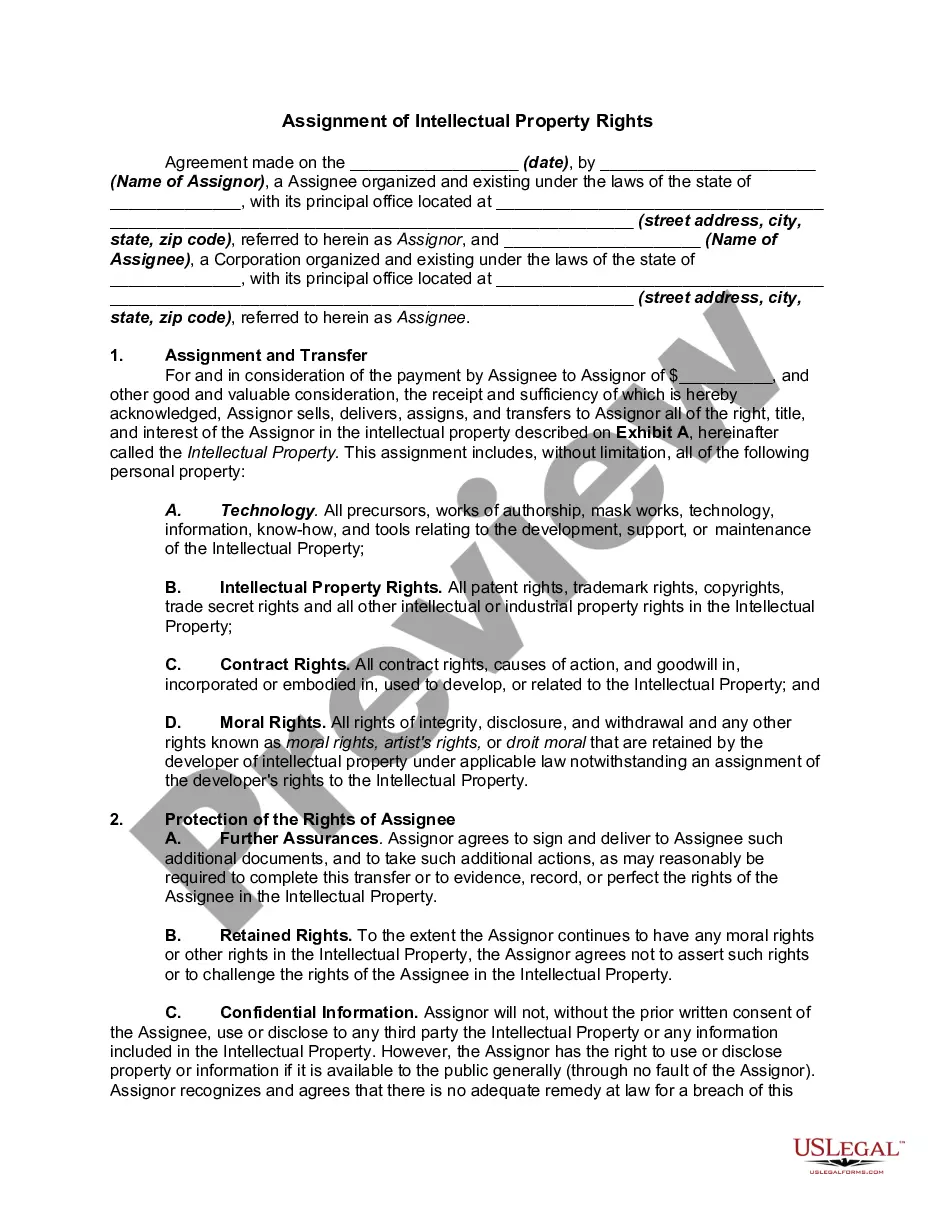
Form Language
Description
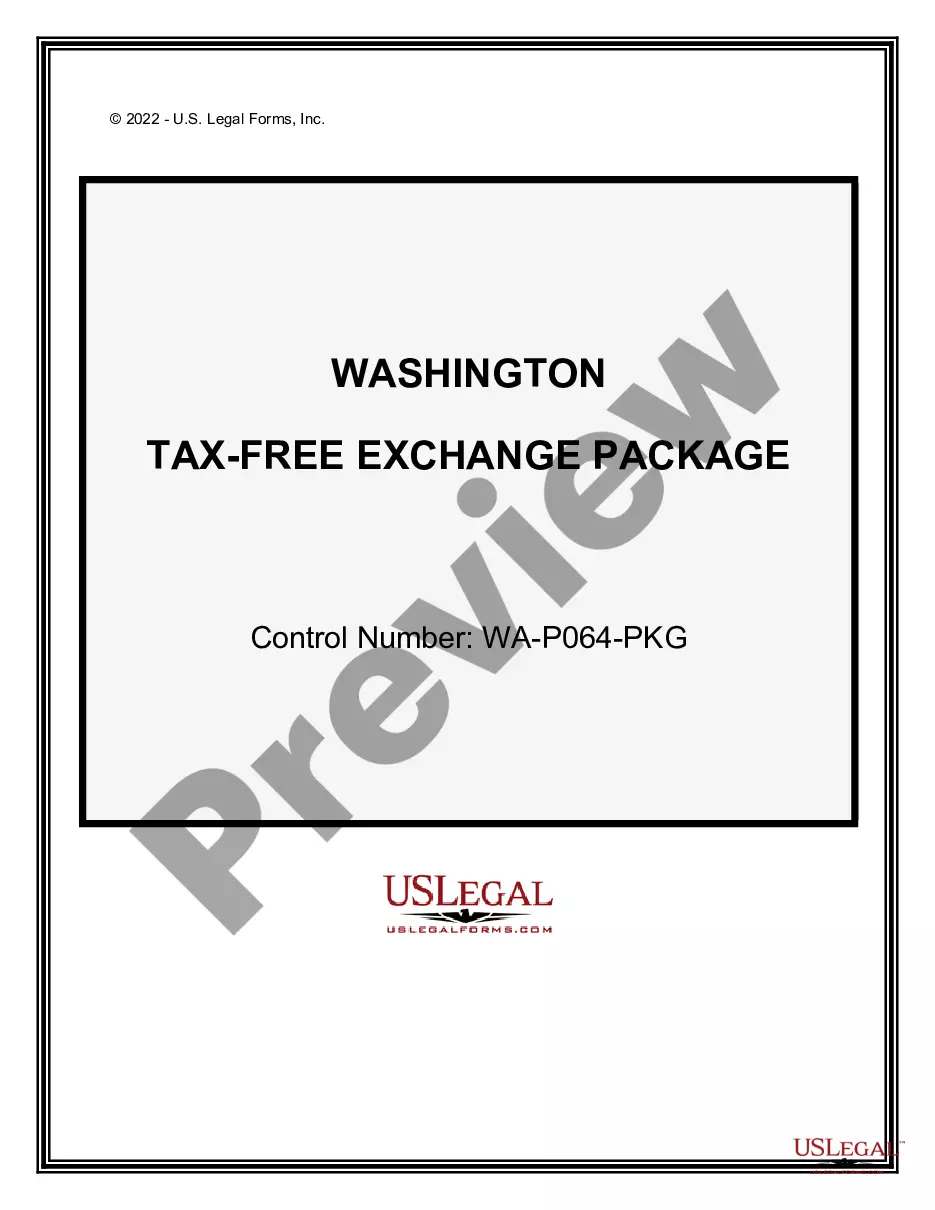
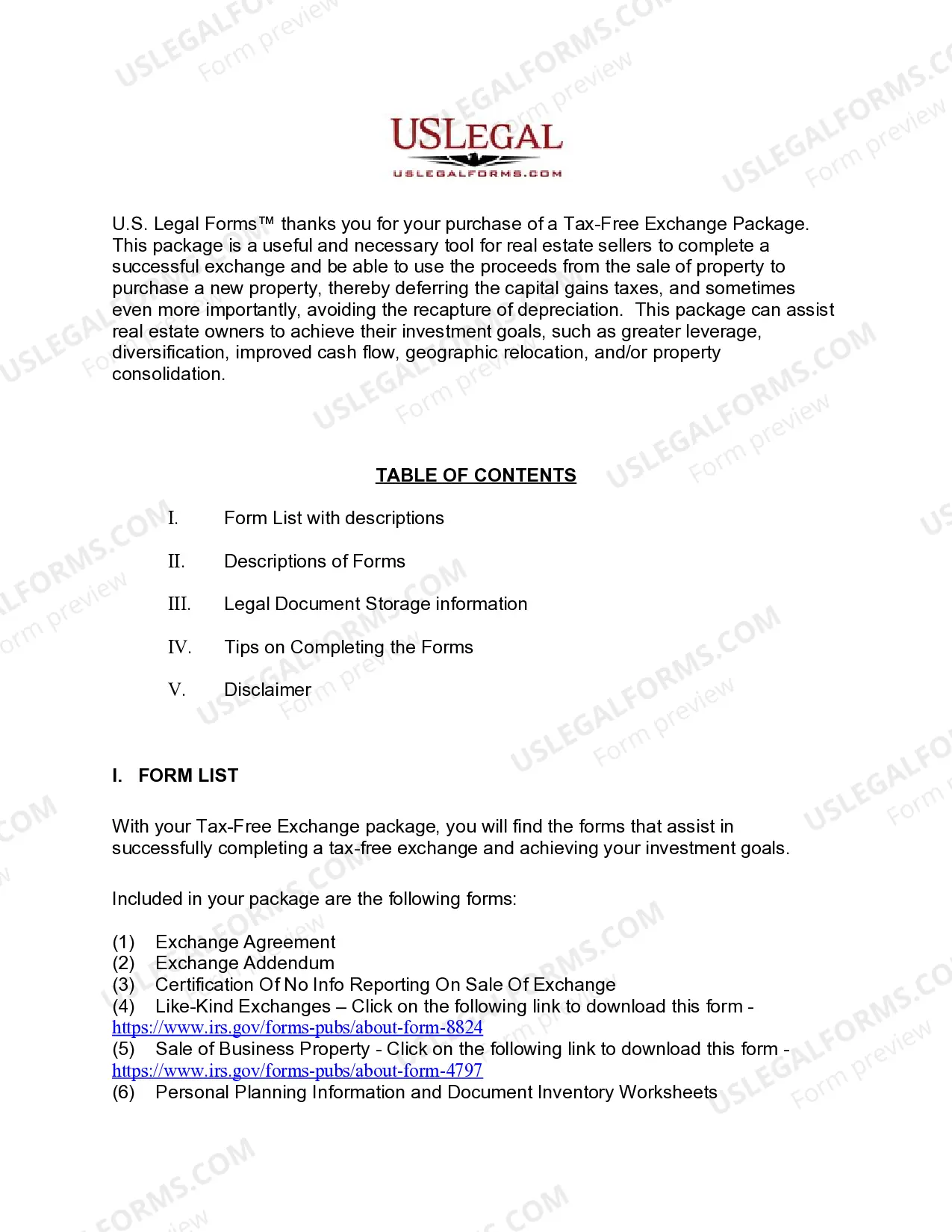




Get your form ready online
Our built-in tools help you complete, sign, share, and store your documents in one place.
Make edits, fill in missing information, and update formatting in US Legal Forms—just like you would in MS Word.
Download a copy, print it, send it by email, or mail it via USPS—whatever works best for your next step.
Sign and collect signatures with our SignNow integration. Send to multiple recipients, set reminders, and more. Go Premium to unlock E-Sign.
If this form requires notarization, complete it online through a secure video call—no need to meet a notary in person or wait for an appointment.
We protect your documents and personal data by following strict security and privacy standards.

Make edits, fill in missing information, and update formatting in US Legal Forms—just like you would in MS Word.

Download a copy, print it, send it by email, or mail it via USPS—whatever works best for your next step.

Sign and collect signatures with our SignNow integration. Send to multiple recipients, set reminders, and more. Go Premium to unlock E-Sign.

If this form requires notarization, complete it online through a secure video call—no need to meet a notary in person or wait for an appointment.

We protect your documents and personal data by following strict security and privacy standards.
Looking for another form?
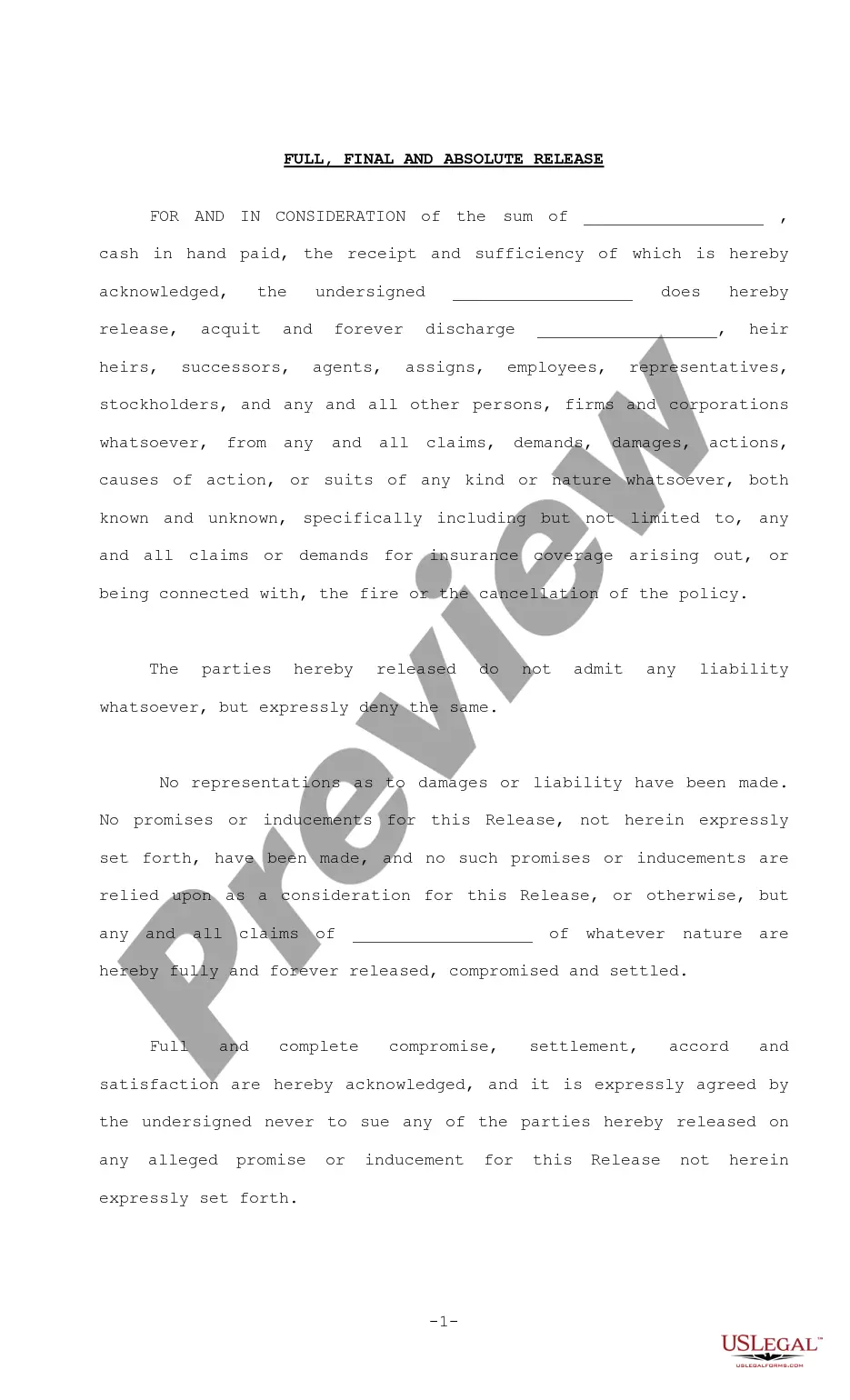
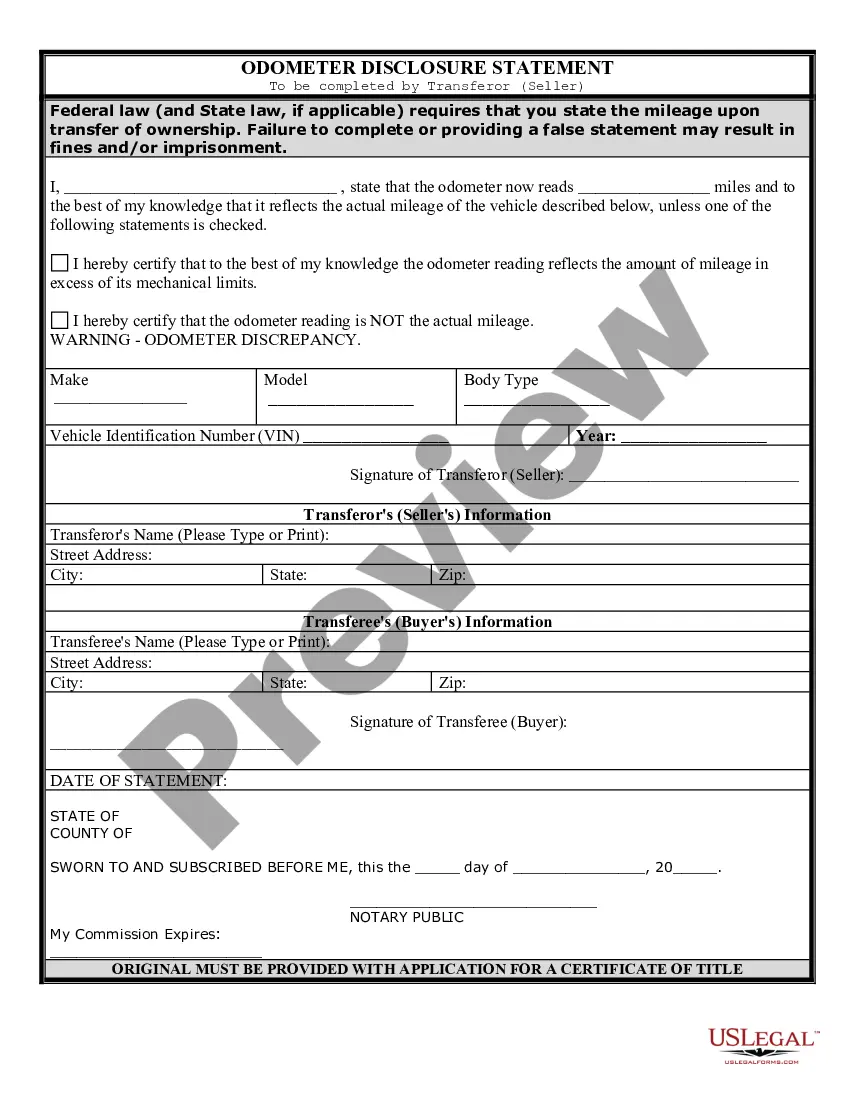
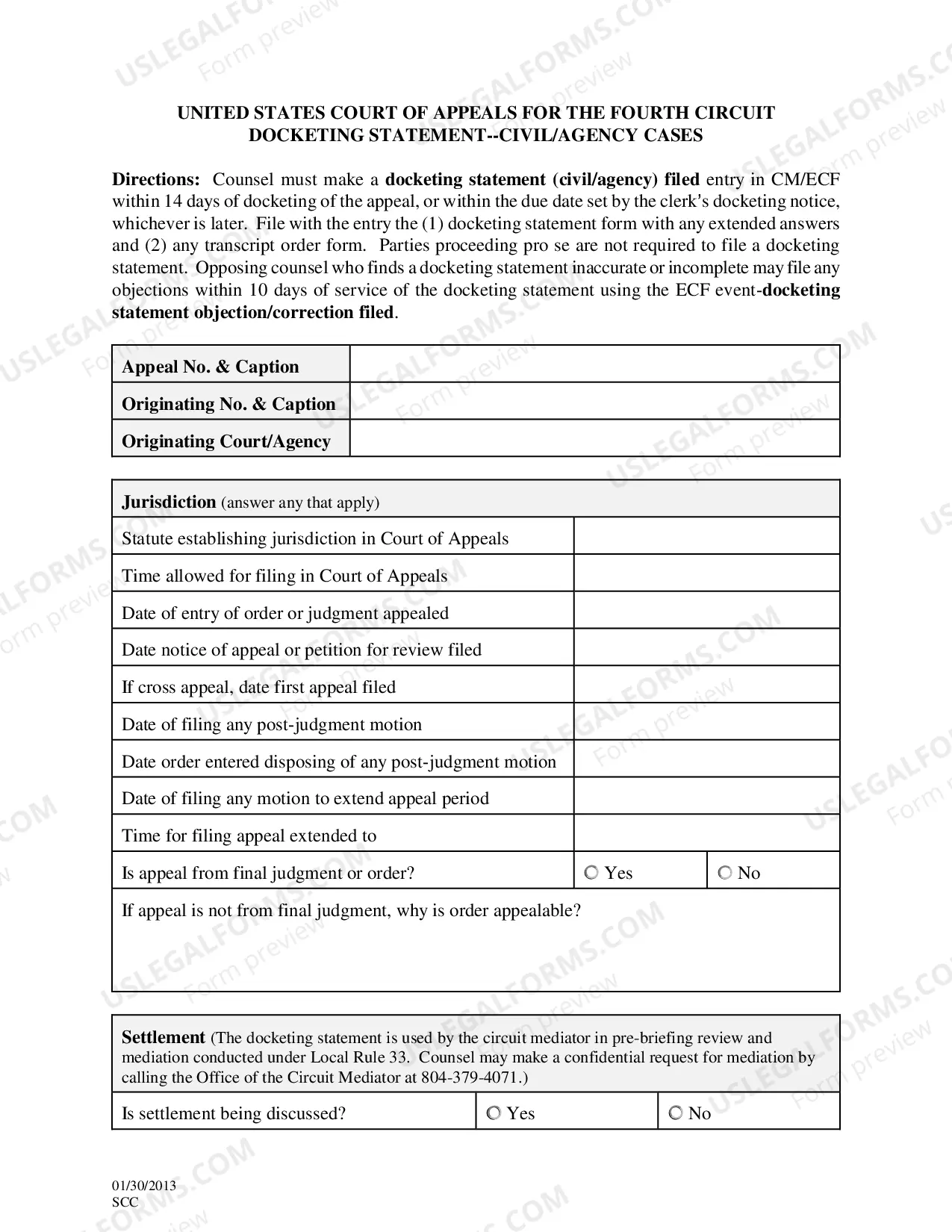
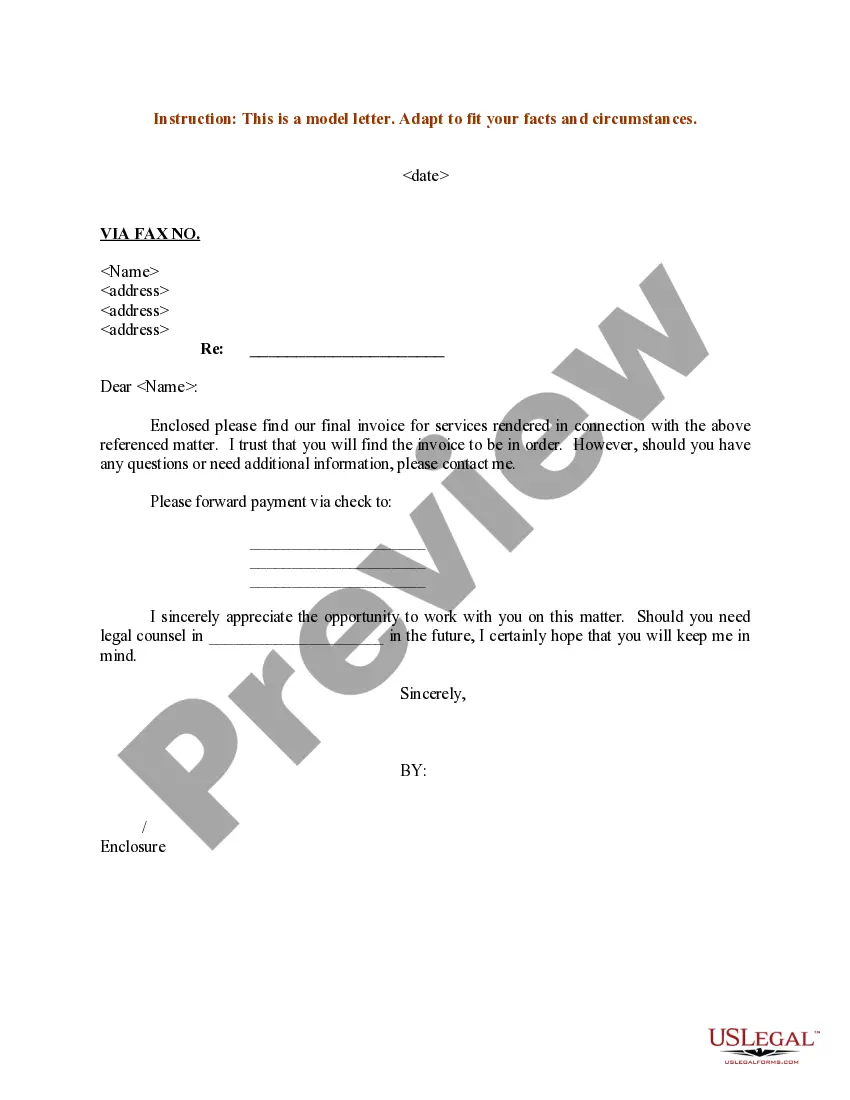
How to fill out Washington Tax Free Exchange Package?
- Log in to your account if you're an existing user. Make sure your subscription is active to access all features.
- If you're new, start by checking the Preview mode and reading the form description to ensure it meets your needs.
- If you don't find the right form, utilize the Search tab to explore alternatives that fit your requirements.
- Select the document you wish to purchase by clicking the Buy Now button, then choose your preferred subscription plan.
- Complete your purchase by entering your payment details using either a credit card or your PayPal account.
- Download the completed form template directly to your device and access it anytime through the My Forms menu in your account.
By following these straightforward steps, you can quickly secure the necessary legal documents while benefiting from the comprehensive resources available at US Legal Forms. With over 85,000 editable templates, you will find exactly what you need.
Start your journey today with US Legal Forms and streamline your legal documentation process. Join us and explore our robust library to ensure clarity and compliance in your legal dealings!
Form popularity
FAQ
To take a file as input in HTML, use the <input type='file'> tag in your form. This allows users to browse their devices and select files to upload. Ensure your form is set up to handle these file uploads appropriately, which is crucial for functionality such as document submissions or multimedia content.
Creating a language file typically involves designing a text file that contains translations for various phrases used in your application or form. This file should include key-value pairs where the key represents the original text and the value is the translated text. By using language files, you can easily switch between languages in your forms and provide a better user experience.
To change the primary language in forms, access the settings of the specific form. Locate the language option in the settings menu and select your desired primary language from the list. This process is essential for making sure your form speaks directly to your target audience effectively.
Uploading a file using HTML involves including a file input element in your form. Utilize the <input type='file'> tag within your form's code. Ensure that your form is set to 'enctype=multipart/form-data' to allow the file to be sent correctly. This feature is crucial for forms that require document submissions from users.
Converting a Google Form from English to Spanish requires modifying the form's language settings. Open the form, select the settings gear icon, and choose 'Spanish' from the language dropdown. Additionally, you may want to manually translate the questions and options to ensure that your form effectively communicates in Spanish.
To force a Google Form to open in English, you can add a specific parameter to the URL. When sharing your form, include '?hl=en' at the end of the web address. This adjustment will prompt the form to display in English, making it user-friendly for an English-speaking audience.
Changing your Google Form to English is quite simple. Open the form and click on the settings gear icon. From there, go to the 'Language' section and select 'English' from the list. By doing this, you ensure that your form's instructions and prompts are clear and accessible to English-speaking respondents.
To change the Google Form language to English, start by opening your form. Next, navigate to the settings icon at the top right corner. Under the 'General' tab, look for the language option and select 'English' from the dropdown menu. This change will ensure that your form displays all text in English, enhancing clarity for your users.
Creating Google Forms in different languages requires you to make copies of your form. After copying, simply change each version's language settings accordingly. You can utilize the form language toggle feature to tailor each copy for specific language audiences, improving engagement and submissions.
To change the language in Paperform, navigate to your form's settings. Look for the 'Language' option, where you can select your desired form language from a drop-down menu. This feature allows you to create forms that cater to a wider audience, enhancing accessibility.