Employee Personnel File For The Organization
Description
Get your form ready online
Our built-in tools help you complete, sign, share, and store your documents in one place.
Make edits, fill in missing information, and update formatting in US Legal Forms—just like you would in MS Word.
Download a copy, print it, send it by email, or mail it via USPS—whatever works best for your next step.
Sign and collect signatures with our SignNow integration. Send to multiple recipients, set reminders, and more. Go Premium to unlock E-Sign.
If this form requires notarization, complete it online through a secure video call—no need to meet a notary in person or wait for an appointment.
We protect your documents and personal data by following strict security and privacy standards.

Make edits, fill in missing information, and update formatting in US Legal Forms—just like you would in MS Word.

Download a copy, print it, send it by email, or mail it via USPS—whatever works best for your next step.

Sign and collect signatures with our SignNow integration. Send to multiple recipients, set reminders, and more. Go Premium to unlock E-Sign.

If this form requires notarization, complete it online through a secure video call—no need to meet a notary in person or wait for an appointment.

We protect your documents and personal data by following strict security and privacy standards.
Looking for another form?

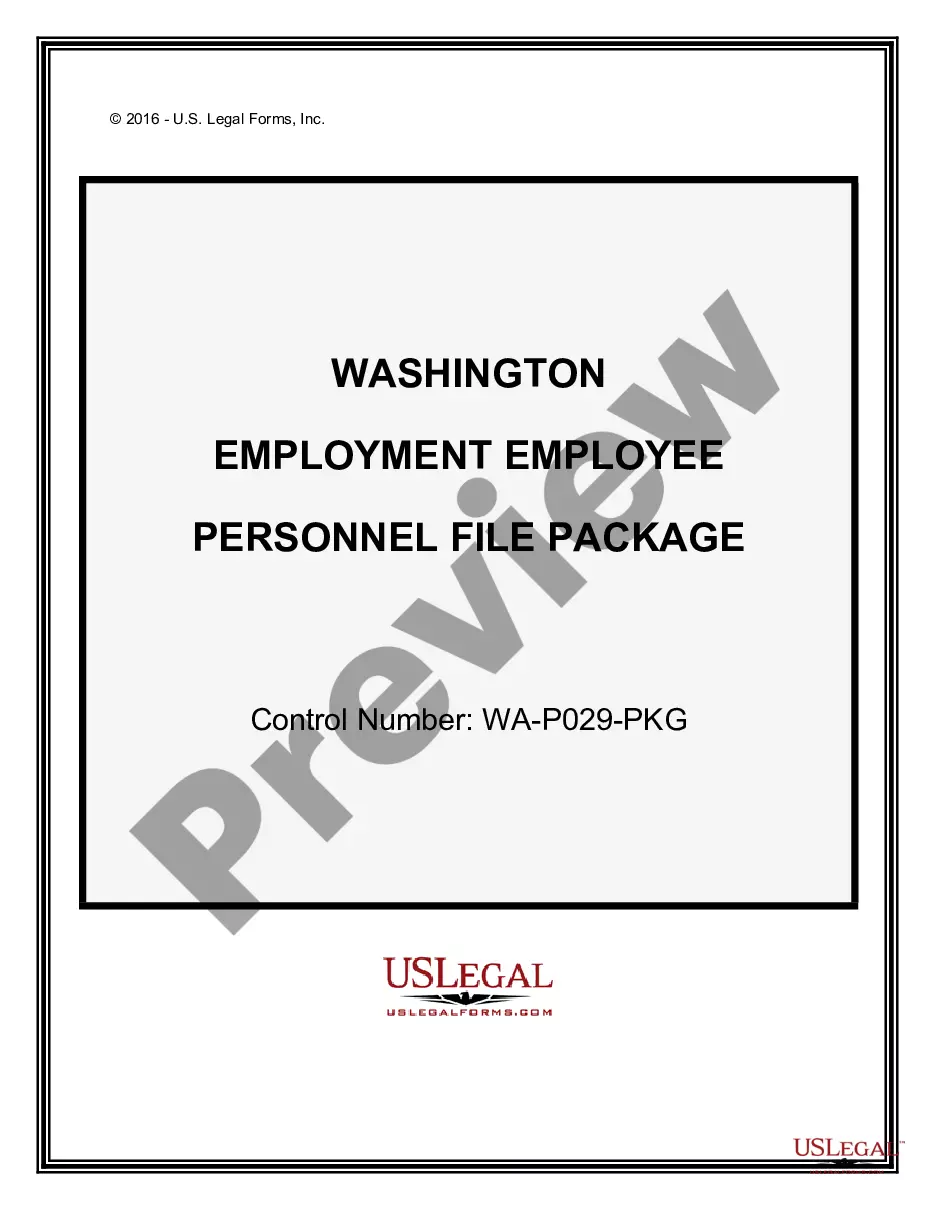
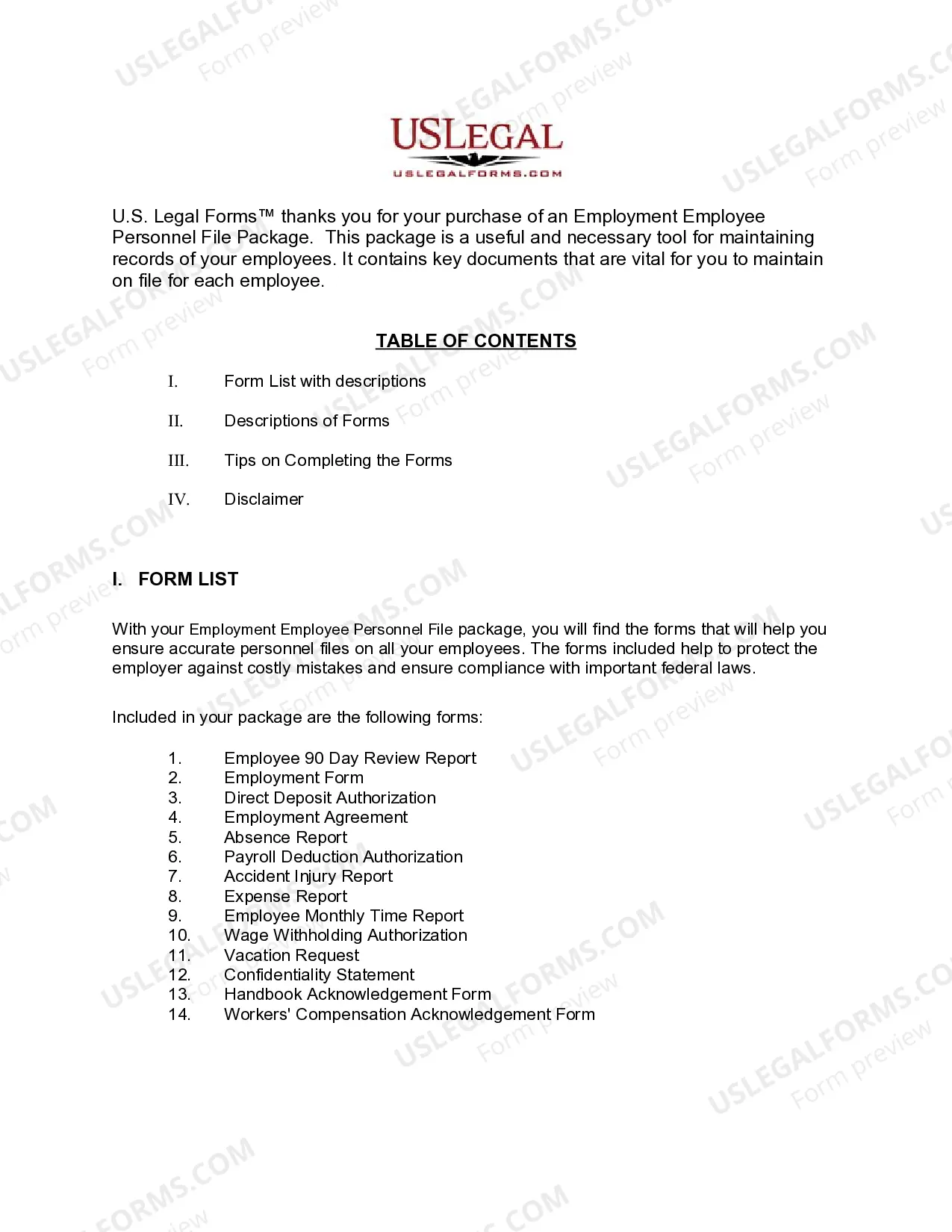
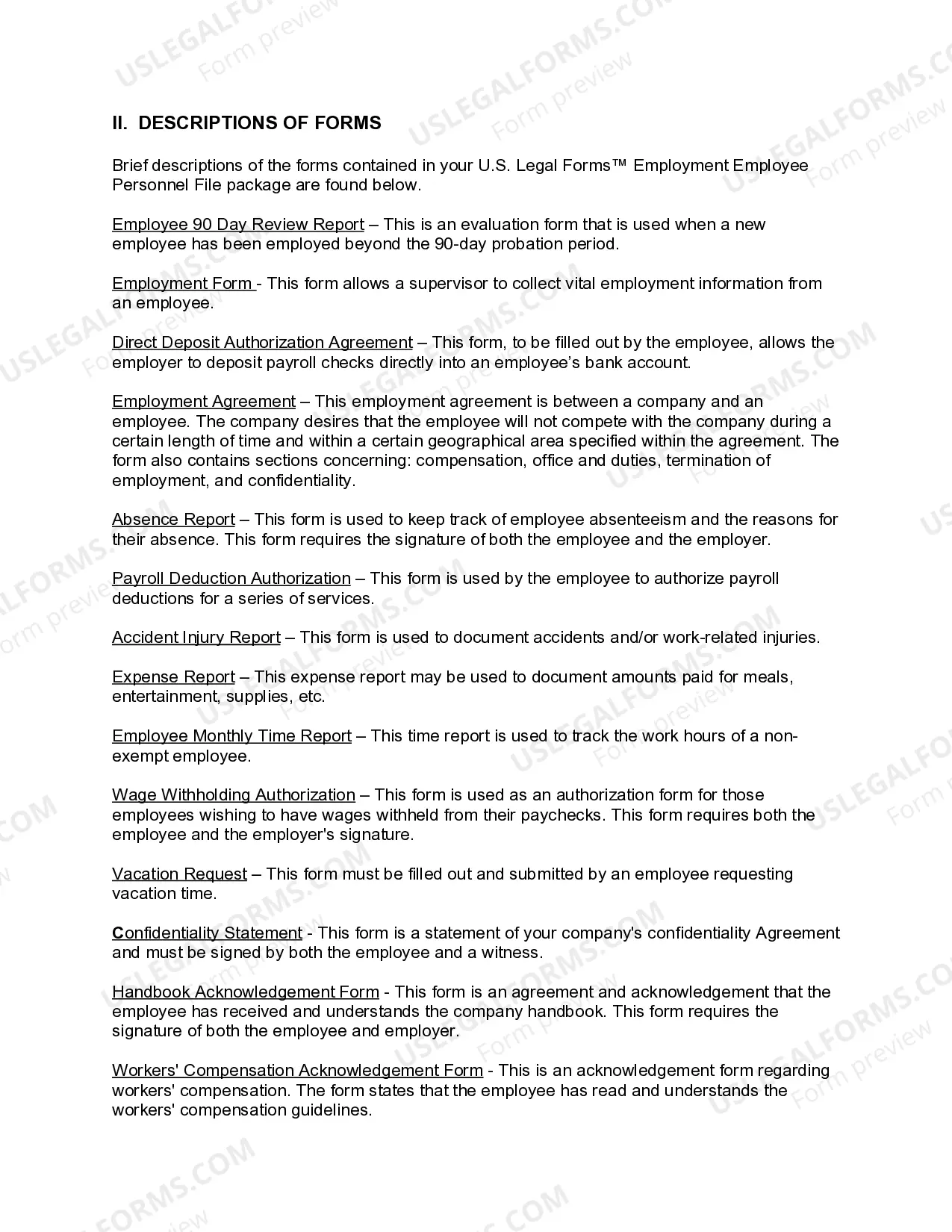
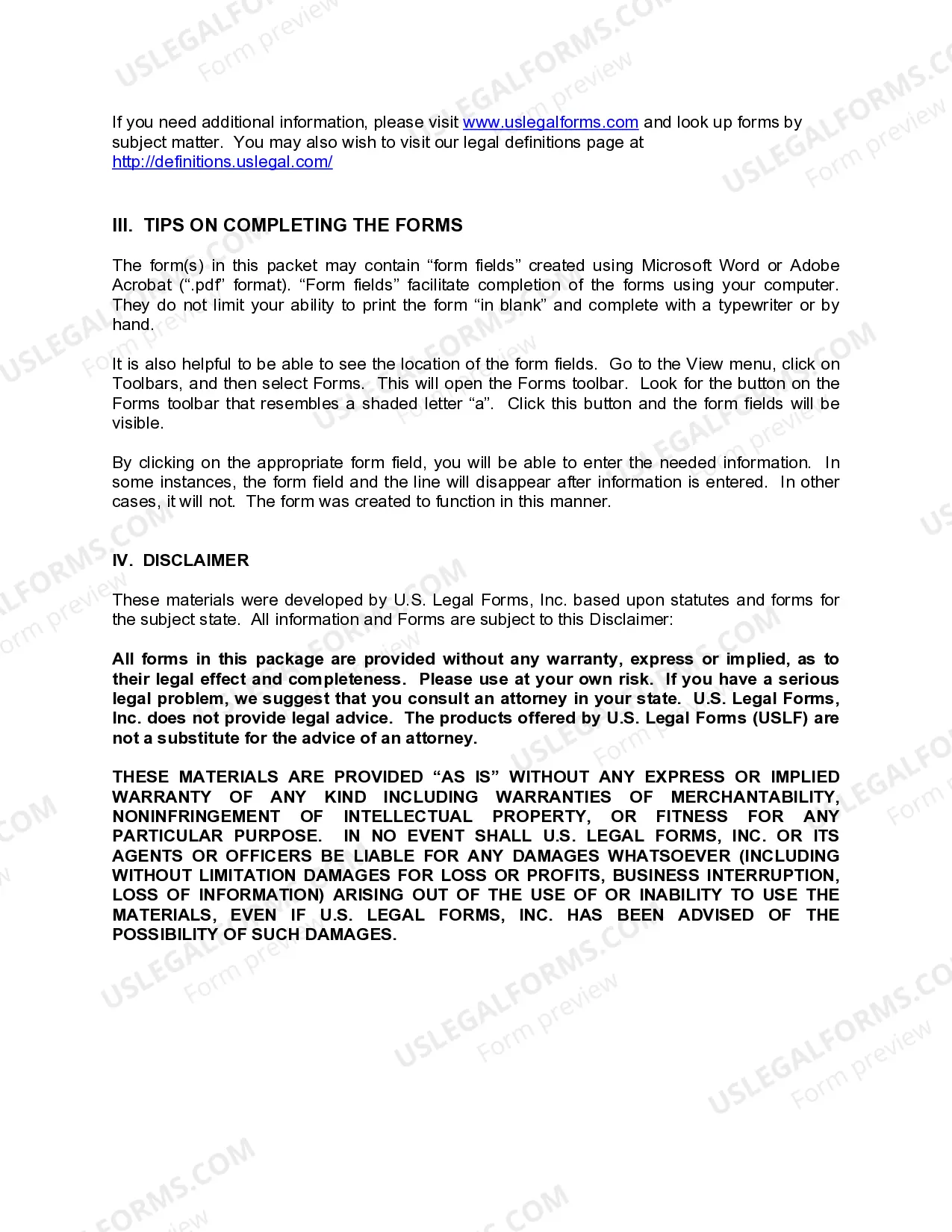
How to fill out Washington Employment Employee Personnel File Package?
- If you’ve used US Legal Forms before, log in to access your account and download the necessary form by clicking the Download button.
- For first-time users, start by reviewing the form preview and description to ensure it meets your specific needs and complies with your local regulations.
- If adjustments are needed, use the Search feature to find alternative templates that better fit your requirements.
- Once you find the ideal document, click on the Buy Now button and select your preferred subscription plan.
- Complete the purchase process by entering your payment details or using your PayPal account.
- Finally, download your completed form to your device and access it at any time from the My Forms section of your profile.
Using US Legal Forms not only saves time but also provides access to a vast library of over 85,000 customizable legal forms. This ensures that your employee personnel file is accurately created and maintained.
Empower your organization by utilizing US Legal Forms for all your legal documentation needs. Start today and streamline your HR processes!
Form popularity
FAQ
To structure an HR folder effectively, divide it into sections based on key areas of the employee personnel file for the organization. Include sections for recruitment, onboarding, training, and performance management. This makes information retrieval seamless for HR professionals and supports decision-making processes. Platforms like USLegalForms can assist with template organization and file management, making it easier to keep everything in order.
Organizing physical files at work requires a systematic approach. Start by defining categories relevant to the employee personnel file for the organization, such as training records, payroll data, and benefits information. Use an alphabetical or chronological system and ensure each file is clearly labeled. Consider transitioning to digital formats with tools like USLegalForms to enhance organization and accessibility.
An employee personnel file for the organization should include essential documents such as the employment application, resumes, tax forms, and performance reviews. Additionally, include disciplinary records and any relevant correspondence. Maintaining these files in an organized manner ensures compliance and supports management decisions. Checking resources like USLegalForms can help you identify all necessary documentation.
Employee records should be kept securely and in a manner that ensures privacy. The employee personnel file for the organization must be stored in locked cabinets or secure digital platforms that restrict access to authorized personnel only. Regular audits and updates should be conducted to maintain accuracy and compliance with legal requirements. Utilizing services like USLegalForms can simplify the maintenance of these records.
To effectively organize personal records, you should start by categorizing documents in the employee personnel file for the organization. Use clear labels and folders for different types of records, such as identification, performance evaluations, and training certifications. This system makes retrieval easier and ensures that each file meets compliance standards. Digital solutions like USLegalForms can streamline this process, allowing for efficient storage and access.
A CEO may have access to HR files, but this should follow established company policies. While they often need specific information for strategic decisions, limiting access helps protect employee privacy. Clear guidelines ensure a balance between operational needs and ethical considerations. Uslegalforms can assist organizations in drafting accessibility policies that align with both business objectives and employee rights.
Similar to personnel files, access to HR records should be restricted to designated individuals who require this information for their job functions. This typically includes HR staff, team leaders, and executives who need data for decision-making. With a clear policy in place, organizations can manage access effectively and responsibly. At uslegalforms, we offer documents to help you define suitable access levels.
The organization owns the employee personnel file for the organization. While the file contains an employee’s personal information, it is maintained for business purposes. Therefore, employees have the right to access their files, but they do not own the contents. This distinction is crucial for understanding rights regarding employment documentation.
Access to HR personnel files should be limited to specific individuals within the organization. Generally, HR staff, management, and legal representatives may need access to support employee relations and compliance matters. Establishing a clear access policy helps protect sensitive information while ensuring that those who need it can use it responsibly. Our platform provides resources to help organizations set these guidelines.
To request your employee personnel file for the organization, start by reaching out to your HR department or supervisor. It's important to formally write your request, outlining your desire to review your file. Typically, employers should respond promptly to such requests, usually within a specified time frame. If you face challenges, uslegalforms offers templates to streamline the request process.