Tenantid Advpl
Description

Get your form ready online
Our built-in tools help you complete, sign, share, and store your documents in one place.
Make edits, fill in missing information, and update formatting in US Legal Forms—just like you would in MS Word.
Download a copy, print it, send it by email, or mail it via USPS—whatever works best for your next step.
Sign and collect signatures with our SignNow integration. Send to multiple recipients, set reminders, and more. Go Premium to unlock E-Sign.
If this form requires notarization, complete it online through a secure video call—no need to meet a notary in person or wait for an appointment.
We protect your documents and personal data by following strict security and privacy standards.

Make edits, fill in missing information, and update formatting in US Legal Forms—just like you would in MS Word.

Download a copy, print it, send it by email, or mail it via USPS—whatever works best for your next step.

Sign and collect signatures with our SignNow integration. Send to multiple recipients, set reminders, and more. Go Premium to unlock E-Sign.

If this form requires notarization, complete it online through a secure video call—no need to meet a notary in person or wait for an appointment.

We protect your documents and personal data by following strict security and privacy standards.
Looking for another form?
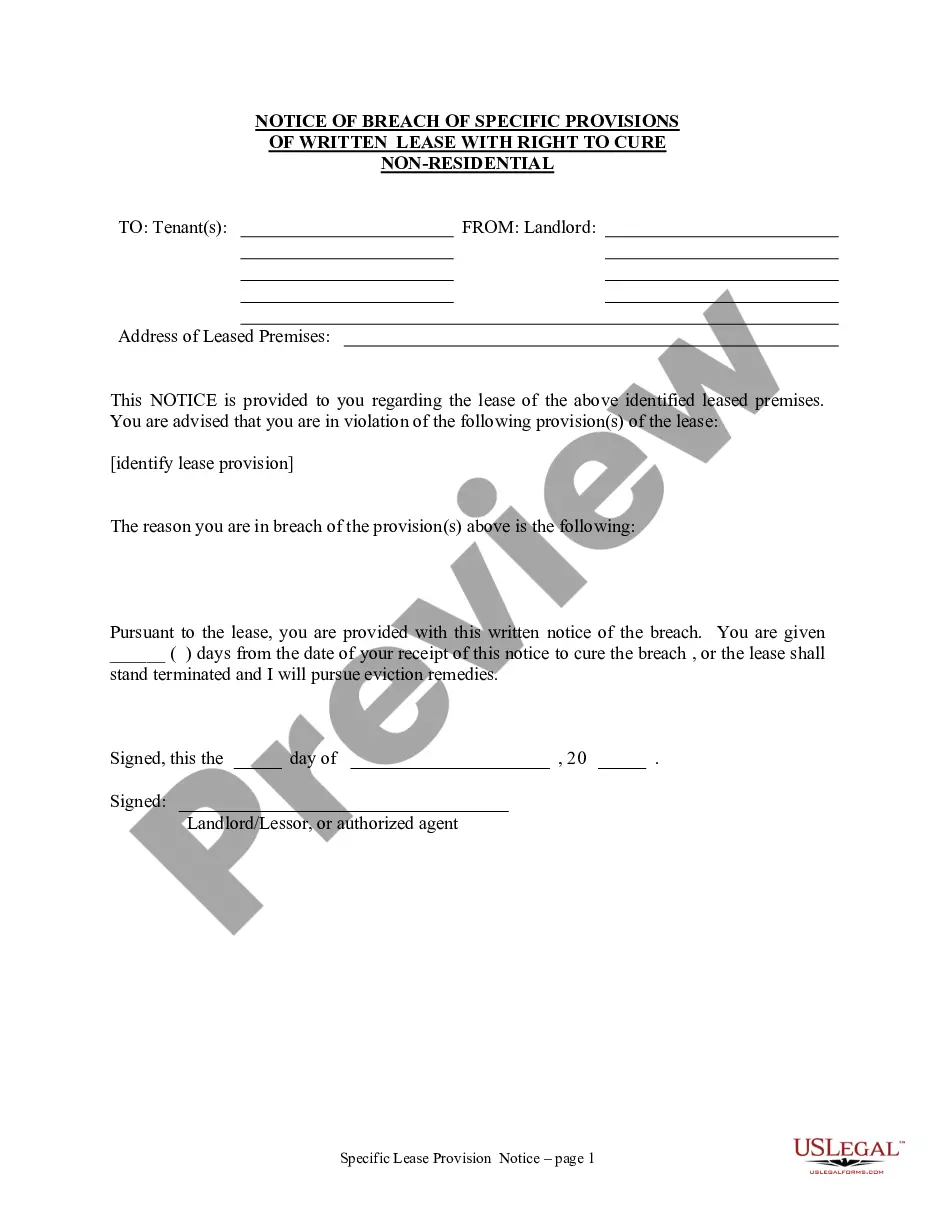
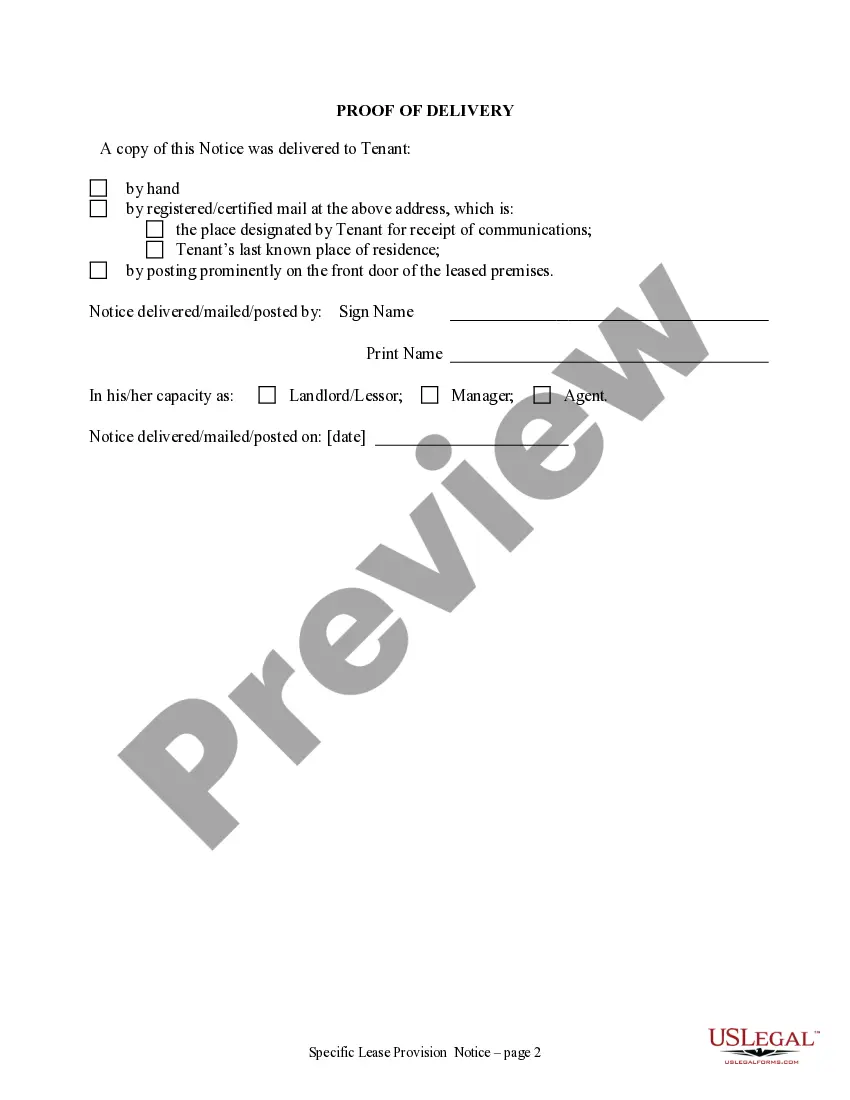
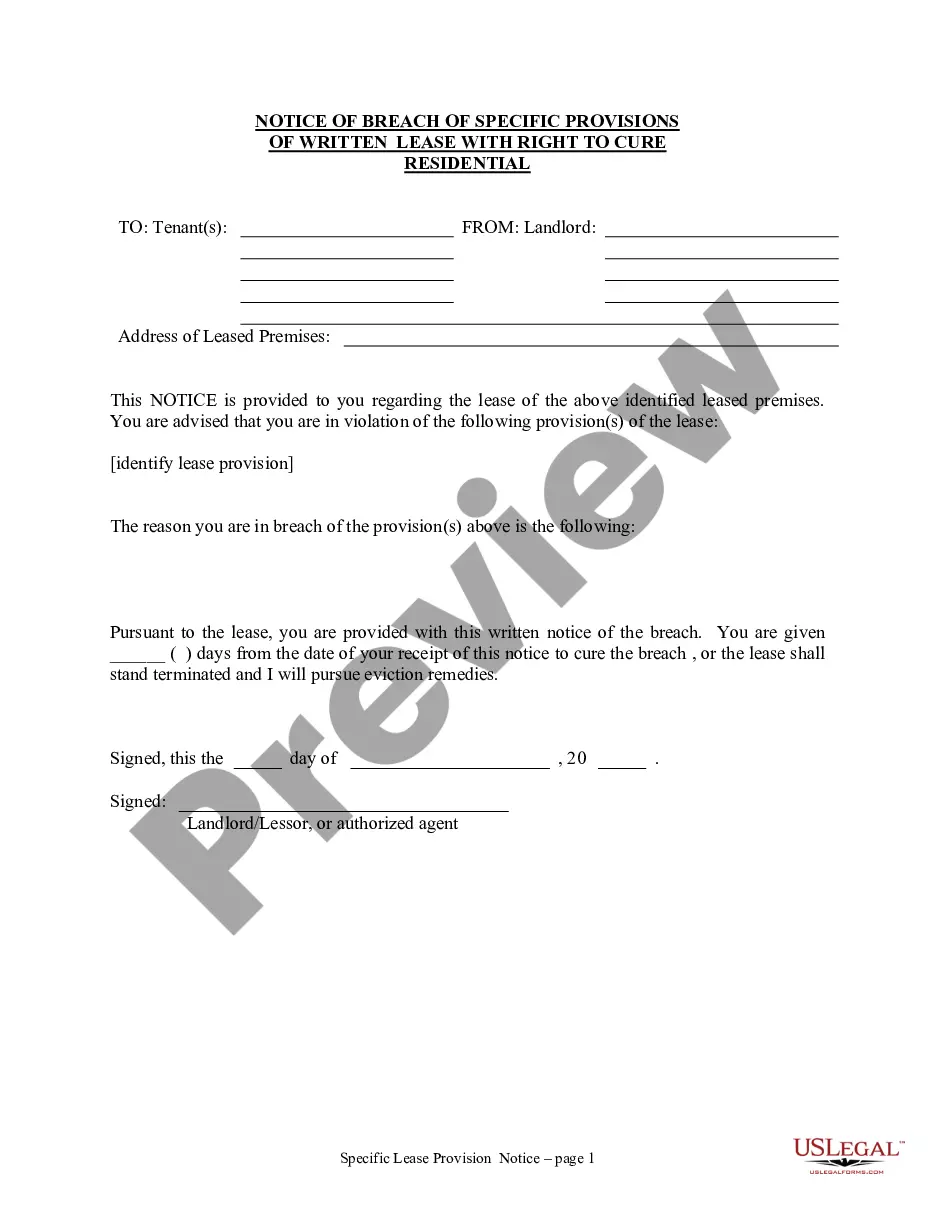
How to fill out Washington Notice Of Breach Of Written Lease For Violating Specific Provisions Of Lease With Right To Cure For Nonresidential Property From Landlord To Tenant?
- If you are a returning user, log in to access your account and download forms directly. Ensure that your subscription is active; if it’s expired, renew it based on your payment plan.
- For first-time users, start by checking the Preview mode of the form. Verify that it aligns with your specific legal needs and complies with your local jurisdiction.
- If needed, utilize the Search bar for additional document templates. Finding the right form is critical—make sure it’s a perfect fit before continuing.
- To purchase your document, click the Buy Now button and select your preferred subscription plan. You will need to create an account to access the full library.
- Complete your purchase by entering your payment details, whether through a credit card or PayPal.
- Download your chosen form. Save it to your device for easy access, and you can find it again later via the My Forms section of your profile.
In conclusion, US Legal Forms provides a powerful tool for individuals and legal practitioners alike, granting access to a vast collection of over 85,000 fillable forms. Allowing users to complete legal documents quickly and efficiently ensures you have the resources you need.
Don't hesitate to leverage these advantages—visit US Legal Forms today and simplify your legal documentation process!
Form popularity
FAQ
You can find your tenant ID directory in the admin portal of your Tenantid advpl account. This directory contains all relevant settings and configurations for your organization. By navigating to the directory section, you can easily locate your tenant ID and other important information to manage your services efficiently.
To obtain a subscription ID in Office 365, start by logging into your account. Navigate to the subscription management section, where you can view the details of your subscriptions under the Tenantid advpl settings. This will include your subscription ID, which is useful for managing your Office 365 services.
To find your tenant ID and domain, access your account settings within the Tenantid advpl platform. Your tenant ID will be prominently displayed alongside your domain information. This access allows you to manage your organization’s settings effectively.
Creating a tenant ID is typically part of setting up a new account in the Tenantid advpl ecosystem. You usually need to provide some basic information about your organization, and the system will generate a unique tenant ID for you. Once your tenant ID is created, you can easily manage your resources and services.
Your tenant ID is a unique identifier for your organization in the Tenantid advpl system. It serves as a way to distinguish your account from others, making it essential for managing access and configurations. You can find it in your account settings, where your organization's details are displayed.
The primary difference between a tenant and a subscription lies in their scope. A tenant refers to your account's identity within a service provider's infrastructure, while a subscription focuses on your specific services and features within that environment. Getting a clear grasp of these differences can enhance your experience on the Us Legal Forms platform, especially when managing your Tenantid advpl.
A tenant ID is a unique identifier assigned to your account in a multi-tenant environment, like that of Us Legal Forms. It helps manage your resources and maintain seamless services within the platform. Understanding your tenant ID is vital, particularly when integrating services or customizing your experience with your Tenantid advpl.
No, the subscription ID and tenant ID are not the same; they serve distinct purposes. The subscription ID identifies the specific subscription you are using, while the tenant ID refers to your overall account identity within the Us Legal Forms ecosystem. Knowing the difference is important for effective account management, especially when using your Tenantid advpl.
A subscription ID is a unique identifier associated with your account subscription on the Us Legal Forms platform. It differentiates your subscription from others and is essential for managing your account details. Understanding your subscription ID is crucial for ensuring your access to the services you rely on, such as your Tenantid advpl.
You can find your directory tenant ID by accessing the administrative settings of your Us Legal Forms account. In the user management area, the directory tenant ID should be listed alongside other account details. If you're unsure where to look, our help resources provide step-by-step guidance for locating your Tenantid advpl.