Tenant Failure Use With The Servicenow
Description


Get your form ready online
Our built-in tools help you complete, sign, share, and store your documents in one place.
Make edits, fill in missing information, and update formatting in US Legal Forms—just like you would in MS Word.
Download a copy, print it, send it by email, or mail it via USPS—whatever works best for your next step.
Sign and collect signatures with our SignNow integration. Send to multiple recipients, set reminders, and more. Go Premium to unlock E-Sign.
If this form requires notarization, complete it online through a secure video call—no need to meet a notary in person or wait for an appointment.
We protect your documents and personal data by following strict security and privacy standards.

Make edits, fill in missing information, and update formatting in US Legal Forms—just like you would in MS Word.

Download a copy, print it, send it by email, or mail it via USPS—whatever works best for your next step.

Sign and collect signatures with our SignNow integration. Send to multiple recipients, set reminders, and more. Go Premium to unlock E-Sign.

If this form requires notarization, complete it online through a secure video call—no need to meet a notary in person or wait for an appointment.

We protect your documents and personal data by following strict security and privacy standards.
Looking for another form?

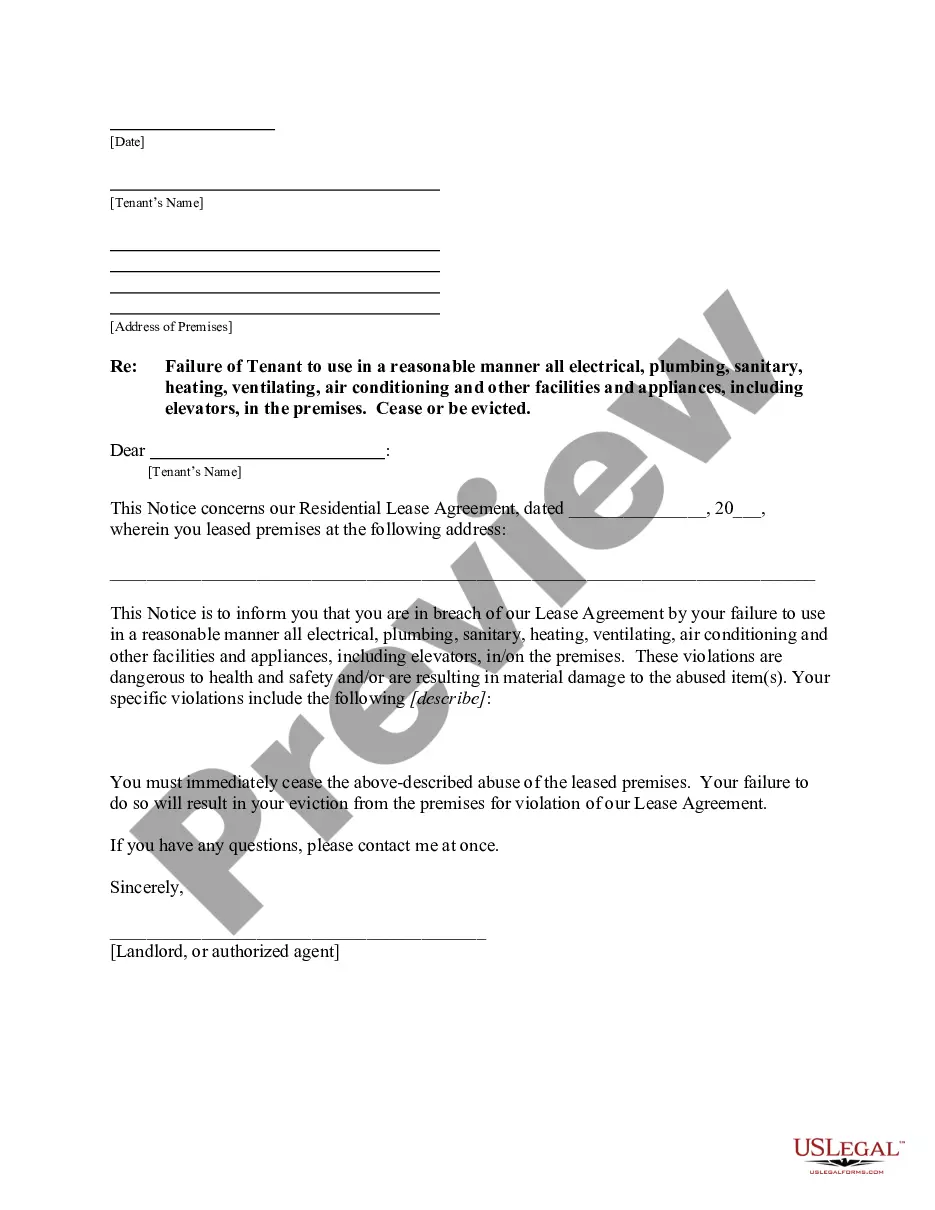
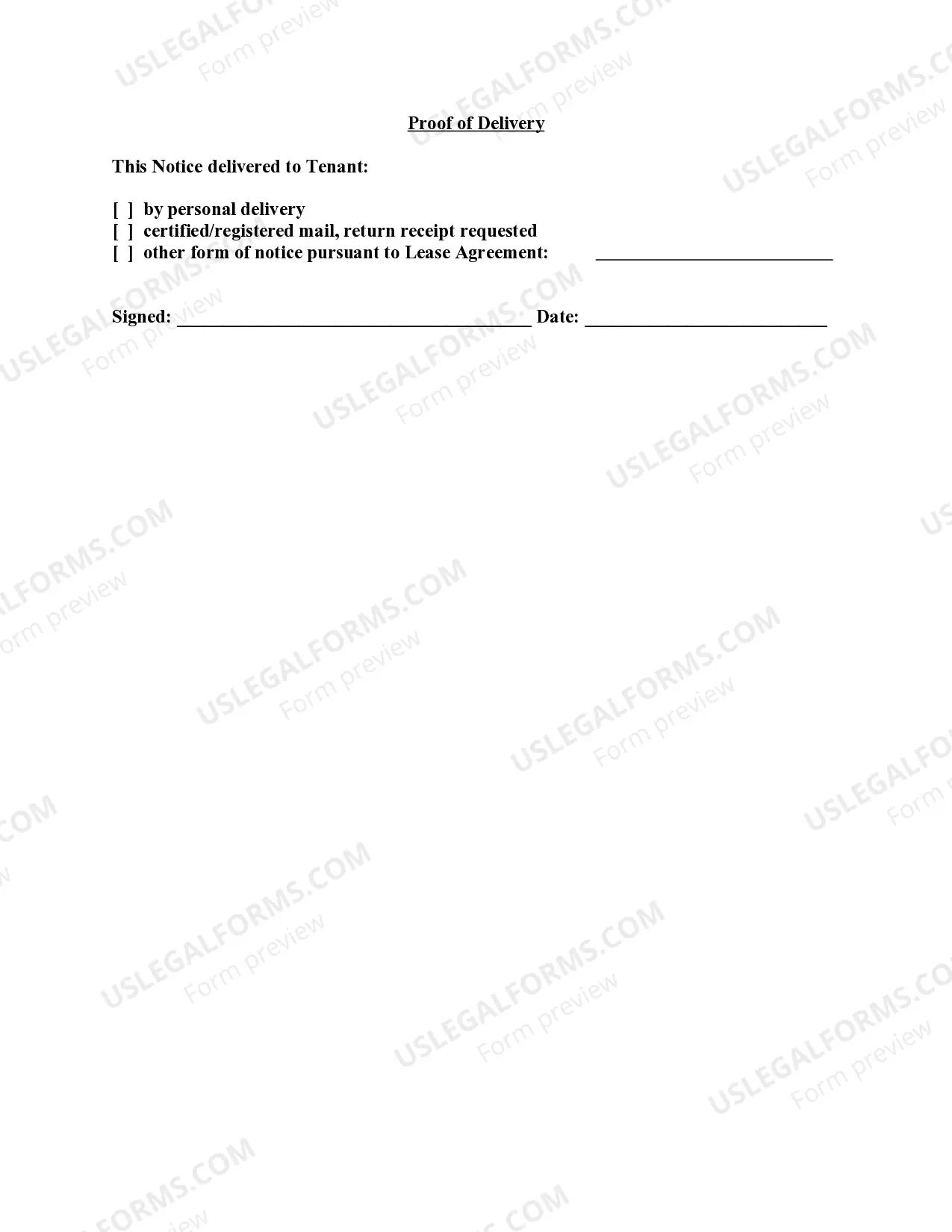
How to fill out Vermont Letter From Landlord To Tenant For Failure To Use Electrical, Plumbing, Sanitary, Heating, Ventilating, Air Conditioning And Other Facilities In A Reasonable Manner?
- Log in to your US Legal Forms account if you are a returning user. Ensure your subscription is active; renew it if necessary.
- For first-time users, start by browsing the form descriptions in Preview mode. Make sure to select a form that aligns with your local jurisdiction.
- If needed, utilize the Search tab to find a more suitable template. Confirm that it meets your requirements before proceeding.
- To purchase the selected document, click the 'Buy Now' button and choose your desired subscription plan. An account registration is required for full access.
- Complete your purchase by entering your credit card details or using PayPal for payment.
- Download the form to your device and access it anytime via the 'My Forms' menu in your profile.
By following these steps, you can easily navigate through the process of obtaining the necessary legal documents tailored to your situation.
US Legal Forms is dedicated to empowering individuals and attorneys by providing quick access to a comprehensive collection of legal resources. Start your journey today!
Form popularity
FAQ
Troubleshooting issues in ServiceNow requires a focus on detailed observations and analytic skills. Begin by documenting the issue and any steps taken so far. Utilizing resources like the ServiceNow community can provide insights that might be critical, particularly if you're dealing with Tenant failure use with the servicenow.
To troubleshoot issues in ServiceNow effectively, start with basic diagnostics. Check the system logs for error messages that give clues. From there, escalate to further analysis or engage with support teams if the problem persists, especially for issues related to Tenant failure use with the servicenow.
Resetting your ServiceNow instance involves a series of careful steps. First, ensure that you back up all critical data to avoid any loss. After backing up, you can utilize the ServiceNow settings to initiate the reset process. This is particularly important if you're facing recurring Tenant failure use with the servicenow.
The instance architecture of ServiceNow consists of several layers: the database layer, application services layer, and user interface layer. This architecture ensures reliability and scalability. Understanding this structure is vital when addressing issues, especially when considering Tenant failure use with the servicenow.
Troubleshooting technical issues in ServiceNow requires a systematic approach. Begin by reproducing the issue to understand its context. Next, consult the ServiceNow documentation or community forums. If the issue relates to Tenant failure use with the servicenow, specialized tools and insights can help.
To resolve an issue in ServiceNow, start by identifying the problem clearly. Gather relevant details, such as error messages and user actions leading to the issue. You can utilize the ServiceNow knowledge base or reach out to your system administrator for guidance. For persistent problems, consider checking the Tenant failure use with the servicenow protocols.
To check SSH login attempts, you can access your server's logs, typically found in '/var/log/auth.log' or '/var/log/secure' depending on your Linux distribution. Look for entries that indicate both successful and failed login attempts. Monitoring SSH access is essential for identifying potential tenant failure use with the servicenow and safeguarding your systems.
To view failed login attempts in ServiceNow, go to the 'User Administration' section and select the 'Login History.' Here, you will find records of both successful and unsuccessful login attempts. This information is critical for understanding tenant failure use with the servicenow and can help you strengthen access protocols.
To find the source of failed login attempts, you can analyze logs in both Event Viewer and ServiceNow. Look for IP addresses and timestamps associated with these failed login events. By identifying repeated tenant failure use with the servicenow from specific sources, you can take necessary actions to enhance your security.
In ServiceNow, you can check user logs by navigating to the 'User Administration' module. From there, access the 'Login History' or 'Audit' modules to review detailed logs of user activity. Monitoring these logs can help you address any tenant failure use with the servicenow and improve your system's overall performance.