Virginia Power Attorney Without Consent
Description
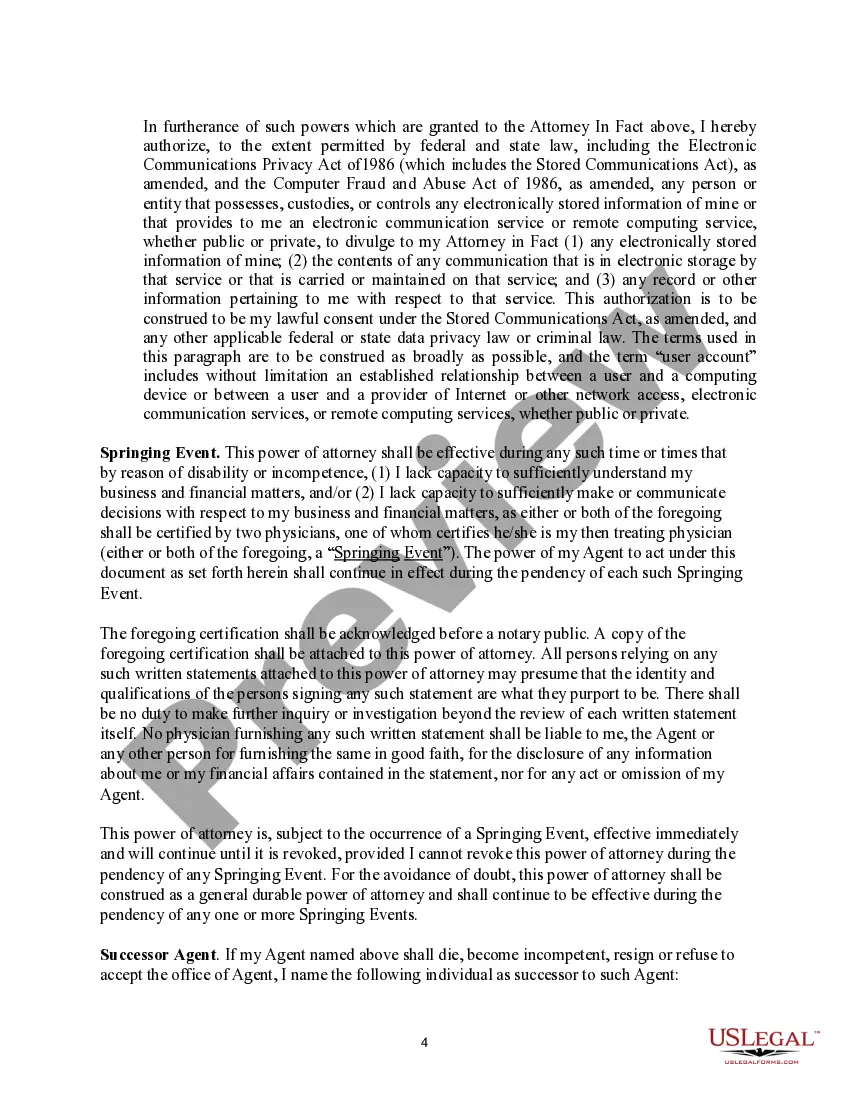
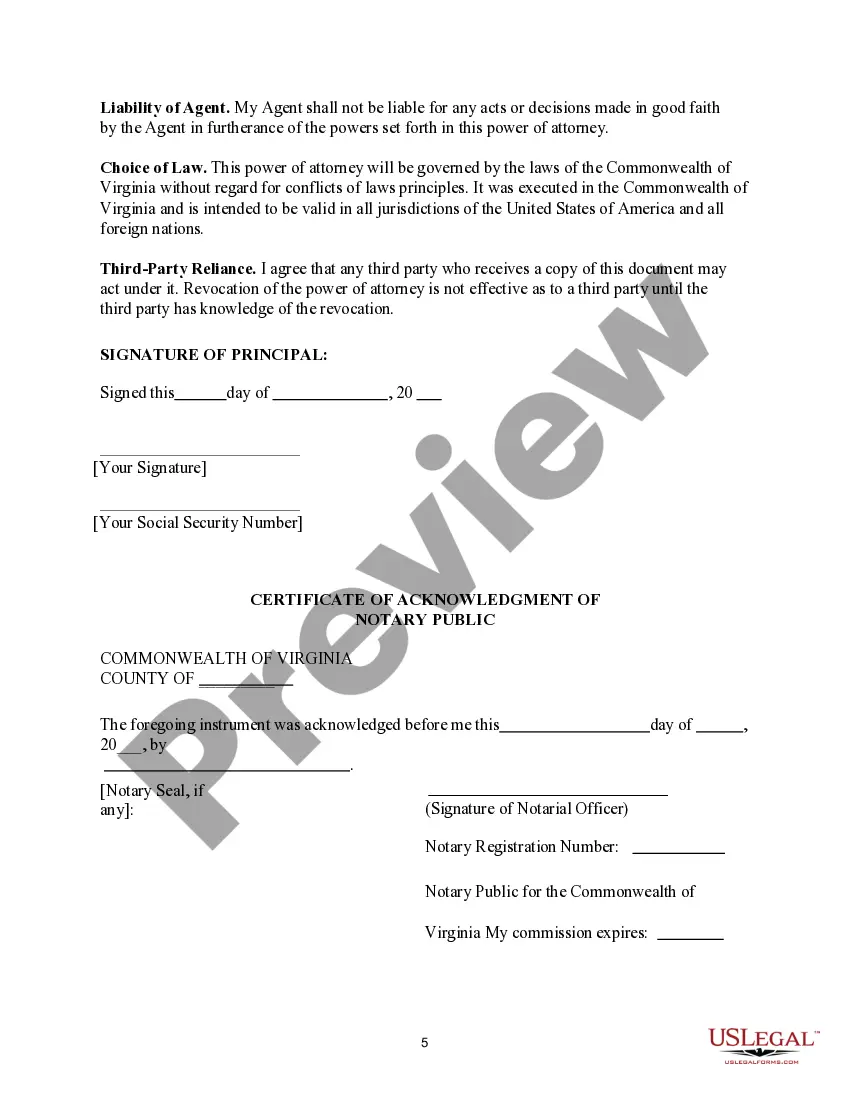
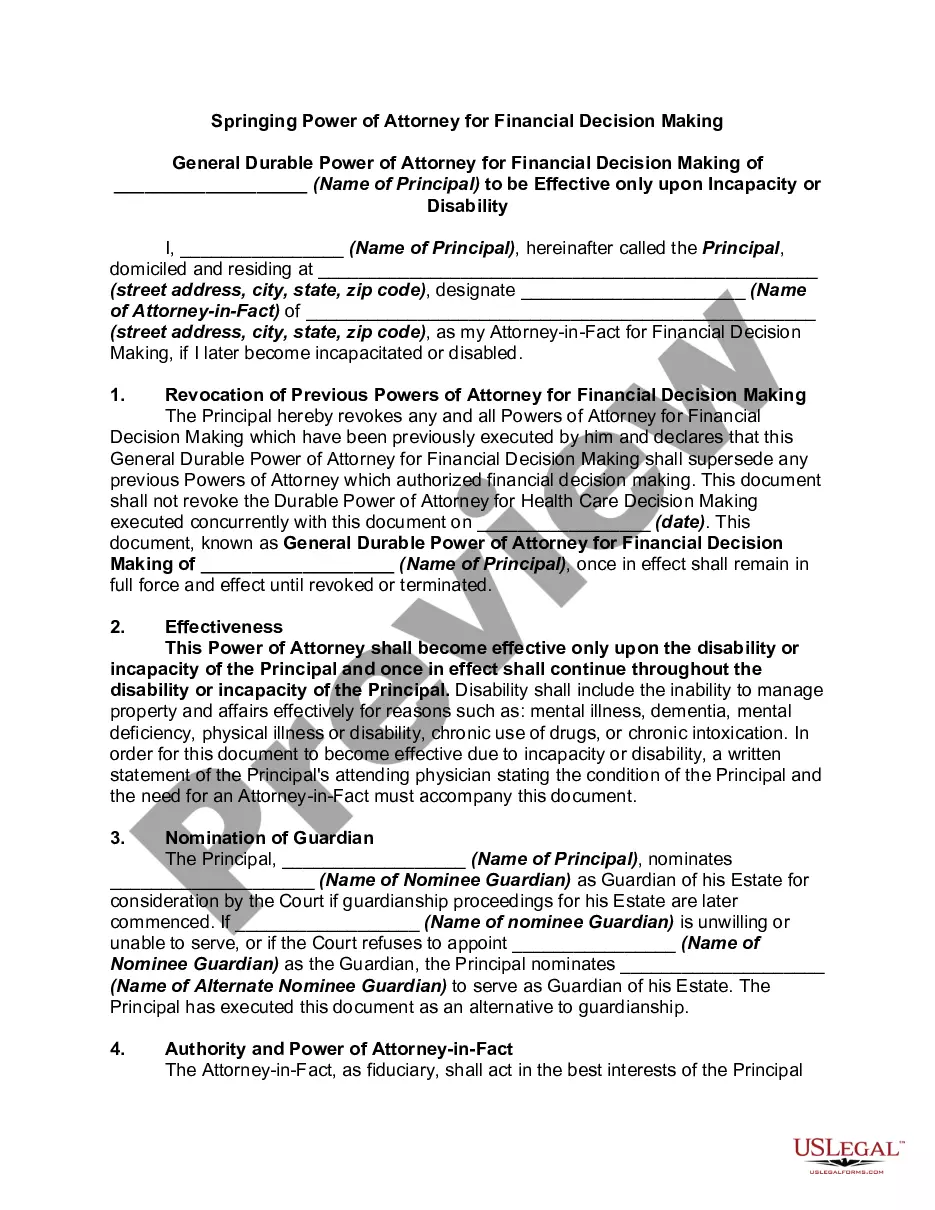
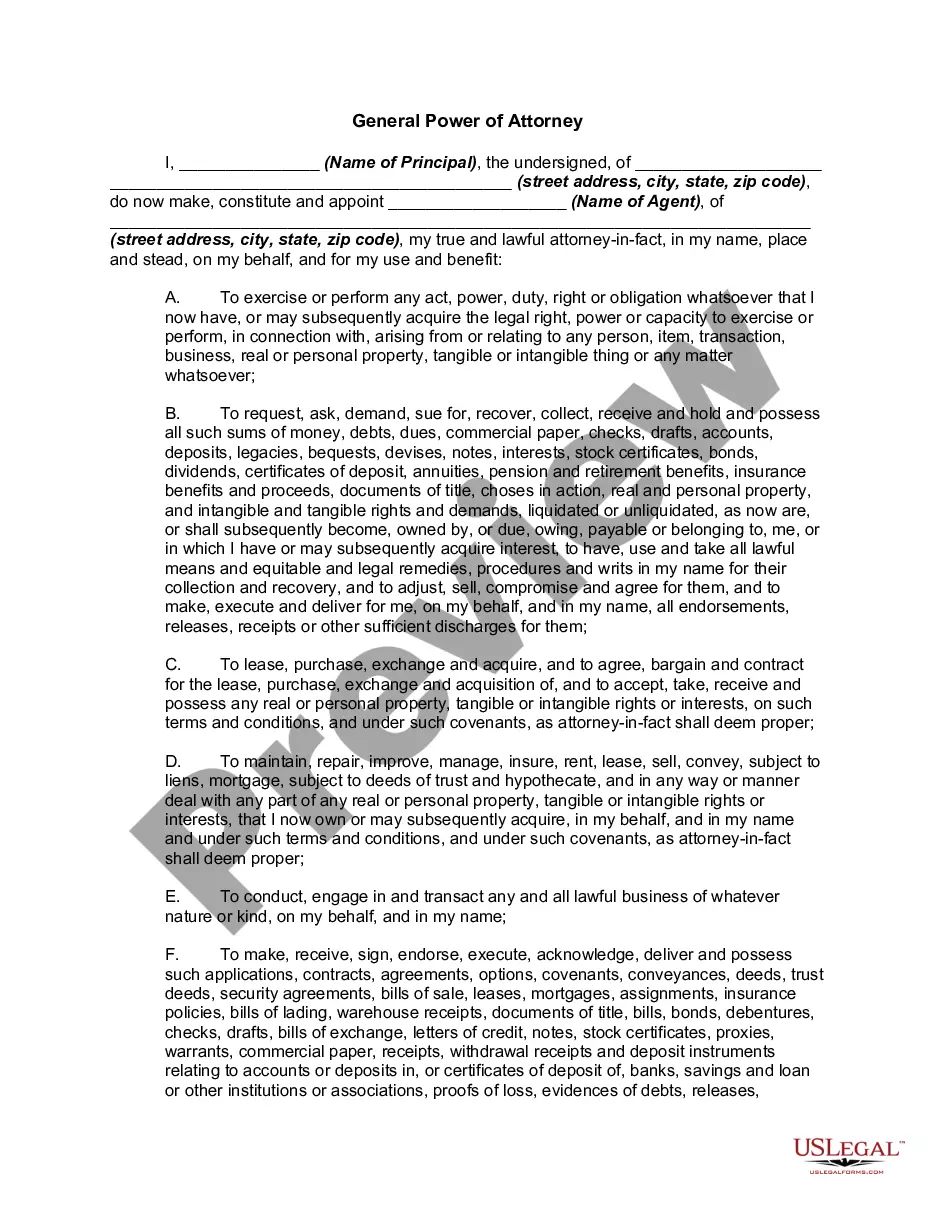
Get your form ready online
Our built-in tools help you complete, sign, share, and store your documents in one place.
Make edits, fill in missing information, and update formatting in US Legal Forms—just like you would in MS Word.
Download a copy, print it, send it by email, or mail it via USPS—whatever works best for your next step.
Sign and collect signatures with our SignNow integration. Send to multiple recipients, set reminders, and more. Go Premium to unlock E-Sign.
If this form requires notarization, complete it online through a secure video call—no need to meet a notary in person or wait for an appointment.
We protect your documents and personal data by following strict security and privacy standards.

Make edits, fill in missing information, and update formatting in US Legal Forms—just like you would in MS Word.

Download a copy, print it, send it by email, or mail it via USPS—whatever works best for your next step.

Sign and collect signatures with our SignNow integration. Send to multiple recipients, set reminders, and more. Go Premium to unlock E-Sign.

If this form requires notarization, complete it online through a secure video call—no need to meet a notary in person or wait for an appointment.

We protect your documents and personal data by following strict security and privacy standards.
Looking for another form?









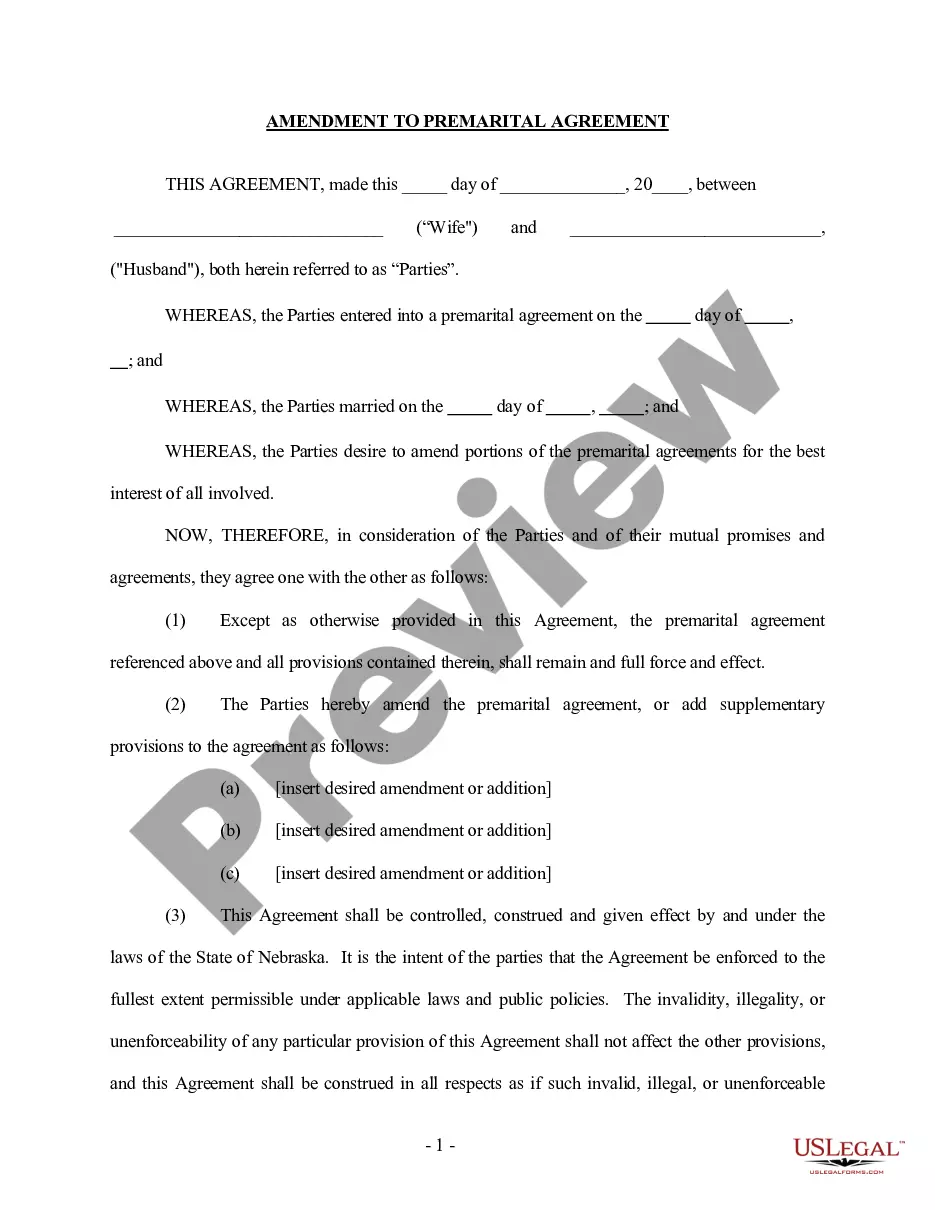
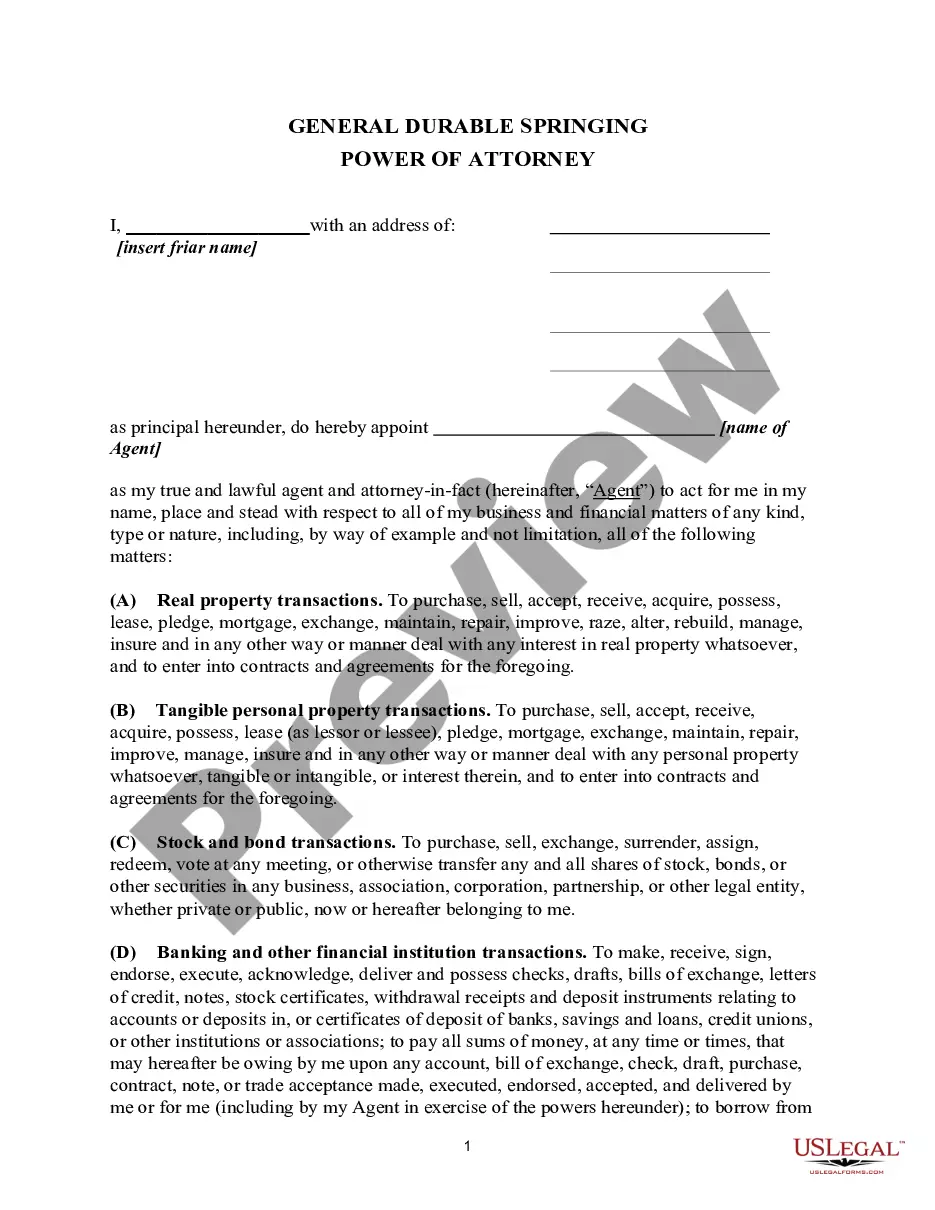
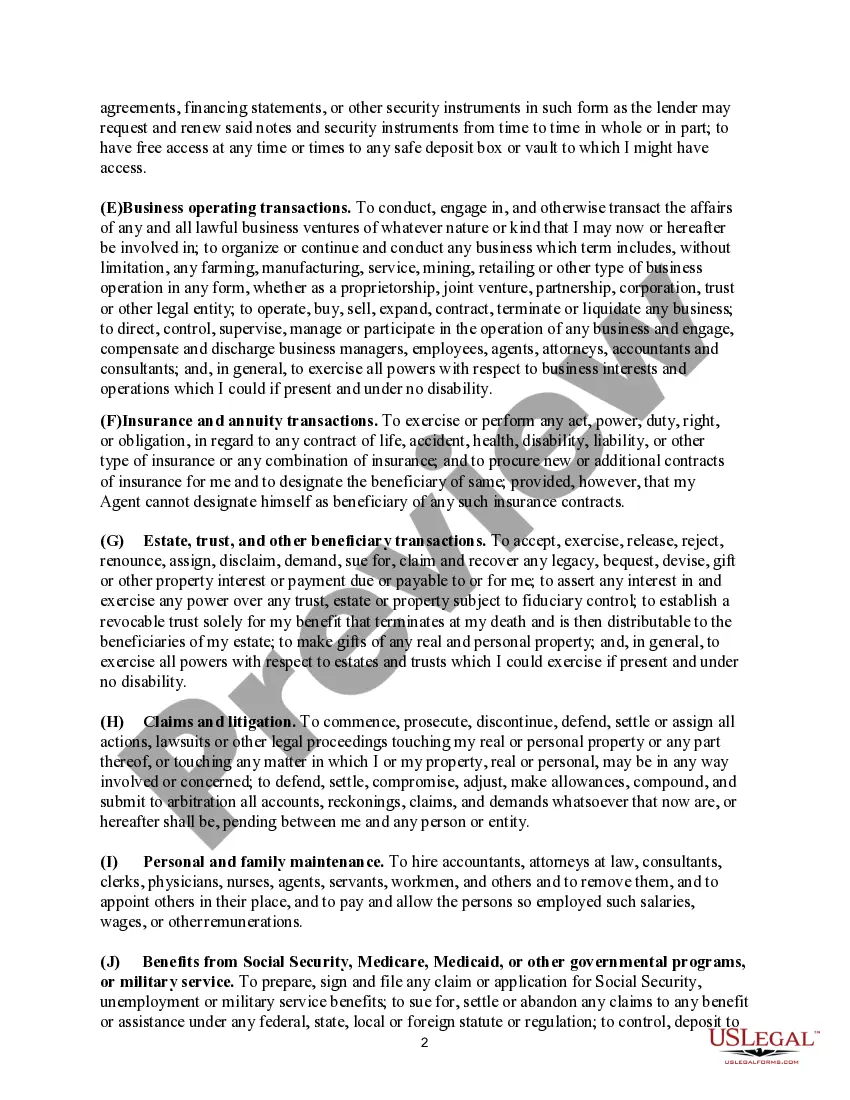
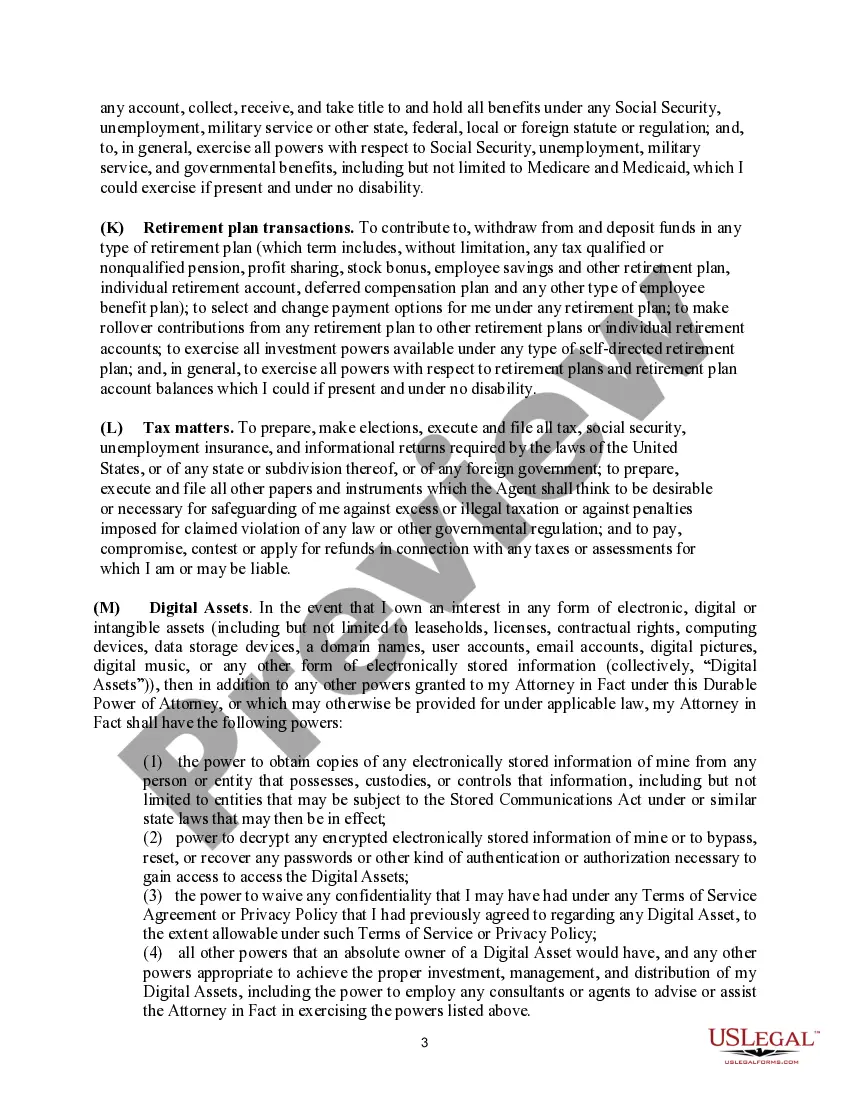
How to fill out Virginia Springing Power Of Attorney?
Maneuvering through the red tape of official documents and forms can be challenging, particularly when one does not engage in that professionally.
Even selecting the appropriate template to obtain a Virginia Power Attorney Without Consent will be labor-intensive, as it must be valid and precise to the final detail.
However, you will need to invest considerably less time acquiring a suitable template from a reliable source.
Obtain the appropriate form in a few simple steps: Enter the name of the document in the search field. Select the correct Virginia Power Attorney Without Consent from the results. Review the description of the sample or view its preview. If the template meets your criteria, click Buy Now. Continue to select your subscription plan. Enter your email and create a security password to register for an account at US Legal Forms. Choose a credit card or PayPal for payment. Save the template document on your device in the desired format. US Legal Forms will save you time and hassle of verifying if the form you encountered online is appropriate for your needs. Create an account and gain unlimited access to all the templates you need.
- US Legal Forms is a platform that streamlines the process of finding the correct forms online.
- US Legal Forms serves as a singular destination to discover the latest samples of documents, consult their usage, and download these samples to complete them.
- It comprises a repository with over 85,000 forms that pertain to different professional fields.
- When searching for a Virginia Power Attorney Without Consent, you will not have to doubt its relevancy as all the forms are authenticated.
- Having an account at US Legal Forms will ensure you have all the essential samples at your fingertips.
- You can store them in your history or add them to the My documents catalog.
- Your saved forms can be accessed from any device by simply clicking Log In at the library site.
- If you do not have an account yet, you can always look for the template you require.
Form popularity
FAQ
A power of attorney is not required to be acknowledged before a notary public but the party's signature is deemed to be genuine if acknowledged before a notary public. Any power of attorney that is presented for recording with the Circuit Court must be acknowledged before a notary public or deputy clerk.
In order to make a power of attorney, you must be capable of making decisions for yourself. This is called having mental capacity see under heading, When does someone lack mental capacity? You can only make a power of attorney which allows someone else to do things that you have a right to do yourself.
You must comply with Virginia's signature requirements. You must sign your power of attorney or direct another person in your presence to sign your name for you if you are physically unable to sign. You do not need witnesses, but you should have it notarized by a notary public.
To create a POA in Virginia, you must be at least 18 years of age and have the capacity to make decisions and understand what you are doing. You complete the form, naming your agent and choosing the powers you want to give them. You must choose the powers you are specifically granting to your agent.
A lawyer should write a general power of attorney for you because you want to be sure that the agent will be able to use it if it becomes necessary. Banks and other institutions may not accept a power of attorney that has not been prepared by a lawyer because it may not have the exact wording that is necessary.