New Hire Agreement Forms Irs
Description
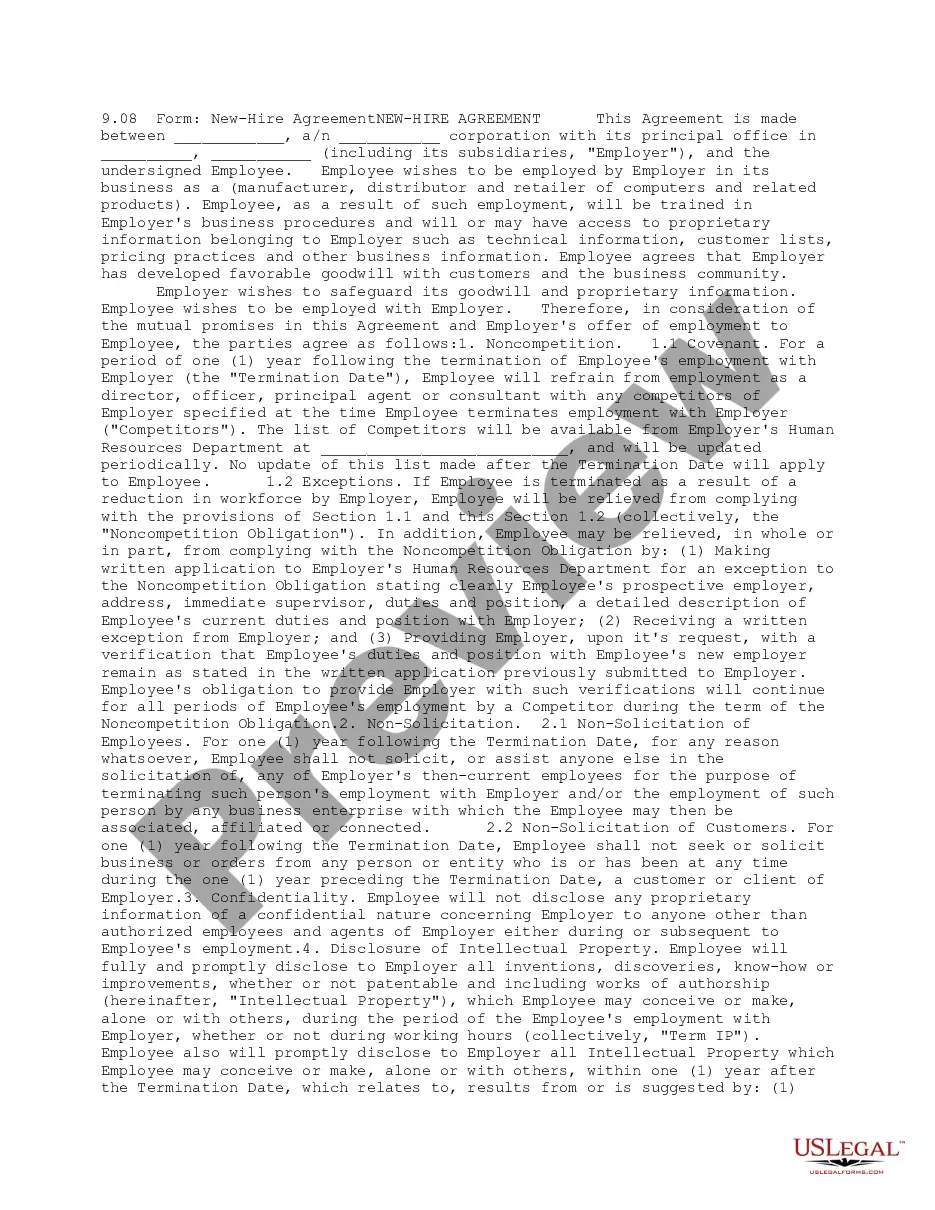
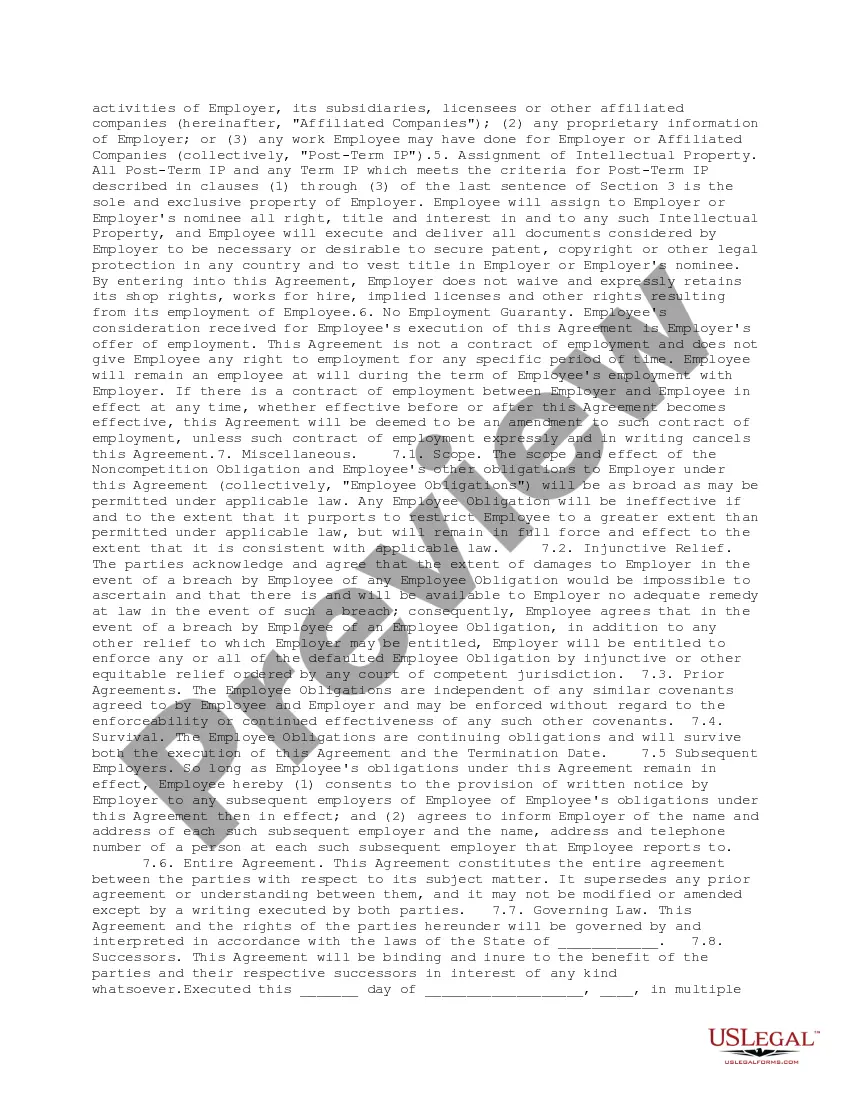
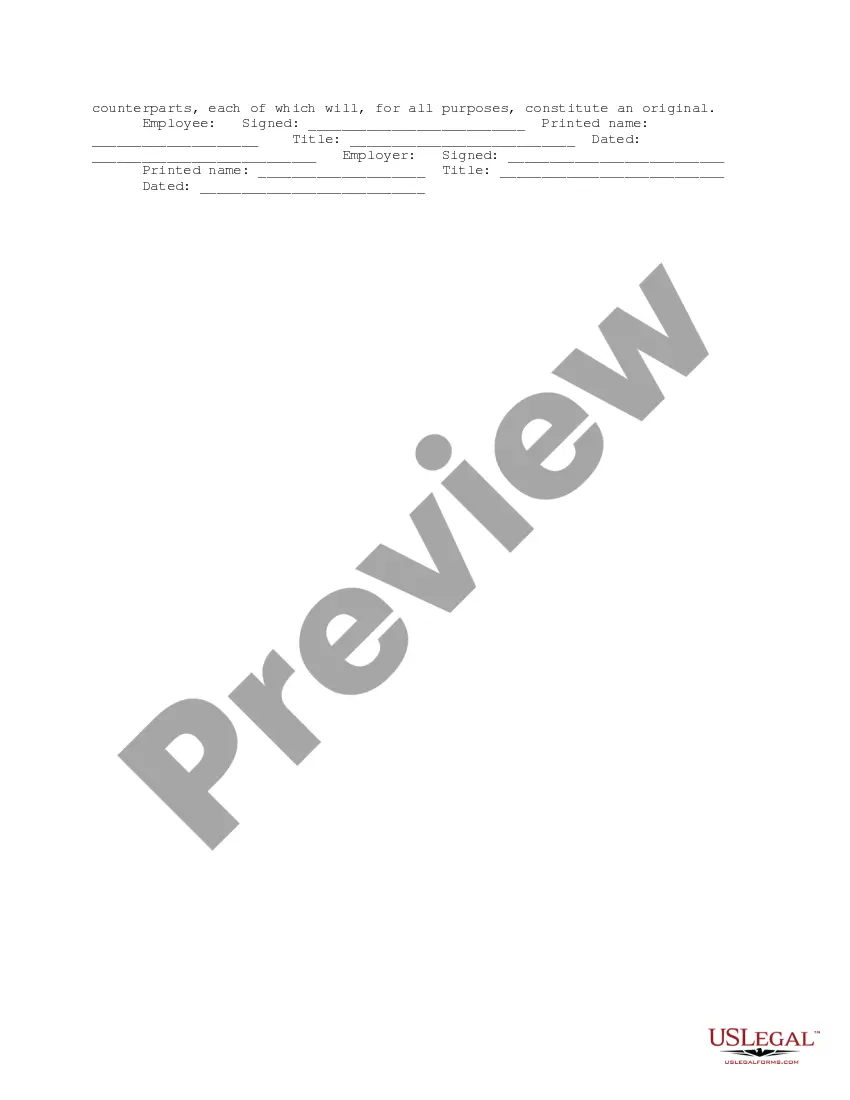


Get your form ready online
Our built-in tools help you complete, sign, share, and store your documents in one place.
Make edits, fill in missing information, and update formatting in US Legal Forms—just like you would in MS Word.
Download a copy, print it, send it by email, or mail it via USPS—whatever works best for your next step.
Sign and collect signatures with our SignNow integration. Send to multiple recipients, set reminders, and more. Go Premium to unlock E-Sign.
If this form requires notarization, complete it online through a secure video call—no need to meet a notary in person or wait for an appointment.
We protect your documents and personal data by following strict security and privacy standards.

Make edits, fill in missing information, and update formatting in US Legal Forms—just like you would in MS Word.

Download a copy, print it, send it by email, or mail it via USPS—whatever works best for your next step.

Sign and collect signatures with our SignNow integration. Send to multiple recipients, set reminders, and more. Go Premium to unlock E-Sign.

If this form requires notarization, complete it online through a secure video call—no need to meet a notary in person or wait for an appointment.

We protect your documents and personal data by following strict security and privacy standards.
Looking for another form?



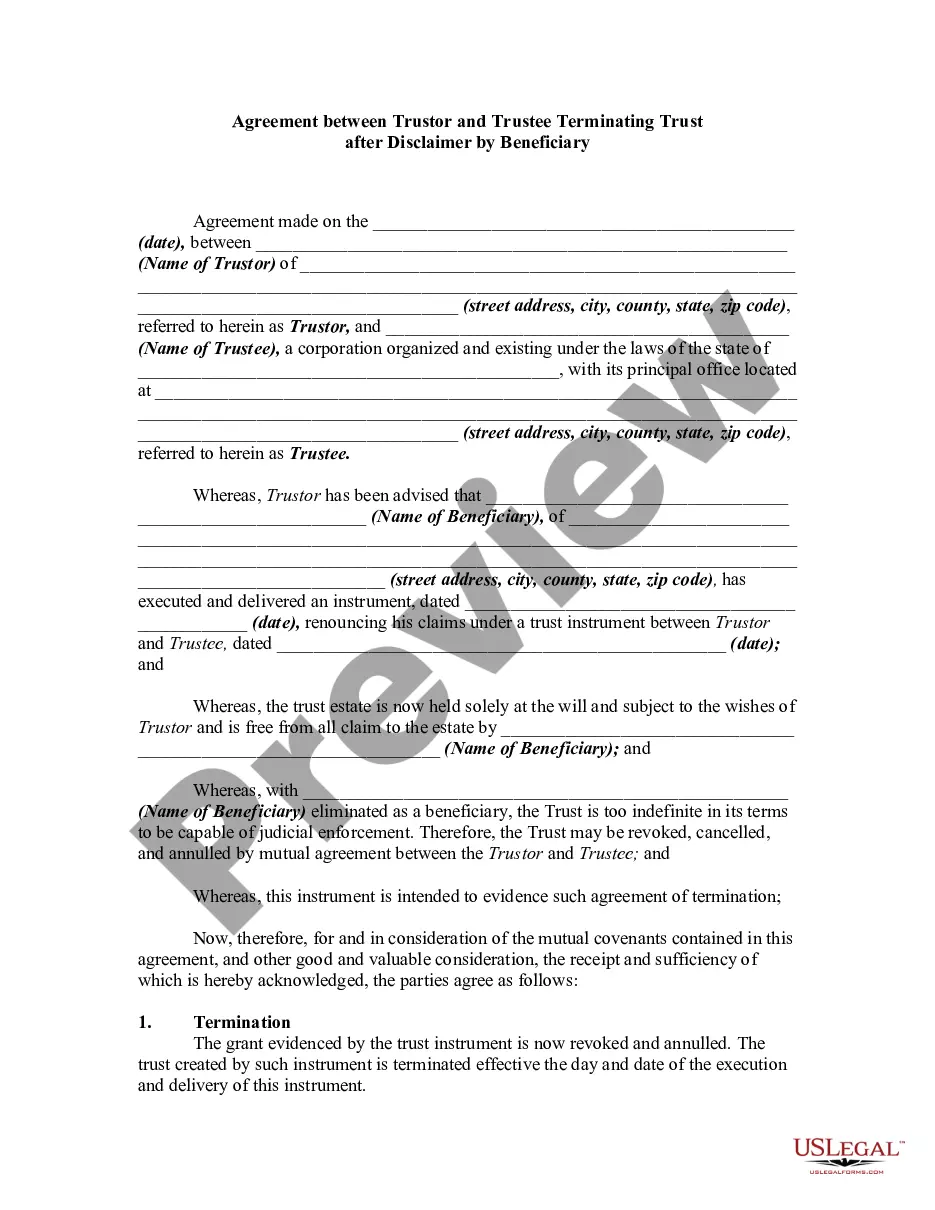





How to fill out New Hire Agreement?
Individuals often link legal documentation with complexity that can only be handled by an expert.
In a sense, this is accurate, as creating New Hire Agreement Forms Irs demands a profound understanding of subject requirements, which includes state and local statutes.
However, with the US Legal Forms, the process has become more straightforward: ready-to-use legal templates for various life and business scenarios tailored to state legislation are gathered in a single online repository and are now accessible to everyone.
Print your document or upload it to an online editor for a faster completion. All templates in our library can be reused: once acquired, they are saved in your profile. You can access them whenever necessary through the My documents tab. Discover all the benefits of using the US Legal Forms platform. Subscribe today!
- US Legal Forms provides over 85k current forms organized by state and application area, making it easy to locate New Hire Agreement Forms Irs or any other specific template in just minutes.
- Previously registered users with an active subscription should Log In to their account and select Download to retrieve the form.
- New users to the platform will need to initially create an account and subscribe before they can store any documents.
- Here is a step-by-step guide on how to obtain the New Hire Agreement Forms Irs.
- Carefully review the page content to make sure it fits your requirements.
- Read the form description or inspect it via the Preview option.
- If the previous sample does not meet your needs, search for another using the Search bar above.
- When you find the appropriate New Hire Agreement Forms Irs, click Buy Now.
- Choose a pricing plan that aligns with your needs and finances.
- Create an account or Log In to continue to the payment page.
- Process payment for your subscription using PayPal or a credit card.
- Pick the format for your document and click Download.
Form popularity
FAQ
Employee's Withholding Ask all new employees to give you a signed Form W-4 when they start work. Make the form effective with the first wage payment. If employees claim exemption from income tax withholding, then they must indicate this on their W-4.
Employees must submit basic information including name, Social Security number and citizenship status. Employees also must supply documentation along with this form to prove they are eligible to work in the United States. Documentation examples include a current passport, state issued I.D. and Social Security card.
Here are the ten must-have forms for your new hire packets.Welcome letter.Employee information form.Emergency contact.Tax and direct deposit forms.Employee handbook.Insurance, retirement, and benefit information.Confidentiality or non-compete agreements.Company directory.More items...?
Payroll forms: Payroll forms can include direct deposit forms, tax forms and information about the new employee's compensation structure. Benefits information: Try to include information about the benefits package the new hire will receive or be eligible for.
Use Form 2678 if you want to: 2022 Request approval to have an agent file returns and make. deposits or payments of Federal Insurance Contributions Act. (FICA) taxes, Railroad Retirement Tax Act (RRTA) taxes, income. tax withholding (ITW), or backup withholding; or.
