Public Domain For Copyright
Description
Get your form ready online
Our built-in tools help you complete, sign, share, and store your documents in one place.
Make edits, fill in missing information, and update formatting in US Legal Forms—just like you would in MS Word.
Download a copy, print it, send it by email, or mail it via USPS—whatever works best for your next step.
Sign and collect signatures with our SignNow integration. Send to multiple recipients, set reminders, and more. Go Premium to unlock E-Sign.
If this form requires notarization, complete it online through a secure video call—no need to meet a notary in person or wait for an appointment.
We protect your documents and personal data by following strict security and privacy standards.

Make edits, fill in missing information, and update formatting in US Legal Forms—just like you would in MS Word.

Download a copy, print it, send it by email, or mail it via USPS—whatever works best for your next step.

Sign and collect signatures with our SignNow integration. Send to multiple recipients, set reminders, and more. Go Premium to unlock E-Sign.

If this form requires notarization, complete it online through a secure video call—no need to meet a notary in person or wait for an appointment.

We protect your documents and personal data by following strict security and privacy standards.
Looking for another form?
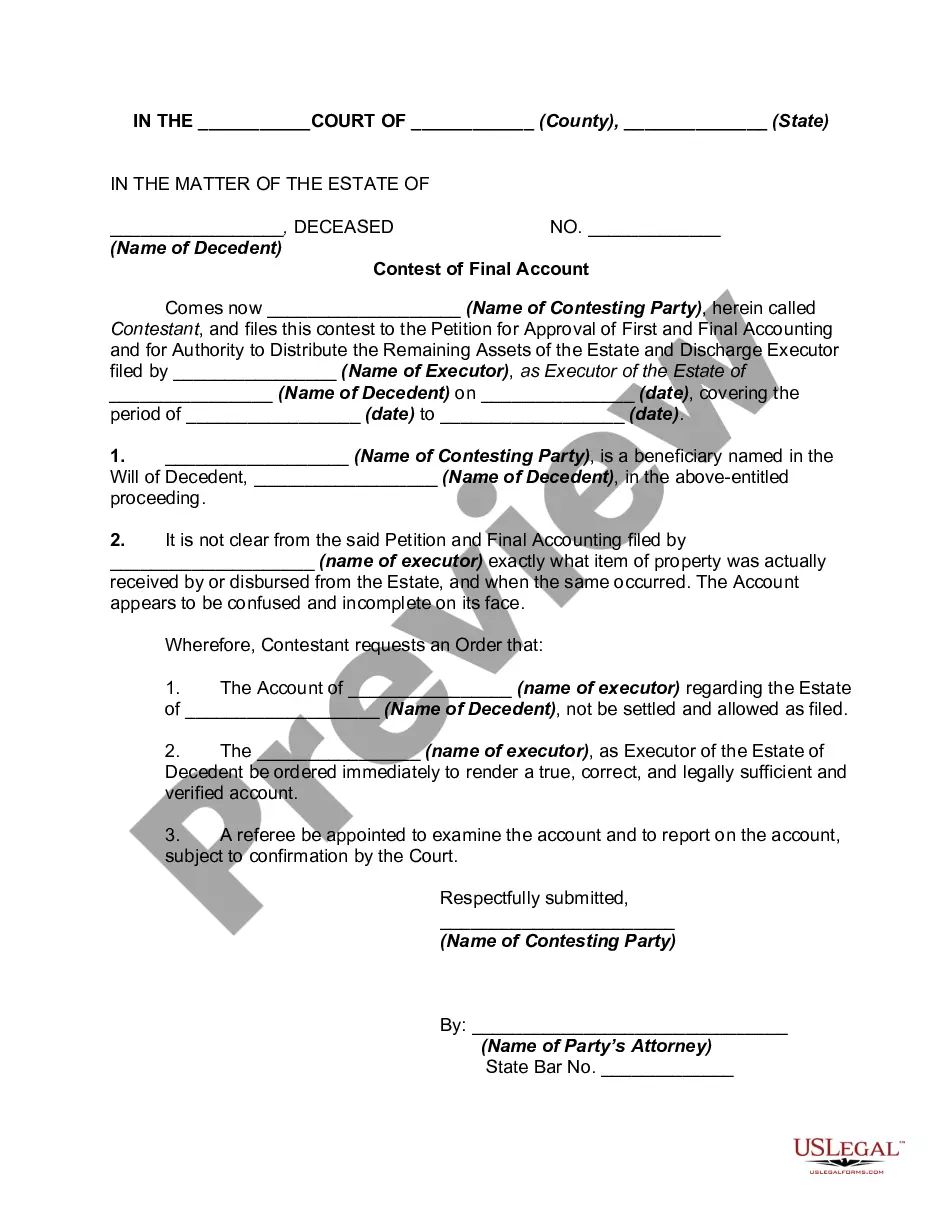




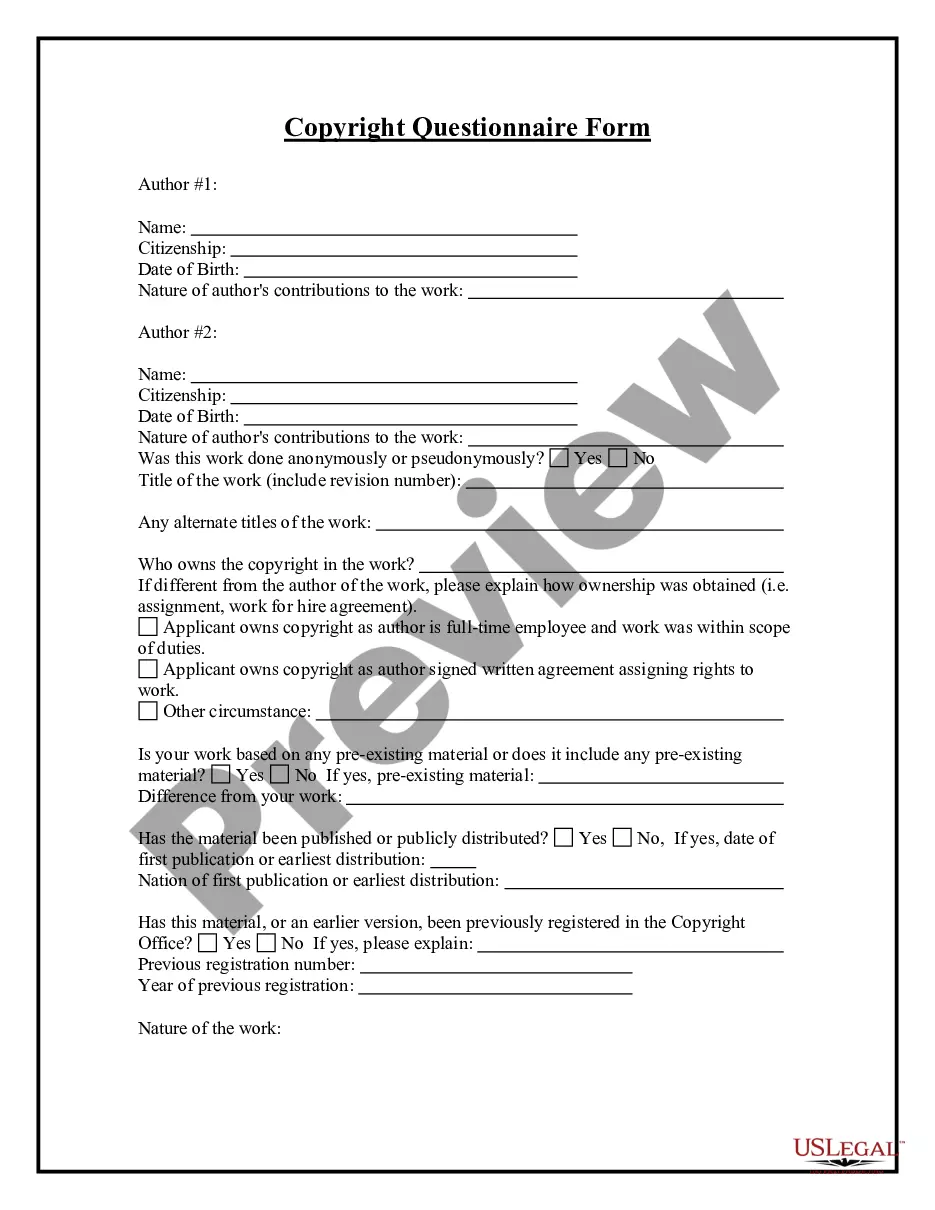
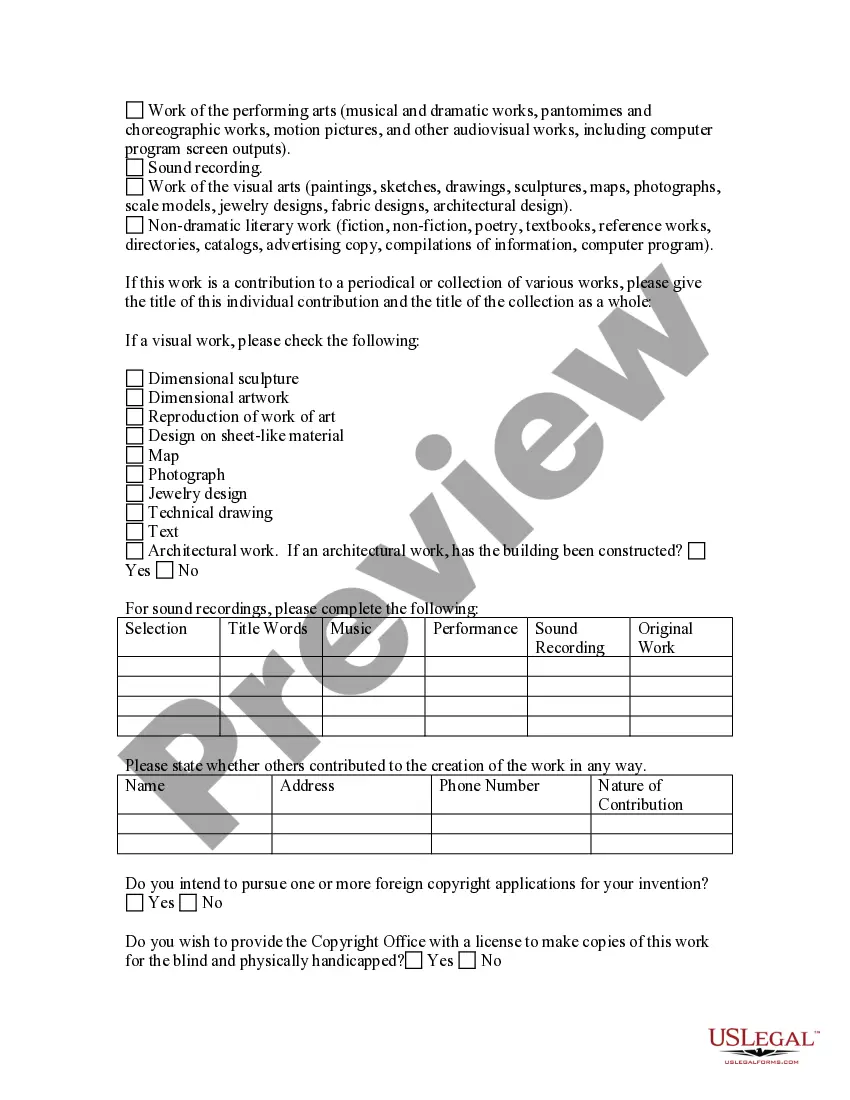
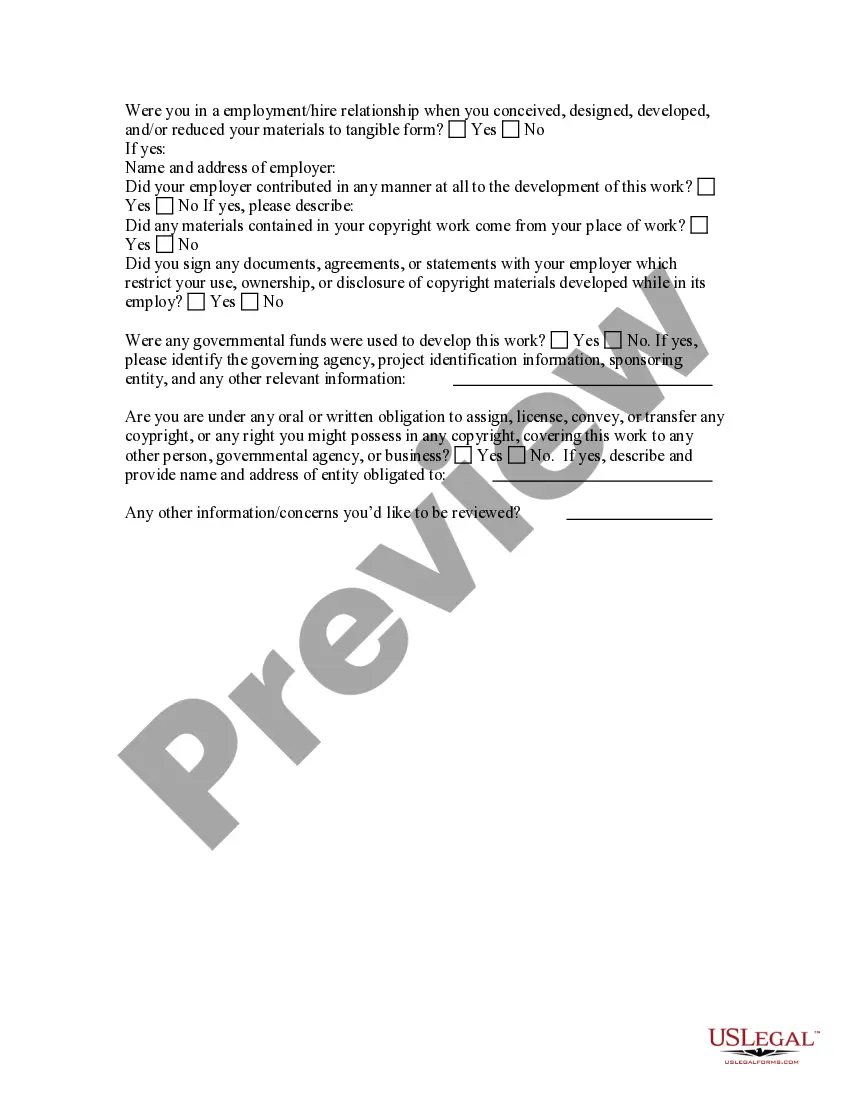
How to fill out Copyright Questionnaire?
Whether for business purposes or for individual affairs, everyone has to deal with legal situations at some point in their life. Filling out legal paperwork needs careful attention, beginning from picking the right form template. For example, if you select a wrong version of the Public Domain For Copyright, it will be turned down once you send it. It is therefore crucial to have a dependable source of legal papers like US Legal Forms.
If you have to get a Public Domain For Copyright template, stick to these easy steps:
- Get the template you need by utilizing the search field or catalog navigation.
- Check out the form’s description to ensure it matches your case, state, and county.
- Click on the form’s preview to examine it.
- If it is the incorrect form, return to the search function to find the Public Domain For Copyright sample you need.
- Get the file when it meets your requirements.
- If you already have a US Legal Forms profile, just click Log in to gain access to previously saved documents in My Forms.
- In the event you do not have an account yet, you can download the form by clicking Buy now.
- Pick the correct pricing option.
- Complete the profile registration form.
- Pick your payment method: you can use a credit card or PayPal account.
- Pick the file format you want and download the Public Domain For Copyright.
- After it is saved, you can fill out the form with the help of editing applications or print it and complete it manually.
With a substantial US Legal Forms catalog at hand, you never have to spend time searching for the appropriate template across the web. Utilize the library’s straightforward navigation to find the correct template for any occasion.
Form popularity
FAQ
The term ?public domain? encompasses those materials that are not protected by intellectual property laws such as copyright, trademark, or patent laws. No individual owns these works; rather, they are owned by the public.
A copyright attribution in APA style should indicate if the material is reprinted (?from?) or adapted (?adapted from?), list the author, year of publication, and source; identify the material's copyright, and include a permission statement if permission was obtained (?adapted with permission?).
If you want to waive all intellectual property rights that you're granted under copyright laws, then put the phrase 'No Rights Reserved' at the end of your copyright disclaimer. However, the more common way to express reserving no rights over your property is to use the Creative Commons signifier CC0.
There are four common ways that works arrive in the public domain: the copyright has expired. the copyright owner failed to follow copyright renewal rules. the copyright owner deliberately places it in the public domain, known as ?dedication,? or. copyright law does not protect this type of work.
So if you use copyrighted materials for any of the above purposes, you should post a copyright disclaimer or a fair use disclaimer that states that you're sampling copyrighted works under the protection of Section 107 of the Copyright Act. Using this disclaimer can help you combat a copyright infringement complaint.