Motion To Vacate Dismissal Sample
Description
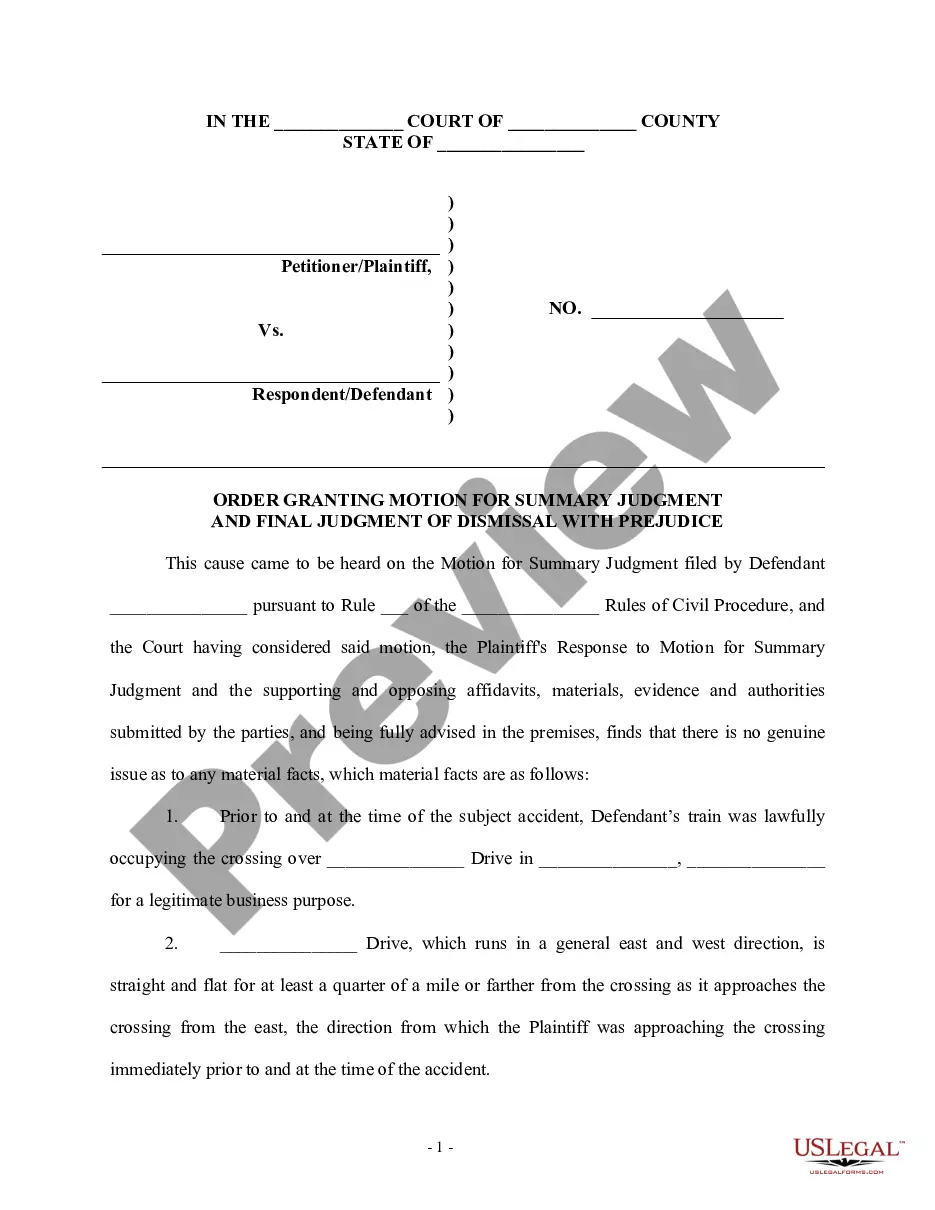
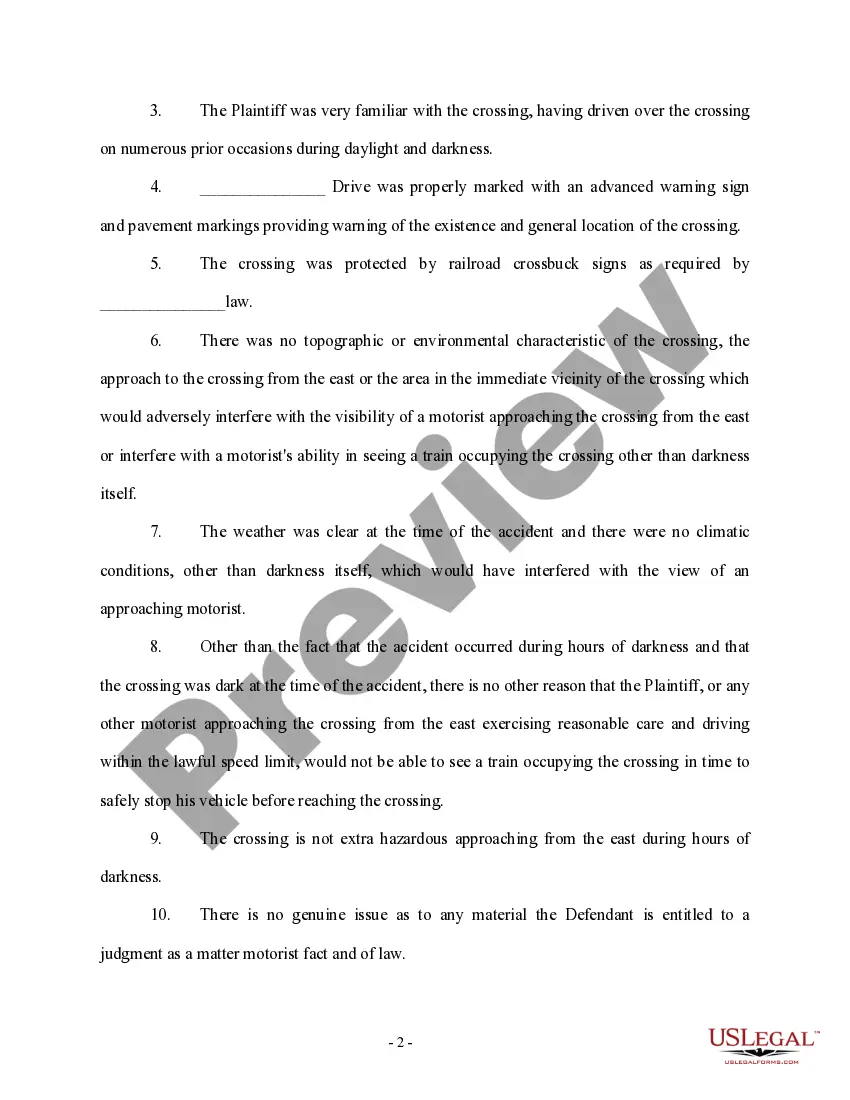
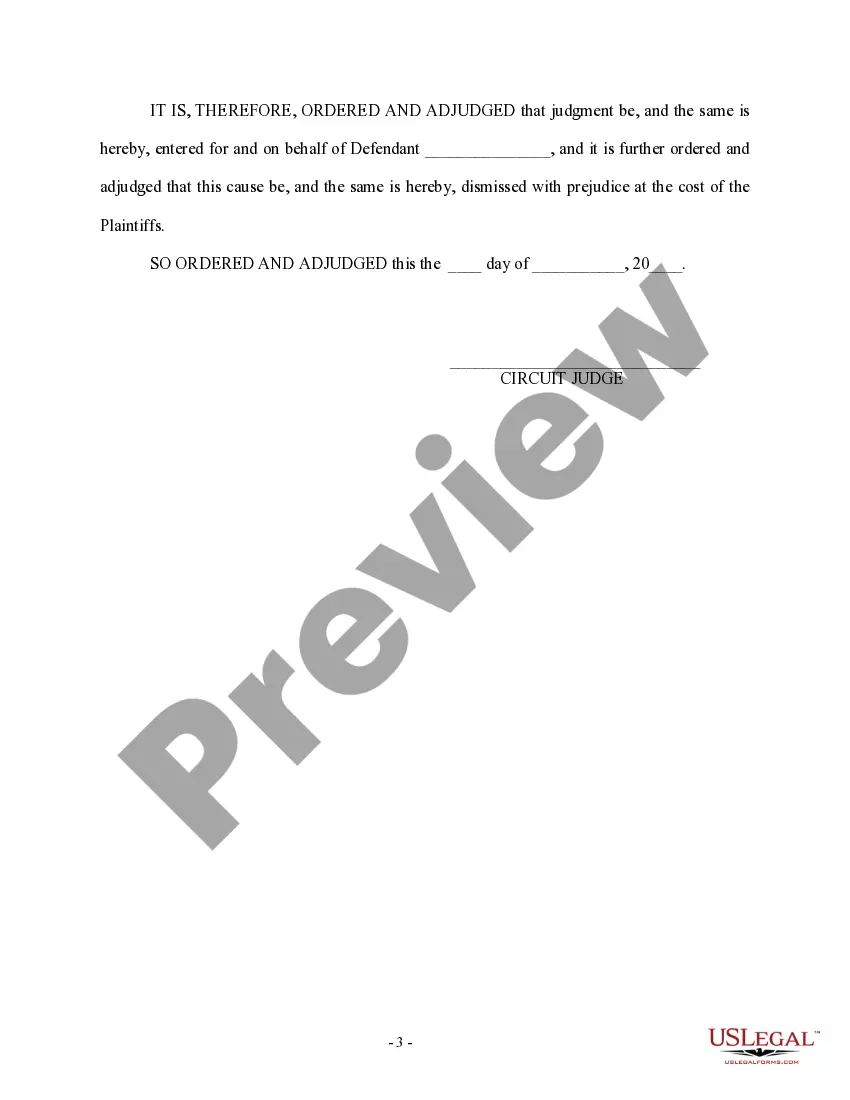
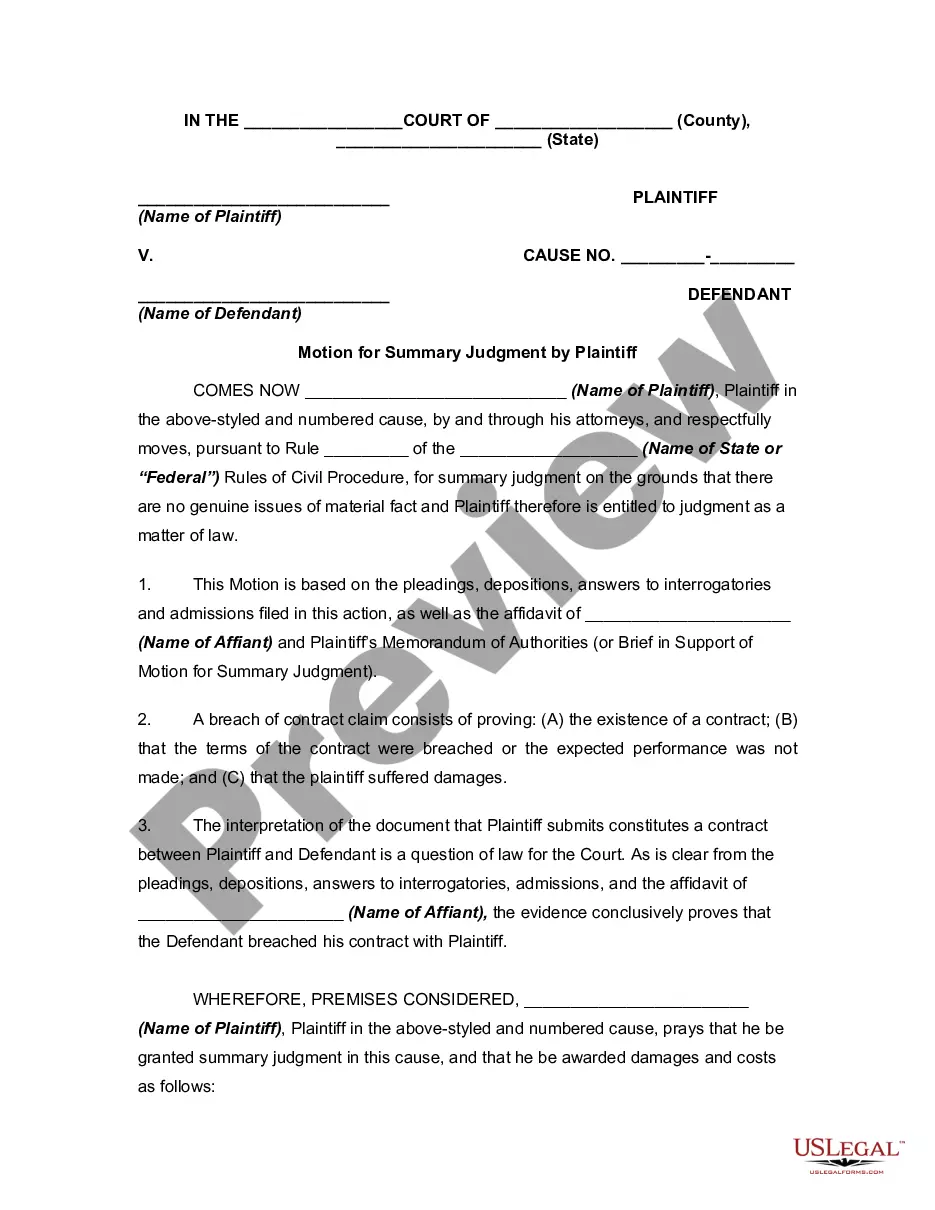
Get your form ready online
Our built-in tools help you complete, sign, share, and store your documents in one place.
Make edits, fill in missing information, and update formatting in US Legal Forms—just like you would in MS Word.
Download a copy, print it, send it by email, or mail it via USPS—whatever works best for your next step.
Sign and collect signatures with our SignNow integration. Send to multiple recipients, set reminders, and more. Go Premium to unlock E-Sign.
If this form requires notarization, complete it online through a secure video call—no need to meet a notary in person or wait for an appointment.
We protect your documents and personal data by following strict security and privacy standards.

Make edits, fill in missing information, and update formatting in US Legal Forms—just like you would in MS Word.

Download a copy, print it, send it by email, or mail it via USPS—whatever works best for your next step.

Sign and collect signatures with our SignNow integration. Send to multiple recipients, set reminders, and more. Go Premium to unlock E-Sign.

If this form requires notarization, complete it online through a secure video call—no need to meet a notary in person or wait for an appointment.

We protect your documents and personal data by following strict security and privacy standards.
Looking for another form?
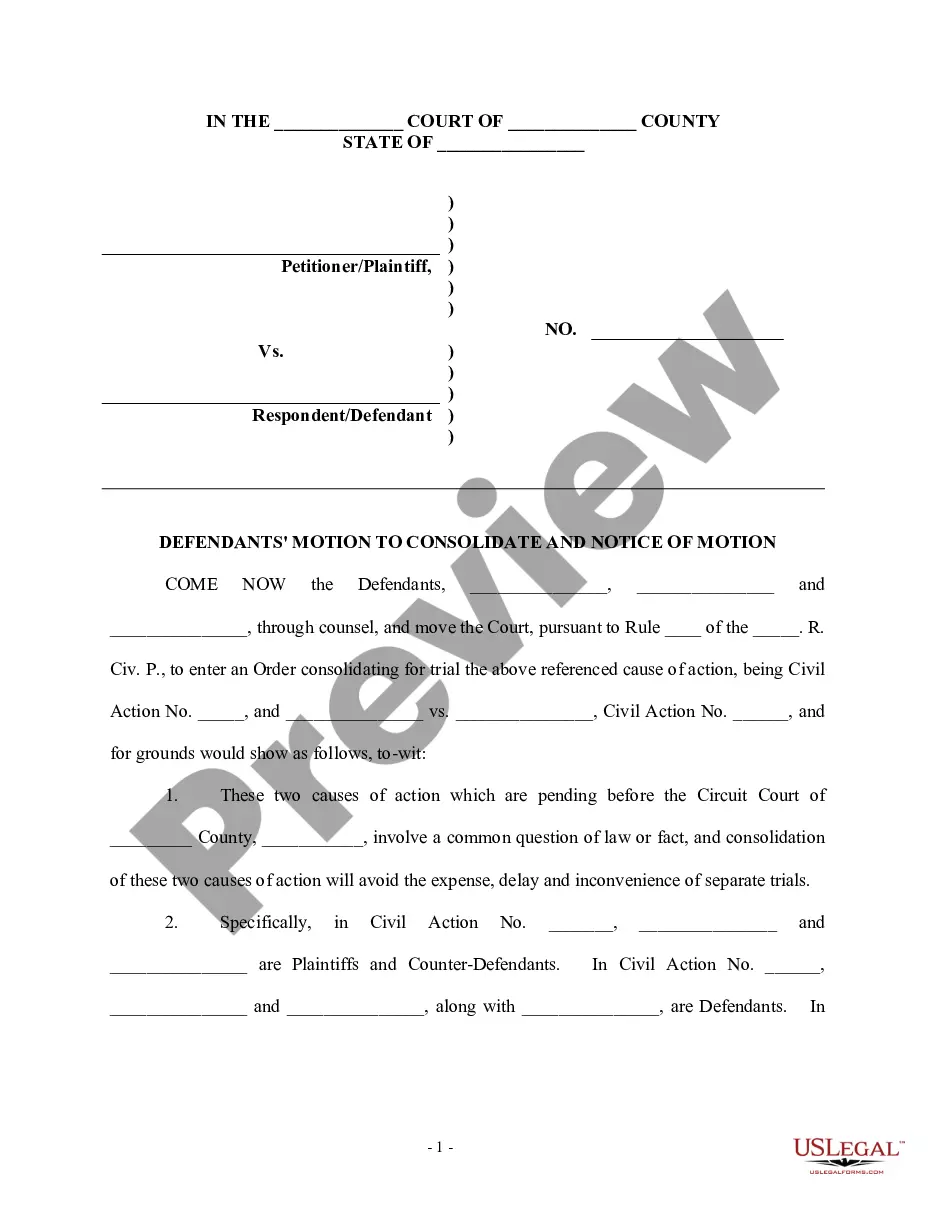
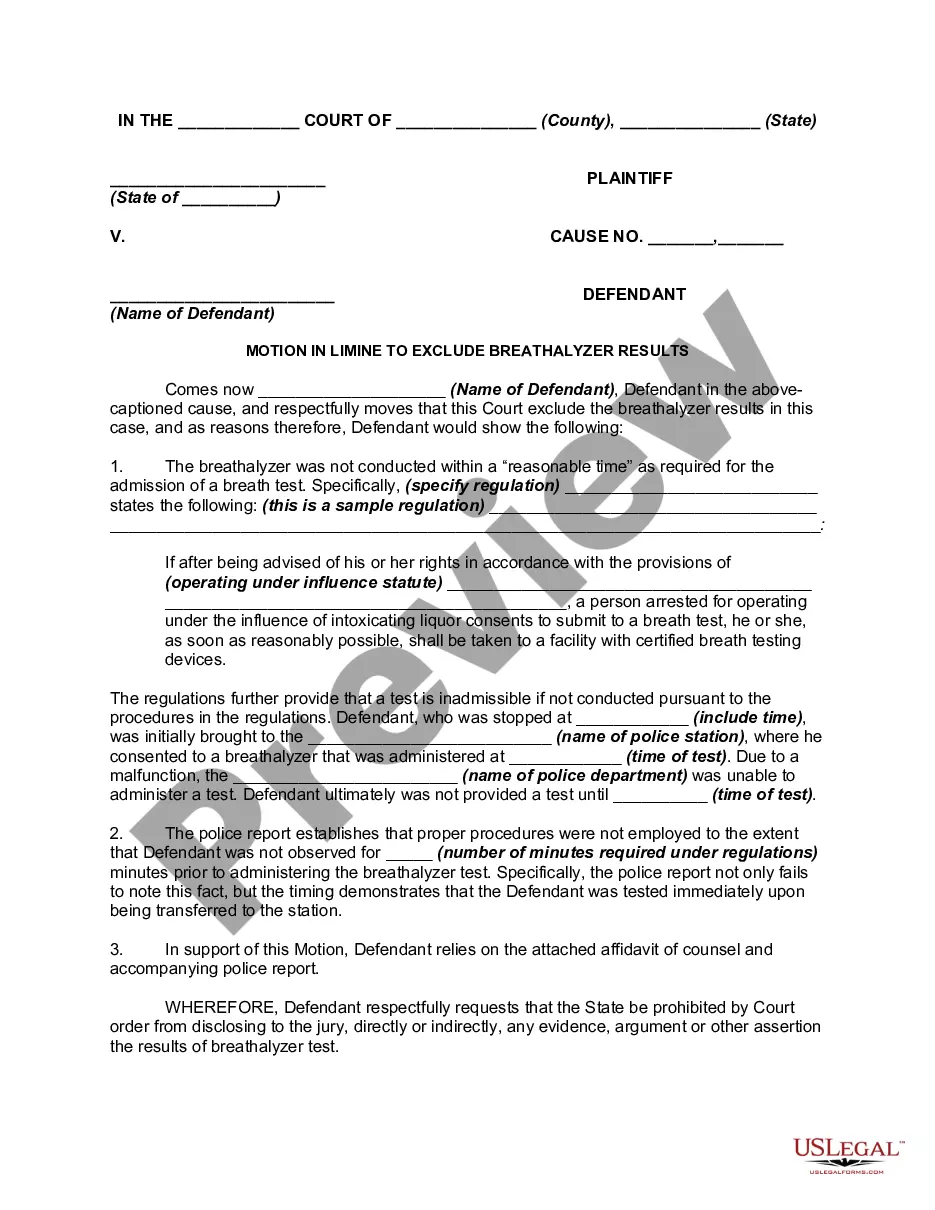
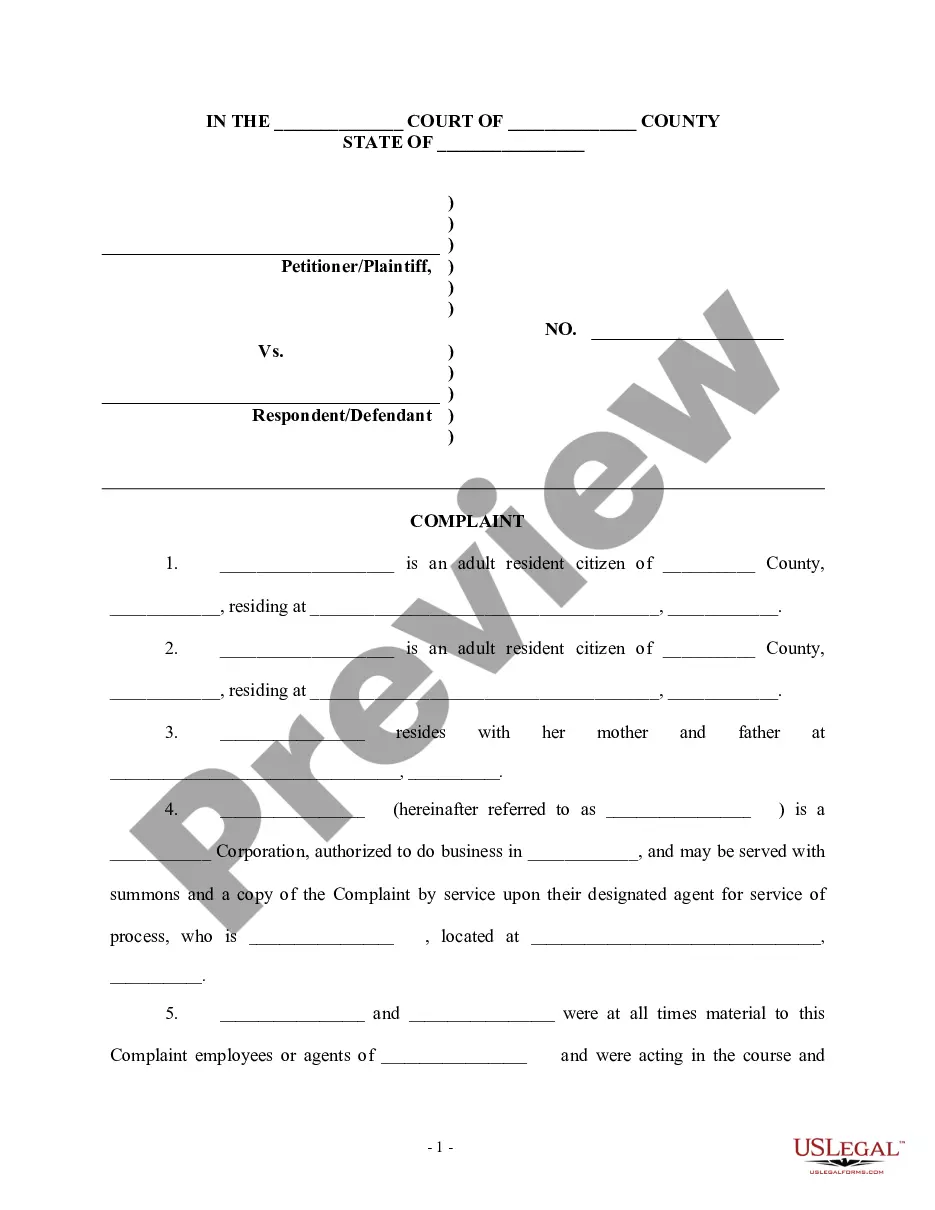
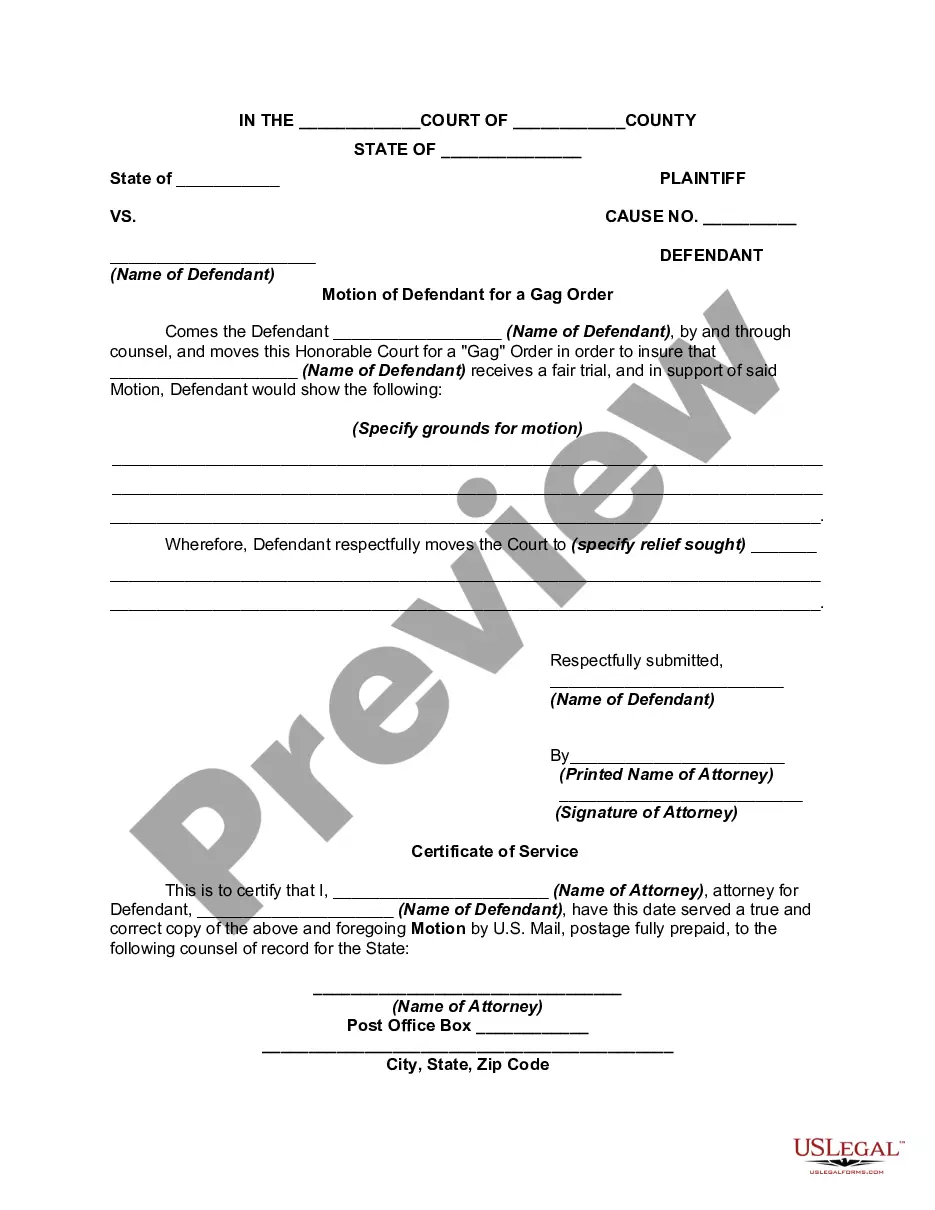
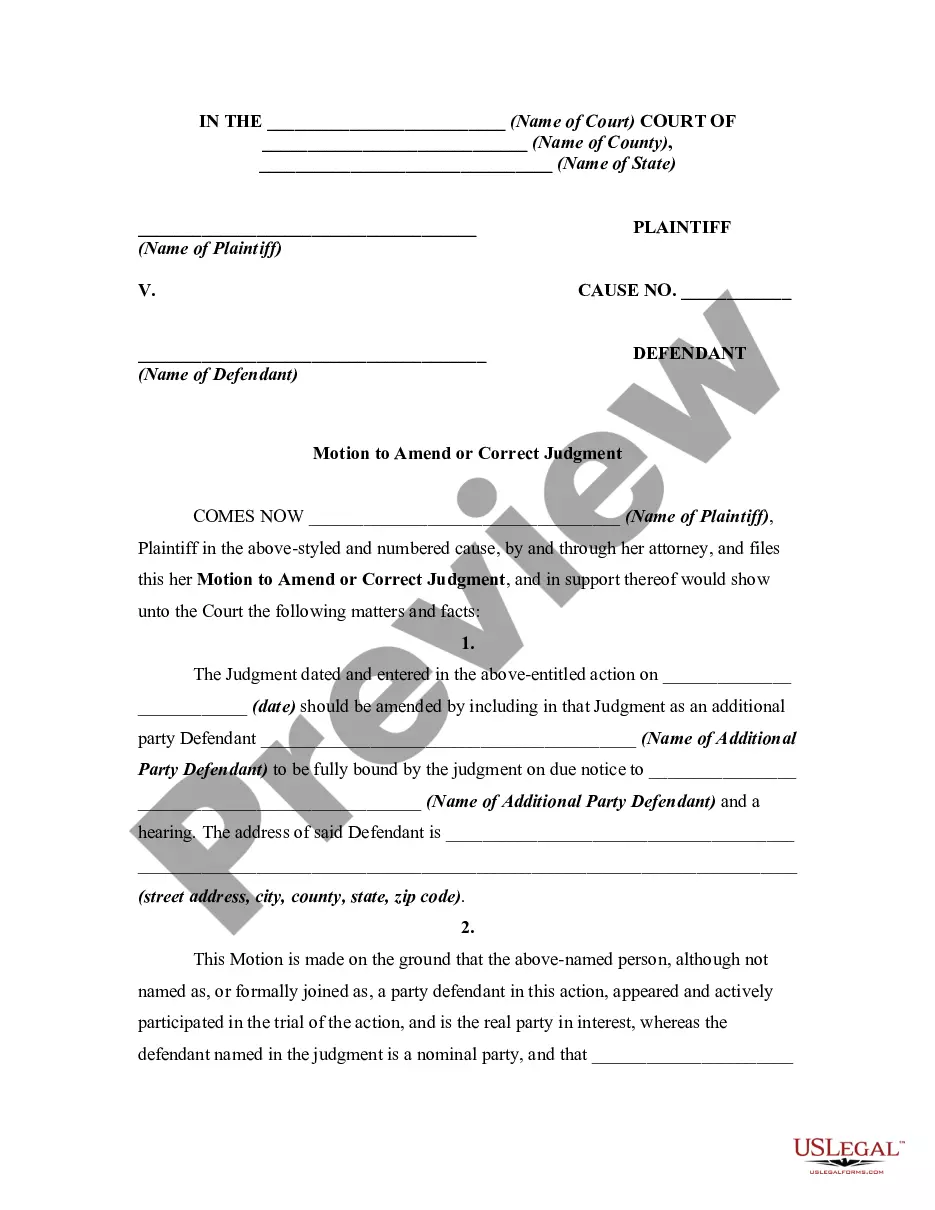

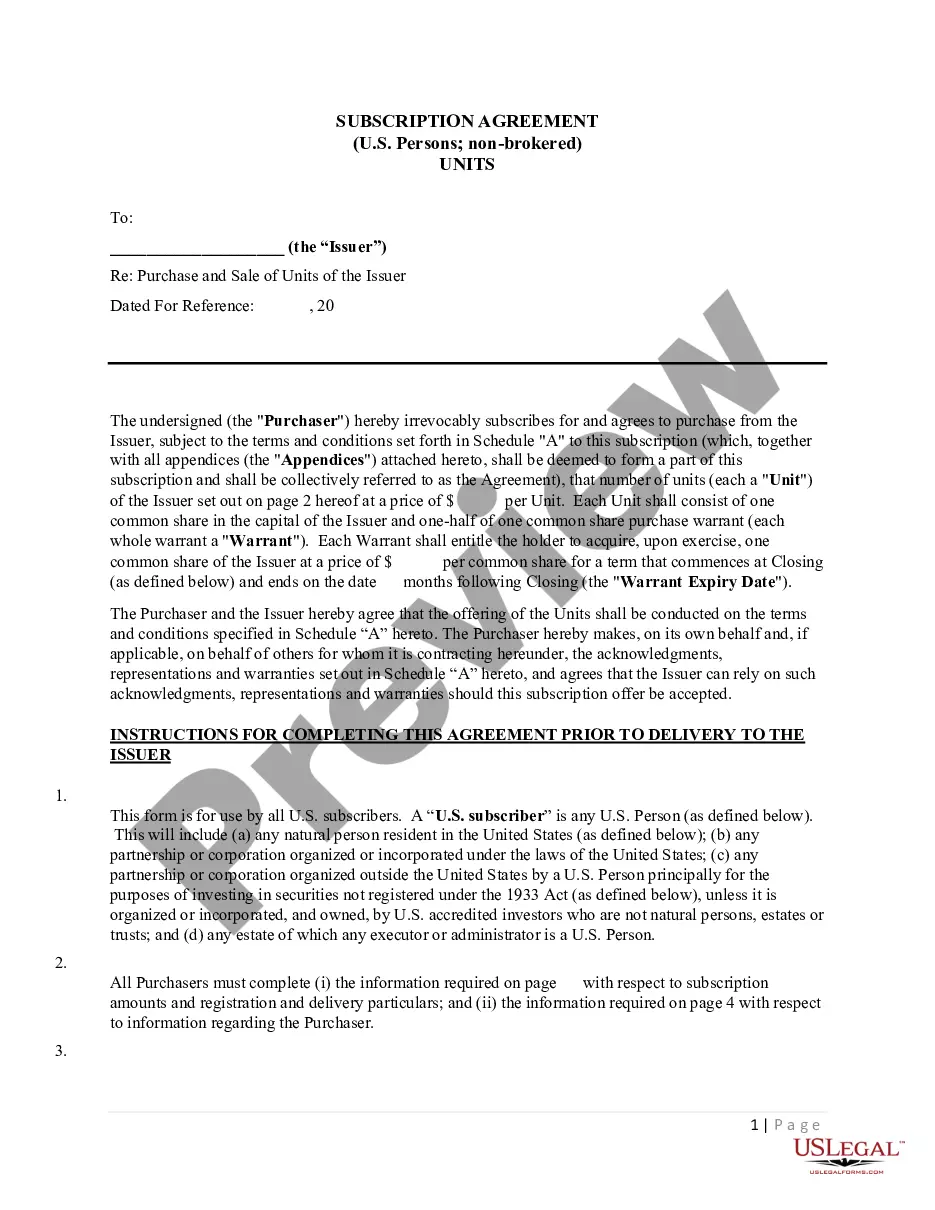

How to fill out Order Granting Motion For Summary Judgment And Final Judgment Of Dismissal With Prejudice?
Managing legal documents can be overwhelming, even for the most experienced professionals.
When you're in search of a Motion To Vacate Dismissal Sample and lack the time to dedicate to finding the correct and updated version, the processes can be challenging.
US Legal Forms meets any needs you might have, from personal to business documents, all in one place.
Utilize advanced features to complete and manage your Motion To Vacate Dismissal Sample.
Here are the steps to follow after accessing the form you need: Ensure it is the correct form by previewing it and reviewing its details. Confirm that the sample is accepted in your state or county. Click Buy Now when you are ready. Choose a subscription plan. Select your preferred format, and Download, complete, sign, print, and submit your documents. Take advantage of the US Legal Forms online library, backed by 25 years of expertise and reliability. Streamline your daily document management with an easy and user-friendly process today.
- Access a valuable resource library of articles, guides, handbooks, and materials related to your situation and needs.
- Save time and effort searching for the documents you require, and use US Legal Forms’ enhanced search and Review feature to find Motion To Vacate Dismissal Sample and download it.
- If you have a subscription, Log In to your US Legal Forms account, search for the form, and download it.
- Check the My documents tab to view documents you've previously saved and manage your folders as desired.
- If this is your first time using US Legal Forms, create a free account to gain unlimited access to all platform benefits.
- A comprehensive online form library can be transformative for anyone looking to effectively manage these situations.
- US Legal Forms is a leading provider of online legal forms, with more than 85,000 state-specific legal documents available to you at any time.
- With US Legal Forms, you can access state- or county-specific legal and business papers.
Form popularity
FAQ
You must file an appeal within 30 days from when the judge's decision (the Notice of Entry of Judgment (form SC-130 or SC-200)) was handed or mailed to you.
The movant on a motion to vacate a default must submit papers satisfying certain legal standards or else the motion will be denied. He/she will have to support the motion with an affidavit that references specifics, not vague generalities, as to a defense to the complaint.
Motions to dismiss are filed for a range of reasons, which may include: Statute of limitations expiration: The case does not fall within California's time limit for filing. Lack of subject matter jurisdiction: The court does not have the authority to hear this type of case.
Get the form SC-135: Notice of Motion to Vacate Judgment. You must explain on the form why you did not come to court. File the form with the Small Claims Court Clerk's Office at the court where your case was heard. Pay the filing fee.
Code of Civil Procedure § 473.5). Examples of mistake, inadvertence, surprise, or excusable neglect include: ? Illness of defendant. Attorney's abandonment of client. Fraud of the plaintiff.