Injury Claim File Form Ctp
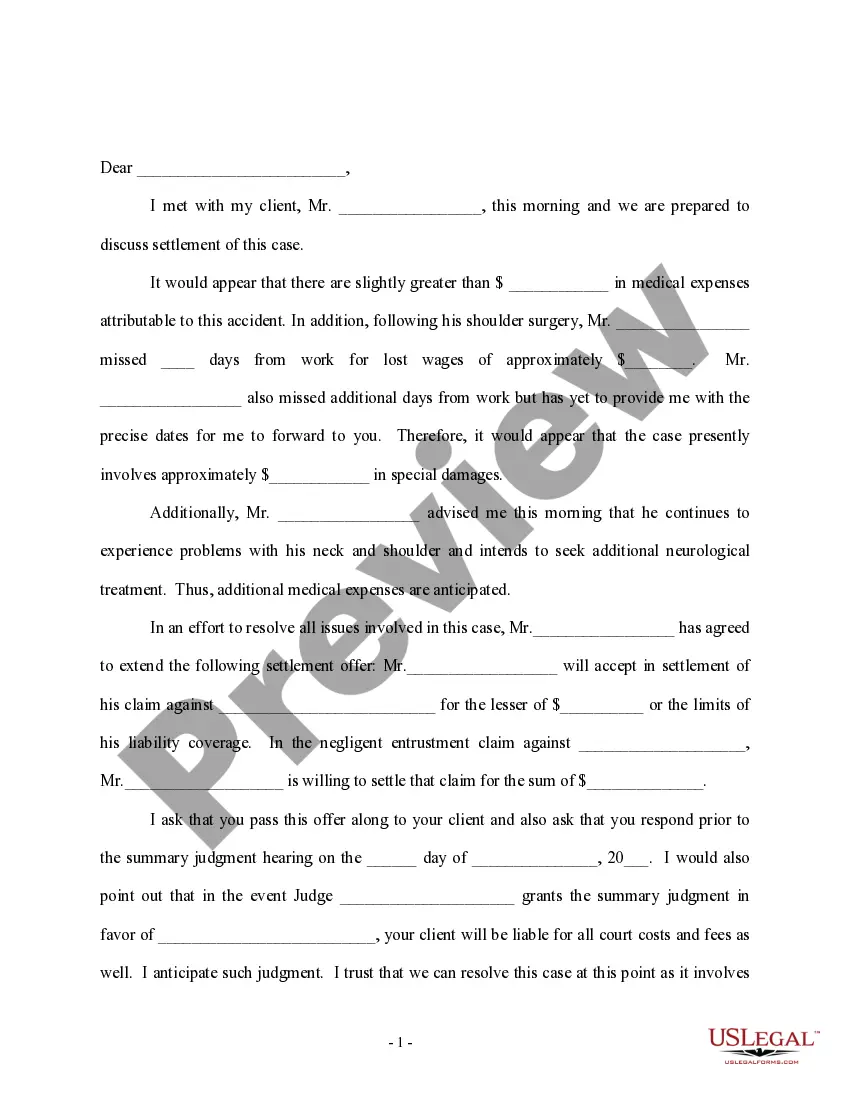
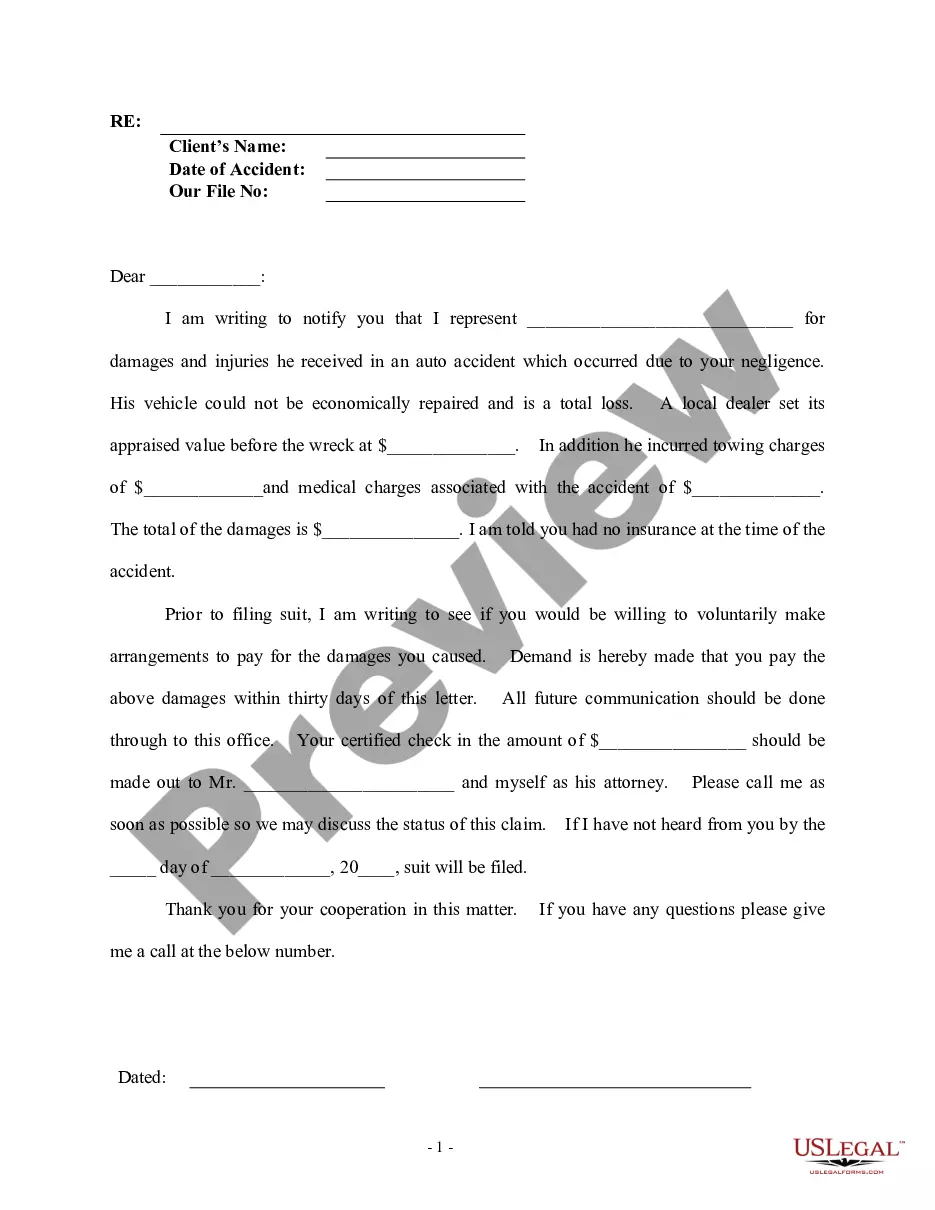
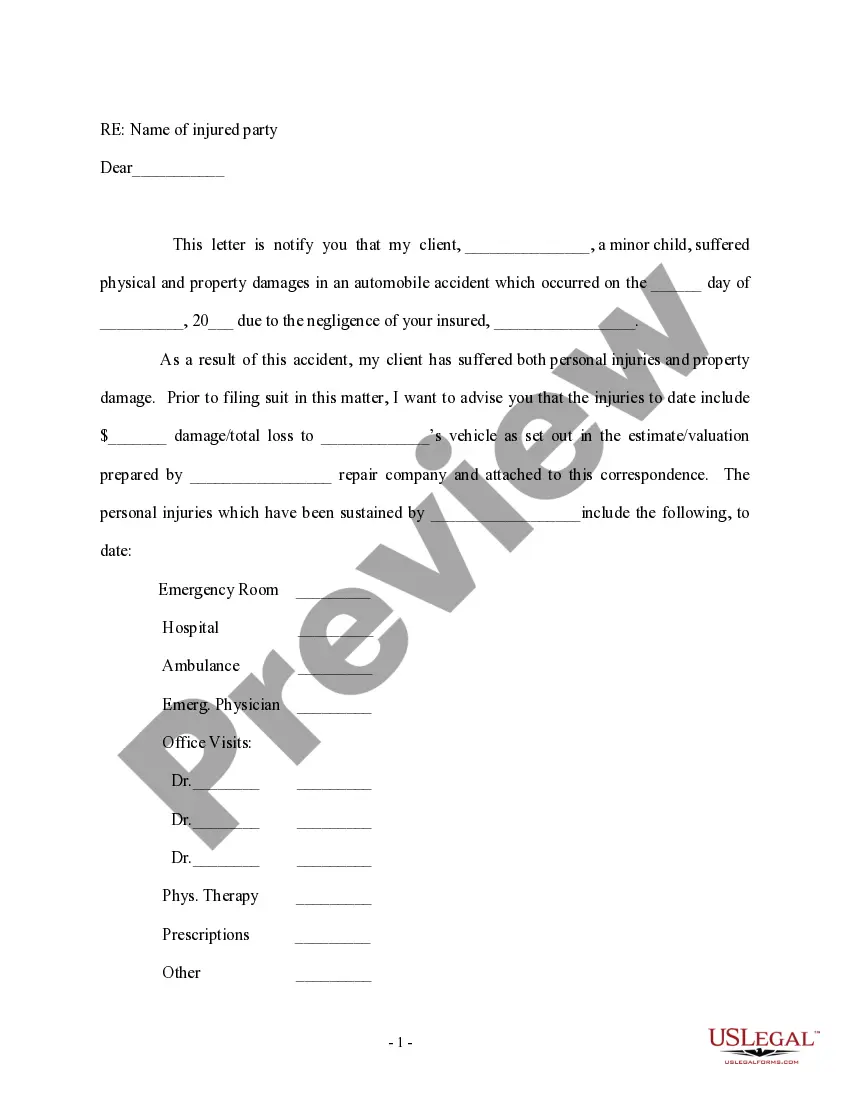
Description

Get your form ready online
Our built-in tools help you complete, sign, share, and store your documents in one place.
Make edits, fill in missing information, and update formatting in US Legal Forms—just like you would in MS Word.
Download a copy, print it, send it by email, or mail it via USPS—whatever works best for your next step.
Sign and collect signatures with our SignNow integration. Send to multiple recipients, set reminders, and more. Go Premium to unlock E-Sign.
If this form requires notarization, complete it online through a secure video call—no need to meet a notary in person or wait for an appointment.
We protect your documents and personal data by following strict security and privacy standards.

Make edits, fill in missing information, and update formatting in US Legal Forms—just like you would in MS Word.

Download a copy, print it, send it by email, or mail it via USPS—whatever works best for your next step.

Sign and collect signatures with our SignNow integration. Send to multiple recipients, set reminders, and more. Go Premium to unlock E-Sign.

If this form requires notarization, complete it online through a secure video call—no need to meet a notary in person or wait for an appointment.

We protect your documents and personal data by following strict security and privacy standards.
Looking for another form?
How to fill out Letter Regarding Settlement Of Personal Injury Claim?
Creating legal documents from the ground up can occasionally feel quite daunting. Certain situations may require extensive research and significant financial outlay.
If you’re in search of a simpler and more cost-effective method of generating the Injury Claim File Form Ctp or other documents without unnecessary complications, US Legal Forms is always available to assist you.
Our digital collection of over 85,000 current legal documents covers nearly every facet of your financial, legal, and personal concerns. With just a few clicks, you can promptly access state- and county-compliant forms meticulously prepared by our legal experts.
Utilize our platform whenever you require dependable and trustworthy services through which you can conveniently locate and download the Injury Claim File Form Ctp. If you’re already familiar with our services and have set up an account previously, simply Log In to your account, find the form, and download it or re-download it later in the My documents section.
Verify that the template you choose meets the standards of your state and county. Select the appropriate subscription option to acquire the Injury Claim File Form Ctp. Download the form, then fill it out, certify it, and print it. US Legal Forms has a flawless reputation and over 25 years of experience. Join us today and make form completion simple and efficient!
- Don’t have an account? No issue.
- Setting it up and browsing the catalog only takes a few minutes.
- But before you rush into downloading the Injury Claim File Form Ctp, consider these suggestions.
- Review the form preview and descriptions to confirm you have located the form you need.
Form popularity
FAQ
Third-party insurance claim procedure The other driver's name and phone number. Their license and registration information. Their vehicle information. Their auto insurance information (from their ID card) Photos of the accident scene and vehicle damage. Witness statements. Police report.
The first step is to gather as much information as possible about the accident, including the other party's name, contact information, insurance information, and any witness statements or photos. This information will help you file your claim and support your case.
If you want to take legal action to claim compensation for a personal injury, you will need to get advice from a solicitor specialising in these types of cases. This must be done as soon as possible as there are strict time limits on taking legal action.
All you need to do is enter your details and what you know about the accident into our online tool, CTP Connect. CTP Connect will automatically send your details to the right insurer, who will then contact you. Or you can call CTP Assist on 1300 656 919 or email ctpassist@sira.nsw.gov.au.
Compulsory Third Party (CTP) insurance protects drivers from the financial impact of causing injury or death as the result of a motor vehicle accident. Your CTP insurance is paid at the same time as your motor vehicle registration.