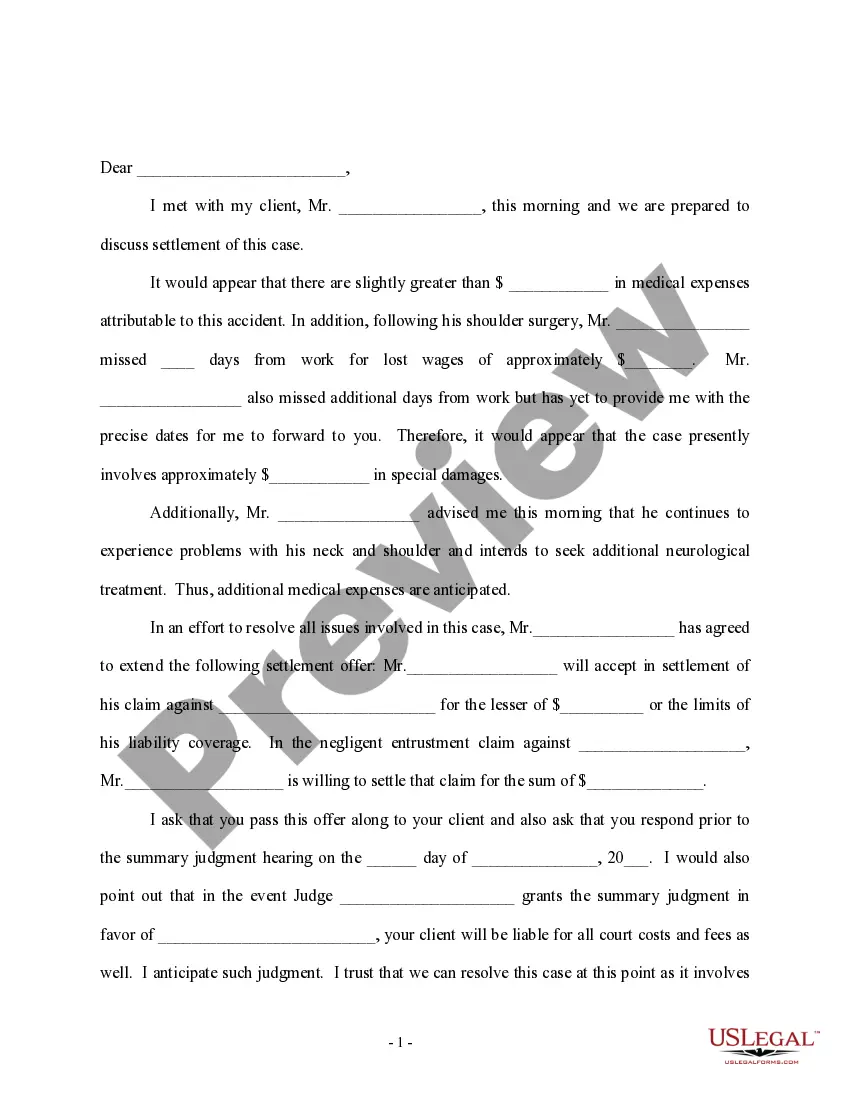
Settlement Disbursement Statement With Multiple Conditions
Description

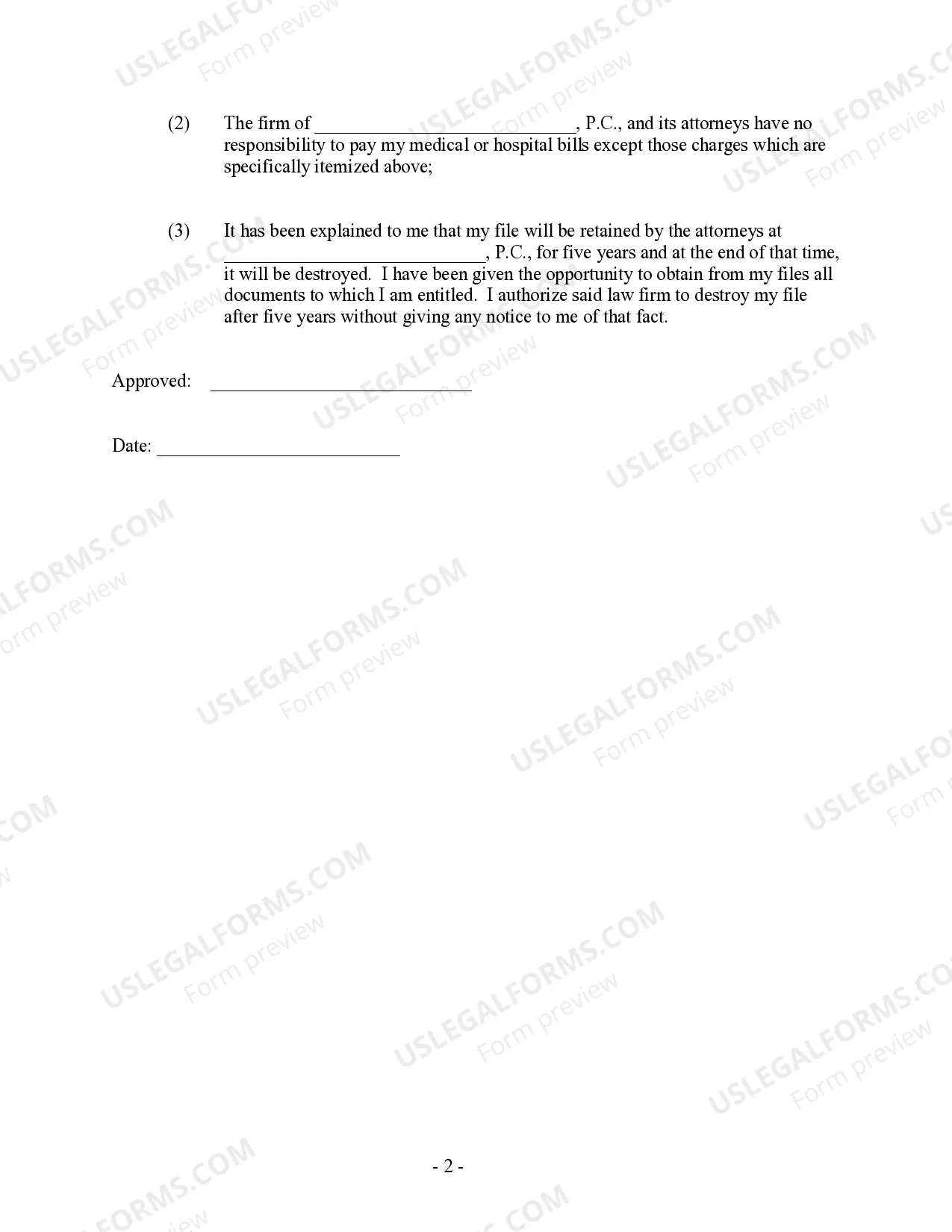
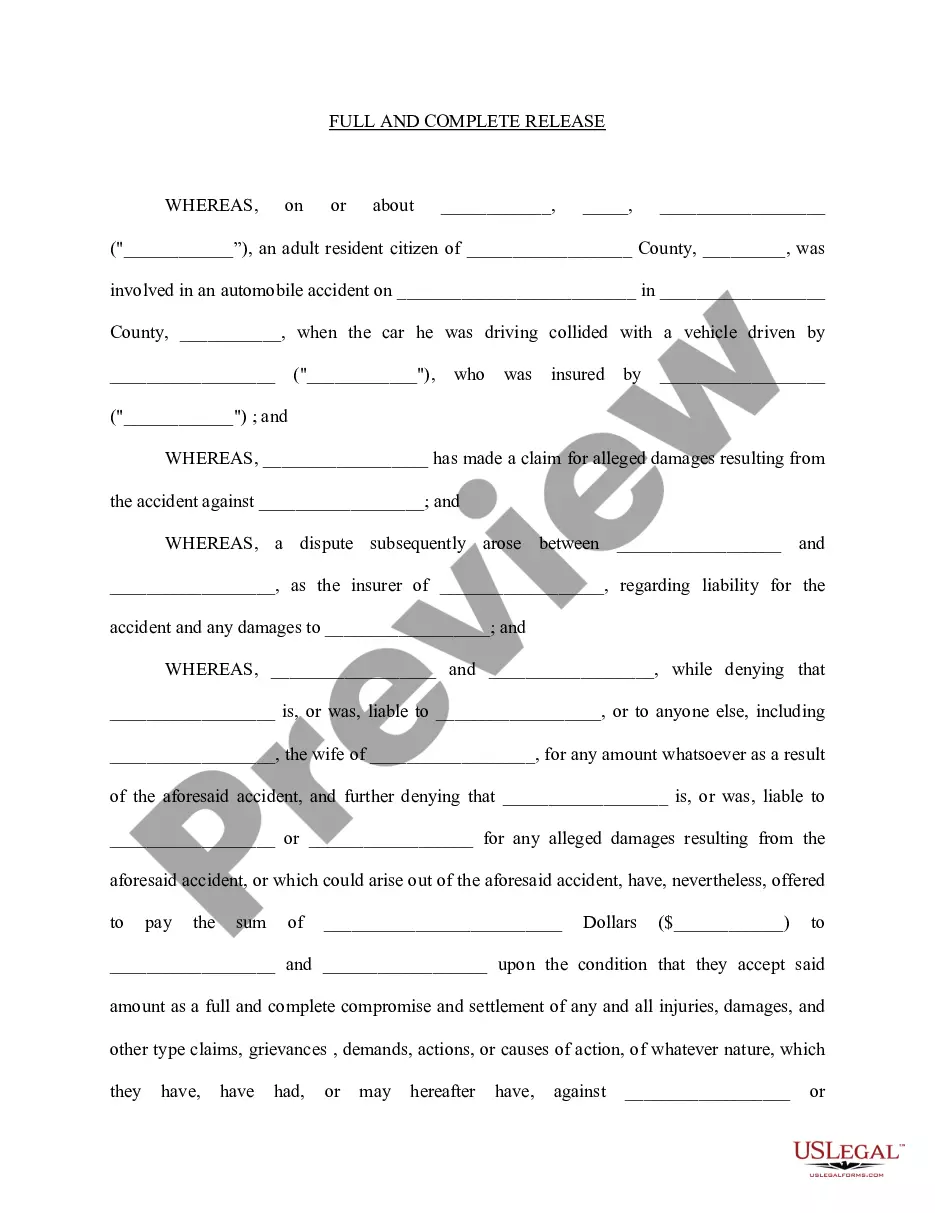
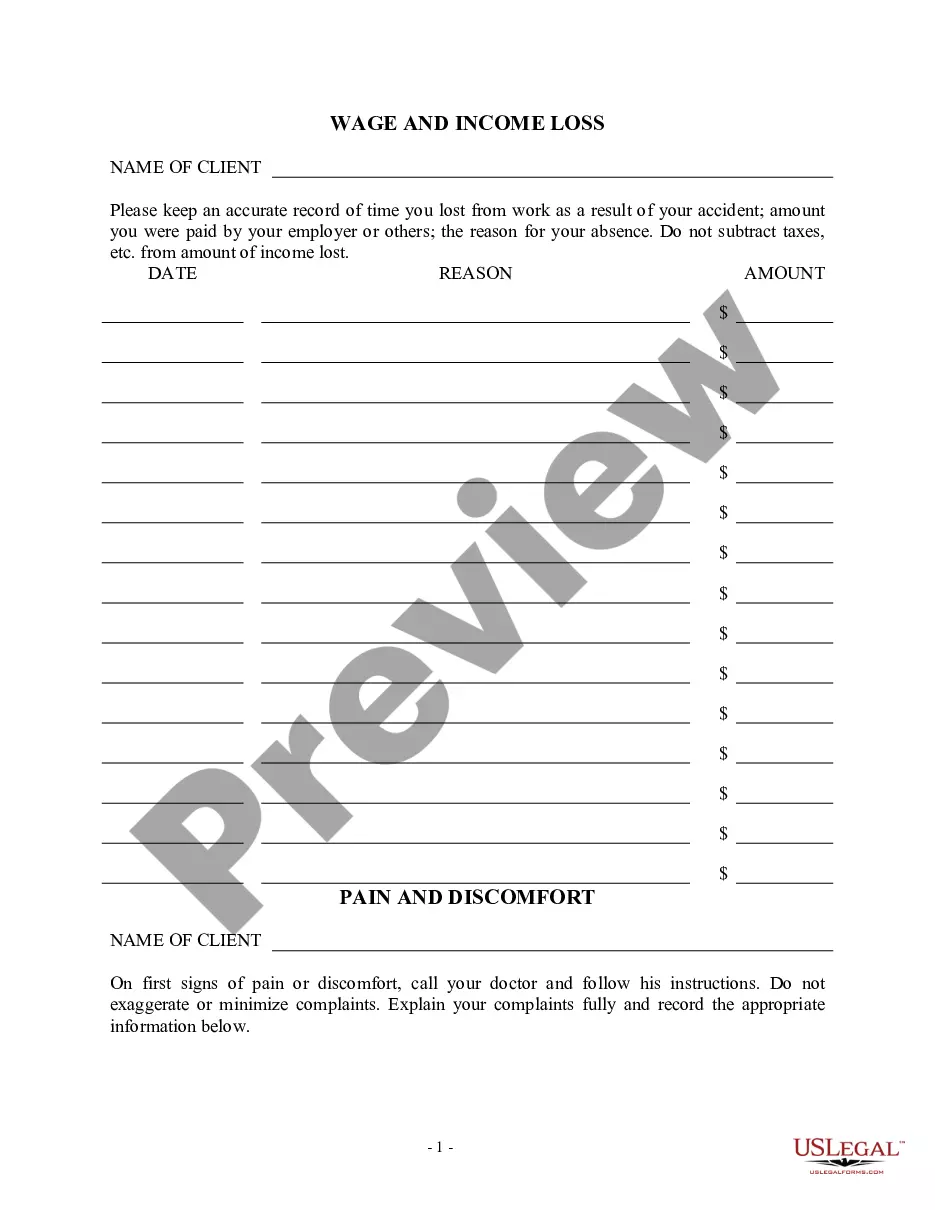
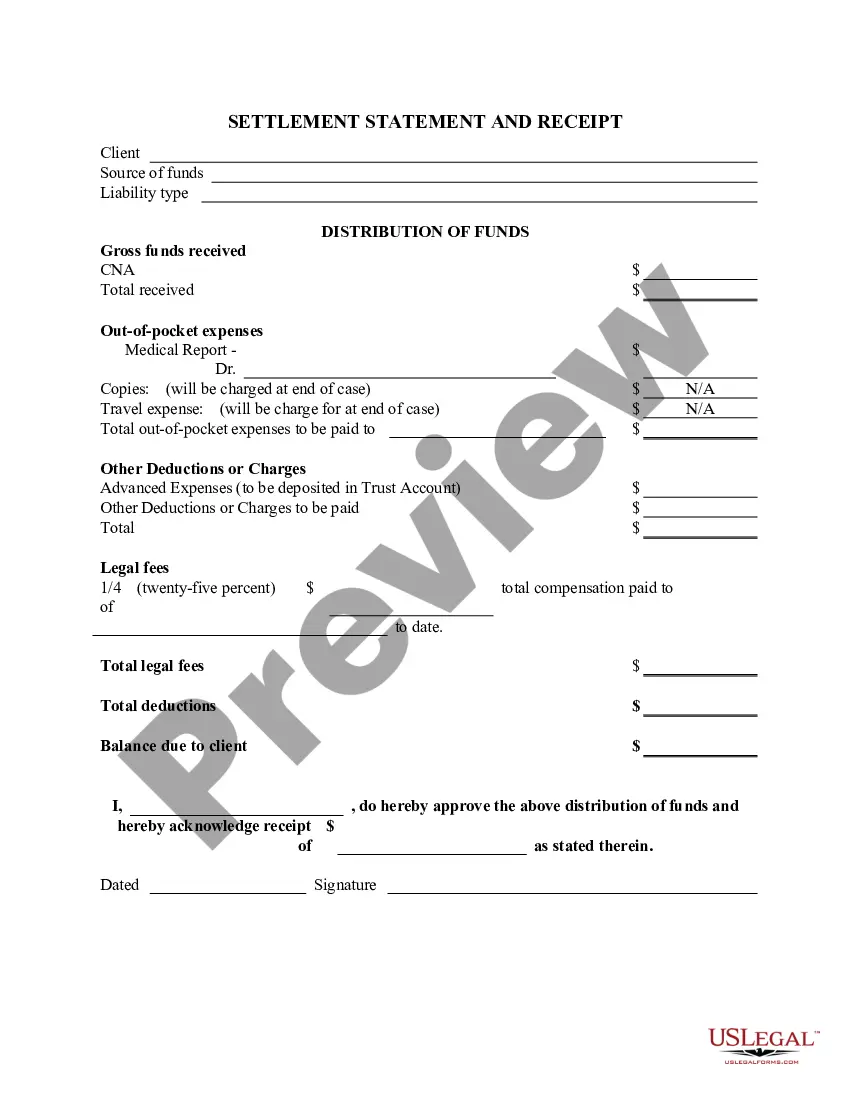
Get your form ready online
Our built-in tools help you complete, sign, share, and store your documents in one place.
Make edits, fill in missing information, and update formatting in US Legal Forms—just like you would in MS Word.
Download a copy, print it, send it by email, or mail it via USPS—whatever works best for your next step.
Sign and collect signatures with our SignNow integration. Send to multiple recipients, set reminders, and more. Go Premium to unlock E-Sign.
If this form requires notarization, complete it online through a secure video call—no need to meet a notary in person or wait for an appointment.
We protect your documents and personal data by following strict security and privacy standards.

Make edits, fill in missing information, and update formatting in US Legal Forms—just like you would in MS Word.

Download a copy, print it, send it by email, or mail it via USPS—whatever works best for your next step.

Sign and collect signatures with our SignNow integration. Send to multiple recipients, set reminders, and more. Go Premium to unlock E-Sign.

If this form requires notarization, complete it online through a secure video call—no need to meet a notary in person or wait for an appointment.

We protect your documents and personal data by following strict security and privacy standards.
Looking for another form?
How to fill out Personal Injury Settlement Statement?
Whether for business purposes or for individual matters, everyone has to deal with legal situations at some point in their life. Filling out legal papers requires careful attention, starting with picking the appropriate form sample. For instance, if you pick a wrong version of a Settlement Disbursement Statement With Multiple Conditions, it will be rejected once you send it. It is therefore crucial to get a reliable source of legal papers like US Legal Forms.
If you need to obtain a Settlement Disbursement Statement With Multiple Conditions sample, follow these easy steps:
- Get the template you need using the search field or catalog navigation.
- Check out the form’s description to ensure it suits your case, state, and county.
- Click on the form’s preview to view it.
- If it is the wrong form, go back to the search function to find the Settlement Disbursement Statement With Multiple Conditions sample you require.
- Download the template when it matches your needs.
- If you already have a US Legal Forms account, simply click Log in to access previously saved files in My Forms.
- In the event you do not have an account yet, you can download the form by clicking Buy now.
- Select the appropriate pricing option.
- Finish the account registration form.
- Select your transaction method: use a bank card or PayPal account.
- Select the document format you want and download the Settlement Disbursement Statement With Multiple Conditions.
- When it is saved, you can fill out the form by using editing applications or print it and finish it manually.
With a large US Legal Forms catalog at hand, you never need to spend time searching for the appropriate template across the web. Take advantage of the library’s straightforward navigation to get the proper template for any occasion.
Form popularity
FAQ
1 form, also called a HUD1 Settlement Statement, is a standardized mortgage lending document. Creditors or their closing agents use this form to create an itemized list of all charges and credits to the buyer and to the seller in a consumer credit mortgage transaction.
The main difference between real estate closing and settlement is the point at which ownership of the property is transferred. During settlement, the buyer and seller agree to the terms of the sale, but the actual transfer of ownership doesn't take place until the real estate closing.
The ALTA Settlement Statement is a form that itemizes all of the credits and costs associated with a real estate transaction. There are four different versions of this form, including: Combined Settlement Statement that shows both buyer and seller costs.
The closing statement, also called a closing disclosure or settlement statement, is essentially a comprehensive list of every expense that either the buyer and seller must pay to complete the purchase of a home (or whatever the property is).
The closing disclosure is a type of settlement statement that was created and is regulated for the mortgage lending market. The closing disclosure is provided by the lender, closing attorney or title company to a borrower about three days before the closing on real estate.