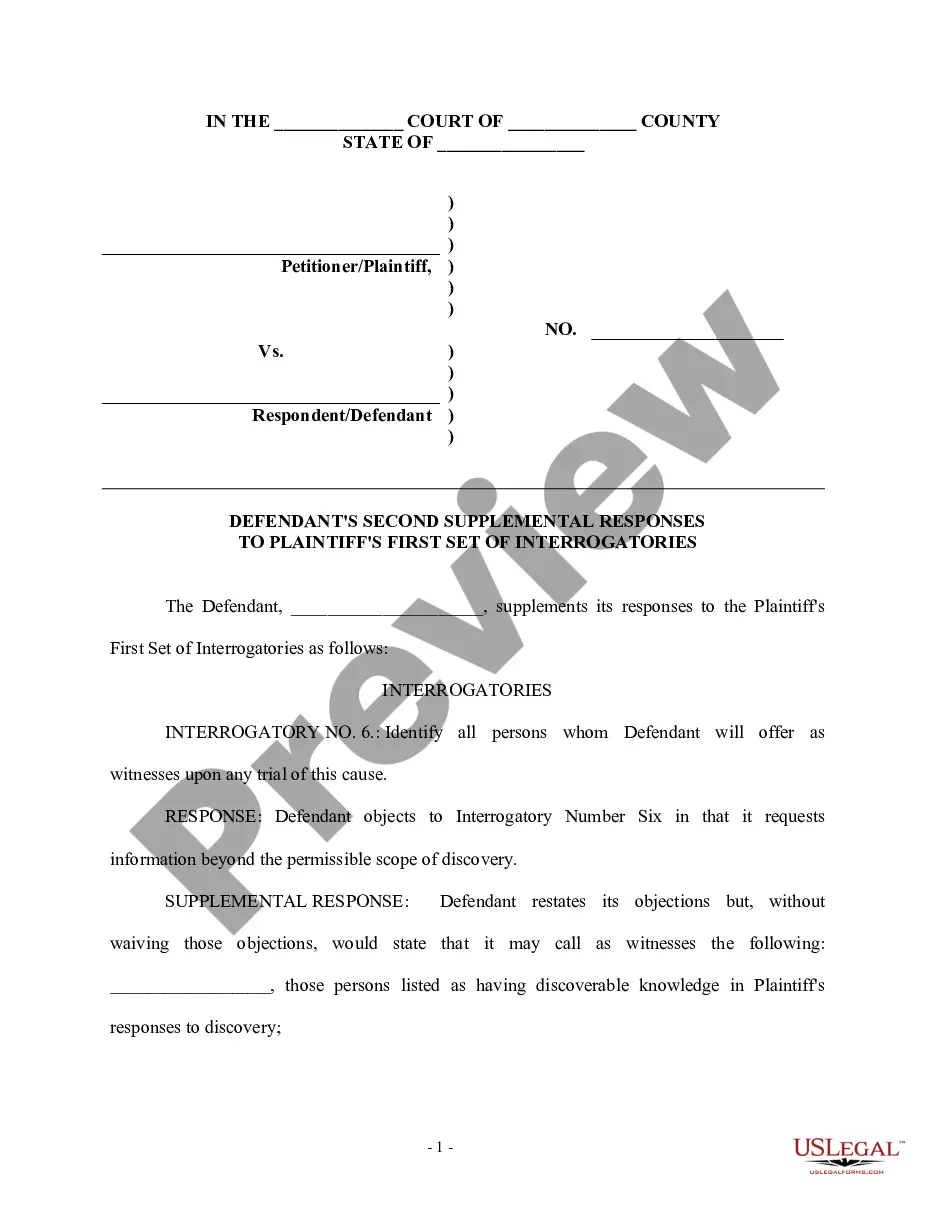
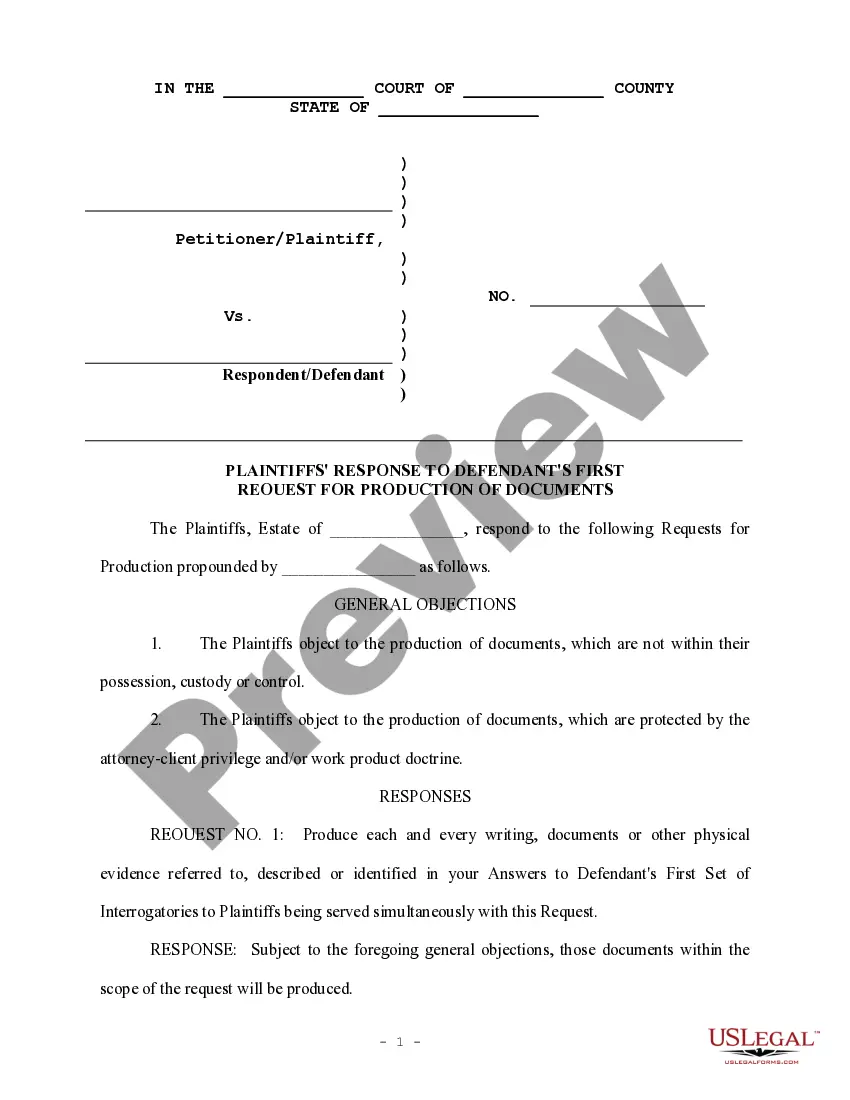
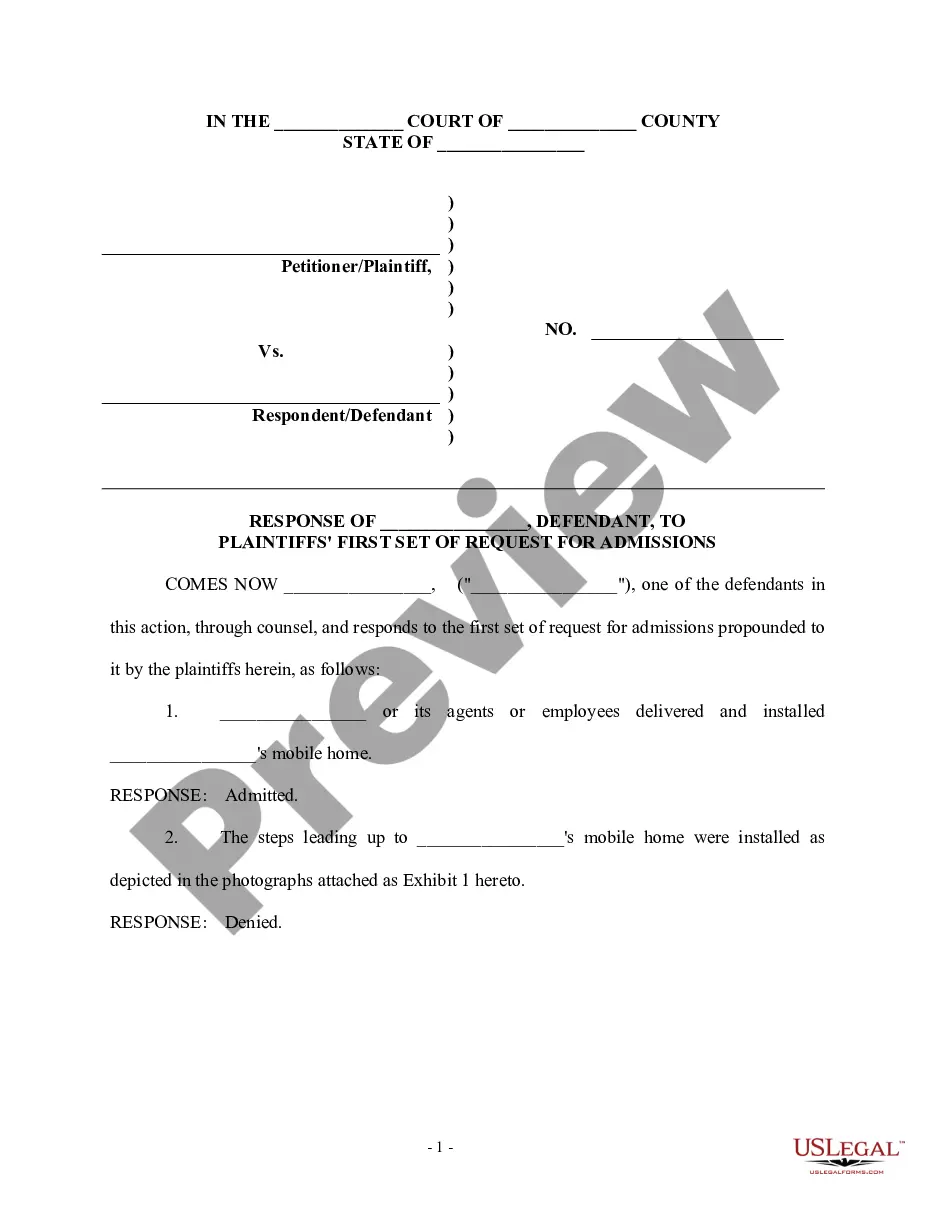
Supplemental Response To Request For Production
Description
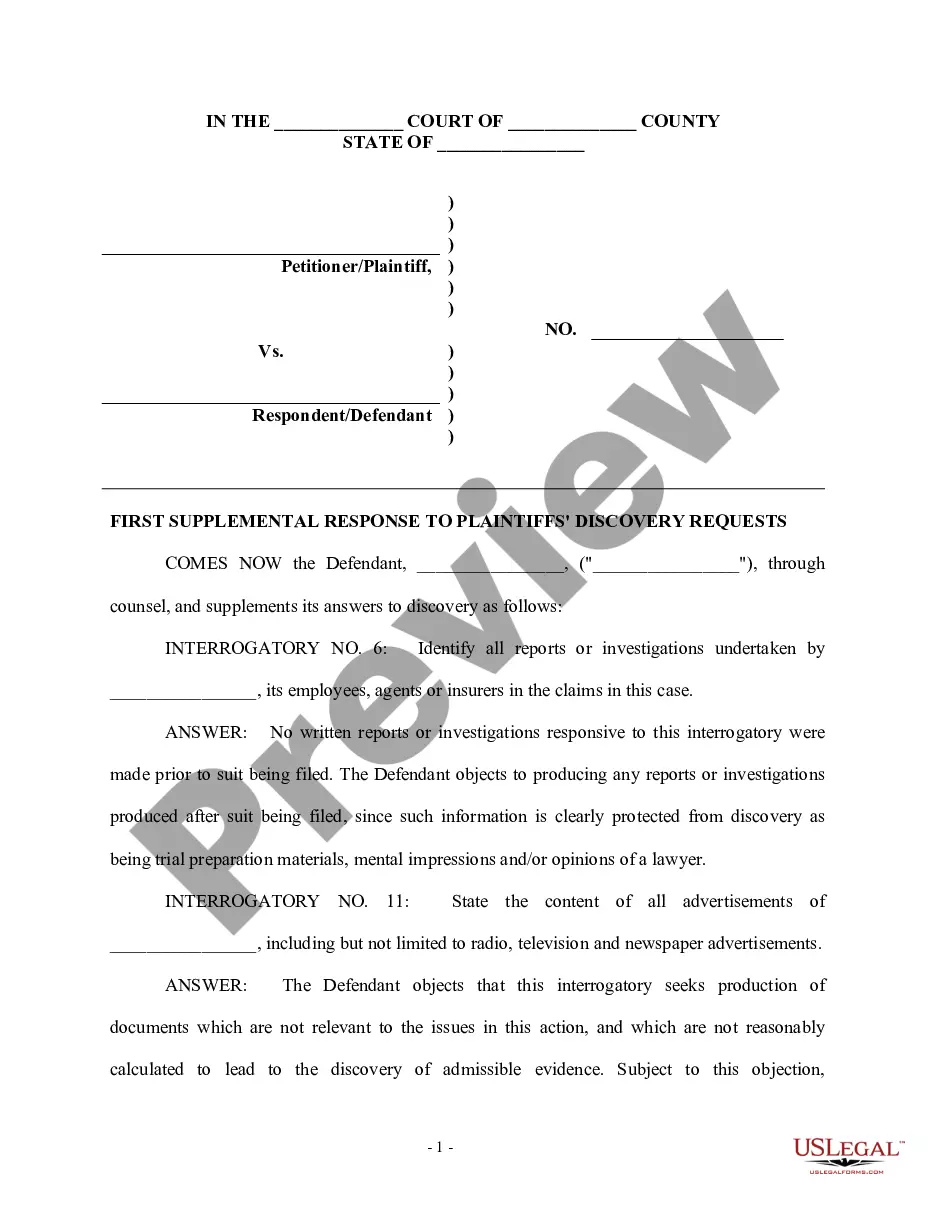
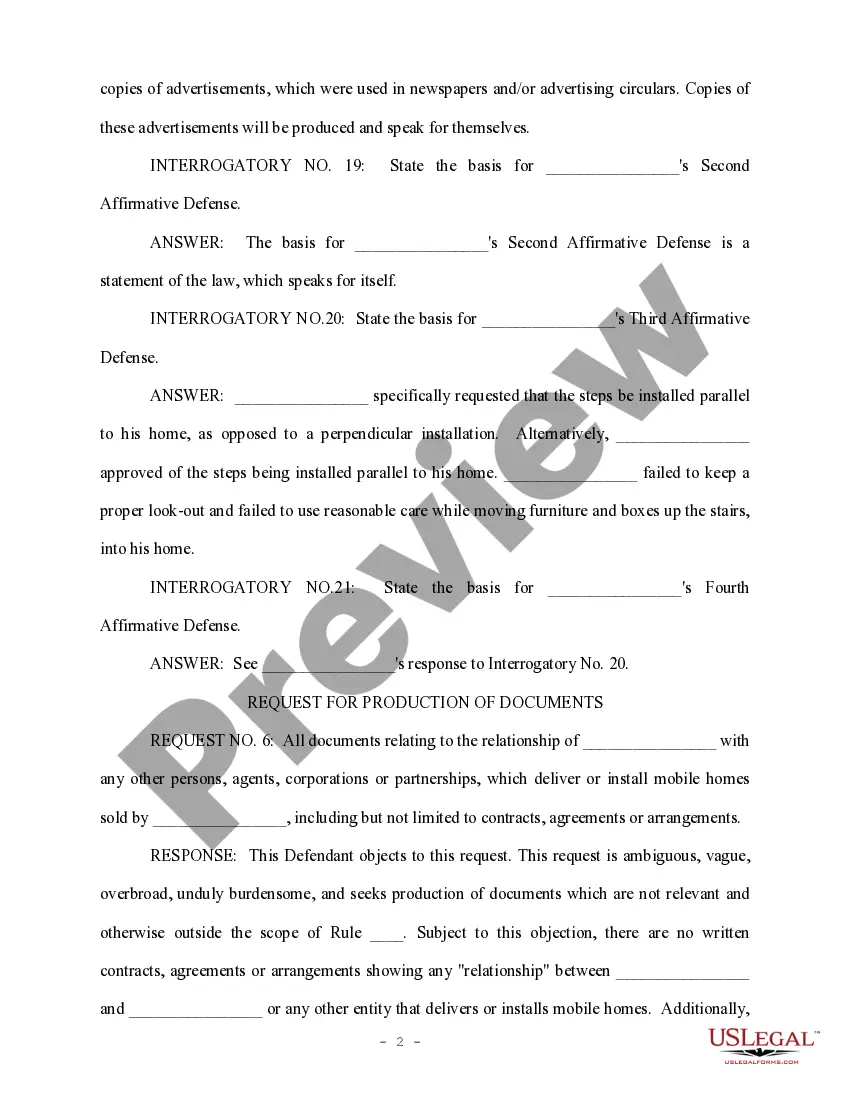
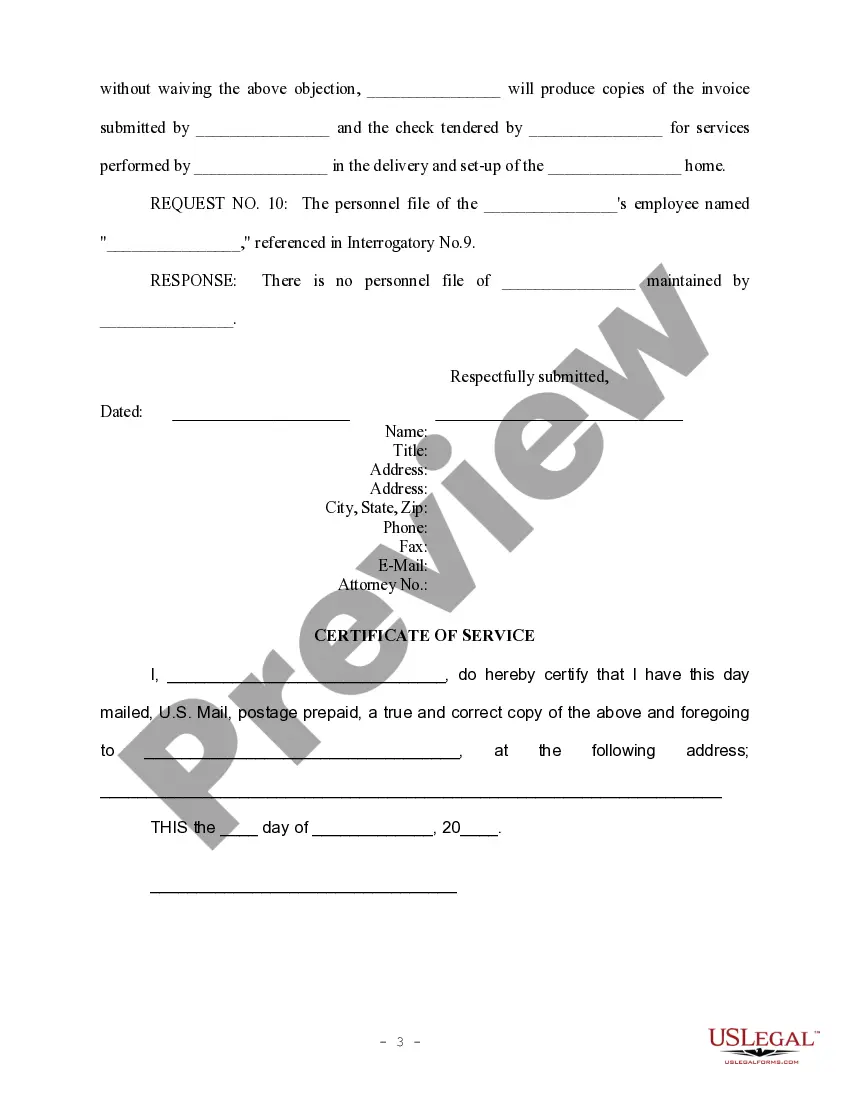
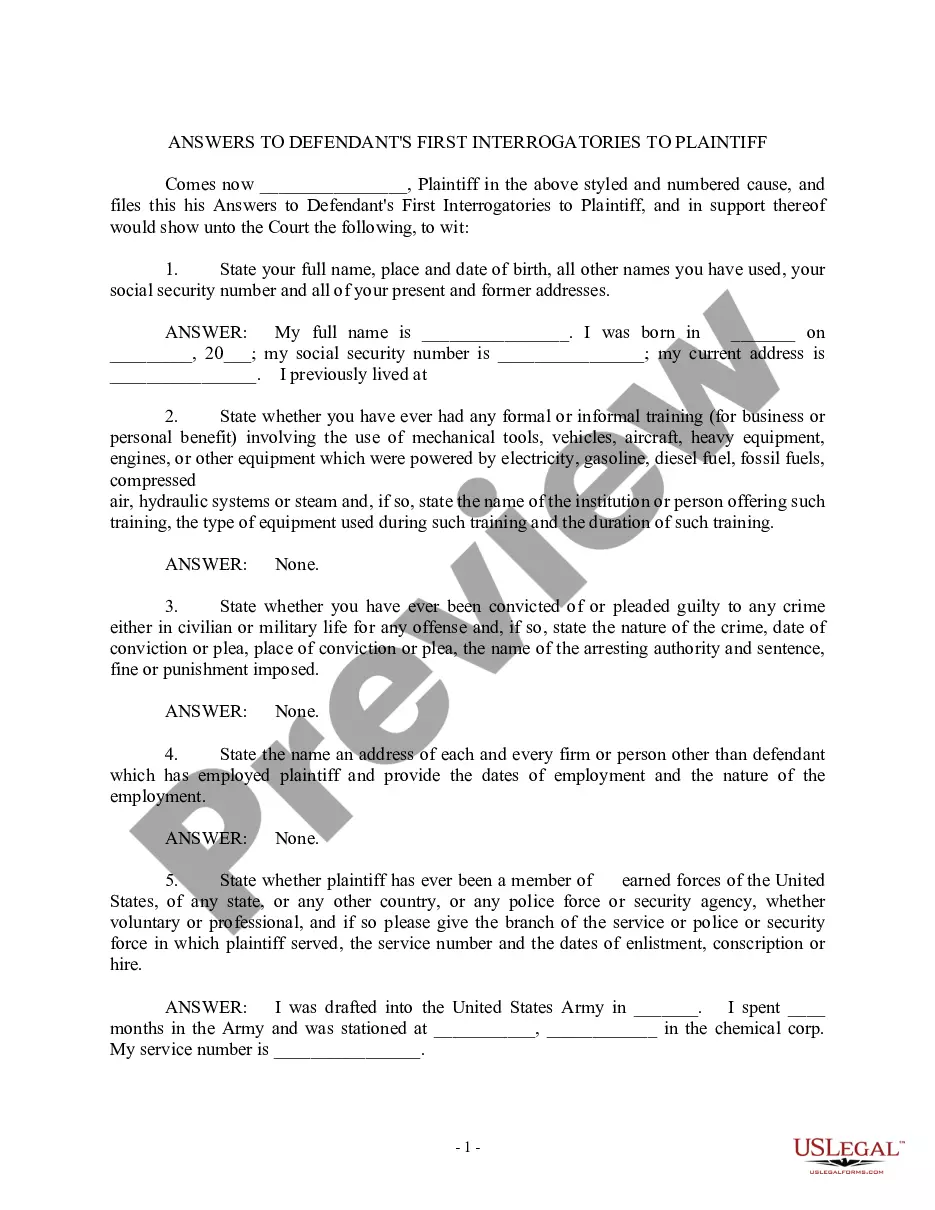

Get your form ready online
Our built-in tools help you complete, sign, share, and store your documents in one place.
Make edits, fill in missing information, and update formatting in US Legal Forms—just like you would in MS Word.
Download a copy, print it, send it by email, or mail it via USPS—whatever works best for your next step.
Sign and collect signatures with our SignNow integration. Send to multiple recipients, set reminders, and more. Go Premium to unlock E-Sign.
If this form requires notarization, complete it online through a secure video call—no need to meet a notary in person or wait for an appointment.
We protect your documents and personal data by following strict security and privacy standards.

Make edits, fill in missing information, and update formatting in US Legal Forms—just like you would in MS Word.

Download a copy, print it, send it by email, or mail it via USPS—whatever works best for your next step.

Sign and collect signatures with our SignNow integration. Send to multiple recipients, set reminders, and more. Go Premium to unlock E-Sign.

If this form requires notarization, complete it online through a secure video call—no need to meet a notary in person or wait for an appointment.

We protect your documents and personal data by following strict security and privacy standards.
Looking for another form?
How to fill out Defendant's First Supplemental Response To Plaintiff's Discovery Request?
Whether for corporate purposes or personal matters, everyone has to handle legal circumstances sooner or later in their lives.
Filling out legal documents requires meticulous attention, starting with choosing the appropriate form template.
Fill out the registration form for your profile. Select your payment method: use a credit card or PayPal account. Choose your preferred file format and download the Supplemental Response To Request For Production. Once saved, you can complete the form using editing software or print it out and fill it in by hand. With an extensive catalog of US Legal Forms available, you won’t have to waste time searching for the right sample online. Use the library’s straightforward navigation to locate the ideal template for any circumstance.
- For instance, if you select an incorrect version of a Supplemental Response To Request For Production, it will be rejected upon submission.
- Hence, it is crucial to find a trustworthy source for legal documents like US Legal Forms.
- If you need to acquire a sample of Supplemental Response To Request For Production, follow these simple steps.
- Obtain the necessary sample by utilizing the search field or browsing through the catalog.
- Review the form’s description to confirm it is appropriate for your case, state, and county.
- Click on the form’s preview to examine it.
- If it is the wrong document, return to the search option to find the Supplemental Response To Request For Production sample you need.
- Download the template if it fulfills your needs.
- If you already have a US Legal Forms profile, click Log in to access previously saved documents in My documents.
- If you don’t have an account yet, you can obtain the form by clicking Buy now.
- Choose the appropriate pricing option.
Form popularity
FAQ
How to file a Washington State Tort Claim Submit online. Submit a tort claim online securely. ... Submit by fax. Submit the completed Washington State Tort Claim form to the following fax number: 360-507-9251. ... Submit by mail. ... Submit in person. ... Checklist for filing your Washington State Tort Claim form. Frequently Asked Questions.
Many Washington State courts have a public access terminal in the courthouse where you can view JIS public record case information such as an index of filed cases and a list of documents filed in each case. Contact your local court to see if they have a public access terminal.
After filling out the Notice of Small Claim form: Get at least two copies of the form. ... Give the court clerk the original. Pay the clerk a small fee to file the claim. ... Sign the form in front of the clerk, if your county requires it. Mail a copy of the Notice of Small Claim or have it delivered in person to Defendant.
Please Submit a request through the new Public Records Request Portal. It will prompt you to create an account after selecting, Submit a Records Request. The request must be for a specific identifiable record or series of records.
Most public court records and court exhibits can be accessed in person. For some pre-1979 court records, there are limited microfiche available to search online.
Free legal advice Call toll-free at 1-888-201-1014 - if you are under 60 and low-income. King County residents should call 206-464-1519 for information and referral.
How do I get a copy of a court file? You may obtain copies via mail, make your request on the internet using the Electronic Records Request application, ECR ONLINE application or come in person. Sealed records are not available by mail or via the Electronic Records Request or ECR ONLINE application.
How to Access Court Documents Online. Go to the KC Script Portal to view, download, and request court documents. Click here for more information on how to use the KC Script Portal. In Person. Visit any of our three locations. ... By Mail. Please fill out the request form below and mail it to the addresses listed in the form.