Motion To Intervene Form With 2 Points
Description
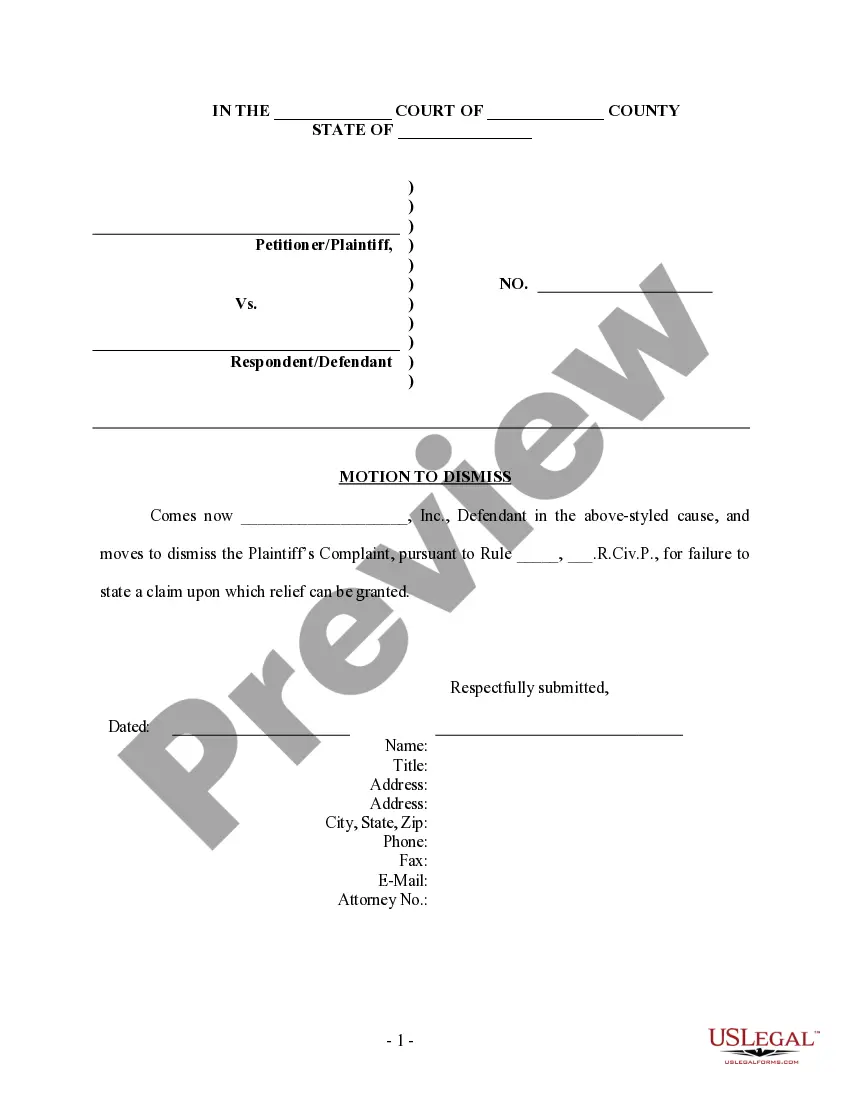
Get your form ready online
Our built-in tools help you complete, sign, share, and store your documents in one place.
Make edits, fill in missing information, and update formatting in US Legal Forms—just like you would in MS Word.
Download a copy, print it, send it by email, or mail it via USPS—whatever works best for your next step.
Sign and collect signatures with our SignNow integration. Send to multiple recipients, set reminders, and more. Go Premium to unlock E-Sign.
If this form requires notarization, complete it online through a secure video call—no need to meet a notary in person or wait for an appointment.
We protect your documents and personal data by following strict security and privacy standards.

Make edits, fill in missing information, and update formatting in US Legal Forms—just like you would in MS Word.

Download a copy, print it, send it by email, or mail it via USPS—whatever works best for your next step.

Sign and collect signatures with our SignNow integration. Send to multiple recipients, set reminders, and more. Go Premium to unlock E-Sign.

If this form requires notarization, complete it online through a secure video call—no need to meet a notary in person or wait for an appointment.

We protect your documents and personal data by following strict security and privacy standards.
Looking for another form?
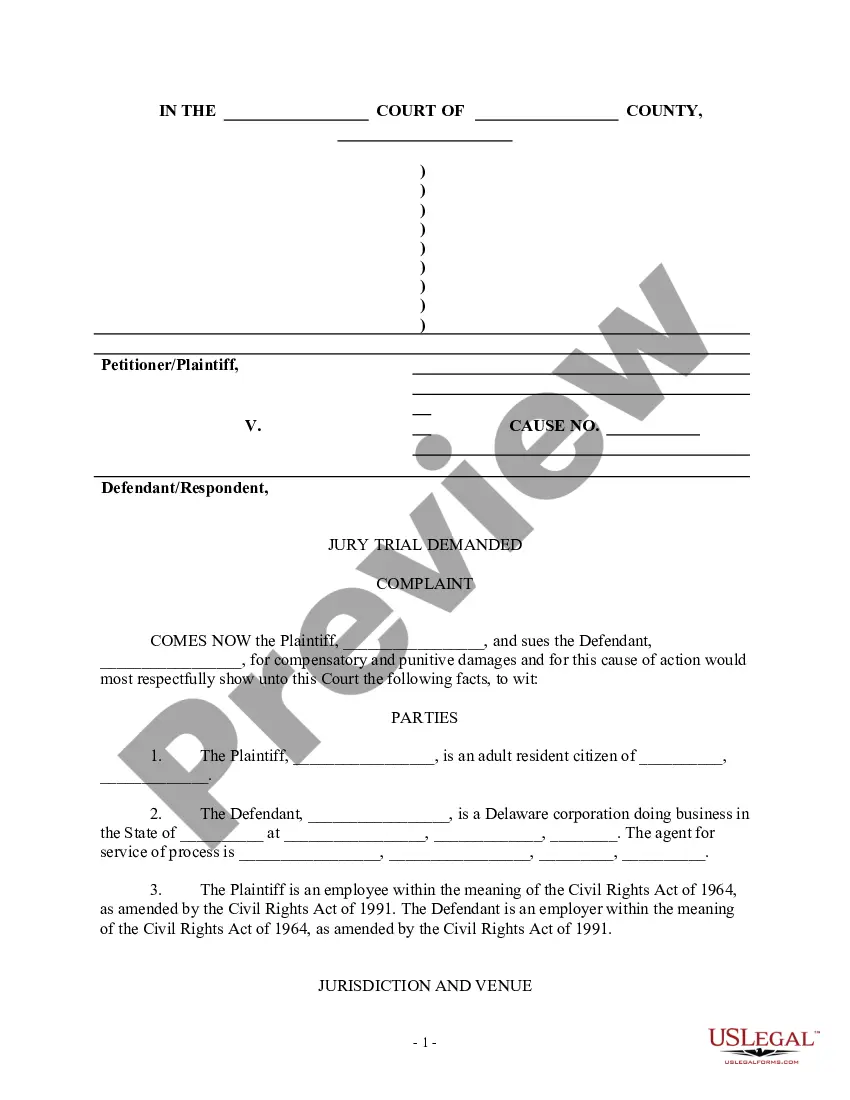
How to fill out Motion To Intervene - Personal Injury?
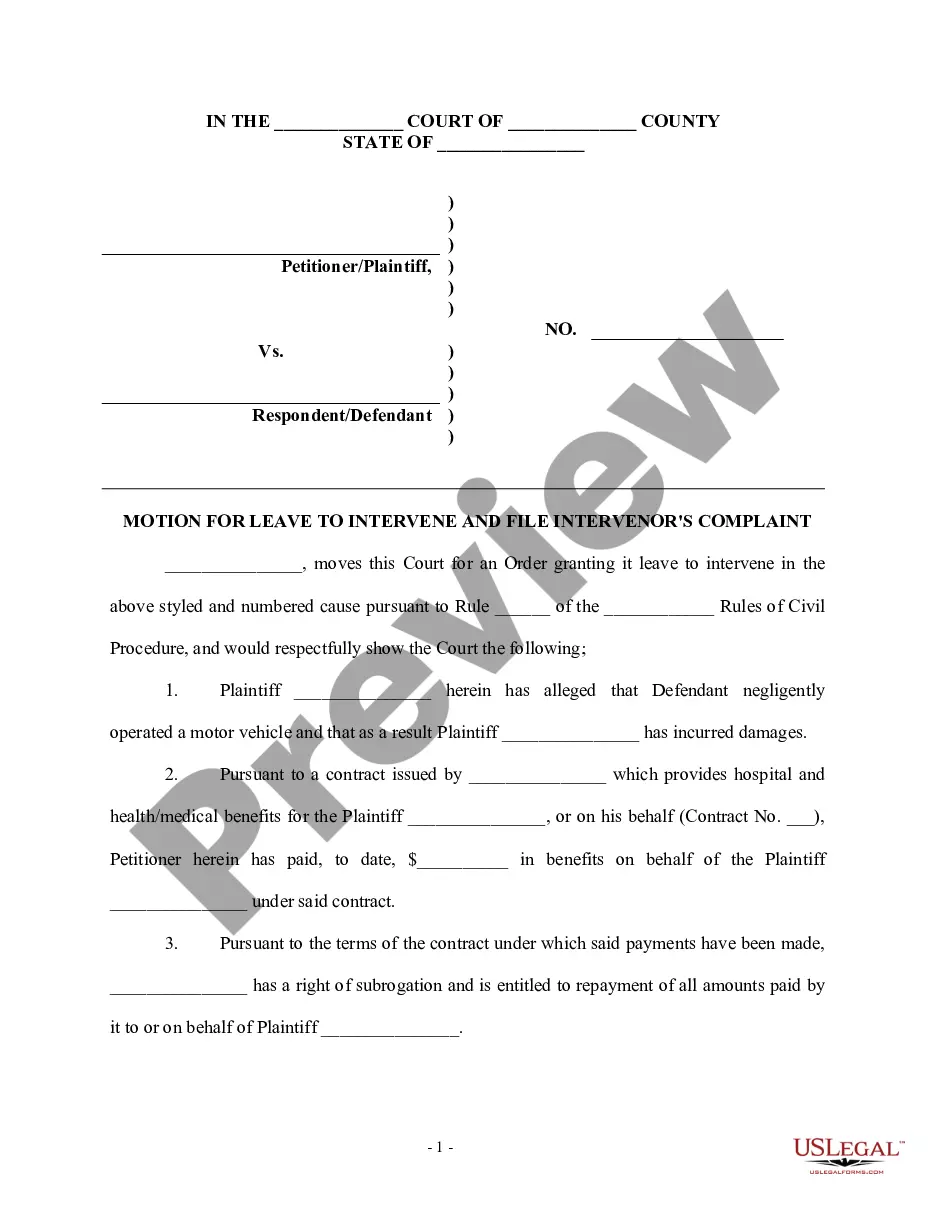
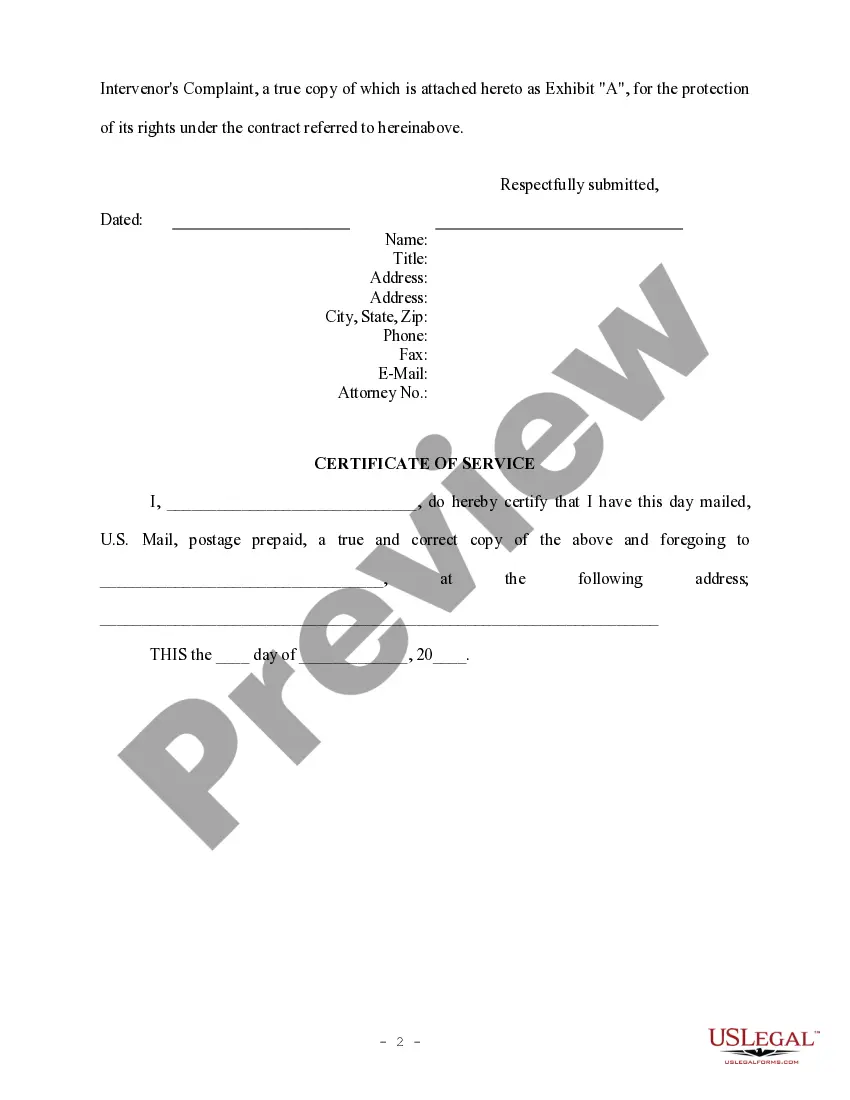
The Motion To Intervene Form With 2 Points displayed on this page is a reusable official template created by experienced attorneys in accordance with federal and local laws.
For over 25 years, US Legal Forms has supplied individuals, enterprises, and legal practitioners with more than 85,000 authenticated, state-specific documents for any business and personal event. It’s the fastest, simplest, and most dependable method to acquire the forms you require, as the service ensures bank-standard data protection and anti-malware safeguards.
Utilize the same document again whenever needed. Access the My documents section in your profile to redownload any previously saved forms.
- Search for the document you require and review it.
- Browse through the example you looked for and preview it or examine the form description to verify it meets your requirements. If it doesn’t, utilize the search bar to find the appropriate one. Click Buy Now once you have identified the template you need.
- Register and Log In.
- Select the subscription plan that works for you and create an account. Use PayPal or a credit card to make a swift payment. If you already possess an account, Log In and check your membership to continue.
- Acquire the editable template.
- Choose the format you desire for your Motion To Intervene Form With 2 Points (PDF, Word, RTF) and save the document on your device.
- Complete and sign the form.
- Print the template to finish it by hand. Alternatively, utilize an online multifunctional PDF editor to swiftly and accurately fill out and sign your form with a valid signature.
Form popularity
FAQ
Intervene. v. to obtain the court's permission to enter into a lawsuit which has already started between other parties and to file a complaint stating the basis for a claim in the existing lawsuit.
Sometimes, a person who is not a party to a lawsuit in progress wants to become a party. Such a party must file a Motion to Intervene. Generally, to be admitted into the lawsuit, the intervenor must have an interest in the subject matter of the original suit.
An intervention takes place when a third person is permitted to become a party to an action or proceeding between other persons, either by joining the plaintiff in claiming what is sought by the complaint, or by uniting with the defendant in resisting the claims of the plaintiff, or by demanding anything adversely to ...
: a petition in which a person seeks to be permitted to intervene in a lawsuit involving other parties so that his own rights and interests may be protected by a judgment or decree binding all.
Intervening is entry into a lawsuit by a third party into an existing civil case who was not named as an original party but has a personal stake in the outcome. The nonparty who intervenes in a case is called an intervenor.