Motion To Consolidate In Florida
Description
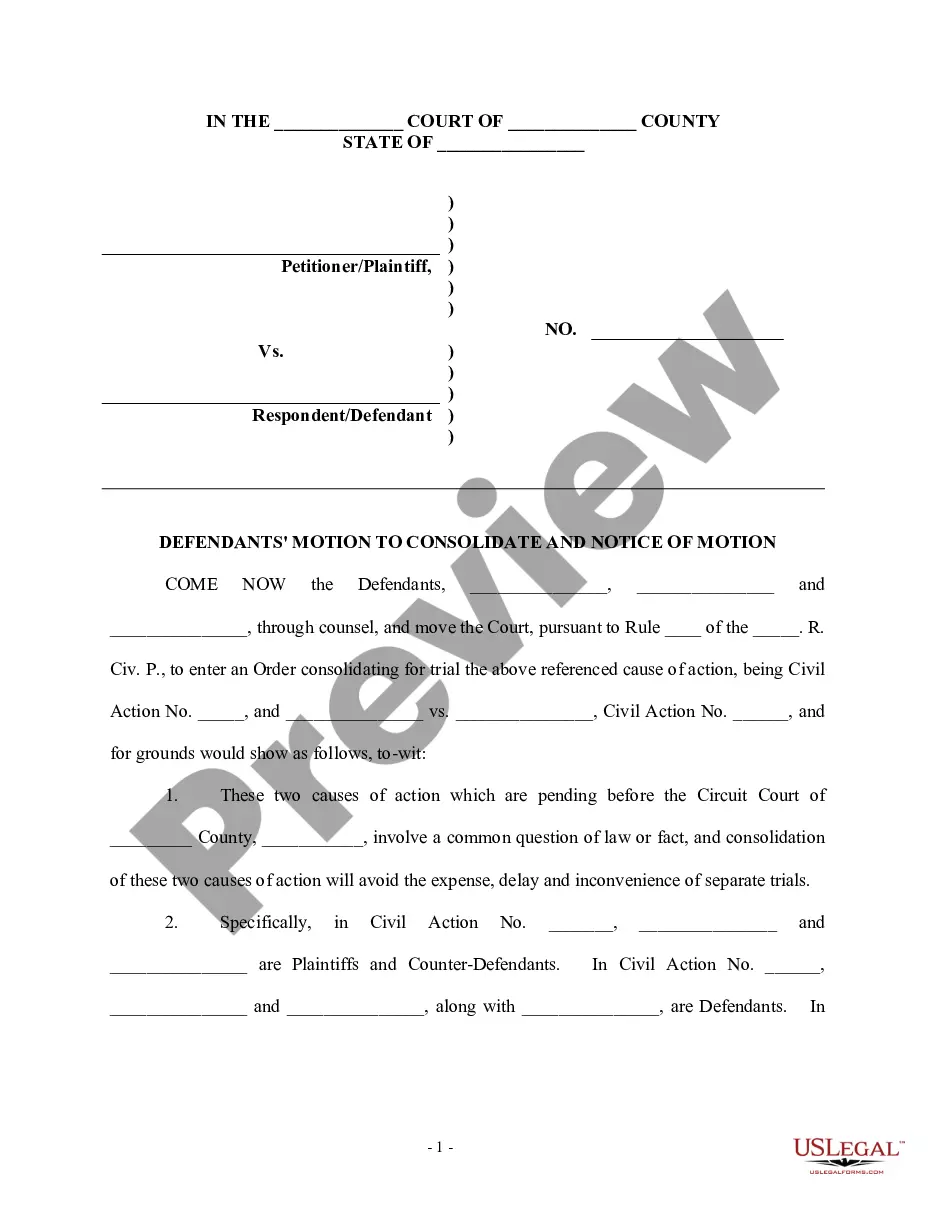
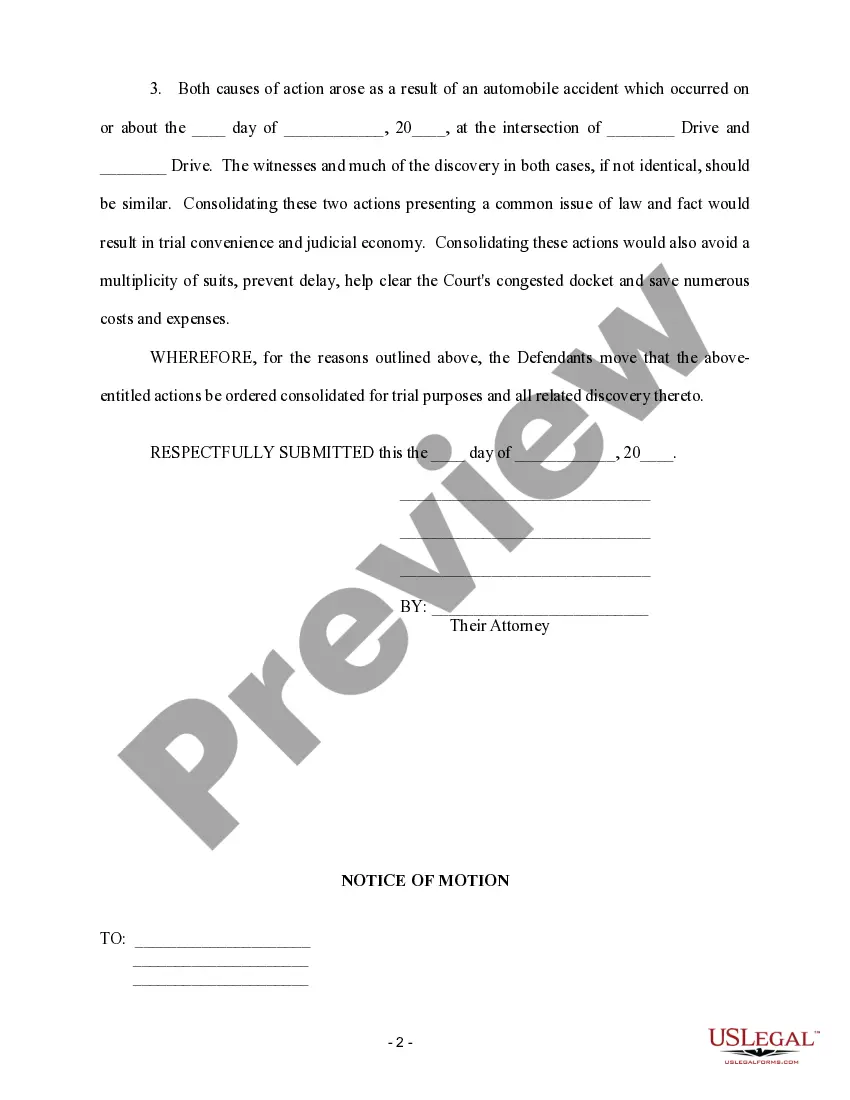
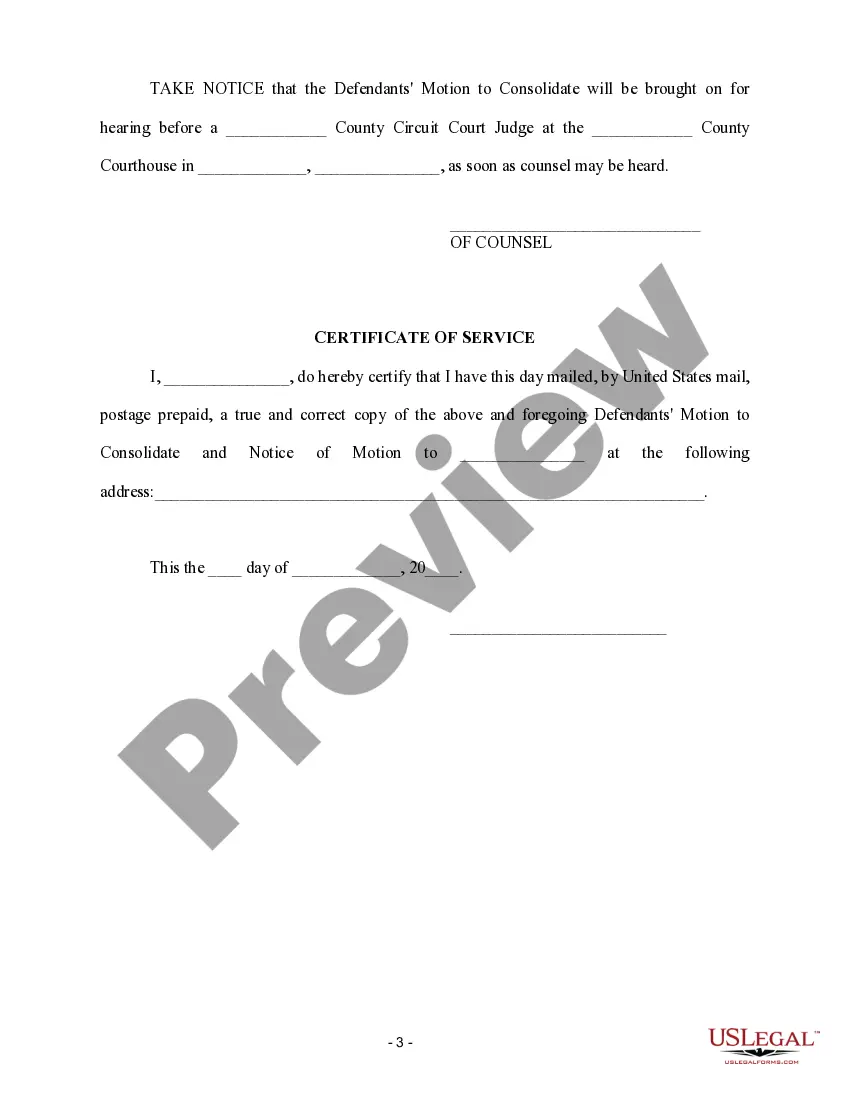
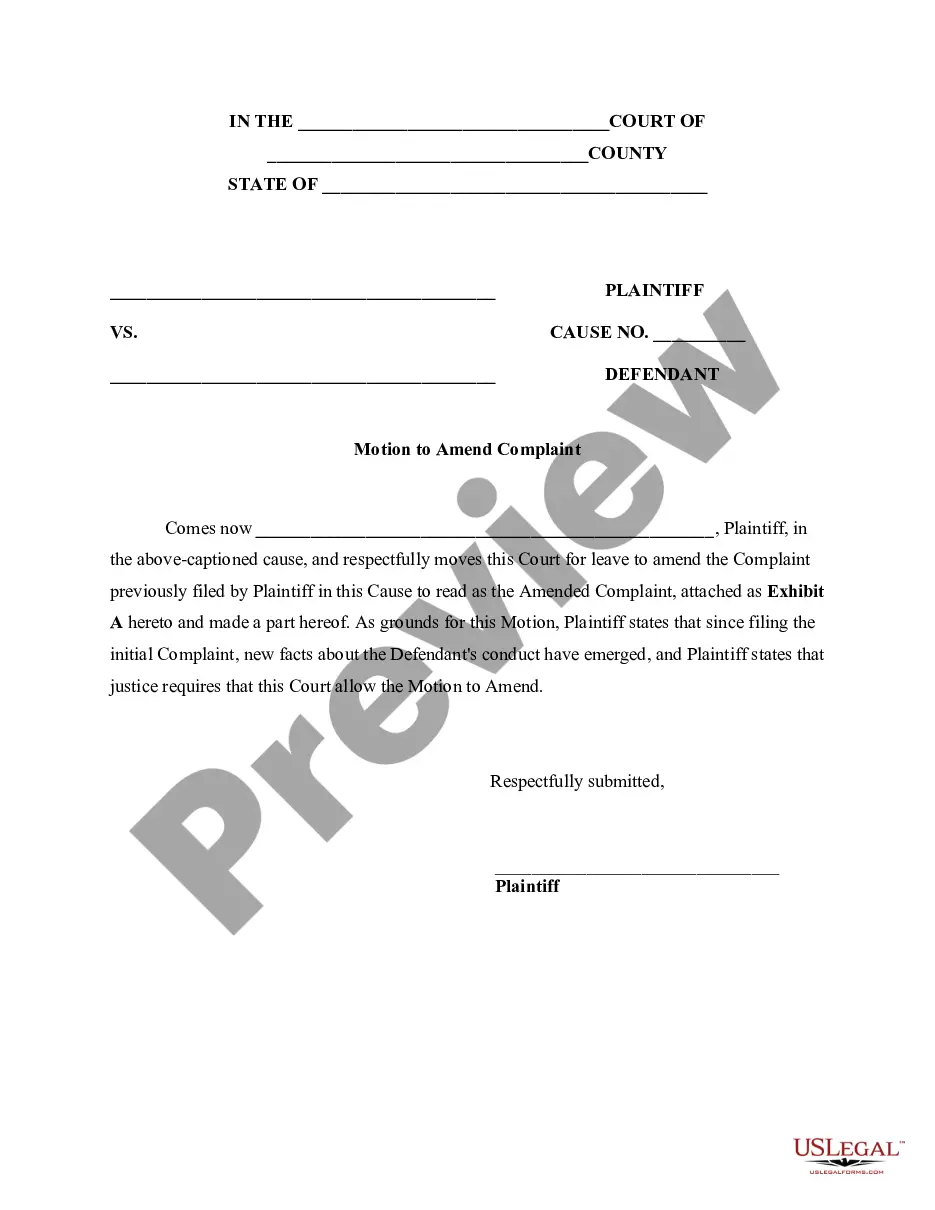
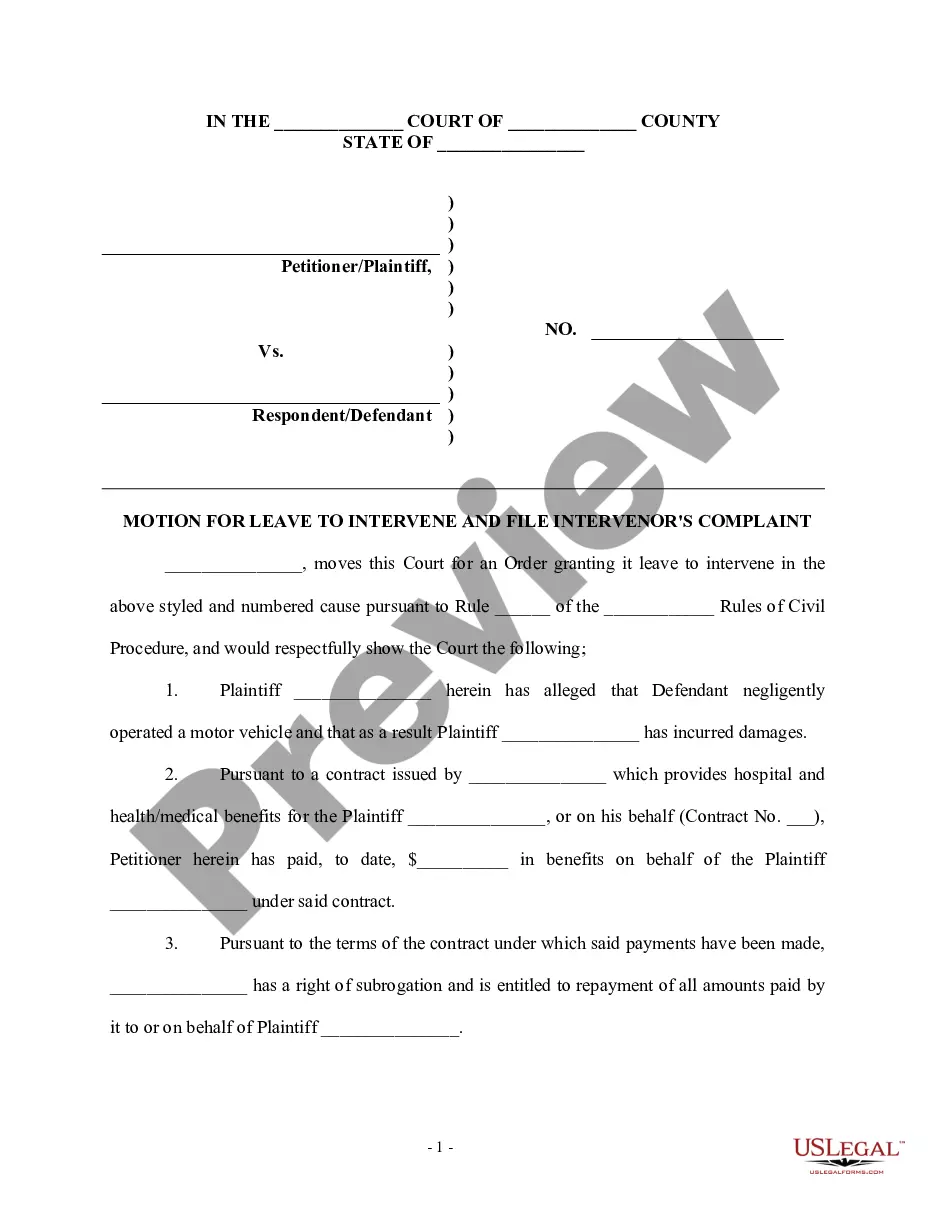

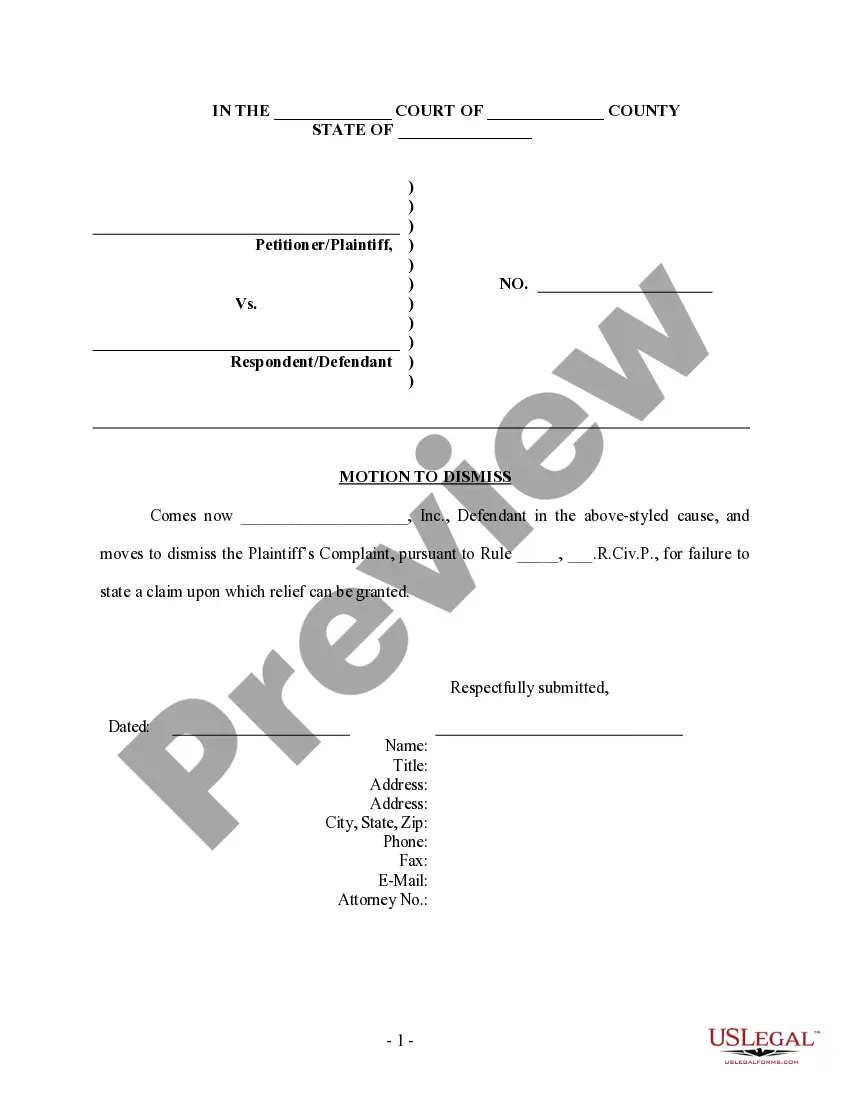
Get your form ready online
Our built-in tools help you complete, sign, share, and store your documents in one place.
Make edits, fill in missing information, and update formatting in US Legal Forms—just like you would in MS Word.
Download a copy, print it, send it by email, or mail it via USPS—whatever works best for your next step.
Sign and collect signatures with our SignNow integration. Send to multiple recipients, set reminders, and more. Go Premium to unlock E-Sign.
If this form requires notarization, complete it online through a secure video call—no need to meet a notary in person or wait for an appointment.
We protect your documents and personal data by following strict security and privacy standards.

Make edits, fill in missing information, and update formatting in US Legal Forms—just like you would in MS Word.

Download a copy, print it, send it by email, or mail it via USPS—whatever works best for your next step.

Sign and collect signatures with our SignNow integration. Send to multiple recipients, set reminders, and more. Go Premium to unlock E-Sign.

If this form requires notarization, complete it online through a secure video call—no need to meet a notary in person or wait for an appointment.

We protect your documents and personal data by following strict security and privacy standards.
Looking for another form?
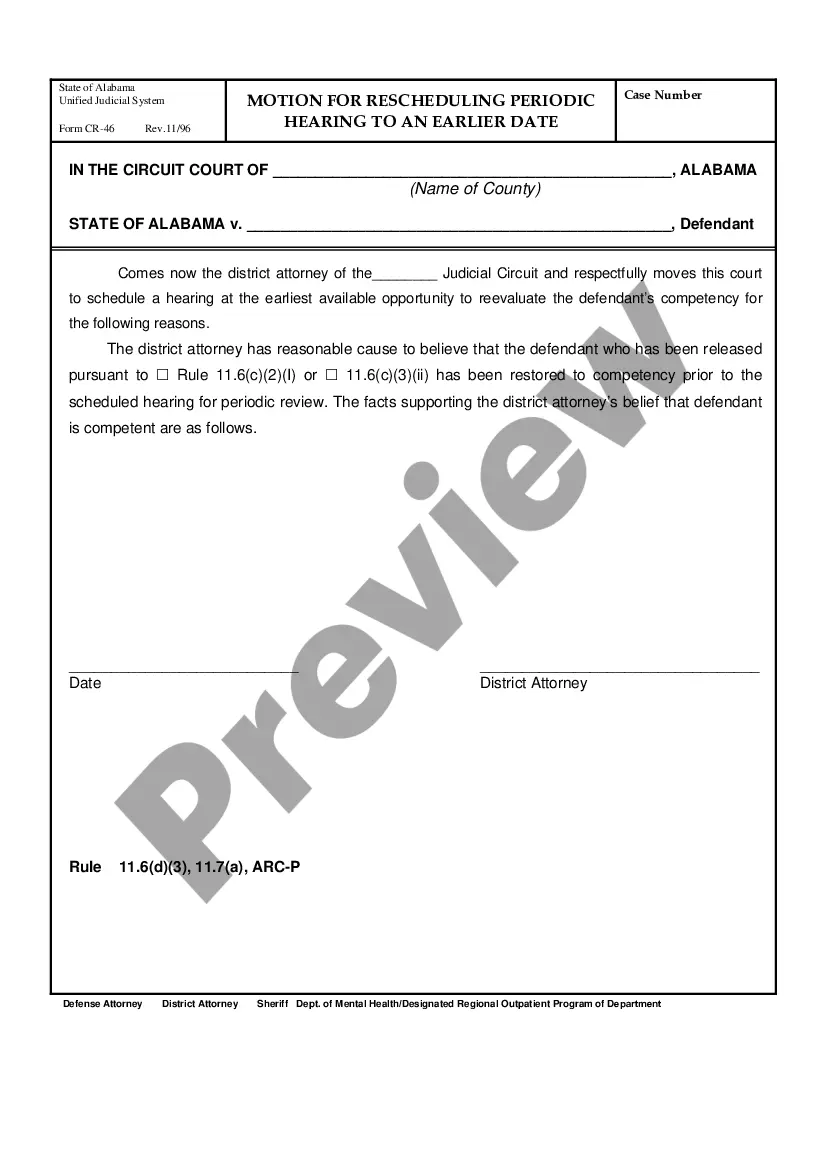
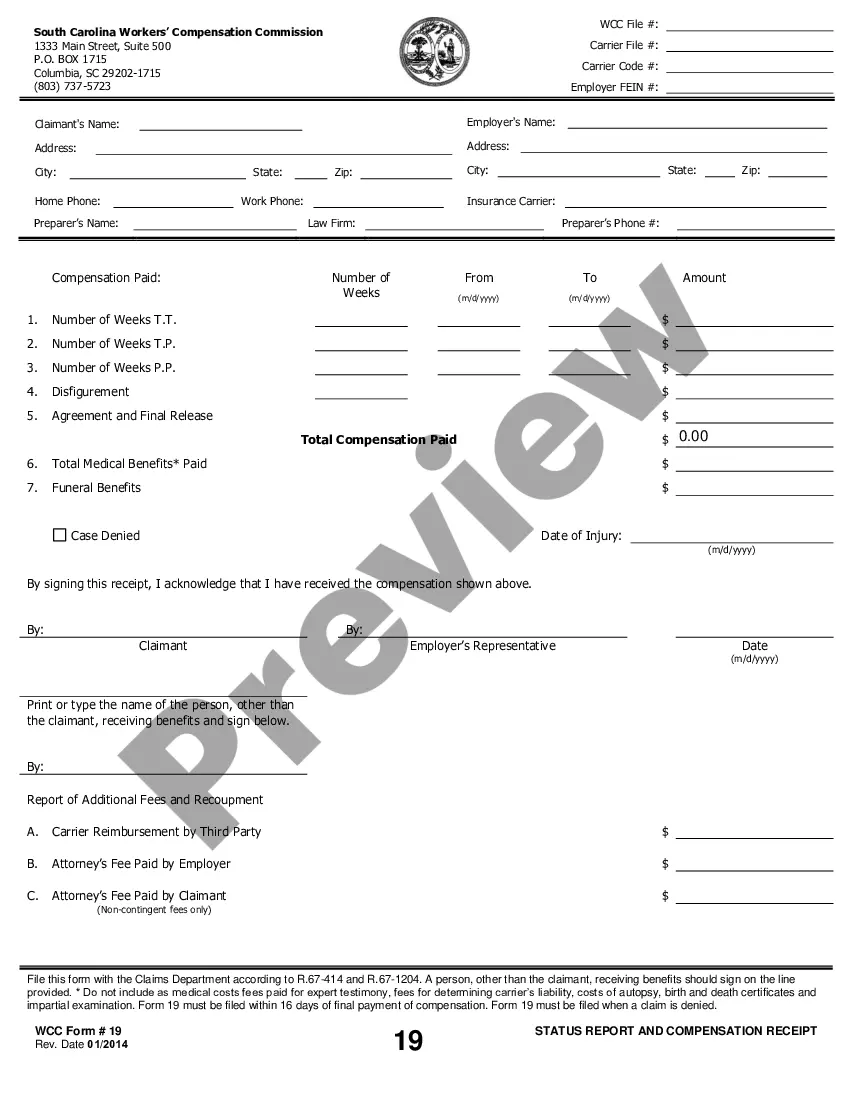
How to fill out Motion To Consolidate - Personal Injury?
Managing legal paperwork can be exasperating, even for seasoned experts.
When you are looking for a Motion To Consolidate In Florida and lack the time to invest in finding the proper and updated version, the process can be strenuous.
US Legal Forms satisfies all your requirements, encompassing both personal and organizational documents in one convenient location.
Leverage sophisticated tools to fill out and manage your Motion To Consolidate In Florida.
Once you have obtained the necessary form, follow these steps: Verify its accuracy by previewing and reviewing its details; ensure that the document is valid in your state or county; select Buy Now when prepared; pick a monthly subscription option; find the required format, and Download, complete, eSign, print and send your documents. Take advantage of the US Legal Forms online library, backed by 25 years of expertise and reliability. Transform your daily document management into a straightforward and user-friendly process today.
- Access an extensive repository of articles, instructions, guides, and resources tailored to your circumstances and requirements.
- Conserve time and energy by locating the documents you need through US Legal Forms’ advanced search and Preview tool.
- For subscribers, Log In to your US Legal Forms account, search for the desired form, and download it.
- Visit the My documents section to review previously downloaded documents and manage your folders as you wish.
- If it's your first experience with US Legal Forms, create a free account and gain unlimited access to all the library's features.
- Utilize a comprehensive web form library that can significantly enhance your ability to tackle these challenges successfully.
- US Legal Forms stands at the forefront of web-based legal documents, boasting over 85,000 unique state-specific legal forms readily available.
- Receive access to state- or county-specific legal and organizational forms.
Form popularity
FAQ
What to Include (10) Lessor's (owner) name; Lessee's (renter's) name; Description of equipment; Lease term; Rent amount ($); Security deposit; Late charges; Delivery responsibility;
Yes, Microsoft Word has a free lease agreement template that you can customize to create your own contract and minimize any potential problems between tenant and landlord.
The Consumer Protection Act (CPA) will apply if your business is doing annual turnover or has an asset value of less than R2 million and your landlord who leases the property does so in the ordinary course of its business.
The indemnification clause in an equipment rental contract outlines who's responsible if something goes wrong while the equipment is in the customer's possession. In this clause, you should outline any specific rules or restrictions regarding how the equipment should be used.
Most sources describe the contract of lease as one whereby one party (the lessor) undertakes to grant to the other (the lessee) the temporary use and enjoyment of a thing in return for the latter's undertaking to pay rent.
So, as you form your lease, make sure to include each of these items: Parties to the Lease. List the name of the landlord and tenant bound to the agreement. Description of the Property. List the address of the property. ... Terms of Rent. ... Lease Term. ... Occupants. ... Security Deposit Information. ... Damages and Repairs. ... Pets.
A written lease agreement must contain: The names and addresses of both parties; The description of the property; The rental amount and reasonable escalation; The frequency of rental payments, i.e. monthly; The amount of the deposit; The lease period; The notice period for termination of contract;