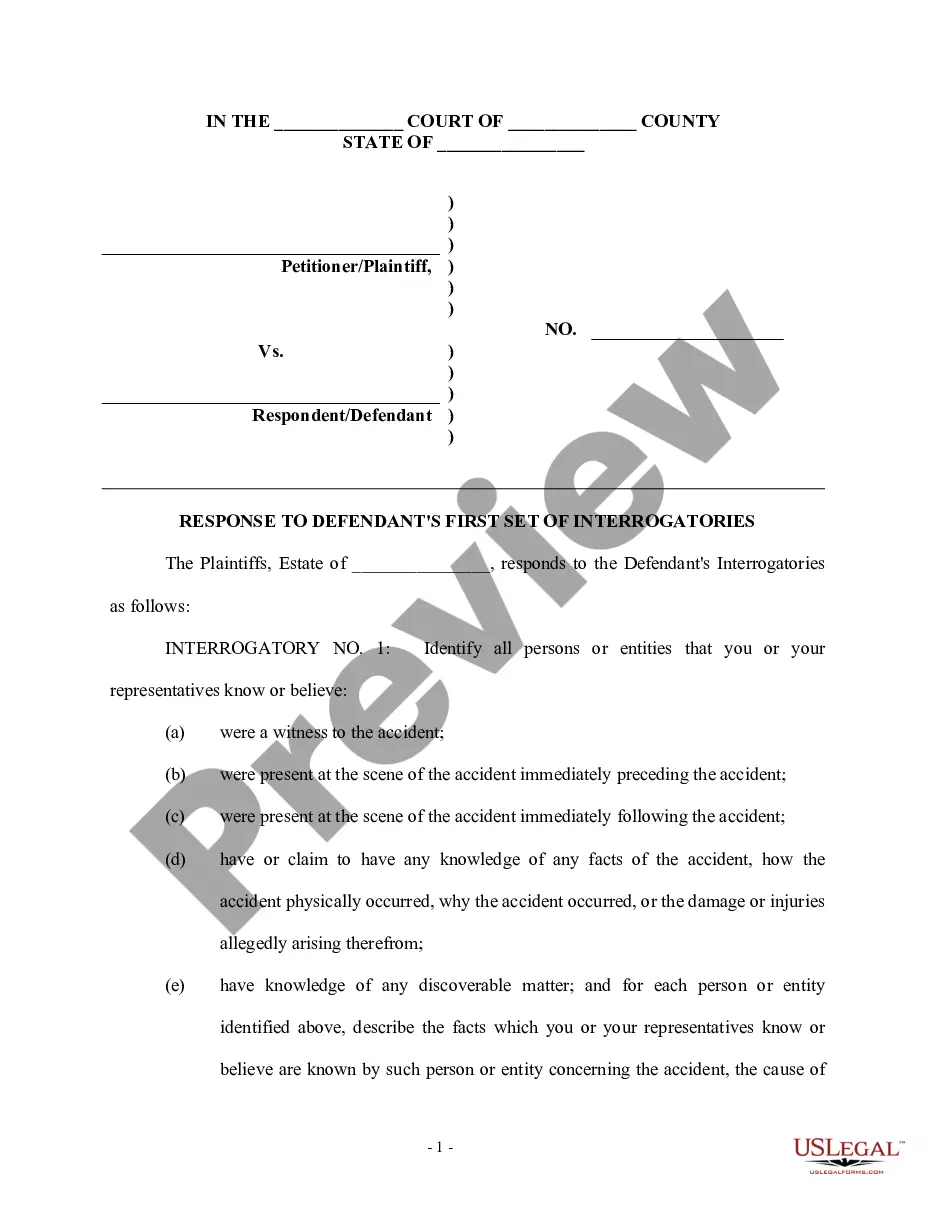
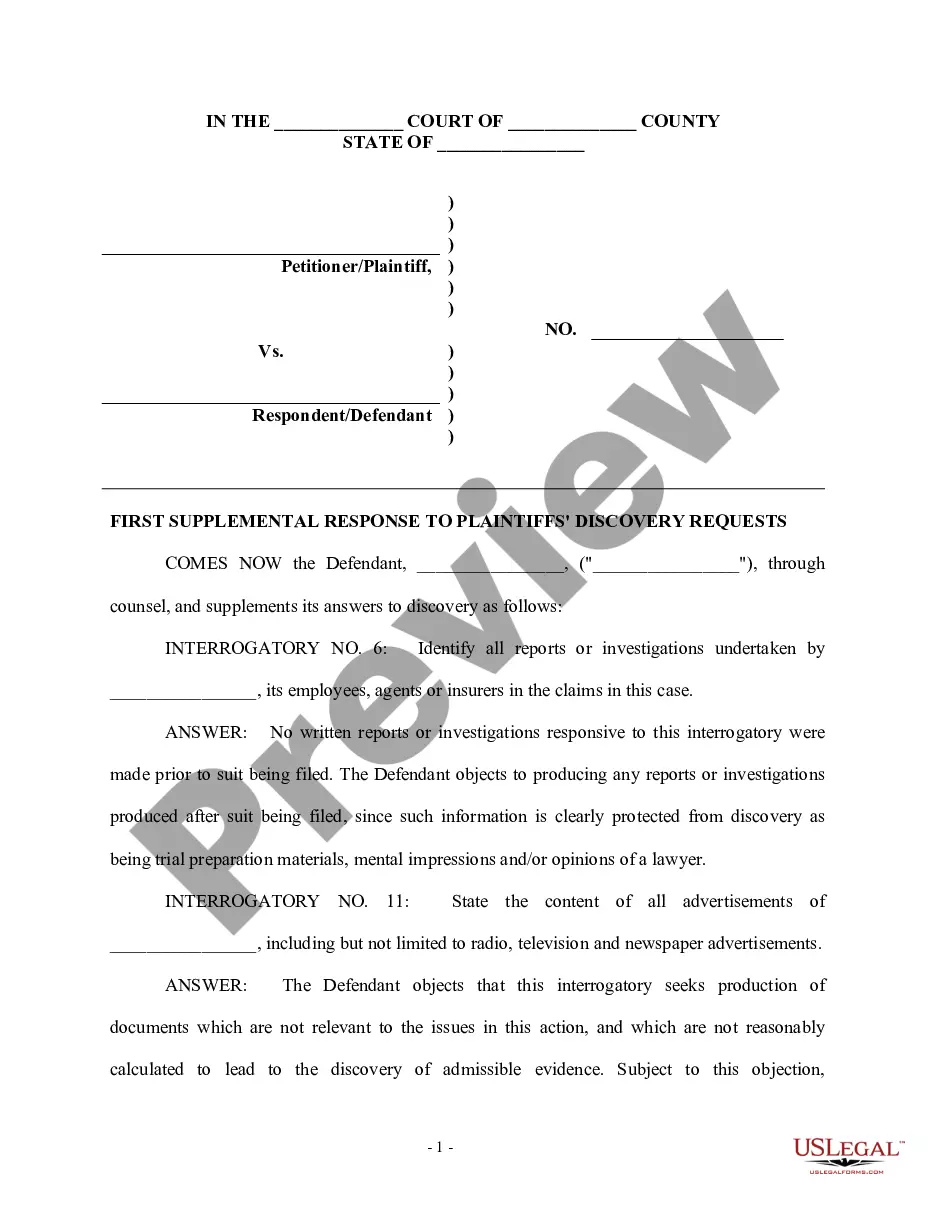
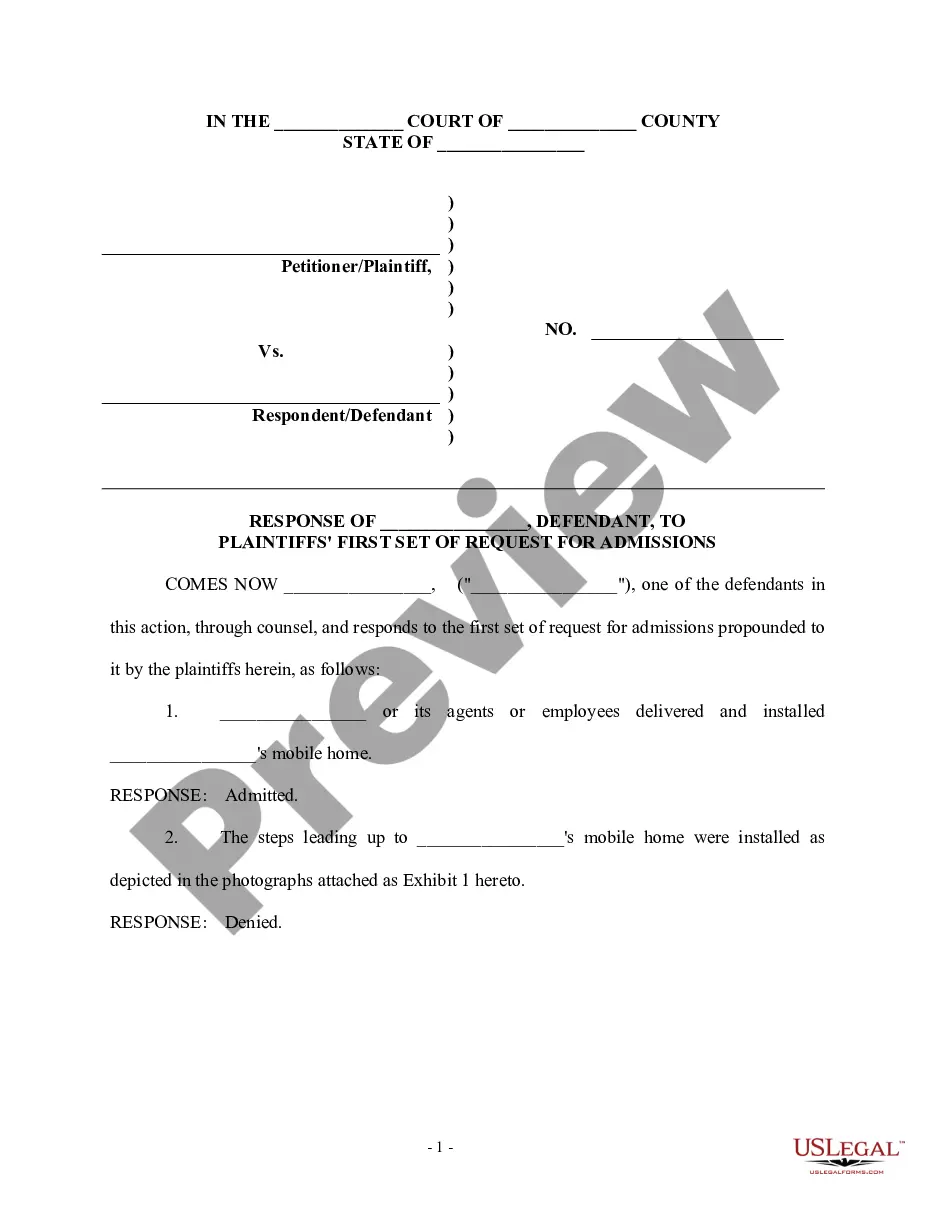
Responding To Supplemental Interrogatories California With Documents
Description


Get your form ready online
Our built-in tools help you complete, sign, share, and store your documents in one place.
Make edits, fill in missing information, and update formatting in US Legal Forms—just like you would in MS Word.
Download a copy, print it, send it by email, or mail it via USPS—whatever works best for your next step.
Sign and collect signatures with our SignNow integration. Send to multiple recipients, set reminders, and more. Go Premium to unlock E-Sign.
If this form requires notarization, complete it online through a secure video call—no need to meet a notary in person or wait for an appointment.
We protect your documents and personal data by following strict security and privacy standards.

Make edits, fill in missing information, and update formatting in US Legal Forms—just like you would in MS Word.

Download a copy, print it, send it by email, or mail it via USPS—whatever works best for your next step.

Sign and collect signatures with our SignNow integration. Send to multiple recipients, set reminders, and more. Go Premium to unlock E-Sign.

If this form requires notarization, complete it online through a secure video call—no need to meet a notary in person or wait for an appointment.

We protect your documents and personal data by following strict security and privacy standards.
Looking for another form?
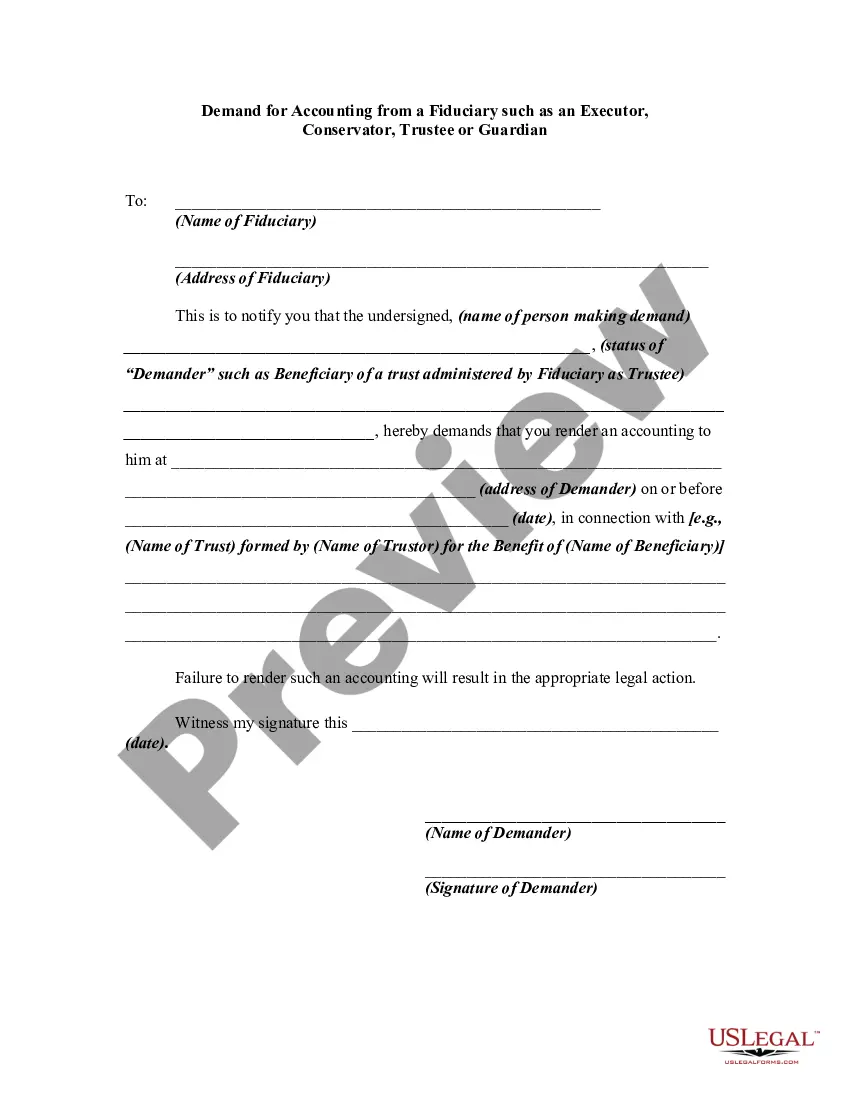
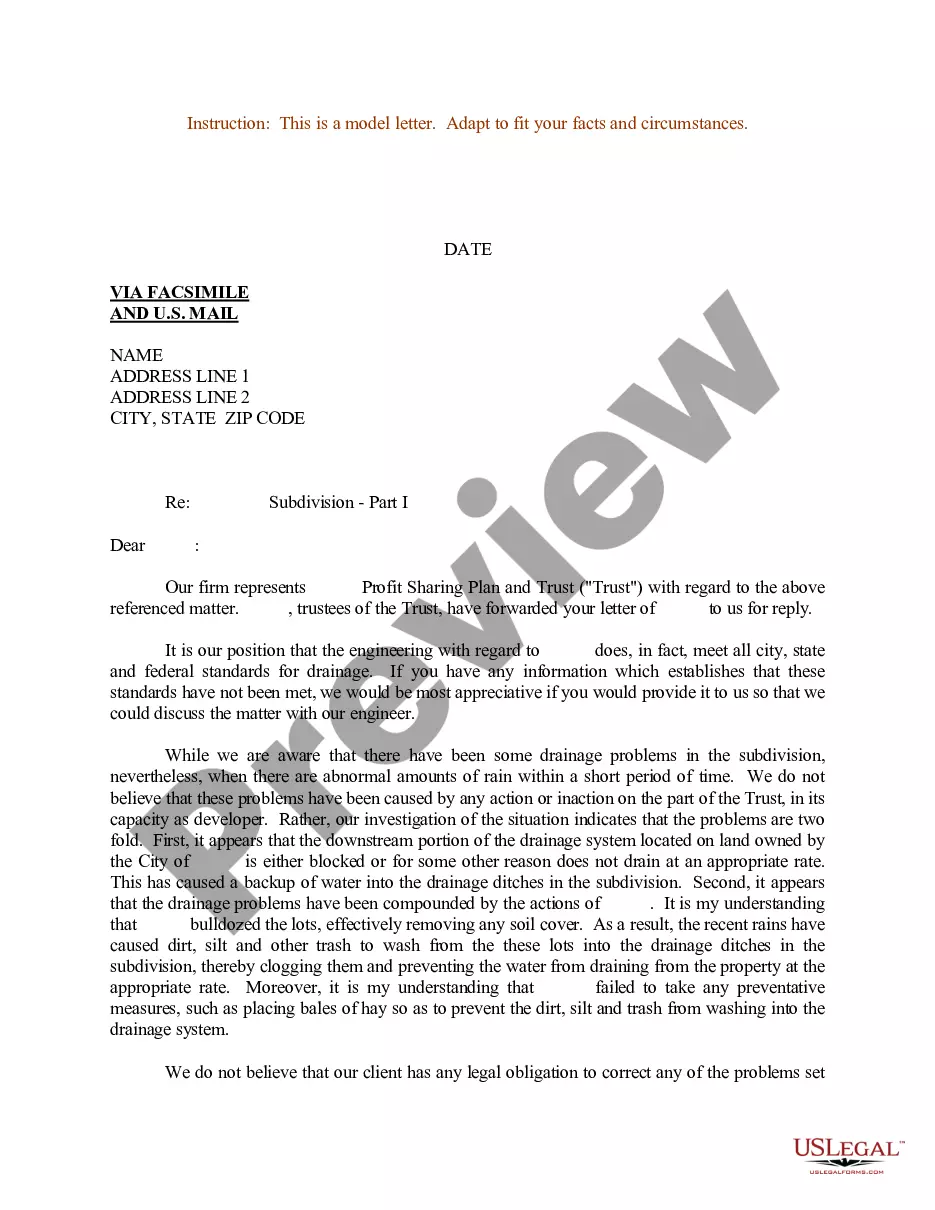
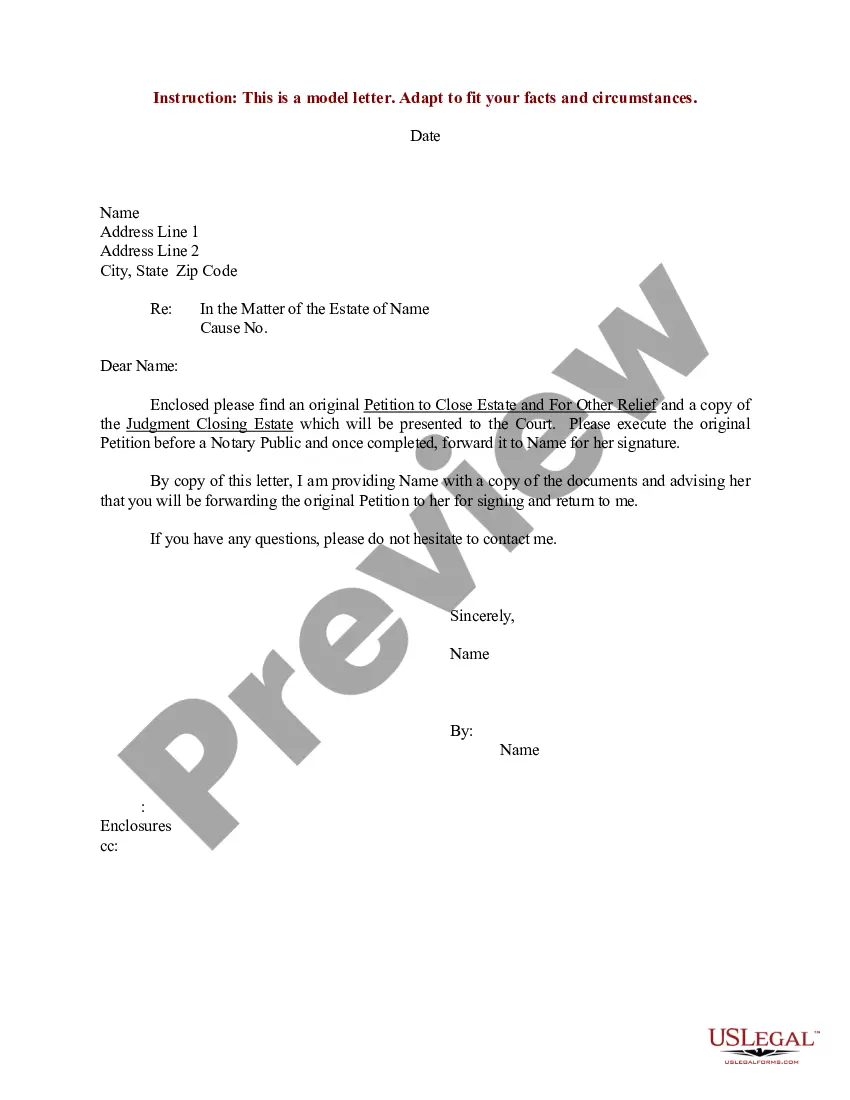
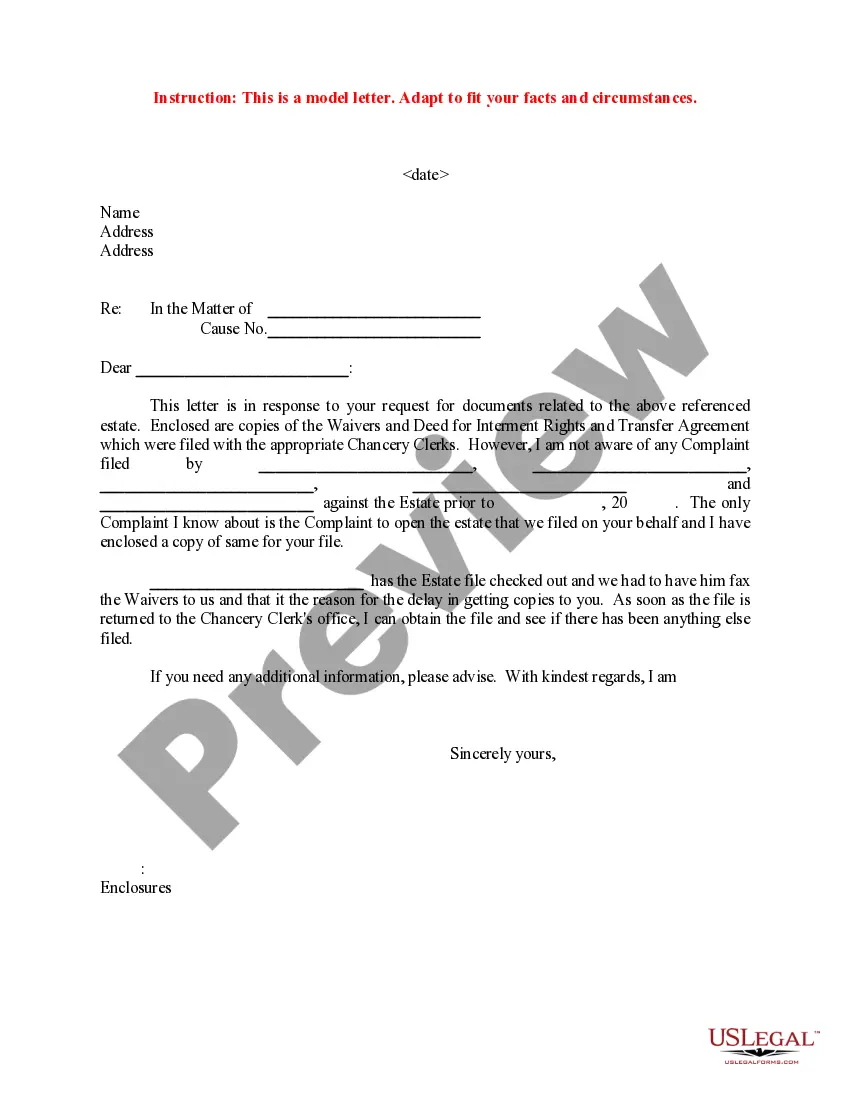
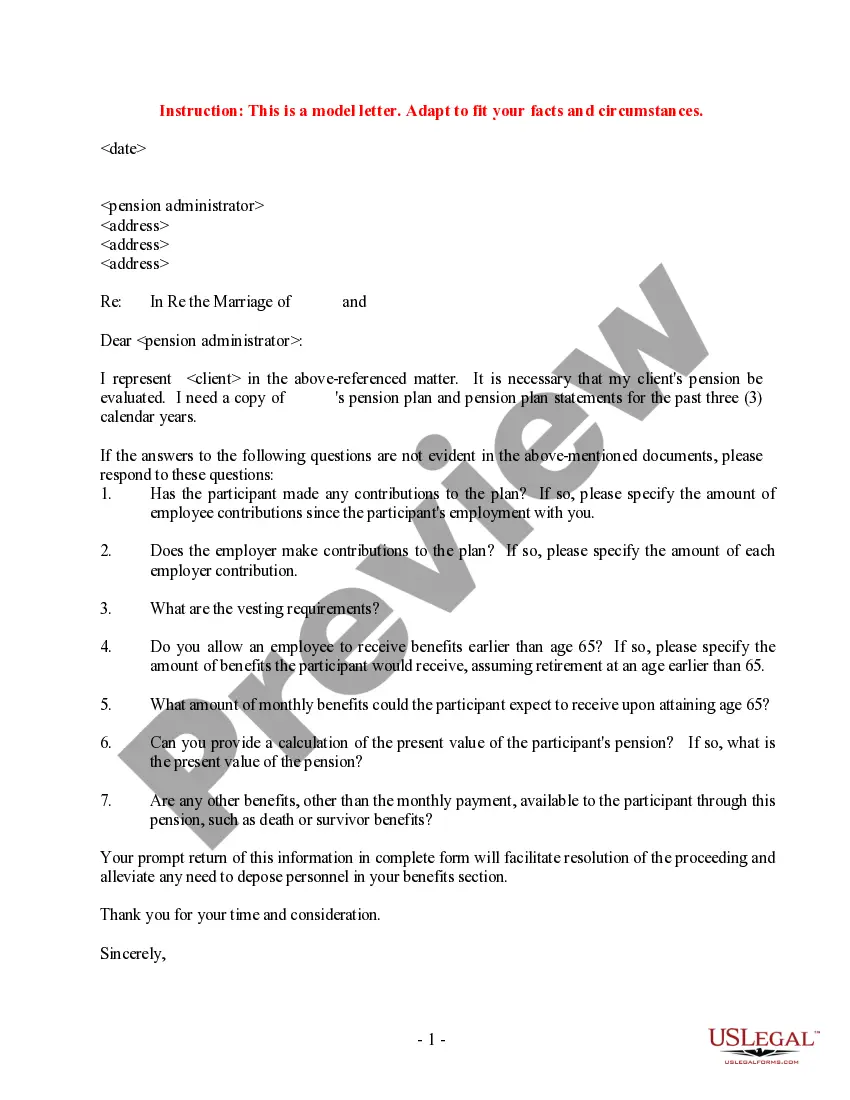
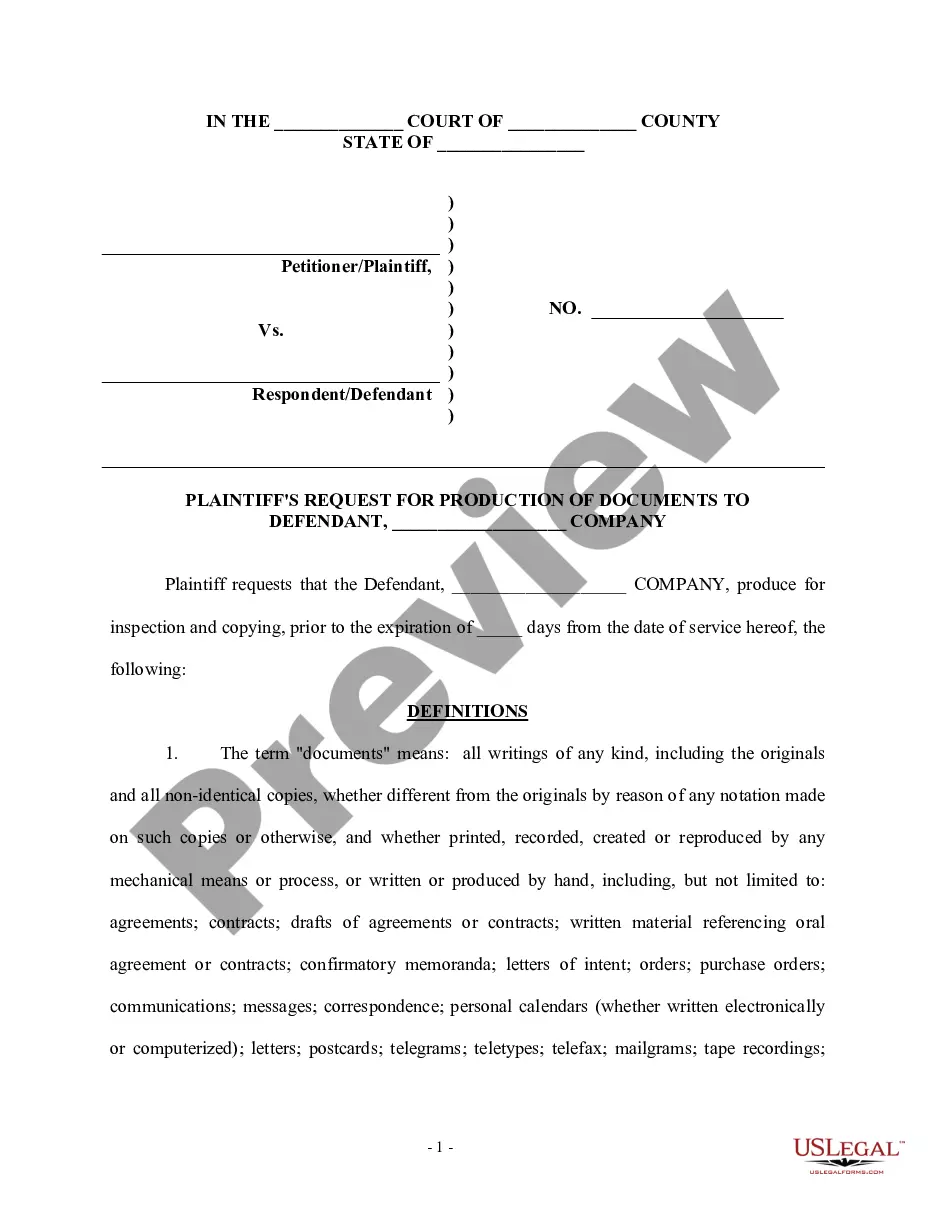

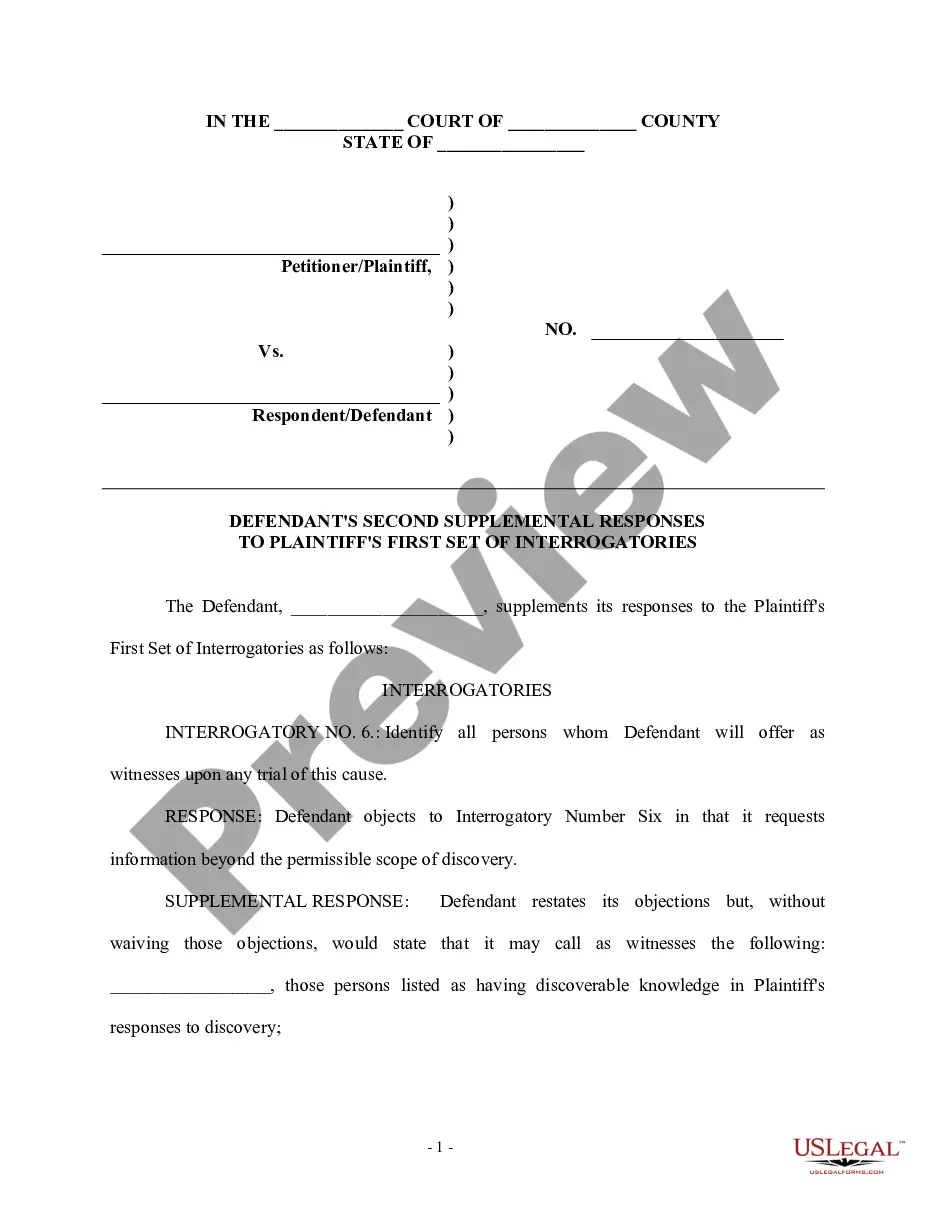
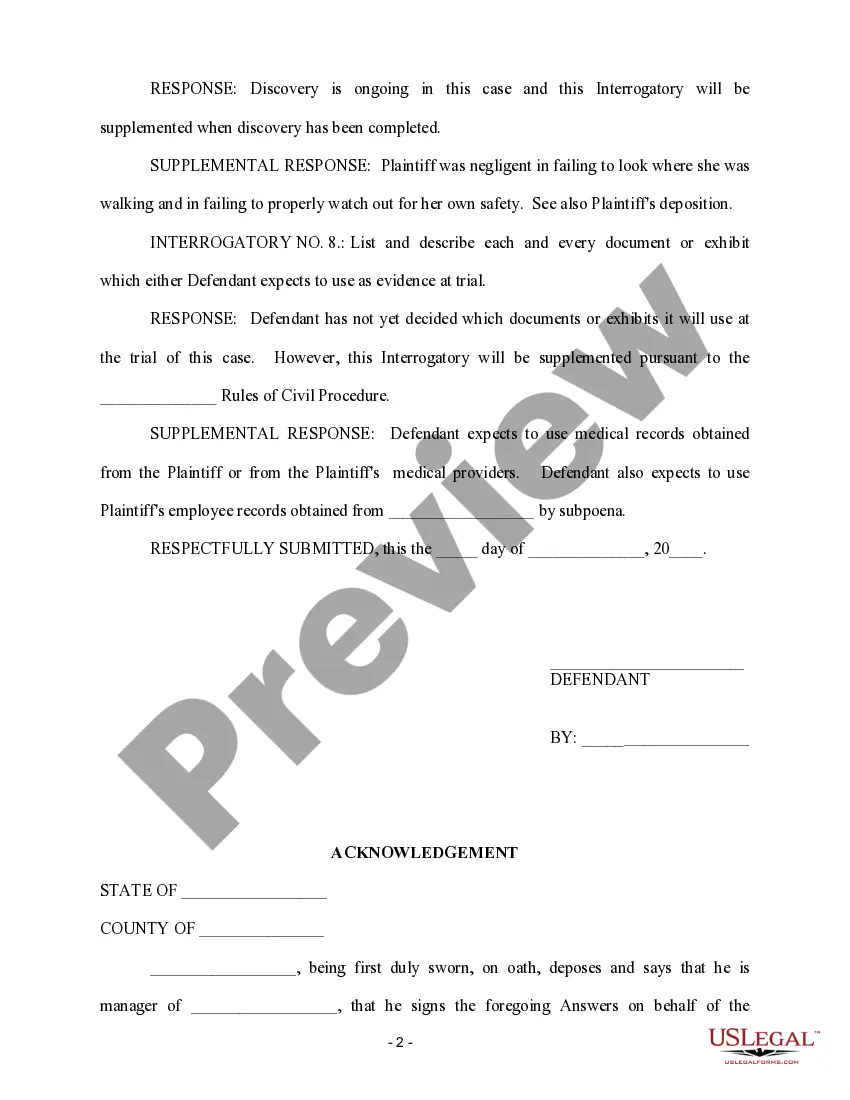
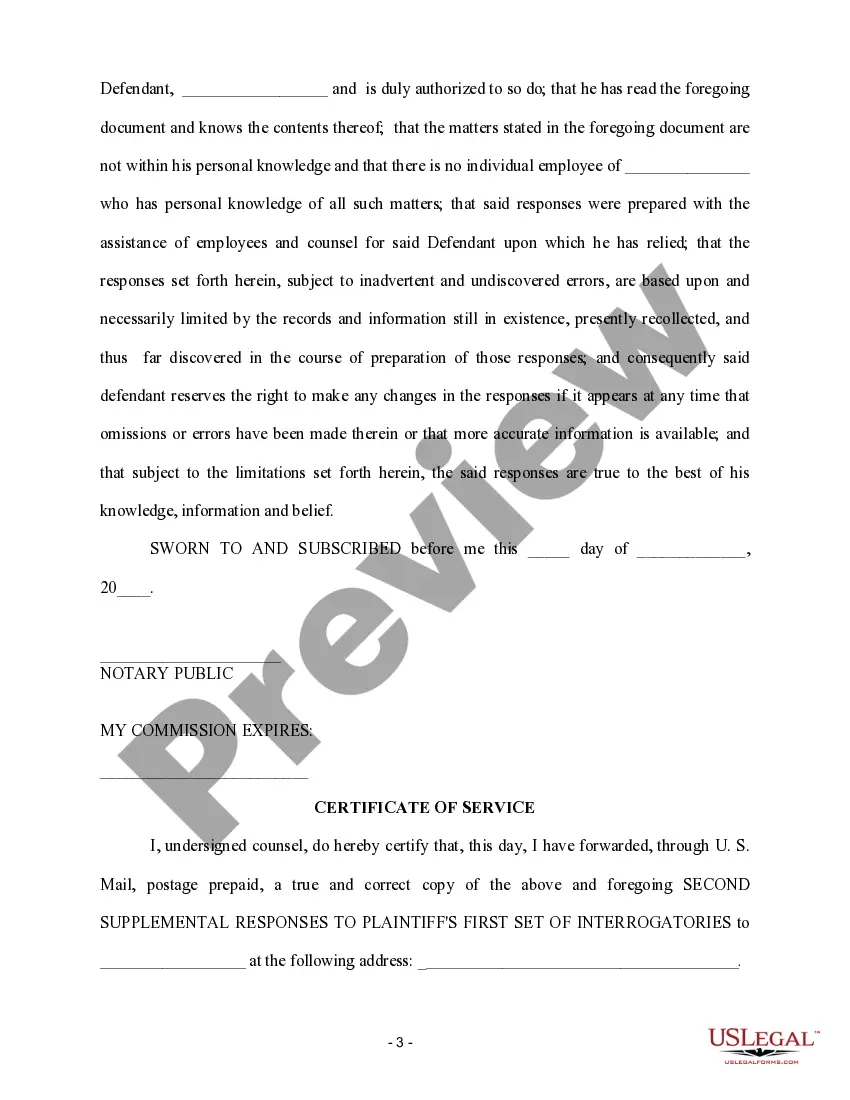
How to fill out Second Supplemental Responses To Plaintiff's First Set Of Interrogatories?
It’s widely acknowledged that one cannot transform into a legal expert instantaneously, nor can one swiftly master how to draft Responding To Supplemental Interrogatories California With Documents without possessing a specific expertise.
Formulating legal documents is a lengthy process necessitating a particular level of education and competencies. So why not entrust the crafting of the Responding To Supplemental Interrogatories California With Documents to the specialists.
With US Legal Forms, featuring one of the most comprehensive legal documentation libraries, you can find everything from judicial documents to templates for internal business communication. We recognize the significance of compliance and adherence to federal and state laws and regulations. That’s why, on our platform, every form is tailored to specific locations and current.
You can re-access your documents from the My documents section at any moment. If you are a returning client, you can simply Log In and locate and download the template from the same section.
Regardless of the intention behind your documents—be it for financial, legal, or personal matters—our platform addresses your needs. Experience US Legal Forms today!
- Initiate by utilizing the search bar at the upper section of the page to locate the document you require.
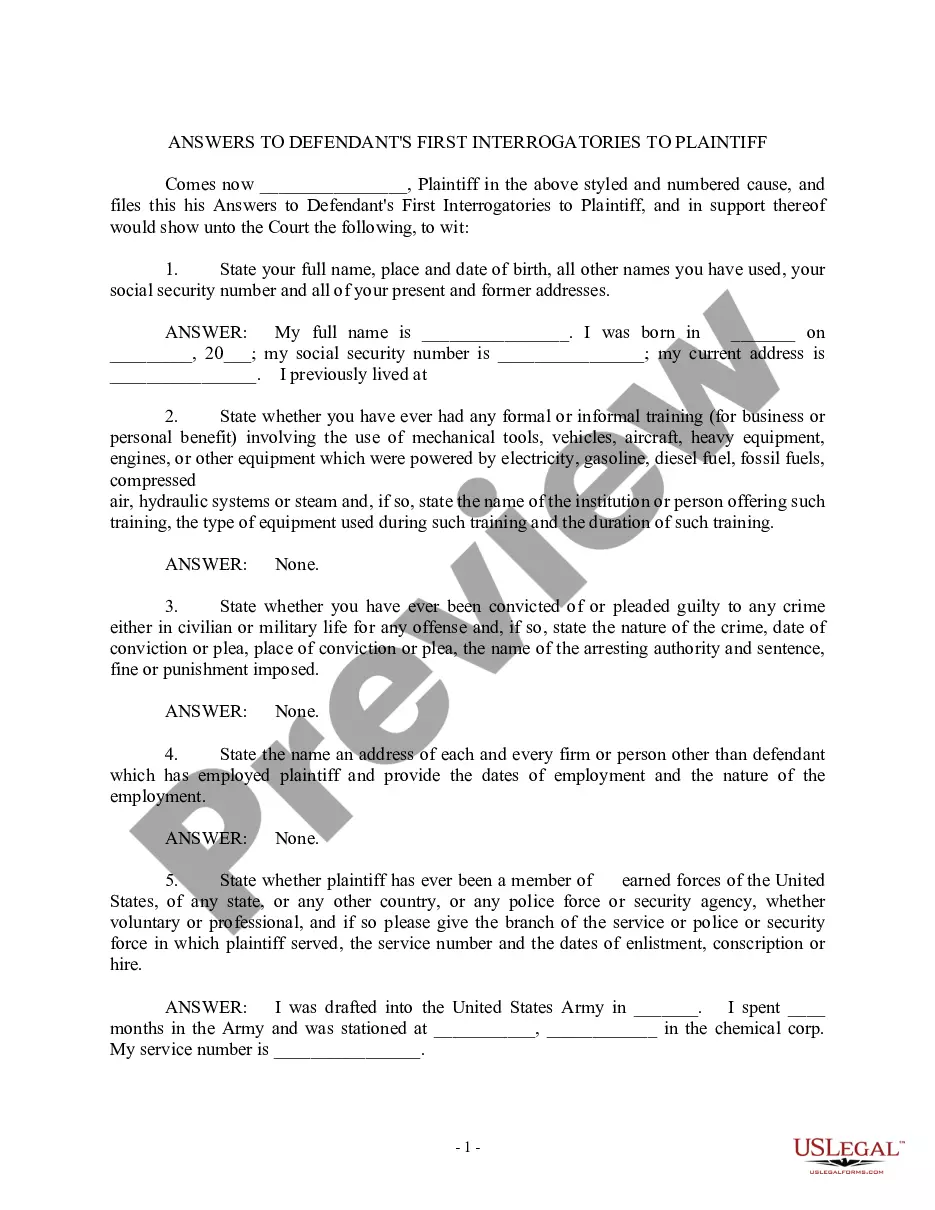
- If available, preview it and review the accompanying description to ascertain whether Responding To Supplemental Interrogatories California With Documents meets your needs.
- If you need a different template, reset your search.
- Create a complimentary account and choose a subscription plan to acquire the template.
- Select Buy now. Once the transaction is completed, you can access the Responding To Supplemental Interrogatories California With Documents, finalize it, print it, and send or mail it to the intended recipients or organizations.
Form popularity
FAQ
I am producing all of the requested documents that exist. I am producing all of the requested documents in my possession. I have requested copies of additional documents and expect to produce them by ___________________________ (date).
Fill out the basic information You are the Asking Party. The other side is the Answering Party. Set No. refers to the number of times you've sent form interrogatories. ... On the form, check the box at the bottom of page 1 next to the word INCIDENT if your case is about a single event.
How to respond to Requests for Production Download the blank response template and fill in basic information. ... Prepare the template for your responses. ... Read and answer the questions. ... Sign the document.
Each supplemental or further response and each amended answer must be identified by the same number or letter and be in the same sequence as the corresponding interrogatory, inspection demand, or admission request, but the text of the interrogatory, demand, or request need not be repeated.
There is no form for your answer, but you typically have to respond in a specified format, using paper with numbers down the left-hand side, with your name and address at the top left, the name of the court and of the case, and the case number.