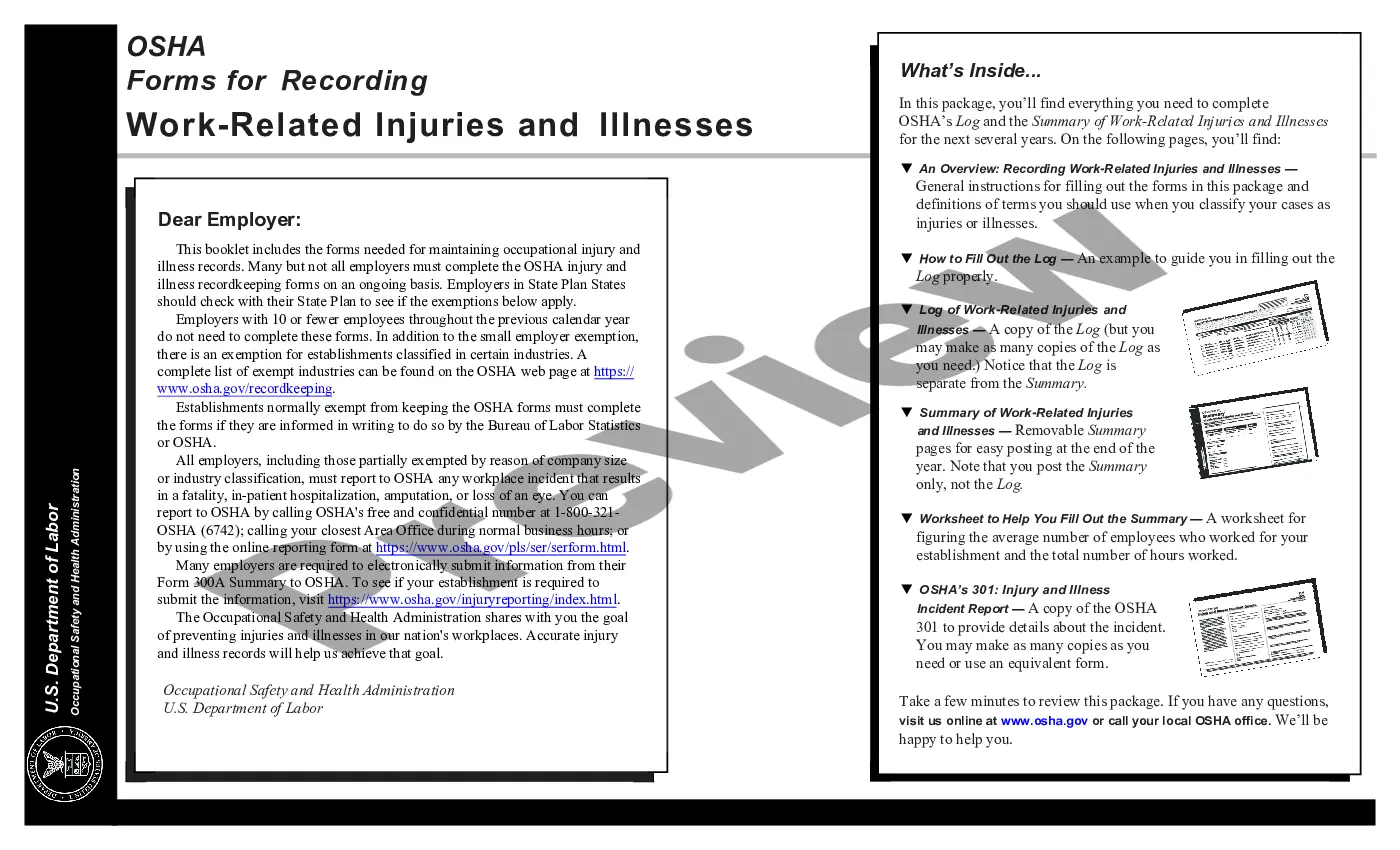
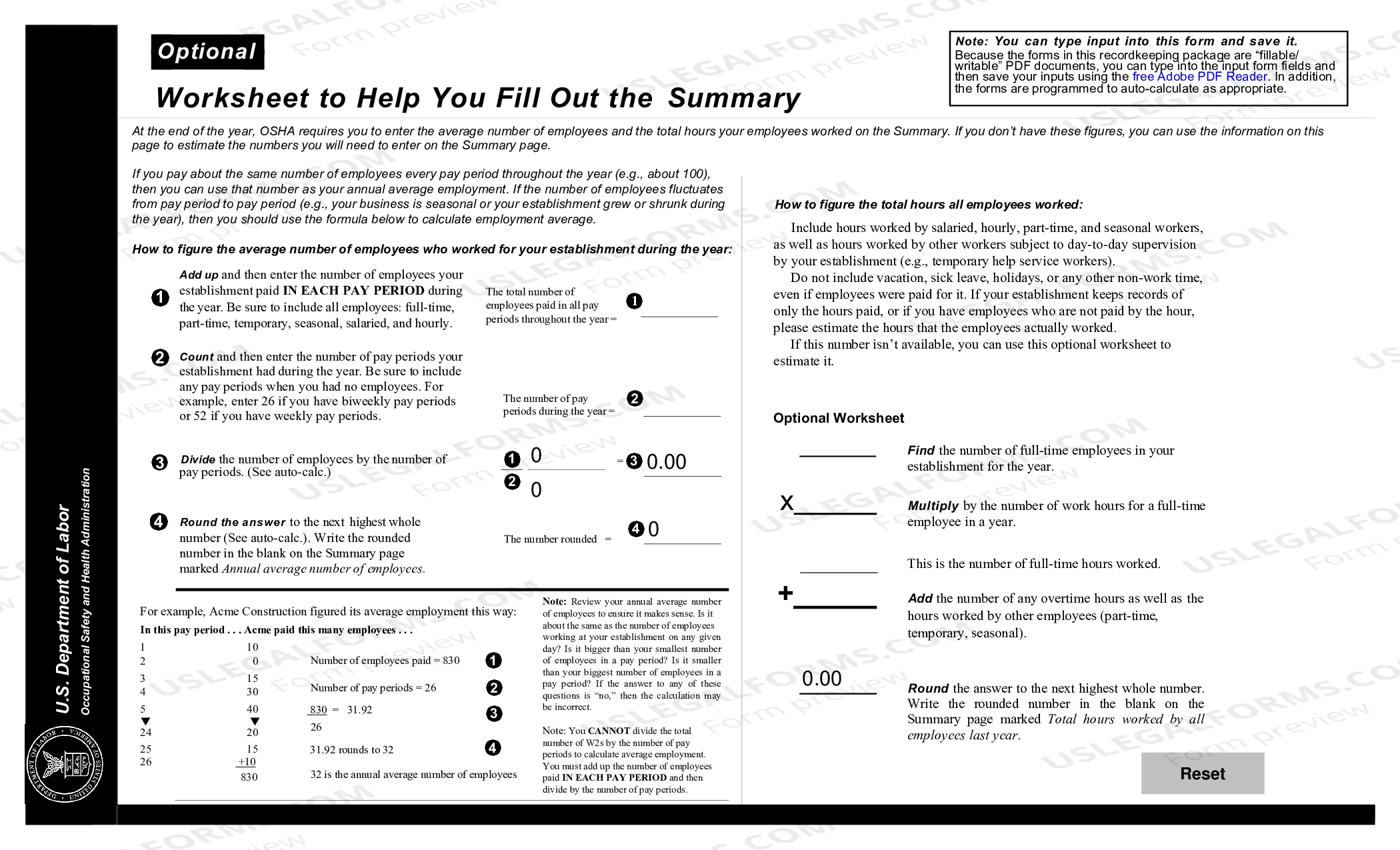
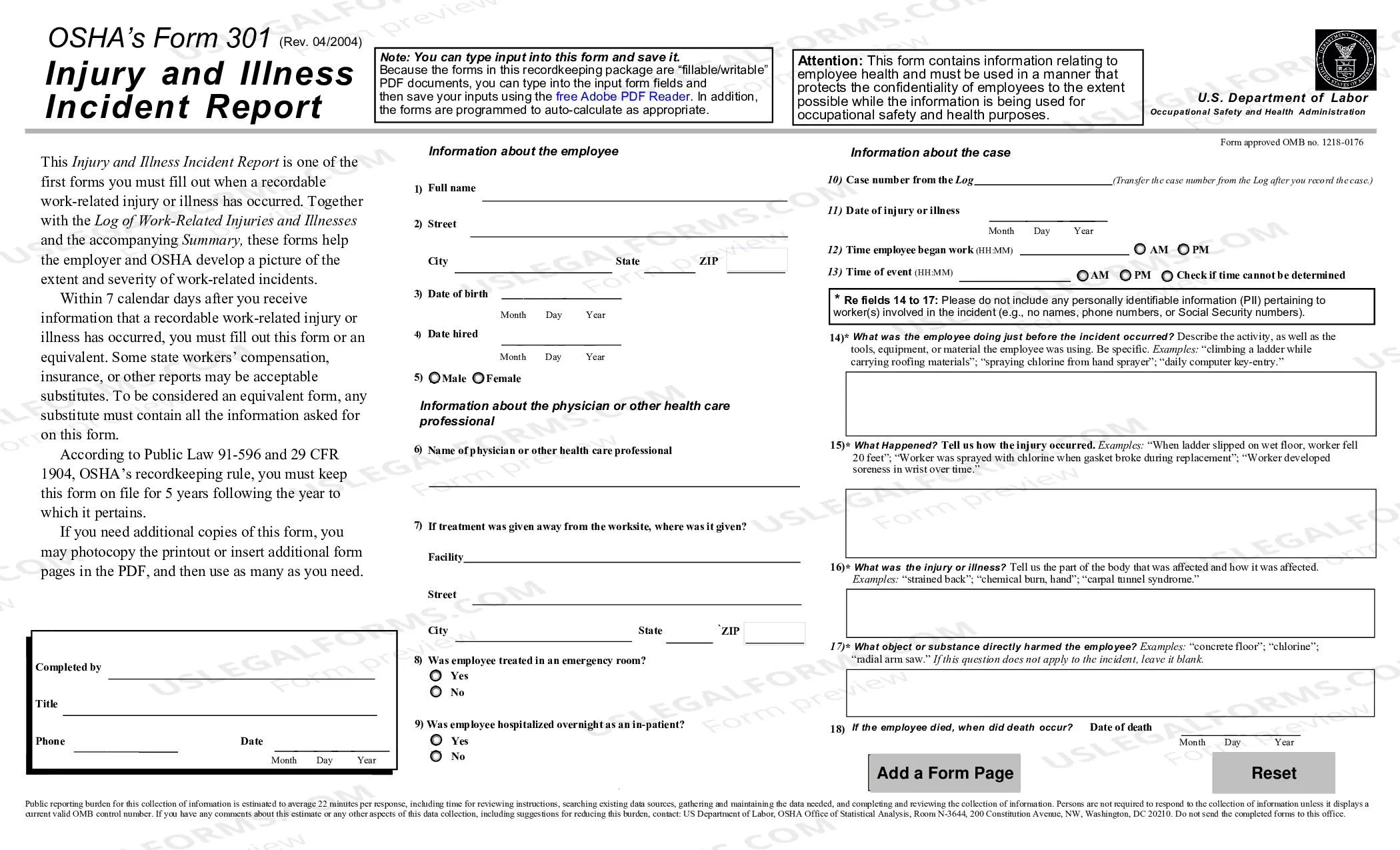
In this package, you’ll find everything you need to complete OSHA’s Log and the Log Summary of Work-Related Injuries and Illnesses for the next several years, including An Overview: Recording Work-Related Injuries and Illnesses, How to Fill Out the Log, Log of Work-Related Injuries and Illnesses, Summary of Work-Related Injuries and Illnesses, Worksheet to Help You Fill Out the Summary, and OSHA’s 301: Injury and Illness Incident
Report.
Osha 300 Log Explained
Instant download
This website is not affiliated with any governmental entity
Public form
Description
Free preview
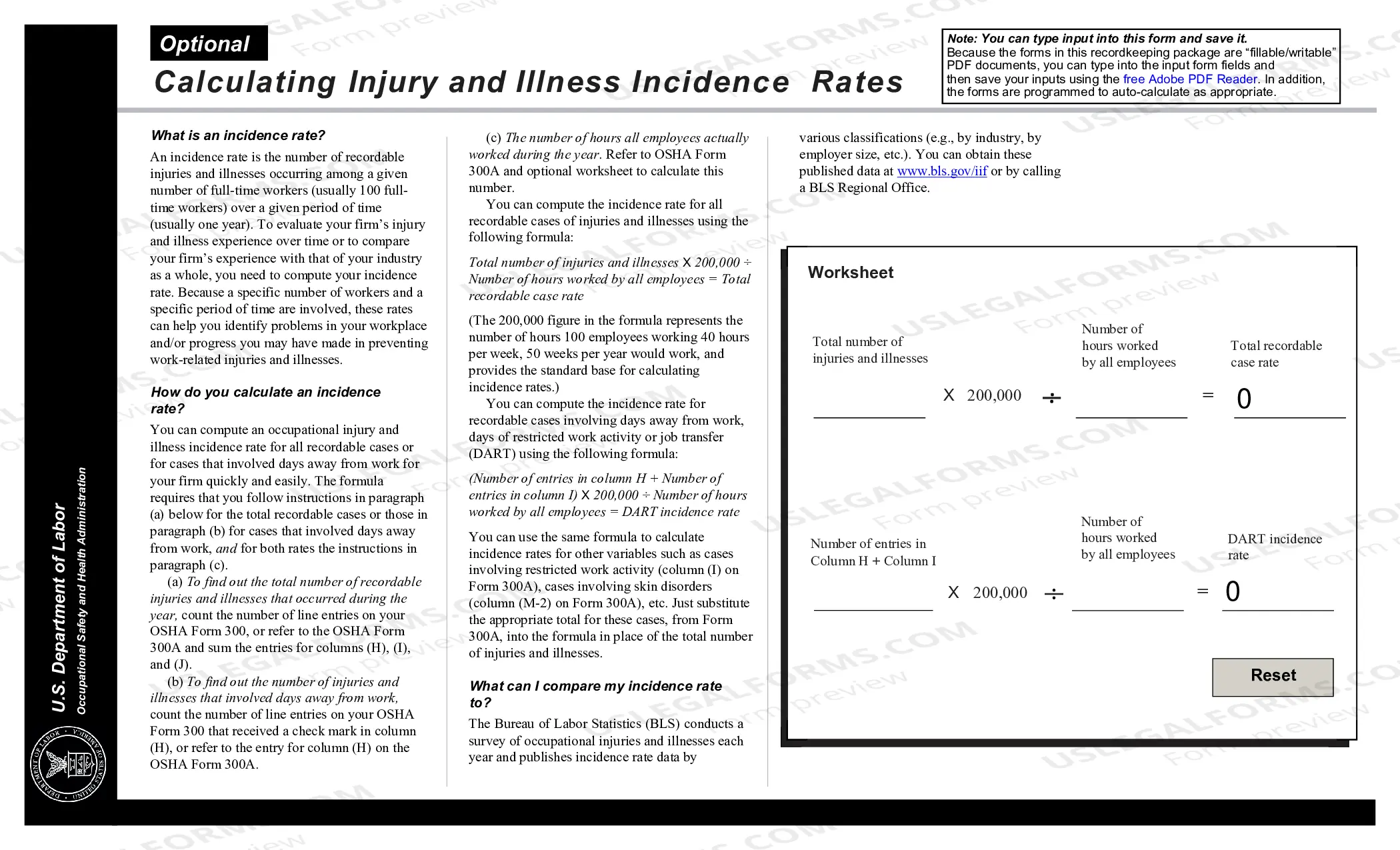
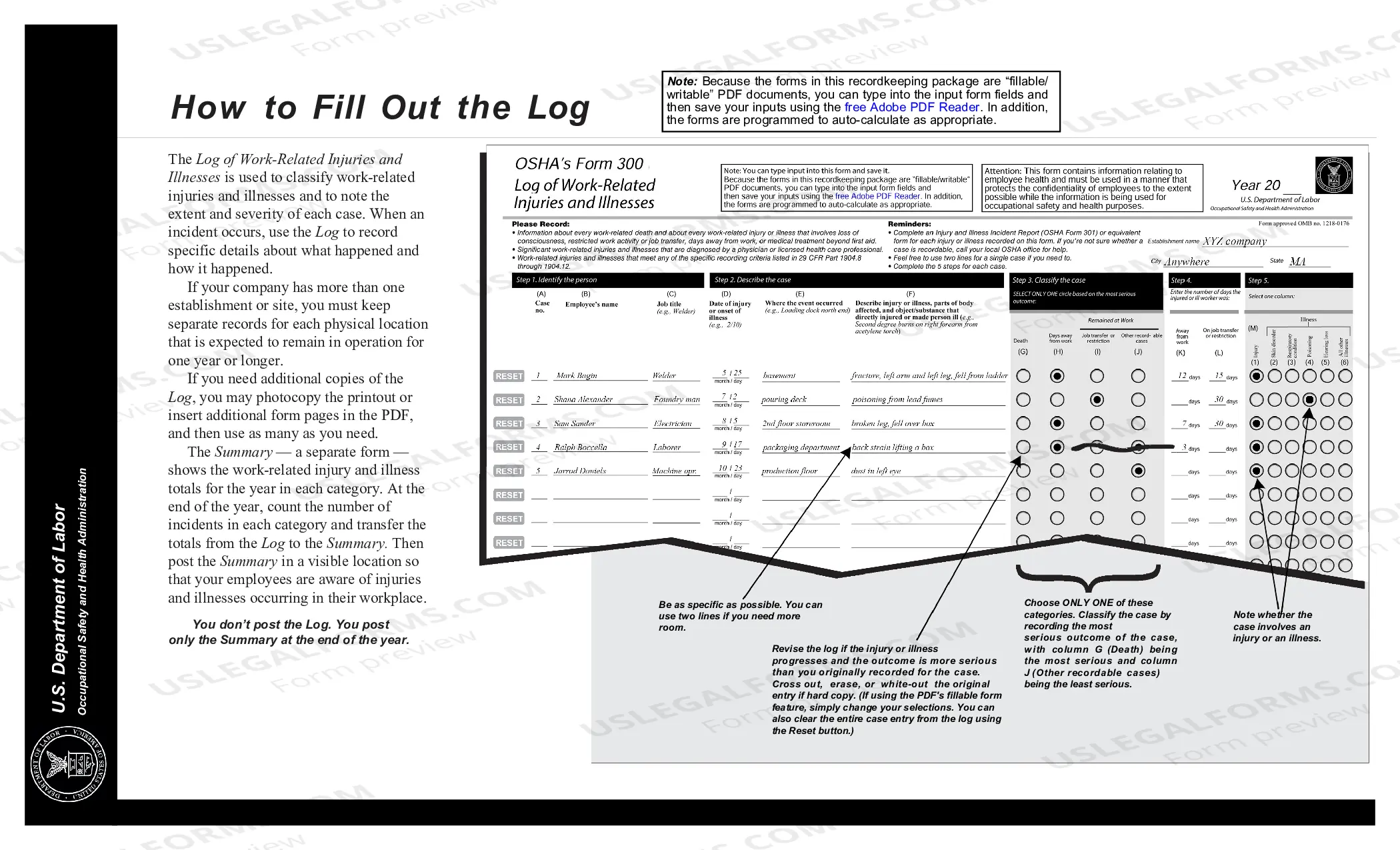
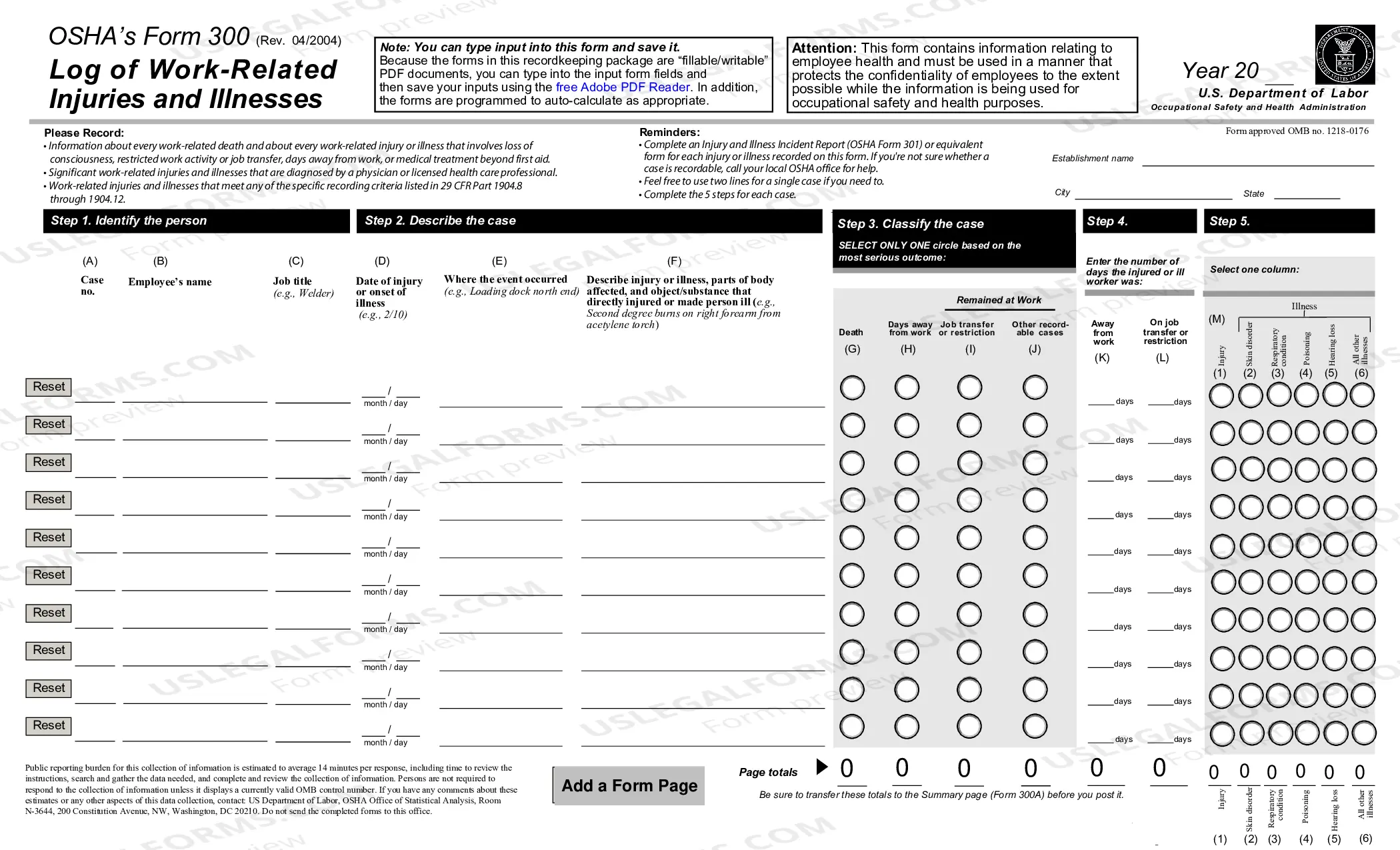
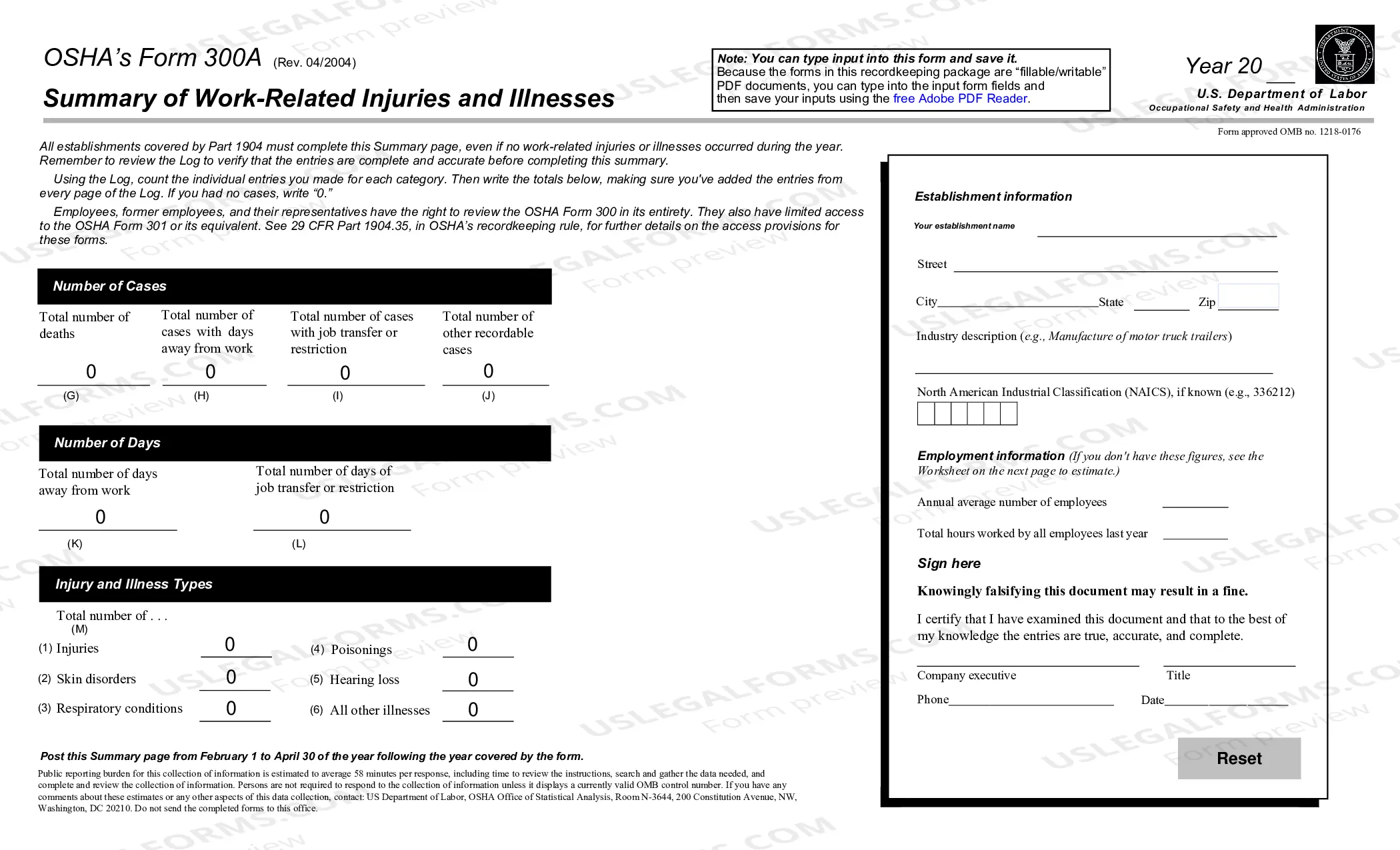

Get your form ready online
Our built-in tools help you complete, sign, share, and store your documents in one place.
Built-in online Word editor
Make edits, fill in missing information, and update formatting in US Legal Forms—just like you would in MS Word.
Export easily
Download a copy, print it, send it by email, or mail it via USPS—whatever works best for your next step.
E-sign your document
Sign and collect signatures with our SignNow integration. Send to multiple recipients, set reminders, and more. Go Premium to unlock E-Sign.
Notarize online 24/7
If this form requires notarization, complete it online through a secure video call—no need to meet a notary in person or wait for an appointment.
Store your document securely
We protect your documents and personal data by following strict security and privacy standards.

Make edits, fill in missing information, and update formatting in US Legal Forms—just like you would in MS Word.

Download a copy, print it, send it by email, or mail it via USPS—whatever works best for your next step.

Sign and collect signatures with our SignNow integration. Send to multiple recipients, set reminders, and more. Go Premium to unlock E-Sign.

If this form requires notarization, complete it online through a secure video call—no need to meet a notary in person or wait for an appointment.

We protect your documents and personal data by following strict security and privacy standards.
Looking for another form?




How to fill out OSHA Forms For Recording Work-Related Injuries And Illnesses?
Getting a go-to place to access the most recent and relevant legal samples is half the struggle of handling bureaucracy. Choosing the right legal papers needs precision and attention to detail, which explains why it is crucial to take samples of Osha 300 Log Explained only from reliable sources, like US Legal Forms. A wrong template will waste your time and hold off the situation you are in. With US Legal Forms, you have little to worry about. You may access and see all the details concerning the document’s use and relevance for the situation and in your state or county.
Take the following steps to complete your Osha 300 Log Explained:
- Utilize the catalog navigation or search field to locate your template.
- Open the form’s description to check if it suits the requirements of your state and area.
- Open the form preview, if available, to ensure the template is the one you are looking for.
- Go back to the search and look for the right document if the Osha 300 Log Explained does not suit your needs.
- If you are positive about the form’s relevance, download it.
- When you are a registered customer, click Log in to authenticate and gain access to your picked forms in My Forms.
- If you do not have an account yet, click Buy now to get the template.
- Choose the pricing plan that suits your needs.
- Go on to the registration to finalize your purchase.
- Finalize your purchase by selecting a transaction method (credit card or PayPal).
- Choose the document format for downloading Osha 300 Log Explained.
- When you have the form on your gadget, you can alter it using the editor or print it and finish it manually.
Remove the hassle that comes with your legal paperwork. Discover the extensive US Legal Forms catalog where you can find legal samples, examine their relevance to your situation, and download them immediately.
Form popularity
FAQ
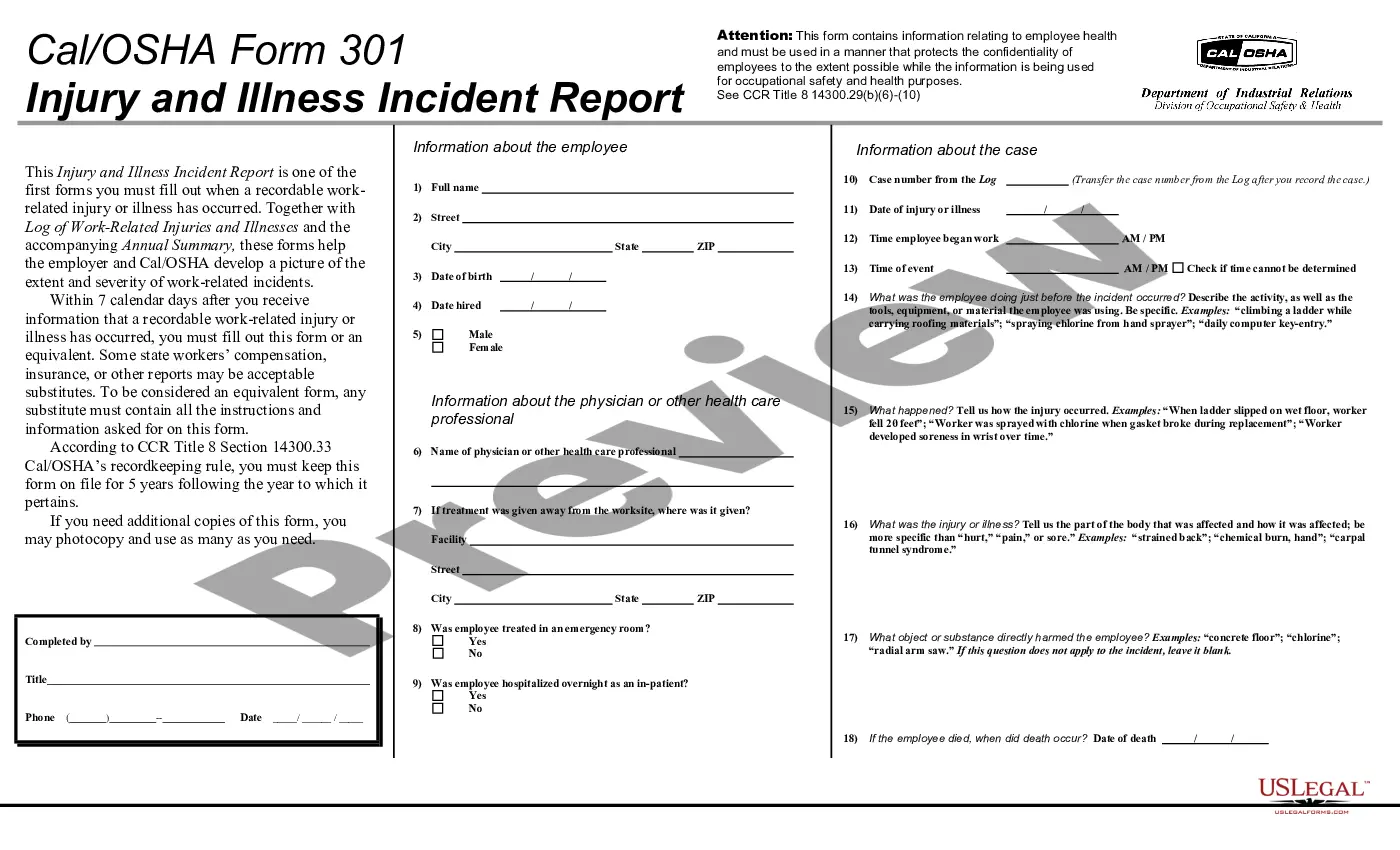
What Information Must Be Entered on OSHA Form 301? Basic information about the employee, such as name, address, and when hired. The date and time of the incident. What the employee was doing just before the incident. How the injury or illness occurred. What part of the body was affected.
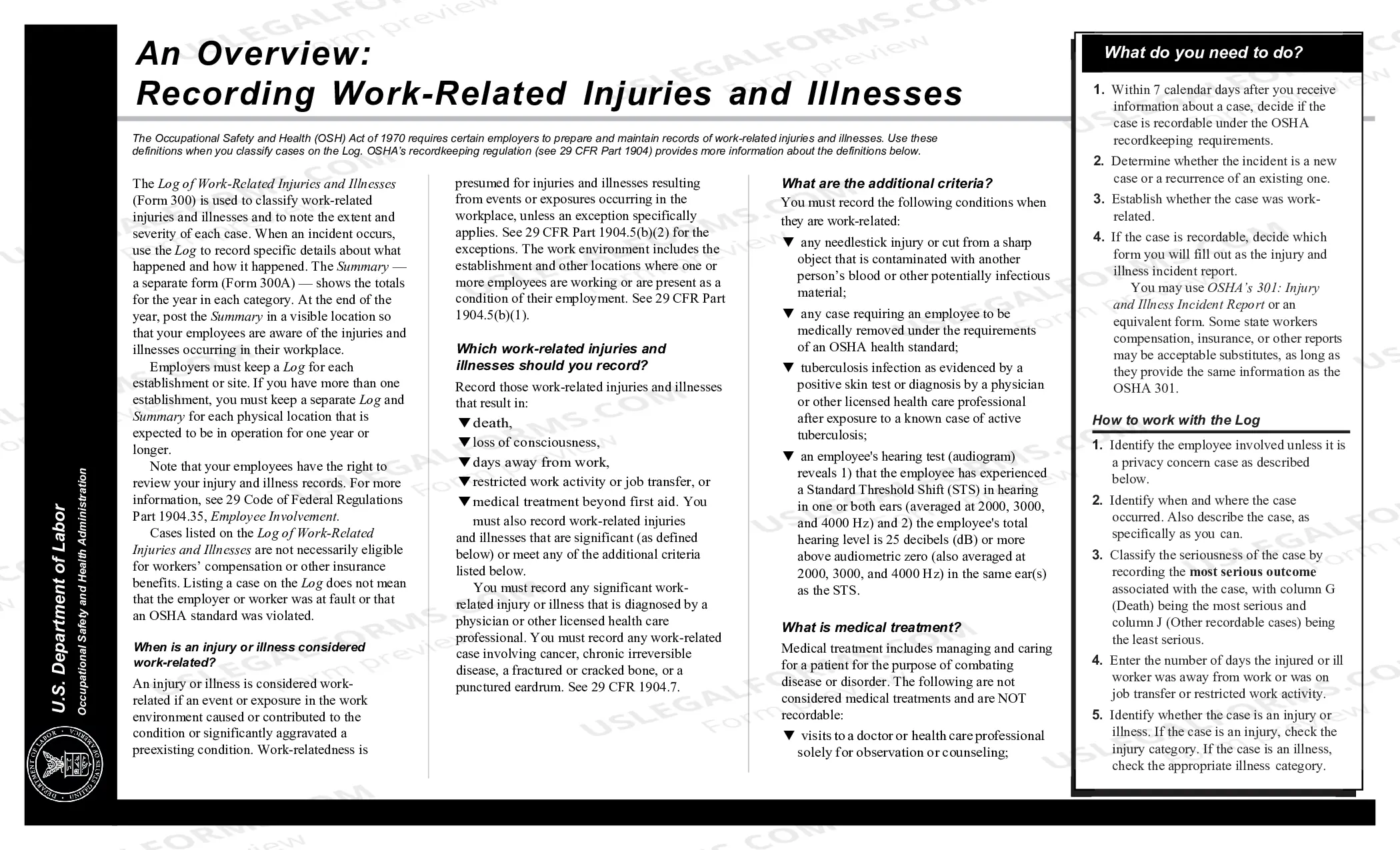
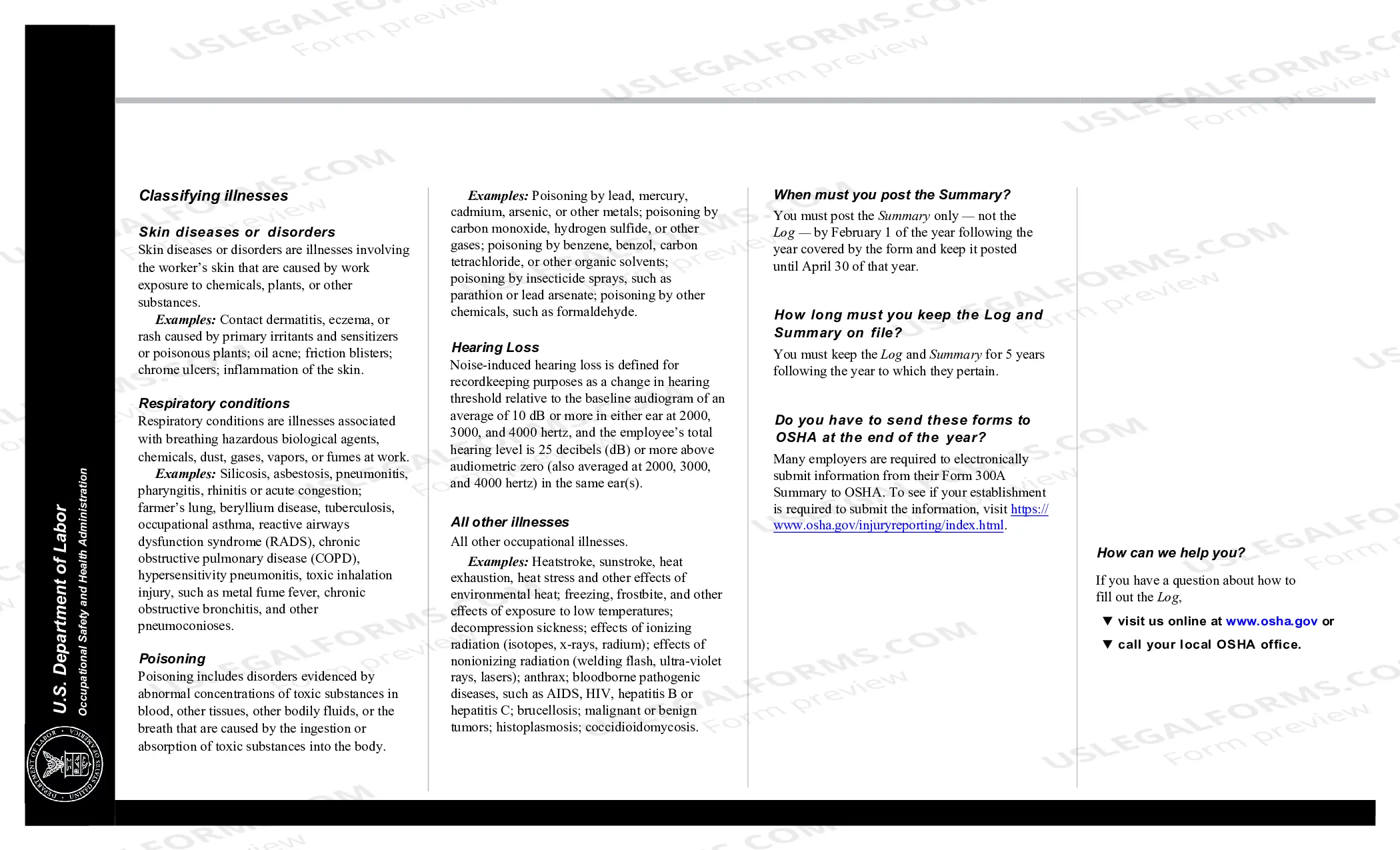
The OSHA 300 Log requires employers to check one of 6 boxes to categorize the injury/illness: (1) injury (2) skin disorder (3) respiratory condition (4) poisoning (5) hearing loss (6) all other illnesses. There are spaces to record days of job transfer or work restriction, as well as days away from work.
OSHA 300 Log is a detailed log of workplaces injuries and illnesses that is used for reference and archive purposes. It needs to be filed ing to OSHA rules. Under no circumstances should the OSHA 300 Log be publicly posted. OSHA Form 300A is a summary of Form 300 with personal information removed.
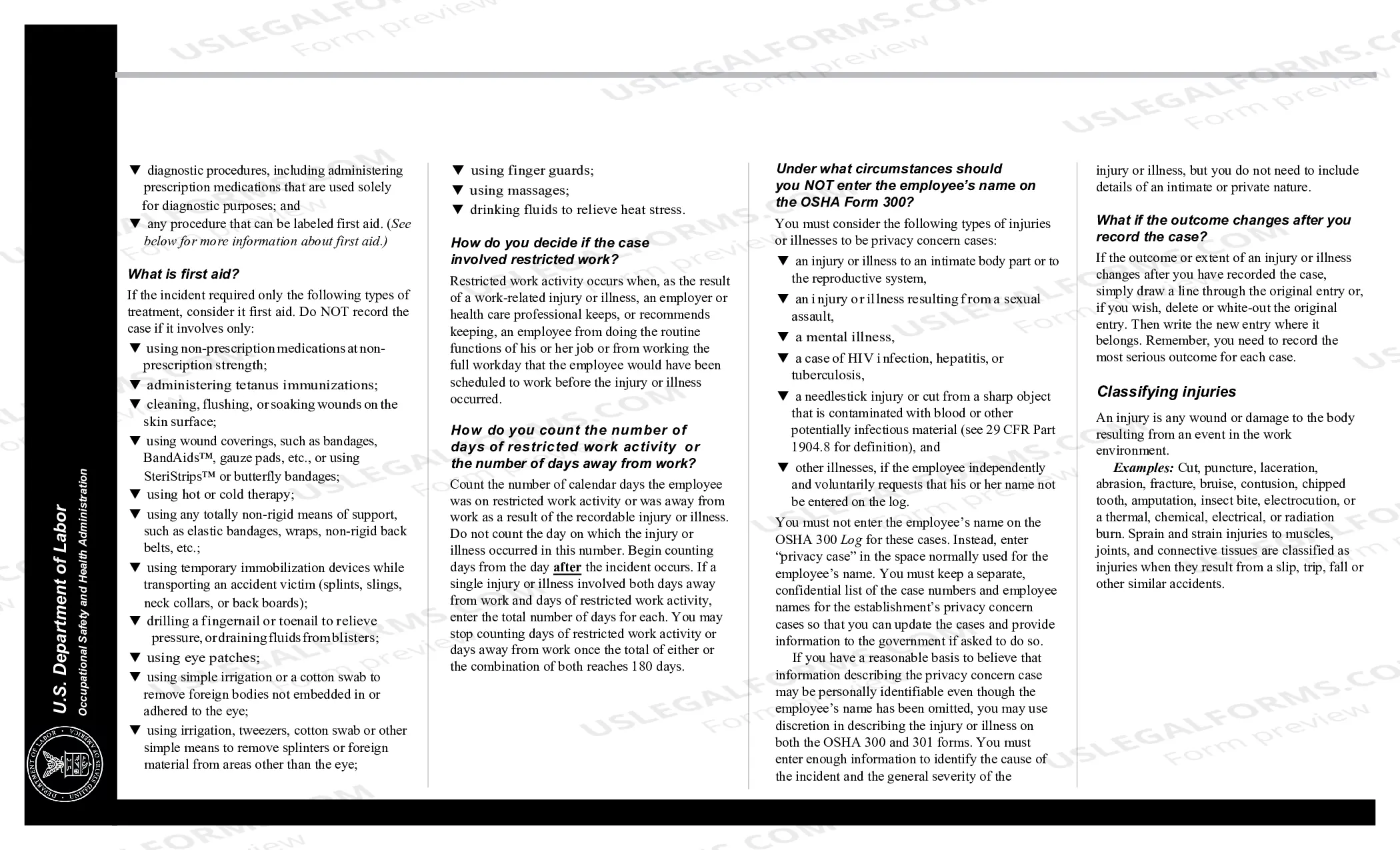
If an employer has a ?privacy concern? case, the employer is prohibited by the OSHA privacy policy from entering the employee's name on the OSHA 300 Log. The employer must instead, under the OSHA privacy policy, enter the phrase ?privacy case? in the space normally used for the employee's name.
Using the Form 300, count the individual entries you made for each category. Then write the totals on the left side of the Form 300A, making sure you've added the entries from every page of the log. If you had no cases, write in a zero. On the right side of the Form 300A, fill in the establishment information.