Nda Agreement For Website Development
Description
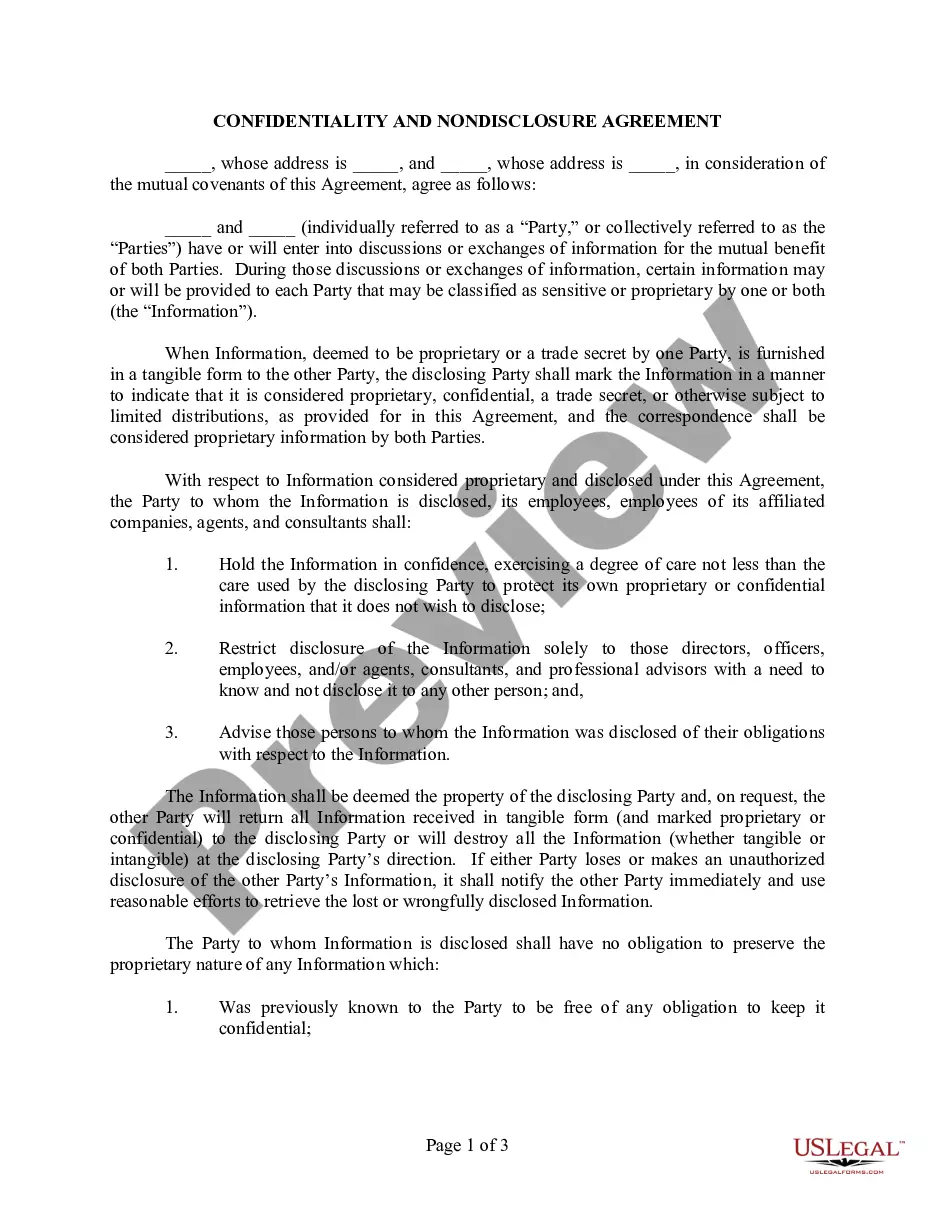
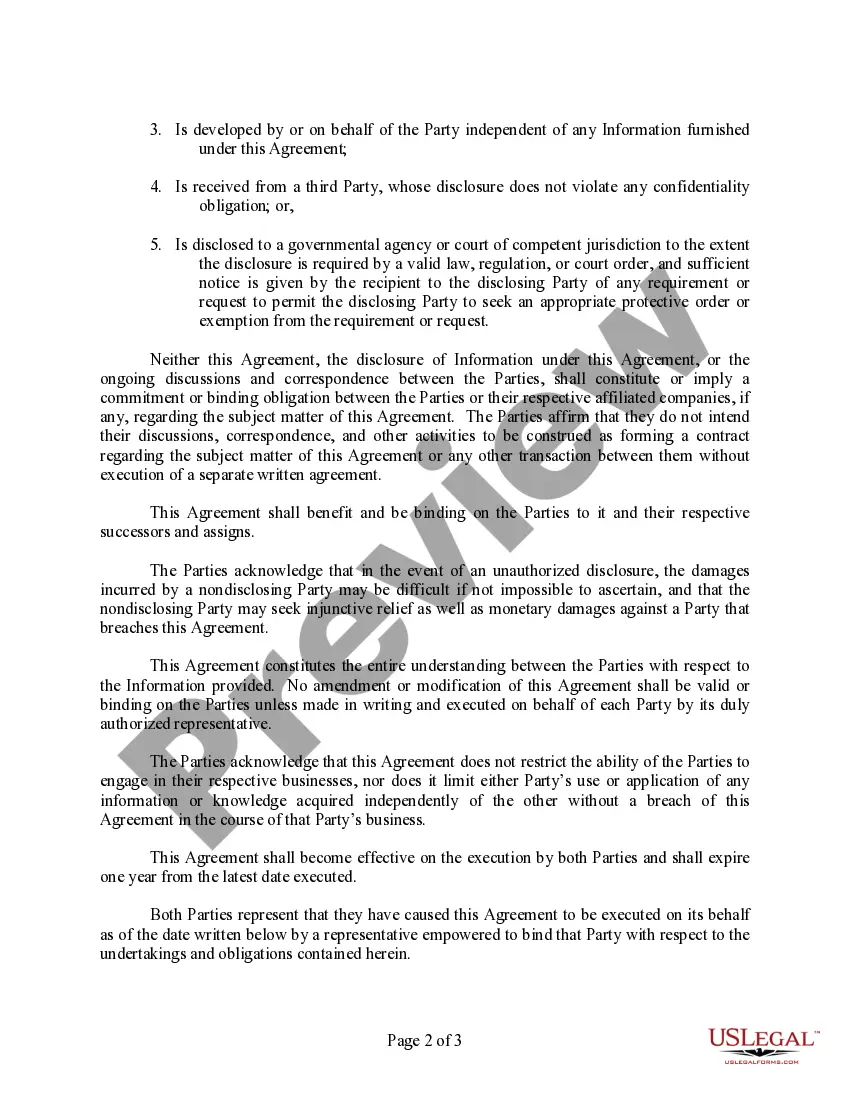
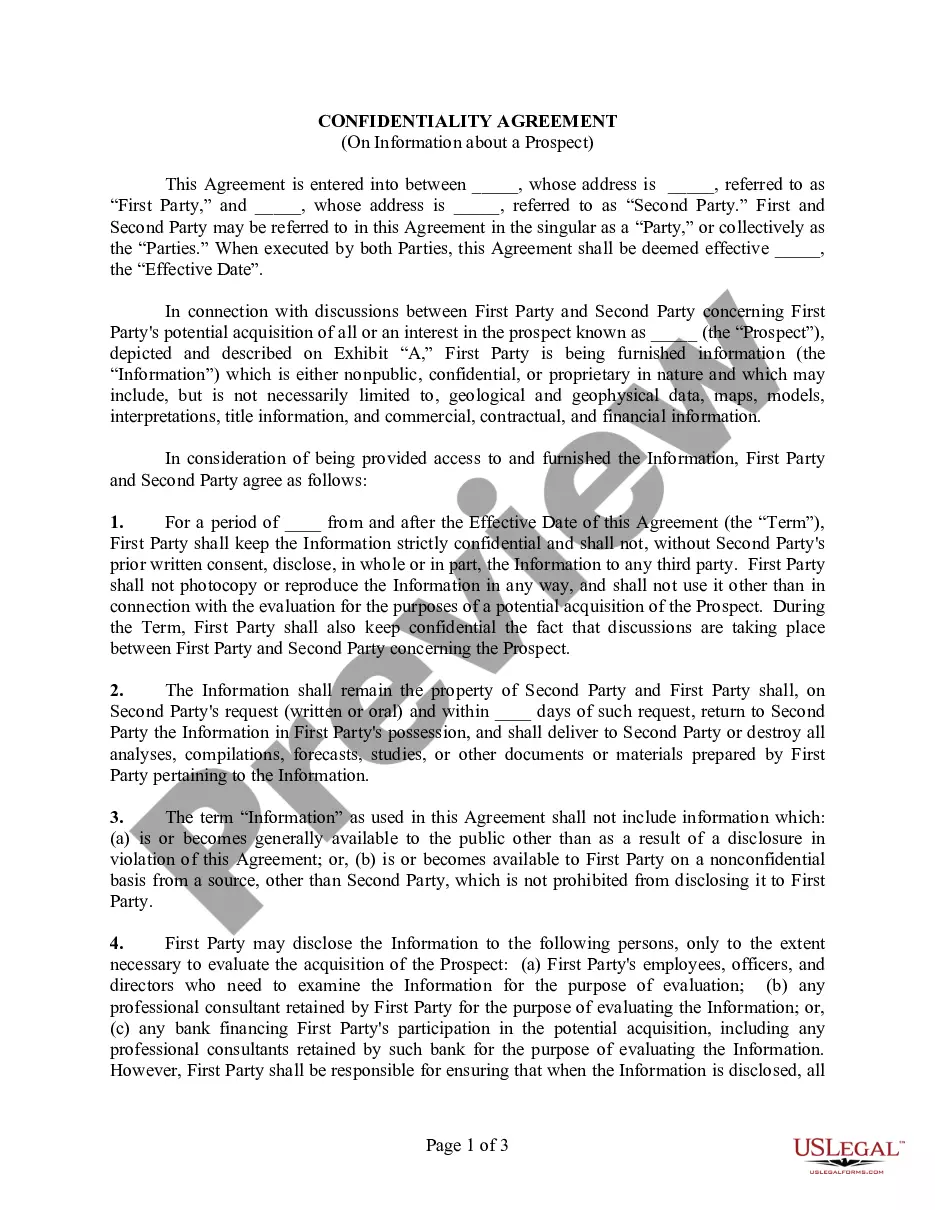
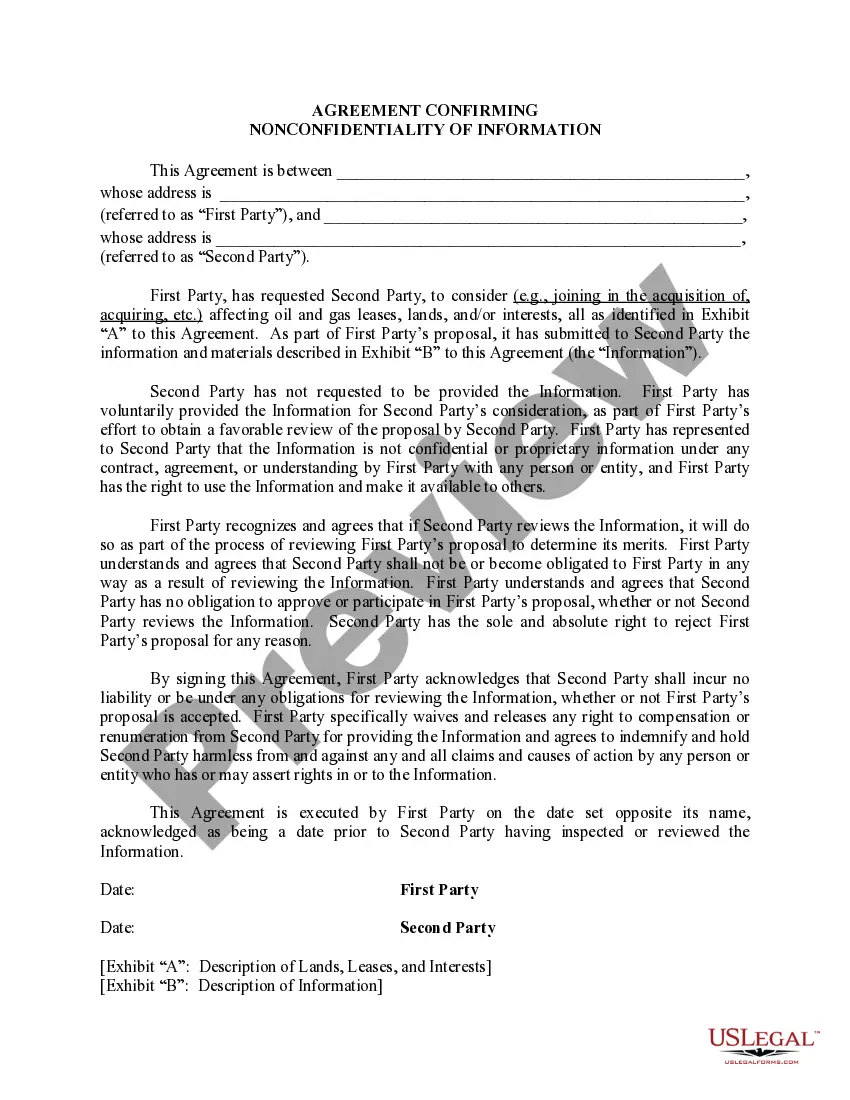
Get your form ready online
Our built-in tools help you complete, sign, share, and store your documents in one place.
Make edits, fill in missing information, and update formatting in US Legal Forms—just like you would in MS Word.
Download a copy, print it, send it by email, or mail it via USPS—whatever works best for your next step.
Sign and collect signatures with our SignNow integration. Send to multiple recipients, set reminders, and more. Go Premium to unlock E-Sign.
If this form requires notarization, complete it online through a secure video call—no need to meet a notary in person or wait for an appointment.
We protect your documents and personal data by following strict security and privacy standards.

Make edits, fill in missing information, and update formatting in US Legal Forms—just like you would in MS Word.

Download a copy, print it, send it by email, or mail it via USPS—whatever works best for your next step.

Sign and collect signatures with our SignNow integration. Send to multiple recipients, set reminders, and more. Go Premium to unlock E-Sign.

If this form requires notarization, complete it online through a secure video call—no need to meet a notary in person or wait for an appointment.

We protect your documents and personal data by following strict security and privacy standards.
Looking for another form?








How to fill out Confidentiality And Nondisclosure Agreement?
Properly constructed official documents are among the crucial assurances for preventing issues and legal disputes, but acquiring them without the help of a lawyer can be a lengthy process.
Whether you need to swiftly locate a current Nda Agreement For Website Development or any other forms for job, family, or business circumstances, US Legal Forms is always ready to assist.
The process is even easier for existing users of the US Legal Forms library. If your subscription is active, simply Log In to your account and click the Download button next to the selected file. Furthermore, you can access the Nda Agreement For Website Development at any time later, as all documents previously acquired on the platform are available in the My documents section of your profile. Save time and resources on preparing official documents. Experience US Legal Forms today!
- Verify that the form is appropriate for your situation and location by reviewing the description and preview.
- Search for other examples (if necessary) using the Search bar in the header of the page.
- Once you find the relevant template, click on Buy Now.
- Choose the pricing option, sign in to your account, or create a new one.
- Select your preferred payment method to purchase the subscription (either by credit card or PayPal).
- Pick either PDF or DOCX file format for your Nda Agreement For Website Development.
- Click Download, then print the template to complete it or upload it to an online editor.
Form popularity
FAQ
How To Write a Non-Disclosure Agreement on Your Own. If you don't want to waste money on a lawyer, you could try to write an NDA yourself. Bear in mind that such an endeavor is super challenging as the contract includes many important clauses that shouldn't be overlooked: Disclosing and Receiving Parties.
An NDA, also known as a non-disclosure agreement, is a legal contract between two parties, such as the software developer (or software development firm) and yourself. It outlines the information being shared and requires that information remain confidential throughout the development process.
The party or parties signing the agreement agree that sensitive information they may obtain will not be made available to any others. An NDA may also be referred to as a confidentiality agreement. Non-disclosure agreements are common for businesses entering into negotiations with other businesses.
How to Write a Non-Disclosure AgreementStep 1 - Describe the scope. Which information is considered confidential?Step 2 - Detail party obligations. What should the party that receives the information do to keep it confidential?Step 3 - Note potential exclusions.Step 4 - Set the term.Step 5 - Spell out consequences.
A website design non-disclosure agreement (NDA) is used to protect confidential information that a company shares with a web designer. The confidential information should be described as detailed as possible.
