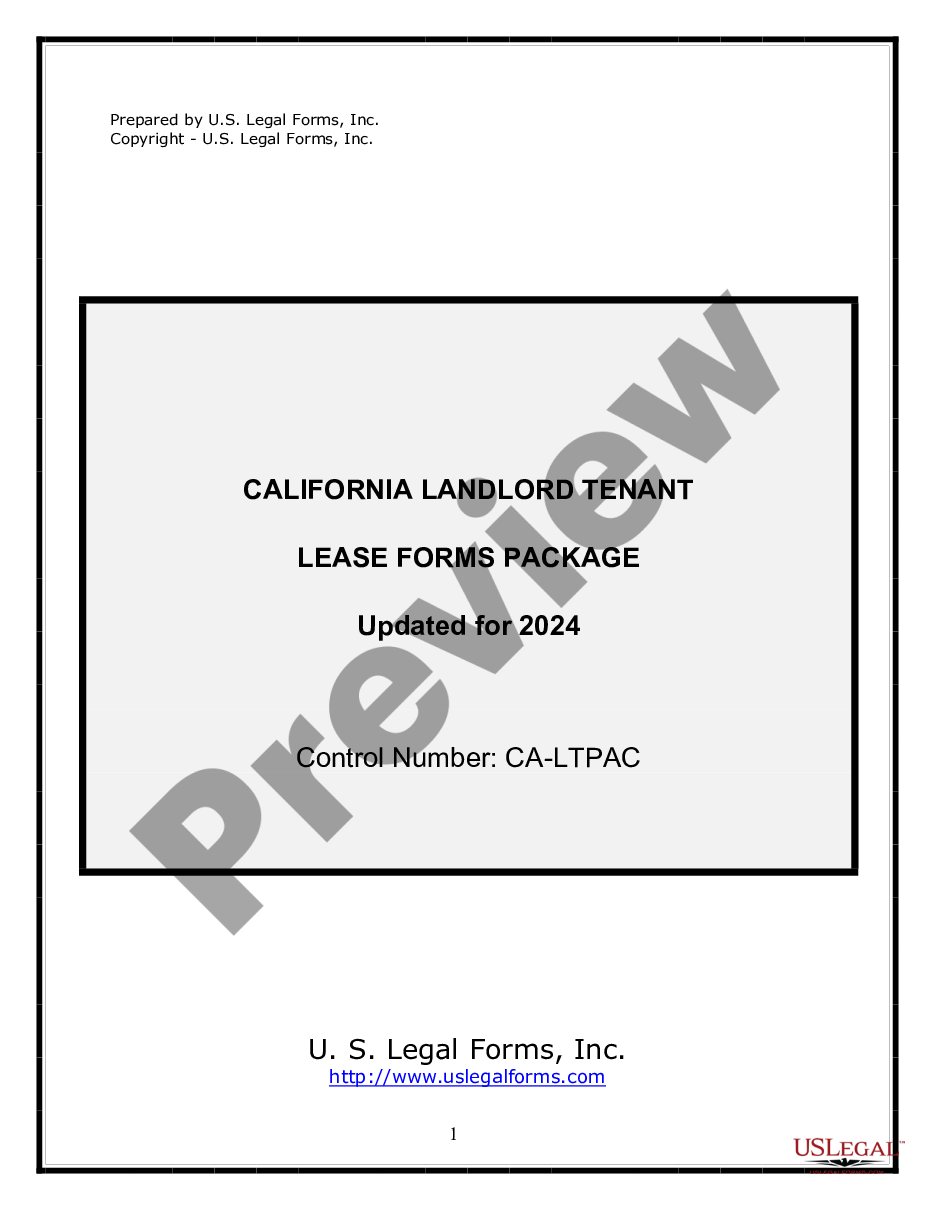
Agreement Use Form With Did
Description
Get your form ready online
Our built-in tools help you complete, sign, share, and store your documents in one place.
Make edits, fill in missing information, and update formatting in US Legal Forms—just like you would in MS Word.
Download a copy, print it, send it by email, or mail it via USPS—whatever works best for your next step.
Sign and collect signatures with our SignNow integration. Send to multiple recipients, set reminders, and more. Go Premium to unlock E-Sign.
If this form requires notarization, complete it online through a secure video call—no need to meet a notary in person or wait for an appointment.
We protect your documents and personal data by following strict security and privacy standards.

Make edits, fill in missing information, and update formatting in US Legal Forms—just like you would in MS Word.

Download a copy, print it, send it by email, or mail it via USPS—whatever works best for your next step.

Sign and collect signatures with our SignNow integration. Send to multiple recipients, set reminders, and more. Go Premium to unlock E-Sign.

If this form requires notarization, complete it online through a secure video call—no need to meet a notary in person or wait for an appointment.

We protect your documents and personal data by following strict security and privacy standards.
Looking for another form?
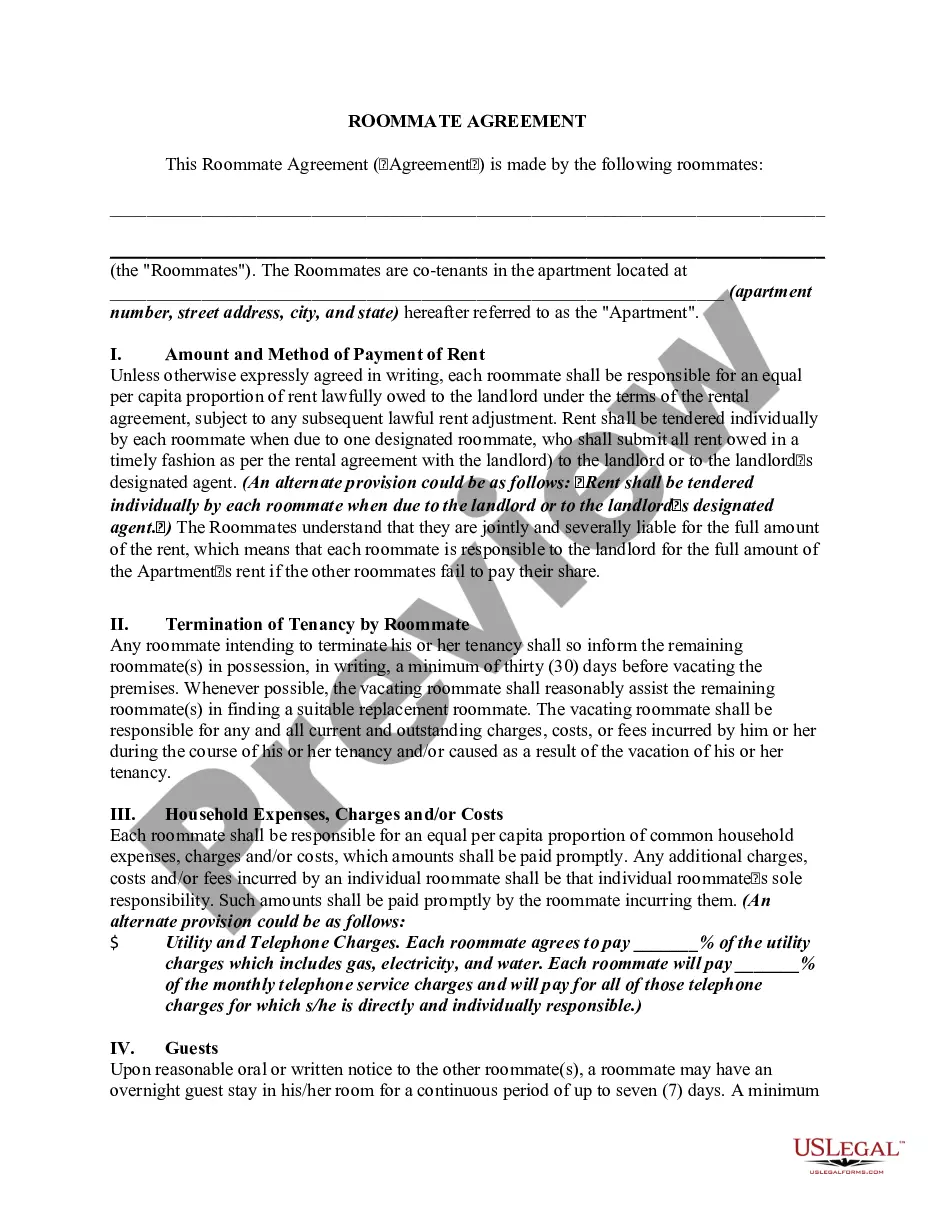



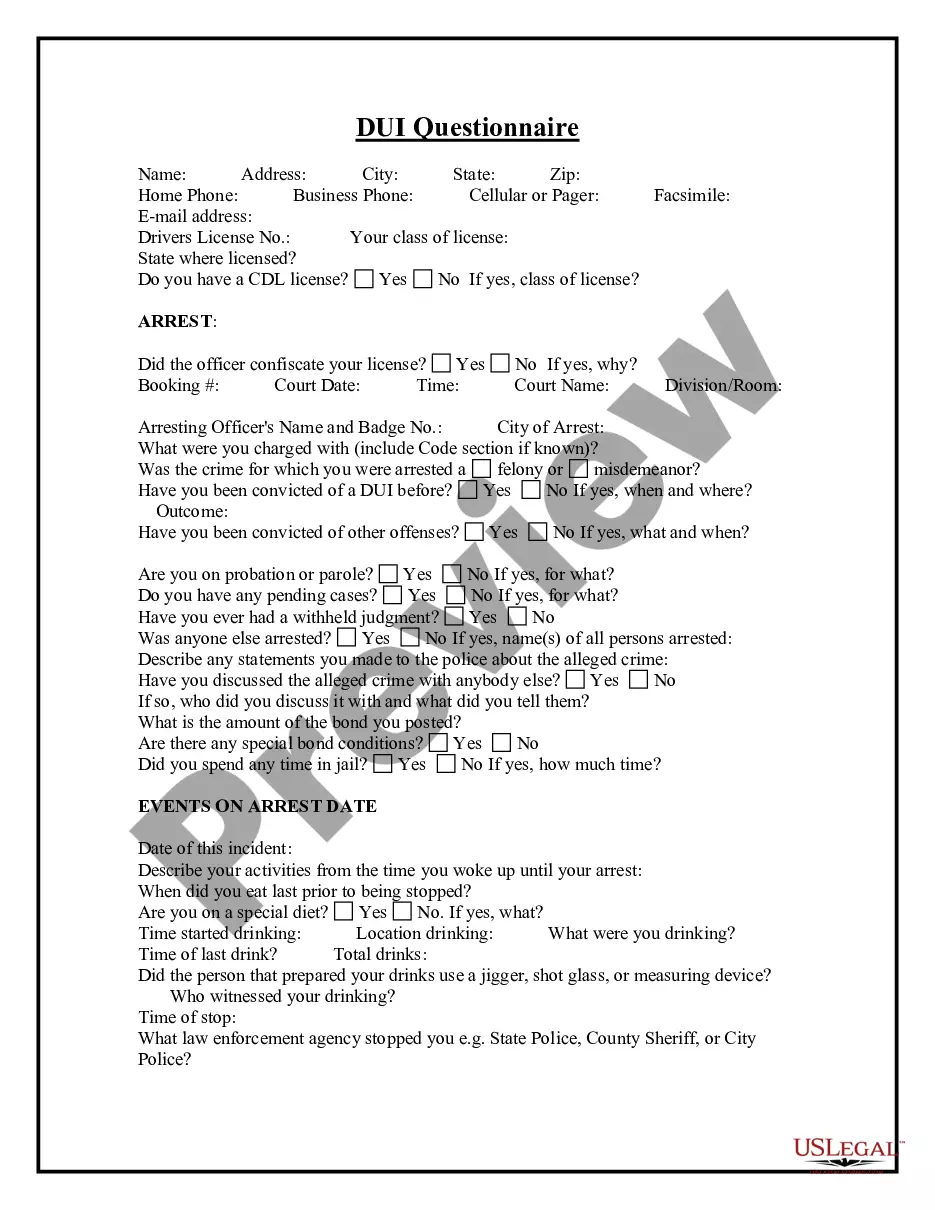


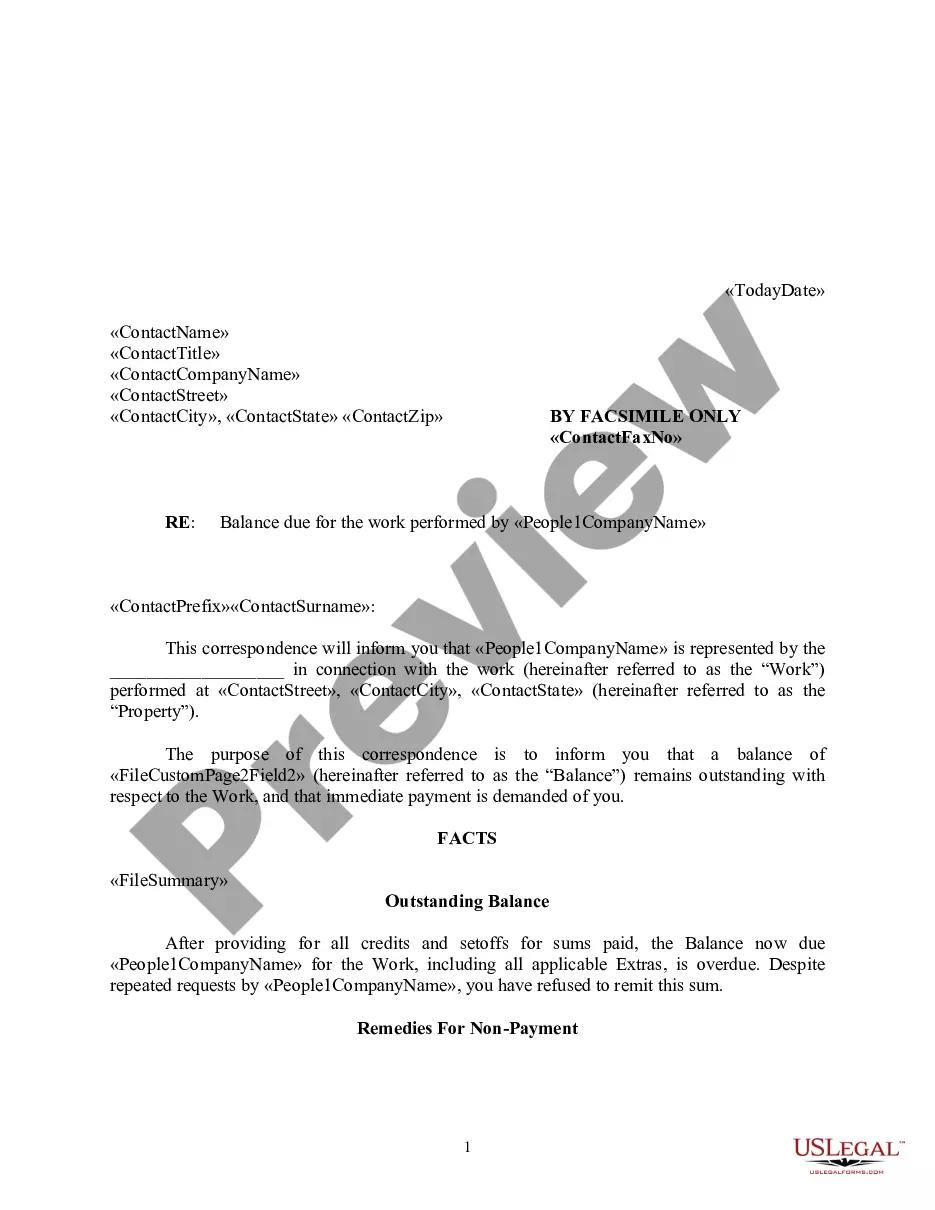

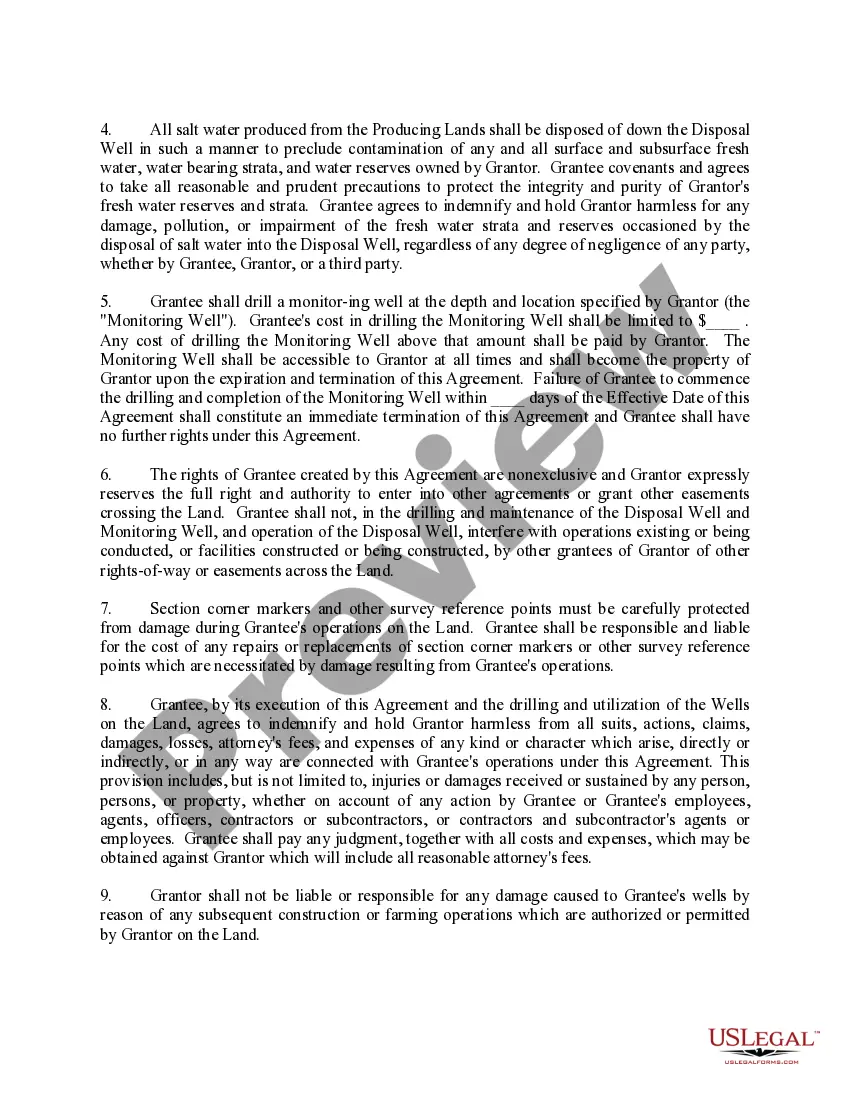
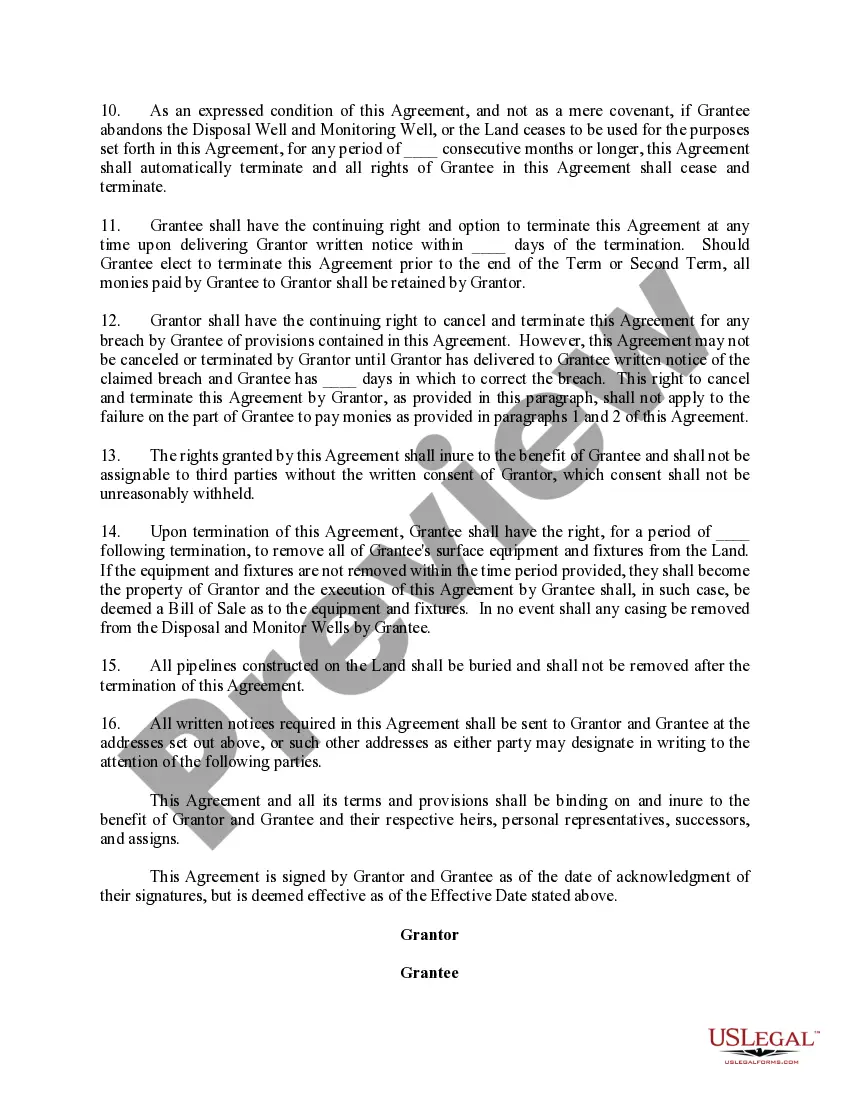
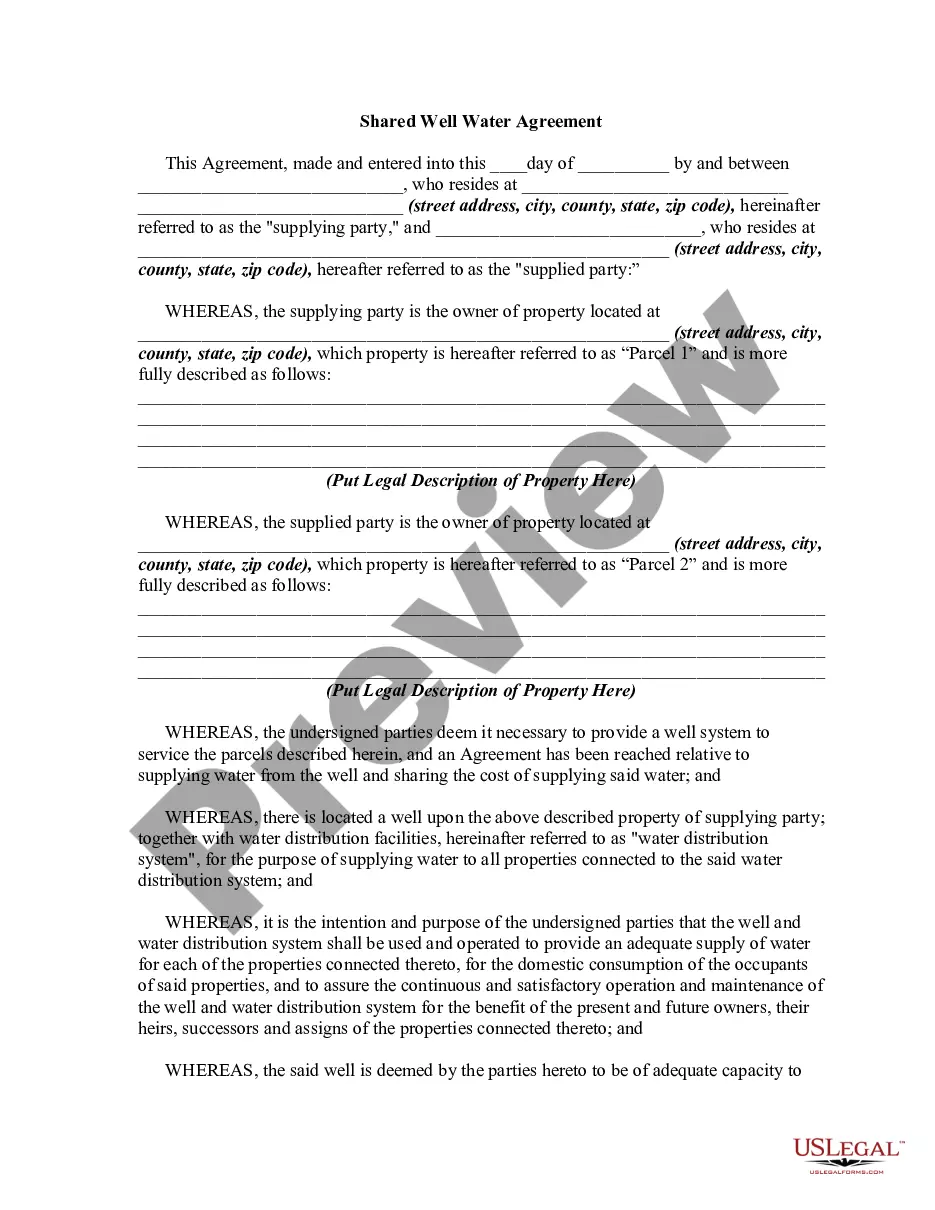
How to fill out Salt Water Disposal Well And Right Of Way Agreement (Grantee To Use Existing Well Bore On The Land)?
Bureaucracy requires exactness and correctness.
If you fail to manage completing documents like the Agreement Use Form With Did on a daily basis, it could lead to some disarray.
Selecting the appropriate sample from the outset will guarantee that your document submission proceeds smoothly and avert any hassles of resending a document or repeating the same task from the beginning.
If you are not a subscribed user, locating the desired sample will involve a few additional steps: Find the template using the search bar. Ensure the Agreement Use Form With Did you’ve discovered is relevant to your state or province. Review the preview or read the description that outlines the particulars regarding the use of the template. If the result meets your search criteria, click the Buy Now button. Select the appropriate option from the offered pricing plans. Log In to your account or create a new one. Complete the purchase using a credit card or PayPal account. Download the form in your desired format. Accessing the right and updated samples for your documentation is just a matter of a few minutes with an account at US Legal Forms. Eliminate the worries of bureaucracy and simplify your paperwork process.
- You can always locate the appropriate sample for your documents in US Legal Forms.
- US Legal Forms is the largest online repository of forms that houses over 85 thousand samples across various sectors.
- You can get the most recent and suitable version of the Agreement Use Form With Did just by searching for it on the site.
- Find, store, and secure templates in your profile or consult with the description to ensure you have the correct one available.
- With an account at US Legal Forms, you can conveniently obtain, store in one place, and navigate the templates you save for quick access.
- When on the webpage, click the Log In button to authenticate.
- Then, go to the My documents page, where the record of your documents is kept.
- Browse through the form descriptions and save those you require whenever necessary.
Form popularity
FAQ
No. Only the first form. After auxiliary do (do, does, did) you must use the plain form of the verb.
To create a question that will be answered with a yes or no, start the question with Do, Does or Did, (Doesn't, Don't, Didn't) for a negative question) then add a subject (the person or thing that does the action) followed by the base form of the verb and only then add the rest of the sentence.
Originally Answered: What form of verb is used with did? You should always use the Simple Present form of the verb with DID.
How and when to use Do, Does and DidDOES When you are talking about singular, third person he, she, it, Jack, Jane, the car you use 'does' just like you would use 'goes'DO The negative forms.DID Helping verb Questions in the Past tense.Solutions.
No. Only the first form. After auxiliary do (do, does, did) you must use the plain form of the verb.