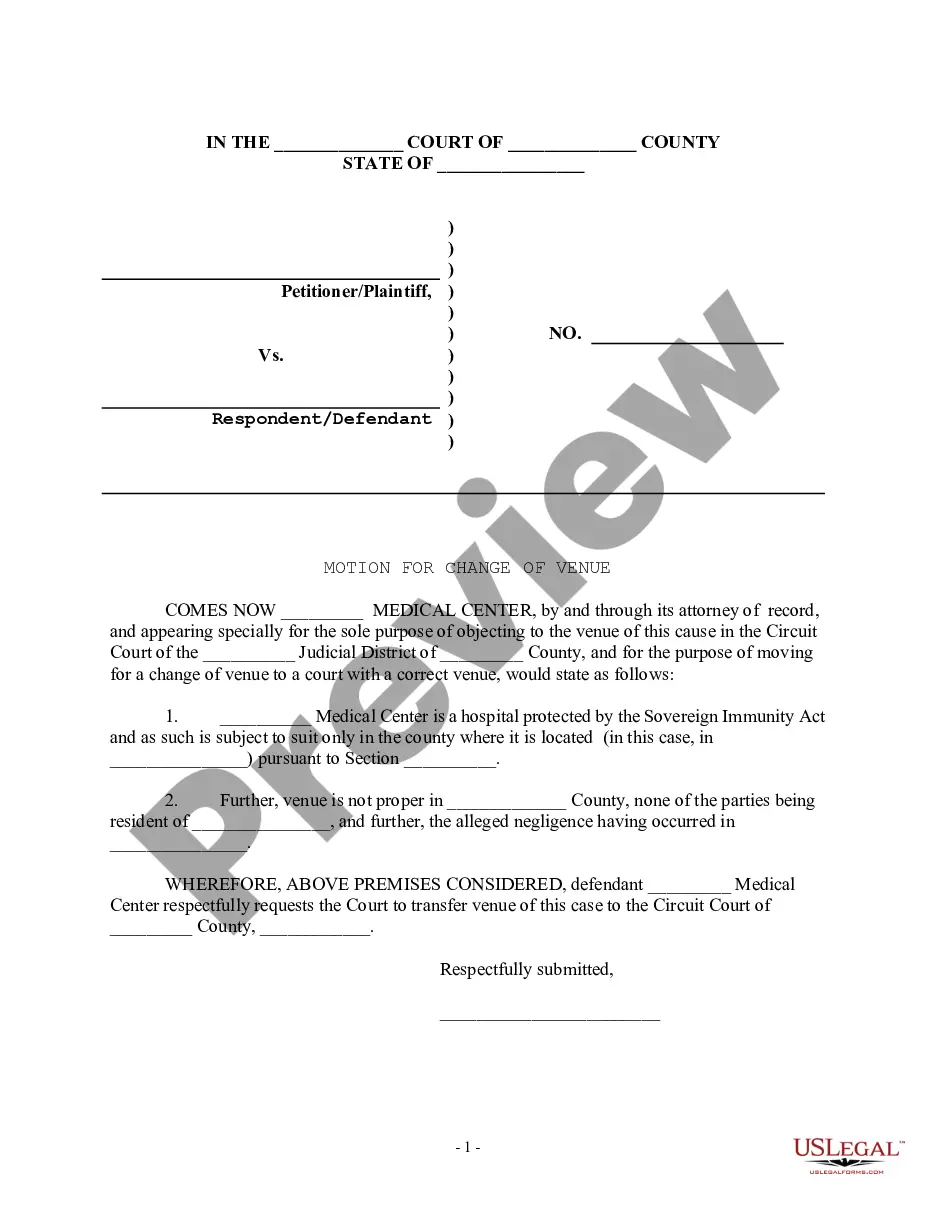
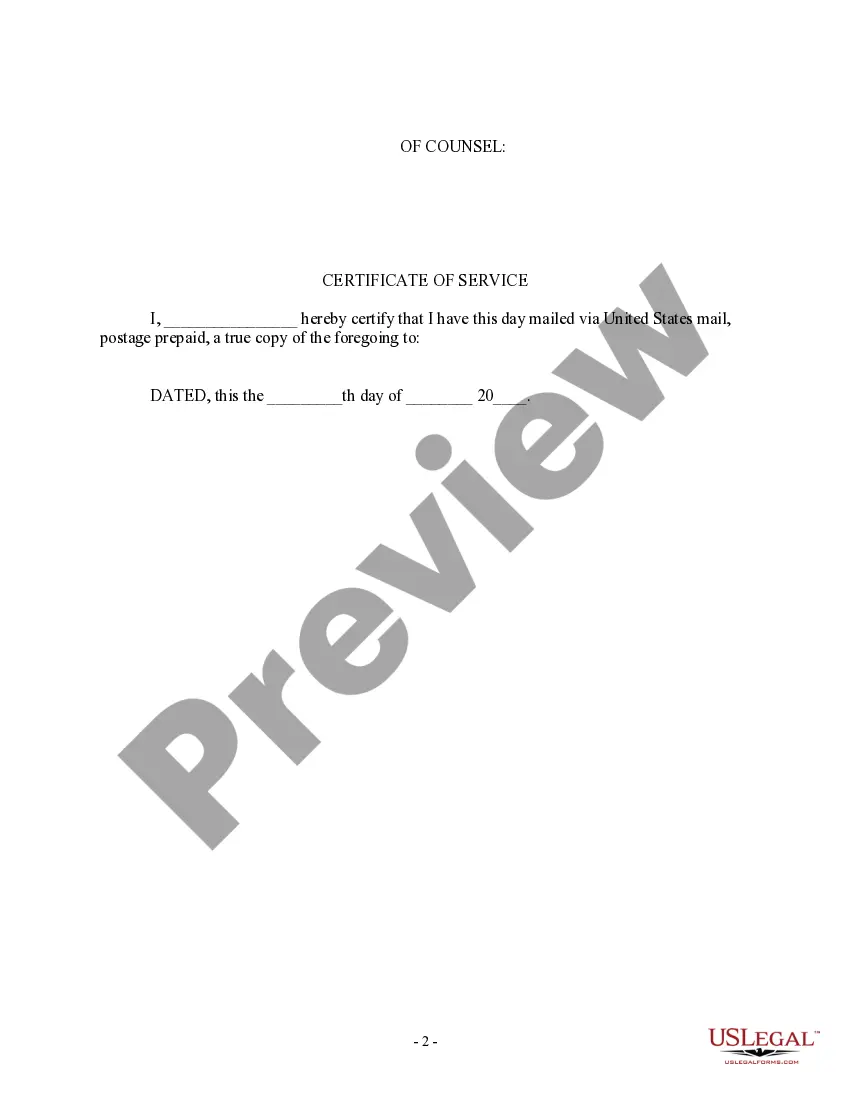
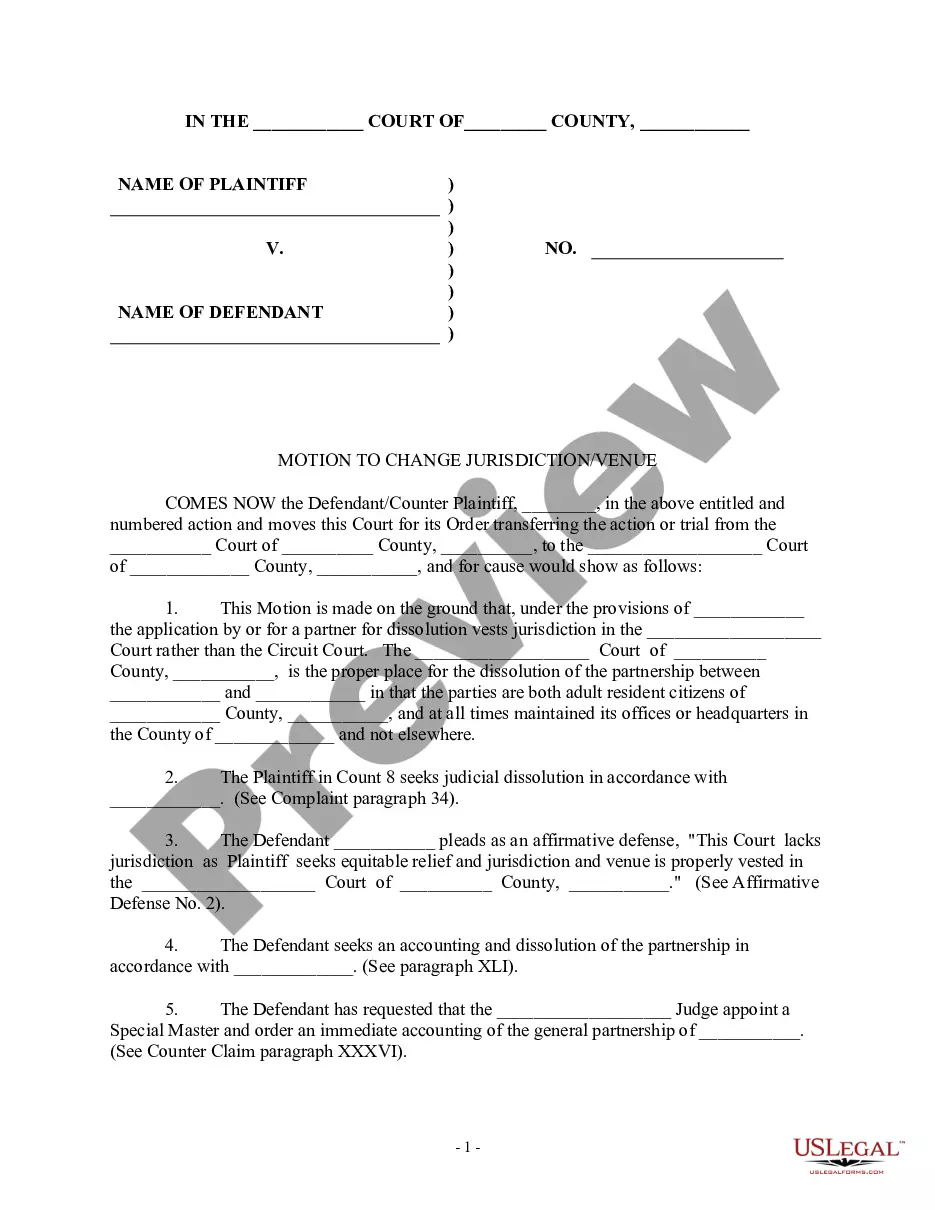
Motion Court District Without Attorney
Description

Get your form ready online
Our built-in tools help you complete, sign, share, and store your documents in one place.
Make edits, fill in missing information, and update formatting in US Legal Forms—just like you would in MS Word.
Download a copy, print it, send it by email, or mail it via USPS—whatever works best for your next step.
Sign and collect signatures with our SignNow integration. Send to multiple recipients, set reminders, and more. Go Premium to unlock E-Sign.
If this form requires notarization, complete it online through a secure video call—no need to meet a notary in person or wait for an appointment.
We protect your documents and personal data by following strict security and privacy standards.

Make edits, fill in missing information, and update formatting in US Legal Forms—just like you would in MS Word.

Download a copy, print it, send it by email, or mail it via USPS—whatever works best for your next step.

Sign and collect signatures with our SignNow integration. Send to multiple recipients, set reminders, and more. Go Premium to unlock E-Sign.

If this form requires notarization, complete it online through a secure video call—no need to meet a notary in person or wait for an appointment.

We protect your documents and personal data by following strict security and privacy standards.
Looking for another form?







How to fill out Motion For Change Of Venue - Incorrect Court District?
Creating legal documents from the ground up can occasionally be somewhat daunting.
Certain situations may require extensive research and substantial expenses.
If you’re seeking a more straightforward and economical method for drafting Motion Court District Without Attorney or other documents without unnecessary complications, US Legal Forms is always available to assist you.
Our online repository of over 85,000 current legal documents covers nearly every facet of your financial, legal, and personal matters.
Review the document preview and descriptions to ensure you are on the correct form you are looking for. Confirm that the template you select adheres to the laws and regulations of your state and county. Choose the appropriate subscription plan to acquire the Motion Court District Without Attorney. Download the file, then complete, certify, and print it. US Legal Forms enjoys a solid reputation and over 25 years of experience. Join us today and make document completion a straightforward and efficient process!
- With just a few clicks, you can swiftly access state- and county-specific templates carefully assembled for you by our legal experts.
- Utilize our platform whenever you require trustworthy and dependable services to effortlessly find and download the Motion Court District Without Attorney.
- If you’re familiar with our services and have previously registered with us, just Log In to your account, choose the form, and download it or retrieve it anytime through the My documents section.
- Not signed up yet? No worries. It takes minimal time to register and explore the library.
- However, before proceeding to download the Motion Court District Without Attorney, consider these suggestions.
Form popularity
FAQ
There are several different types of post-judgment motions, but the most common are motions for new trial, motions to vacate, and motions to set-aside. Motions for new trial, motions to vacate, and motions to set-aside are the three most common post-judgment motions.
Latin for "of one's own ; voluntarily." Used to indicate that a court has taken notice of an issue on its own motion without prompting or suggestion from either party. As a general rule, where grounds for dismissal exist, an action is subject to dismissal on a court's own motion.
Follow these steps to file a motion: Fill out the forms. You have to fill out at least 2 forms, maybe more, to file your motion. File the forms. Turn in your completed forms by mail or efiling. Serve the other party. ... Get ready for the hearing. ... Prepare an order.
Common post-trial motions include: Motion for a New Trial ? The court can vacate the judgment and allow for a new trial. ... Motion for Judgment of Acquittal ? Court may set aside the jury's verdict and allow the defendant to go free.
Proving Your Case Whatever the reason for being at court, you must convince the judge or magistrate that he or she should rule in your favor. This is done by providing sufficient documentary evidence and witness testimony. There are different standards of proof for various types of cases.