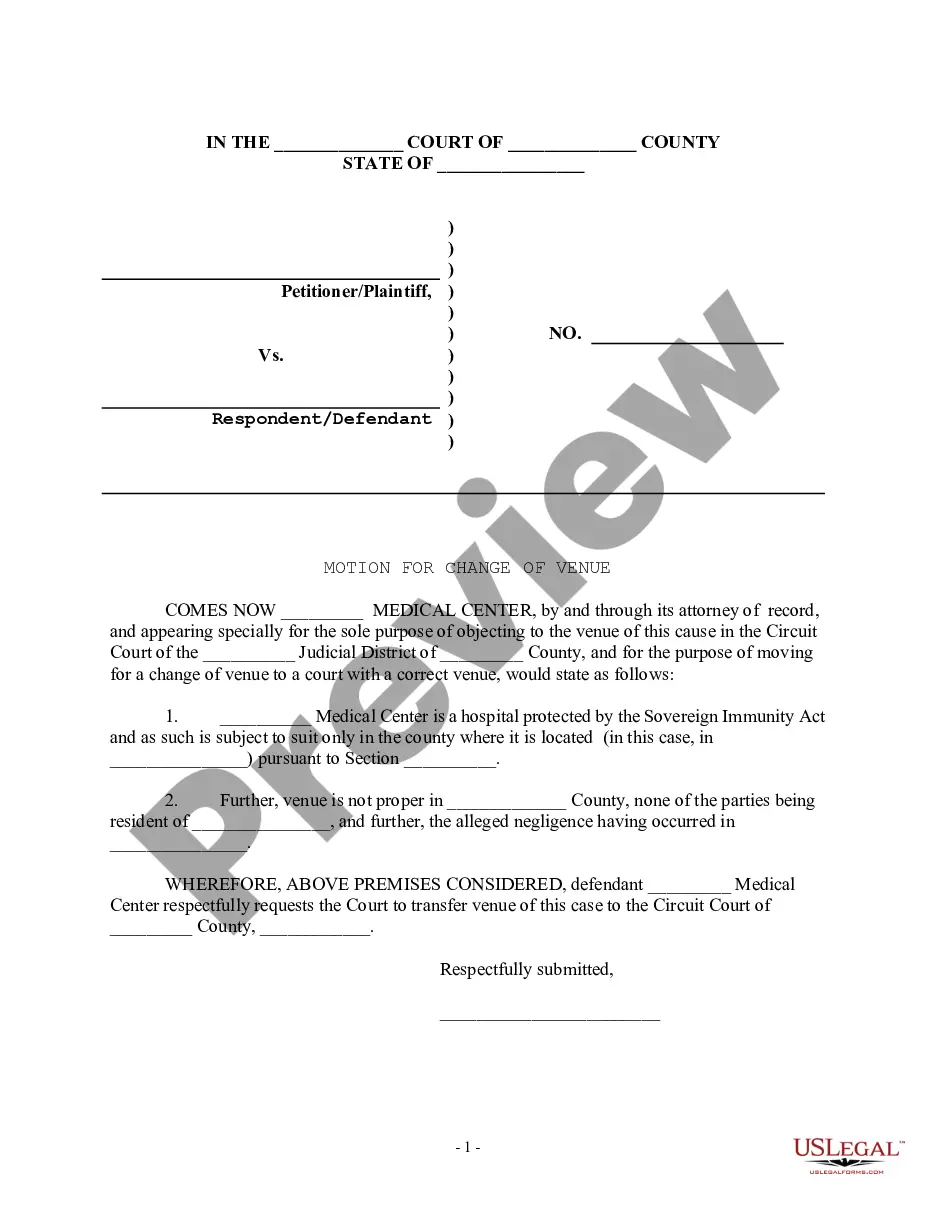
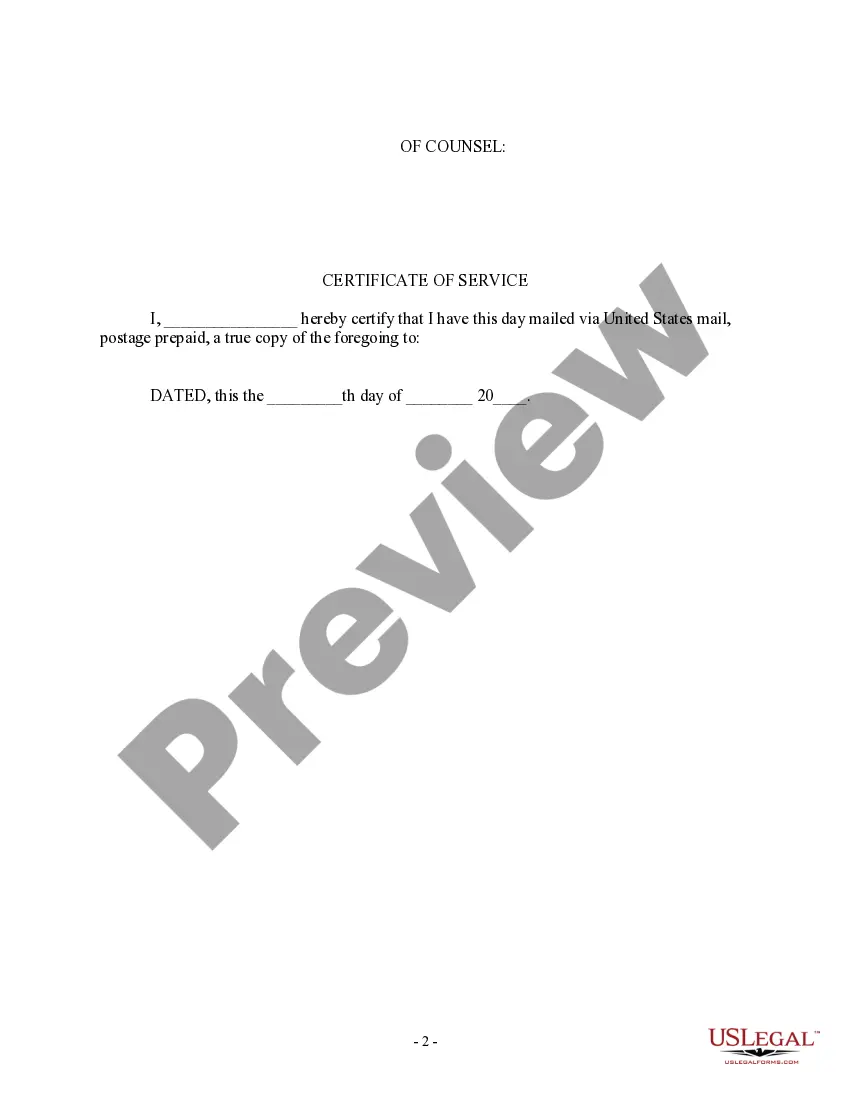
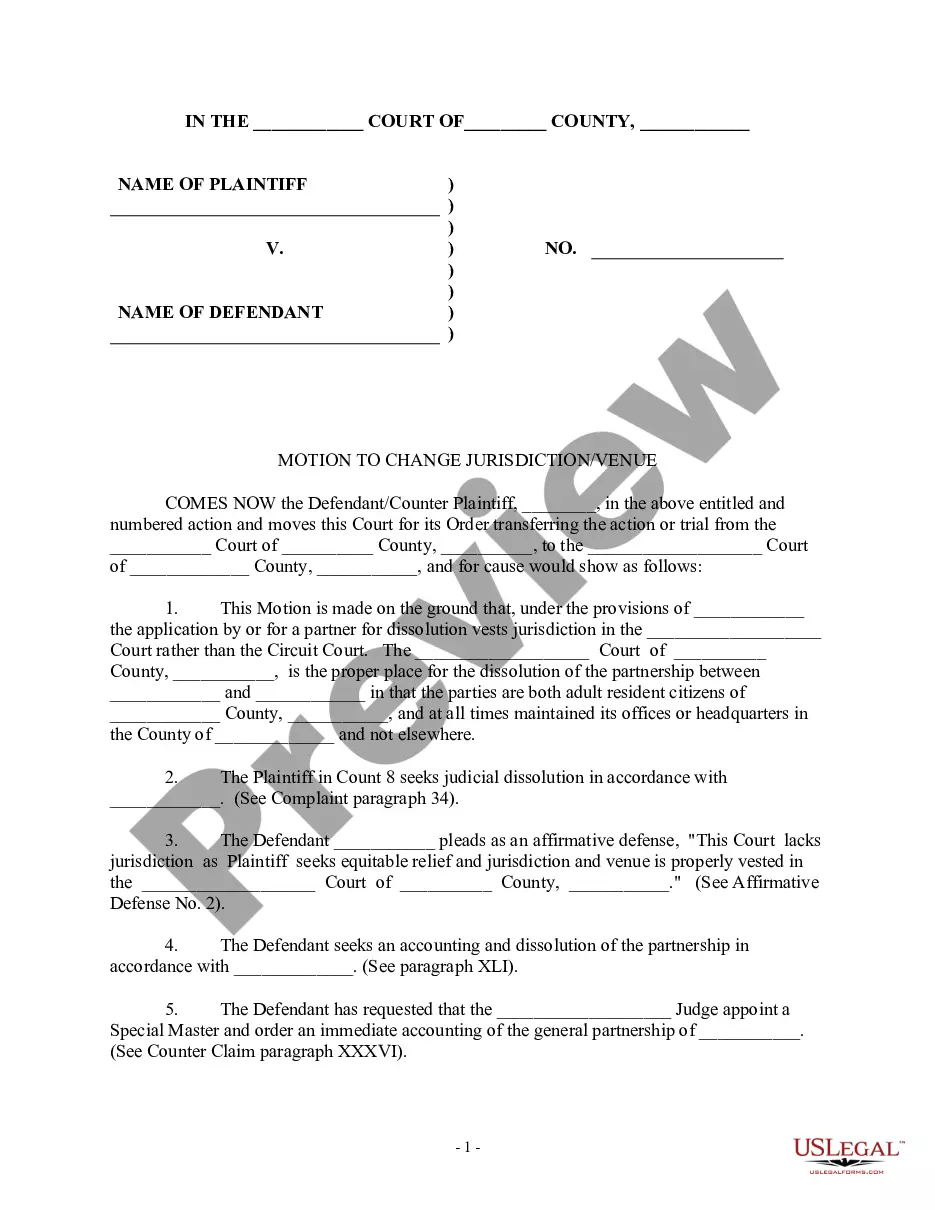
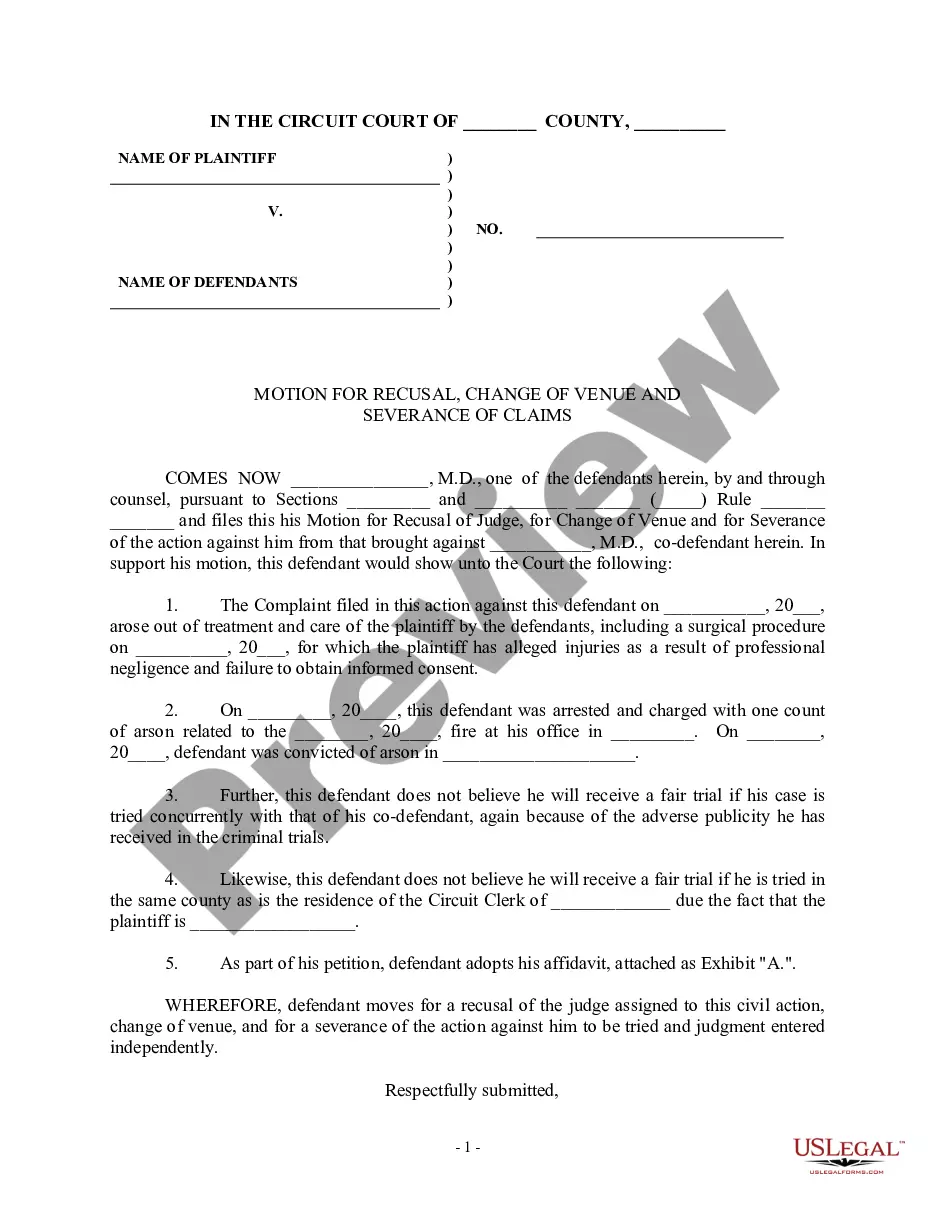
Motion Court District With Limine
Description
Get your form ready online
Our built-in tools help you complete, sign, share, and store your documents in one place.
Make edits, fill in missing information, and update formatting in US Legal Forms—just like you would in MS Word.
Download a copy, print it, send it by email, or mail it via USPS—whatever works best for your next step.
Sign and collect signatures with our SignNow integration. Send to multiple recipients, set reminders, and more. Go Premium to unlock E-Sign.
If this form requires notarization, complete it online through a secure video call—no need to meet a notary in person or wait for an appointment.
We protect your documents and personal data by following strict security and privacy standards.

Make edits, fill in missing information, and update formatting in US Legal Forms—just like you would in MS Word.

Download a copy, print it, send it by email, or mail it via USPS—whatever works best for your next step.

Sign and collect signatures with our SignNow integration. Send to multiple recipients, set reminders, and more. Go Premium to unlock E-Sign.

If this form requires notarization, complete it online through a secure video call—no need to meet a notary in person or wait for an appointment.

We protect your documents and personal data by following strict security and privacy standards.
Looking for another form?

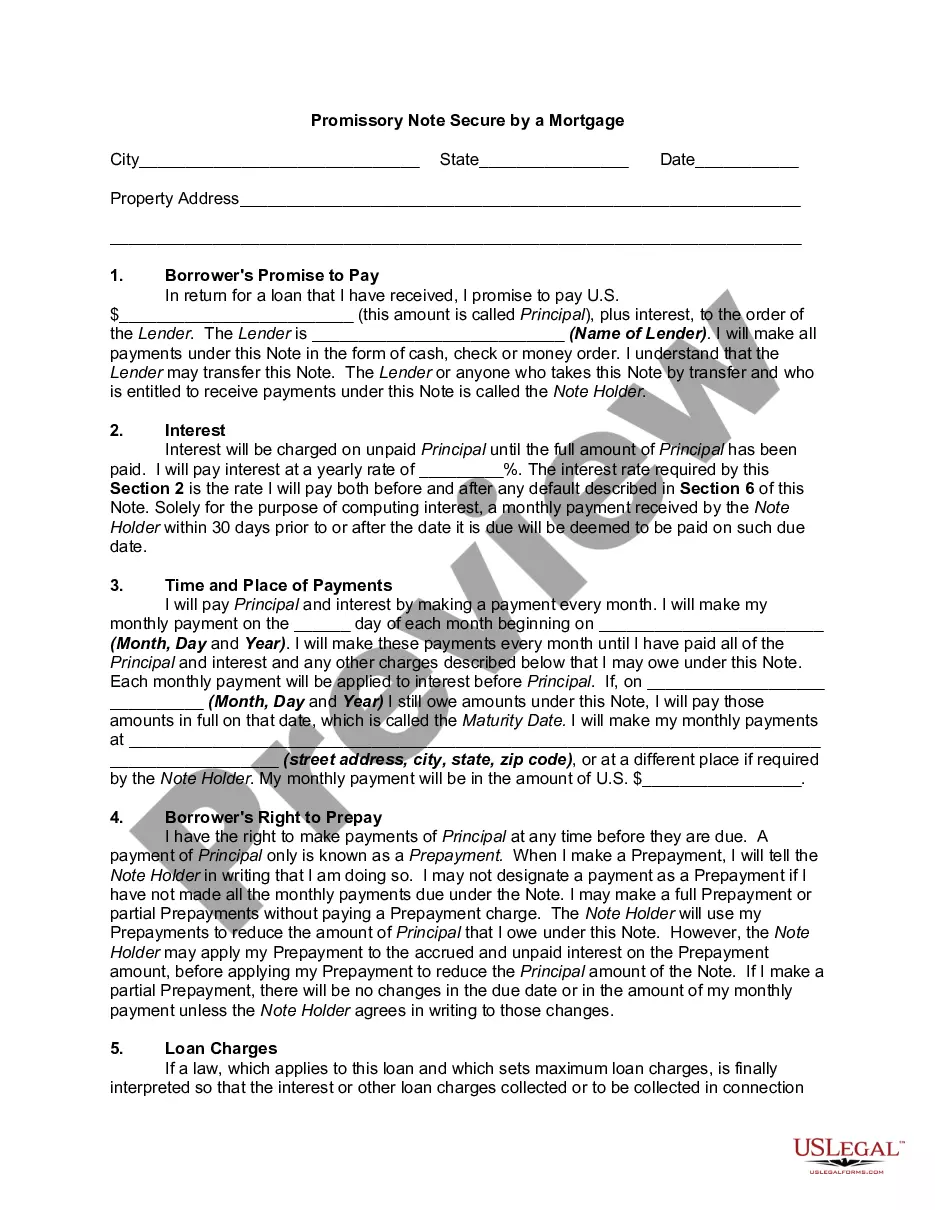


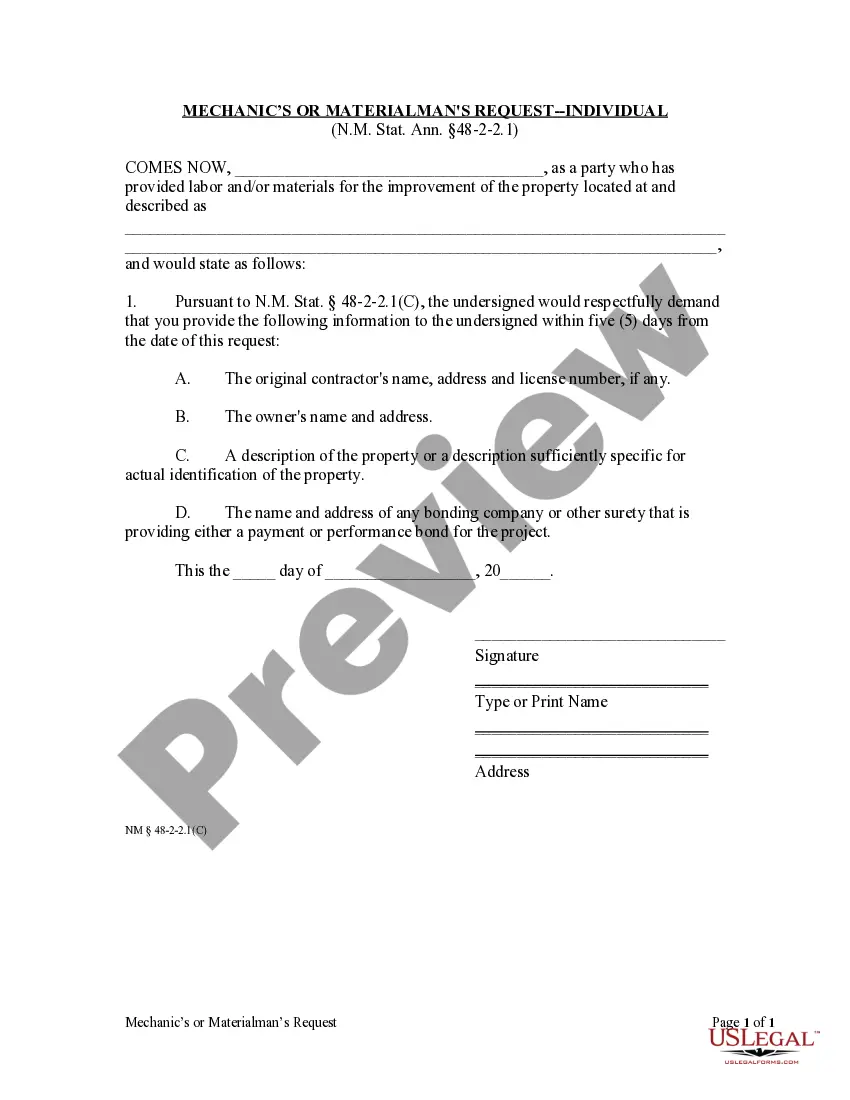

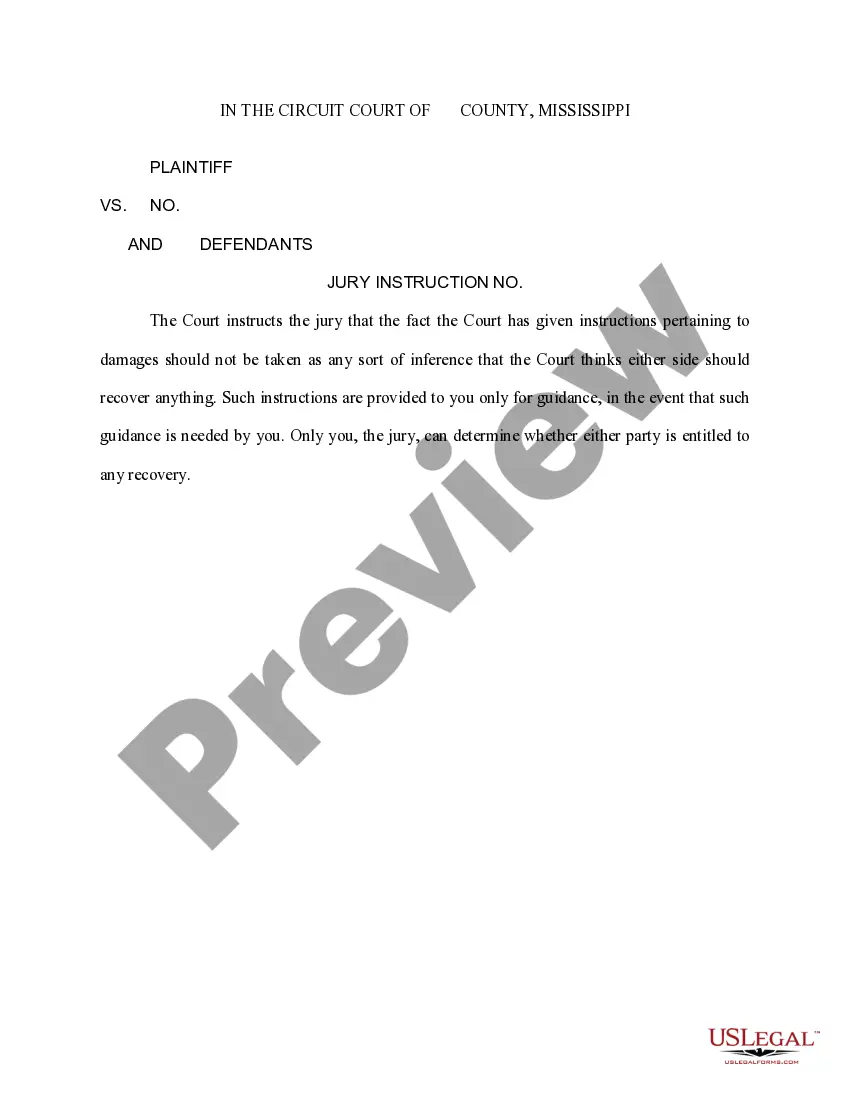


How to fill out Motion For Change Of Venue - Incorrect Court District?
Creating legal documents from the ground up can frequently be somewhat daunting. Certain situations may require extensive research and significant financial investment.
If you’re looking for a simpler and more cost-effective method of generating Motion Court District With Limine or any other documentation without unnecessary complications, US Legal Forms is always accessible.
Our online repository of over 85,000 current legal forms covers nearly every aspect of your financial, legal, and personal affairs. With just a few clicks, you can promptly obtain state- and county-compliant templates meticulously prepared for you by our legal professionals.
Utilize our platform whenever you require dependable and trustworthy services that allow you to easily find and download the Motion Court District With Limine. If you’re already familiar with our site and have previously registered an account with us, simply Log In to your account, find the template, and download it or re-download it at any time later in the My documents section.
Ensure the selected form adheres to the rules and statutes of your state and county. Choose the most appropriate subscription plan to purchase the Motion Court District With Limine. Download the form, then complete, sign, and print it. US Legal Forms enjoys a solid reputation and over 25 years of expertise. Sign up today and make form completion straightforward and efficient!
- Don’t have an account? No problem.
- It requires minimal time to establish and navigate the library.
- Before proceeding to download Motion Court District With Limine, consider these suggestions.
- Examine the form preview and descriptions to ensure you have located the correct form.
Form popularity
FAQ
You should explain why the other side's motion in limine should be denied and why you should be free to introduce the evidence at trial if you choose. Try to support your argument with citations to court rules or to case opinions which support your argument.
For example, if you are involved in a DUI accident and discover that there is a witness who is inflating the details of the case, then your attorney may create a motion in limine that requests that that witnesses' testimony be thrown out before the case proceeds.
Your motion in limine should be broken into two sections: (1) Factual Background and (2) Argument. The ?Factual Background? section of your Memorandum should include all of the facts necessary for the judge to resolve every issue raised in your motion. appropriate, include procedural posture, as well.
Defense Motions in Limine Preclude doctor testifying against a nurse. Preclude expert testifying about future surgeries. Preclude evidence defendant driver was underinsured or even mentioning the uninsured motorist carrier. Motion to exclude videos depicting a below-knee amputation.