Motion Court District Form Withdraw Federal
Description
Get your form ready online
Our built-in tools help you complete, sign, share, and store your documents in one place.
Make edits, fill in missing information, and update formatting in US Legal Forms—just like you would in MS Word.
Download a copy, print it, send it by email, or mail it via USPS—whatever works best for your next step.
Sign and collect signatures with our SignNow integration. Send to multiple recipients, set reminders, and more. Go Premium to unlock E-Sign.
If this form requires notarization, complete it online through a secure video call—no need to meet a notary in person or wait for an appointment.
We protect your documents and personal data by following strict security and privacy standards.

Make edits, fill in missing information, and update formatting in US Legal Forms—just like you would in MS Word.

Download a copy, print it, send it by email, or mail it via USPS—whatever works best for your next step.

Sign and collect signatures with our SignNow integration. Send to multiple recipients, set reminders, and more. Go Premium to unlock E-Sign.

If this form requires notarization, complete it online through a secure video call—no need to meet a notary in person or wait for an appointment.

We protect your documents and personal data by following strict security and privacy standards.
Looking for another form?
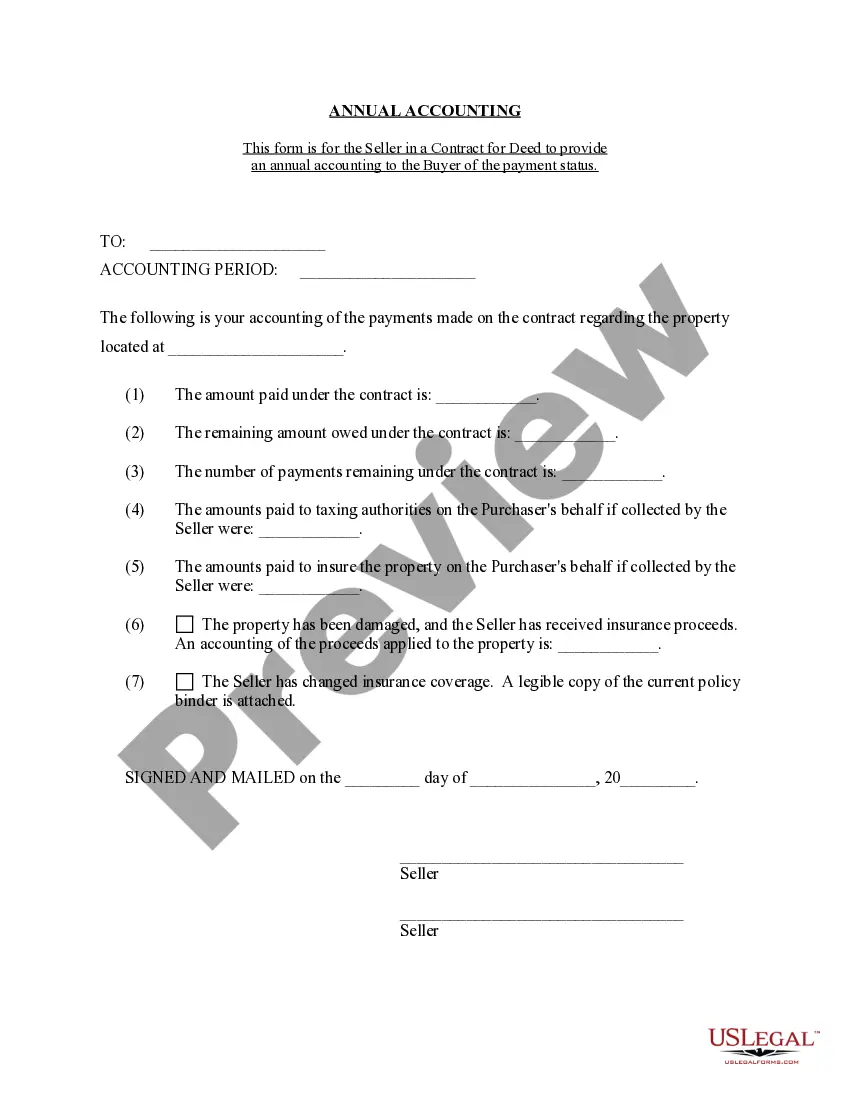

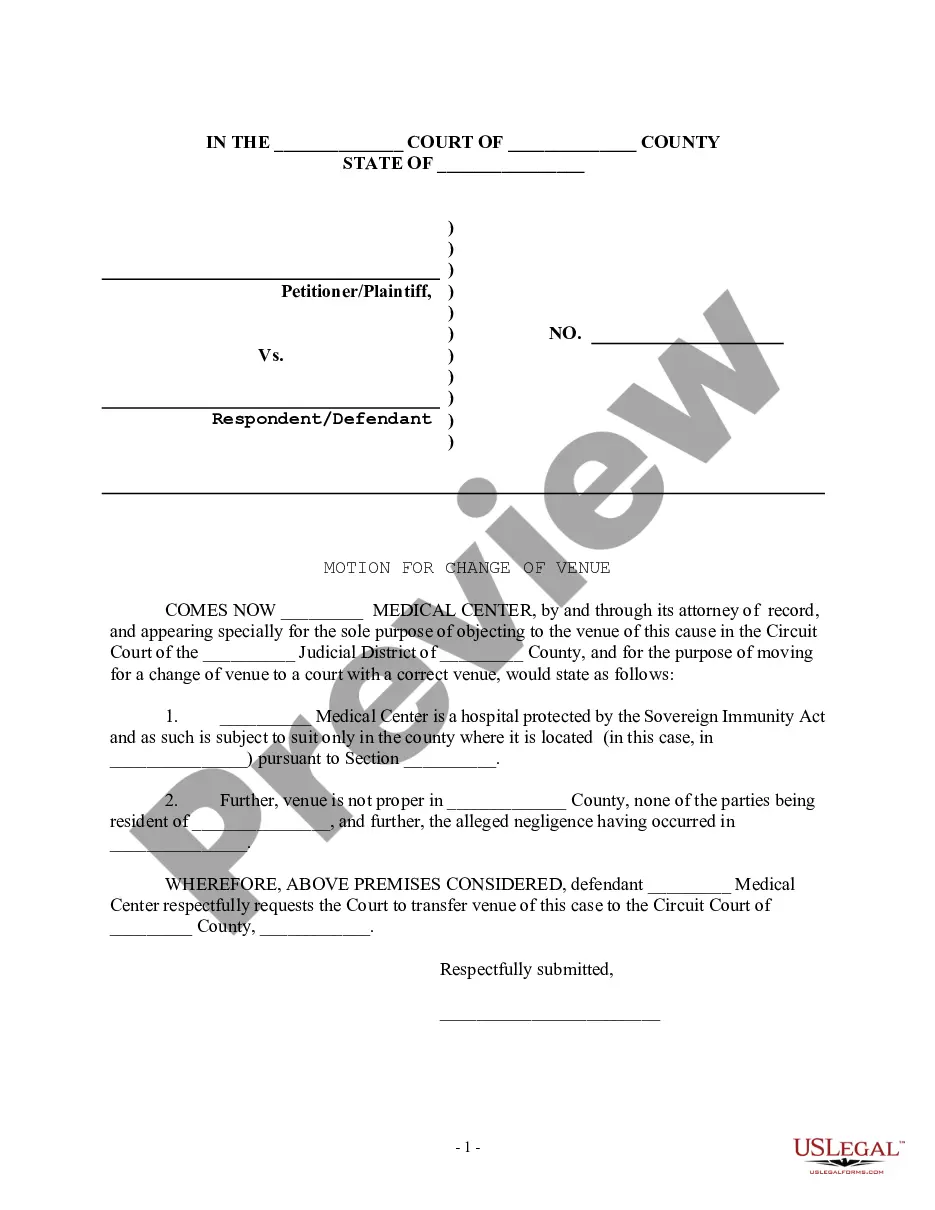
How to fill out Motion For Change Of Venue - Incorrect Court District?
Finding a go-to place to take the most current and relevant legal templates is half the struggle of handling bureaucracy. Choosing the right legal files requirements precision and attention to detail, which is the reason it is very important to take samples of Motion Court District Form Withdraw Federal only from trustworthy sources, like US Legal Forms. An improper template will waste your time and hold off the situation you are in. With US Legal Forms, you have very little to be concerned about. You can access and see all the information regarding the document’s use and relevance for the situation and in your state or county.
Take the listed steps to complete your Motion Court District Form Withdraw Federal:
- Make use of the catalog navigation or search field to locate your template.
- View the form’s description to see if it matches the requirements of your state and area.
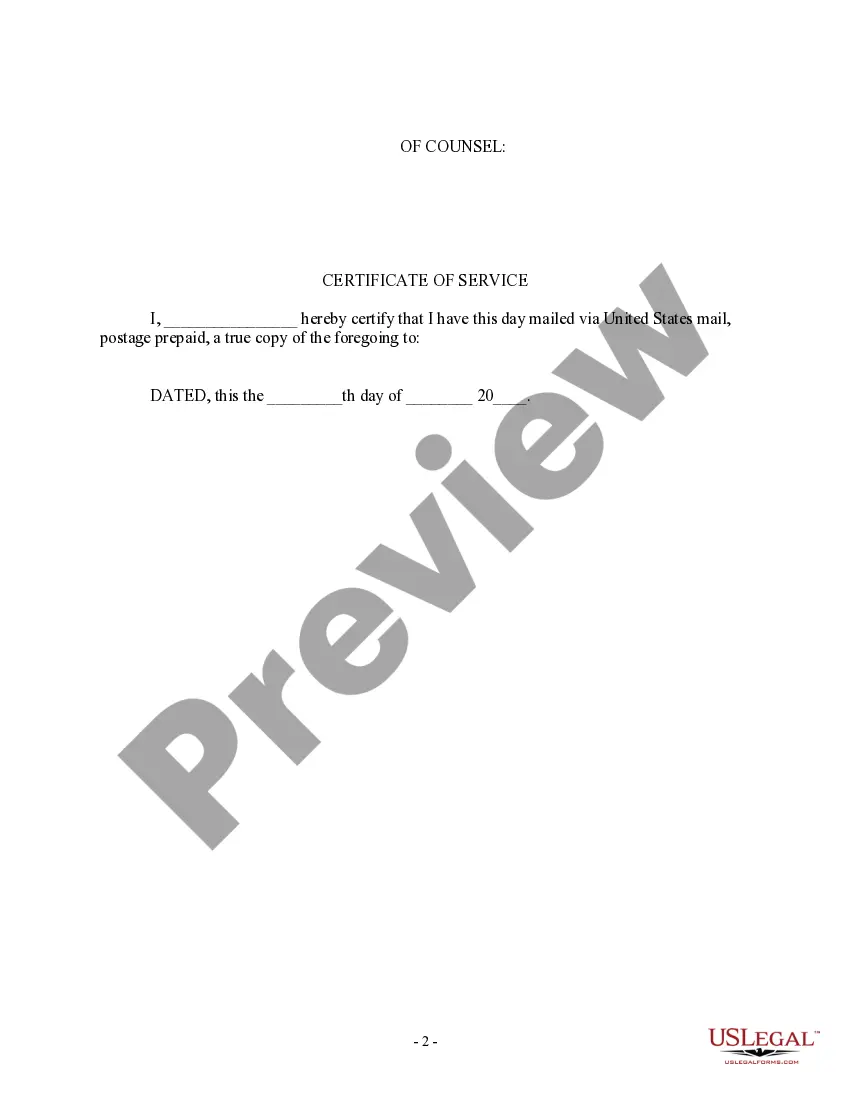
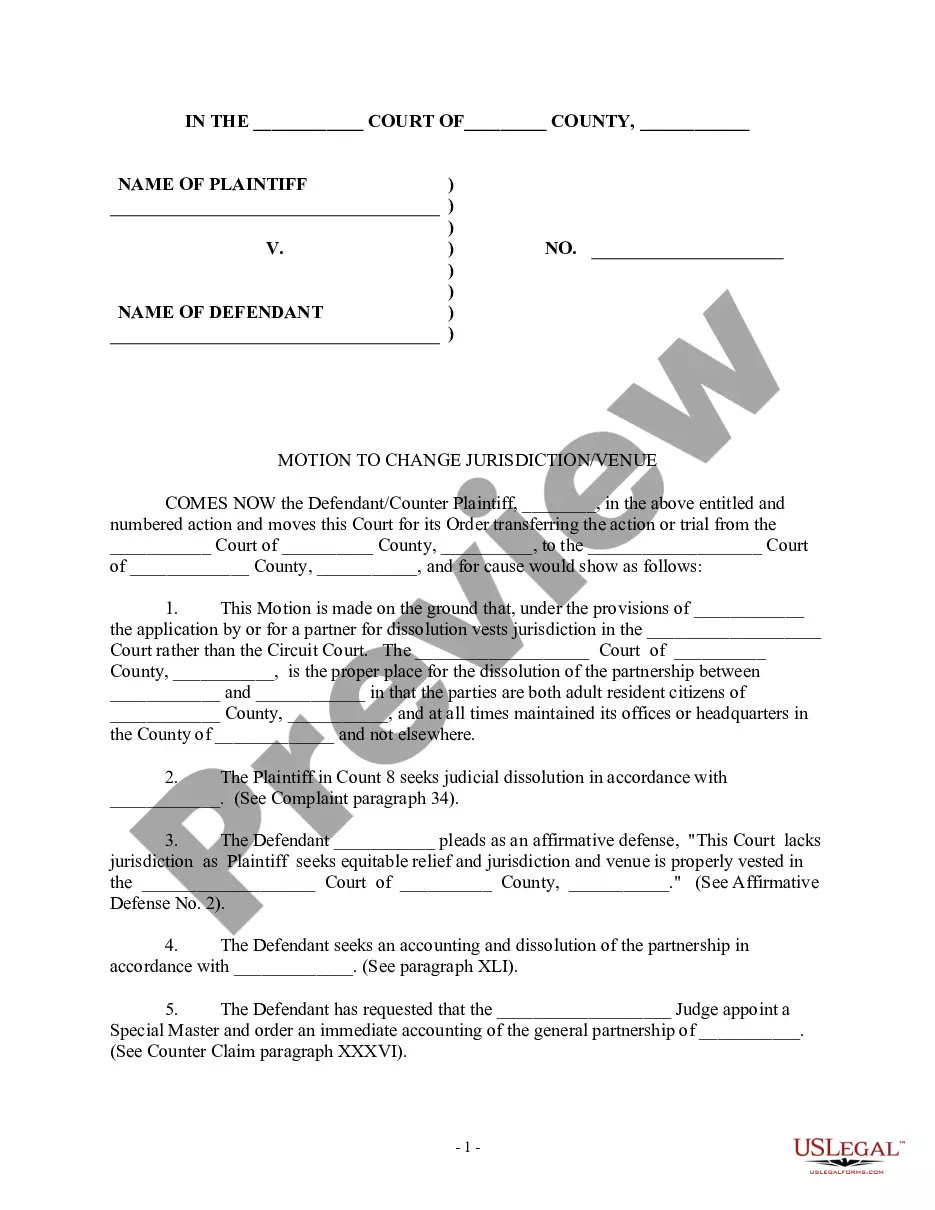
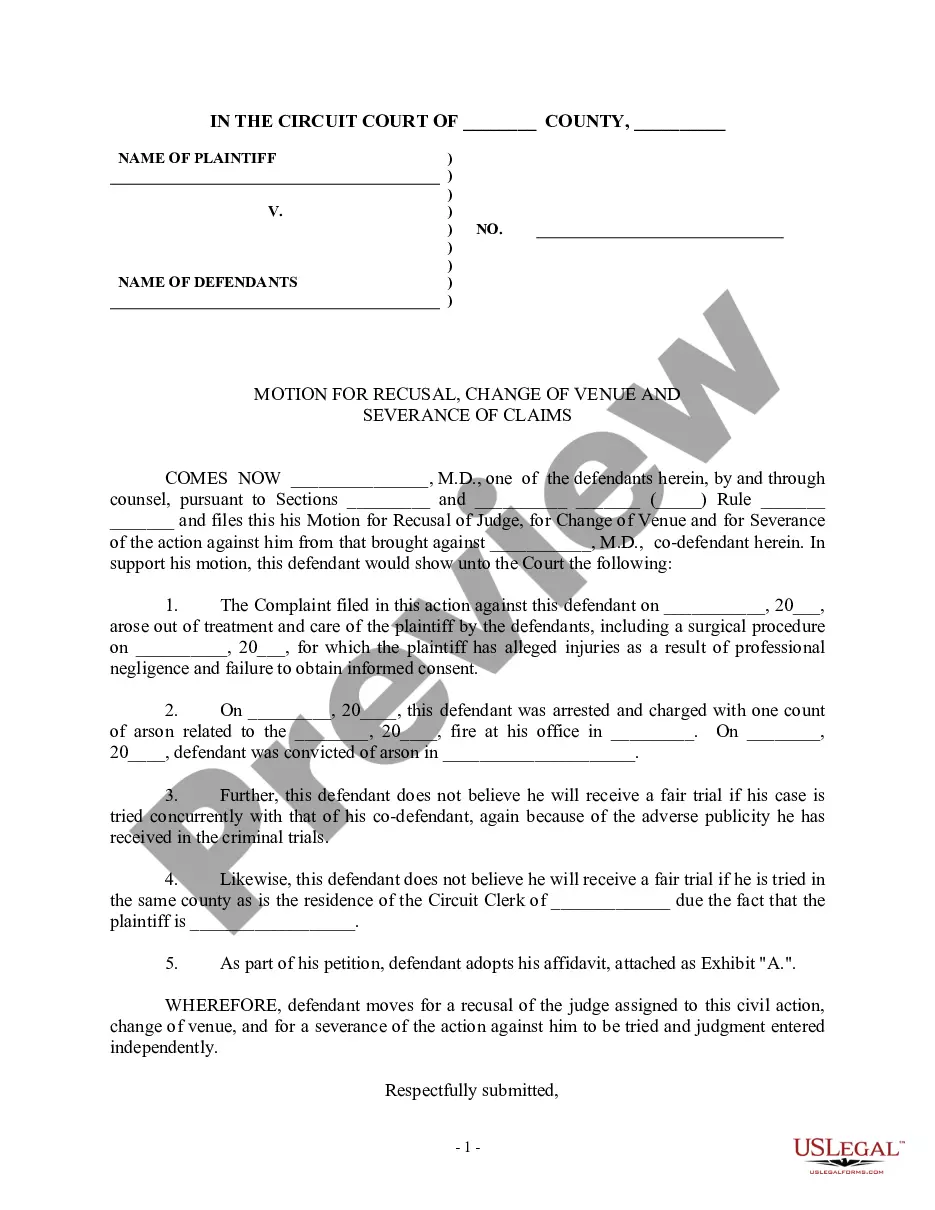
- View the form preview, if available, to ensure the template is the one you are searching for.
- Resume the search and locate the correct document if the Motion Court District Form Withdraw Federal does not match your needs.
- If you are positive regarding the form’s relevance, download it.
- If you are a registered user, click Log in to authenticate and gain access to your picked forms in My Forms.
- If you do not have an account yet, click Buy now to obtain the form.
- Select the pricing plan that fits your preferences.
- Go on to the registration to finalize your purchase.
- Complete your purchase by selecting a payment method (bank card or PayPal).
- Select the file format for downloading Motion Court District Form Withdraw Federal.
- When you have the form on your device, you can alter it with the editor or print it and complete it manually.
Eliminate the headache that comes with your legal paperwork. Discover the comprehensive US Legal Forms collection to find legal templates, examine their relevance to your situation, and download them immediately.
Form popularity
FAQ
If you need to add, remove, or substitute counsel in a particular case, use Form G-01 ("Request for Approval of Substitution or Withdrawal of Counsel") or Form G-123 ("Notice of Appearance or Withdrawal of Counsel").
Mandatory Withdrawal the lawyer is discharged by the client; the lawyer's physical or mental condition materially impairs the lawyer's ability to represent the client; or. the representation will result in a violation of the Rules of Professional Conduct or other law.
A motion to withdraw may be granted without hearing if: (a) The client has signed the motion or order, consenting to the withdrawal; (b) Another lawyer has made an appearance on behalf of the client; or (c) The motion is accompanied by a letter that notifies the client of the client's right to object to the withdrawal ...
An attorney appearing in a case or adversary proceeding may request to withdraw as counsel of record for his or her client. Unless a court order or Local Rule 2091-2 provides otherwise, an attorney must file a motion and obtain Court approval to be removed as counsel.
To withdraw or substitute counsel, the withdrawing attorney must submit a motion for withdrawal or substitution of counsel along with a proposed order to the Court. All motions to withdraw or substitute counsel must state the reasons for the application along with the name, address, and telephone number of the client.