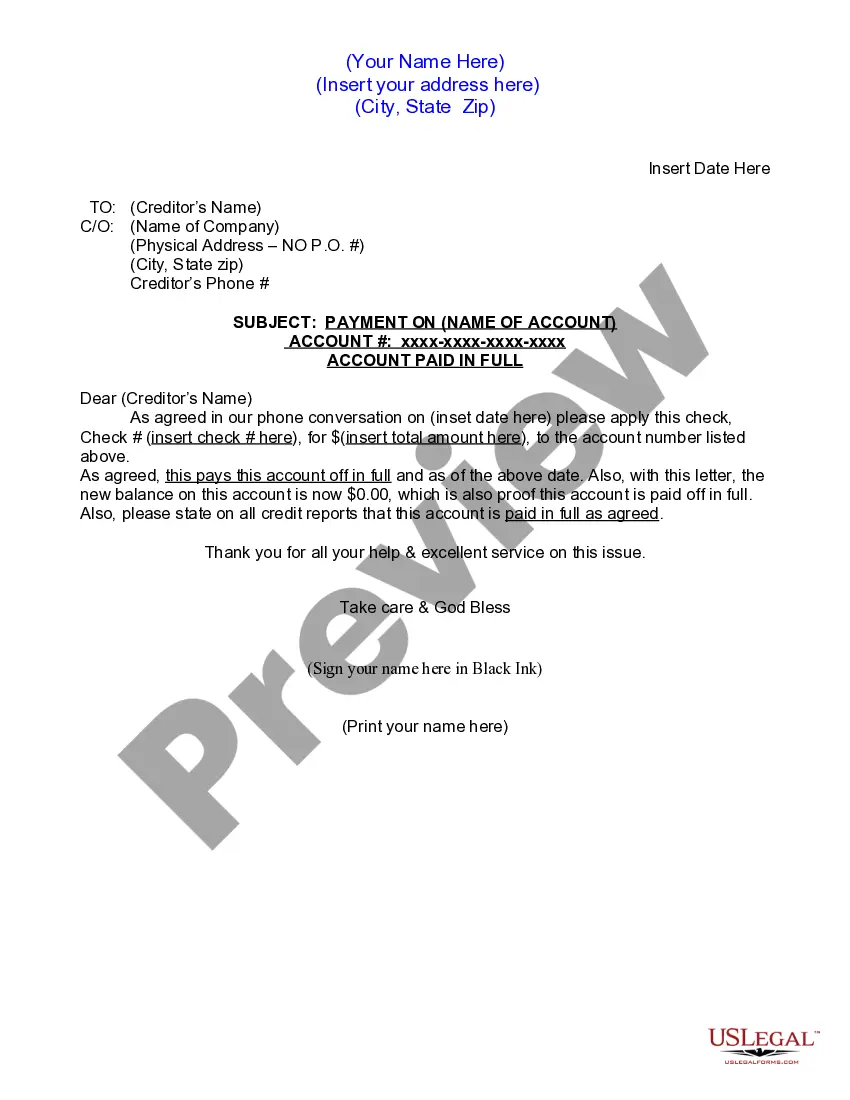
Letterhead With Board Of Directors
Description
Get your form ready online
Our built-in tools help you complete, sign, share, and store your documents in one place.
Make edits, fill in missing information, and update formatting in US Legal Forms—just like you would in MS Word.
Download a copy, print it, send it by email, or mail it via USPS—whatever works best for your next step.
Sign and collect signatures with our SignNow integration. Send to multiple recipients, set reminders, and more. Go Premium to unlock E-Sign.
If this form requires notarization, complete it online through a secure video call—no need to meet a notary in person or wait for an appointment.
We protect your documents and personal data by following strict security and privacy standards.

Make edits, fill in missing information, and update formatting in US Legal Forms—just like you would in MS Word.

Download a copy, print it, send it by email, or mail it via USPS—whatever works best for your next step.

Sign and collect signatures with our SignNow integration. Send to multiple recipients, set reminders, and more. Go Premium to unlock E-Sign.

If this form requires notarization, complete it online through a secure video call—no need to meet a notary in person or wait for an appointment.

We protect your documents and personal data by following strict security and privacy standards.
Looking for another form?
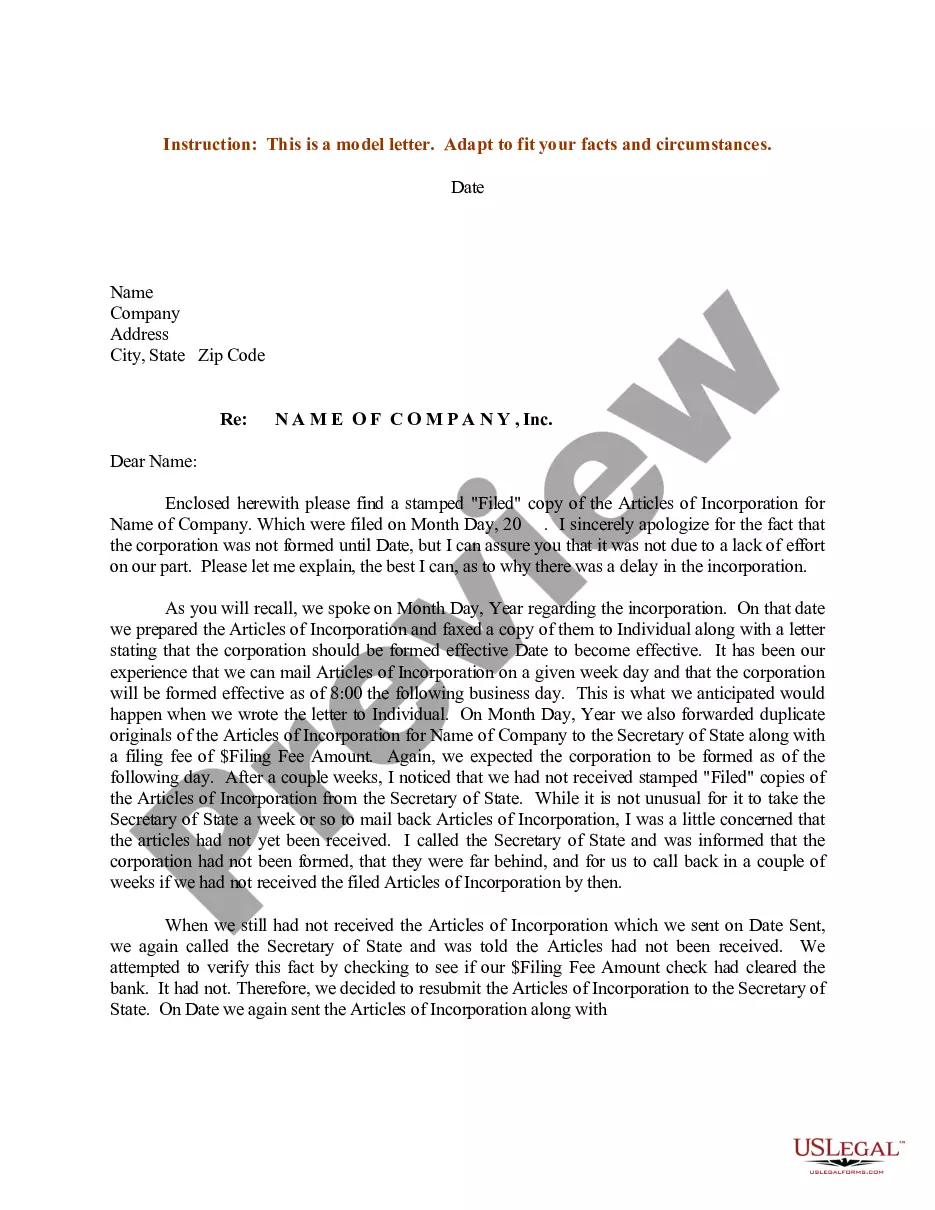

How to fill out Letter For Account Paid In Full?
Managing legal documents and processes can be a labor-intensive addition to your entire day.
Letterhead With Board Of Directors and similar forms typically compel you to search for them and navigate the pathway to fill them out correctly.
Therefore, if you are addressing financial, legal, or personal issues, utilizing a comprehensive and functional online repository of forms readily available will significantly aid.
US Legal Forms is the premier online resource for legal templates, featuring more than 85,000 state-specific documents and various tools to assist you in completing your paperwork effortlessly.
Simply Log In to your account, find Letterhead With Board Of Directors and obtain it immediately from the My documents tab. You can also access previously saved forms. Is this your first time using US Legal Forms? Sign up and establish your account in a few minutes, and you’ll gain entry to the form library and Letterhead With Board Of Directors. Then, follow the steps outlined below to finalize your form: Ensure you have located the correct form using the Preview feature and reviewing the form details. Click Buy Now when ready, and select the subscription plan that suits your needs. Choose Download then fill out, eSign, and print the form. US Legal Forms has twenty-five years of experience assisting clients with their legal documentation. Discover the form you need right now and simplify any process without breaking a sweat.
- Browse the collection of relevant documents accessible to you with just one click.
- US Legal Forms offers state- and county-specific forms that can be downloaded at any time.
- Safeguard your documentation management processes with high-quality services that enable you to create any form within minutes with no additional or concealed charges.
Form popularity
FAQ
If you meet all the requirements for a summary dissolution, you can get the forms at the county courthouse or at the court's website. You can probably do this type of divorce paperwork yourself, but you may want to have a lawyer look it over. Self-help forms for more complicated divorces may also be available.
The summary dissolution forms and other self-help forms are intended to help get you a divorce without an attorney. But you have the right to be represented or helped by an attorney if you can obtain one. It may be helpful to see an attorney before you file the forms, to make sure you have filled them out correctly.
If a couple meets the requirements for summary dissolution, they may pick up forms at the courthouse or access them online. Self-help forms for more complex dissolutions also are available. Many Oregon counties have family court facilitators available at the courthouse to help explain the different types of forms.
You must file several documents, including a petition for dissolution of marriage, with the circuit court clerk's office at the local county courthouse. The petition tells the court and your spouse what you are asking for in the divorce.
By Process Server: Take a copy of your papers to the sheriff's office in the county where Respondent is located and have a sheriff's officer serve the papers. The sheriff's office charges a fee for service. You can also hire a private process server of your choice.
Paperwork And Legal Fees ing to the Oregon State Bar Association, each party is currently subject to a $273 filing fee for a divorce or custody case. Moving forward, there's the cost of serving your soon-to-be former spouse with divorce papers. You can hire an outside process server to accomplish this.
If the divorce is uncontested (if you and your spouse agree about all the terms of the divorce), you can probably get divorced without a trial. But if the divorce is contested, you will probably need a trial.
In a standard Oregon divorce, the non-filing spouse, also known as the Respondent, signs an Acceptance of Service in front of a Notary Public, which eliminates the need for formal service. Petitioner simply mails or hand-delivers the divorce documents to the Respondent.