Wrongful Single Actions Fill With The Blank
Description

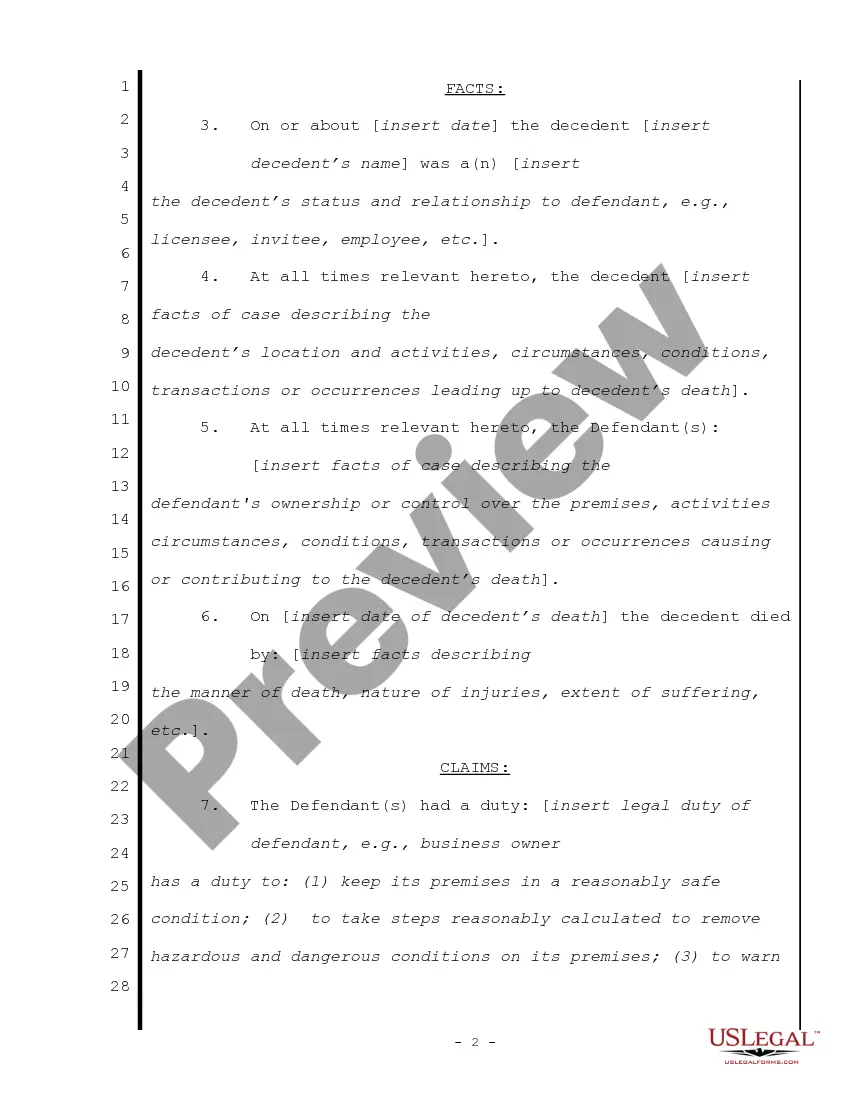
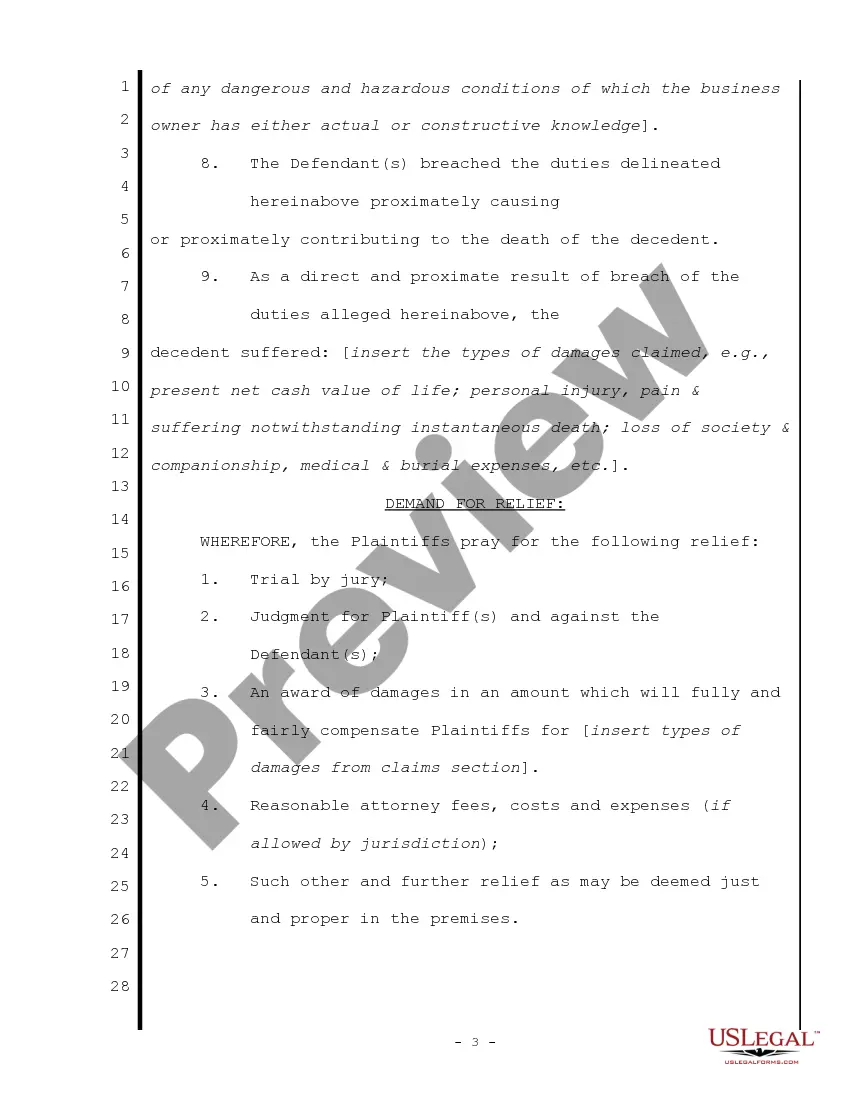
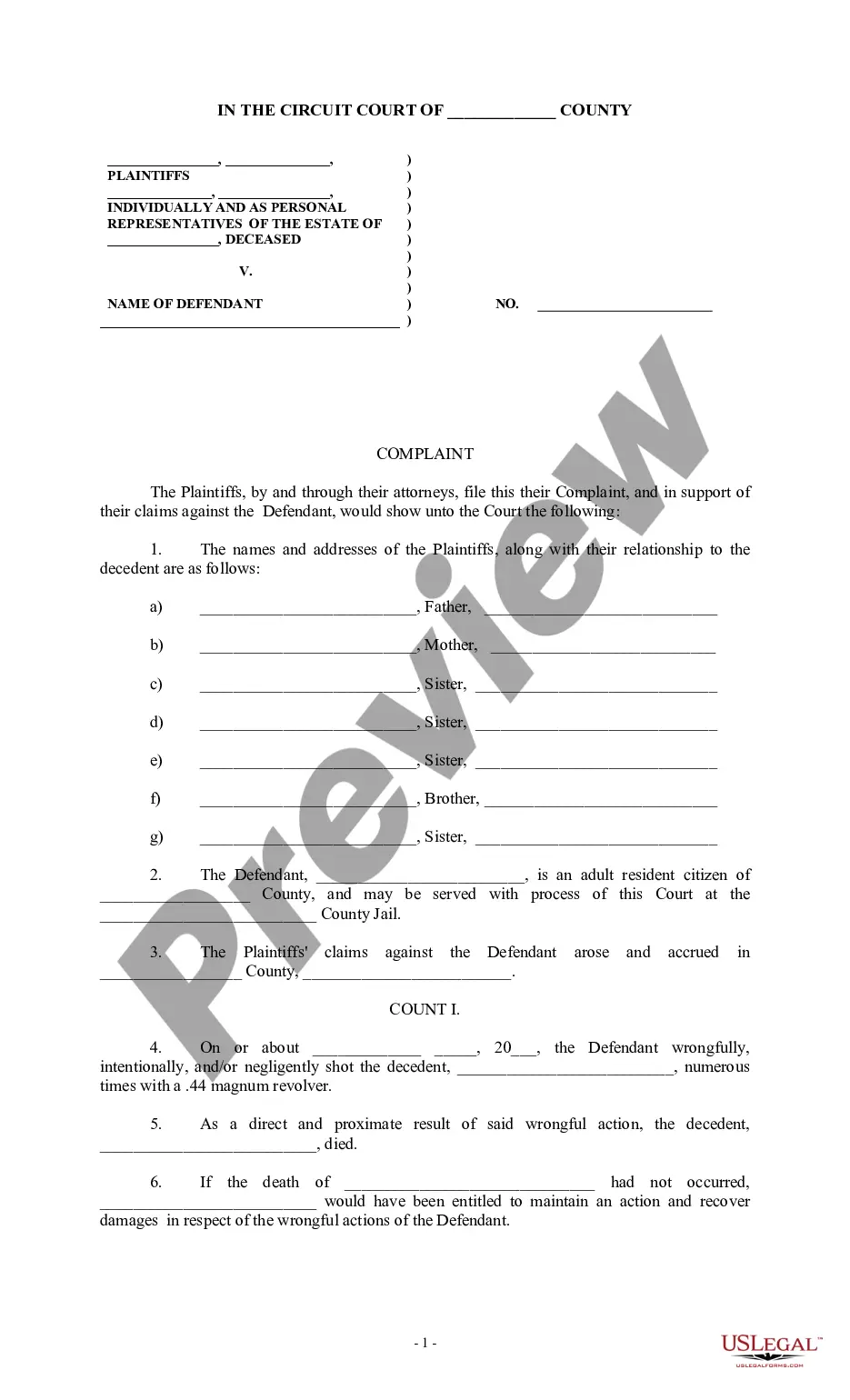
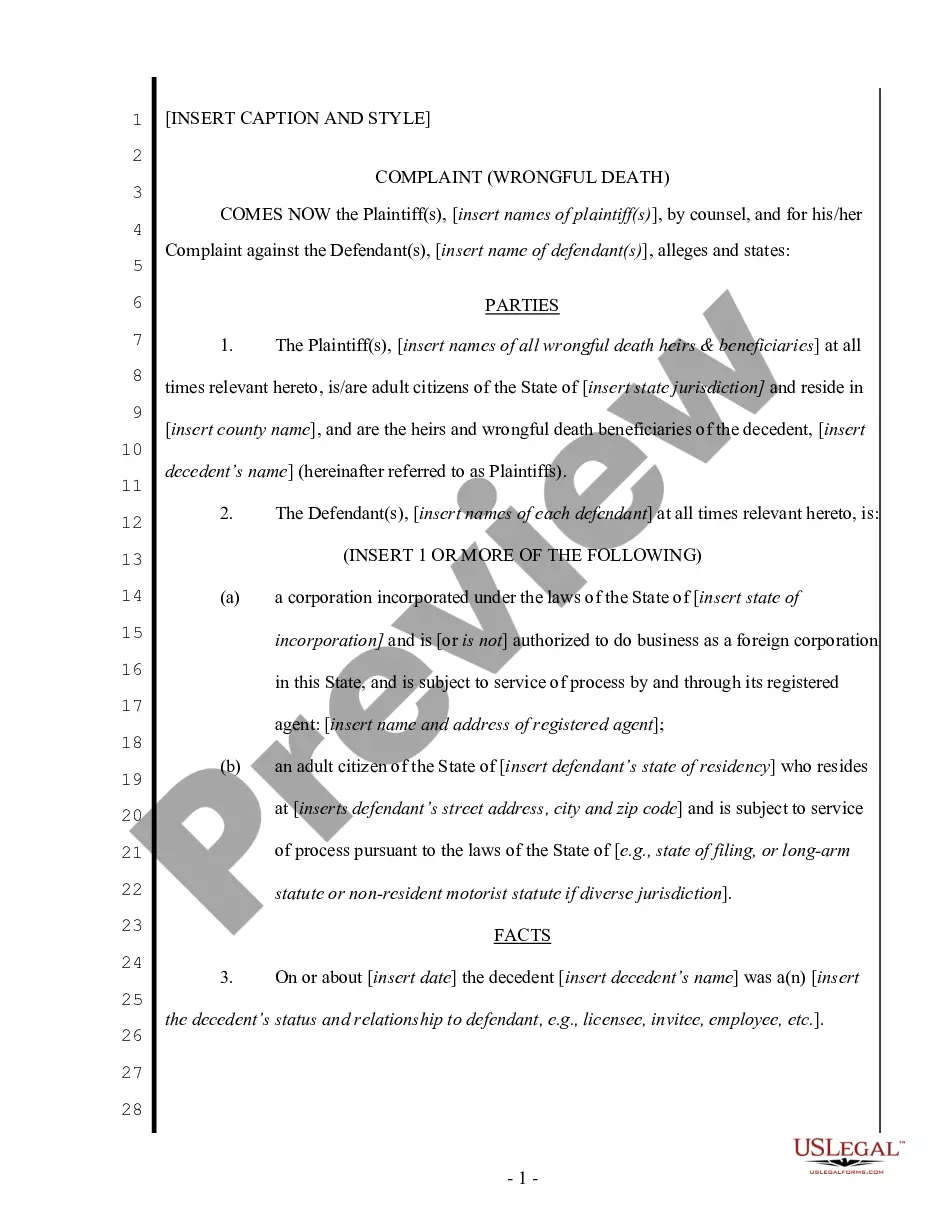
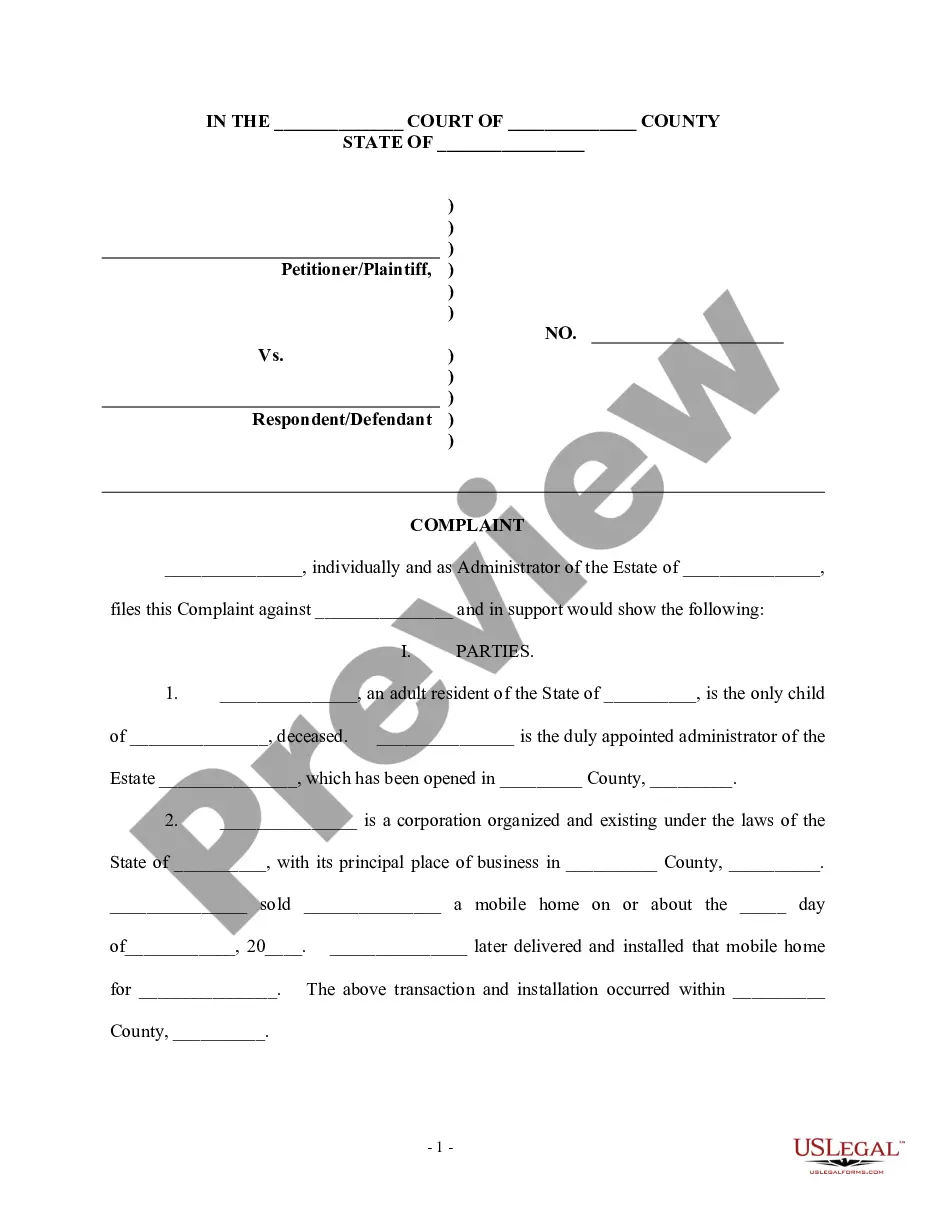

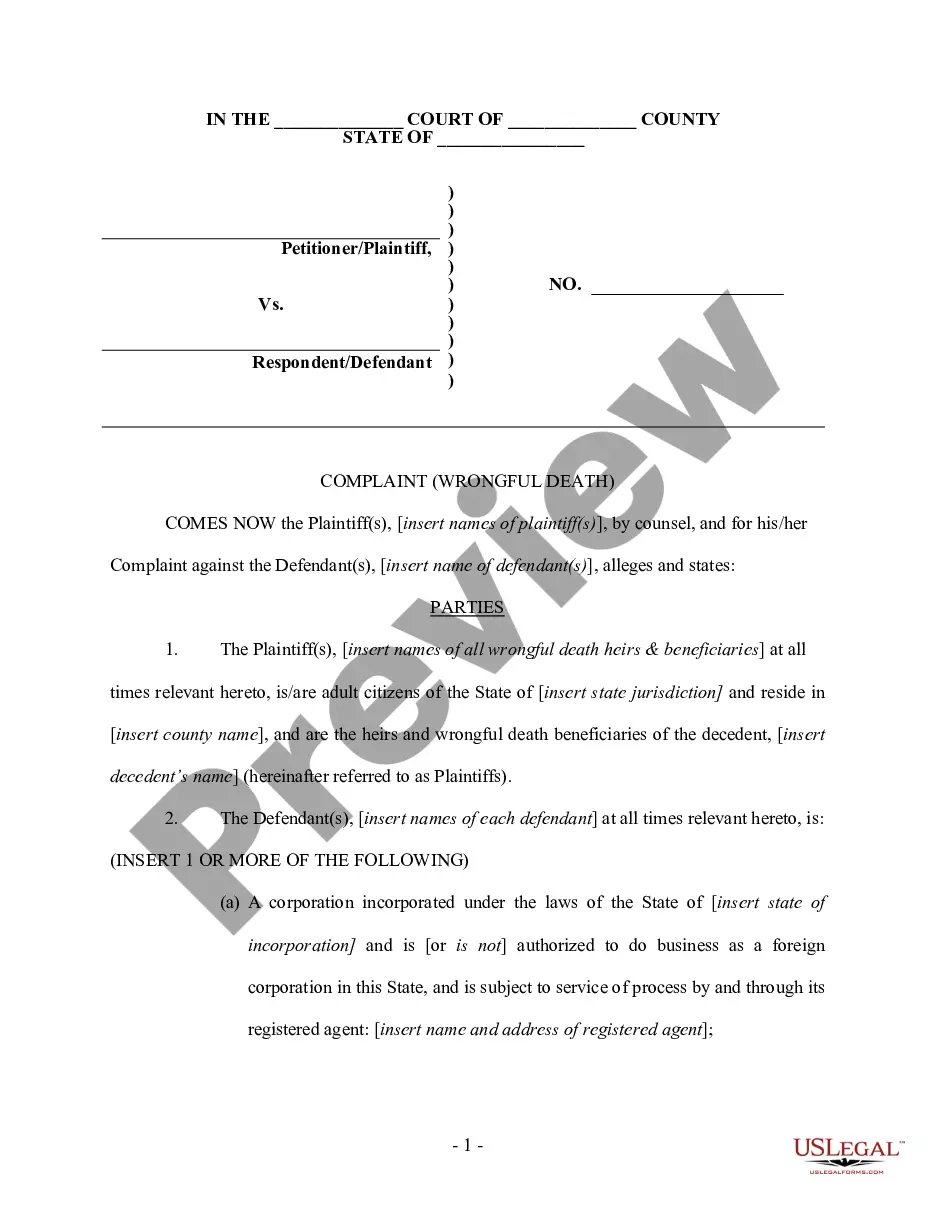
Get your form ready online
Our built-in tools help you complete, sign, share, and store your documents in one place.
Make edits, fill in missing information, and update formatting in US Legal Forms—just like you would in MS Word.
Download a copy, print it, send it by email, or mail it via USPS—whatever works best for your next step.
Sign and collect signatures with our SignNow integration. Send to multiple recipients, set reminders, and more. Go Premium to unlock E-Sign.
If this form requires notarization, complete it online through a secure video call—no need to meet a notary in person or wait for an appointment.
We protect your documents and personal data by following strict security and privacy standards.

Make edits, fill in missing information, and update formatting in US Legal Forms—just like you would in MS Word.

Download a copy, print it, send it by email, or mail it via USPS—whatever works best for your next step.

Sign and collect signatures with our SignNow integration. Send to multiple recipients, set reminders, and more. Go Premium to unlock E-Sign.

If this form requires notarization, complete it online through a secure video call—no need to meet a notary in person or wait for an appointment.

We protect your documents and personal data by following strict security and privacy standards.
Looking for another form?

How to fill out Complaint For Wrongful Death - Single Count?
- If you are an existing user, log in to your account and verify your subscription. Download your required form template by simply clicking the Download button.
- For first-time users, start by checking the Preview mode and form description to ensure it meets your specific needs and complies with your local jurisdiction.
- If you need a different template, utilize the Search tab to find the correct form. Upon finding a suitable document, proceed to the next step.
- Purchase the document by clicking the Buy Now button and select your preferred subscription plan. You will need to create an account to access the extensive library.
- Complete your purchase by entering your credit card information or using your PayPal account.
- Finally, download your form and save it on your device. You can also access it anytime from the My Forms section of your profile.
With US Legal Forms, you gain access to a robust collection of forms and can consult premium experts who assist in completing your documents correctly, ensuring they are legally sound.
Start today and streamline your legal document process with US Legal Forms – your trusted partner in legal solutions. Don't wait, take action now!
Form popularity
FAQ
To randomly populate cells from a predefined list, use the INDEX and RANDBETWEEN functions together. This method lets you select random entries from your list while keeping your data diverse. This technique may be particularly effective when approaching topics related to wrongful single actions fill with the blank, helping create robust data examples.
To automatically fill empty cells, you can use Excel's Go To Special feature to select blanks, followed by entering a formula or value. You can also apply the Fill Down command to fill empty cells quickly. This can be particularly beneficial when managing data that involves wrongful single actions fill with the blank, ensuring no gaps in your data set.
Excel can auto populate cells using the fill handle or by employing the Autofill options. You just need to drag the fill handle over adjacent cells for Excel to predict and fill based on the established pattern. Incorporating conditions relevant to wrongful single actions fill with the blank can optimize this process for better results.
To randomly populate cells, use the RANDBETWEEN function to generate numbers across your selected range. You can also use the CHOOSE function along with RANDBETWEEN for selecting random items from a specific list. This method is particularly useful when you want to include data related to wrongful single actions fill with the blank, making your spreadsheets more dynamic.
If the autofill option does not appear, check your Excel settings and ensure the feature is enabled. Sometimes, the issue might arise from the data structure you are using. For example, aligning your data layout with wrongful single actions fill with the blank could enhance the autofill functionality and improve your workflow.
To populate random data in Excel, you can use the RAND or RANDBETWEEN functions. These functions generate random numbers or values within a specified range. You can also combine these functions with other formulas to fill in cells that relate to wrongful single actions fill with the blank, ensuring you have varied data for your analyses.
To fill the blanks in Excel, you can use the 'Go To Special' feature. Select your range, navigate to the Home tab, and choose 'Find & Select' followed by 'Go To Special', selecting 'Blanks' in the dialogue. After that, you can enter a value or copy data to fill all the blank cells. Doing this carefully will help avoid any wrongful single actions filling with the blank, thereby maintaining the integrity of your dataset.
Filling blank cells with the values from cells above can be done easily using a simple method. Select the blank cells, then press 'Ctrl + D' to fill down the values from the cells above. This approach effectively populates blanks with relevant data, preventing wrongful single actions from filling with the blank space. It ensures your data reflects the intended values accurately.
To move data and fill in blank cells, first highlight the range you wish to adjust. You can then use the 'Fill' feature or drag the corner of a selected cell to transfer data into the empty cells. This method is efficient for maintaining continuity in your data set. It helps ensure that wrongful single actions fill with the blank do not occur and that your data remains consistent.
Filling in the blanks in Excel is straightforward. You can select the range containing the blanks and use the 'Find & Select' tool to locate empty cells. From there, you can enter values or copy data from adjacent cells to assist you in filling the blanks effectively. Remember, wrongful single actions fill with the blank can lead to mistakes, so it's important to fill in cells correctly.