Application Variance Template With Calculator
Description
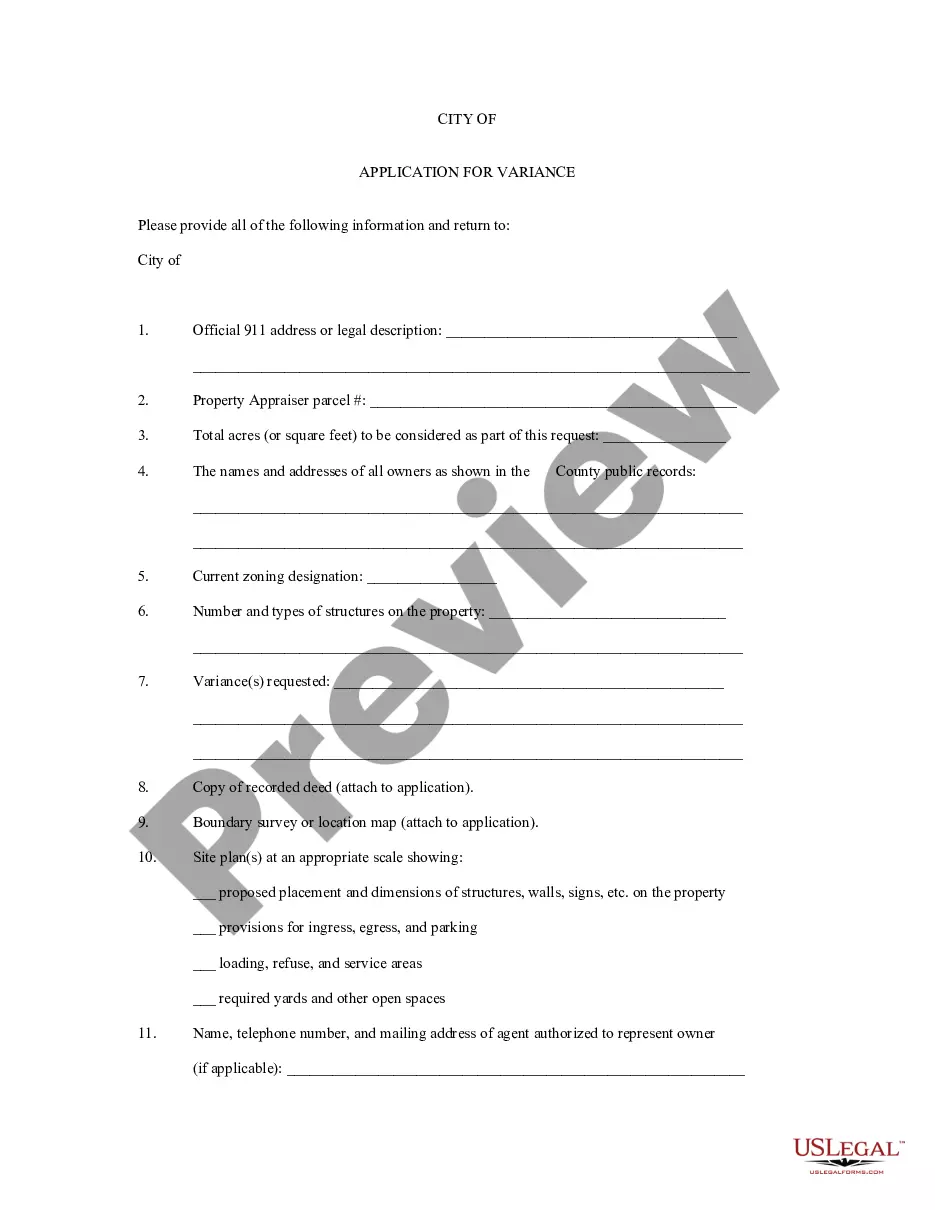
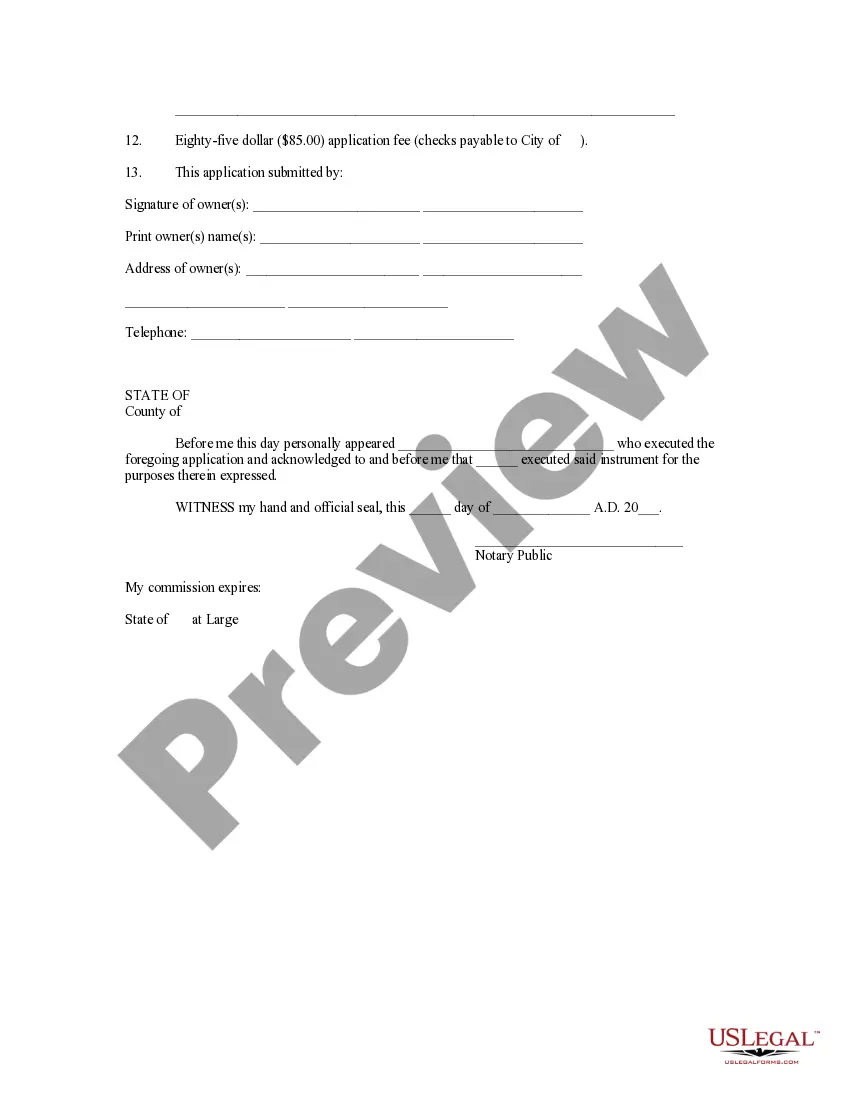
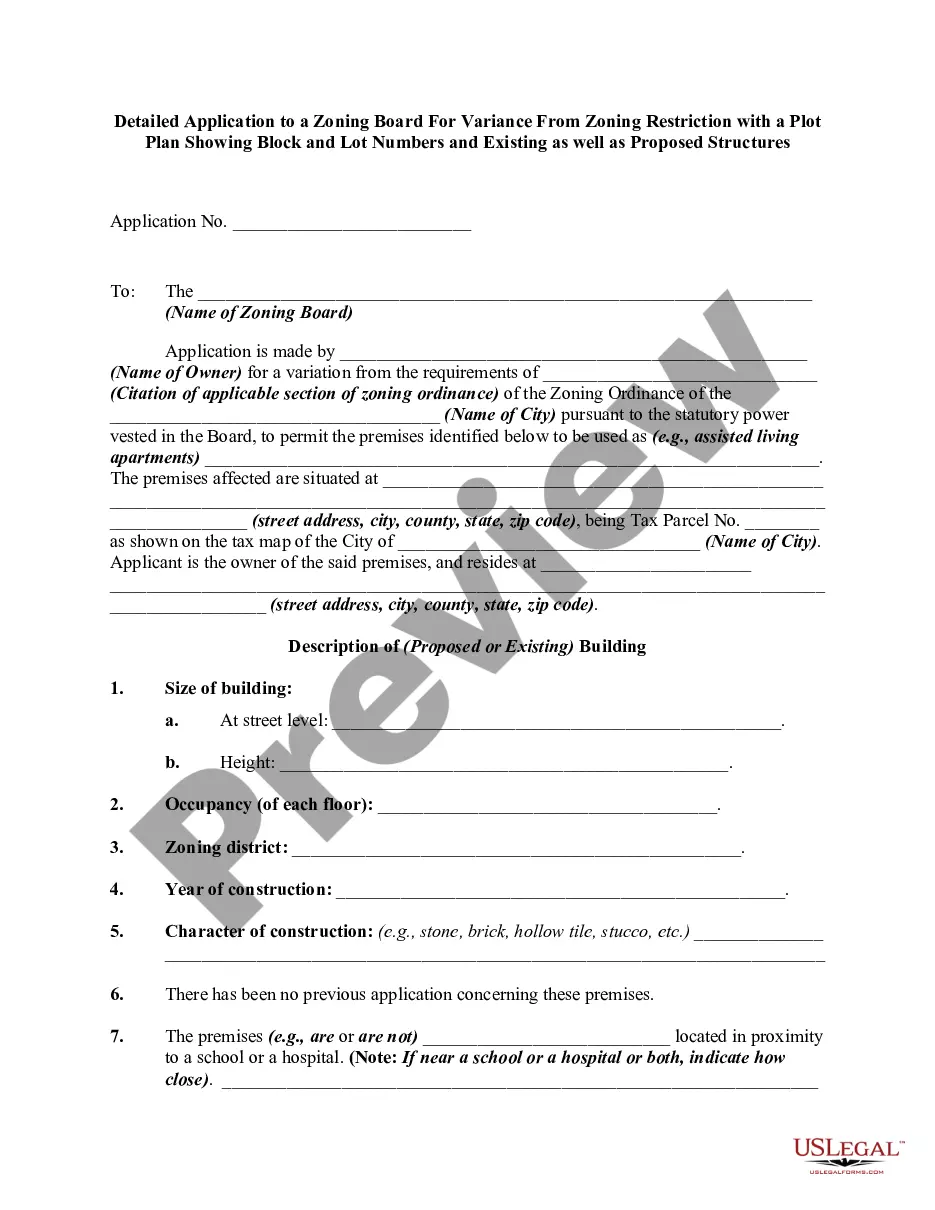
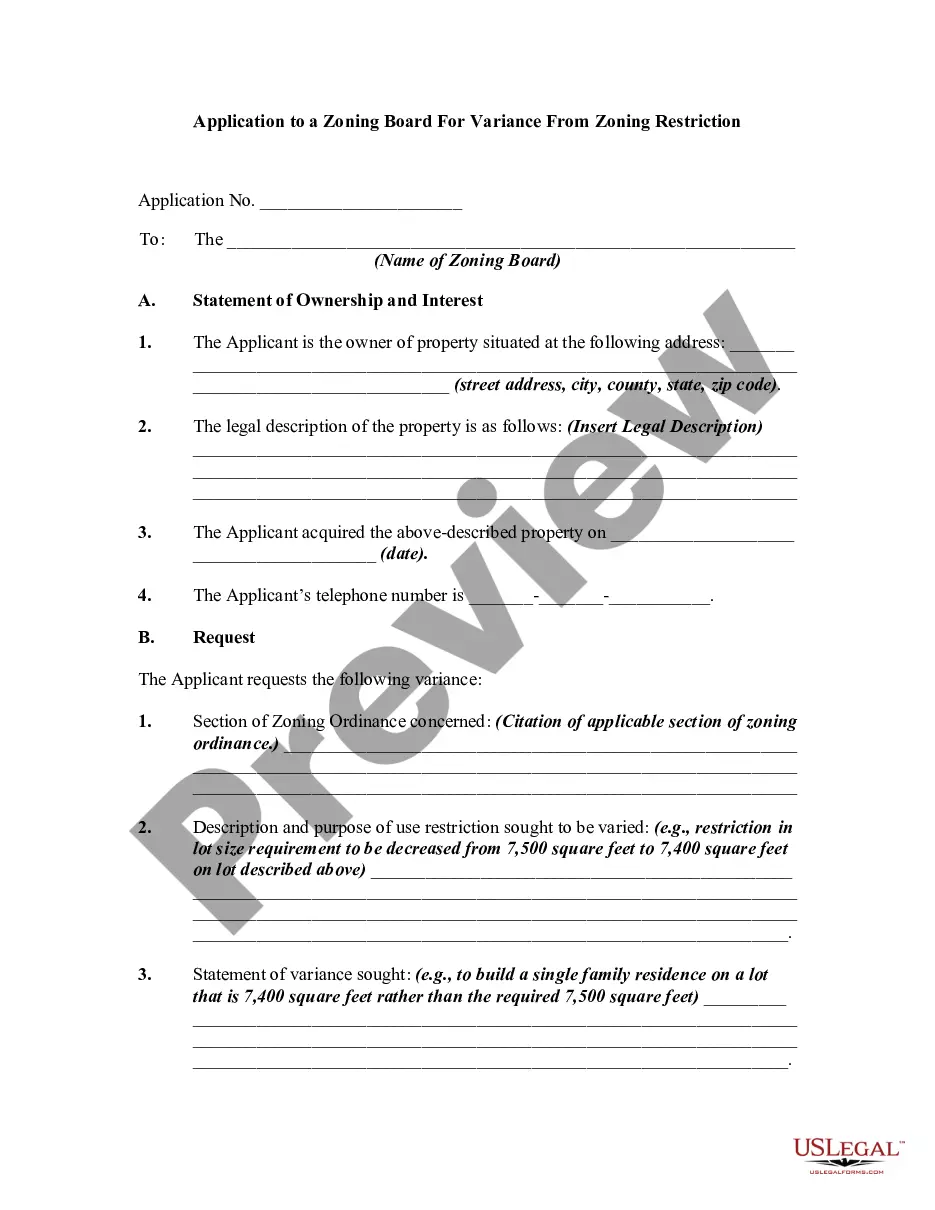
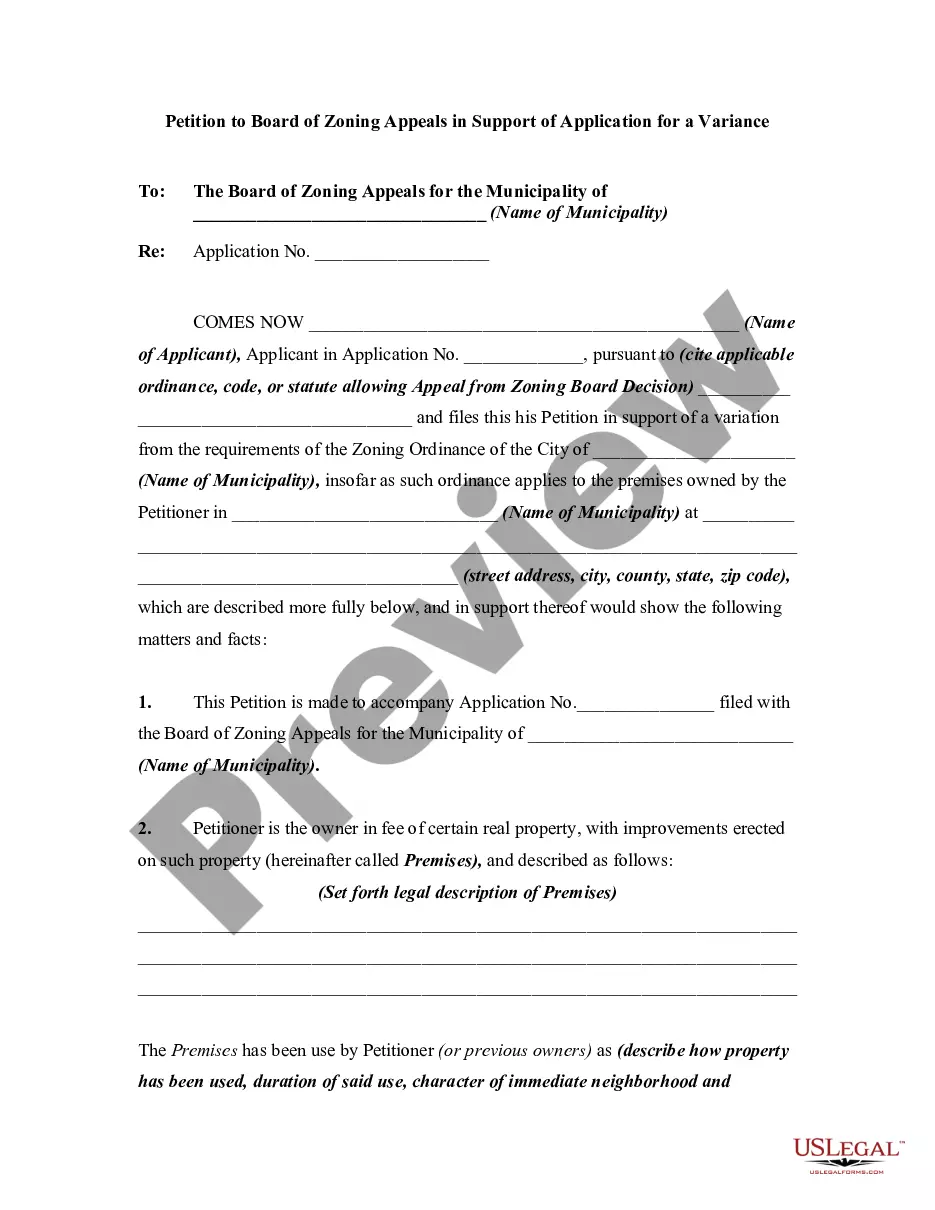
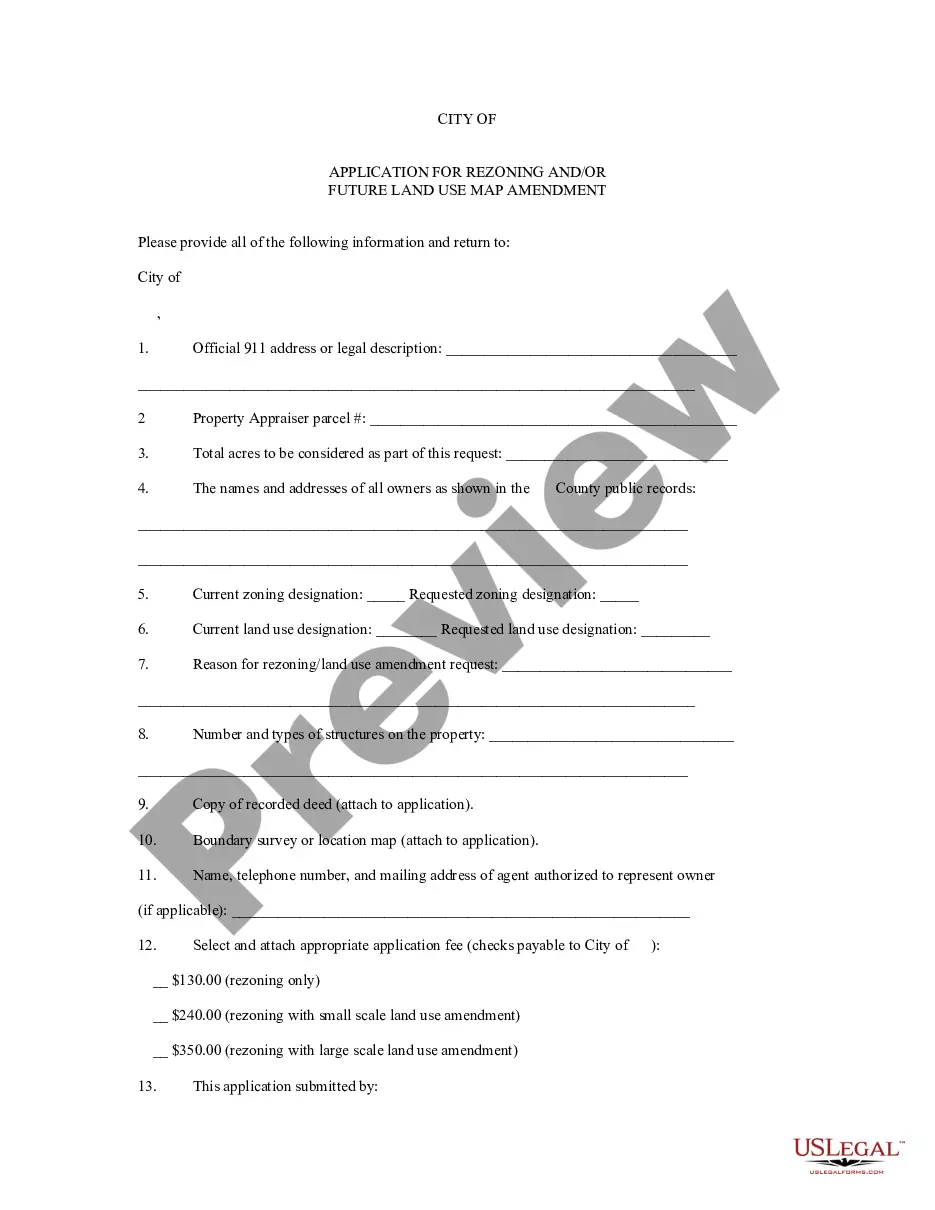
Get your form ready online
Our built-in tools help you complete, sign, share, and store your documents in one place.
Make edits, fill in missing information, and update formatting in US Legal Forms—just like you would in MS Word.
Download a copy, print it, send it by email, or mail it via USPS—whatever works best for your next step.
Sign and collect signatures with our SignNow integration. Send to multiple recipients, set reminders, and more. Go Premium to unlock E-Sign.
If this form requires notarization, complete it online through a secure video call—no need to meet a notary in person or wait for an appointment.
We protect your documents and personal data by following strict security and privacy standards.

Make edits, fill in missing information, and update formatting in US Legal Forms—just like you would in MS Word.

Download a copy, print it, send it by email, or mail it via USPS—whatever works best for your next step.

Sign and collect signatures with our SignNow integration. Send to multiple recipients, set reminders, and more. Go Premium to unlock E-Sign.

If this form requires notarization, complete it online through a secure video call—no need to meet a notary in person or wait for an appointment.

We protect your documents and personal data by following strict security and privacy standards.
Looking for another form?
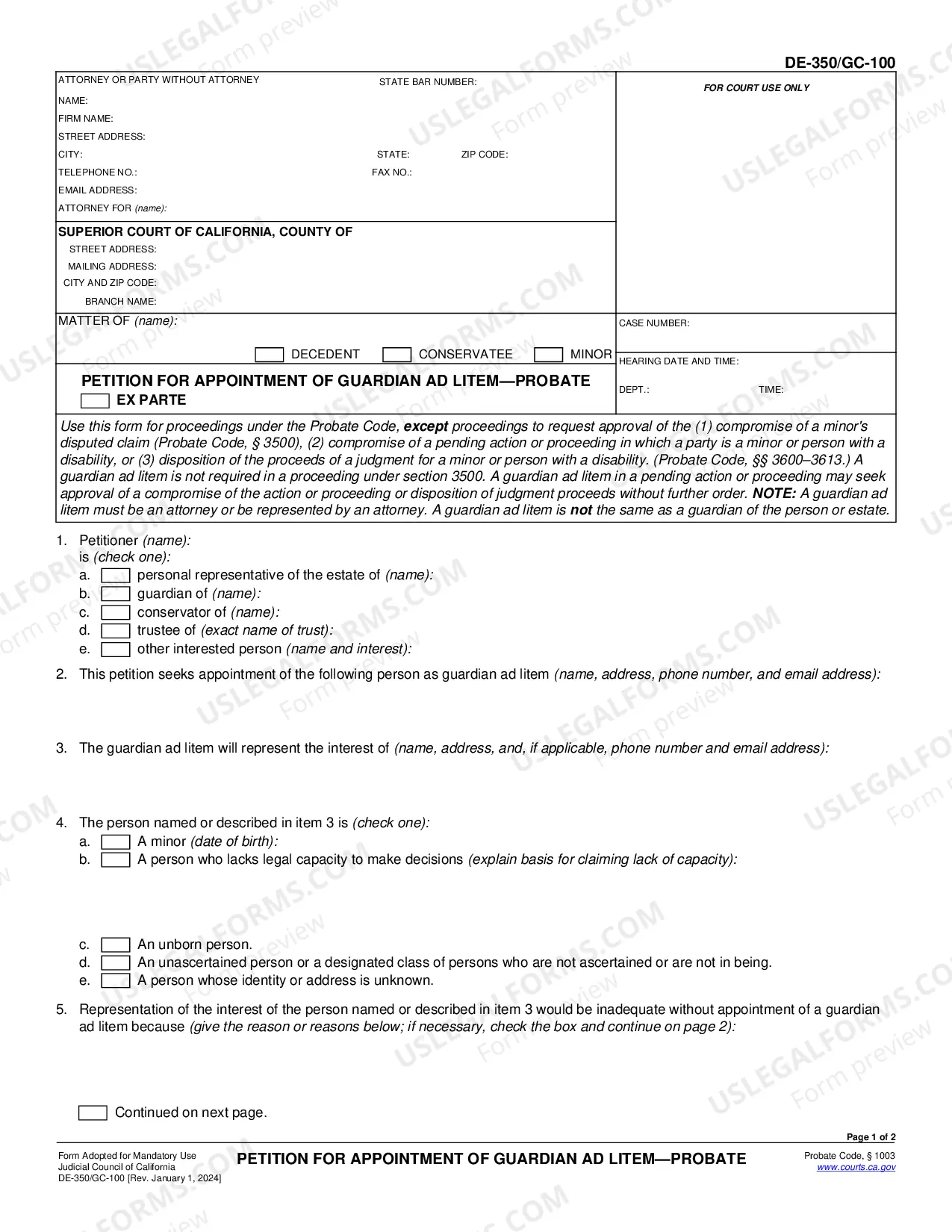




How to fill out Application For Variance?
Legal managing can be overwhelming, even for the most skilled experts. When you are searching for a Application Variance Template With Calculator and don’t have the time to devote in search of the correct and updated version, the procedures may be stress filled. A robust web form catalogue might be a gamechanger for anyone who wants to manage these situations effectively. US Legal Forms is a industry leader in online legal forms, with more than 85,000 state-specific legal forms available anytime.
With US Legal Forms, you are able to:
- Gain access to state- or county-specific legal and organization forms. US Legal Forms handles any requirements you could have, from personal to organization documents, all in one place.
- Make use of innovative tools to complete and control your Application Variance Template With Calculator
- Gain access to a resource base of articles, tutorials and handbooks and materials connected to your situation and needs
Help save effort and time in search of the documents you will need, and make use of US Legal Forms’ advanced search and Preview tool to find Application Variance Template With Calculator and download it. For those who have a monthly subscription, log in for your US Legal Forms account, search for the form, and download it. Take a look at My Forms tab to see the documents you previously saved as well as control your folders as you can see fit.
Should it be your first time with US Legal Forms, make a free account and get limitless use of all benefits of the library. Here are the steps to consider after getting the form you need:
- Verify this is the proper form by previewing it and looking at its information.
- Ensure that the sample is acknowledged in your state or county.
- Select Buy Now once you are all set.
- Choose a subscription plan.
- Pick the file format you need, and Download, complete, eSign, print and send your papers.
Take advantage of the US Legal Forms web catalogue, backed with 25 years of experience and trustworthiness. Transform your day-to-day papers management in a smooth and intuitive process right now.
Form popularity
FAQ
Range, Variance, Standard Deviation on the TI 83/84 Calculator - YouTube YouTube Start of suggested clip End of suggested clip And to get to that function we press the stat key we move over to calc. We press ENTER on oneMoreAnd to get to that function we press the stat key we move over to calc. We press ENTER on one variable statistics. And now we identify the list that we're using. So I'm using l1.
There are a few different options for the formula to calculate variance in Excel: =VAR. S(select data) =VARA(select data)
To insert a new variance function using a sample data set (a smaller sample of a larger population set), start by typing =VAR. S( or =VARA( into the formula bar at the top. If you're working with a population data set (the entire data set), type =VAR. P( or =VARPA( instead.
Computing the Sample Variance with a TI-84 Calculator - YouTube YouTube Start of suggested clip End of suggested clip What you want to do is go down to VARs. Click on that and then scroll down to statistics. ClickMoreWhat you want to do is go down to VARs. Click on that and then scroll down to statistics. Click enter and then this will allow you to pick out any of those statistics that you want we want the sample.
Enter your actual and budgeted values into separate columns in an Excel spreadsheet. Calculate the difference between the actual and budgeted values by subtracting the budgeted values from the actual values. Calculate the percentage variance by dividing the difference by the budgeted values and multiplying by 100.