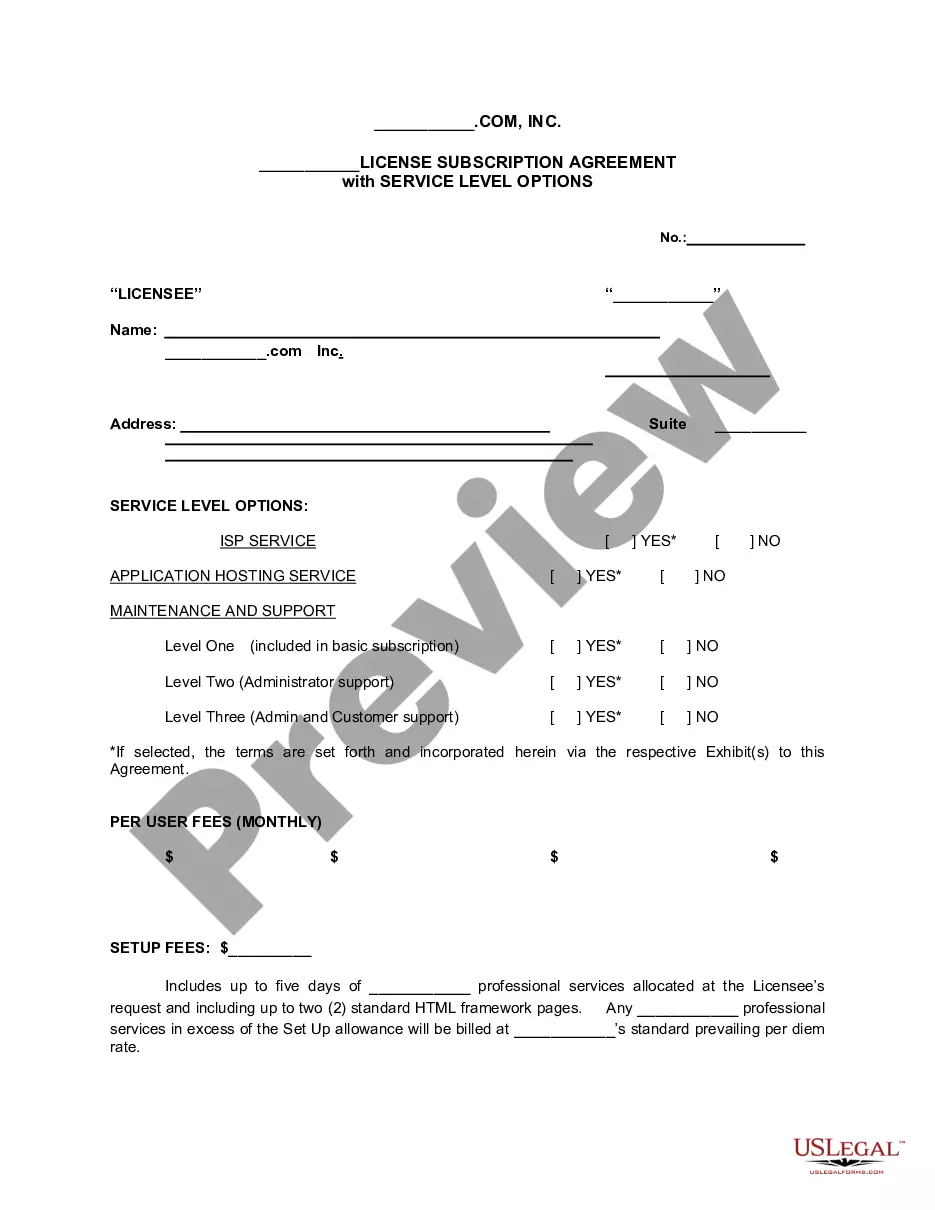
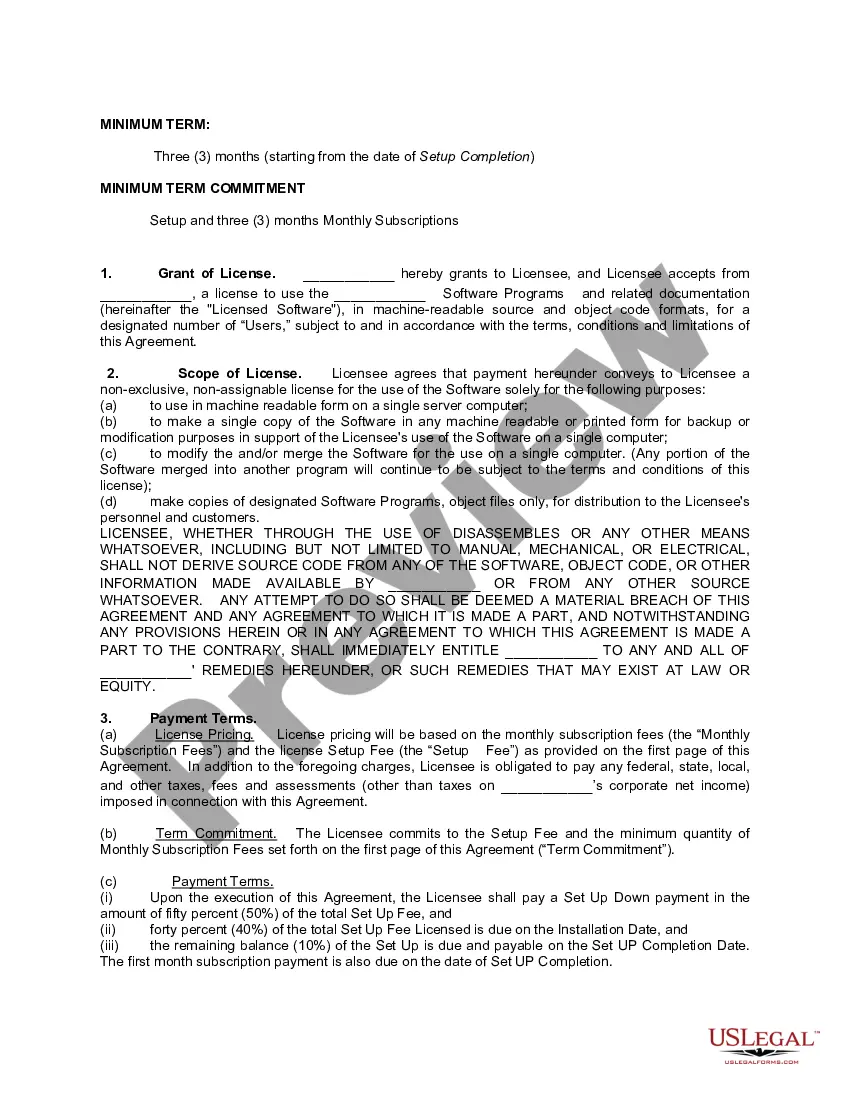
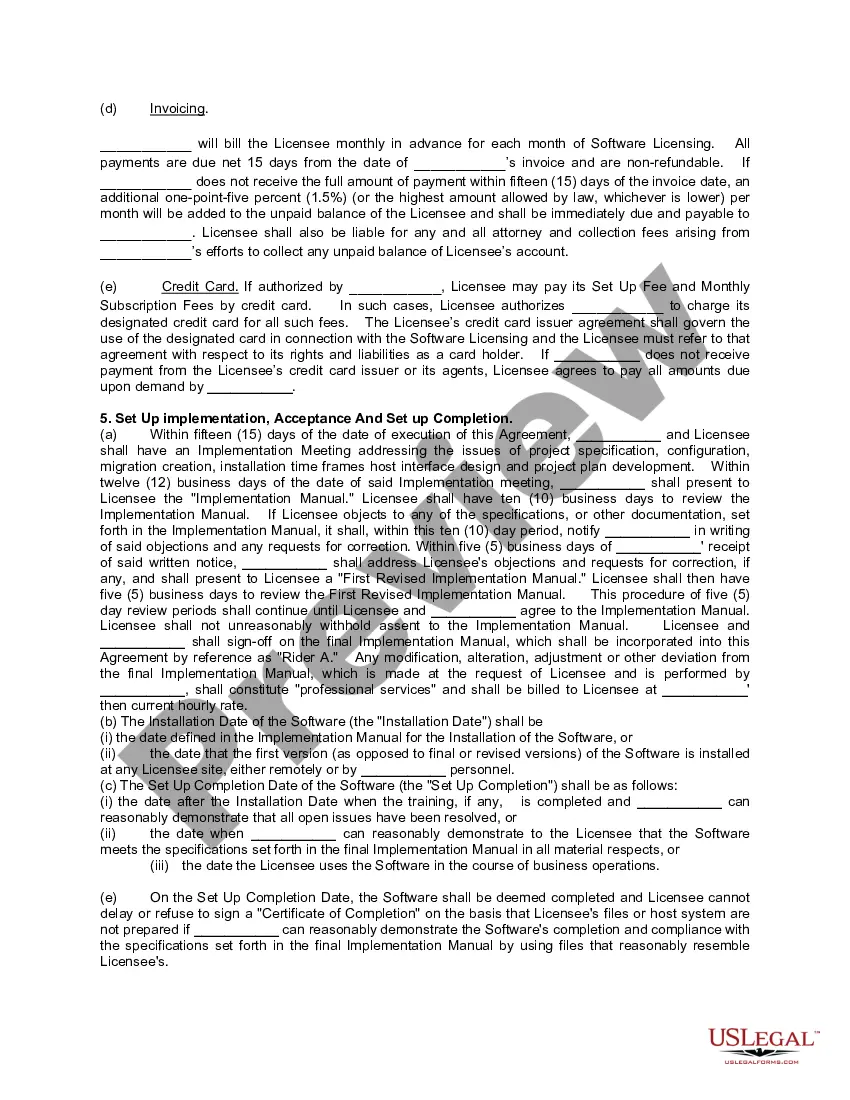
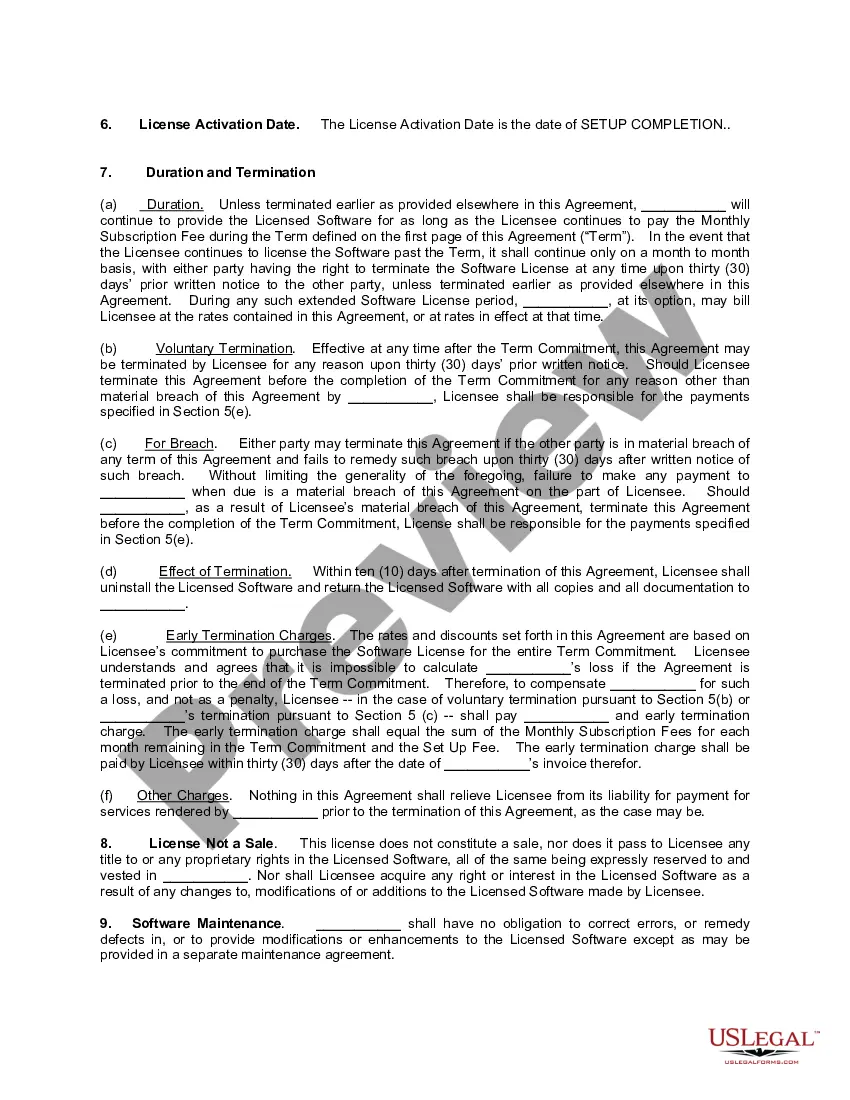
Service Level Agreement For Construction Works
Description

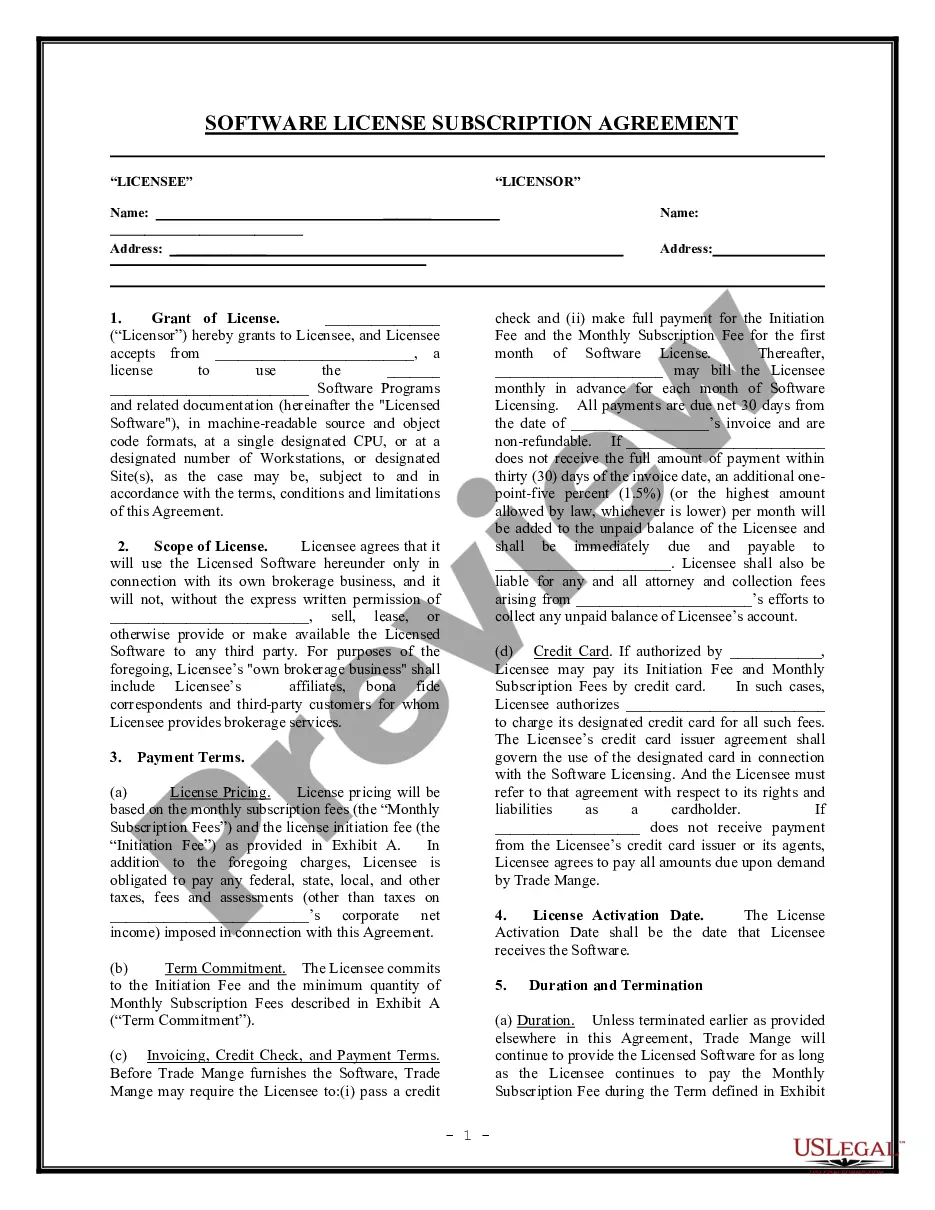
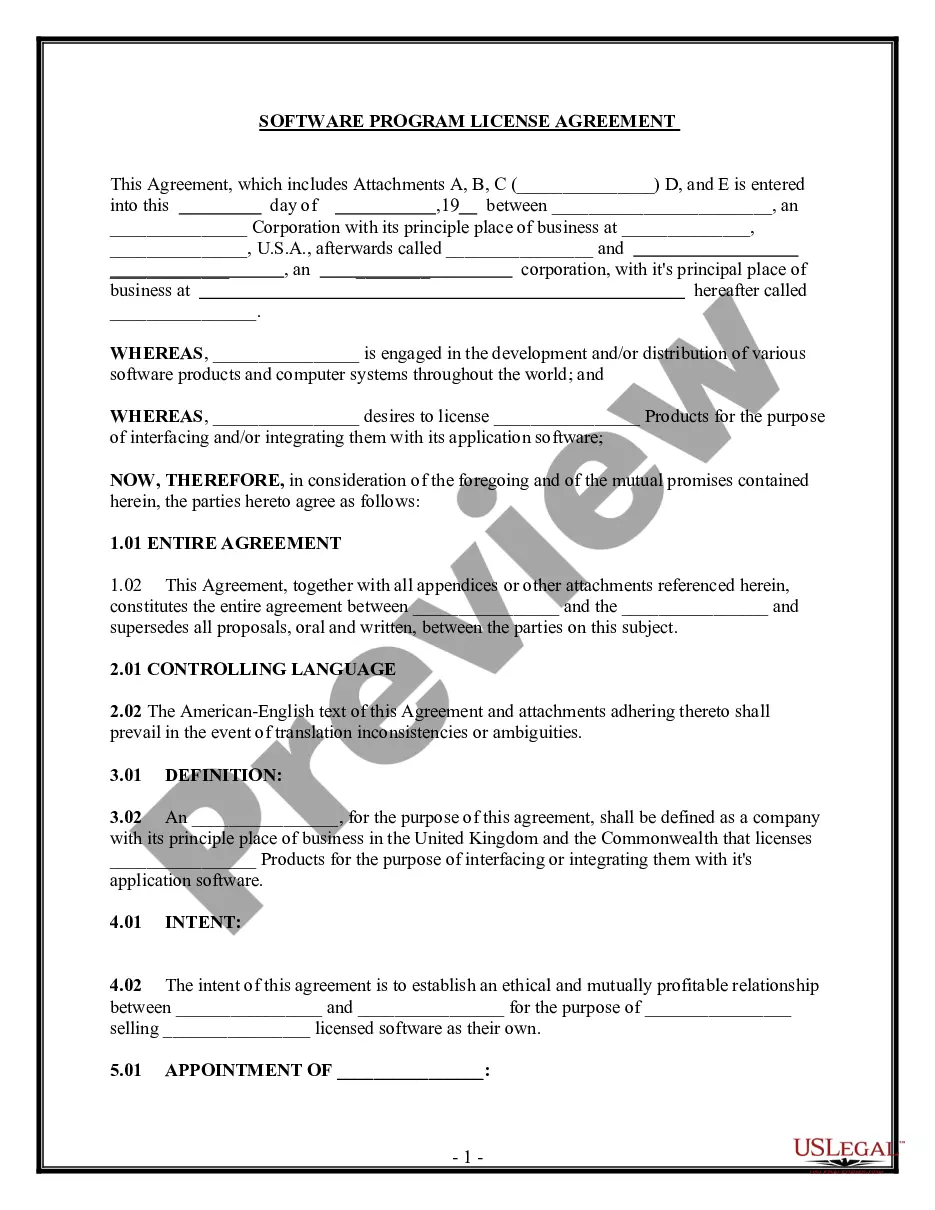
Get your form ready online
Our built-in tools help you complete, sign, share, and store your documents in one place.
Make edits, fill in missing information, and update formatting in US Legal Forms—just like you would in MS Word.
Download a copy, print it, send it by email, or mail it via USPS—whatever works best for your next step.
Sign and collect signatures with our SignNow integration. Send to multiple recipients, set reminders, and more. Go Premium to unlock E-Sign.
If this form requires notarization, complete it online through a secure video call—no need to meet a notary in person or wait for an appointment.
We protect your documents and personal data by following strict security and privacy standards.

Make edits, fill in missing information, and update formatting in US Legal Forms—just like you would in MS Word.

Download a copy, print it, send it by email, or mail it via USPS—whatever works best for your next step.

Sign and collect signatures with our SignNow integration. Send to multiple recipients, set reminders, and more. Go Premium to unlock E-Sign.

If this form requires notarization, complete it online through a secure video call—no need to meet a notary in person or wait for an appointment.

We protect your documents and personal data by following strict security and privacy standards.
Looking for another form?







How to fill out License Subscription Agreement With Service Level Options?
Accessing legal document samples that comply with federal and state regulations is essential, and the internet provides a variety of options to choose from.
However, what’s the point in spending time searching for the suitable Service Level Agreement For Construction Works sample online if the US Legal Forms online library already compiles such templates in one location.
US Legal Forms is the largest online legal repository with over 85,000 editable templates created by attorneys for any professional and personal situation. They are simple to navigate, with all documents categorized by state and intended use.
Locate another sample using the search tool at the top of the page if needed. Click Buy Now when you’ve identified the correct form and choose a subscription plan. Create an account or Log In and complete the payment with PayPal or a credit card. Select the most suitable format for your Service Level Agreement For Construction Works and download it. All templates you discover through US Legal Forms are reusable. To re-download and complete previously saved forms, open the My documents tab in your profile. Enjoy the most extensive and user-friendly legal paperwork service!
- Our experts keep abreast of legislative changes, so you can always be assured your form is current and compliant when obtaining a Service Level Agreement For Construction Works from our site.
- Acquiring a Service Level Agreement For Construction Works is swift and uncomplicated for both existing and new users.
- If you already possess an account with a valid subscription, Log In and download the document sample you need in the correct format.
- If you are new to our site, follow the directions below.
- Examine the template using the Preview feature or through the text outline to verify it meets your requirements.
Form popularity
FAQ
Re: Restoring a prior version of your Form that has been edited and autosaved. @MarciAngela there's no way to restore a previous version of a form.
Tip: If you don't see form tiles, you might be in "list view" instead of "tile view." To restore a form within "list view," hover to the right of the form, select More options, and then select Restore.
There is also no version history which makes it very difficult to reset the questions that have been overwritten.
How to undo changes in Google Forms? - YouTube YouTube Start of suggested clip End of suggested clip You may have noticed that there was no undo button in the browser. You have to click on the threeMoreYou may have noticed that there was no undo button in the browser. You have to click on the three dots first in the top right corner. And go to undo from here here we go that's all have a good day.
If you make a change you later regret, there's no way to find the version before this change. The only way to revert these changes is by doing so manually or simply clicking the Undo button a few times. Now that you know why you might need to undo in Google Forms, let's take a look at how to do it.
Google Forms does not have version history like Google Docs or Sheets. When you delete responses in Google Forms, it will be deleted permanently. The deleted form responses cannot be restored later.