Memo For Email Signature
Description


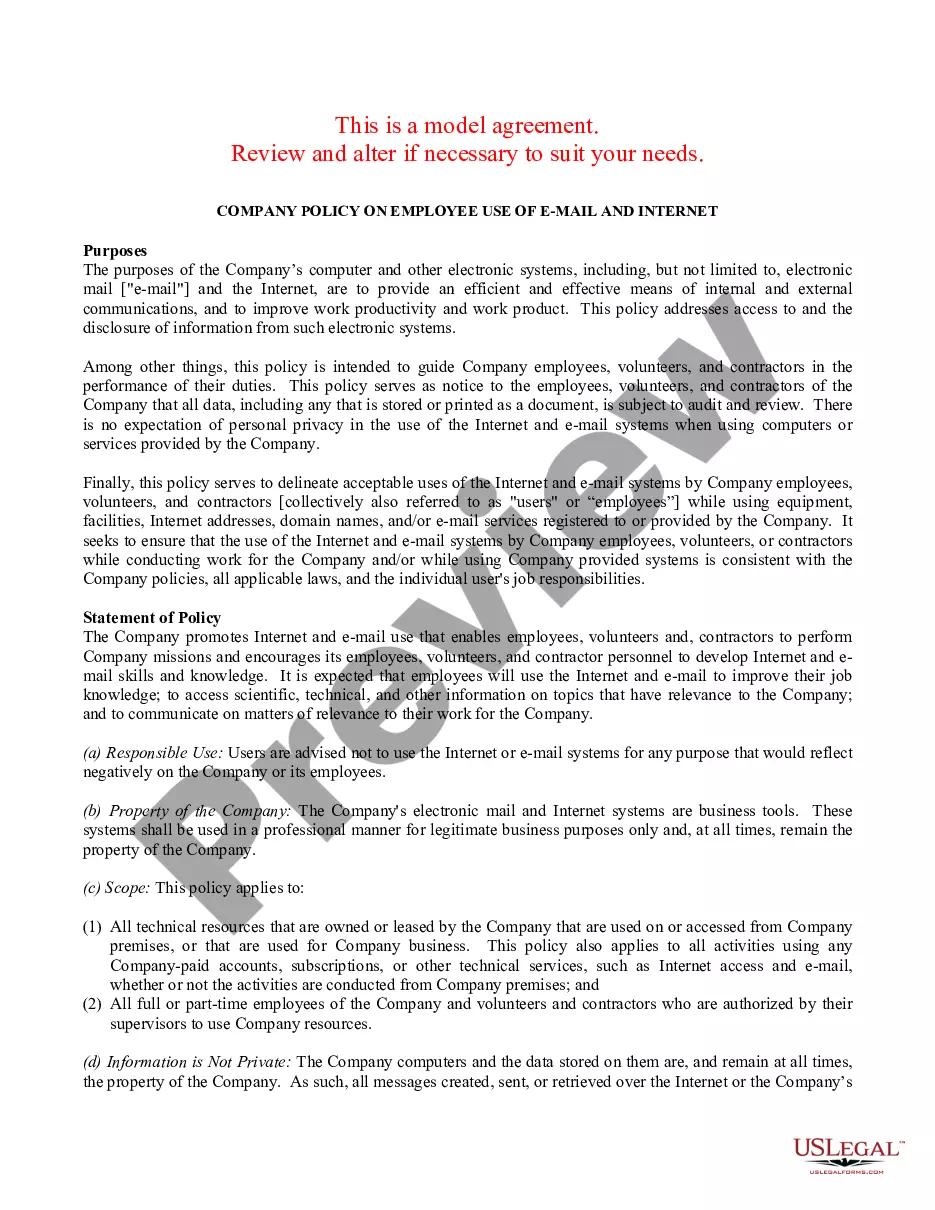

How to fill out Client EMail And Internet Use Policies Memo?
Creating legal documents from the ground up can occasionally be intimidating. Certain situations may require extensive research and significant financial investment. If you're looking for a simpler and more budget-friendly method of drafting a Memo For Email Signature or any other forms without unnecessary complications, US Legal Forms is always here to assist you.
Our online database of over 85,000 current legal documents covers nearly every aspect of your financial, legal, and personal matters. With just a few clicks, you can quickly obtain state- and county-compliant forms meticulously compiled for you by our legal professionals.
Utilize our website whenever you require dependable and trustworthy services through which you can effortlessly find and download the Memo For Email Signature. If you're already familiar with our site and have set up an account with us previously, simply Log In to your account, select the form, and download it or re-download it later in the My documents section.
Not registered yet? No worries. It requires minimal time to register and browse the catalog. However, before diving directly into downloading the Memo For Email Signature, consider these suggestions.
US Legal Forms boasts an impeccable reputation and more than 25 years of experience. Join us today and make the process of completing forms simple and efficient!
- Examine the form preview and descriptions to ensure you are looking at the document you need.
- Ensure that the template you select adheres to the standards of your state and county.
- Choose the most appropriate subscription plan to acquire the Memo For Email Signature.
- Download the form. Then fill it out, sign it, and print it.
Form popularity
FAQ
Therefore a working remotely email signature example might include: As I now work remotely, you may receive emails from me outside of normal working hours. Please don't feel any pressure to reply outside of your own work hours.
Having an email signature with working hours can be even more important if you work part-time, making recipients aware of the best days to reach out and when to expect a reply. A part-time working days email signature example could include the message: Thank you for your email. My work days are Monday ? Wednesday.
Try it! Select New Email. Select Signature > Signatures. Select New, type a name for the signature, and select OK. Under Edit signature, type your signature and format it the way you like. Select OK and close the email. Select New Email to see the signature you created.
Examples: "Hours Today: 8 AM to 5 PM. Hours Tomorrow: 10 AM to 7 PM" "Hours Jan 5 - Jan 10: 9 AM to 1 PM - 2 PM to 6 PM"
Each email service is different, but here are the general steps to do so: Open the email platform. Navigate to "Settings." Find and select the "Signature" option. Add your signature to the text box. Add a photo or graphic, if you want. Adjust the font as needed using the formatting options. Save your signature.