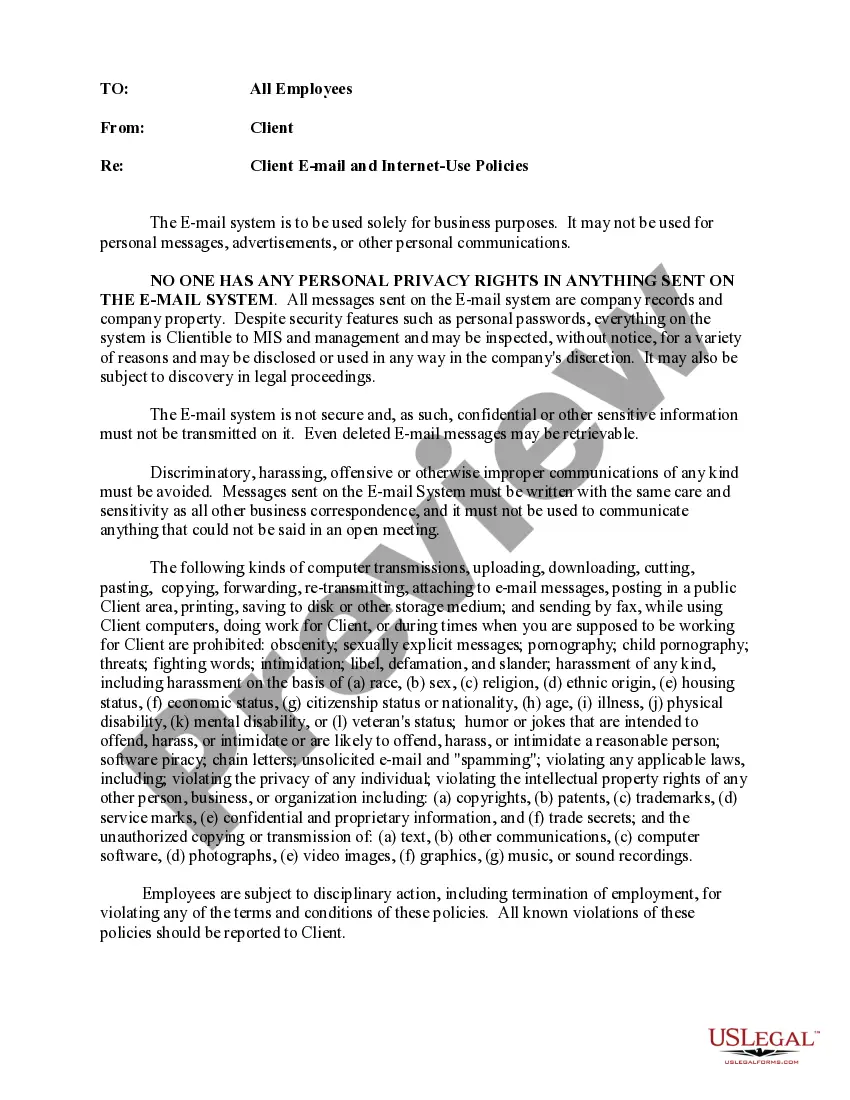
Memo Email Examples
Description


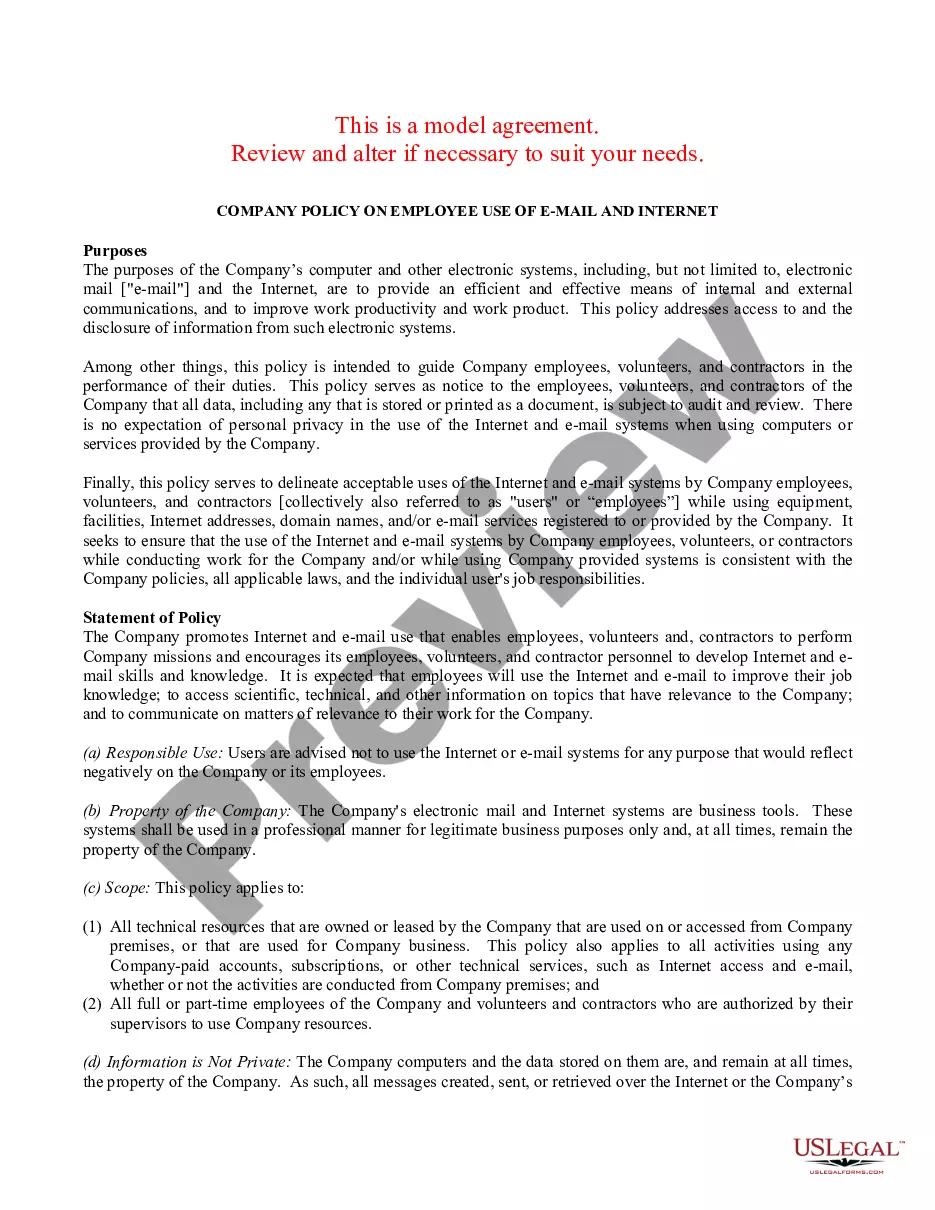
How to fill out Client EMail And Internet Use Policies Memo?
It’s well-known that you cannot instantly become a legal authority, nor can you swiftly learn how to compose Memo Email Examples without having a specific background. Assembling legal documents is a lengthy procedure that demands specialized training and expertise. So why not entrust the development of the Memo Email Examples to the experts.
With US Legal Forms, one of the most extensive legal template collections, you can discover anything from court documents to templates for in-office correspondence. We understand how vital compliance and adherence to federal and state laws and regulations are. That’s why, on our site, all templates are location-specific and current.
Let’s begin with our website and acquire the form you require in just minutes.
You can regain access to your forms from the My documents tab at any time. If you’re an existing client, you can simply Log In, and find and download the template from the same tab.
Regardless of the purpose of your documentation—whether it’s financial, legal, or personal—our website has you covered. Try US Legal Forms today!
- Locate the form you need using the search bar at the top of the page.
- Preview it (if this option is available) and read the supporting description to decide if Memo Email Examples is what you’re looking for.
- Restart your search if you require any other form.
- Create a free account and choose a subscription plan to purchase the template.
- Select Buy now. Once the transaction is complete, you can obtain the Memo Email Examples, fill it out, print it, and send or mail it to the designated individuals or organizations.
Form popularity
FAQ
Memo Example 1: A General Office Memo Coworkers, It has come to my attention that many in the office have been spending time on the Google home page microgames. This memo is a reminder to use your work hours for work.
Include the same information that's in the subject line, but expand it. Ask questions immediately and/or supply information directly (explain later in the memo). Explain details, arranging information logically. Enhance readability by using short sentences, short paragraphs, and parallel construction for similar ideas.
How to Write a Memo Write a heading. Write an introduction. Provide background on the issue. Outline action items and timeline. Include a closing statement. Review and proofread before sending.
How to format a memo Heading. To. From. Date. Subject. Opening statement. Context. Call to action and task statement. Discussion. Closing.
How to Add Notes in Gmail - YouTube YouTube Start of suggested clip End of suggested clip Box. Before you send your message click on the arrow to the right hand side of the note. Button.MoreBox. Before you send your message click on the arrow to the right hand side of the note. Button.