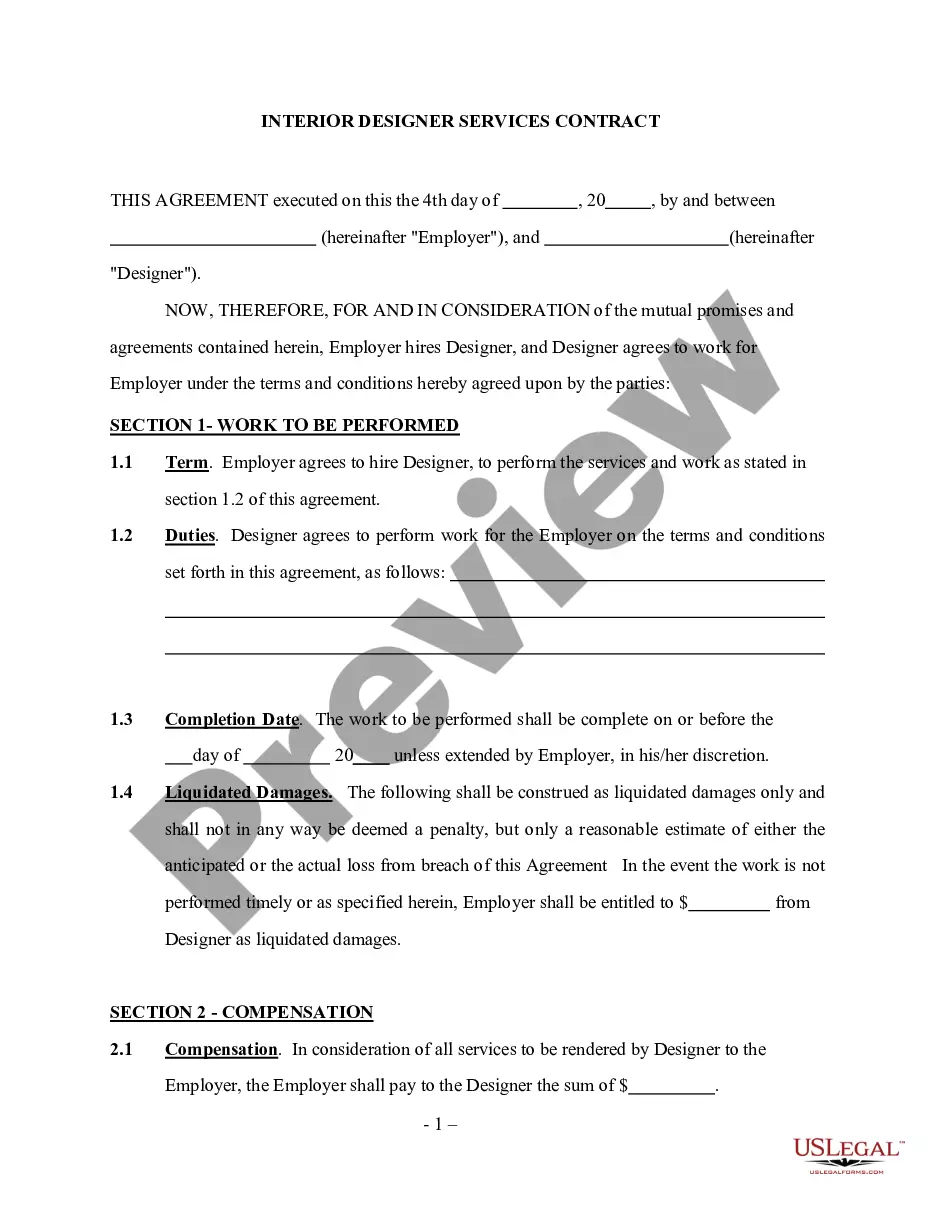
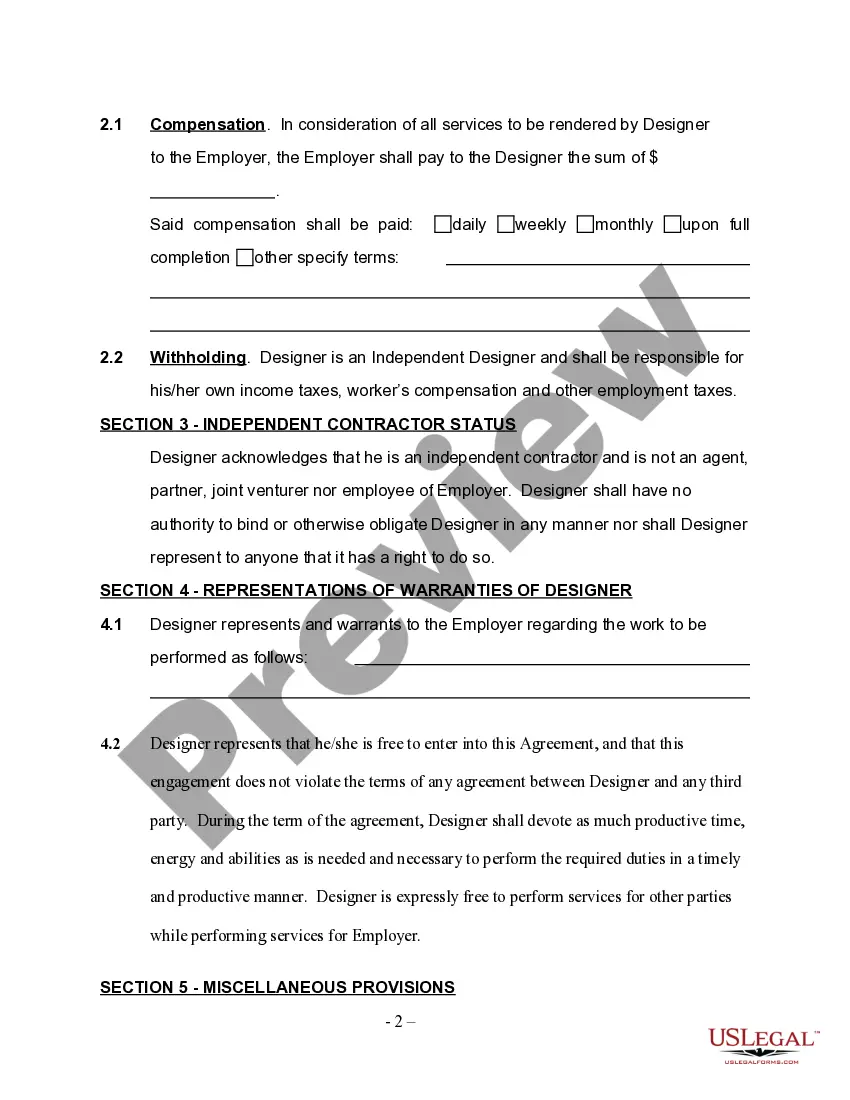
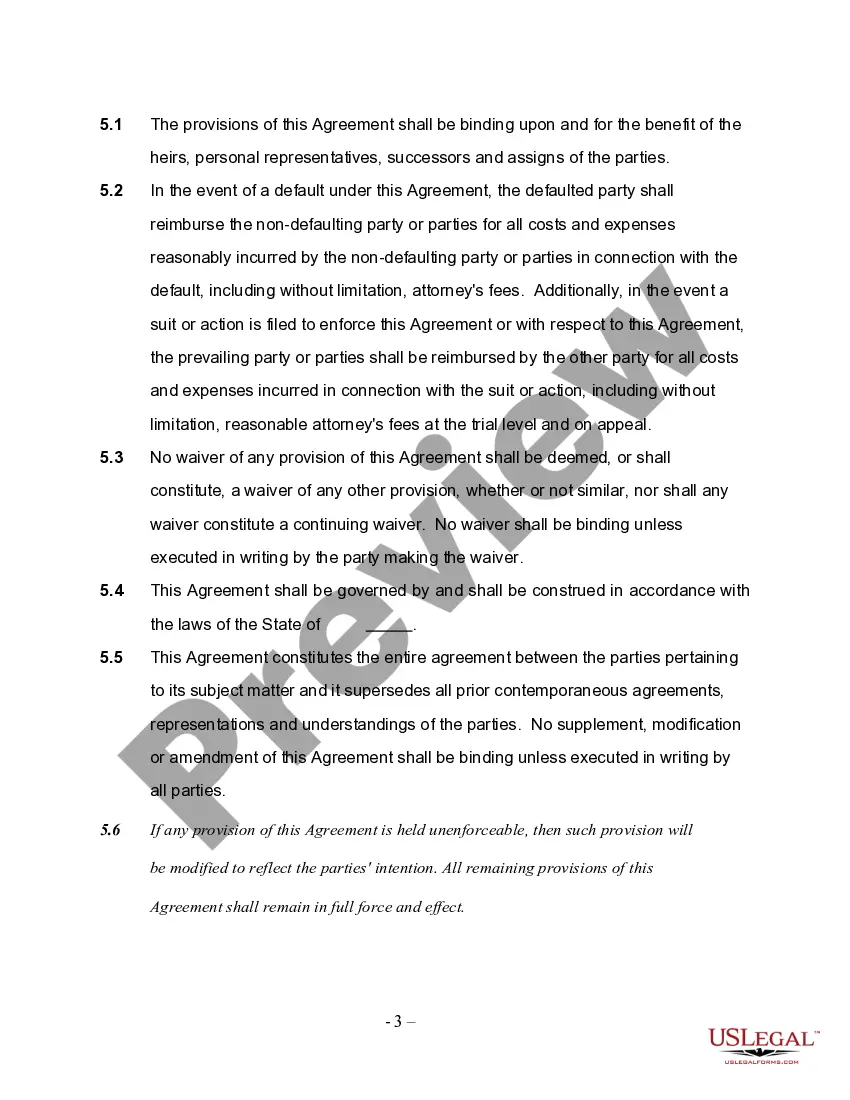
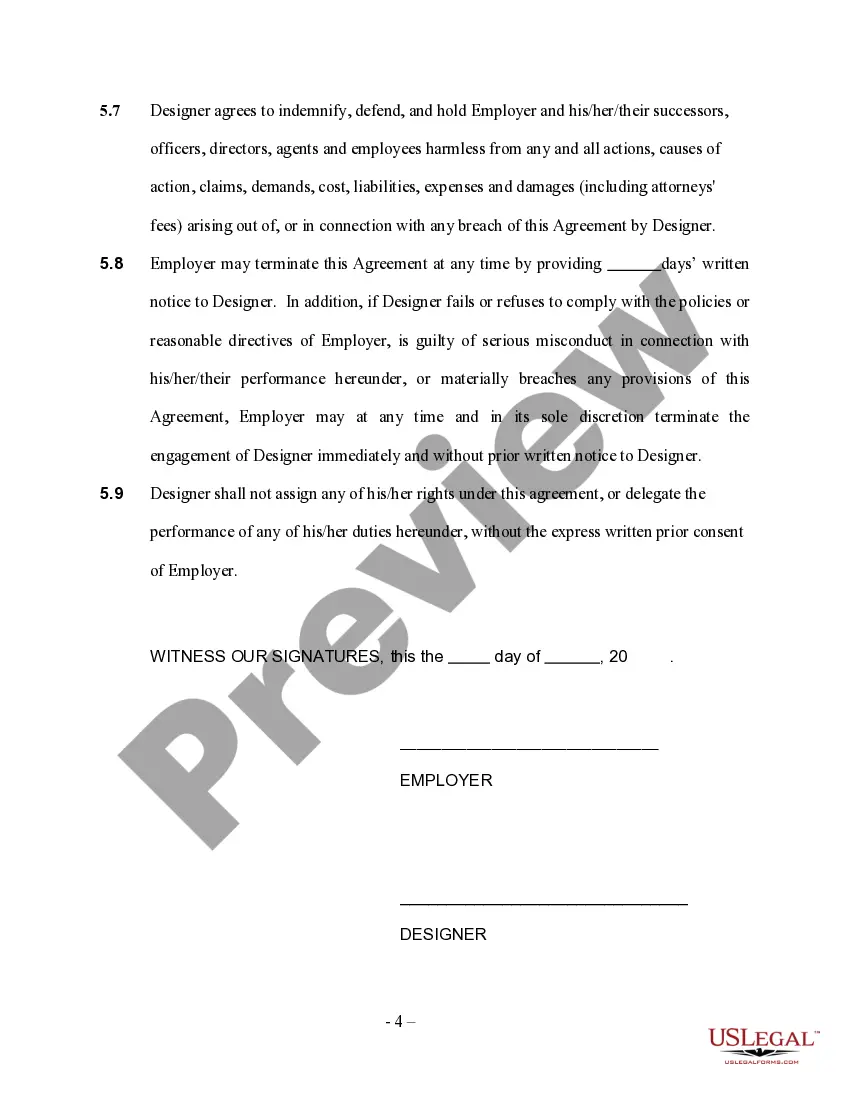
Interior Designer Contract Agreement With Company
Description
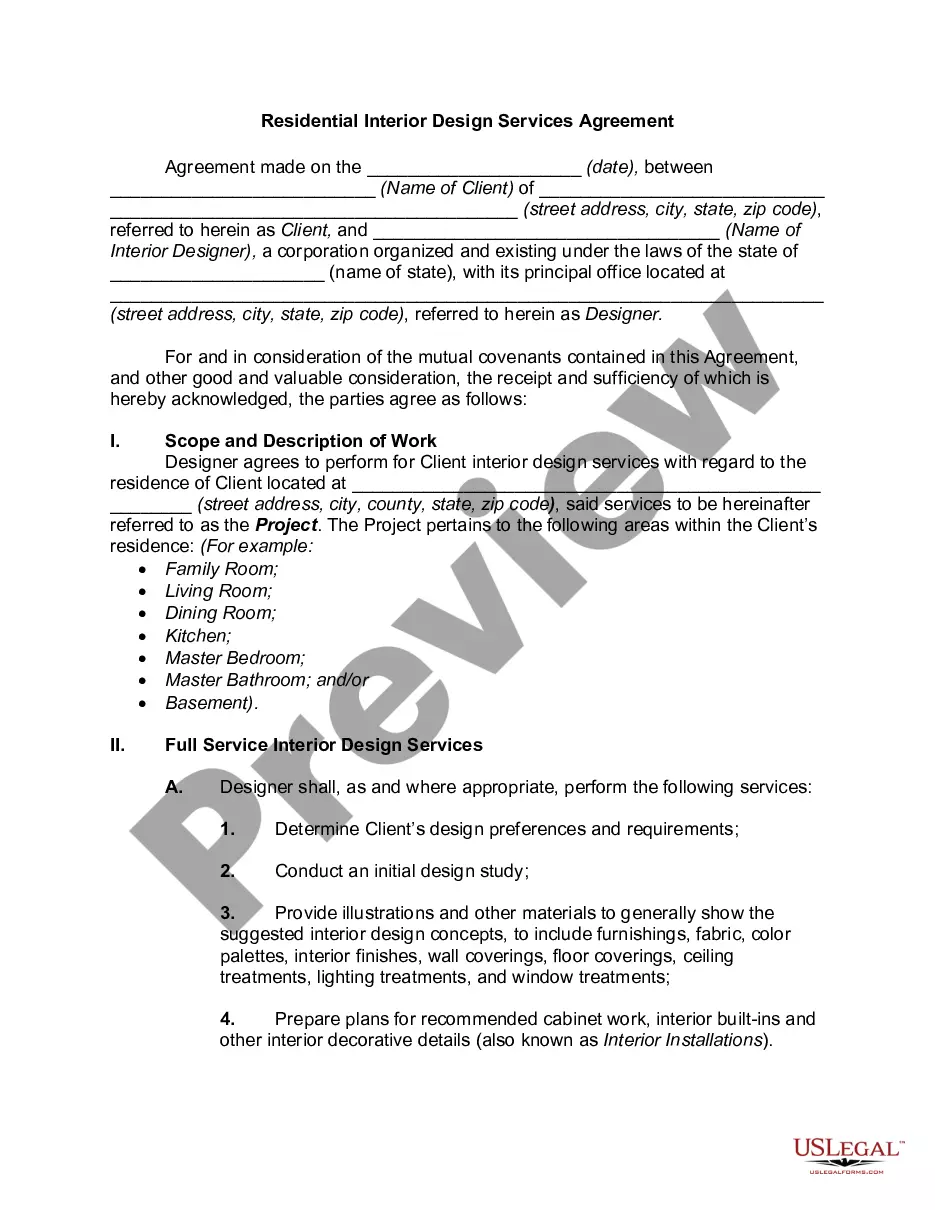
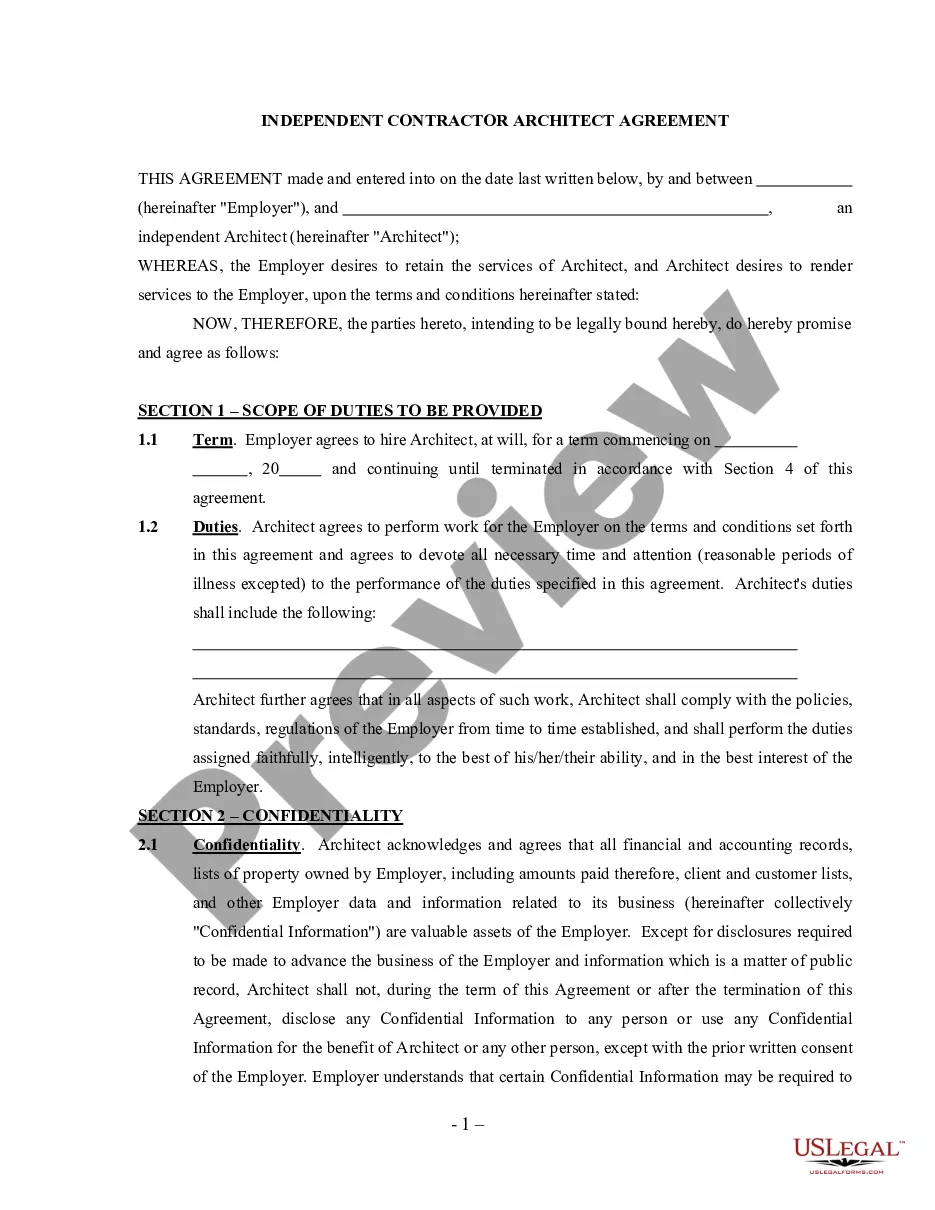
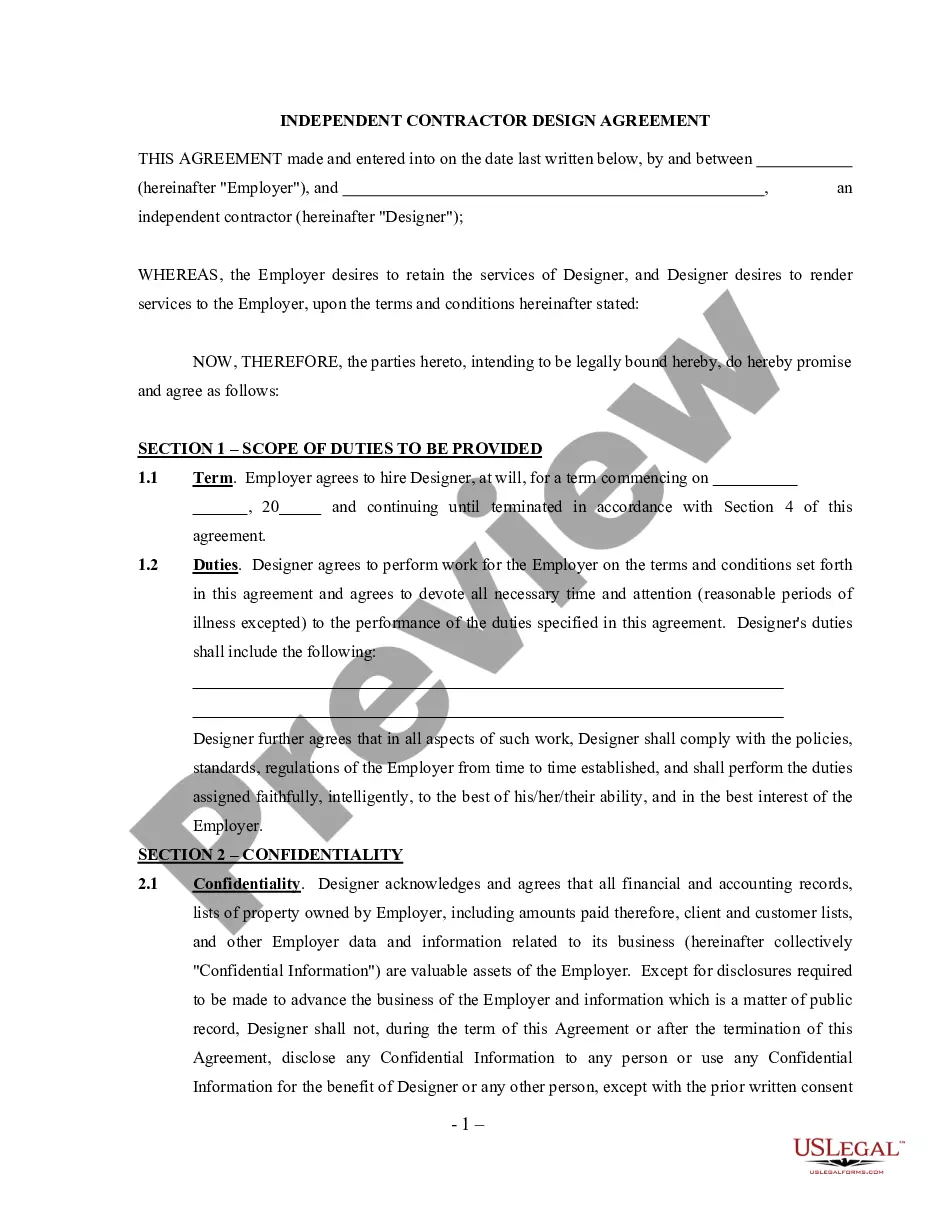
Get your form ready online
Our built-in tools help you complete, sign, share, and store your documents in one place.
Make edits, fill in missing information, and update formatting in US Legal Forms—just like you would in MS Word.
Download a copy, print it, send it by email, or mail it via USPS—whatever works best for your next step.
Sign and collect signatures with our SignNow integration. Send to multiple recipients, set reminders, and more. Go Premium to unlock E-Sign.
If this form requires notarization, complete it online through a secure video call—no need to meet a notary in person or wait for an appointment.
We protect your documents and personal data by following strict security and privacy standards.

Make edits, fill in missing information, and update formatting in US Legal Forms—just like you would in MS Word.

Download a copy, print it, send it by email, or mail it via USPS—whatever works best for your next step.

Sign and collect signatures with our SignNow integration. Send to multiple recipients, set reminders, and more. Go Premium to unlock E-Sign.

If this form requires notarization, complete it online through a secure video call—no need to meet a notary in person or wait for an appointment.

We protect your documents and personal data by following strict security and privacy standards.
Looking for another form?









How to fill out Self-Employed Interior Designer Services Contract?
Legal administration can be vexing, even for the most seasoned experts.
When you are in search of an Interior Designer Contract Agreement With Company and lack the time to dedicate to finding the right and current version, the tasks can be challenging.
With US Legal Forms, you can.
Access state- or county-specific legal and business forms. US Legal Forms addresses any requirements you may have, ranging from personal to business documentation, all in one location.
Here are the steps to follow after downloading the form you need: Verify that this is the correct form by previewing it and reviewing its description. Ensure that the template is accepted in your state or county. Click Buy Now when you are ready. Choose a subscription plan. Select the format you desire, and Download, complete, eSign, print, and send your documents. Enjoy the US Legal Forms online catalog, backed by 25 years of experience and reliability. Transform your daily document management into a seamless and user-friendly process today.
- Access a valuable resource library of articles, guides, and materials pertinent to your circumstances and requirements.
- Save time and energy searching for the documents you need, and utilize US Legal Forms’ sophisticated search and Review feature to locate Interior Designer Contract Agreement With Company and obtain it.
- If you possess a membership, Log In to your US Legal Forms account, search for the form, and retrieve it.
- Check the My documents tab to view the documents you have previously saved and manage your folders as desired.
- If this is your first experience with US Legal Forms, create an account and gain unlimited access to all the benefits of the library.
- A comprehensive online form repository could be a transformative solution for anyone wanting to manage these scenarios effectively.
- US Legal Forms is a frontrunner in the realm of online legal documents, offering over 85,000 state-specific legal forms accessible at any time.
- Utilize cutting-edge tools to complete and manage your Interior Designer Contract Agreement With Company.
Form popularity
FAQ
How to Write a Business Plan for Your Interior Design Business Step 1: Determine Your Niche. You have the opportunity to create the interior design business of your dreams. ... Step 2: Define Your Services. ... Step 3: Decide on Your Rate. ... Step 4: Develop a Marketing Strategy. ... Step 5: Get a Solid Accounting System.
In most cases, designers and contractors collaborate on projects. You, as the designer, may be in charge of the project, while the contractor provides their technical expertise to help make sure that your vision is realized. So, basically, the answer is no ? you don't typically hire a contractor as your employee.
Your interior designer will be considering elements such as the overall feel, flow, and light. The contractor will be likely focused on the more practical aspects of the project. That is to say, things such as roughing in the plumbing and electricity. Thus ensuring that walls which are load-bearing remain.
So, what is required in a legal interior design contract? The contract is a formal agreement between you and your clients. So, providing a detailed scope of work, pricing, payment terms, mark-ups, and insurance policy is necessary. A good interior design contract will shield you from misunderstandings and chaos.
Document B152??2019 is a standard form of agreement between owner and architect for interior design and furniture, furnishings, and equipment (FF&E) design services.