Independent Contractor Form Document For Taxes
Description
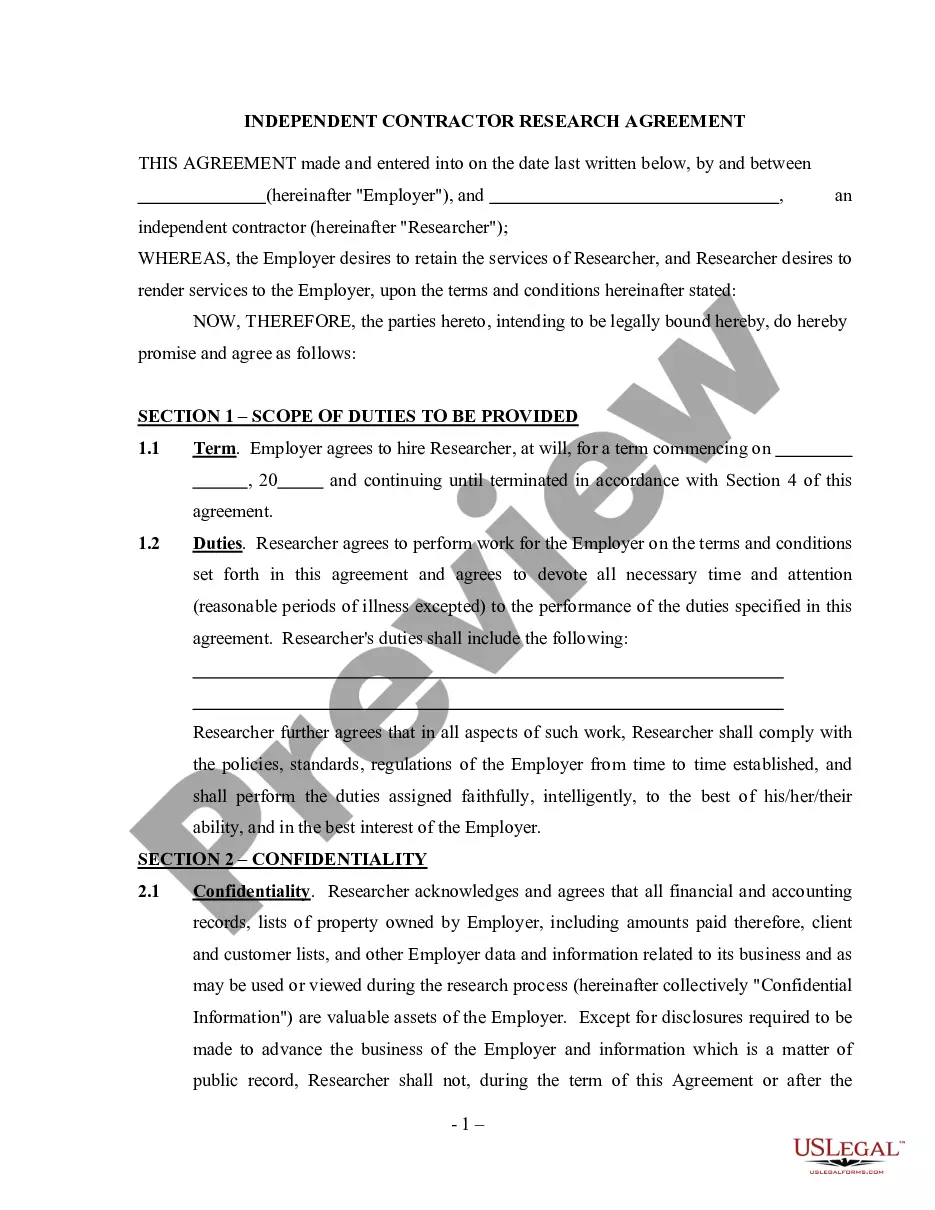
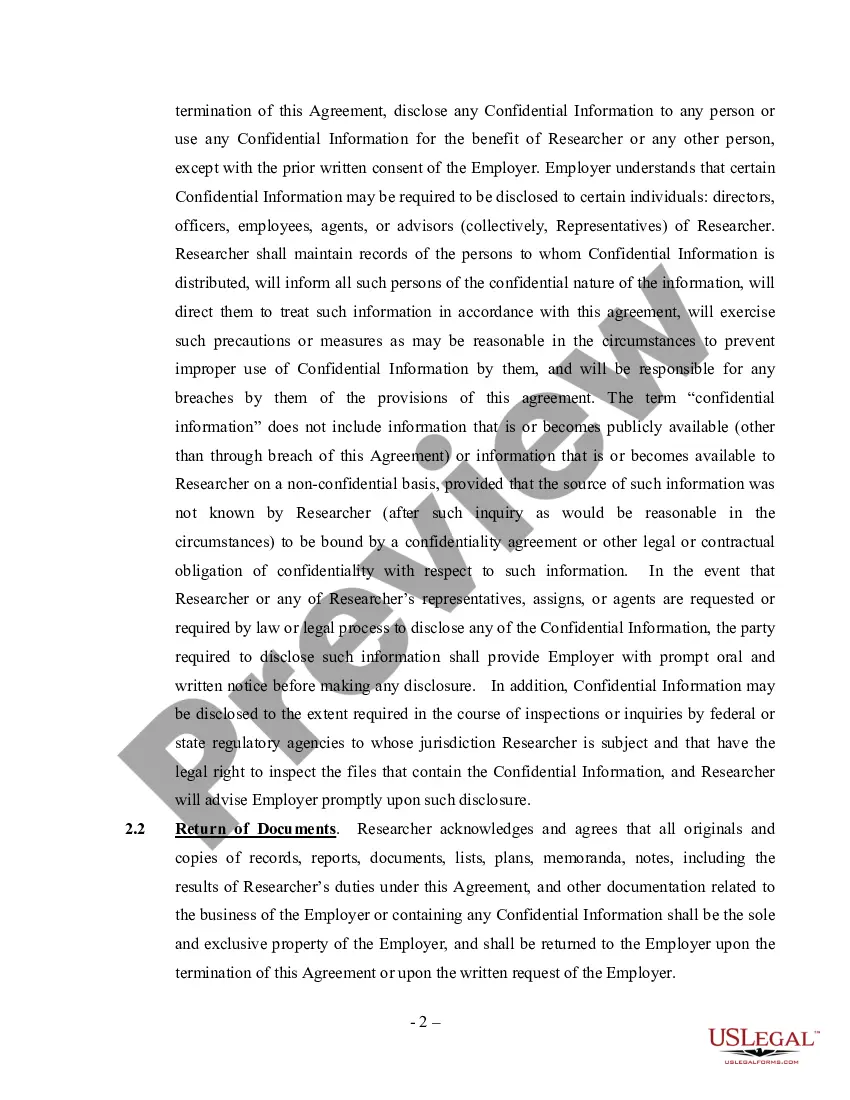
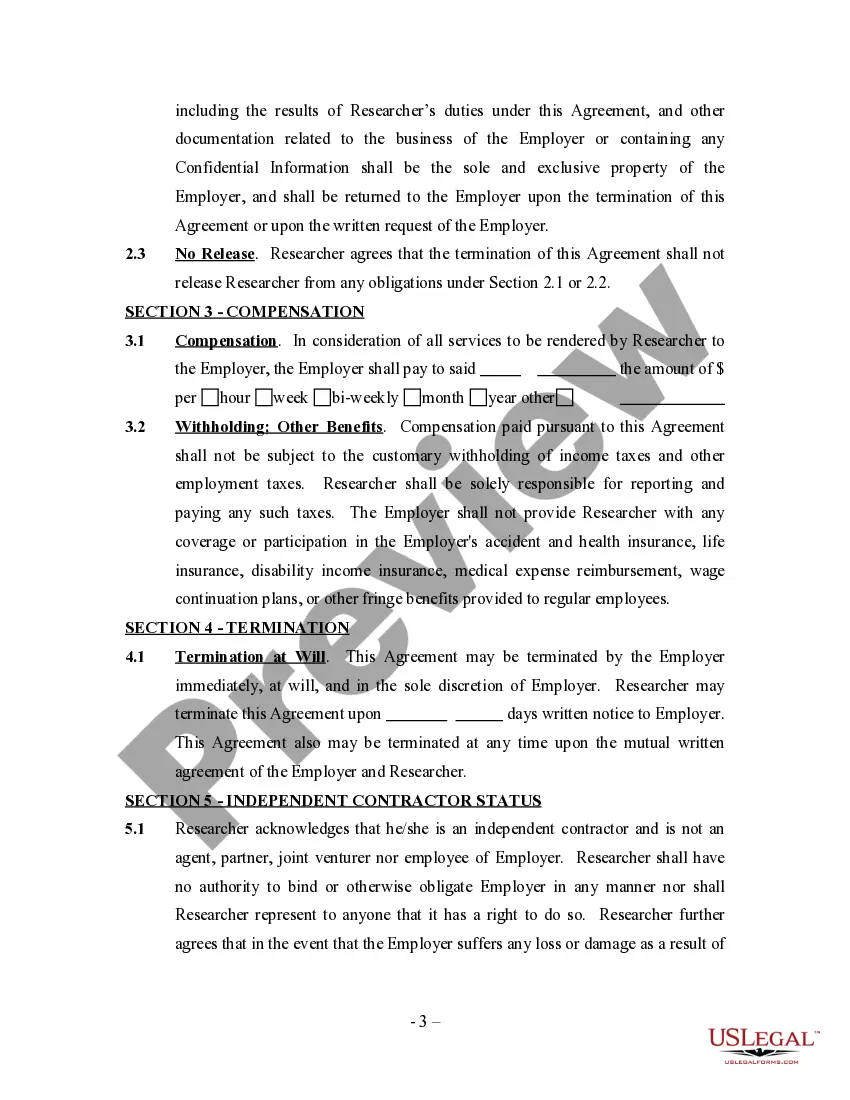
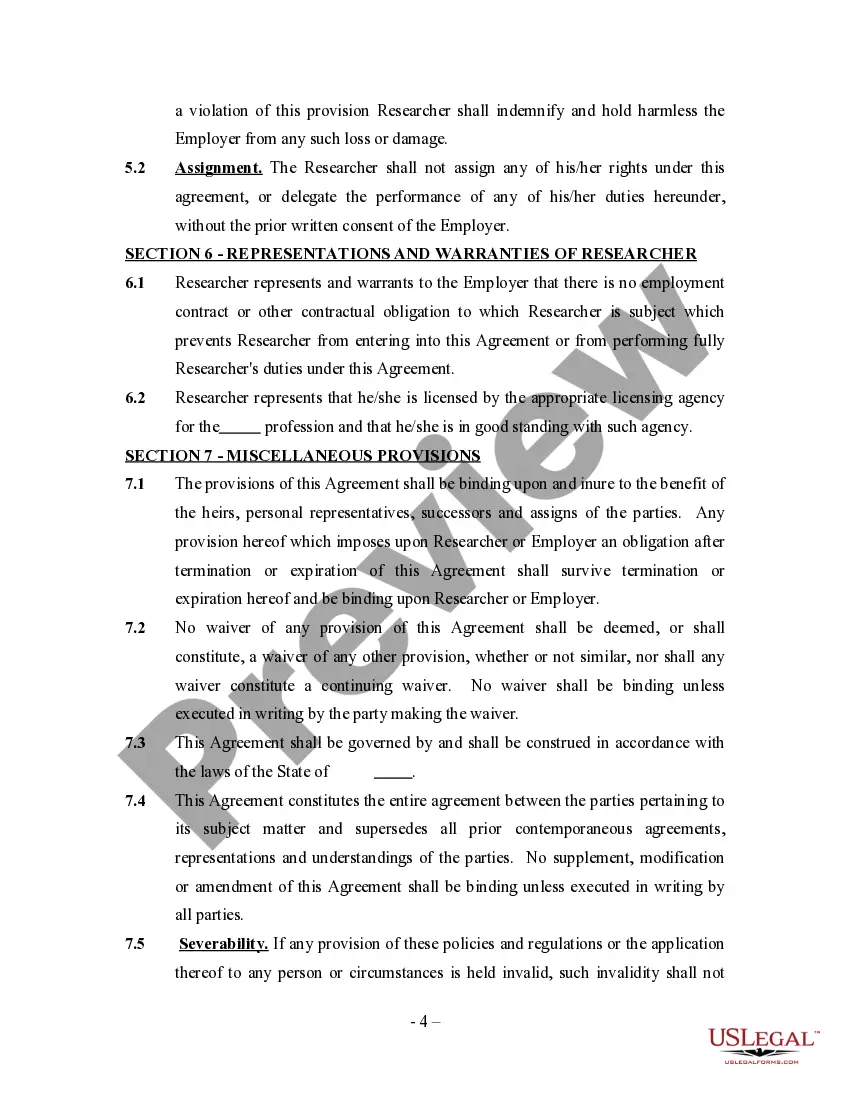
Get your form ready online
Our built-in tools help you complete, sign, share, and store your documents in one place.
Make edits, fill in missing information, and update formatting in US Legal Forms—just like you would in MS Word.
Download a copy, print it, send it by email, or mail it via USPS—whatever works best for your next step.
Sign and collect signatures with our SignNow integration. Send to multiple recipients, set reminders, and more. Go Premium to unlock E-Sign.
If this form requires notarization, complete it online through a secure video call—no need to meet a notary in person or wait for an appointment.
We protect your documents and personal data by following strict security and privacy standards.

Make edits, fill in missing information, and update formatting in US Legal Forms—just like you would in MS Word.

Download a copy, print it, send it by email, or mail it via USPS—whatever works best for your next step.

Sign and collect signatures with our SignNow integration. Send to multiple recipients, set reminders, and more. Go Premium to unlock E-Sign.

If this form requires notarization, complete it online through a secure video call—no need to meet a notary in person or wait for an appointment.

We protect your documents and personal data by following strict security and privacy standards.
Looking for another form?



How to fill out Research Agreement - Self-Employed Independent Contractor?
Individuals typically link legal documentation with something intricate that only an expert can handle.
In some respects, this is accurate, as preparing Independent Contractor Form Document For Taxes necessitates considerable knowledge of the subject matters, including state and local laws.
Nonetheless, with US Legal Forms, everything is now easier: pre-made legal forms for any personal or business circumstance tailored to state regulations are consolidated in a single online directory and are available to all.
All templates in our collection are reusable: once purchased, they remain stored in your profile. You can access them whenever needed through the My documents tab. Uncover all the benefits of utilizing the US Legal Forms platform. Subscribe today!
- Scrutinize the page content carefully to ensure it meets your requirements.
- Examine the form description or confirm it using the Preview option.
- If the previous example isn't ideal, find another template using the Search field located in the header.
- Click Buy Now once you locate the suitable Independent Contractor Form Document For Taxes.
- Select a subscription plan that aligns with your preferences and financial situation.
- Create an account or Log In to continue to the payment section.
- Complete your subscription payment through PayPal or with your credit card.
- Choose the format for your document and click Download.
Form popularity
FAQ
The 1099-NEC is now used to report independent contractor income. But the 1099-MISC form is still around, it's just used to report miscellaneous income such as rent or payments to an attorney.
Generally, if you're an independent contractor you're considered self-employed and should report your income (nonemployee compensation) on Schedule C (Form 1040), Profit or Loss From Business (Sole Proprietorship).
Beginning with the 2020 tax year, the IRS will require business taxpayers to report nonemployee compensation on the new Form 1099-NEC instead of on Form 1099-MISC. Businesses will need to use this form if they made payments totaling $600 or more to a nonemployee, such as an independent contractor.
IRS Tax Form 1099-NEC. As of the 2020 tax year, the IRS Form 1099-NEC is the independent contractor tax form used by businesses to report payments to a contract worker in the previous tax year. This tax form for independent contractors is filed with the IRS and is also provided to the contractor for reporting income.
Form 1099-NEC, Nonemployee Compensation, is a form business owners use to report nonemployee compensation. Only use this form to report nonemployee compensation to independent contractors. Do not report other types of payments. Form 1099-NEC did not replace Form 1099-MISC.