Custom Furniture Contract Template For Selling
Description
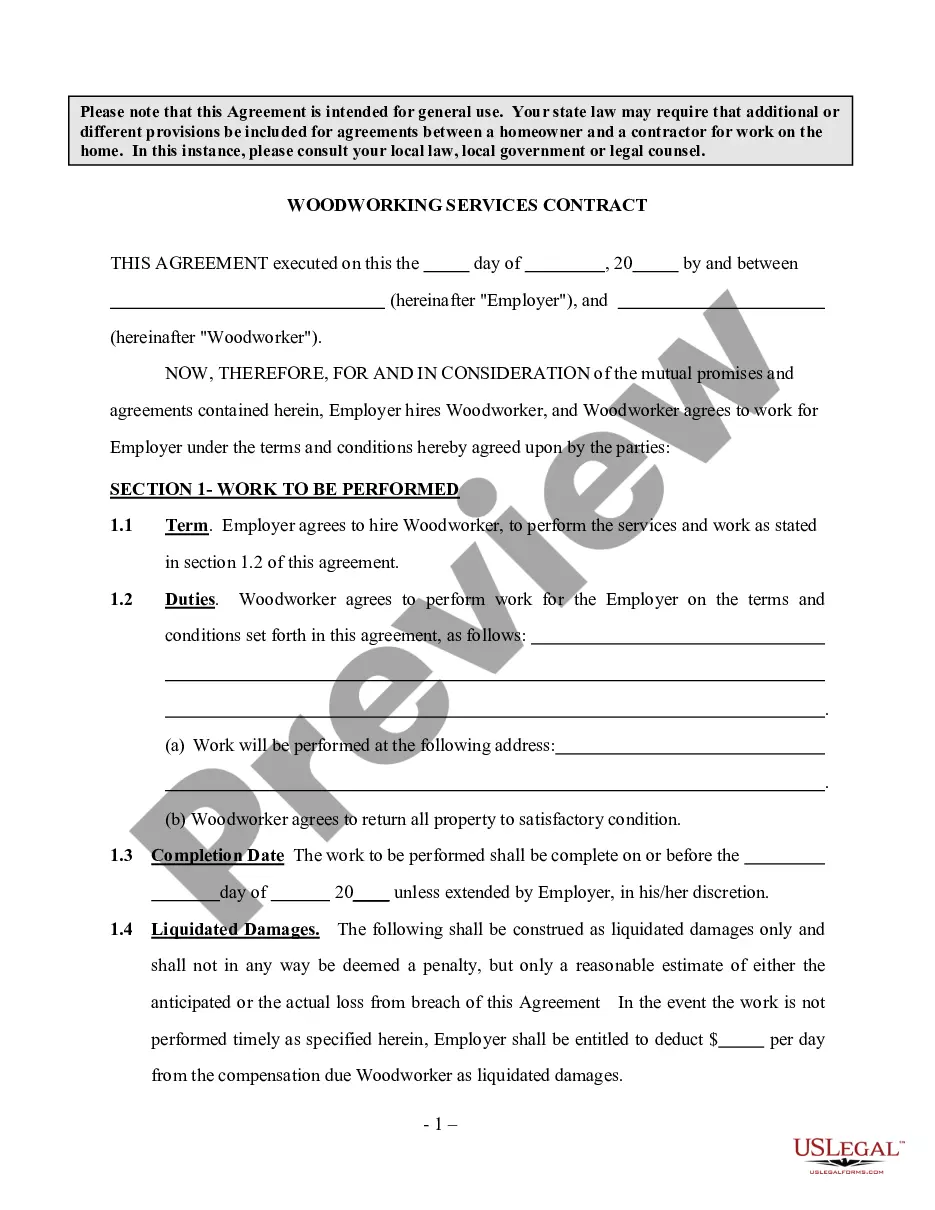
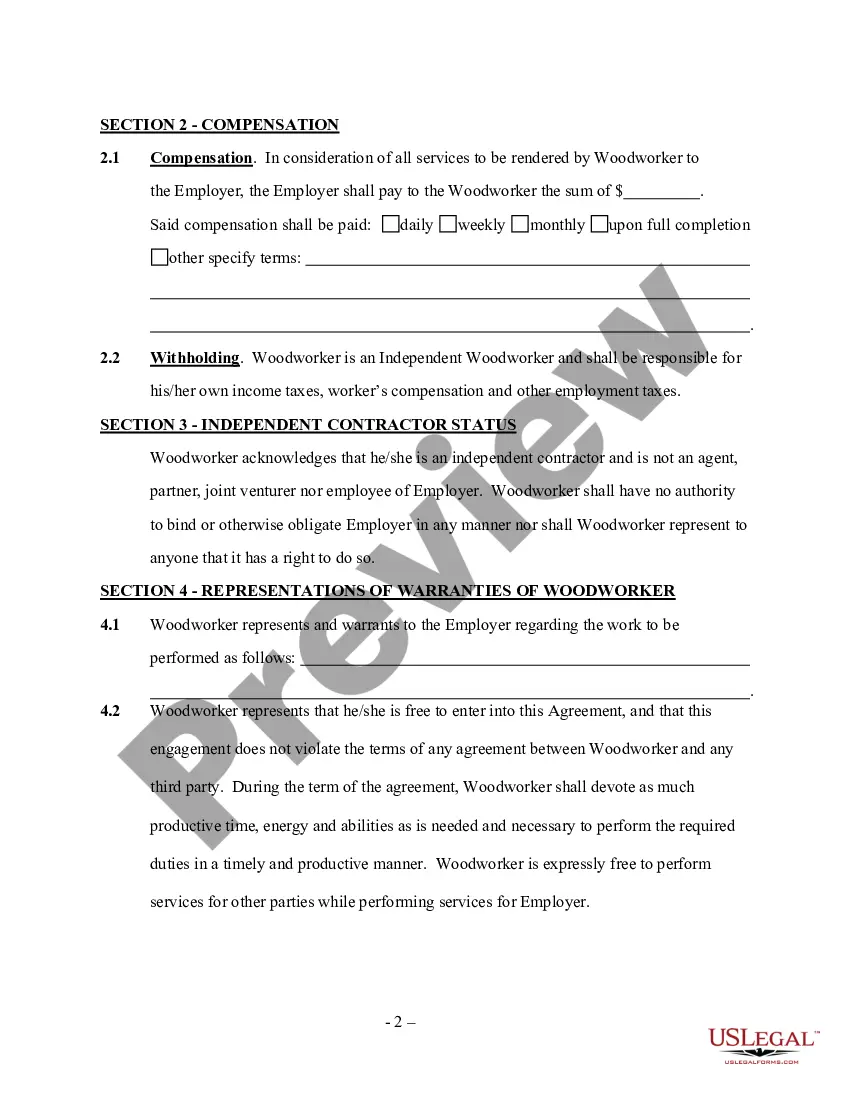
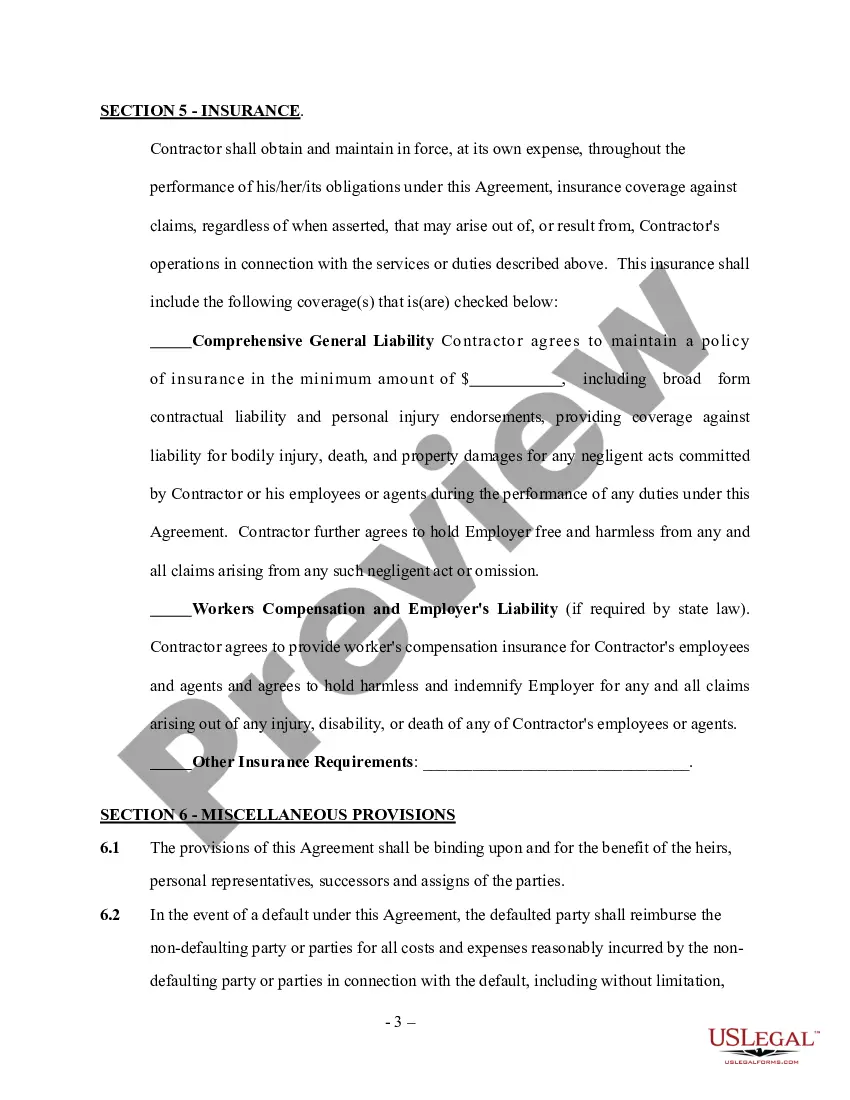
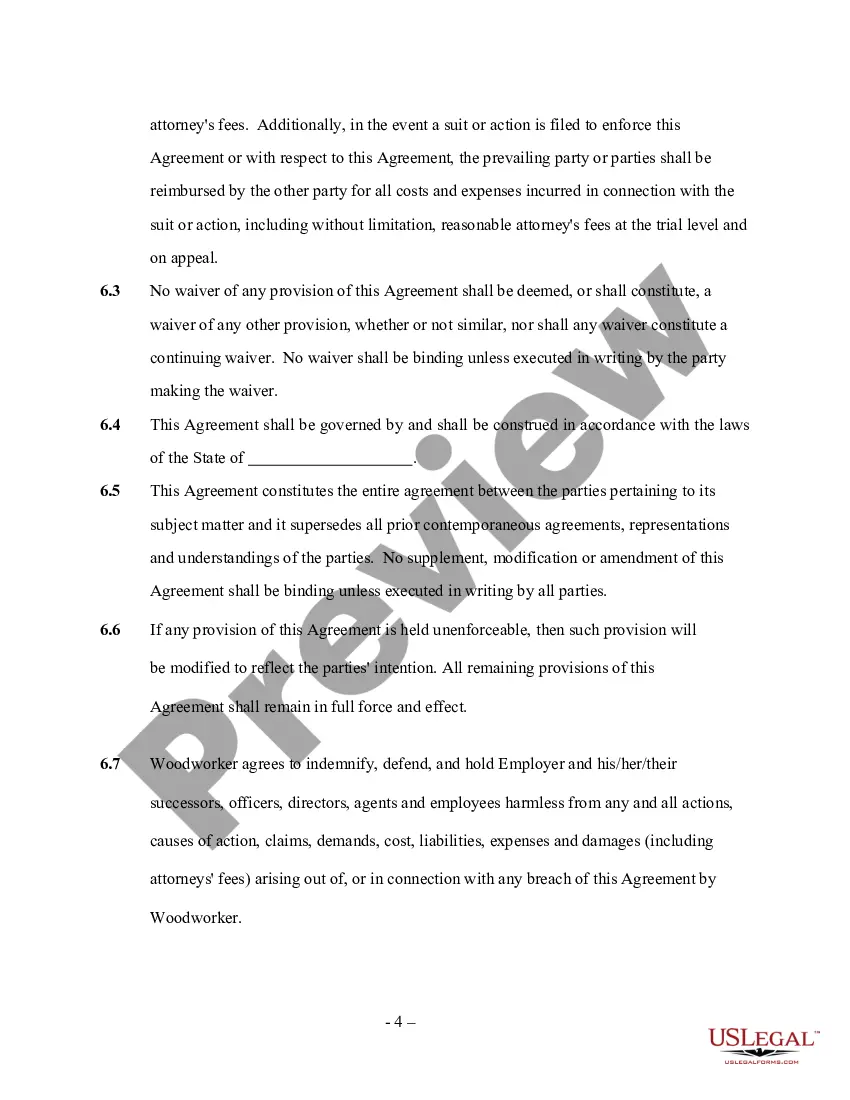
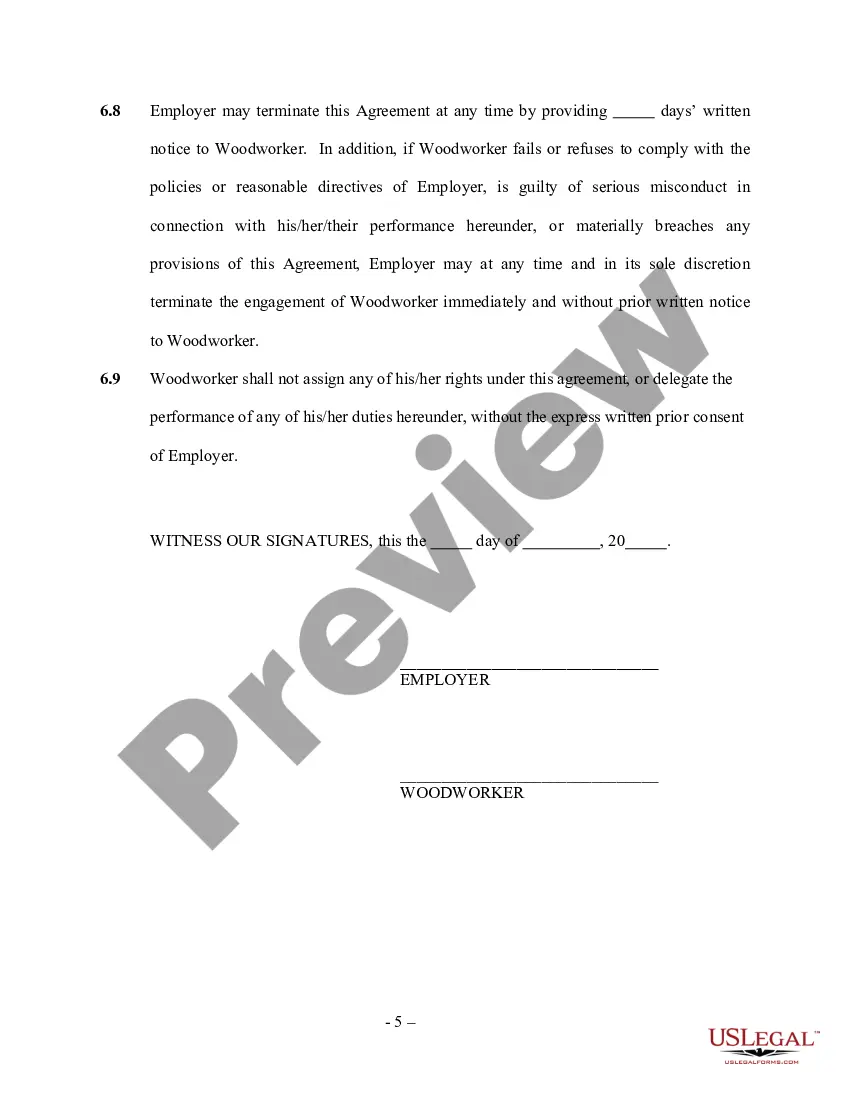
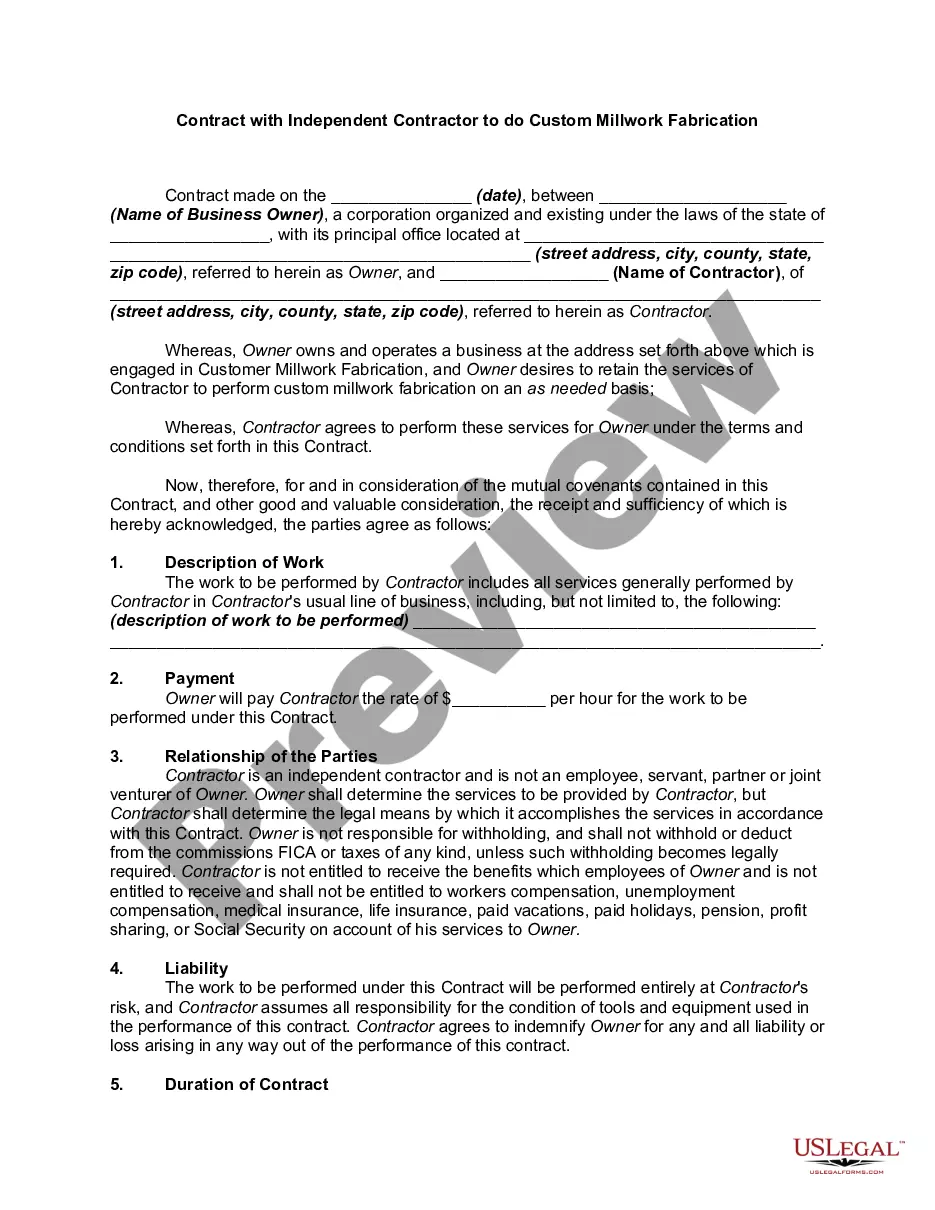
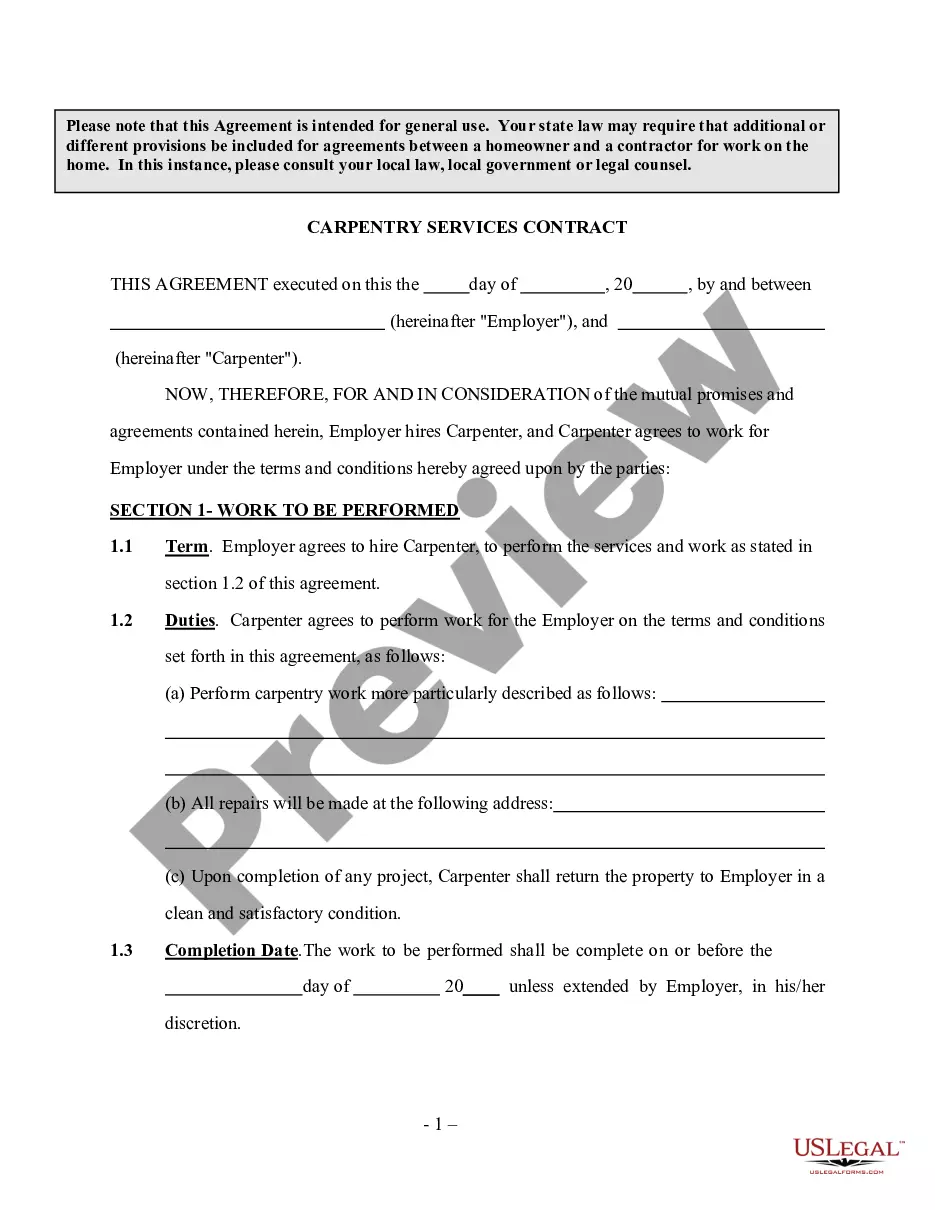
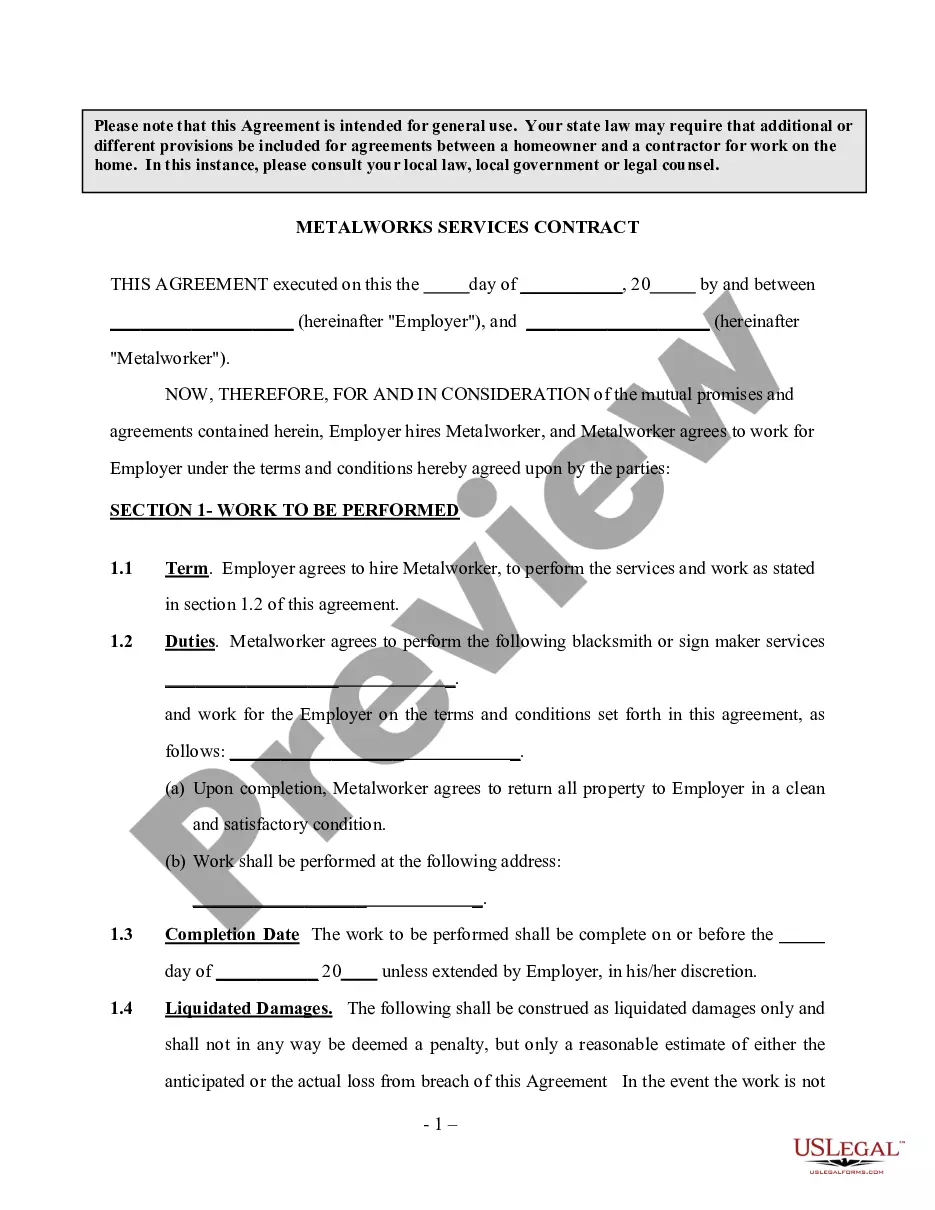
Get your form ready online
Our built-in tools help you complete, sign, share, and store your documents in one place.
Make edits, fill in missing information, and update formatting in US Legal Forms—just like you would in MS Word.
Download a copy, print it, send it by email, or mail it via USPS—whatever works best for your next step.
Sign and collect signatures with our SignNow integration. Send to multiple recipients, set reminders, and more. Go Premium to unlock E-Sign.
If this form requires notarization, complete it online through a secure video call—no need to meet a notary in person or wait for an appointment.
We protect your documents and personal data by following strict security and privacy standards.

Make edits, fill in missing information, and update formatting in US Legal Forms—just like you would in MS Word.

Download a copy, print it, send it by email, or mail it via USPS—whatever works best for your next step.

Sign and collect signatures with our SignNow integration. Send to multiple recipients, set reminders, and more. Go Premium to unlock E-Sign.

If this form requires notarization, complete it online through a secure video call—no need to meet a notary in person or wait for an appointment.

We protect your documents and personal data by following strict security and privacy standards.
Looking for another form?
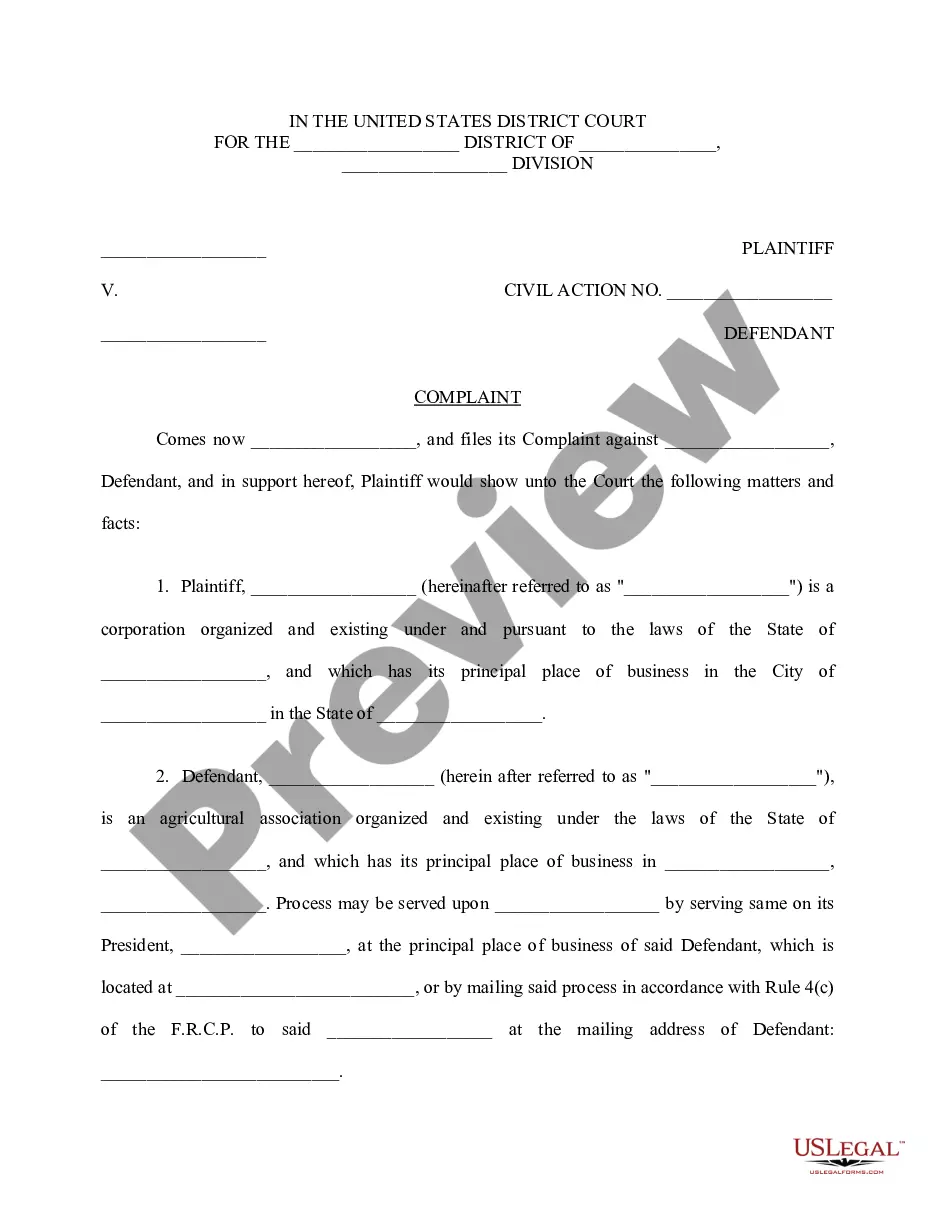
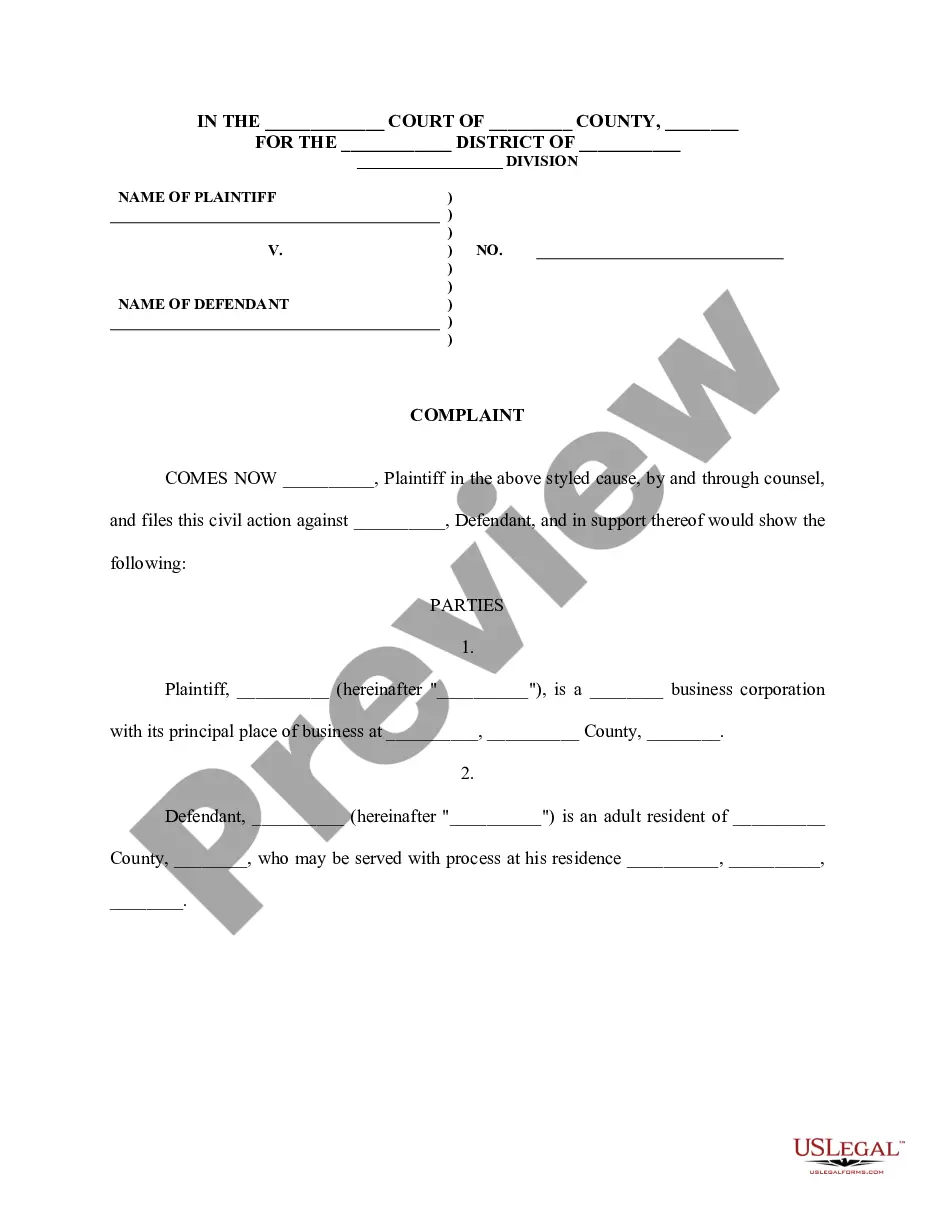

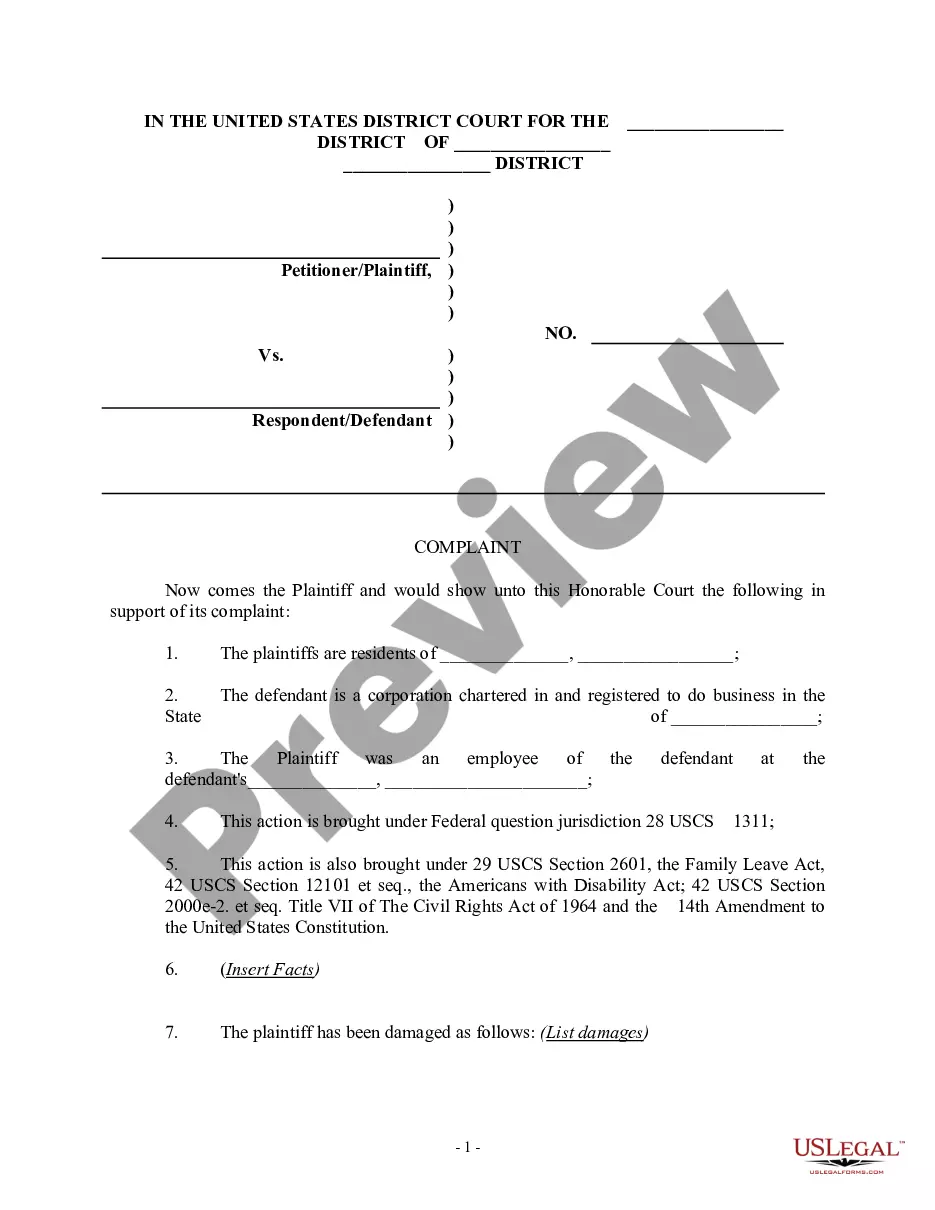
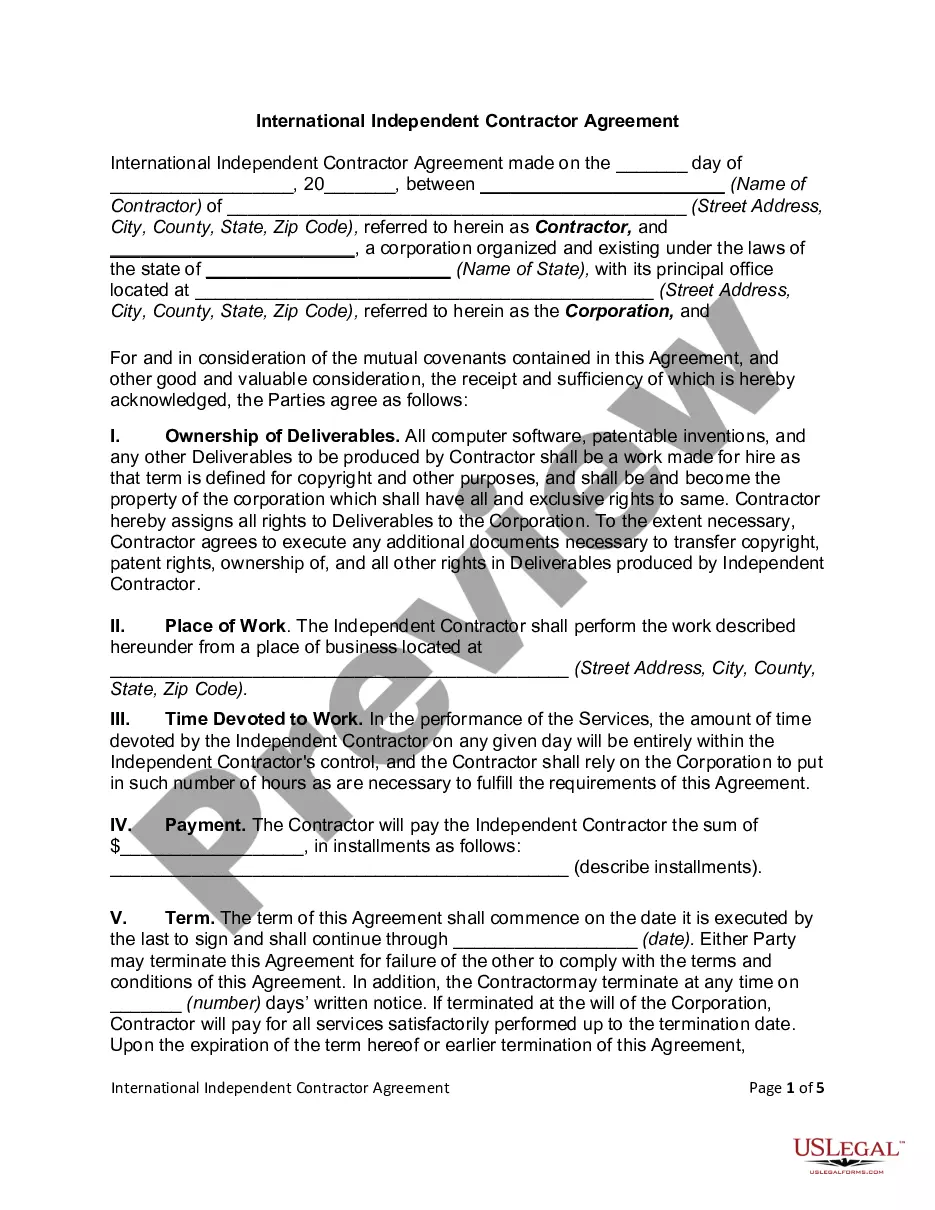

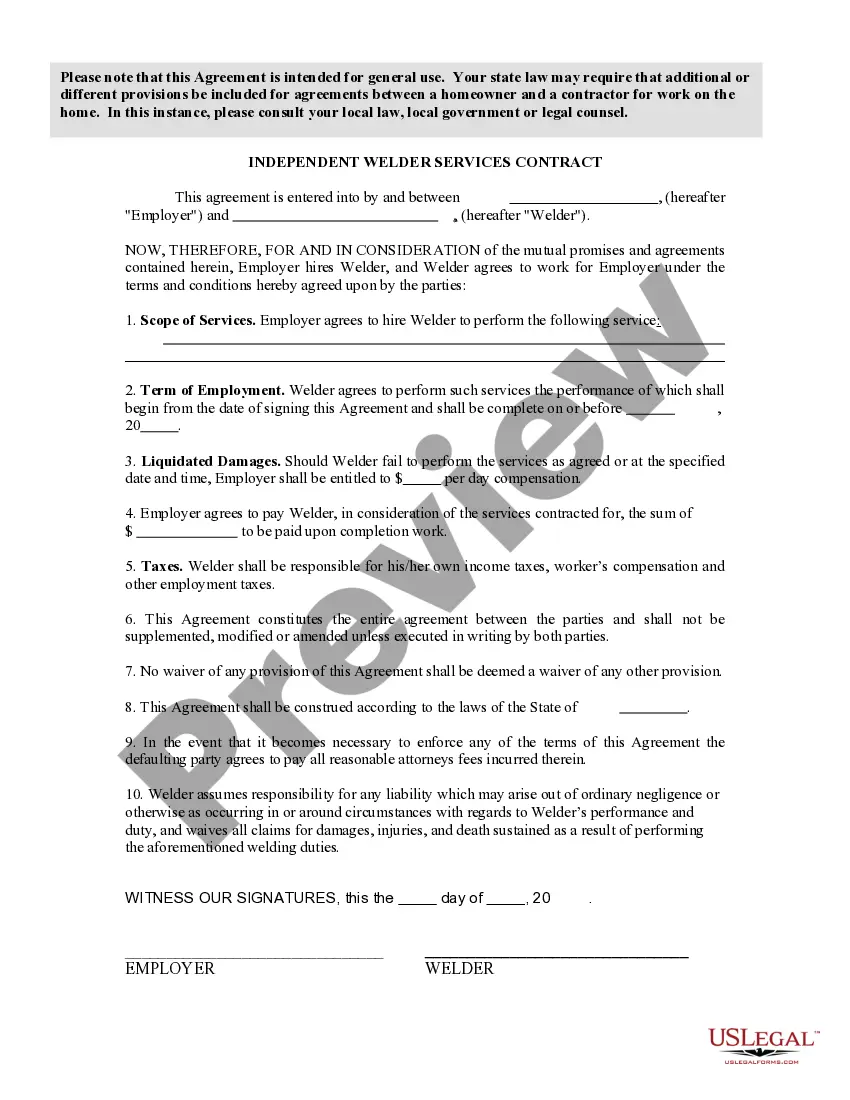
How to fill out Woodworking Services Contract - Self-Employed?
Acquiring legal document samples that adhere to federal and local regulations is essential, and the internet provides numerous alternatives.
However, why spend time looking for the suitable Custom Furniture Contract Template For Selling online when the US Legal Forms digital library already compiles such templates in one location.
US Legal Forms is the leading online legal repository with over 85,000 fillable templates created by attorneys for various business and personal situations.
Preview the template using the Preview feature or through the text outline to verify it suits your needs. Search for a different sample utilizing the search tool at the top of the page if necessary. Click Buy Now after finding the correct form and choose a subscription plan. Create an account or Log In and make a payment through PayPal or a credit card. Choose the most suitable format for your Custom Furniture Contract Template For Selling and download it. All documents you discover through US Legal Forms are reusable. To re-download and complete previously acquired forms, visit the My documents tab in your account. Enjoy the most comprehensive and user-friendly legal documentation service!
- They are easy to navigate with all files organized by state and intended use.
- Our experts remain aligned with legislative updates, ensuring your form is current and compliant when obtaining a Custom Furniture Contract Template For Selling from our site.
- Acquiring a Custom Furniture Contract Template For Selling is fast and straightforward for both existing and new users.
- If you already have an account with an active subscription, Log In and download the necessary document sample in your desired format.
- If you are new to our site, follow the instructions below.
Form popularity
FAQ
Write the contract in six steps Start with a contract template. ... Open with the basic information. ... Describe in detail what you have agreed to. ... Include a description of how the contract will be ended. ... Write into the contract which laws apply and how disputes will be resolved. ... Include space for signatures.
Yes. A template is the basis you can use to create a contract, while a contract is the completed or drafted document you send to a recipient. You can use template builder to create ready-made templates that can be used to customize contracts for your business.
Table of Contents Step 1: Give it an accurate name. Step 2: Mention all parties involved. Step 3: Describe your services or product with all rights, guarantees, and restrictions. Step 4: State the contract duration and make deadlines clear. Step 5: Include the price, services, payment conditions, and penalties.
At its most basic, a purchase agreement should include the following: Name and contact information for buyer and seller. The address of the property being sold. The price to be paid for the property. The date of transfer. Disclosures. Contingencies. Signatures.
Contract templates: The basics A contract should include at least the following "4 must haves": The intention of the contract: why do they enter into a business relationship. The agreement: what is the object of the business relationship. The consideration: what is the remuneration for the object.