Agreement Self Employed For Sss
Description
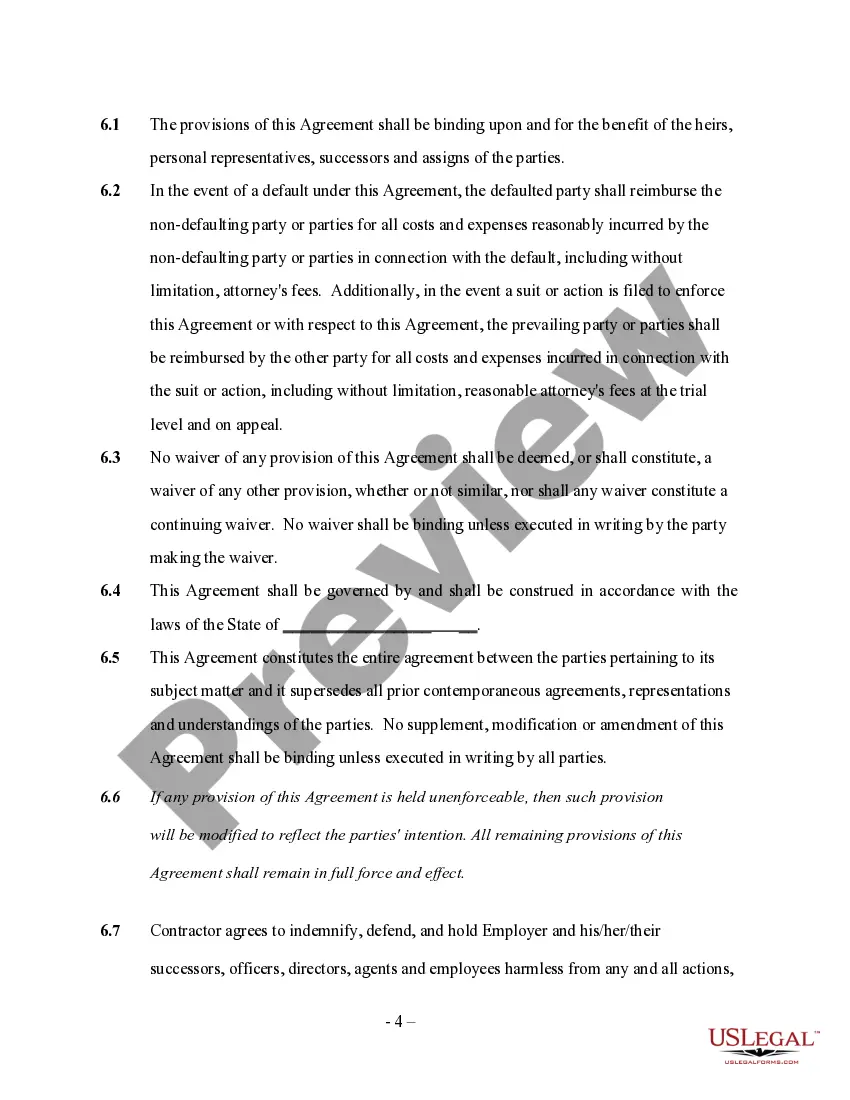
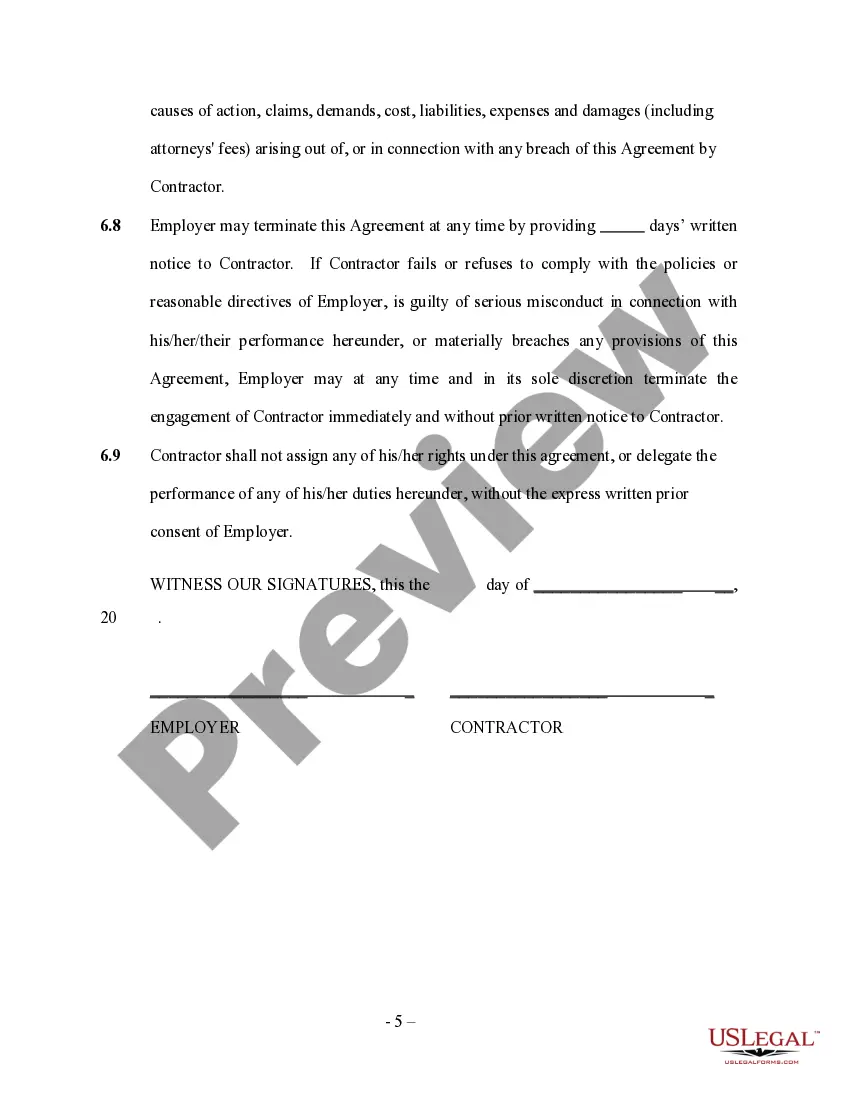
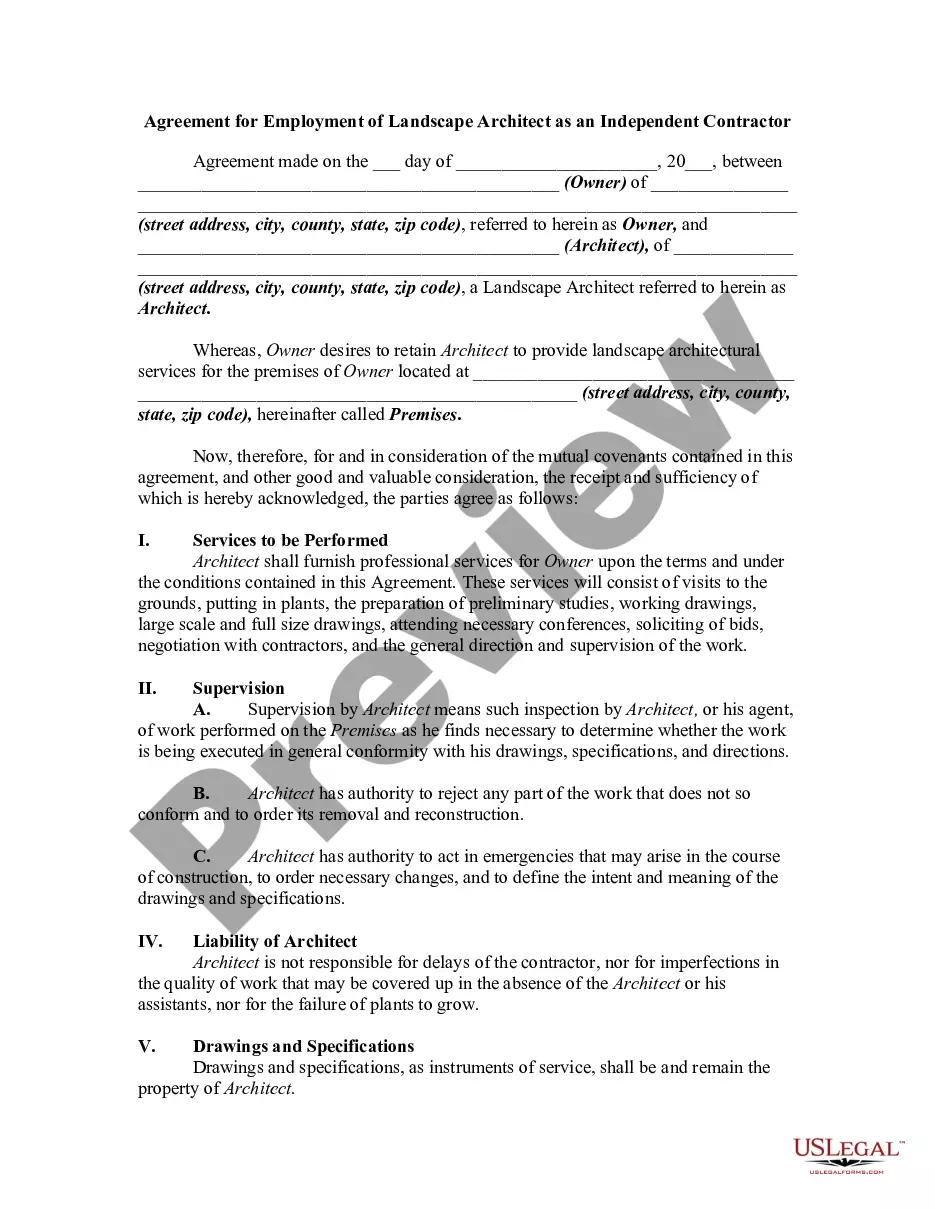
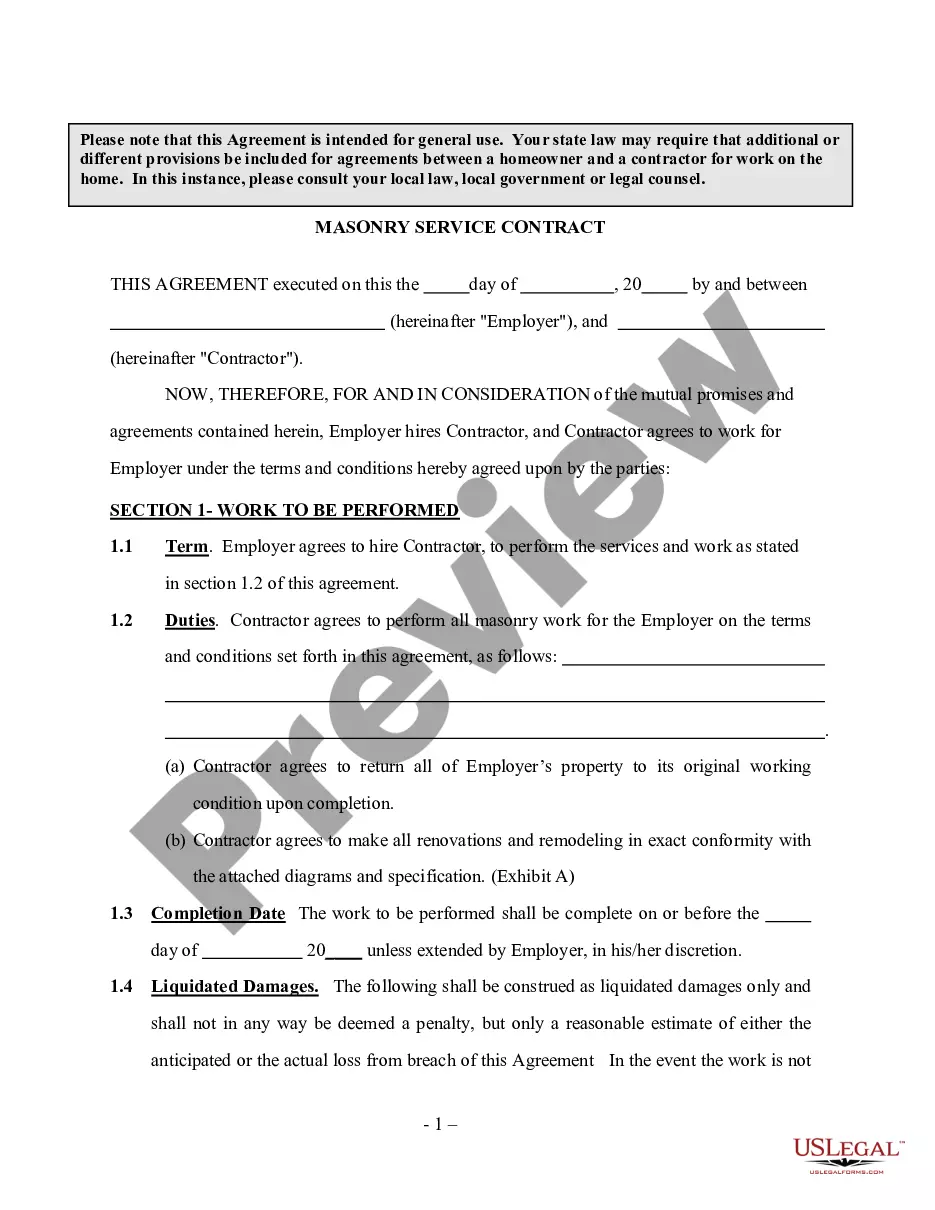
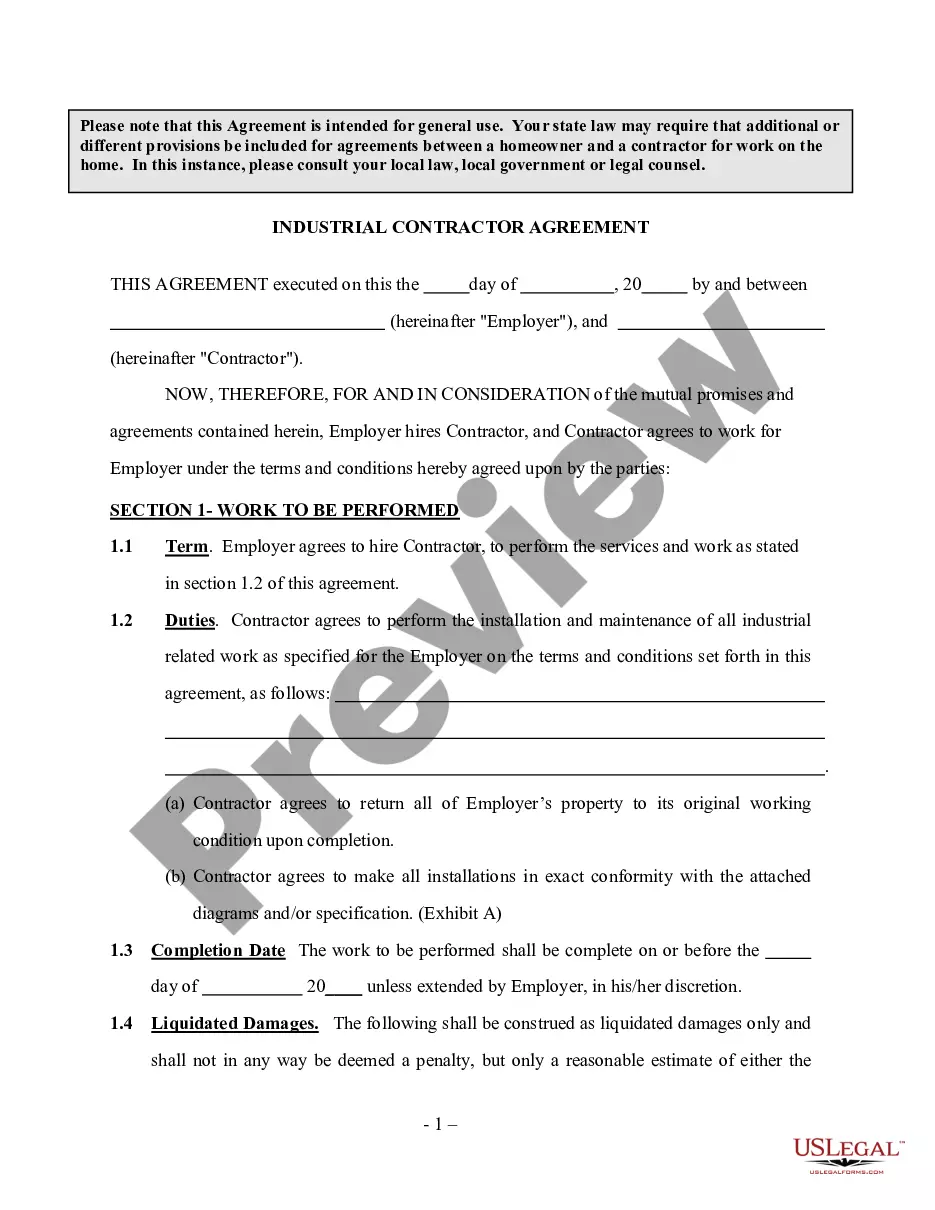
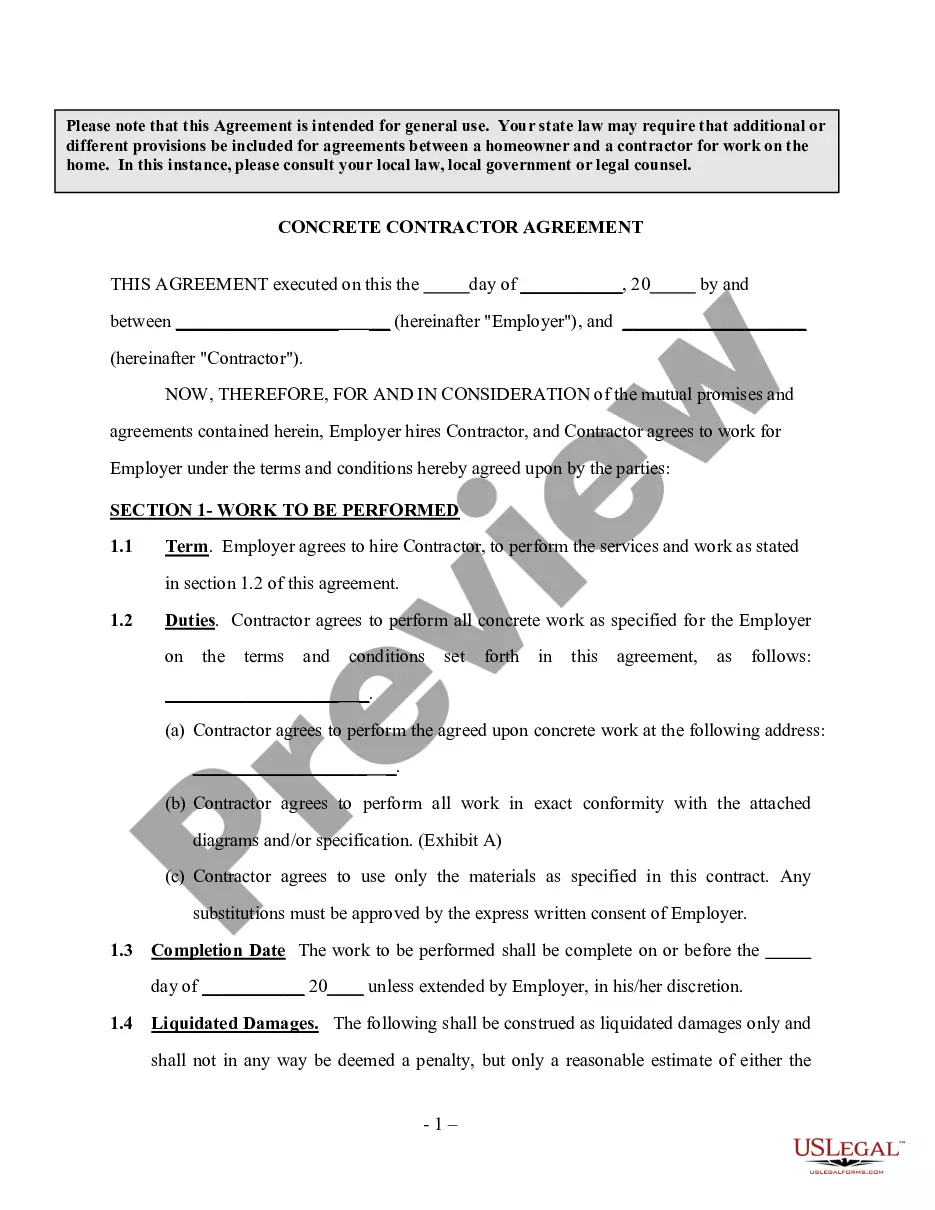
Get your form ready online
Our built-in tools help you complete, sign, share, and store your documents in one place.
Make edits, fill in missing information, and update formatting in US Legal Forms—just like you would in MS Word.
Download a copy, print it, send it by email, or mail it via USPS—whatever works best for your next step.
Sign and collect signatures with our SignNow integration. Send to multiple recipients, set reminders, and more. Go Premium to unlock E-Sign.
If this form requires notarization, complete it online through a secure video call—no need to meet a notary in person or wait for an appointment.
We protect your documents and personal data by following strict security and privacy standards.

Make edits, fill in missing information, and update formatting in US Legal Forms—just like you would in MS Word.

Download a copy, print it, send it by email, or mail it via USPS—whatever works best for your next step.

Sign and collect signatures with our SignNow integration. Send to multiple recipients, set reminders, and more. Go Premium to unlock E-Sign.

If this form requires notarization, complete it online through a secure video call—no need to meet a notary in person or wait for an appointment.

We protect your documents and personal data by following strict security and privacy standards.
Looking for another form?




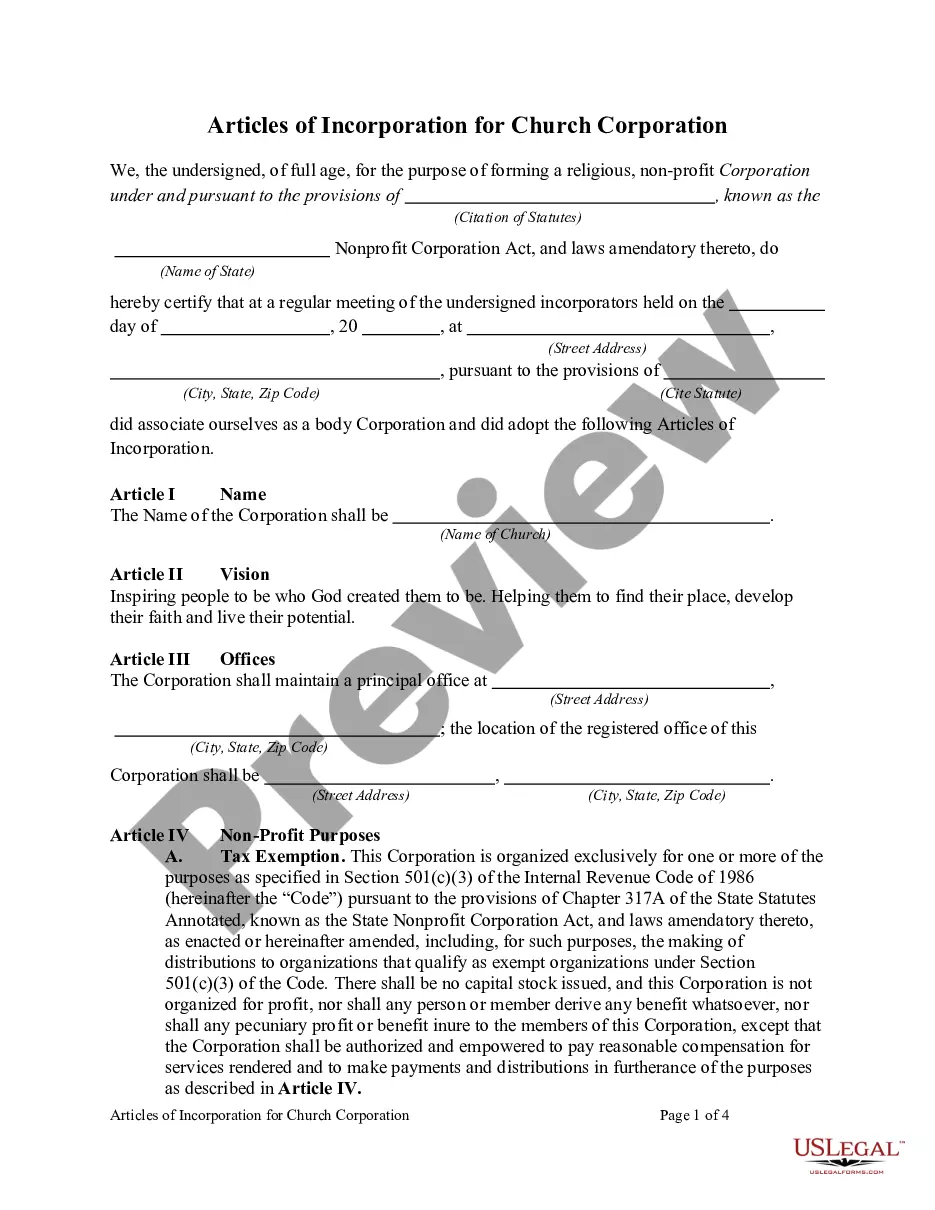
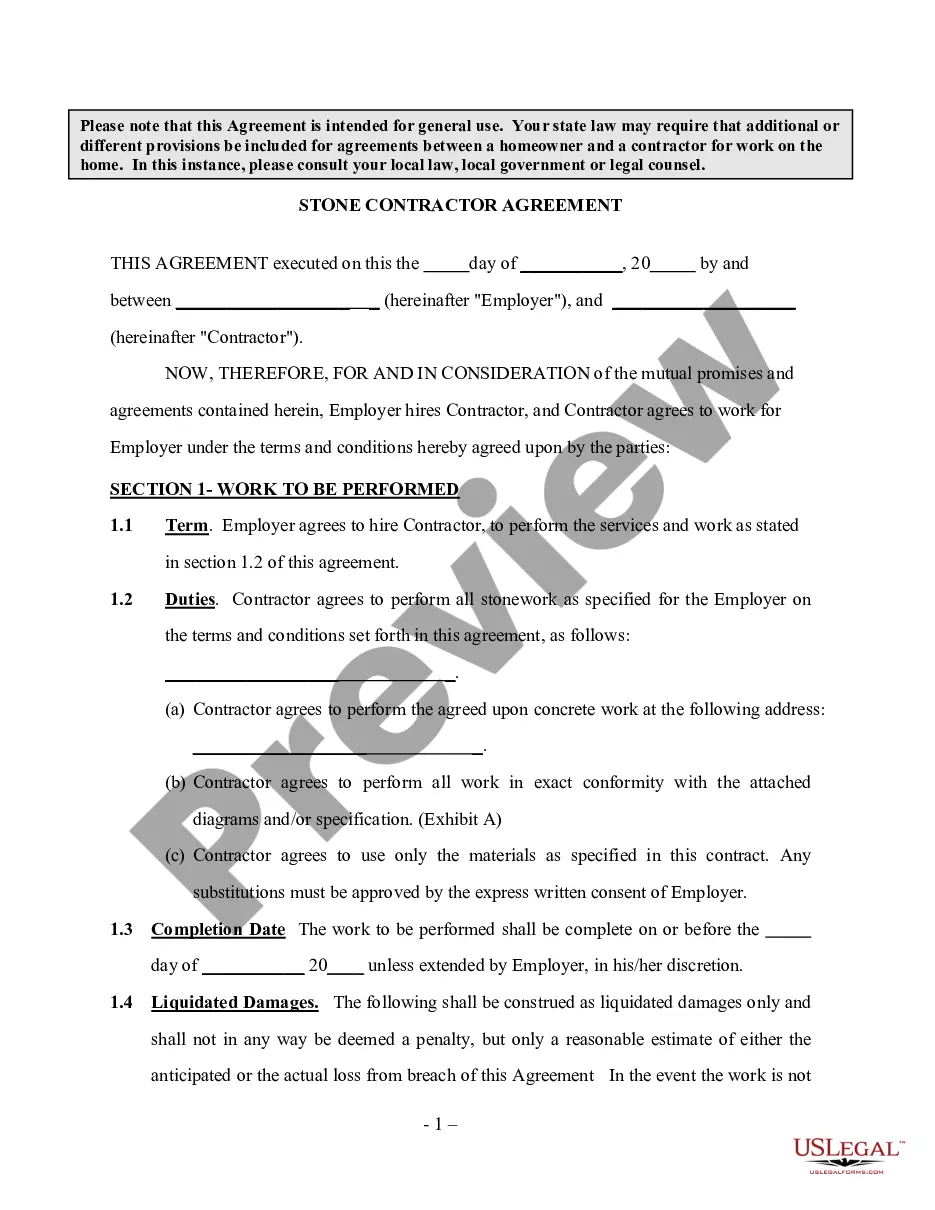
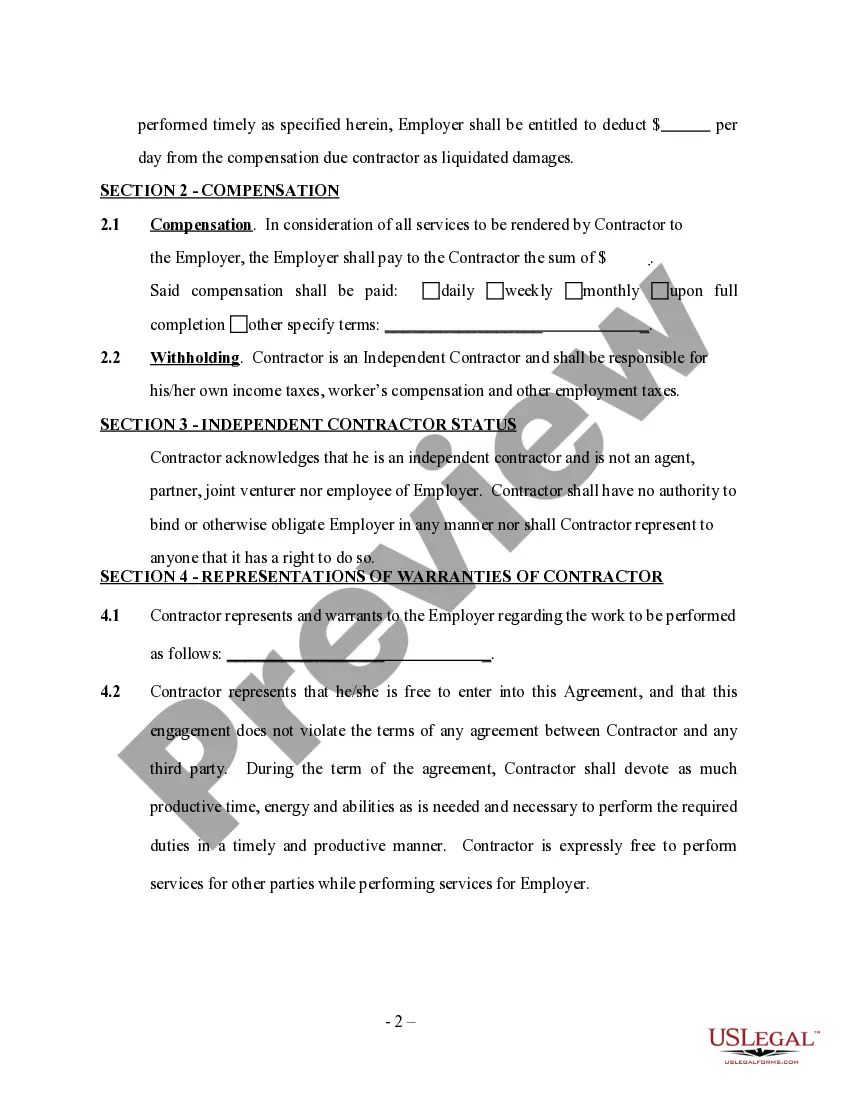
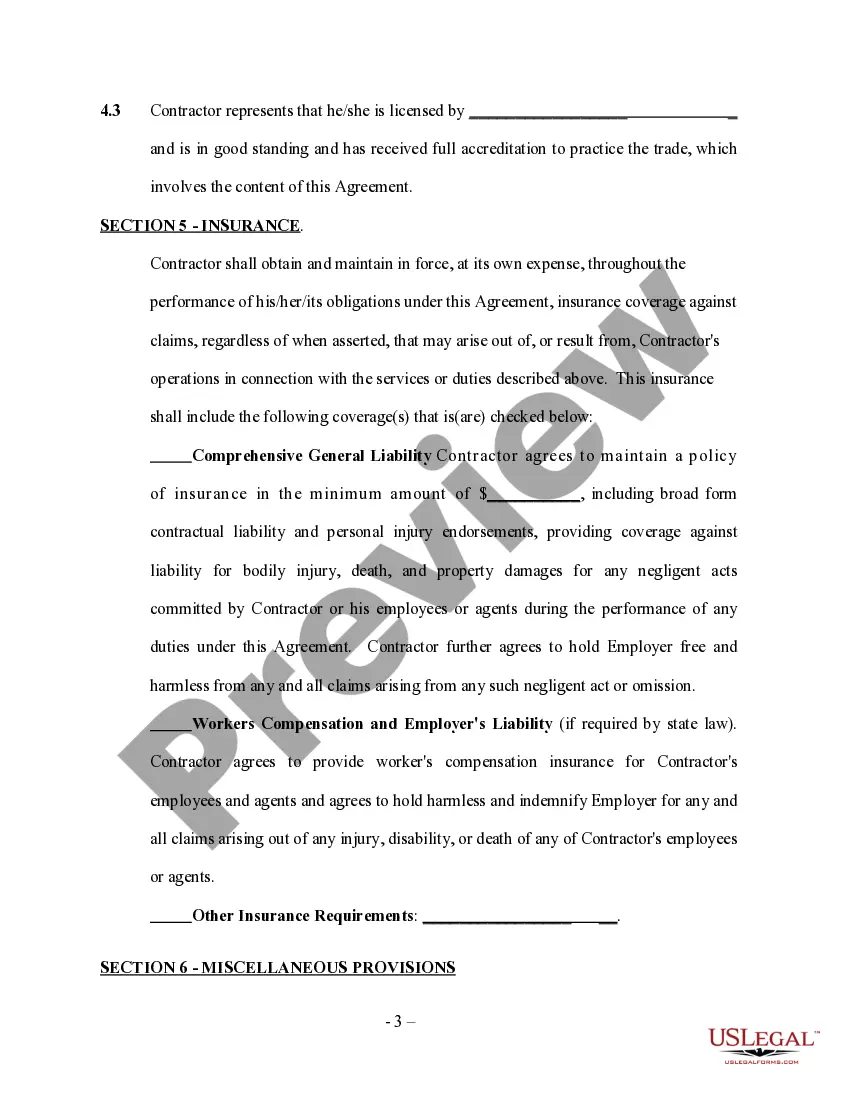
How to fill out Stone Contractor Agreement - Self-Employed?
Whether you manage paperwork regularly or you occasionally need to submit a legal document, it is essential to find a source of information where all the samples are pertinent and current.
The first action you need to take using an Agreement Self Employed For Sss is to verify that it is indeed its most recent version, as it determines if it can be submitted.
If you want to make your search for the latest document examples easier, look for them on US Legal Forms.
Avoid the stress of managing legal documents. All your templates will be sorted and validated with an account at US Legal Forms.
- US Legal Forms is a repository of legal documents that contains virtually any document example you may search for.
- Search for the templates you require, check their applicability immediately, and learn more about their function.
- With US Legal Forms, you have access to approximately 85,000 document templates across a wide range of fields.
- Find the samples of Agreement Self Employed For Sss within a few clicks and store them at any time in your account.
- A US Legal Forms account will assist you in accessing all the samples you require with greater ease and less hassle.
- You only need to click Log In in the website header and open the My documents section containing all the forms you need at your disposal, eliminating the need to spend time searching for the correct template or verifying its relevance.
- To obtain a form without an account, follow these guidelines.
Form popularity
FAQ
employed person should accomplish and submit SelfEmployed Data Record (SS Form RS1). If he/she has no existing SS number, SS Form RS1 should be submitted with the original/certified true copy and photocopy of any of the primary or any two (2) of the secondary documents acceptable in securing SS number.
If you are self-employed (SE) or a voluntary member (VM), you must pay the full 12%, based on the monthly earnings that you declared at the time of registration (for SE), or the MSC that you set for yourself (for VM, such as members separated from employment).
How to Register in SSS as Self-Employed Member? A self-employed person should accomplish SSS Form RS-1 (Self-Employed Data Record) and submit it together with a photocopy of any of the following baptismal, birth certificate, driver's license, passport, Professional Regulation Commission (PRC) Card, Seaman's Book.
How to pay my SSS contribution?Step 1: Select "Pay Bills"Step 2: Select "Government"Step 3: Select "SSS-PRN"Step 4: Enter the following important SSS credentials.Step 5: Review your payment details CAREFULLY then proceed with the payment.
Compulsory coverage of the Self-employed. - Coverage in the SSS shall be compulsory upon such self-employed persons as may be determined by the Commission under such rules and regulations as it may prescribe, including but not limited to the following: 1. All self-employed professionals; 2.