Modelo De Contrato Para Delivery With Uber Eats
Description
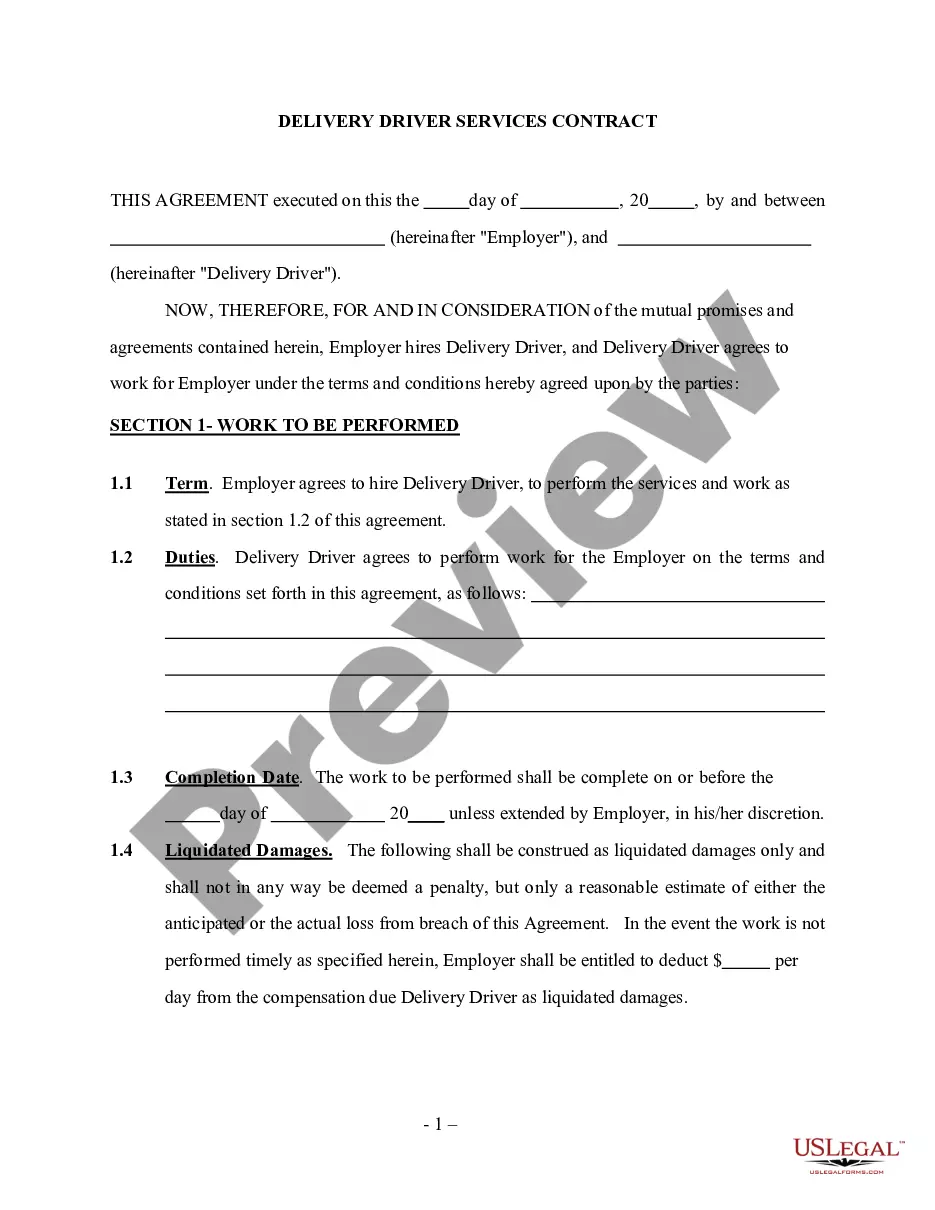
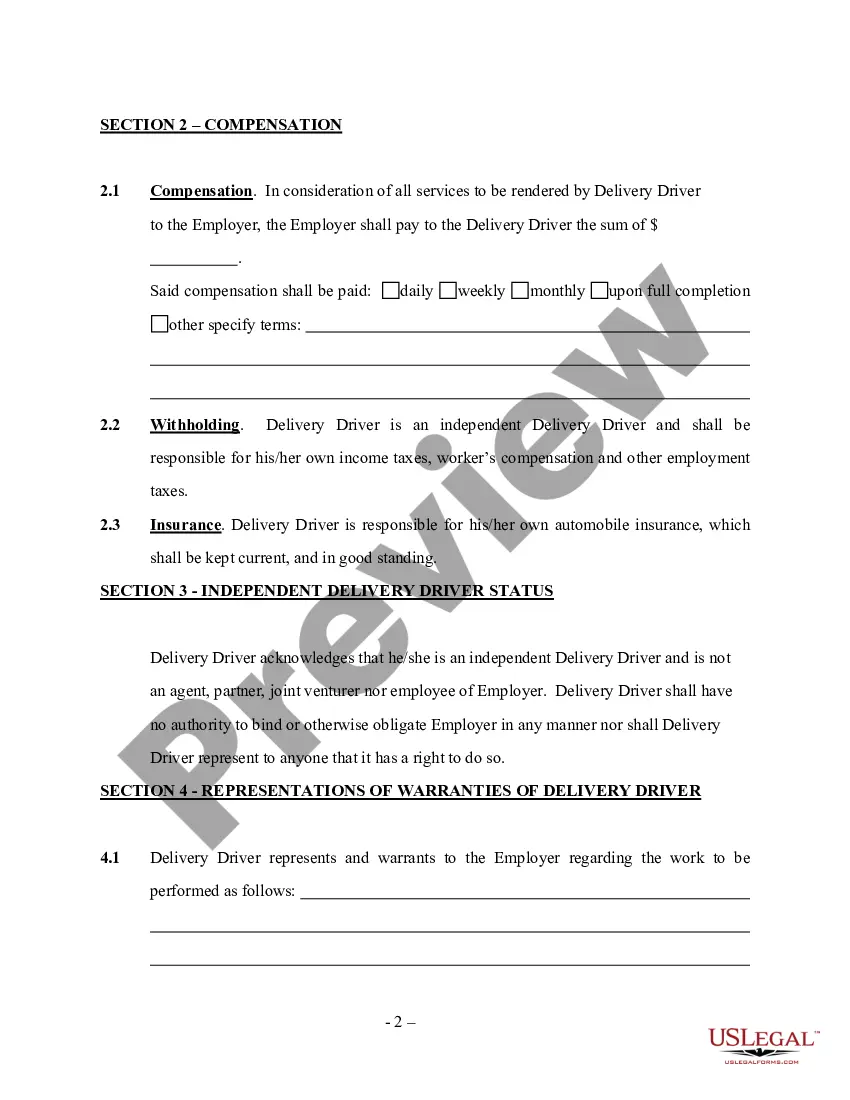
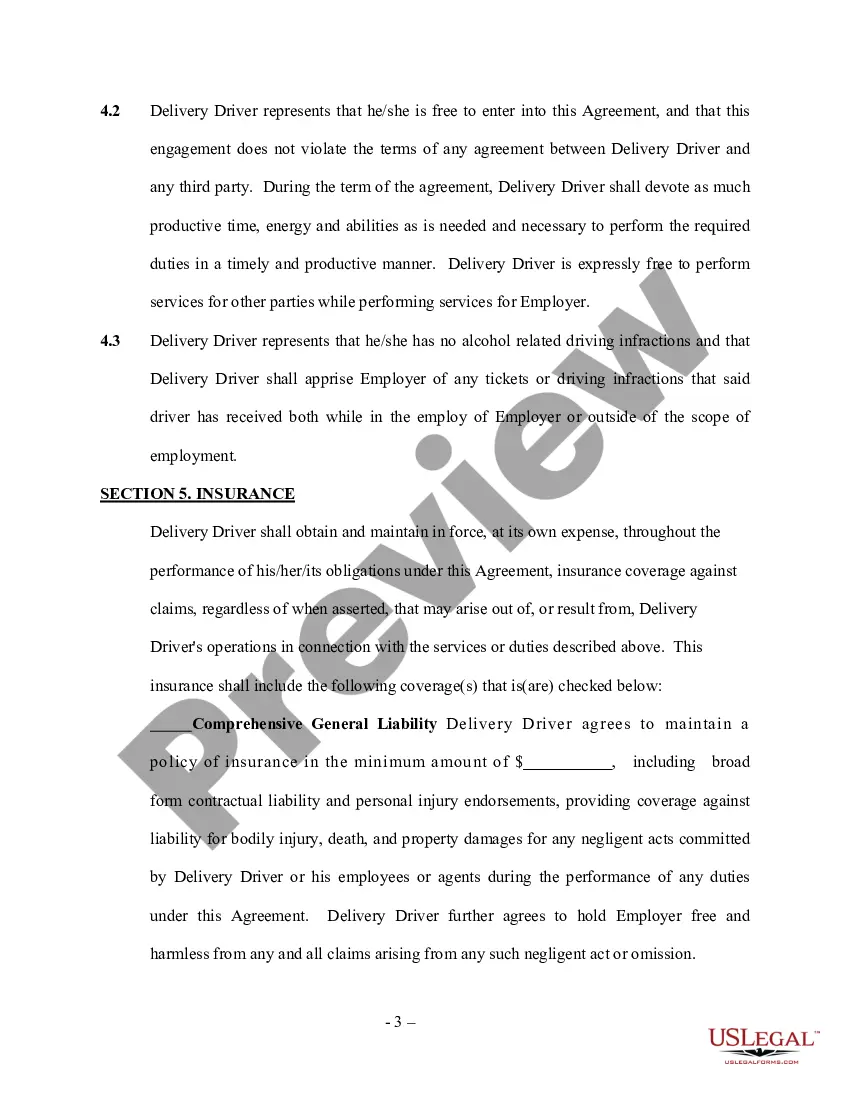
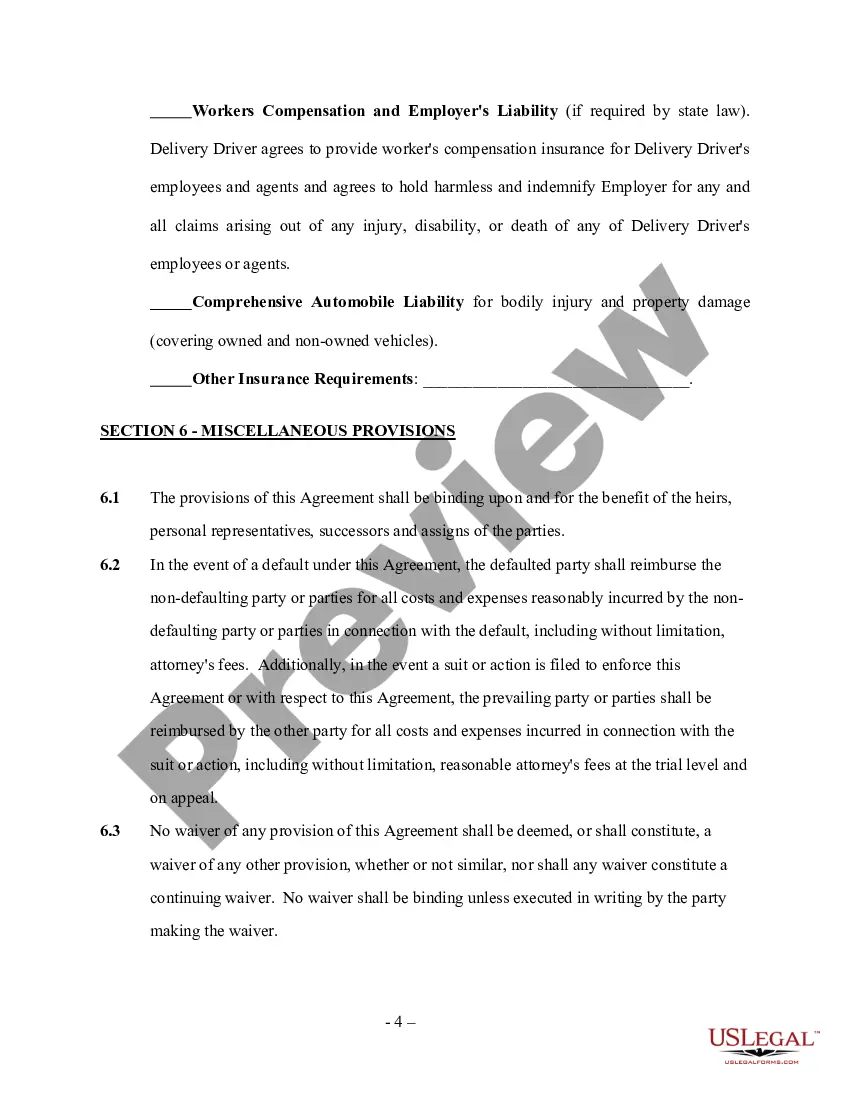
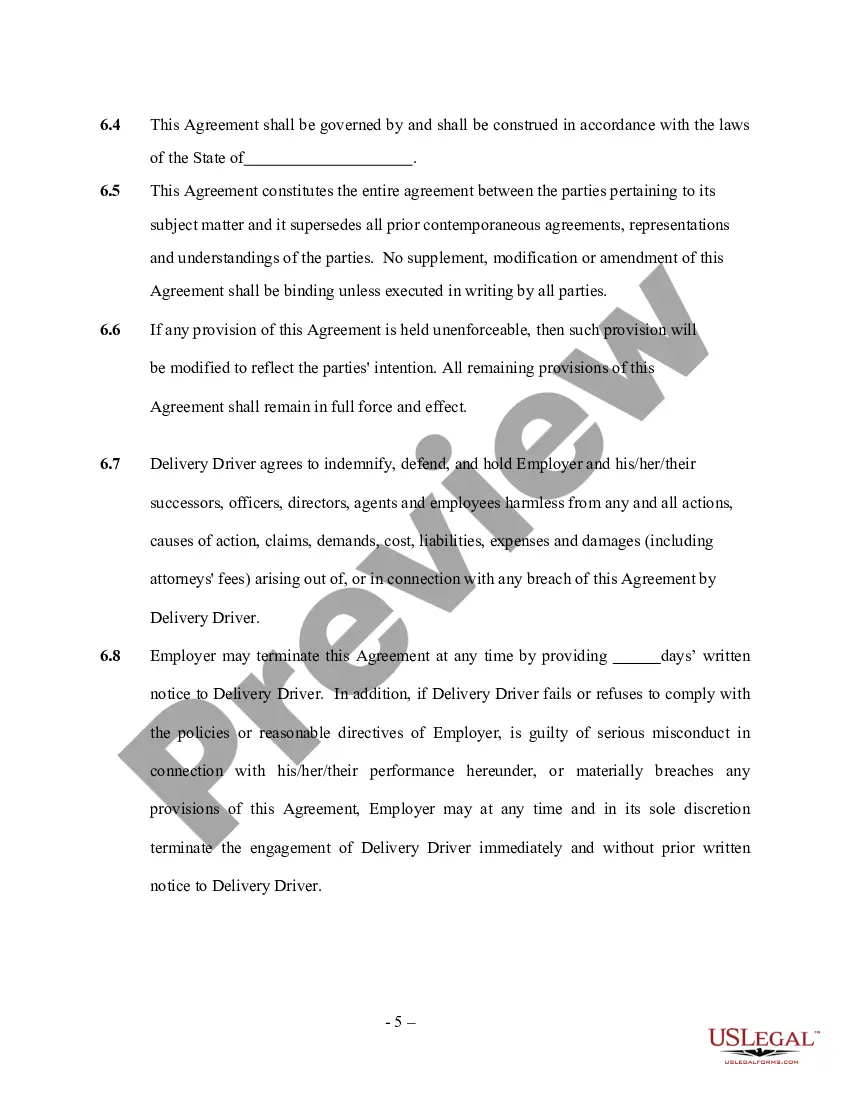
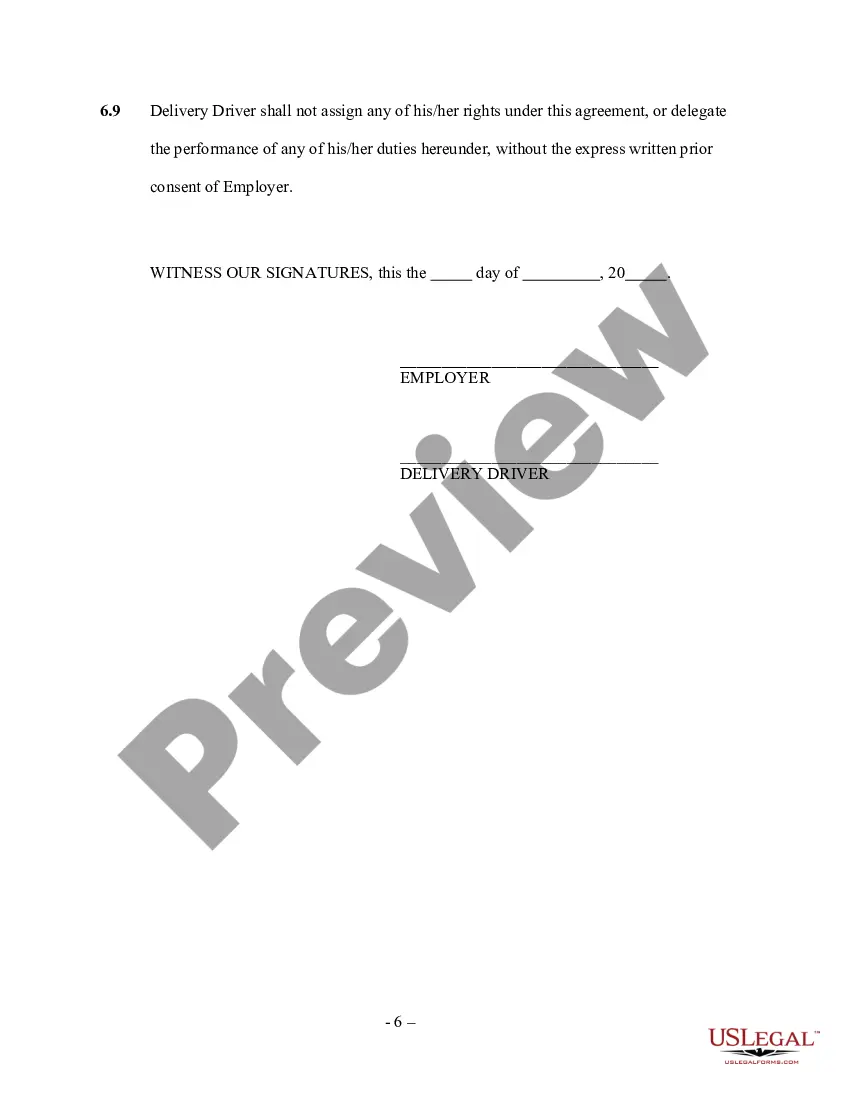

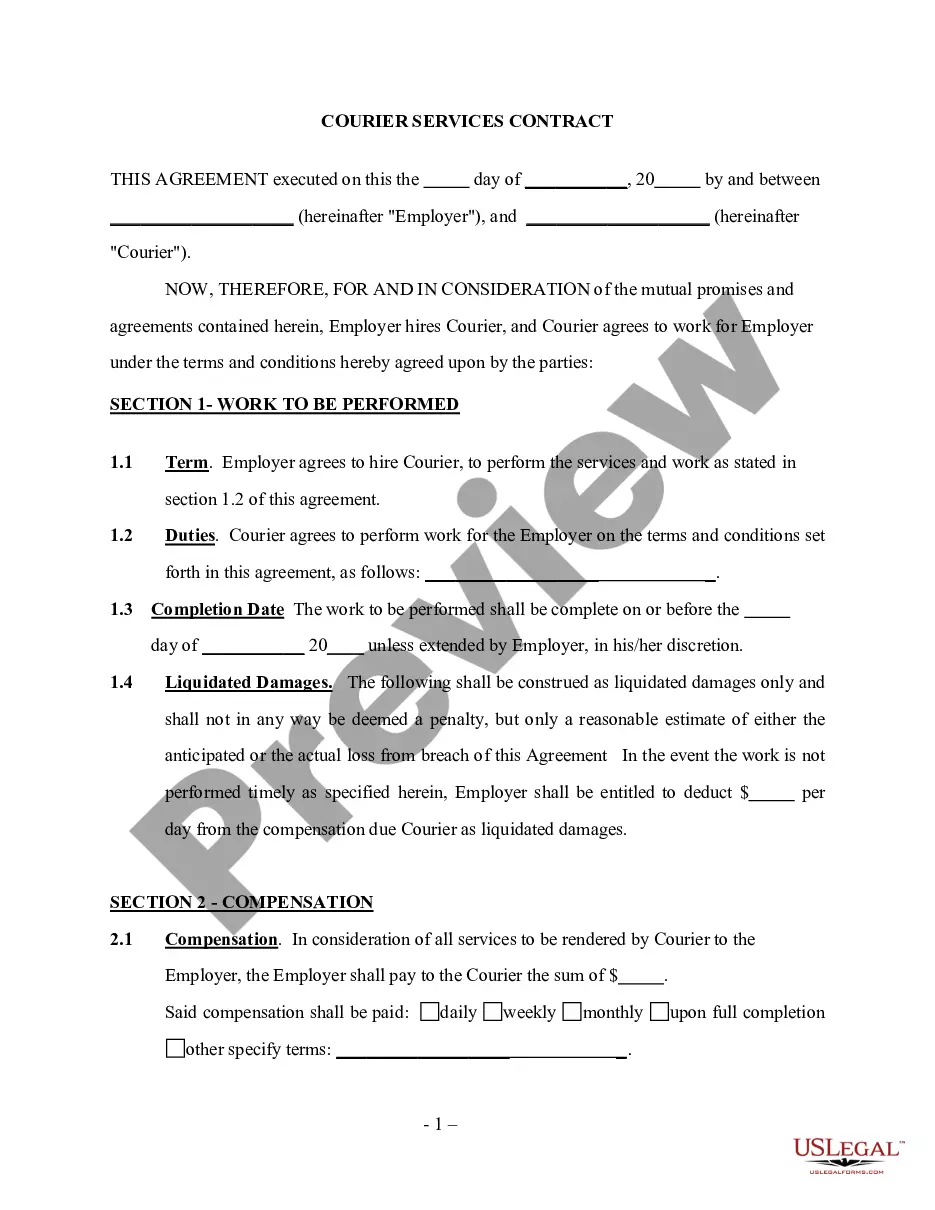
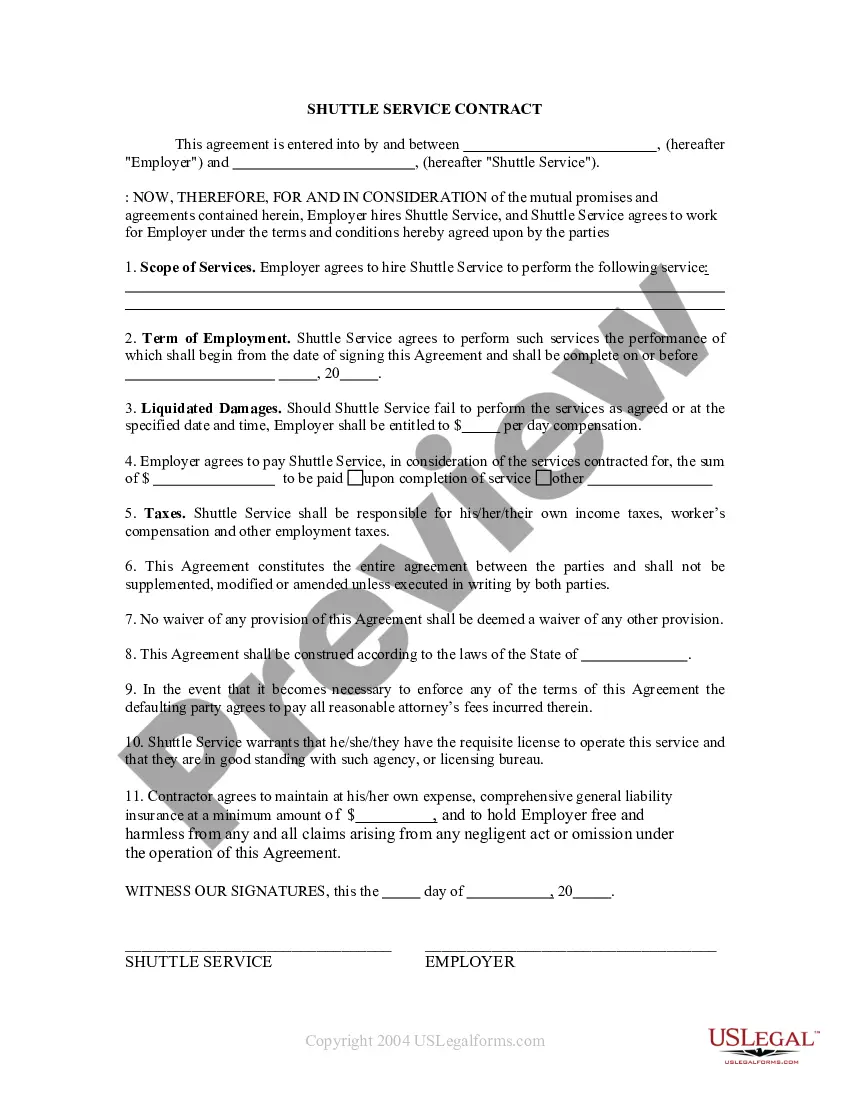
Get your form ready online
Our built-in tools help you complete, sign, share, and store your documents in one place.
Make edits, fill in missing information, and update formatting in US Legal Forms—just like you would in MS Word.
Download a copy, print it, send it by email, or mail it via USPS—whatever works best for your next step.
Sign and collect signatures with our SignNow integration. Send to multiple recipients, set reminders, and more. Go Premium to unlock E-Sign.
If this form requires notarization, complete it online through a secure video call—no need to meet a notary in person or wait for an appointment.
We protect your documents and personal data by following strict security and privacy standards.

Make edits, fill in missing information, and update formatting in US Legal Forms—just like you would in MS Word.

Download a copy, print it, send it by email, or mail it via USPS—whatever works best for your next step.

Sign and collect signatures with our SignNow integration. Send to multiple recipients, set reminders, and more. Go Premium to unlock E-Sign.

If this form requires notarization, complete it online through a secure video call—no need to meet a notary in person or wait for an appointment.

We protect your documents and personal data by following strict security and privacy standards.
Looking for another form?





How to fill out Delivery Driver Services Contract - Self-Employed?
It’s well-known that you cannot instantly become a legal specialist, nor can you swiftly learn how to draft a Modelo De Contrato Para Delivery With Uber Eats without a specialized education.
Compiling legal papers is a lengthy endeavor that necessitates particular knowledge and abilities. So why not entrust the creation of the Modelo De Contrato Para Delivery With Uber Eats to the experts.
With US Legal Forms, one of the most extensive legal template collections, you can locate everything from court documents to templates for workplace communication.
You can access your forms again from the My documents tab anytime. If you’re a current customer, simply Log In, and find and download the template from the same tab.
Regardless of the purpose of your documents—whether legal, financial, or personal—our website has what you need. Give US Legal Forms a try now!
- Use the search bar at the top of the page to discover the document you need.
- Preview it (if this option is available) and read the accompanying description to see if Modelo De Contrato Para Delivery With Uber Eats is what you require.
- If you need a different template, begin your search again.
- Create a free account and select a subscription plan to purchase the template.
- Select Buy now. After the transaction is completed, you can download the Modelo De Contrato Para Delivery With Uber Eats, complete it, print it, and send or mail it to the relevant individuals or organizations.
Form popularity
FAQ
How to unassign an Uber Eats order (for drivers) - YouTube YouTube Start of suggested clip End of suggested clip So towards the bottom of the screen. The hamburger menu with the three dots towards the middle.MoreSo towards the bottom of the screen. The hamburger menu with the three dots towards the middle. There uh tap that. And then you'll see it says pick up and drop off.
From the Trip Planner screen, tap on the settings icon on the bottom right of the screen, and turn on Deliveries. If you choose to toggle between ride and delivery requests during rush hour and mealtimes, you may increase your opportunities for more trip requests.
Uber Eats pays drivers per trip. They receive a fee for pick-up between 50p and £3.00, a fee for delivery, and a fee for every mile they cover. Fees vary depending on where drivers work and the vehicle they drive. These figures do not include bonus payments, (called 'Boost') that are paid to drivers during peak demand.
Follow your order in the app. First you'll see the restaurant accept and start prepping. Then, when the order's almost ready, a nearby delivery person?in a car, on a bike, or on a scooter?will go to the restaurant to pick it up. Next, they'll drive or ride to you.
When a customer places an order through UberEats, the company takes a cut of the total order value as its commission fee. This fee varies depending on the restaurant and the type of food being delivered. The average commission fee is around 30% of the total order value.