Uslegal Disabled With Itunes
Description
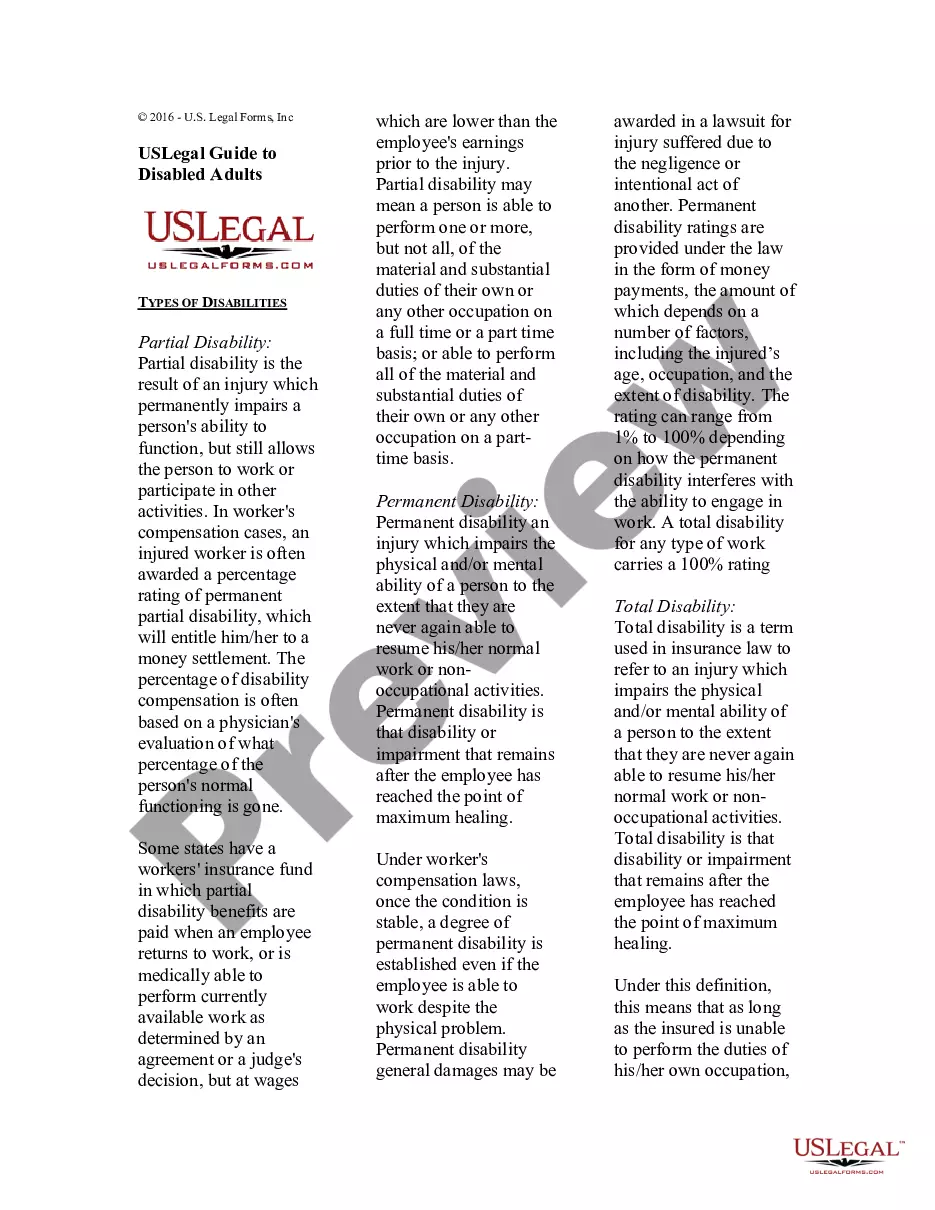
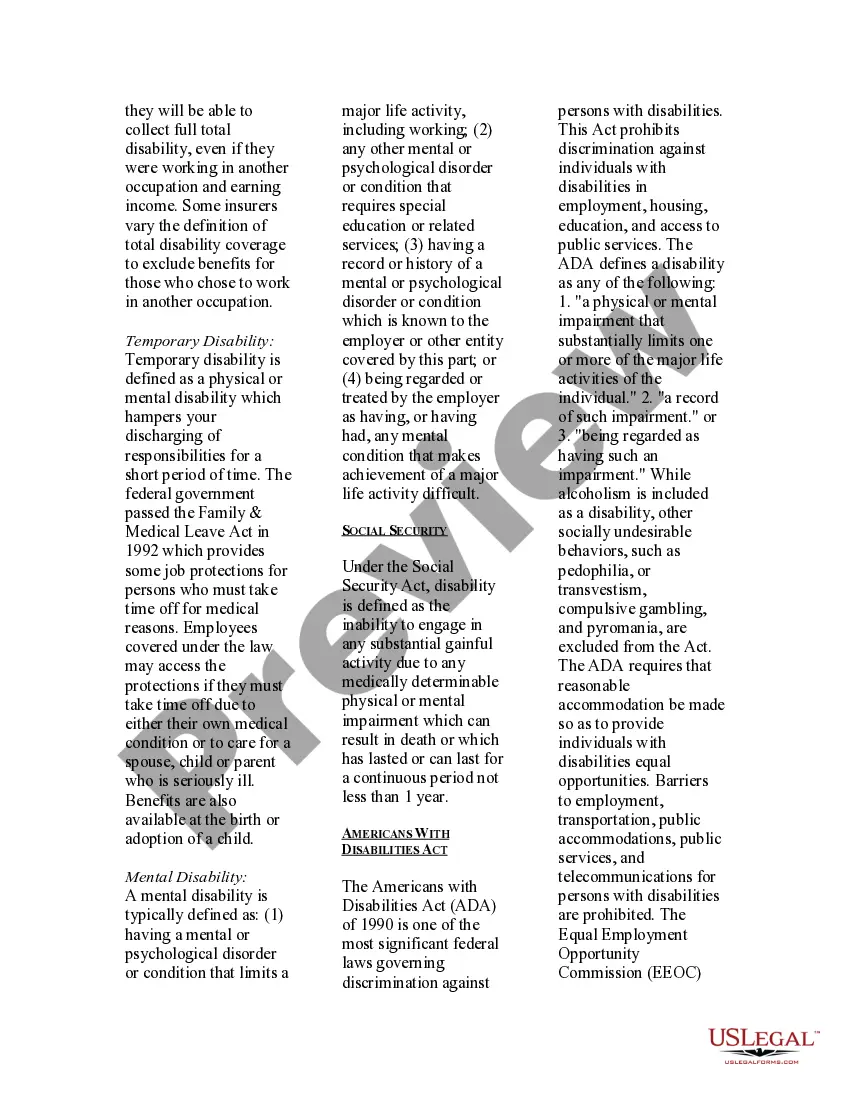
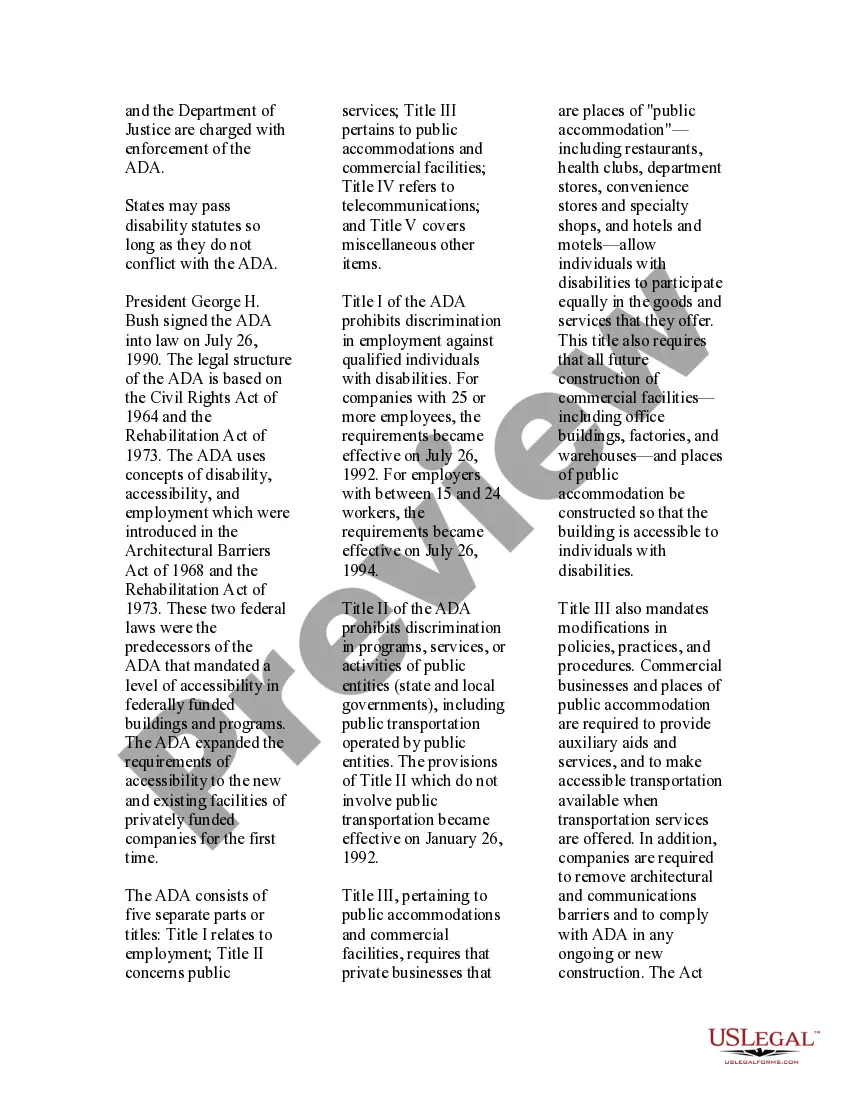
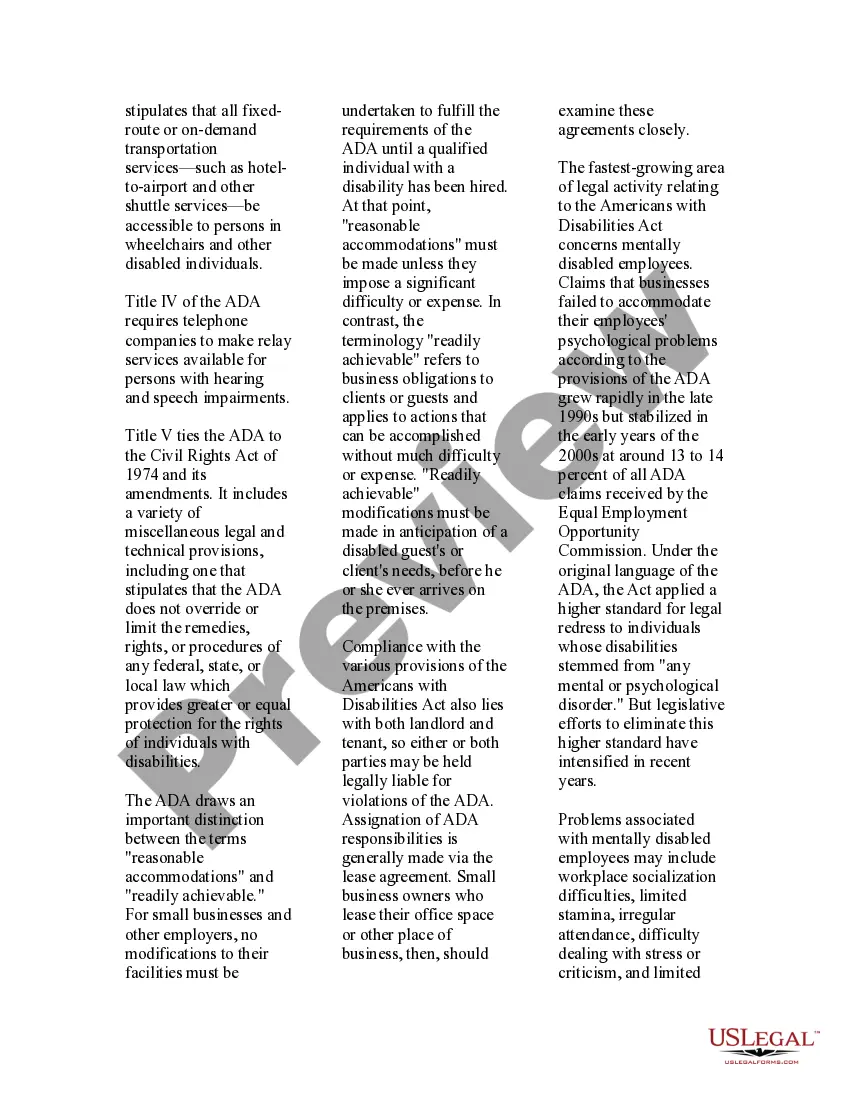


Get your form ready online
Our built-in tools help you complete, sign, share, and store your documents in one place.
Make edits, fill in missing information, and update formatting in US Legal Forms—just like you would in MS Word.
Download a copy, print it, send it by email, or mail it via USPS—whatever works best for your next step.
Sign and collect signatures with our SignNow integration. Send to multiple recipients, set reminders, and more. Go Premium to unlock E-Sign.
If this form requires notarization, complete it online through a secure video call—no need to meet a notary in person or wait for an appointment.
We protect your documents and personal data by following strict security and privacy standards.

Make edits, fill in missing information, and update formatting in US Legal Forms—just like you would in MS Word.

Download a copy, print it, send it by email, or mail it via USPS—whatever works best for your next step.

Sign and collect signatures with our SignNow integration. Send to multiple recipients, set reminders, and more. Go Premium to unlock E-Sign.

If this form requires notarization, complete it online through a secure video call—no need to meet a notary in person or wait for an appointment.

We protect your documents and personal data by following strict security and privacy standards.
Looking for another form?









How to fill out USLegal Guide To Disabled Adults?
- Log into your US Legal Forms account if you've used the service before, or create an account if you're a new user.
- Browse through the extensive library and check the preview mode to find the form that corresponds with your legal requirements and jurisdiction.
- If your first choice is not suitable, utilize the Search feature to explore additional templates until you find the correct one.
- Once you've found the desired form, click on the 'Buy Now' button and select your preferred subscription plan to gain full access.
- Complete the purchase by entering your payment information using a credit card or your PayPal account.
- After your payment is processed, download the form directly to your device for easy access and future reference in the 'My Forms' section of your account.
US Legal Forms is dedicated to empowering both individuals and attorneys by providing a comprehensive library of legal documents that are easy to execute. With an extensive collection, you are sure to find the needed templates tailored to your situation.
Don’t let legal paperwork overwhelm you—start using US Legal Forms today to streamline your document needs and ensure everything is handled correctly!
Form popularity
FAQ
To unlock a disabled iTunes account, visit the iTunes Store and follow the prompts to unlock your account. You may need to answer security questions or utilize the recovery email associated with your account. Continuous failed logins can trigger a temporary lockout, so it’s important to handle your password with care. If you find accessing iTunes challenging, consider using reliable resources like Uslegal to guide you through account restoration.
To factory reset a disabled iPhone, connect it to a computer with iTunes installed. Enter recovery mode, and iTunes will prompt you to restore the device. This method erases all data, including any set passcodes, allowing you to start fresh. Safeguarding your data through backups is advisable before executing this process to prevent data loss.
To disable disability mode—known as Accessibility features—navigate to your iPhone's Settings, then swipe down to find Accessibility. Here, you can turn off any active features you do not need. If you encounter difficulties, restoring with iTunes can reset settings to default. This way, you can regain control of your device.
To turn off a disabled iPhone, you need to use the hardware buttons. Depending on your model, press and hold the correct button combination until you see the power off slider. However, if your iPhone is disabled, it typically won't respond to this action. In such cases, utilizing iTunes for restoring the device is the recommended method.
Your iPhone could be stuck on a disabled screen due to multiple incorrect passcode entries. Apple sets a limit on the number of attempts you can make before the device locks you out for a period of time, ultimately disabling it if exceeded. Regular use of complex passwords can lead to this situation. It’s essential to handle your password carefully to avoid entering it incorrectly several times.
To unlock a disabled iPhone using iTunes, first, connect your iPhone to your computer. Open iTunes and put your device into recovery mode. Follow the prompts to restore your iPhone, which will remove the passcode and allow you to access your device. This process may result in data loss, so it is crucial to back up your information if possible before proceeding.
To perform a hard factory reset on a locked iPhone, press and quickly release the Volume Up button, then the Volume Down button, followed by pressing and holding the Side button until the recovery mode appears. You can then restore the device through iTunes. This method will erase all data on the iPhone, making it a fresh start. In case of uncertainty, Uslegal can provide you with guidance on every step to ensure a smooth reset.
Yes, a disabled iPhone can be unlocked. You may need to connect it to iTunes via a computer to restore it, which erases your data in the process. You will then have the opportunity to set up your iPhone as new. If you find the process complex, Uslegal provides valuable tools and information to support you.
If iTunes is disabled, connect your iPhone to your computer and open iTunes. You can put your device into recovery mode and then choose to restore it. This action erases the device, allowing you to unlock it and set it up anew. For more detailed assistance, Uslegal offers comprehensive resources that can help you navigate this situation.
To unlock an Apple ID that’s locked, go to the Apple ID account page. Click on 'Forgot Apple ID or password?' and follow the instructions. You might need to verify your identity through security questions or your registered email. Utilizing Uslegal can guide you through the process effectively if complications arise.