Uslegal Disabled Print For The Future
Description
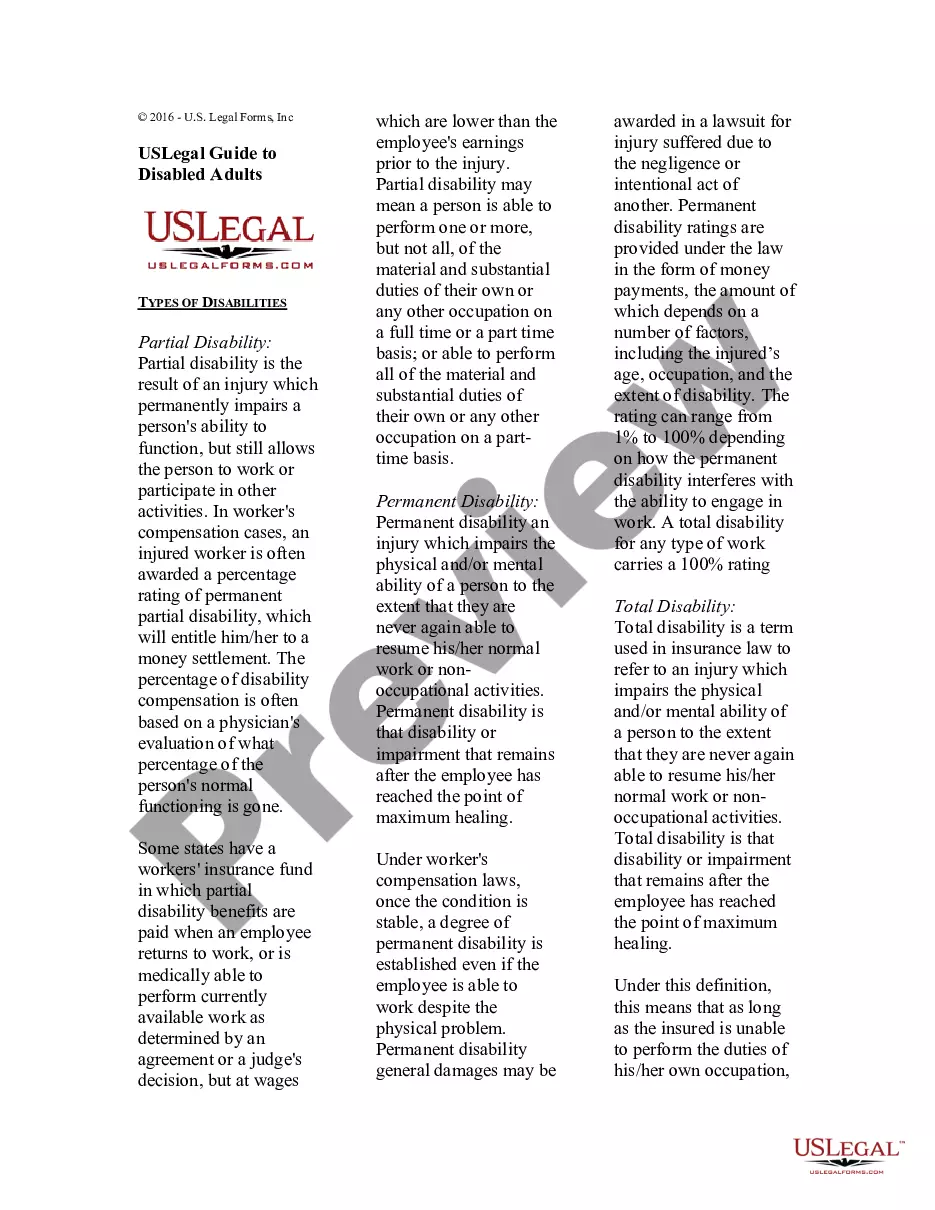
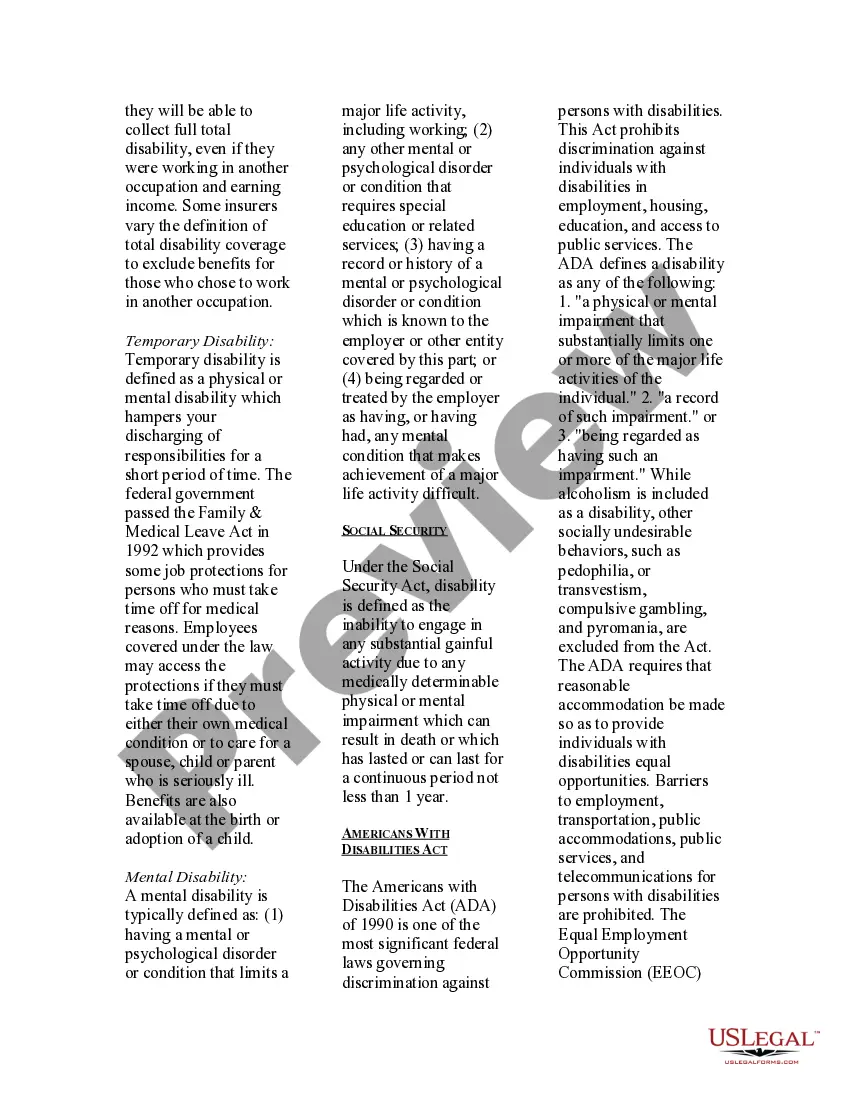
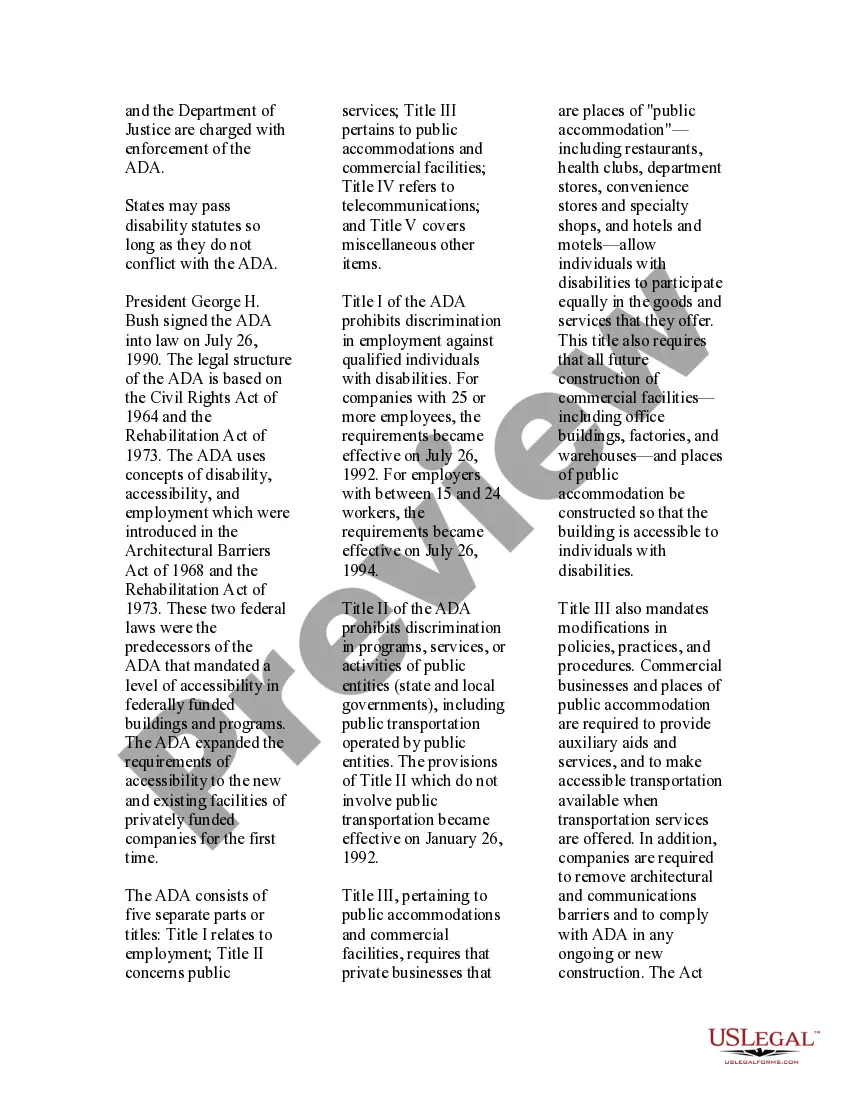
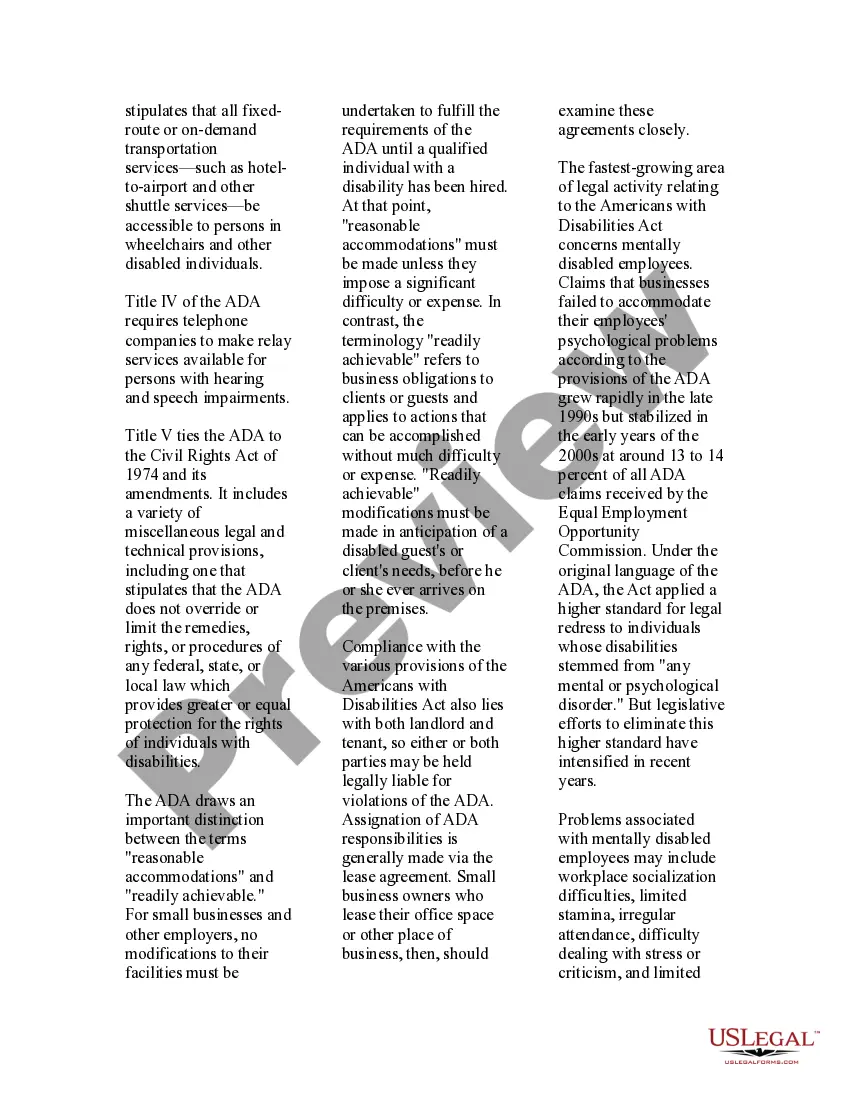
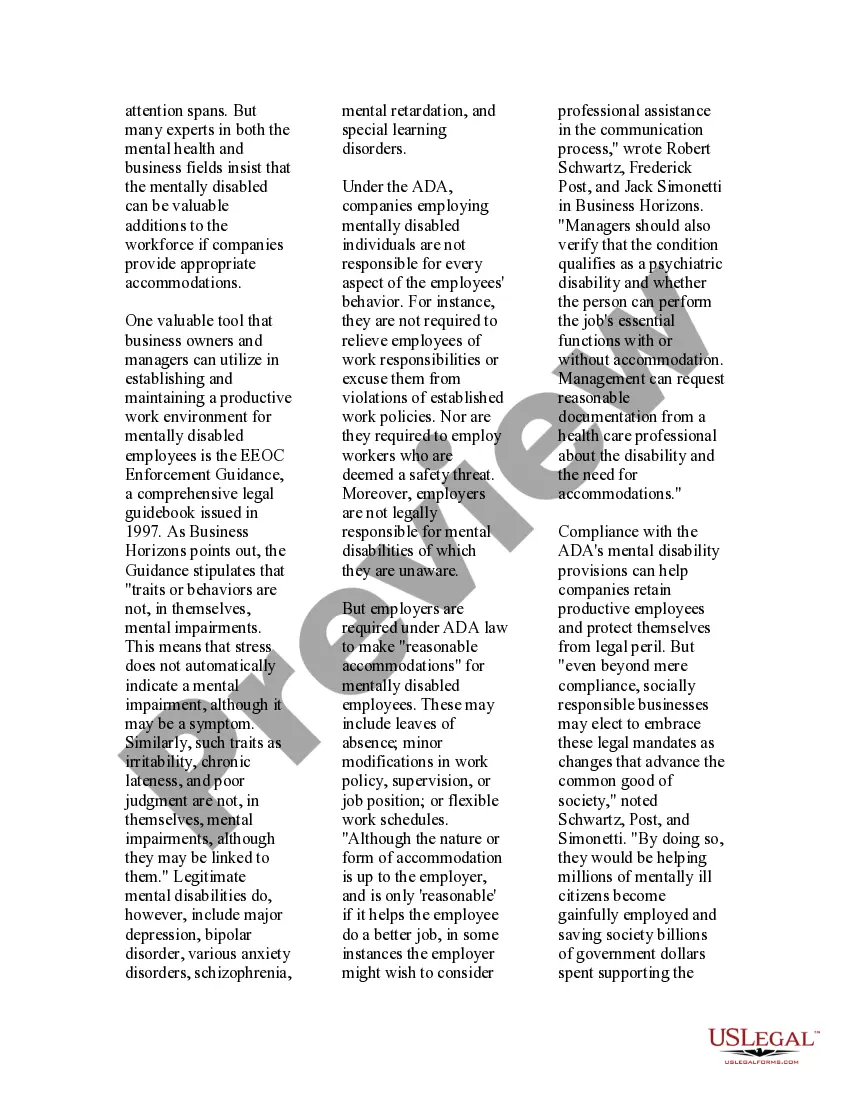
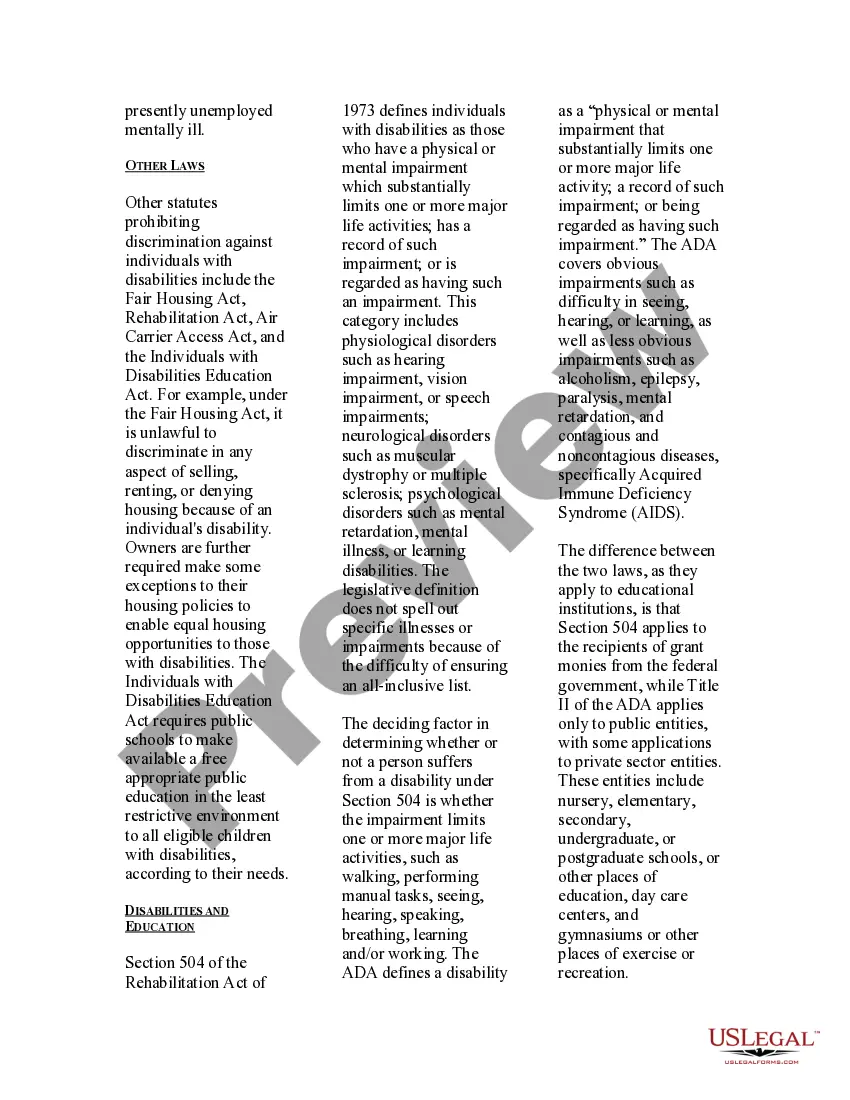
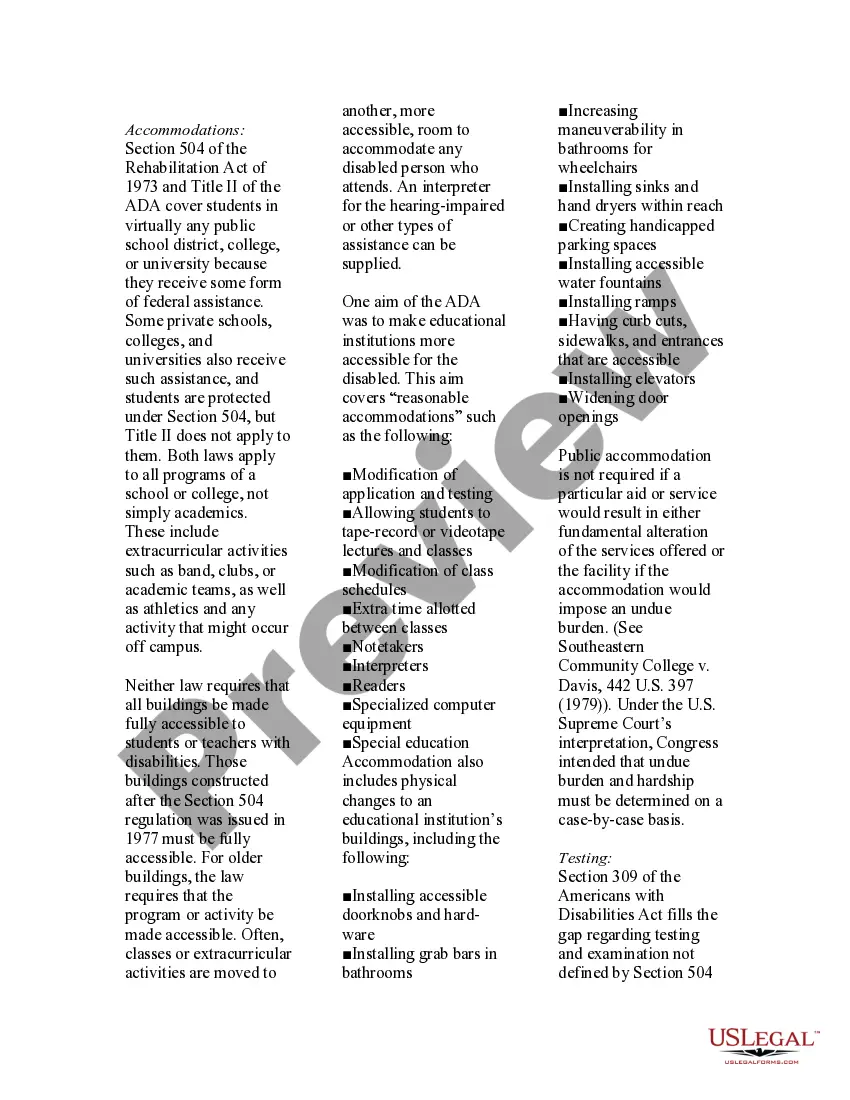
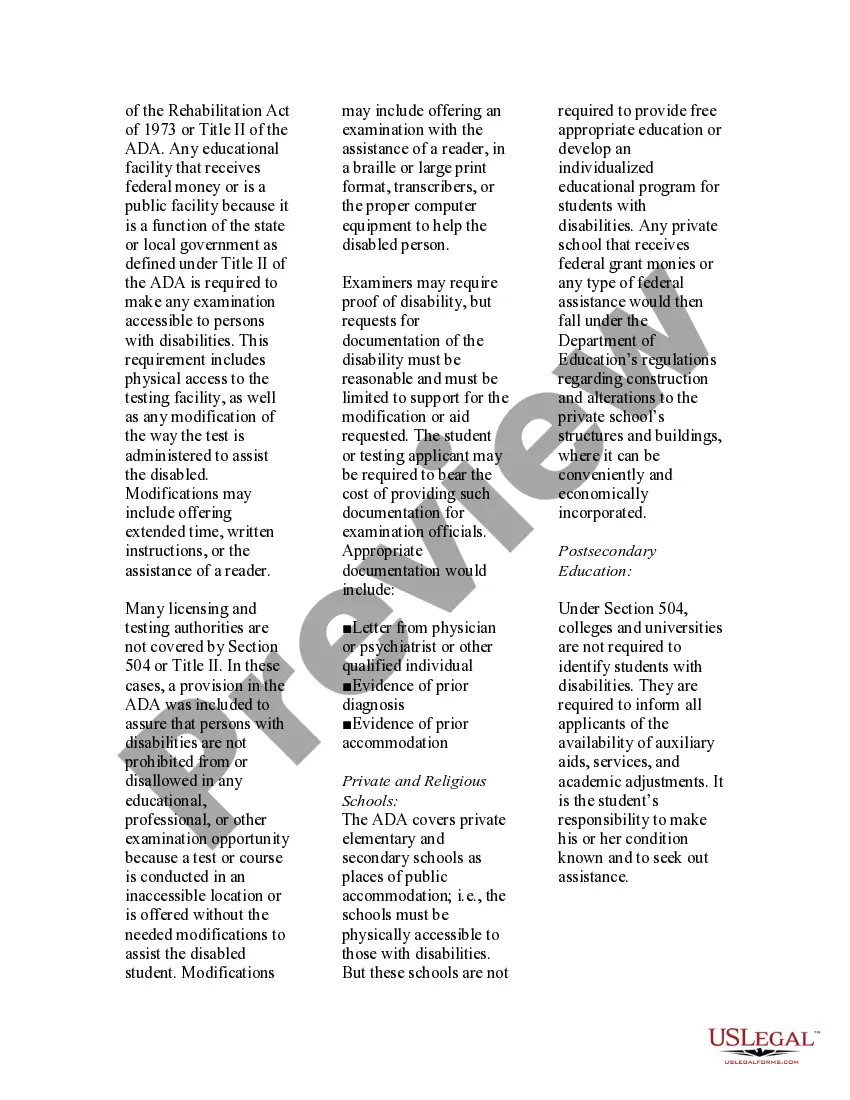
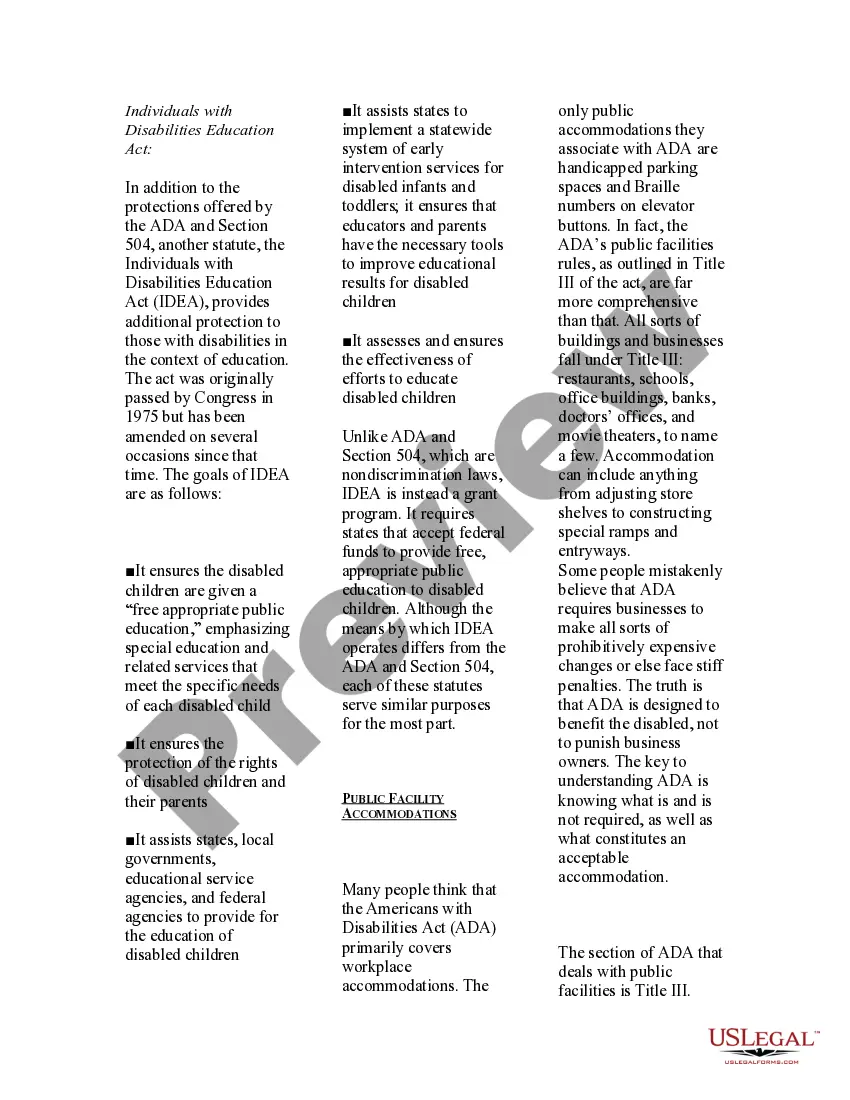


Get your form ready online
Our built-in tools help you complete, sign, share, and store your documents in one place.
Make edits, fill in missing information, and update formatting in US Legal Forms—just like you would in MS Word.
Download a copy, print it, send it by email, or mail it via USPS—whatever works best for your next step.
Sign and collect signatures with our SignNow integration. Send to multiple recipients, set reminders, and more. Go Premium to unlock E-Sign.
If this form requires notarization, complete it online through a secure video call—no need to meet a notary in person or wait for an appointment.
We protect your documents and personal data by following strict security and privacy standards.

Make edits, fill in missing information, and update formatting in US Legal Forms—just like you would in MS Word.

Download a copy, print it, send it by email, or mail it via USPS—whatever works best for your next step.

Sign and collect signatures with our SignNow integration. Send to multiple recipients, set reminders, and more. Go Premium to unlock E-Sign.

If this form requires notarization, complete it online through a secure video call—no need to meet a notary in person or wait for an appointment.

We protect your documents and personal data by following strict security and privacy standards.
Looking for another form?







How to fill out USLegal Guide To Disabled Adults?
- Log in to your existing US Legal Forms account to access your previously downloaded templates.
- If you're new to the service, start by browsing the extensive library of form templates. Make sure to check the Preview mode for detailed descriptions and local jurisdiction compliance.
- Use the Search feature to explore alternative templates if your initial choice doesn't meet your requirements.
- Once you find the suitable document, click on the Buy Now button and select your preferred subscription plan. Creating an account is necessary to access premium resources.
- Proceed with the purchase by entering your payment details, either through credit card or PayPal.
- After a successful payment, download your form directly to your device, and find it conveniently in the My Forms section of your account whenever needed.
By following these simple steps, you can harness the power of US Legal Forms to easily manage your legal document needs.
Don't hesitate—get started with US Legal Forms today to ensure your future legal documents are prepared accurately and smoothly!
Form popularity
FAQ
To make your printer print legal size, ensure that legal paper is loaded in the printer and adjust the print settings in the software. Under the print properties, select 'Legal' as the paper size and confirm the settings. With the tools available through Uslegal disabled print for the future, you can confidently manage your printing needs.
Yes, a regular printer can print legal size documents if it supports that paper size. Ensure the printer settings are correctly configured to accept legal paper, which includes both adjusting the tray and the software settings. Embracing Uslegal disabled print for the future means adapting your tools for legal document needs.
Unlocking the print option in a PDF file requires specific software to edit the file's permissions. Look for applications that can remove restrictions, allowing you to access printing features. Always be aware that Uslegal disabled print for the future offers support for managing your documents in a compliant manner.
To set your printer for legal size printing, open the print dialog within your software. Look for 'Printer Properties,' and select 'Legal' under the paper size options. Using Uslegal disabled print for the future solutions can also guide you in preparing legally compliant documents for efficient printing.
Bypassing print restrictions on a PDF can be tricky, but several options are available. You can try using PDF editing software that allows you to unlock or remove security permissions, enabling you to print your document. Keep in mind that Uslegal disabled print for the future focuses on legal compliance, so always ensure your use is within lawful limits.
To print legal size paper on your HP printer, first load legal-sized paper into the tray. Open your document and go to the print settings. In the print dialog, select 'Legal' for paper size, which aligns with Uslegal disabled print for the future to ensure your printouts comply with necessary legal standards.
To change your print size to legal paper, start by accessing your printer settings. Navigate to the 'Page Setup' or 'Printer Properties' section, often found in your printing software. From there, select 'Legal' as your paper size, ensuring that Uslegal disabled print for the future has set your documents to this format.
Yes, dyslexia is categorized as a print disability due to the challenges it presents in reading and processing written text. Students with dyslexia often require specific tools and resources to help them navigate written material. The Uslegal disabled print for the future program recognizes this need, offering support and resources that are tailored to assist individuals with dyslexia in accessing important legal information.
Examples of students with print disabilities include those with visual impairments, dyslexia, or motor disabilities that limit their ability to interact with traditional text. Each of these students may require unique approaches to access educational materials. With the Uslegal disabled print for the future feature, educational institutions can offer vital resources, enabling students to engage with legal texts effectively.
Print disabilities encompass a range of conditions, such as visual impairments, learning disabilities like dyslexia, and physical conditions that prevent reading or handling print materials. These disabilities qualify an individual for enhanced access to specialized formats. The Uslegal disabled print for the future program actively supports individuals by providing the necessary adaptations to ensure everyone has equitable access to legal documentation.