Uslegal Adults Draft With Copilot
Description
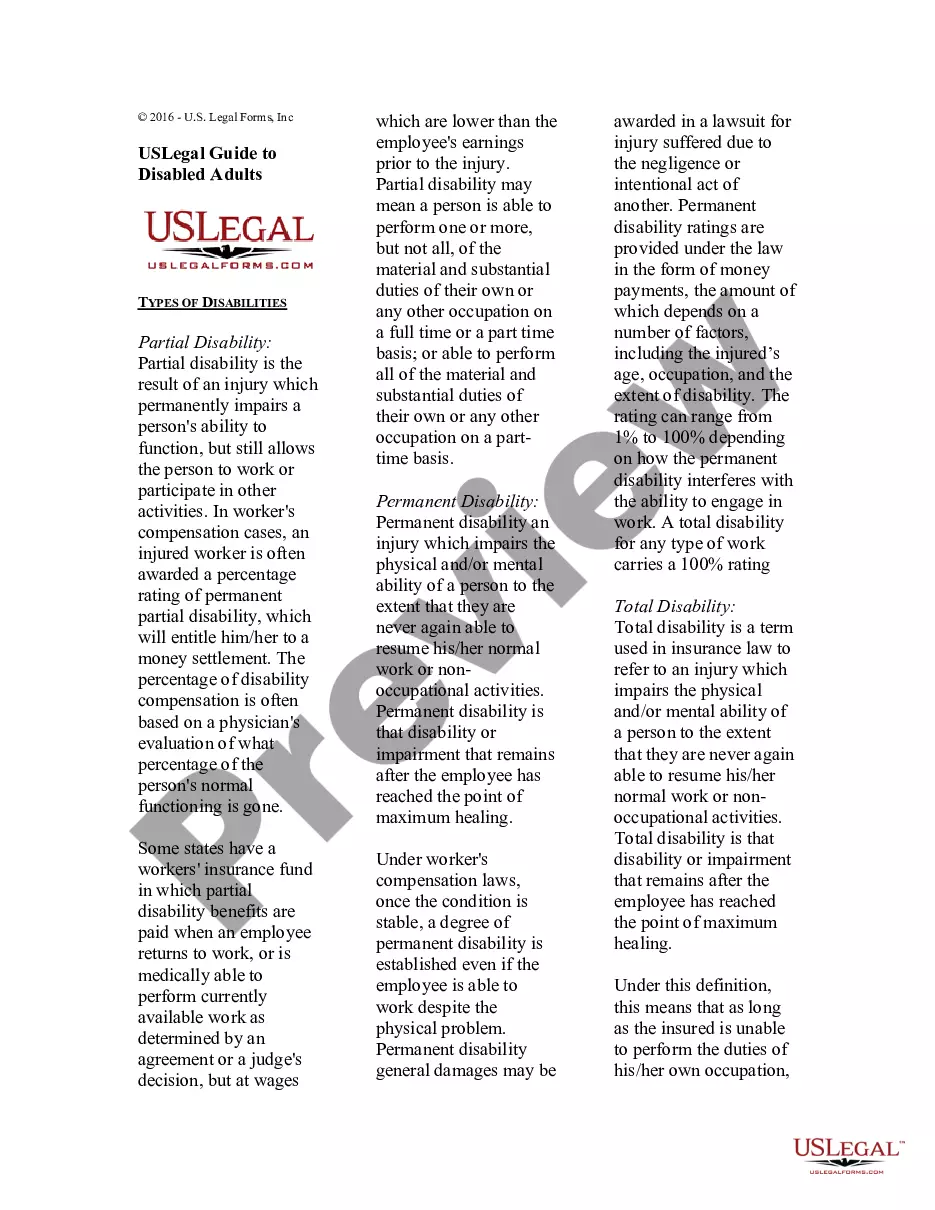
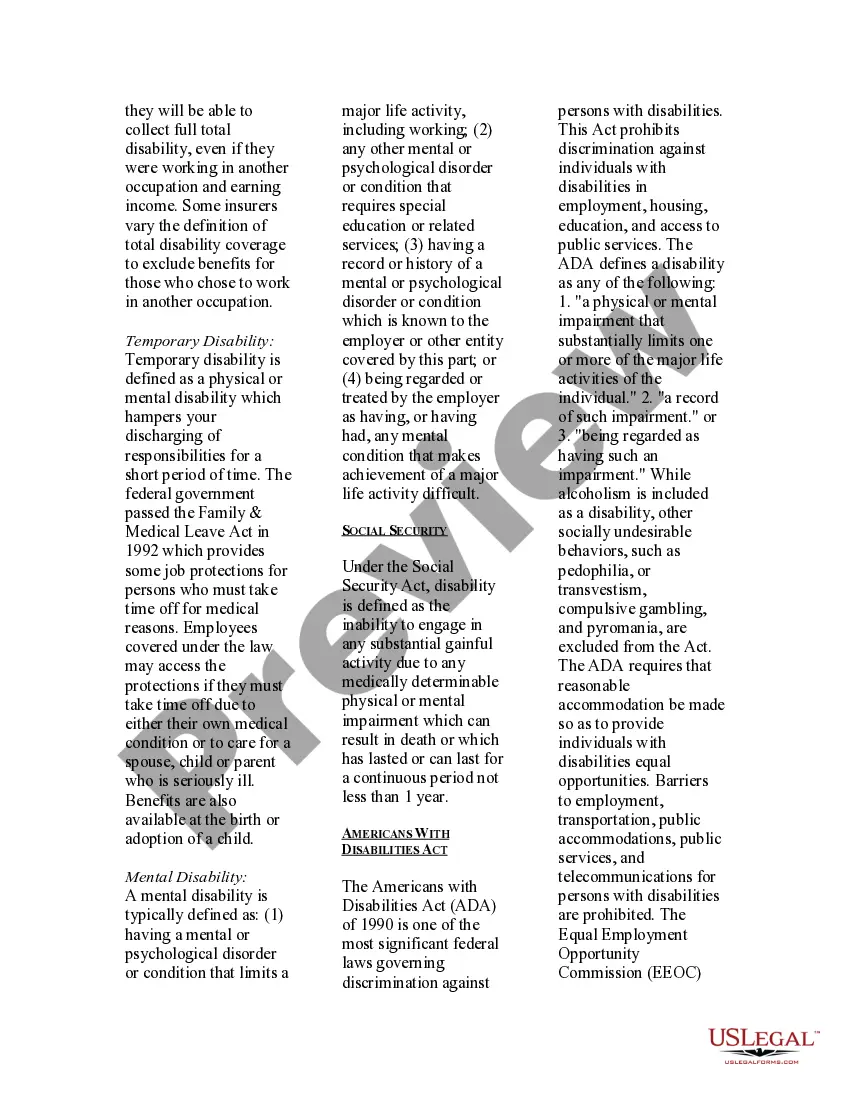
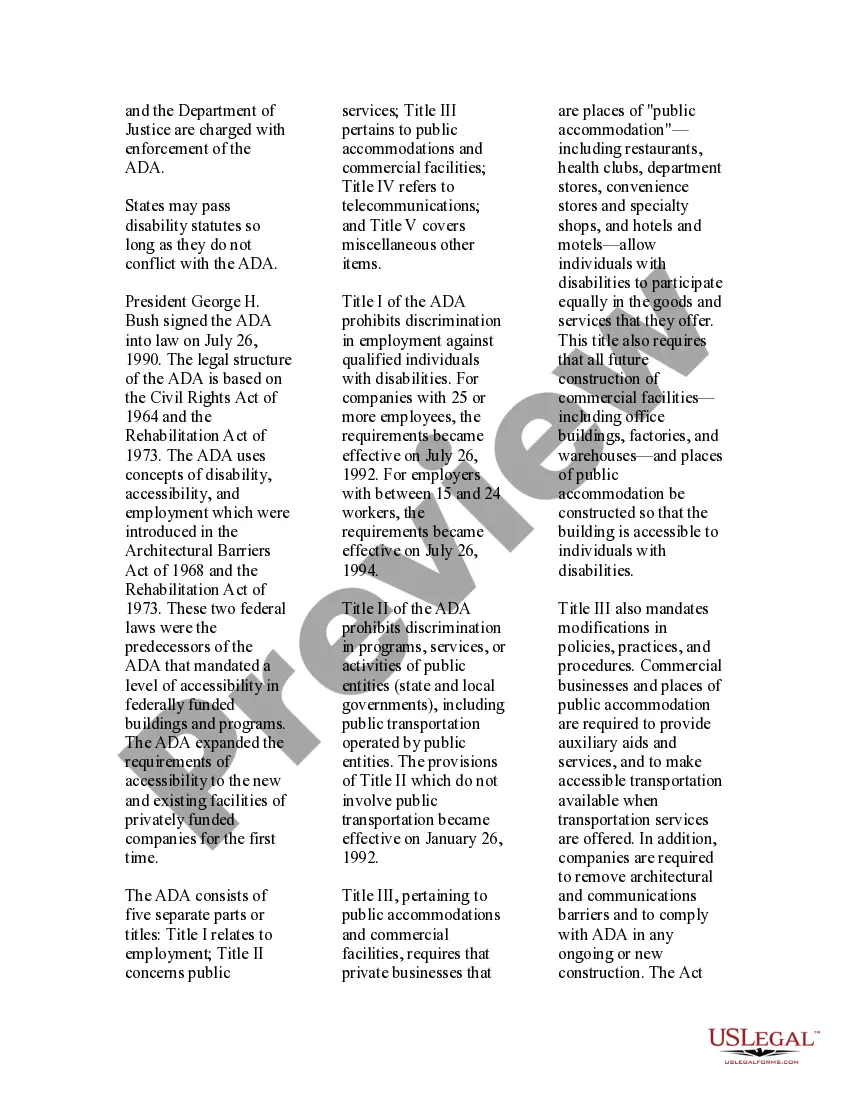
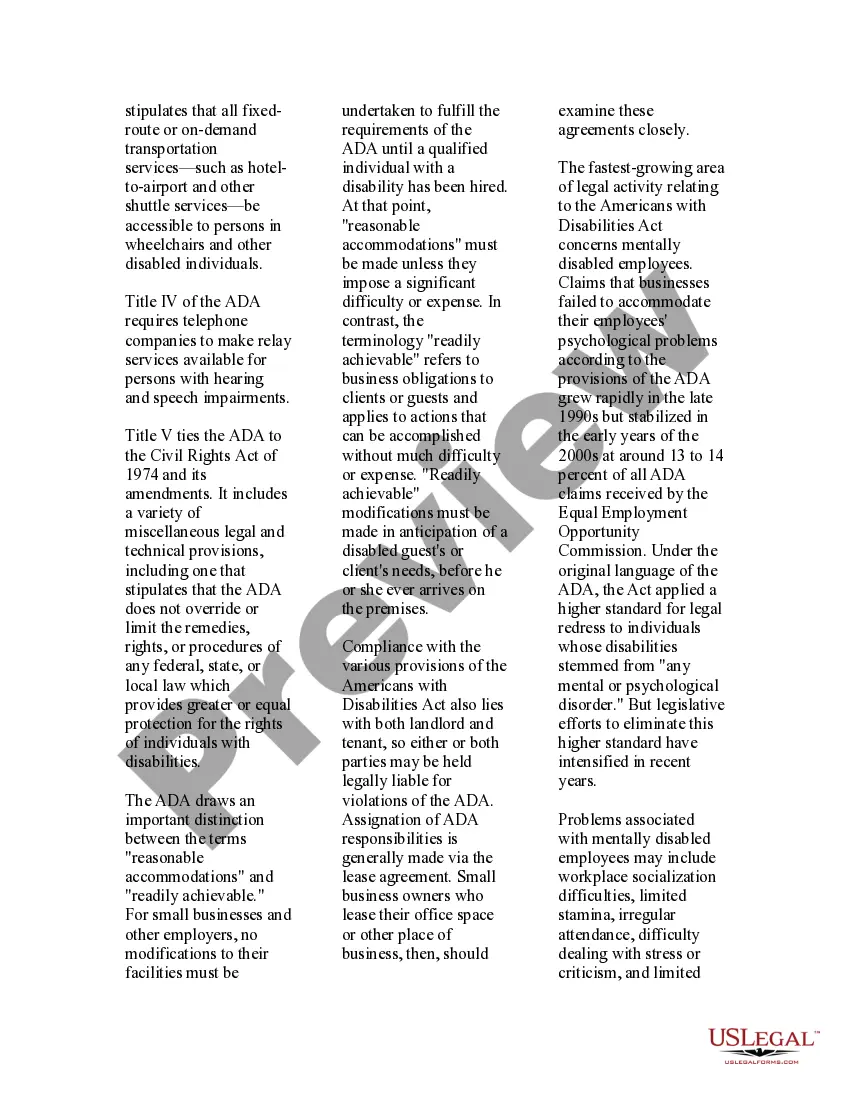


Get your form ready online
Our built-in tools help you complete, sign, share, and store your documents in one place.
Make edits, fill in missing information, and update formatting in US Legal Forms—just like you would in MS Word.
Download a copy, print it, send it by email, or mail it via USPS—whatever works best for your next step.
Sign and collect signatures with our SignNow integration. Send to multiple recipients, set reminders, and more. Go Premium to unlock E-Sign.
If this form requires notarization, complete it online through a secure video call—no need to meet a notary in person or wait for an appointment.
We protect your documents and personal data by following strict security and privacy standards.

Make edits, fill in missing information, and update formatting in US Legal Forms—just like you would in MS Word.

Download a copy, print it, send it by email, or mail it via USPS—whatever works best for your next step.

Sign and collect signatures with our SignNow integration. Send to multiple recipients, set reminders, and more. Go Premium to unlock E-Sign.

If this form requires notarization, complete it online through a secure video call—no need to meet a notary in person or wait for an appointment.

We protect your documents and personal data by following strict security and privacy standards.
Looking for another form?









How to fill out USLegal Guide To Disabled Adults?
- If you are an existing user, log in to access your account, ensuring you have an active subscription. Locate the desired form template and click the Download button.
- For first-time users, begin by previewing the available forms. Check the form descriptions to find one that meets your specific legal needs and adheres to your local jurisdiction.
- If the desired form isn't available, utilize the search feature to find alternatives that suit you better.
- Once you've identified the correct document, click the Buy Now button and select a suitable subscription plan. Create an account to unlock the entire library of resources.
- Complete your purchase by entering your payment details, using either a credit card or PayPal.
- After payment, download the form to your device. You can access it later through the My Forms section of your account.
By following these steps, you will have the legal documents you need with confidence and ease. US Legal Forms provides not only a robust selection of templates but also the assurance of expert assistance when needed.
Start drafting your legal documents today with US Legal Forms and experience the convenience of their extensive legal library!
Form popularity
FAQ
Correcting a sentence in Uslegal adults draft with copilot is simple. Click on the sentence you wish to refine, and then use the editing features provided by Copilot. You can also ask Copilot for suggestions to enhance your phrasing. Always review the changes to ensure they convey your intended message.
Using Uslegal adults draft with copilot is straightforward. Begin by choosing the type of document you want to create. Copilot will guide you with suggestions and templates tailored to your needs, making the drafting process smoother. You can easily adjust the content based on your specific requirements and preferences.
To draft an email using Uslegal adults draft with copilot, start by opening the Copilot feature in your document. Select the email template that best fits your needs, then modify the placeholders with relevant details. Copilot can also suggest phrases to enhance your message. Finally, review the draft for clarity before sending it off.
To enable draft with Copilot in Outlook, you need to access the settings and find the Copilot feature under the add-ins section. Activating this feature allows Uslegal adults to draft with Copilot seamlessly while managing their emails. Once enabled, you can quickly start drafting legal documents directly within your Outlook environment.
Yes, legal assistants can draft documents, provided they have the necessary training and access to proper resources. With tools like Uslegal, assistants can easily use the draft with Copilot feature to create accurate documents under supervision. This blend of technology and training allows legal teams to operate more effectively.
Microsoft Copilot offers unique features tailored for legal documentation, which can enhance the drafting process for Uslegal adults draft with Copilot. These include context-aware suggestions and integration with Microsoft Office tools. In contrast, Google Bard lacks these specific integrations, which makes Copilot more suited for legal professionals.
Yes, Microsoft Copilot is highly beneficial for lawyers. It assists in drafting legal documents more efficiently, allowing lawyers to focus on strategy and client interaction. The integration with Uslegal helps legal professionals save time and enhance their productivity, ensuring that clients receive high-quality service.
While anyone can attempt to draft a legal document, it is crucial to have a clear understanding of legal terminology and requirements. Uslegal adults draft with Copilot simplifies this process, making it easier for non-lawyers to create documents. However, consulting with a legal professional is recommended for compliance and to avoid potential mistakes.
The draft with Copilot box can typically be found in your Uslegal platform interface. You can access it directly from the document creation section. This feature is designed to streamline your drafting process, allowing Uslegal adults to draft with Copilot efficiently. Make sure to check your toolbar for easy navigation.
A good prompt for Copilot encourages creativity and helps direct its suggestions. For example, starting with a clear intent like 'Draft a contract for a lease agreement' ensures that Copilot provides relevant and useful responses. This approach maximizes the Copilot's effectiveness, making your drafting process easier. For comprehensive drafting support, consider Uslegal adults draft with Copilot.