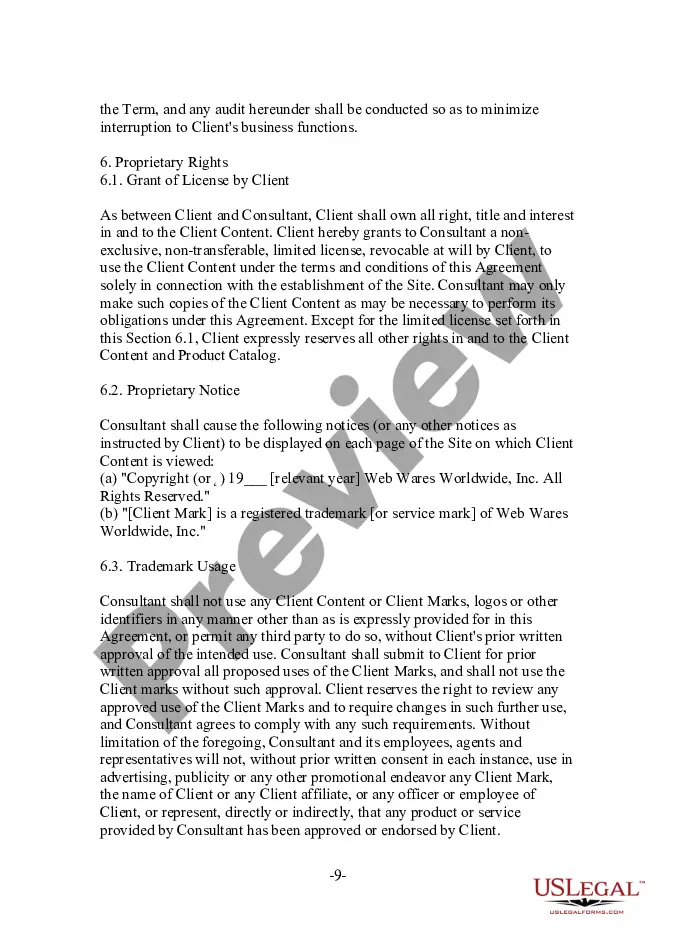
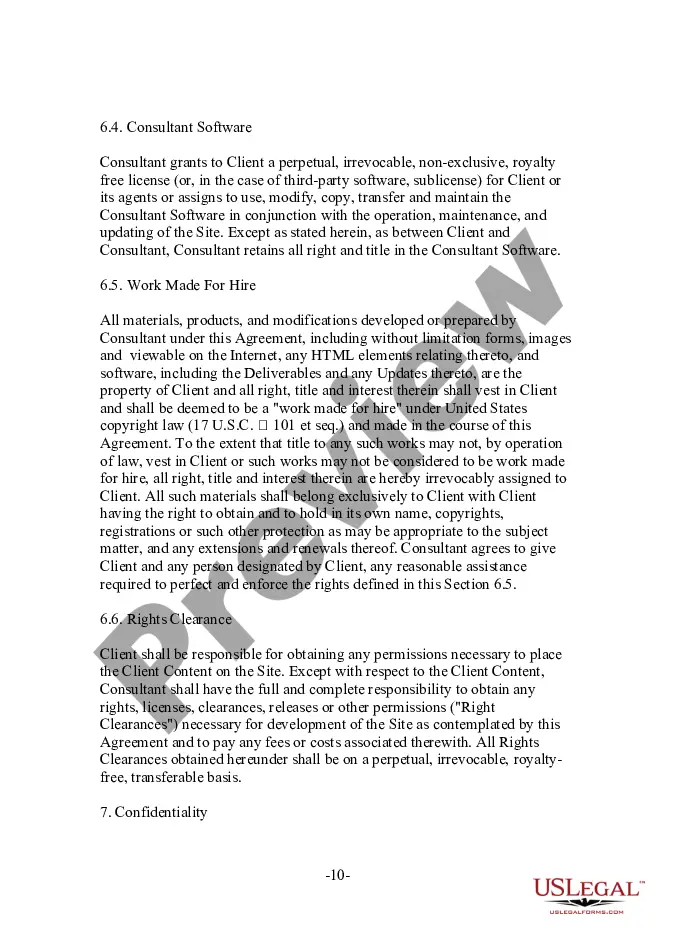
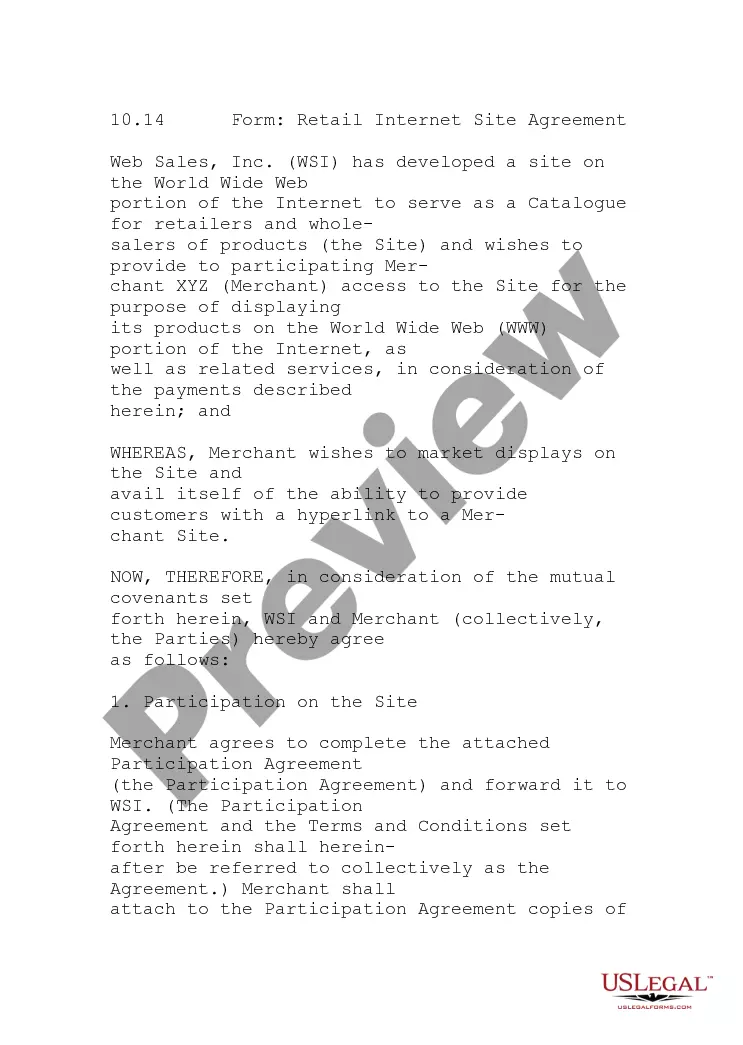
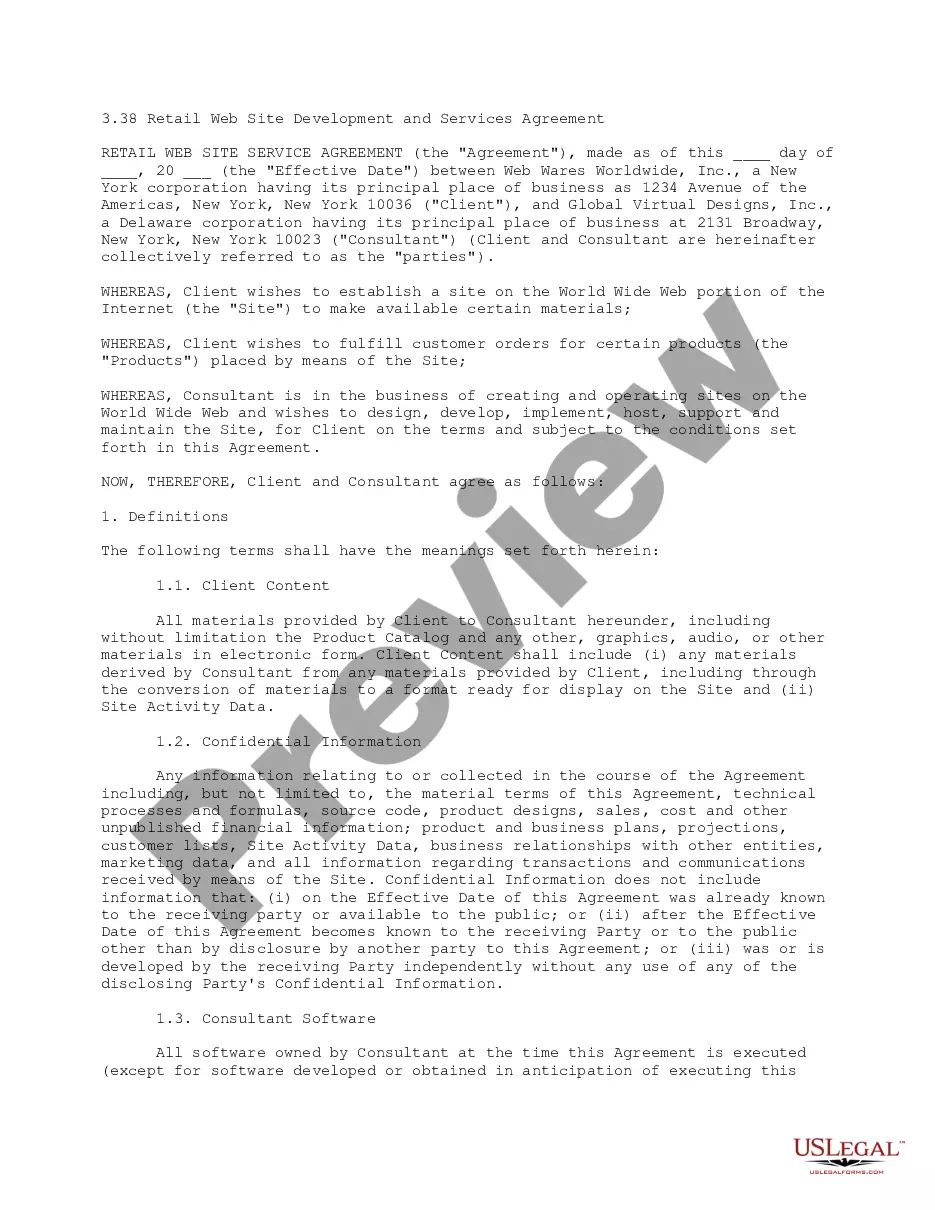
Retail Service Agreement With Vendor
Description
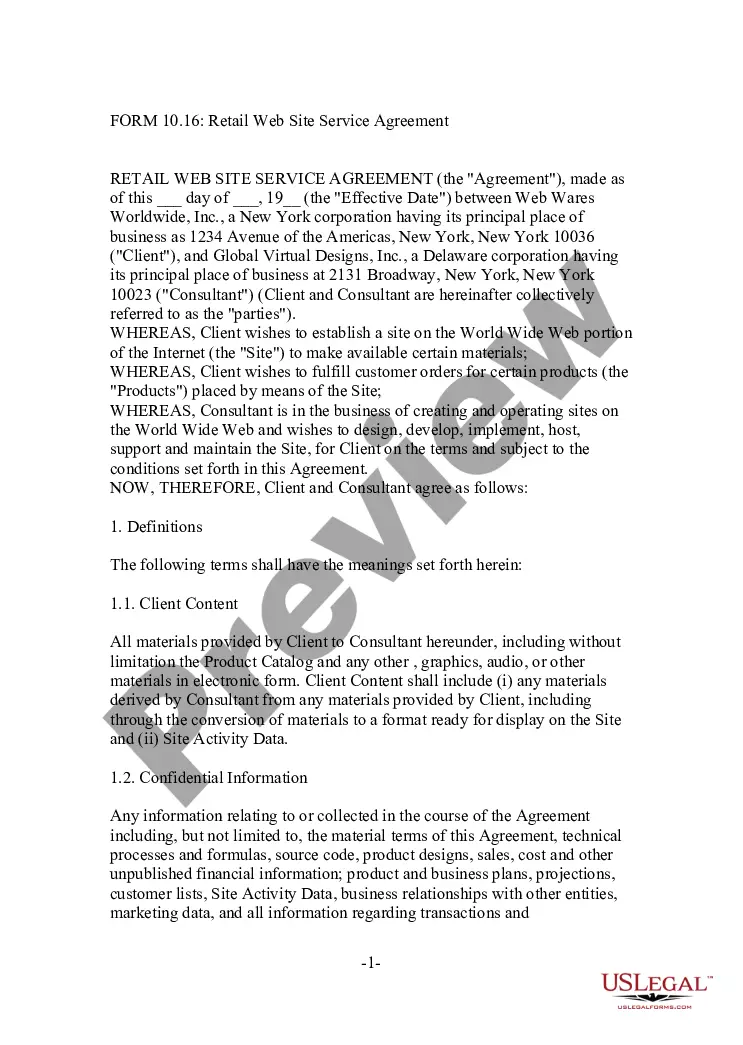

Get your form ready online
Our built-in tools help you complete, sign, share, and store your documents in one place.
Make edits, fill in missing information, and update formatting in US Legal Forms—just like you would in MS Word.
Download a copy, print it, send it by email, or mail it via USPS—whatever works best for your next step.
Sign and collect signatures with our SignNow integration. Send to multiple recipients, set reminders, and more. Go Premium to unlock E-Sign.
If this form requires notarization, complete it online through a secure video call—no need to meet a notary in person or wait for an appointment.
We protect your documents and personal data by following strict security and privacy standards.

Make edits, fill in missing information, and update formatting in US Legal Forms—just like you would in MS Word.

Download a copy, print it, send it by email, or mail it via USPS—whatever works best for your next step.

Sign and collect signatures with our SignNow integration. Send to multiple recipients, set reminders, and more. Go Premium to unlock E-Sign.

If this form requires notarization, complete it online through a secure video call—no need to meet a notary in person or wait for an appointment.

We protect your documents and personal data by following strict security and privacy standards.
Looking for another form?









How to fill out Retail Web Site Service Agreement?
Individuals frequently link legal documentation with complexity that solely a specialist can manage.
In a certain aspect, this is accurate, as creating a Retail Service Agreement With Vendor necessitates considerable knowledge in subject matter, encompassing state and local statutes.
Nevertheless, with US Legal Forms, matters have become simpler: ready-to-use legal documents for any personal and business scenario tailored to state regulations are consolidated in a single online directory and are currently accessible to all.
All templates in our inventory are reusable: once acquired, they remain stored in your profile. You can access them anytime as needed via the My documents tab. Explore all the benefits of utilizing the US Legal Forms platform. Subscribe today!
- Carefully review the page content to ensure it aligns with your requirements.
- Examine the form description or view it using the Preview feature.
- Use the Search field above to discover another sample if the prior one does not fit you.
- Select Buy Now after locating the appropriate Retail Service Agreement With Vendor.
- Choose a pricing plan that suits your needs and financial plan.
- Create an account or Log In to advance to the payment page.
- Complete your subscription payment through PayPal or with a credit card.
- Select the format for your document and click Download.
- Print your paperwork or upload it to an online editor for quicker completion.
Form popularity
FAQ
Creating a vendor contractStep 1: Specify business terms. The first part of each vendor contract usually outlines the business terms including:Step 2: Outline legal concepts. This section usually begins with the representations and warranties section.Step 3: Address consequences.
A service contract between a vendor and a client that specifies what services will be provided, the responsibilities of each party, and any guarantees of service, is known as: service level agreement.
How do I write a Service Agreement?State how long the services are needed.Include the state where the work is taking place.Describe the service being provided.Provide the contractor's and client's information.Outline the compensation.State the agreement's terms.Include any additional clauses.More items...?
Here are the steps to write a letter of agreement:Title the document. Add the title at the top of the document.List your personal information.Include the date.Add the recipient's personal information.Address the recipient.Write an introduction paragraph.Write your body.Conclude the letter.More items...?27-May-2021
The following list includes the key provisions to look for when entering into a service agreement, including: payment, scope of services, amendment, termination, liability insurance, confidentiality, IP ownership, and choice of law/dispute resolution.
